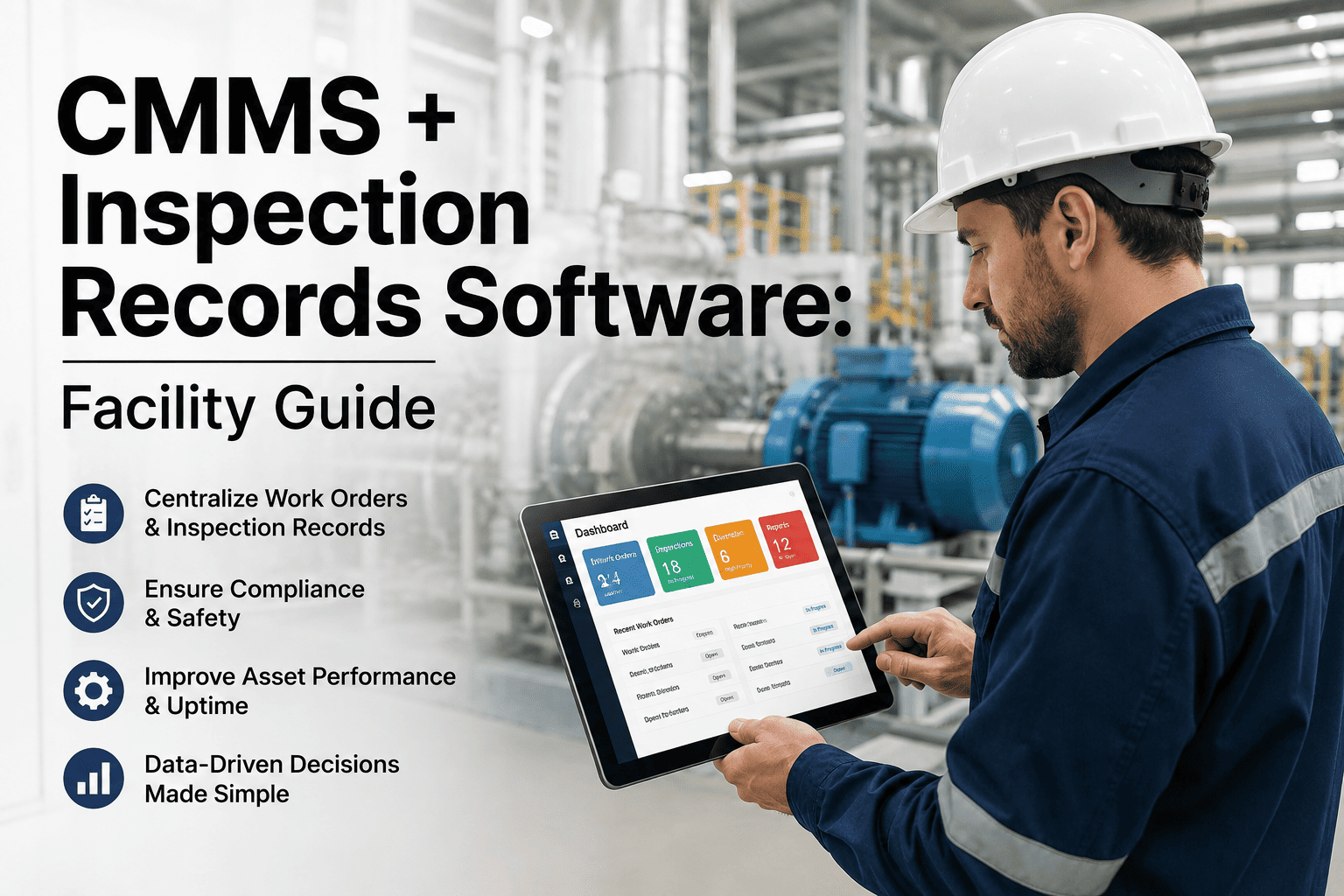
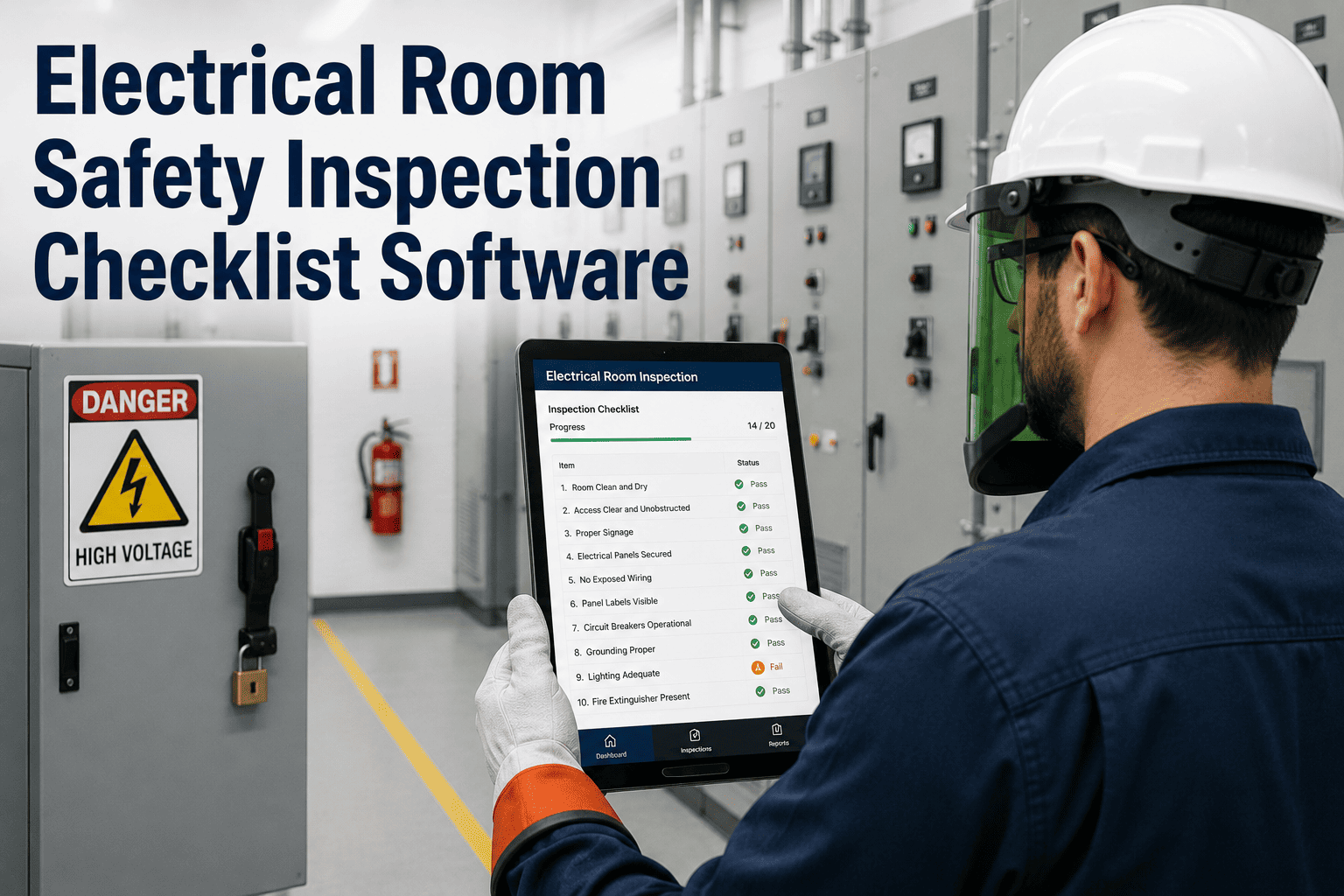
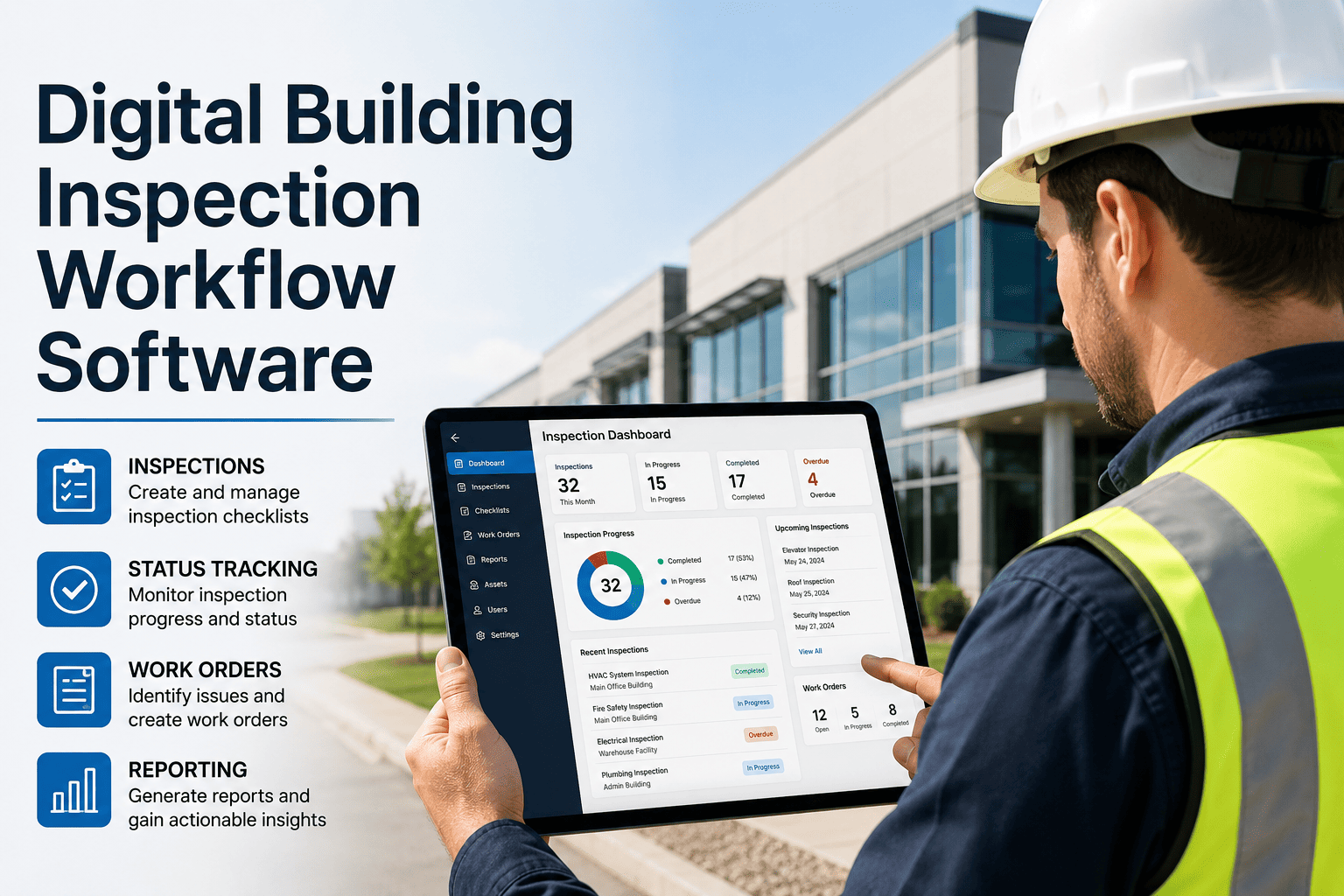
Facility managers today oversee dozens — sometimes hundreds — of buildings, systems, and assets spread across multiple locations. Every HVAC unit, fire extinguisher, elevator, rooftop unit, and restroom requires routine inspection to stay compliant, safe, and operational. Yet a staggering number of teams still rely on paper checklists, clipboard rounds, and spreadsheets that get buried in filing cabinets. The result? Missed inspections, delayed repairs, compliance gaps, and zero visibility into what's actually happening across your portfolio. The facility inspection software market was valued at $1.2 billion in 2024 and is projected to reach $3.5 billion by 2033, growing at 12.6% annually — proof that the industry is moving digital, fast. Oxmaint's mobile inspection platform replaces paper rounds with real-time digital checklists, photo documentation, automated scheduling, and instant issue escalation — all from your team's smartphones. Schedule a demo to see it in action.
The Paper Problem: Why Clipboard Inspections Are Failing Facility Teams
Paper-based inspections have been the default for decades, but they come with compounding costs that facility managers can no longer afford to ignore. Manual data entry alone consumes hours of administrative overhead each week, while the lack of real-time visibility means issues sit unresolved until someone physically reviews a stack of forms. Worse, paper trails are nearly impossible to audit — when a regulator asks for proof of your last six months of fire safety inspections, can you produce them in under five minutes? For most teams, the answer is no. Here's what the shift from paper to digital actually looks like across the key dimensions that matter to facility operations:
Replace Clipboards with Real-Time Inspection Tracking
Oxmaint turns every smartphone into a powerful inspection tool — digital checklists, photo capture, automated scheduling, and instant work order generation. Explore Oxmaint Inspection Management to see how it works across your entire portfolio.
Five Must-Have Features in a Mobile Inspection App
Not all inspection apps are built equal. The best mobile inspection platforms share a core set of capabilities that separate genuine operational tools from glorified form-fillers. When evaluating solutions for your facility team, these five features should be non-negotiable:
Offline Capability
Inspections happen in basements, rooftops, mechanical rooms, and remote sites where connectivity is unreliable. Your app must work fully offline and sync automatically when reconnected — no lost data, no excuses.
Custom Checklists and Templates
HVAC inspections, fire safety audits, restroom cleanliness rounds, elevator checks — each requires a different form with different fields, logic, and pass/fail criteria. Build once, reuse everywhere, and update centrally across all locations.
Photo Documentation with Timestamps
A photo is worth a thousand inspection notes. Capture conditions on-site with geotagged, time-stamped images that become part of the permanent compliance record — invaluable during audits and insurance claims.
Automated Work Order Generation
When an inspector flags a failed item, the system should automatically create a work order with priority, assignment, and due date — no manual handoff required. This closes the loop between finding a problem and fixing it.
Recurring Schedules with Notifications
Daily, weekly, monthly, quarterly — preventive maintenance schedules should run on autopilot. Push notifications ensure nothing falls through the cracks, and managers get alerted if an inspection is overdue.
Inspection Types Every Facility Manager Must Cover
A well-run facility inspection program covers far more than just the building exterior. Each system in your portfolio has its own inspection cadence, compliance requirements, and failure consequences. Here is the inspection matrix that Oxmaint helps facility teams manage from a single mobile platform:
Fire and Life Safety
Extinguishers, sprinkler systems, smoke detectors, fire panels, emergency lighting, exit signage. Required by NFPA codes with strict documentation mandates.
HVAC Systems
Air handlers, rooftop units, chillers, boilers, thermostats, ductwork. Filter changes, refrigerant levels, belt condition, coil cleanliness — each tracked per unit.
Elevators and Escalators
Door operation, emergency phone, pit condition, machine room temperature, safety devices. State-mandated annual inspections with certificate posting requirements.
Building Envelope
Roof membrane, flashing, gutters, windows, caulking, exterior walls, parking structures. Water intrusion is the leading cause of premature building deterioration.
Plumbing and Restrooms
Fixture operation, leak detection, water heater condition, backflow preventers, restroom cleanliness and supply levels. High tenant-impact area requiring frequent rounds.
Electrical Systems
Panel boards, switchgear, transformers, emergency generators, UPS systems, grounding. Infrared thermography scans for hot spots and loose connections.
Cover Every Inspection Type from One Platform
Oxmaint provides ready-to-use templates for fire safety, HVAC, elevator, plumbing, electrical, and building envelope inspections — or build your own custom checklists in minutes. Manage your entire asset portfolio from a single dashboard.
How Oxmaint Mobile Inspections Work: The Complete Workflow
From scheduling an inspection to closing the loop on corrective actions, Oxmaint handles the entire lifecycle in a seamless mobile-first workflow. Here is how your team operates once the platform is live:
Schedule
Set up recurring inspections — daily restroom rounds, monthly HVAC checks, quarterly fire safety audits. Assign to specific team members or roles. Oxmaint sends push notifications before each is due.
Inspect
Your technician opens the mobile app, selects the assigned checklist, and walks through each item. Tap pass/fail, add photos, record readings, scan QR codes on assets — all from their phone, even offline.
Flag Issues
Any failed item instantly generates a corrective action or work order. Priority, due date, and assignment are set automatically based on your rules. The issue is now trackable from discovery to resolution.
Report
Inspection reports are generated automatically — timestamped, photo-documented, and stored in the cloud. Managers get real-time dashboards showing completion rates, overdue items, and trending issues across all sites.
Audit
When regulators or auditors arrive, pull up any inspection record in seconds — complete with photos, signatures, and timestamps. No more digging through filing cabinets or hoping someone kept the paperwork.
The ROI of Going Mobile: What Facility Teams Actually Gain
Switching from paper to a mobile inspection app is not just a technology upgrade — it delivers measurable operational and financial returns. Here is what facility teams typically experience within the first 90 days of deploying Oxmaint:
Digital checklists with tap-to-complete, auto-populated fields, and photo capture eliminate transcription and duplicate data entry.
Automated schedules and overdue alerts ensure nothing gets missed. Managers see real-time completion rates across every site and team.
Auto-generated work orders from failed inspection items close the gap between discovery and repair — no manual handoff needed.
Cloud-based records replace filing cabinets. Every inspection is searchable, exportable, and instantly available for audits and compliance reviews.
Start Running Smarter Inspections Today
Join thousands of facility teams using Oxmaint to schedule, execute, and track inspections from their mobile devices. Digital checklists, automated work orders, real-time dashboards, and audit-ready documentation — all in one platform.
Frequently Asked Questions
What is a mobile inspection app for facility management?
A mobile inspection app is a digital platform that allows facility managers and their teams to conduct building inspections, safety audits, and equipment checks directly from smartphones or tablets. Instead of using paper checklists, inspectors follow digital forms that support photo capture, pass/fail scoring, GPS tagging, and digital signatures. The data syncs automatically to a central dashboard, giving managers real-time visibility across all locations. Platforms like Oxmaint go further by automatically generating work orders from failed inspection items, scheduling recurring inspections, and producing audit-ready compliance reports — eliminating the manual steps that slow down traditional paper-based processes.
Can mobile inspection apps work without an internet connection?
Yes — offline capability is a critical feature for any serious inspection platform. Facility inspections frequently occur in basements, mechanical rooms, rooftops, and remote sites where Wi-Fi or cellular service is unreliable or nonexistent. Oxmaint's mobile app works fully offline, allowing inspectors to complete checklists, capture photos, and record findings without any connectivity. Once the device reconnects to the internet, all data automatically syncs to the cloud — no manual upload required, no data loss. This ensures your inspection program runs consistently regardless of building conditions or site location.
How does a mobile inspection app help with compliance?
Compliance requires proof — specifically, timestamped, documented evidence that inspections occurred on schedule and that issues were addressed. A mobile inspection app creates this proof automatically. Every inspection is recorded with the exact date, time, inspector name, GPS location, photos, and pass/fail results. When a regulator, auditor, or insurance adjuster asks for documentation, you can pull up any record in seconds and export it as a professional report. Automated scheduling also prevents the most common compliance failure — simply forgetting to perform required inspections. With Oxmaint, you can set up NFPA, OSHA, ADA, and local code inspection schedules that run automatically and alert managers when anything is overdue.
How quickly can a facility team deploy a mobile inspection app?
Oxmaint is designed for rapid deployment — most facility teams are fully operational within one to two weeks. The setup process involves importing your asset and location data, configuring inspection templates (or using Oxmaint's built-in templates for common inspection types like fire safety, HVAC, and restroom checks), assigning team members, and setting up recurring schedules. The mobile app requires no special training beyond a brief walkthrough — if your team can use a smartphone, they can use Oxmaint. For larger multi-site deployments, Oxmaint provides dedicated onboarding support to ensure a smooth rollout across all locations.
What types of facilities benefit most from mobile inspection apps?
Any facility with recurring inspection requirements benefits from going mobile, but the impact is especially significant for multi-site portfolios (commercial real estate, retail chains, hospital networks), regulated environments (healthcare, food service, manufacturing), and large campuses (universities, corporate headquarters, government buildings). These environments have the highest volume of required inspections, the strictest compliance documentation requirements, and the most to lose from missed or poorly documented rounds. Facility managers overseeing 5+ locations typically see the fastest ROI because the platform eliminates the coordination overhead that multiplies with each additional site.