.png)
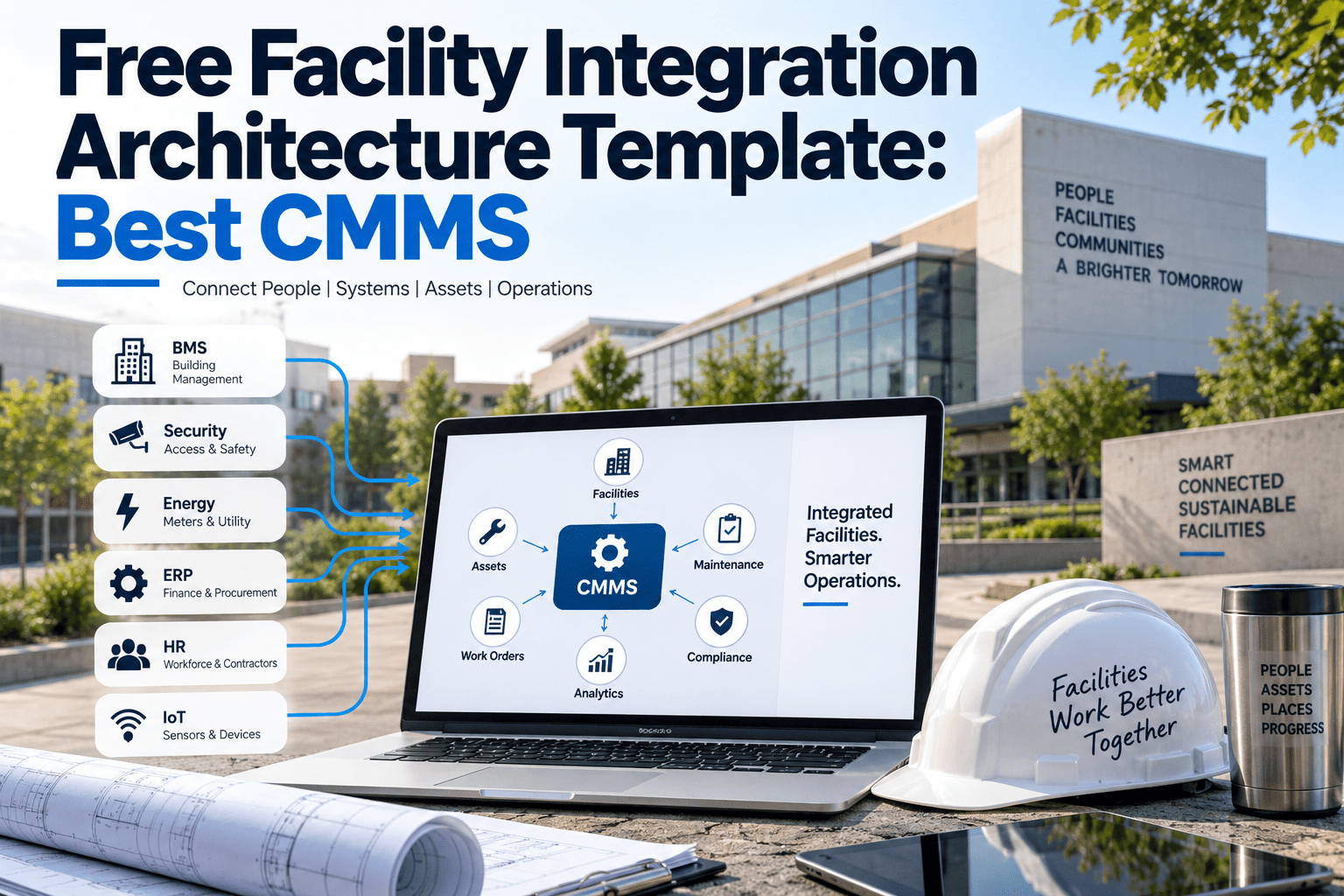
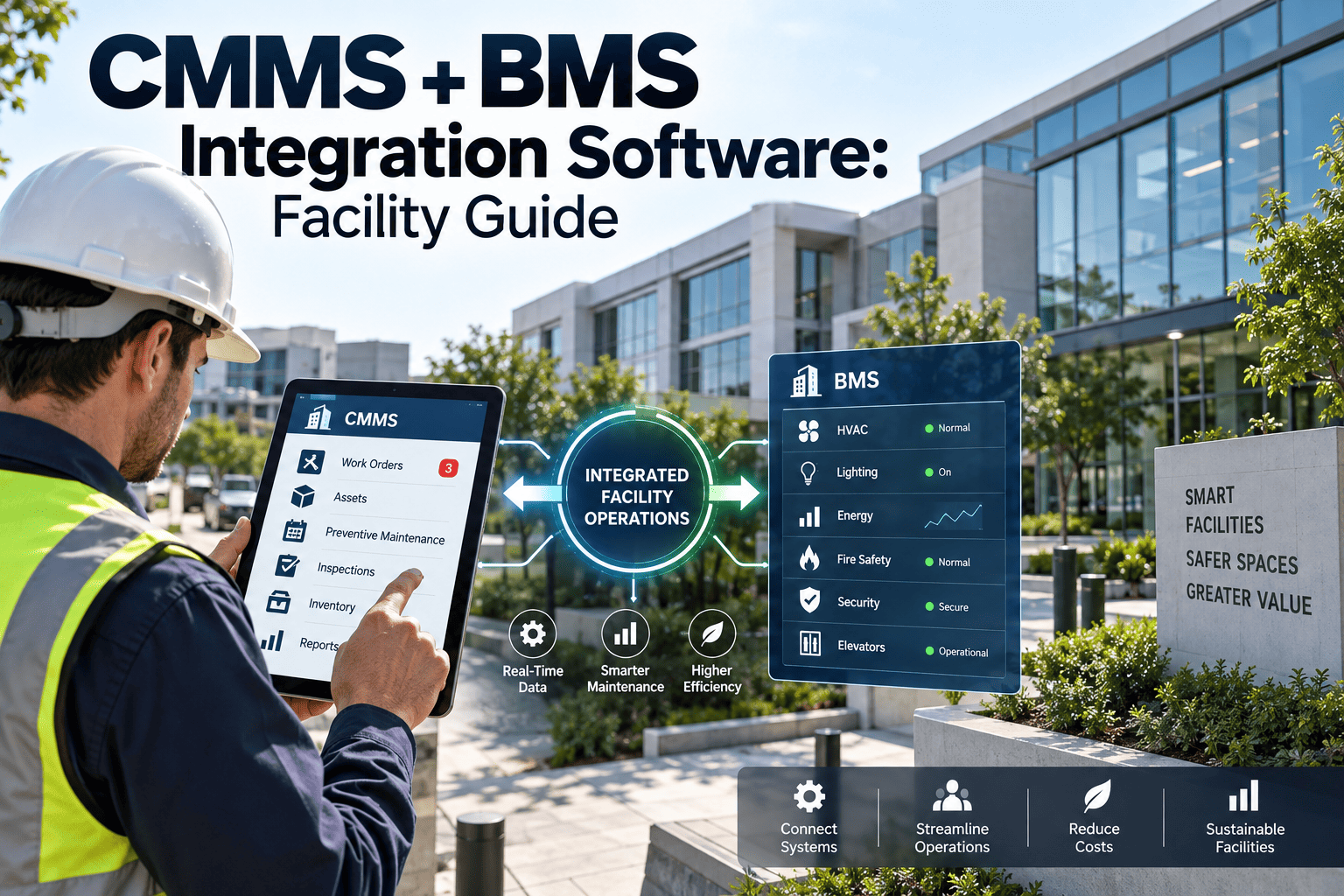
Disconnected systems create data silos, duplicate work, and blind spots across your facility operations. When your CMMS doesn't talk to your ERP, technicians manually re-enter work orders. When IoT sensors can't trigger maintenance alerts, equipment fails without warning. When identity systems don't sync, access management becomes a security risk. Modern facility management platforms solve this through enterprise integrations—connecting your maintenance operations with the business systems that drive decisions, automate workflows, and secure access.
This guide covers the three critical integration categories for facility management: ERP systems for financial and operational alignment, IoT platforms for real-time equipment intelligence, and identity providers for secure, streamlined access control.
Enterprise Integration Defined
Connecting facility management with core business systems for unified operations
Integration Impact Example
The Three Pillars of Facility Management Integration
Enterprise integrations for facility management fall into three categories, each addressing different operational needs. Understanding these categories helps you prioritize integration efforts based on your specific pain points. Talk to our integration specialists about your specific requirements.
ERP Integration
Financial & Operational BackboneConnect maintenance operations with enterprise resource planning systems for financial accuracy, inventory synchronization, and purchasing automation.
Key Capabilities
IoT Integration
Real-Time Equipment IntelligenceConnect sensors, building automation systems, and equipment monitors to enable condition-based maintenance and predictive analytics.
Key Capabilities
Identity & Access Integration
Security & User ManagementIntegrate with enterprise identity providers for single sign-on, automated user provisioning, and role-based access control across your facility management platform.
Single Sign-On (SSO)
SAML 2.0 and OIDC support for seamless authentication through your enterprise IdP
SCIM Provisioning
Automated user creation, updates, and deprovisioning synced with your directory
Role-Based Access
Map directory groups to facility management roles for consistent permissions
The Cost of Disconnected Systems
Wasted Time
Manual data entry across systems consumes 10-20% of technician time that could be spent on actual maintenance.
Data Errors
Manual transfer introduces 3-5% error rate—wrong part numbers, missed costs, duplicate entries.
Delayed Response
Without automated alerts, equipment issues go unnoticed for hours or days until manual inspection.
Security Gaps
Manual user management leaves orphaned accounts, inconsistent permissions, and audit trail gaps.
Connect Your Systems Today
Oxmaint provides pre-built integrations with leading ERP systems, IoT platforms, and identity providers—plus a flexible API for custom connections.
ERP Integration Deep Dive
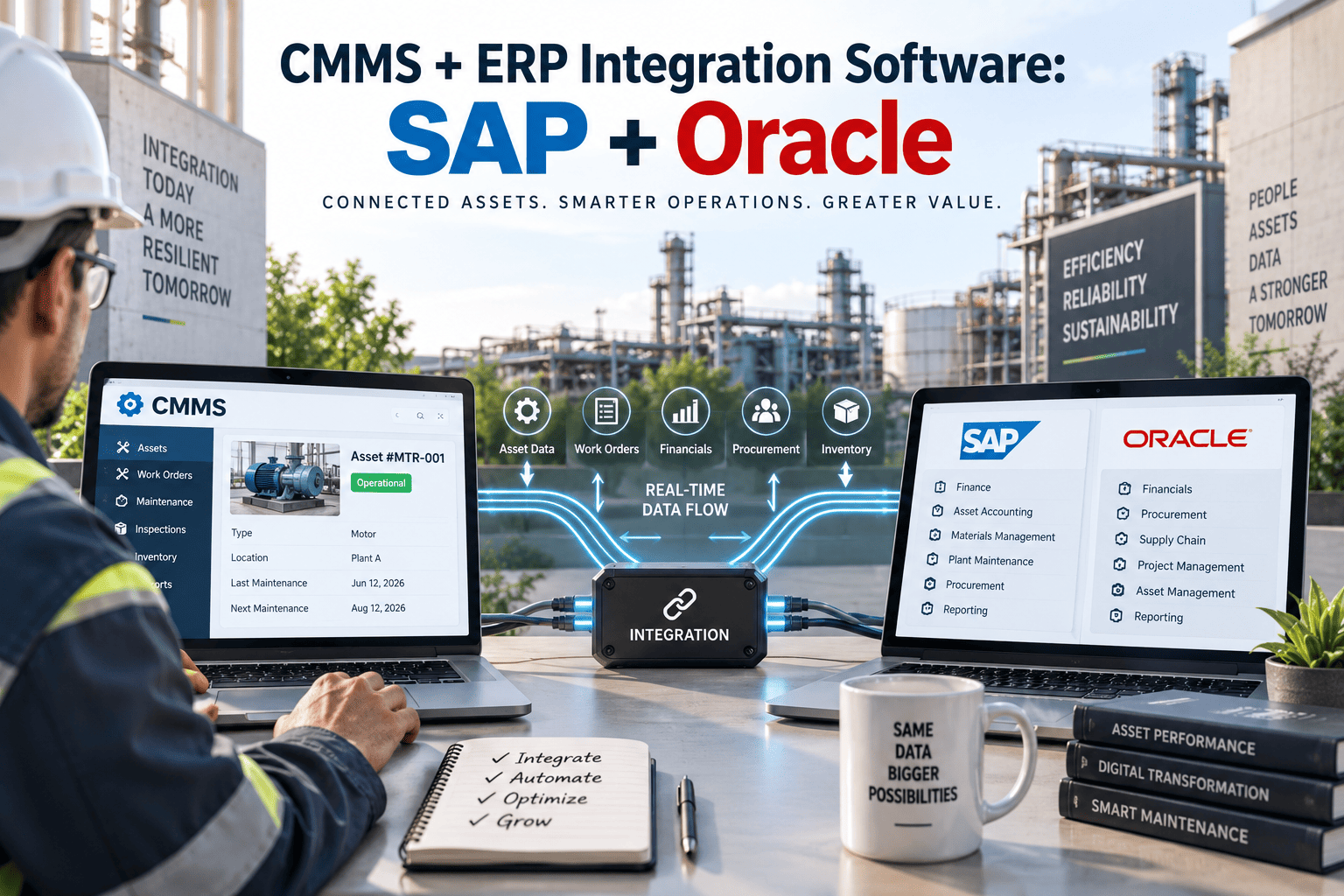
ERP integration creates a bidirectional bridge between your facility management operations and financial systems. This ensures every maintenance activity is accurately reflected in your accounting, inventory, and purchasing workflows.
Work Order to Cost Center Mapping
Automatically allocate maintenance costs to the correct cost centers, departments, or projects. Every completed work order flows to your general ledger with proper coding.
Real-Time Inventory Synchronization
Maintain a single source of truth for spare parts inventory. Parts consumed in work orders automatically decrement ERP inventory; receiving updates both systems simultaneously.
Automated Purchase Requisitions
When inventory hits reorder points or technicians need parts not in stock, automatically generate purchase requisitions in your ERP for approval workflow.
Asset Financial Synchronization
Keep asset records aligned between your CMMS and ERP fixed asset module. Acquisitions, disposals, and depreciation stay synchronized.
Supported ERP Platforms
IoT Integration Deep Dive
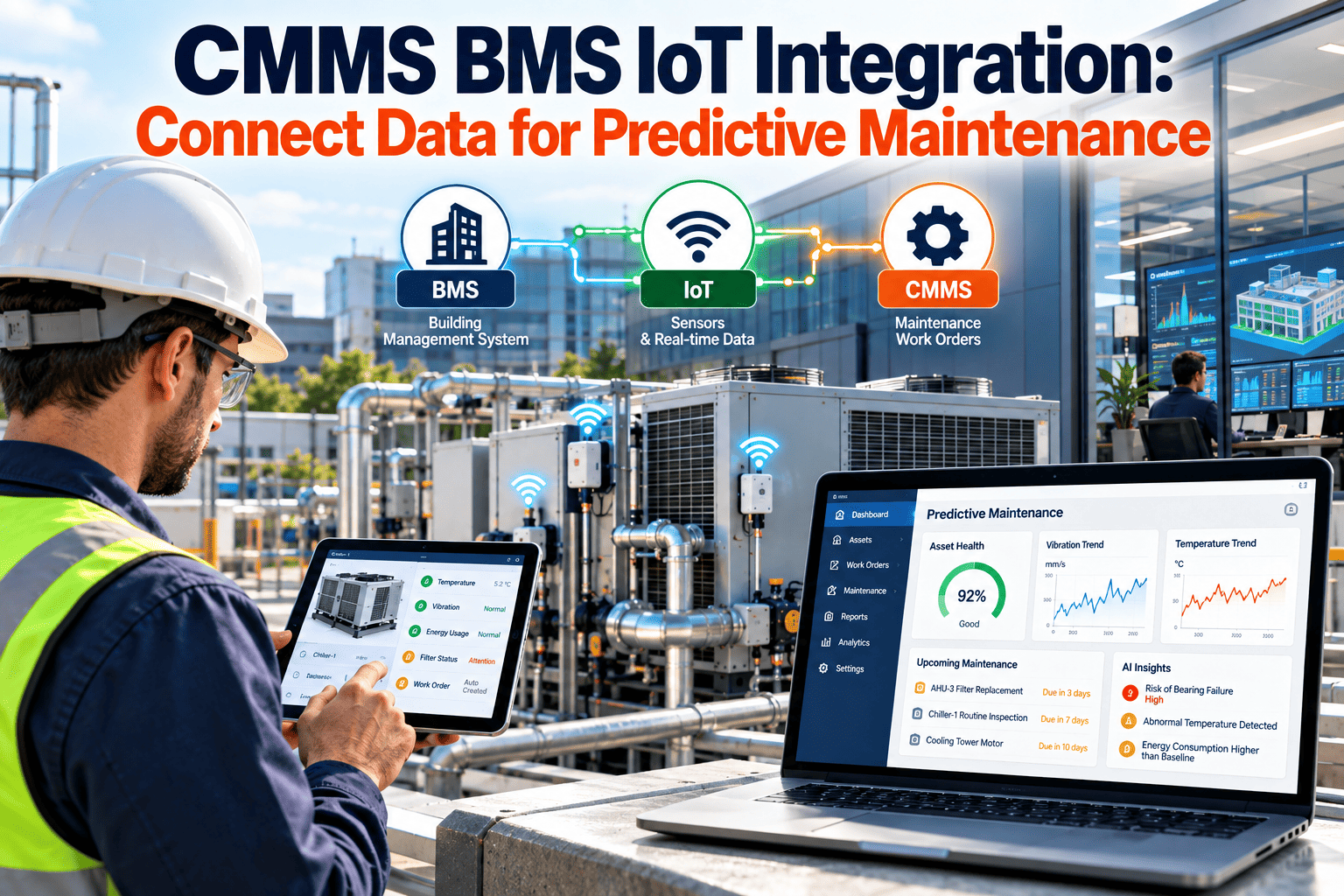
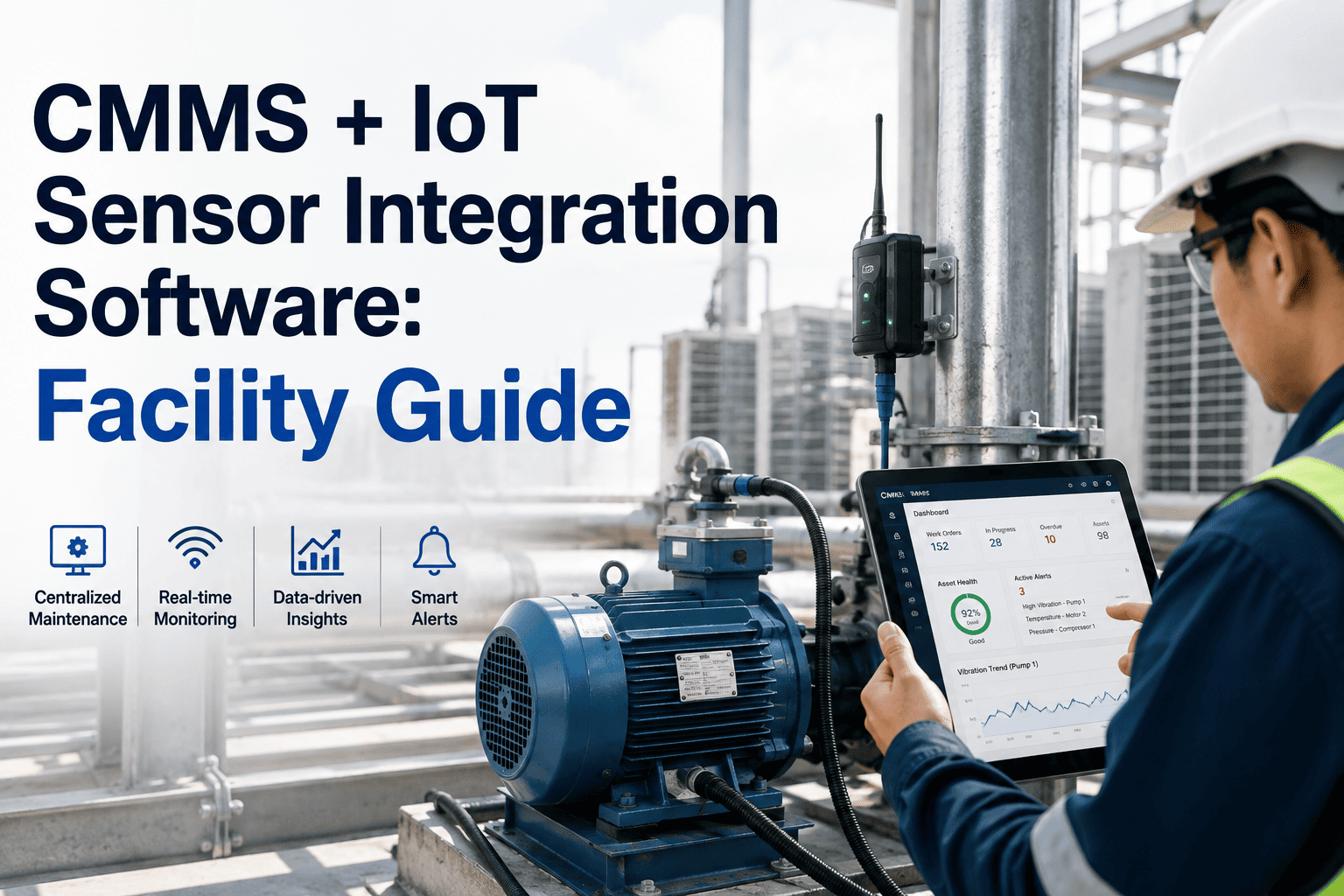
IoT integration transforms your facility management from reactive to predictive. By connecting sensors and building automation systems, you gain real-time visibility into equipment health and can automate maintenance responses. Oxmaint's IoT gateway supports multiple protocols for seamless sensor connectivity.
IoT Integration Architecture
Sensor Layer
Gateway Layer
CMMS Platform
Threshold-Based Alerts
Define operating limits for each sensor. When values exceed thresholds, automatically generate alerts and optionally create work orders for investigation.
Trend Analysis
Track sensor data over time to identify gradual degradation. Catch bearing wear, filter clogging, and efficiency loss before they cause failures.
Runtime Metering
Use equipment runtime data to trigger maintenance at actual usage intervals rather than calendar-based schedules. Optimize PM frequency.
Predictive Analytics
Apply machine learning to sensor patterns to predict failures days or weeks in advance. Schedule maintenance proactively, not reactively.
Energy Monitoring
Track energy consumption patterns to identify inefficiencies, optimize operating schedules, and validate energy savings from maintenance activities.
BAS Integration
Connect building automation systems for holistic facility intelligence. HVAC, lighting, and access control data enriches maintenance context.
Supported IoT Protocols
Identity Integration Deep Dive
Identity integration ensures secure, streamlined access to your facility management platform. By connecting with enterprise identity providers, you eliminate password sprawl, automate user lifecycle management, and maintain compliance with access control policies.
Single Sign-On (SSO)
Authenticate users through your existing enterprise identity provider—no separate passwords to manage.
Capabilities
- SAML 2.0 federation
- OpenID Connect (OIDC)
- Just-in-time provisioning
- Multi-factor authentication pass-through
Supported Providers
- Okta, Azure AD, Google Workspace
- OneLogin, Ping Identity, Auth0
- Active Directory Federation Services
SCIM Provisioning
Automatically sync user accounts and group memberships from your identity provider—users appear and disappear without manual intervention.
Capabilities
- Automatic user creation
- Attribute synchronization
- Group-to-role mapping
- Instant deprovisioning
Benefits
- Zero manual user management
- No orphaned accounts
- Consistent permissions
Role-Based Access Control Mapping
Map your enterprise directory groups to facility management roles. When users' group memberships change in your IdP, their permissions update automatically.
Enterprise-Grade Security Built In
Oxmaint supports SSO, SCIM, and role-based access out of the box. Connect your identity provider in minutes, not months.
Integration Implementation Best Practices
Successful integration projects follow a methodical approach. These best practices help you avoid common pitfalls and realize value faster.
Critical Success Factors
API-First Architecture
When pre-built integrations don't fit your needs, Oxmaint's RESTful API provides complete platform access for custom development.
Complete Documentation
OpenAPI 3.0 specification with interactive sandbox
OAuth 2.0 Security
Secure authentication with scoped access tokens
Webhooks
Real-time event notifications for work orders, assets, and more
Rate Limiting
Generous limits with burst capacity for batch operations
Integration ROI Calculator
Estimate the return on investment from integrating your facility management platform with enterprise systems.
Current State
Annual Savings Potential
Start Your Integration Journey
Whether you need to connect one system or build a fully integrated facility management ecosystem, Oxmaint has the tools and expertise to help.
Frequently Asked Questions
How long does a typical ERP integration take to implement?
2-8 weeks depending on complexity. Simple integrations using pre-built connectors (e.g., SAP Business One, NetSuite) can be live in 2-3 weeks. Complex ERP environments with custom fields, approval workflows, and multiple cost centers typically require 6-8 weeks. The biggest variable is your organization's readiness—having clear data mapping and IT resources available accelerates timelines significantly.
What happens if the integration fails or systems go offline?
Oxmaint integrations are designed for resilience. Failed transactions are queued and automatically retried with exponential backoff. You can continue working in the CMMS during ERP outages—transactions sync when connectivity resumes. Integration health dashboards show real-time status, and alerts notify your team of persistent issues. For critical operations, we recommend implementing redundant connectivity paths.
Do we need dedicated IT resources for integration maintenance?
Minimal ongoing IT effort required. Pre-built integrations are maintained by Oxmaint—we handle API version updates and connector improvements. Custom integrations using our API may require occasional attention when your ERP or IoT systems upgrade. Most customers designate a "integration champion" who monitors health dashboards and coordinates with IT during major system changes, but this typically requires just 2-4 hours per month.
Can we integrate legacy systems that don't have modern APIs?
Yes, through multiple approaches. For legacy ERP systems, we support file-based integrations (CSV/XML imports/exports), database-level integrations (read-only access to legacy databases), and middleware solutions (iPaaS platforms like MuleSoft or Boomi). For legacy IoT/sensors, our gateway supports older protocols like Modbus RTU/TCP and can bridge to modern MQTT infrastructure. We'll assess your specific systems during the discovery phase.
How do you handle data security for integrations?
All integrations use TLS 1.3 encryption in transit. API authentication uses OAuth 2.0 with short-lived tokens and refresh rotation. For ERP integrations, we support IP allowlisting, VPN tunnels, and private link connections for sensitive environments. SCIM provisioning uses encrypted attribute transmission. All integration activity is logged with full audit trails. We're SOC 2 Type II certified and support HIPAA BAAs for healthcare facilities.
What if we use an ERP or identity provider not on your supported list?
Our API-first architecture means you can integrate virtually any system. If your ERP has any form of API, export capability, or database access, we can connect it. For identity providers, any SAML 2.0 or OIDC-compliant system works with our SSO. We regularly add new pre-built connectors based on customer demand—if you need a specific integration, let us know and we may prioritize it for development.