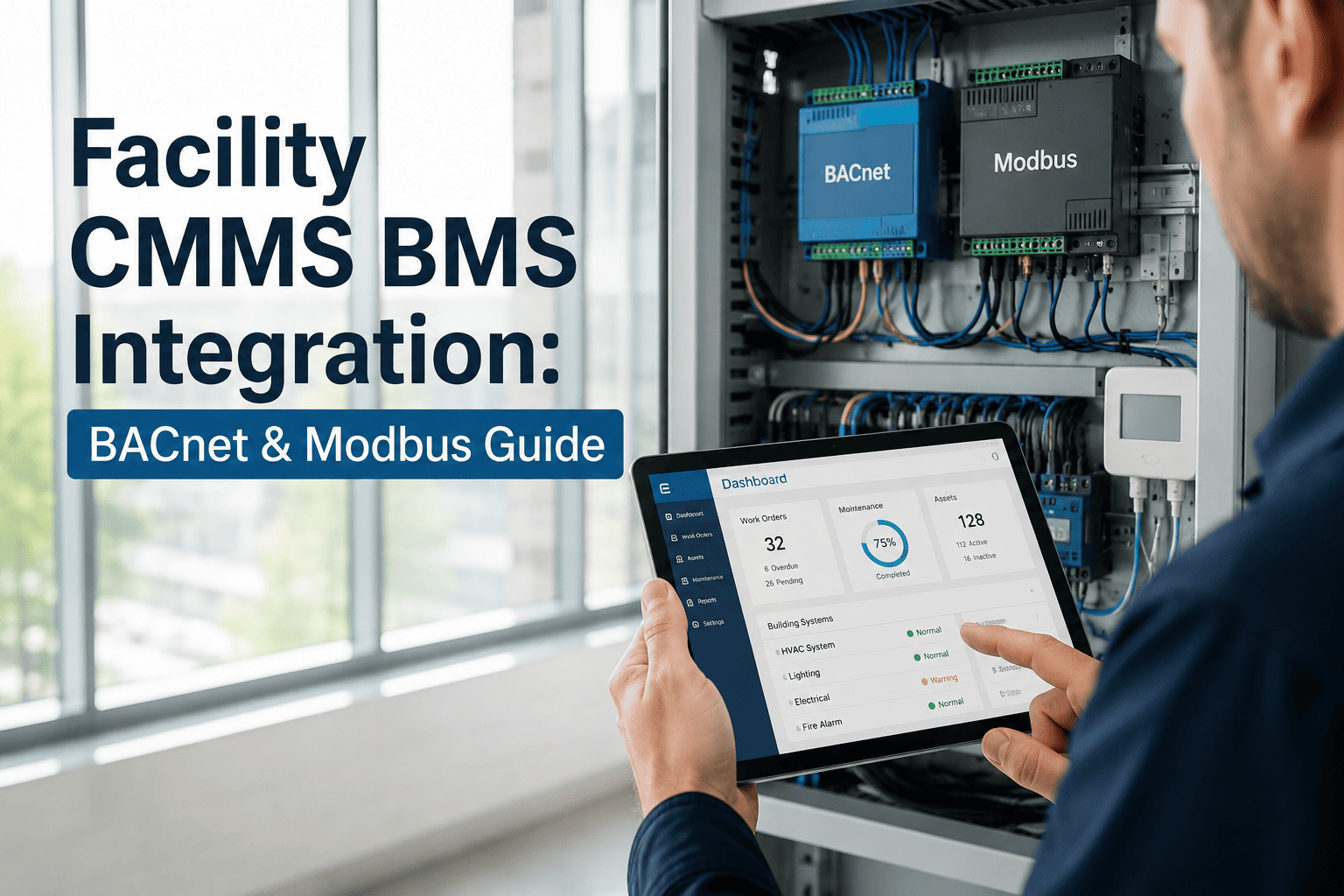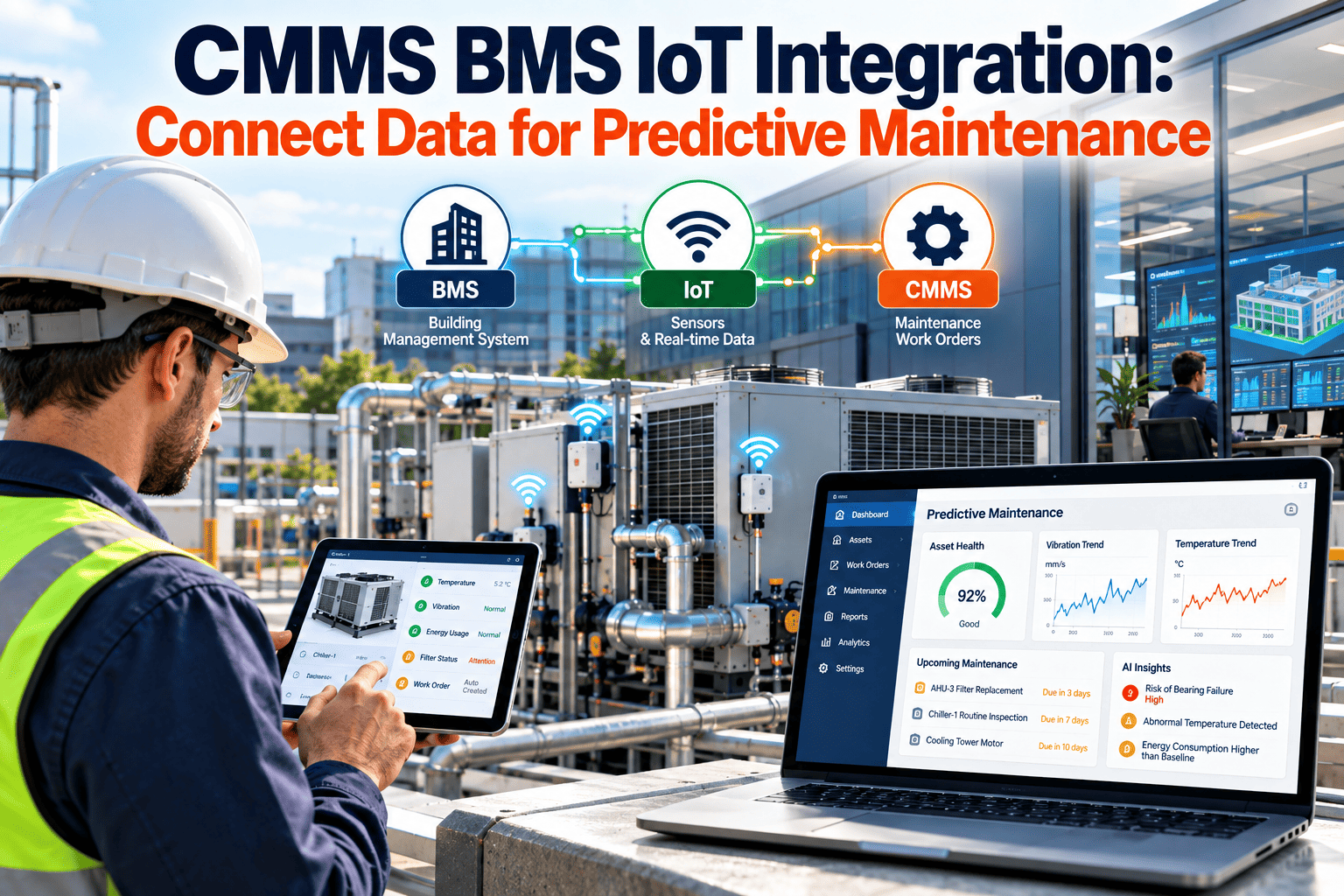
Predictive maintenance fails less often because of weak analytics than because the data never reaches the people who fix equipment. The building management system sees temperatures, pressures, and alarms. IoT sensors see vibration and power. The CMMS holds asset history, work orders, and parts. Until those three speak the same language, alerts stay on a screen instead of becoming scheduled work. Teams that plan the connection carefully, and choose a maintenance platform built around assets and work orders, get far more value from every sensor they install.
Connect Building Data to Maintenance Action
Predictive maintenance needs signals, context, and a work order system that can act on them. This guide covers integration architecture, protocols, data modeling, and the pitfalls facility teams hit most often.
Why Three Systems Rarely Work as One
- The BMS is built for control and alarming, not for maintenance history or labor tracking.
- IoT platforms often arrive through a vendor or pilot project and sit outside standard IT and facilities processes.
- The CMMS may have clean asset records that do not match the point names used in the BMS.
- Each system has a different owner, a different naming habit, and a different definition of an "alarm."
The cost of the gap
Technicians re-key alarms into tickets, duplicate alerts flood the queue, and real warnings get lost among nuisance points. The result is predictive equipment with reactive habits.
Reference Architecture: Four Layers, One Direction of Meaning
Keep control and maintenance separate
Integration should read from the BMS for maintenance purposes. Writing commands back into control systems raises safety and cybersecurity concerns and should follow a separate approval process.
Protocols and Standards You Will Meet
| Standard or Protocol | Typical Role | Integration Consideration |
|---|---|---|
| BACnet (ASHRAE 135) | Communication between building controllers and supervisory systems | Object and property names vary by vendor and site, so mapping is still required |
| BACnet/SC | Secure connectivity option within the BACnet standard | Check whether your controllers and network policy support it |
| Modbus | Meters, drives, and equipment controllers | Register maps are device specific and need documentation |
| MQTT | Lightweight publish and subscribe messaging for IoT | Define topic structure and retention rules early |
| REST and webhooks | Application-level exchange with software platforms | Plan authentication, rate limits, and retry behavior |
| Project Haystack and Brick | Semantic tagging of equipment and points | Give a consistent model that rules and dashboards can share |
Data Modeling: The Step Most Projects Underfund
- AHU3_SAT_2 and similar labels with no equipment link
- Units and scaling unknown outside the controller
- Alarms cannot be tied to a CMMS asset ID
- Every new rule requires custom scripting
- Each point tagged with equipment, function, and unit
- Equipment relationships stored, such as air handler feeds VAV
- BMS equipment matched to a CMMS asset record
- Rules reused across identical equipment types
An asset register that matches the field
Start with a single identifier that appears in both systems. Without it, every integration becomes a manual translation table that ages badly.
From Signal to Work Order: Rules That Earn Trust
| Trigger Type | Example Condition | CMMS Action |
|---|---|---|
| Run-time meter | Fan or compressor hours reach an interval | Generate a preventive maintenance work order |
| Threshold alarm | Filter pressure drop exceeds a set limit | Open a filter replacement task with priority |
| Trend deviation | Motor current rises steadily at constant load | Create an inspection request for bearings or alignment |
| Sustained fault | Same alarm persists beyond a delay period | Create a corrective work order and notify the supervisor |
| Condition score | Combined vibration and temperature indicators worsen | Schedule a condition-based inspection |
Guardrails that prevent alert fatigue
- Use time delays so brief spikes do not create tickets.
- Deduplicate: one open work order per asset and fault type.
- Suppress alerts during known events such as maintenance mode or commissioning.
- Require a technician outcome code, so false positives can be reviewed.
Integration Patterns and Their Trade-Offs
Choosing between them
Small portfolios with one BMS often succeed with a gateway and a few rules. Multi-site owners with mixed vendors usually need a normalized data layer and shared tagging.
Security and Governance
- Segment building control networks from business networks, and expose only the required data.
- Use least-privilege service accounts and rotate credentials.
- Log who or what created each automated work order.
- Document data ownership, retention, and who approves new rules.
Pitfalls Facility Teams Hit Most
A Practical Rollout Path
What Oxmaint contributes
- Asset management with hierarchy, location, and maintenance history.
- Preventive maintenance schedules based on time or usage.
- Work orders for corrective and condition-based tasks, with mobile access for technicians.
- Inspections, inventory, and reporting to review outcomes and repeat failures.