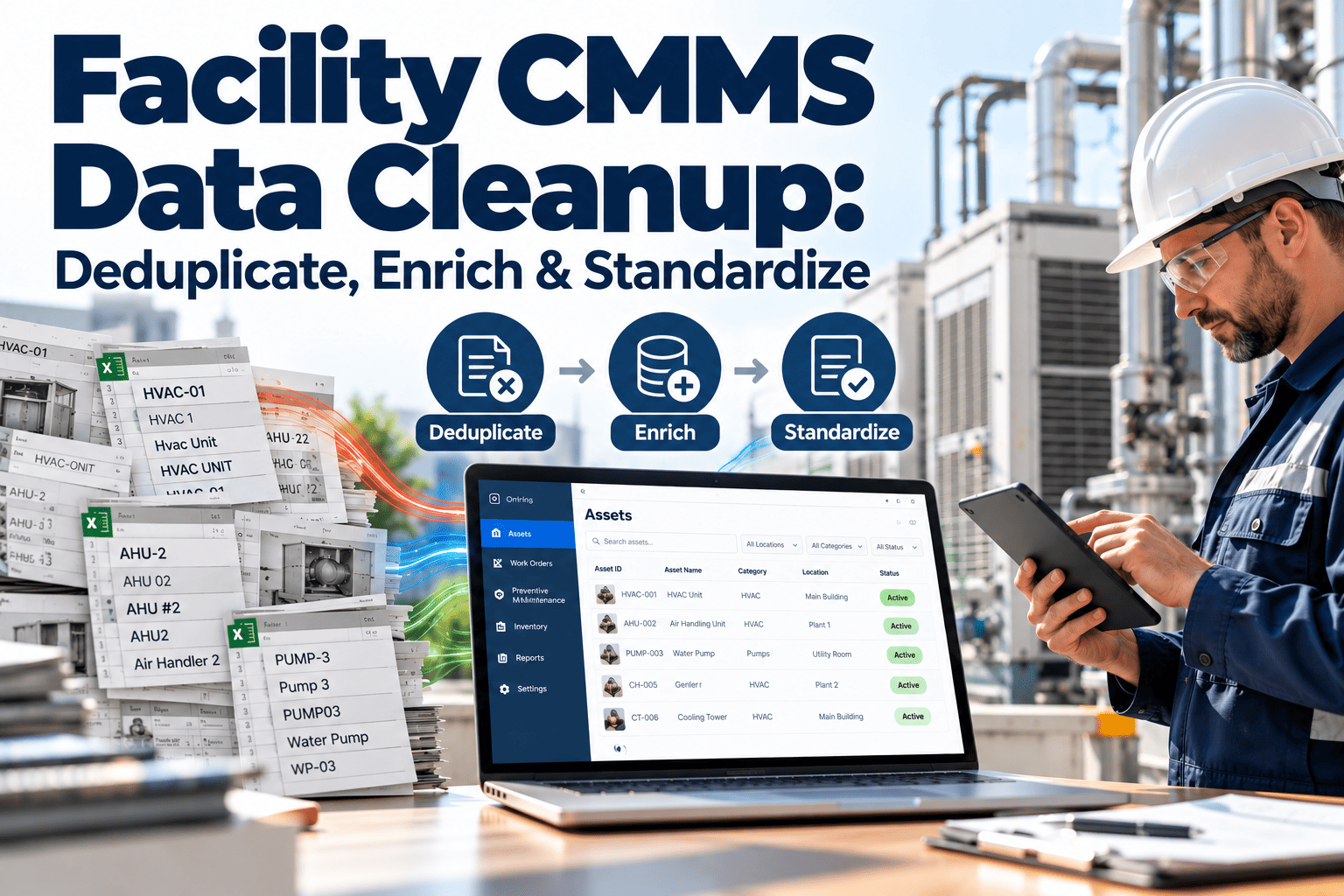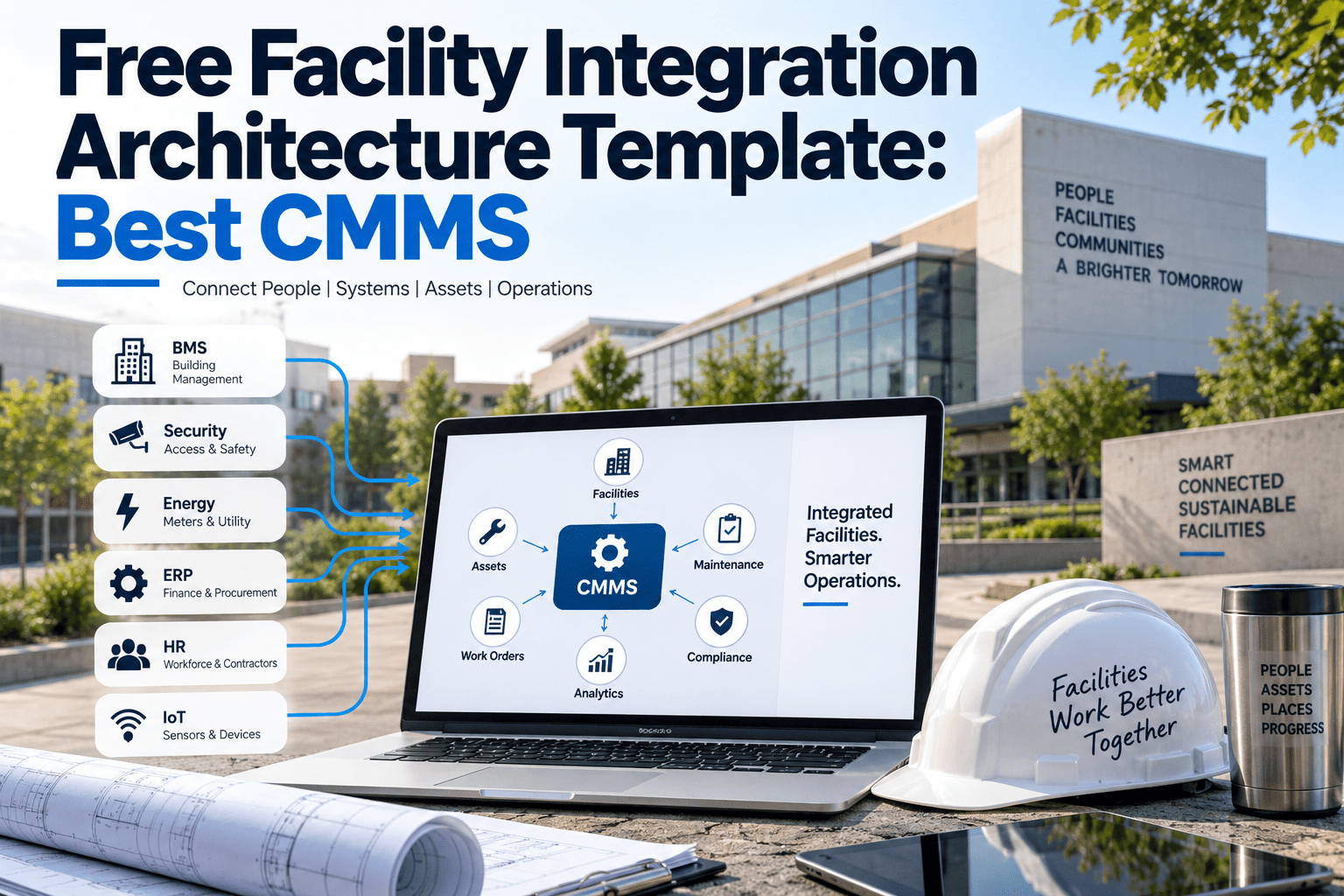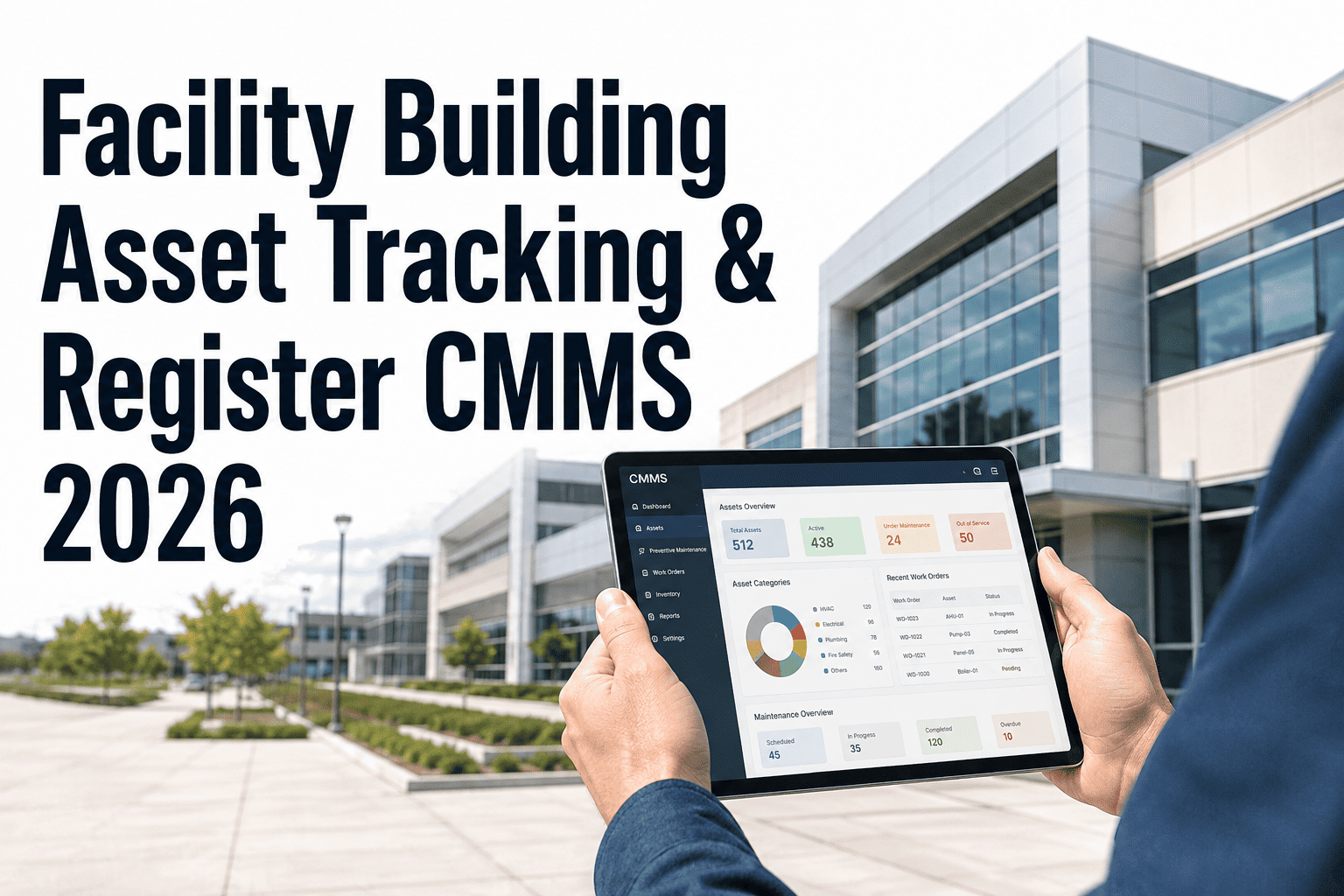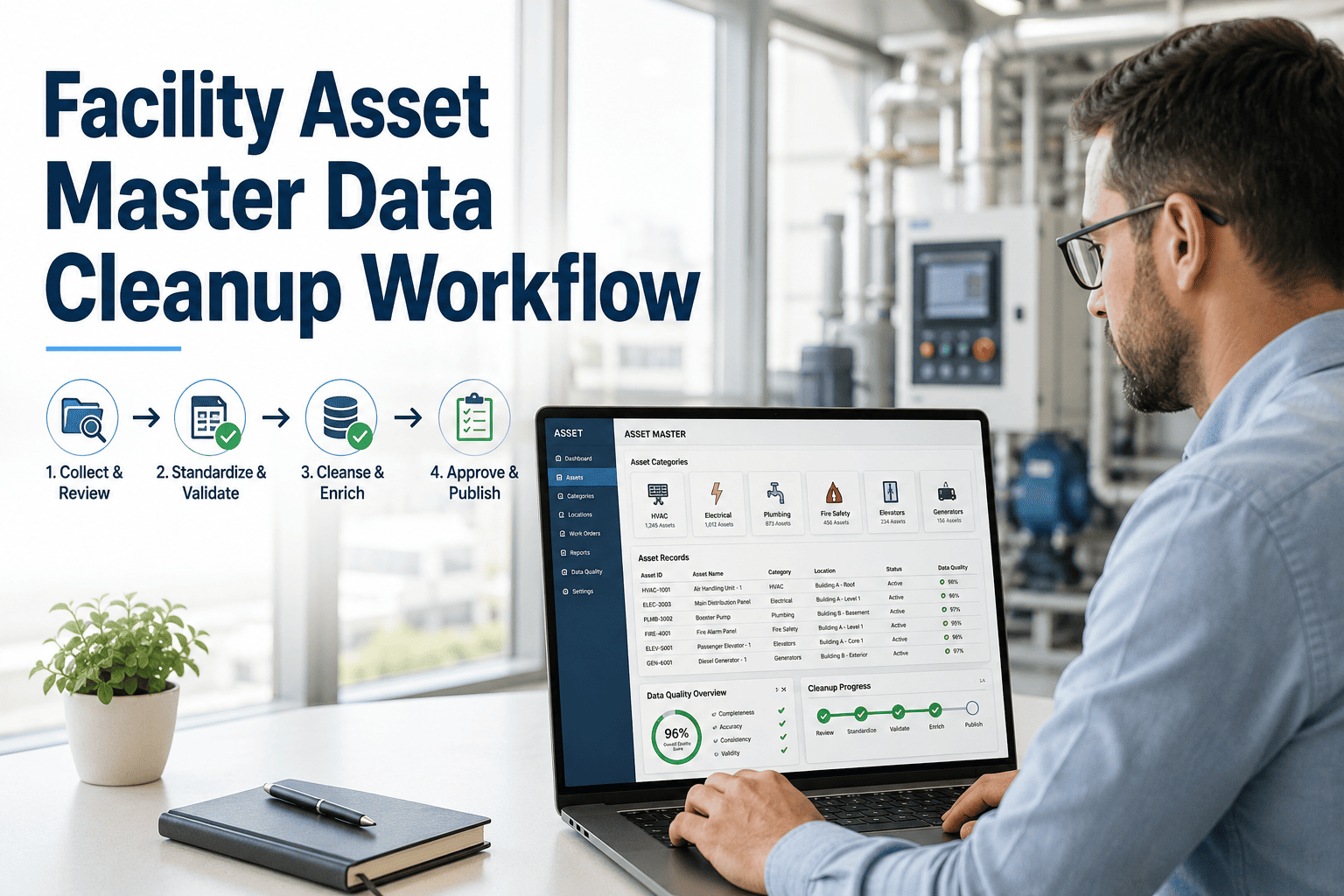
A facility asset register is the foundation every maintenance decision sits on. Work orders, preventive schedules, spare parts, budgets and compliance evidence all point back to a record of what you own and where it sits. When that record is thin, outdated or duplicated, every downstream process inherits the gaps. This guide sets out the 22 fields a complete register needs, how they map to ISO 55001 expectations, and how to keep the data trustworthy with modern asset management software.
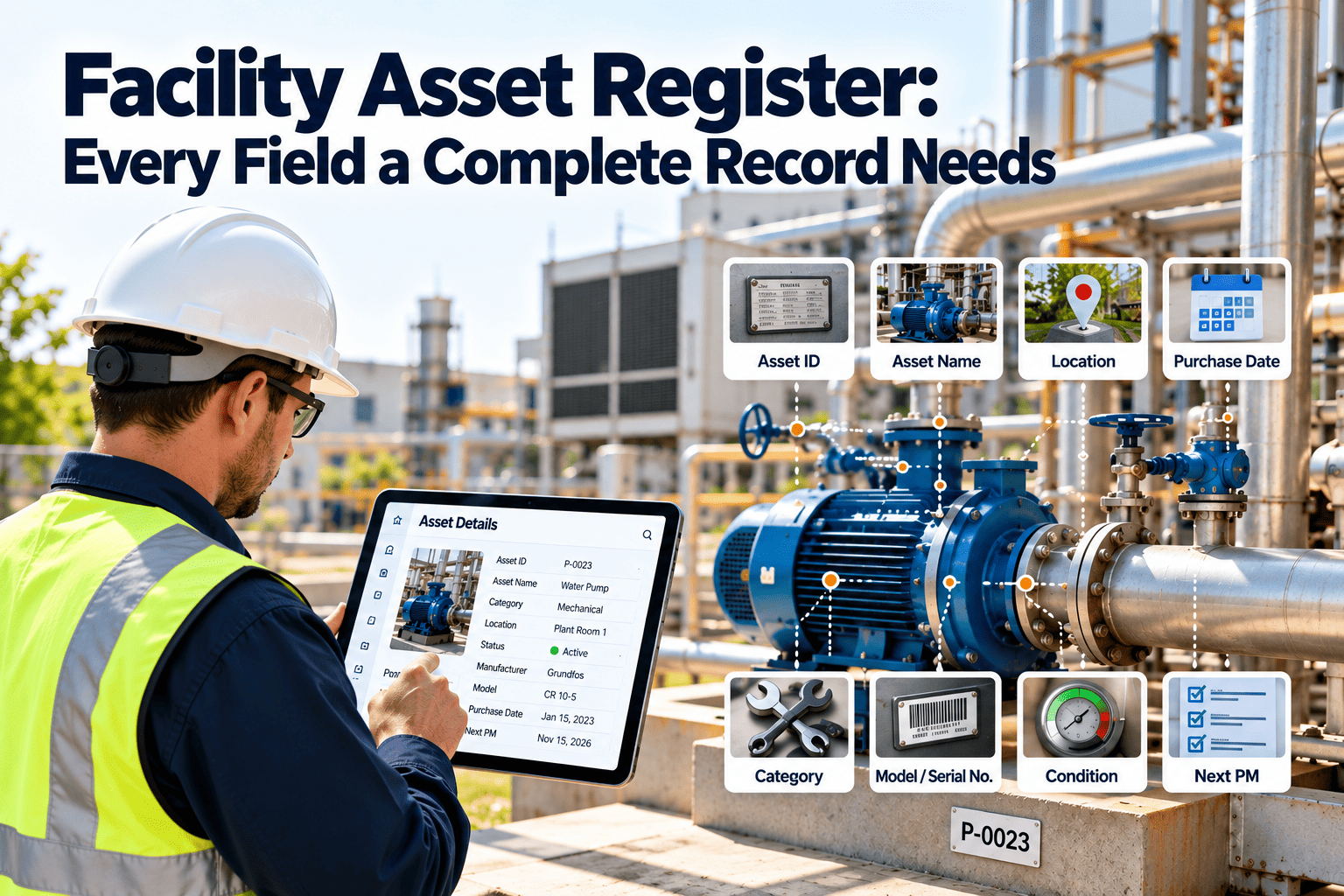
Facility Asset Register: Every Field a Complete Record Needs
Weak registers quietly undermine facility maintenance. Capture 22 structured fields per asset, aligned with ISO 55001 information requirements, and turn your register into a working maintenance backbone.
Why Incomplete Registers Break Facility Maintenance
Most facilities do have a list of equipment. The problem is that the list was built for one purpose, often an insurance schedule or a handover document, and was never designed to drive maintenance work.
- Free-text names such as "pump near boiler room" with no unique ID
- Location recorded as a building name only
- No link between a component and the system it serves
- No criticality, so every failure gets the same response
- Warranty dates lost in filing cabinets
- Duplicate entries after renovations and moves
- Unique ID printed on a QR or barcode tag at the asset
- Site, building, floor and room captured in a controlled list
- Parent and child links from system down to component
- Criticality score that sets priority and strategy
- Warranty and service contract dates trigger reminders
- Change control for additions, moves and disposals
Where the damage shows up
- Technicians waste visit time locating equipment or guessing model numbers.
- Planners cannot build accurate preventive maintenance schedules for assets they cannot see.
- Spare parts are over-stocked for some models and missing for others.
- Capital planning relies on guesses about age and condition.
- Auditors ask for inspection history and nobody can tie records to an asset.
How ISO 55001 Frames the Register
ISO 55001 does not prescribe a field list. It does require an organization to determine the information its asset management system needs, control it, and keep it fit for purpose. The register is the practical answer to that requirement.
The 22 Fields, Grouped by Purpose
Grouping fields by the question they answer makes the register easier to design, survey and audit. Use the table below as a working template for your own CMMS or spreadsheet.
| # | Field | Why it matters | Example entry |
|---|---|---|---|
| Identity: what is it | |||
| 1 | Unique asset ID | Anchors every work order, part and inspection to one record | HVAC-AHU-0003 |
| 2 | Asset description | Plain-language name technicians recognize | Air handling unit, Level 2 east |
| 3 | Asset class | Enables templates, strategies and reporting by type | Mechanical / HVAC / AHU |
| 4 | Barcode or QR tag | Lets staff open the right record from the asset itself | Tag 004217 |
| 5 | Serial number | Supports warranty claims and manufacturer support | As on nameplate |
| Technical: what are its specifications | |||
| 6 | Manufacturer | Drives parts sourcing and service manual lookup | Recorded from nameplate |
| 7 | Model number | Identifies compatible spares and procedures | As on nameplate |
| 8 | Capacity or rating | Needed for replacement sizing and load checks | Airflow, kW or kVA |
| 9 | Installation date | Starts the age and warranty clock | Commissioning date |
| Location: where is it | |||
| 10 | Site and building | Supports portfolio-level routing and reporting | North Campus, Block B |
| 11 | Floor and room | Cuts search time on every visit | Level 2, Plant room 2.04 |
| 12 | Parent asset | Shows which system fails when this asset fails | Chilled water system CHW-01 |
| Risk: how much does it matter | |||
| 13 | Criticality rating | Sets priority, response time and strategy | High, A-class |
| 14 | Compliance flag | Marks life safety and regulated equipment for mandatory tests | Fire damper, statutory |
| Maintenance: how is it looked after | |||
| 15 | Maintenance strategy | States preventive, condition-based, or run-to-failure | Preventive, quarterly |
| 16 | PM schedule link | Connects the asset to its recurring tasks | Linked to PM template AHU-Q |
| 17 | Spare parts list | Ensures critical parts are stocked | Belts, filters, bearings |
| 18 | Warranty expiry | Prevents paying for repairs the vendor should cover | Date and vendor contact |
| Lifecycle: what is its future | |||
| 19 | Purchase or replacement cost | Feeds capital planning and repair-versus-replace analysis | Current estimate |
| 20 | Expected useful life | Sets the planning horizon for renewal | Years from install |
| 21 | Condition score | Shows actual health instead of age alone | 1 to 5 scale |
| 22 | Responsible owner | Names the team accountable for the asset | Mechanical services team |
Build the Register Once, Keep It Accurate Always
Oxmaint gives every asset a structured record with QR tags, hierarchy and linked work history, so the register stays alive after the survey ends.
Hierarchy: The Field That Changes Everything
Field 12, the parent asset, deserves special attention. A flat list tells you what exists. A hierarchy tells you how the building works.
What a hierarchy enables
- Cost roll-up from component to system to building, so you can see what a chiller plant really costs to maintain.
- Impact analysis: a failed pump is visible as a risk to every air handler it feeds.
- Cleaner failure reporting, because faults attach to the right level.
- Targeted shutdown planning, since you can list everything downstream of an isolation point.
Keep the depth practical
- Track components separately only where they are replaced, tested or stocked on their own.
- Avoid more than five levels unless regulation or contract demands it.
- Use the same hierarchy template across sites so reports compare like with like.
Data Quality Rules That Keep the Register Trustworthy
A register is only as good as its last update. These rules turn accuracy into a habit rather than an annual clean-up.
Measure Register Health
Treat the register as a managed asset. A few simple measures show whether it is improving or decaying.
How Oxmaint Supports the Register
Oxmaint maintenance management software keeps the register connected to daily work, which is what prevents decay.
- Asset records hold identity, technical, location and lifecycle data in one structured profile, with parent and child links.
- QR tags let technicians scan an asset on a phone and open its history, open work orders and tasks.
- Preventive maintenance schedules attach to asset classes, so new assets inherit the right tasks automatically.
- Work orders log labor, parts and findings against the asset, building a maintenance history for every record.
- Inspections and compliance checks store evidence against the regulated assets flagged in field 14.
- Inventory links spare parts to assets so critical stock is visible before a failure.
- Dashboards and reports surface assets with missing data, overdue tasks and rising repair cost.
Rolling Out a Register Without Stalling Operations
Timings vary with portfolio size and survey resources. Start where failure consequences are highest.
Facility Asset Register FAQs
Turn Your Asset List Into a Working Register
Give every asset a complete record, a clear place in the hierarchy and a maintenance plan that follows it. Start with your most critical systems and grow from there.