A QR code or barcode label only pays off if the next technician can find it and scan it on the first try. Tags stuck on removable panels, curved housings, hot surfaces, or behind guards get scuffed, lost, or ignored, and the asset record slips back to a name written on a work order. This guide gives placement rules by asset type, from chillers to electrical panels, plus an install-day checklist. It reflects commonly used facility asset labeling practice, including IFMA guidance, and shows how one consistent position feeds scan-to-work-order workflows in Oxmaint.
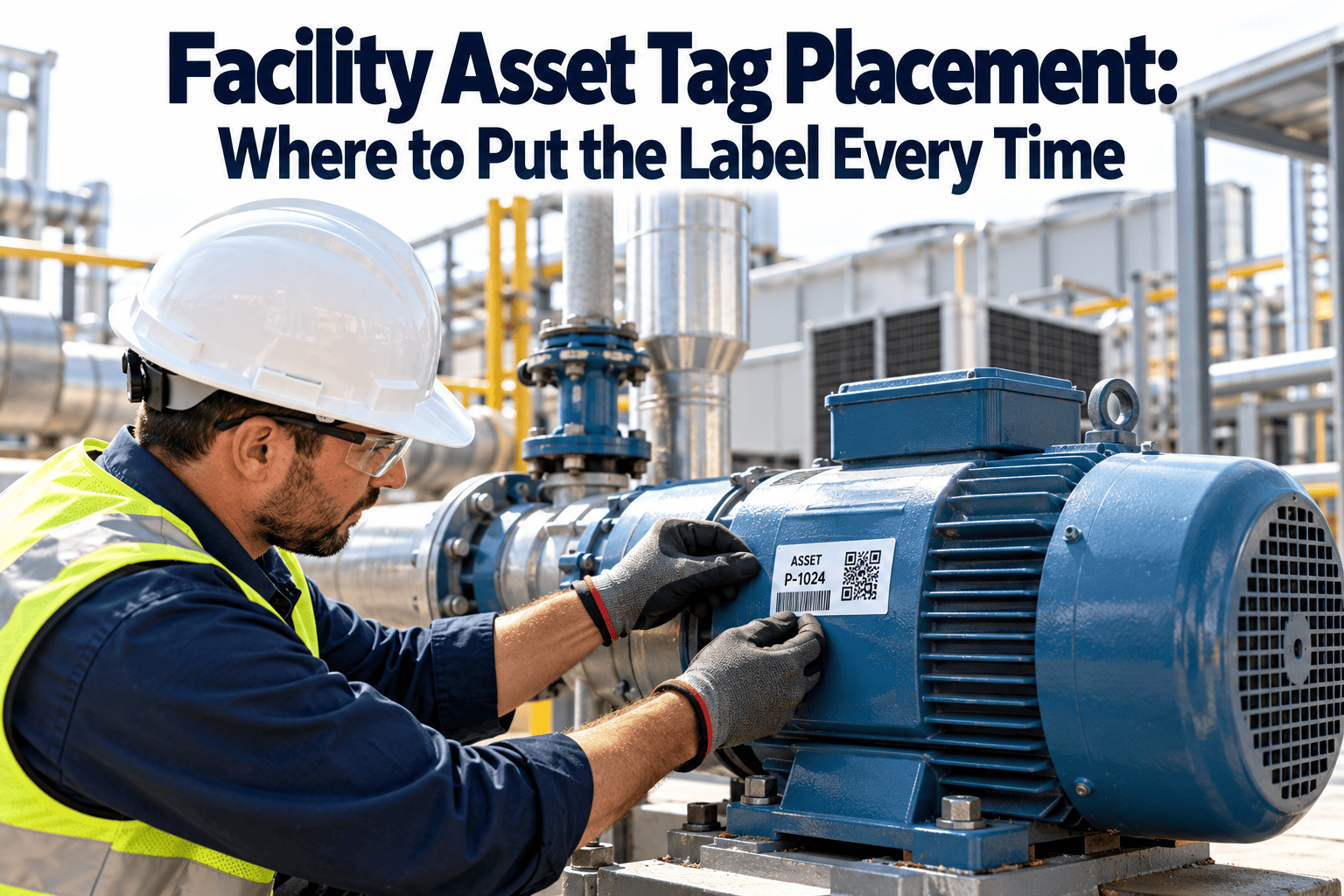
Facility Asset Tag Placement: Where to Put the Label Every Time
Set one placement rule per asset class so every label lands on a fixed, readable, reachable surface. Consistent positions raise first-scan success and stop technicians from hunting for tags.
How Bad Placement Quietly Breaks an Asset Tracking Program
Most tag failures do not happen on day one. They show up months later as missed scans, duplicate records, and technicians who stop trusting the labels.
Five Placement Rules That Apply to Every Asset
Reading Height and Scan Distance
Two numbers drive most readability decisions: how high the tag sits and how far away someone scans it.
Tag Placement Chart by Asset Type
Use these positions as a starting standard, then adjust for your equipment models and site safety rules.
| Asset type | Preferred position | Avoid | Reason |
|---|---|---|---|
| Chiller | Fixed frame or control panel side facing the main walkway, beside the data plate | Removable panels, insulated piping, hot compressor surfaces | Frame outlasts panel swaps and is seen on normal rounds |
| Air handling unit | Casing frame or door post on the service side, next to the data plate | Door panels that are swapped, dusty or washed-down filter sections | Technicians already stand on the access side |
| Rooftop unit | Shaded vertical face near the data plate, below the eave line | Top surfaces, sun-baked panels, condensate drip edges | UV and heat shorten label life |
| Electrical panel or switchboard | Exterior of the enclosure, upper corner, clear of warning labels | Inside the door, dead-front covers, arc-flash label area | Scannable without opening energised equipment |
| Pump | Pump casing or fixed baseplate bracket facing the walkway | Coupling guard, rotating shaft area, hot motor fins | Guards are removed and motors run hot |
| Boiler | Fixed jacket panel near the controller, away from burner and flue | Flue, burner head, insulated hot surfaces | Heat rating of the label and adhesive |
| VAV box or fan coil above ceiling | Unit body facing the access tile, plus a ceiling grid marker where policy allows | Duct insulation, the hidden side of the unit | Code is seen when the tile is lifted; marker guides the search |
| Exhaust fan | Housing near motor access or curb side | Blades, belt guard, weathered top surface | Vibration and weather |
| Standby generator | Enclosure frame near the controller, weather-rated label | Radiator side, exhaust surfaces | Heat and airflow debris |
| Cooling tower | Fixed structure at ground-level access, metal tag | Wet fill areas, splash zones | Constant moisture |
| Water heater or tank | Tank jacket away from flue and relief valve discharge | Flue, relief discharge path | Heat and water exposure |
Tag Once, Scan Every Time
Store the tag ID, location, and placement photo on each asset record so scans open the right history from day one.
Match the Label to the Environment
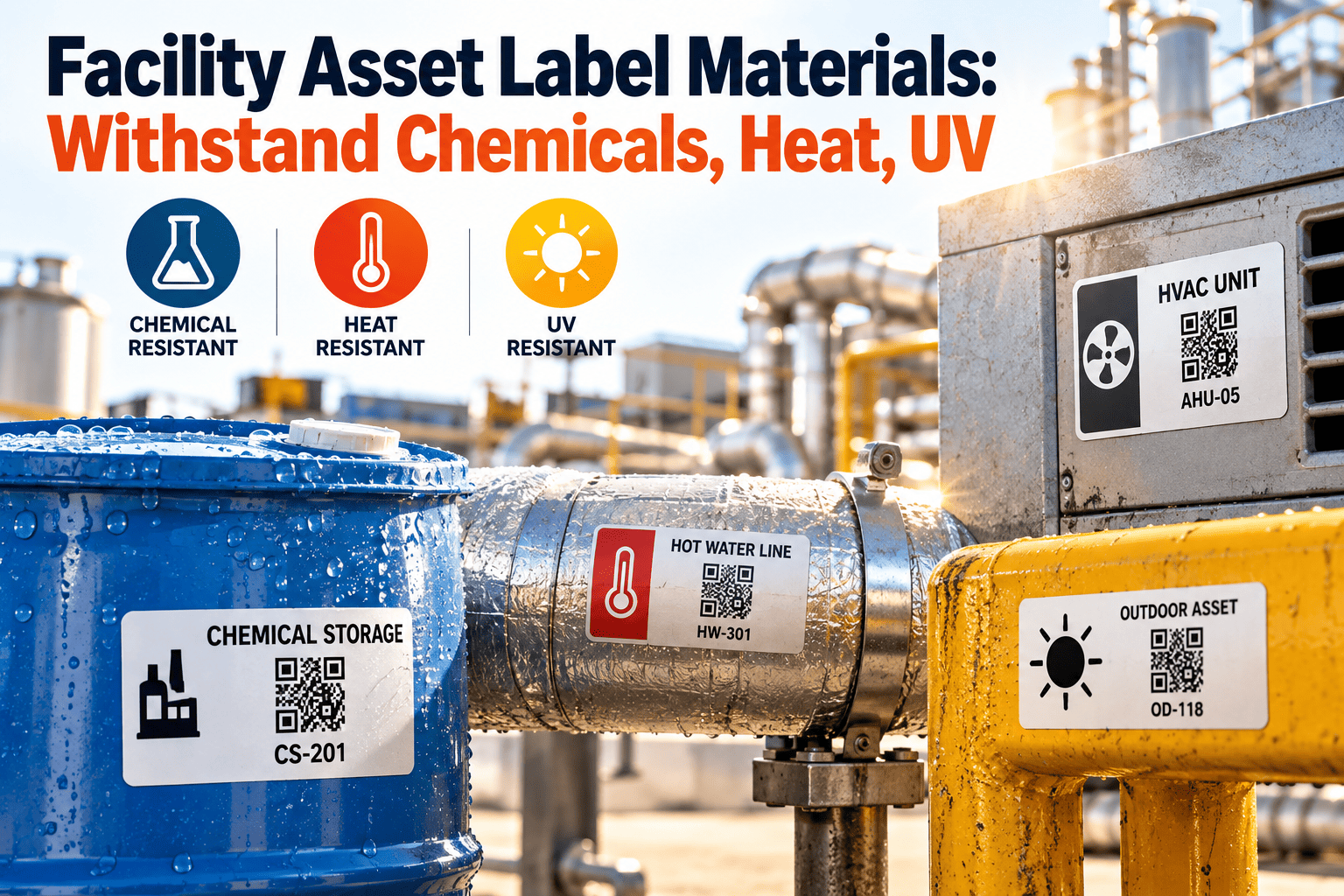
Placement and material work together. Always confirm temperature and chemical ratings with the label supplier.
| Environment | Label option | Preparation and notes |
|---|---|---|
| Indoor, dry mechanical room | Polyester label with permanent adhesive | Clean with isopropyl alcohol and let dry before applying |
| Wet or washdown area | Polyester with overlaminate, or polycarbonate | Seal edges and avoid low points where water pools |
| Outdoor and rooftop | UV-stable polyester or metal tag | Use shaded faces; add mechanical fasteners for metal tags |
| High heat | Heat-rated film or stainless tag | Check rated temperature against the surface, not the room |
| Cold or condensing surfaces | Cold-rated adhesive | Apply to a dry surface; wait for condensation to clear |
| Textured or powder-coated surface | Adhesive rated for rough surfaces, or a backing plate | A smooth mounting plate can improve scan quality |
QR, Barcode, and RFID Have Different Placement Demands
Do and Do Not: Quick Field Reference
Tag Placement Checklist: Before, During, and After Install
Before You Label
At the Asset
After the Label Is On
Metrics for Tag Placement Quality
Set a first-scan target such as 99% and trend it. The point is to find weak placement rules early and fix them by asset class.
| Metric | How to measure | What it tells you |
|---|---|---|
| First-scan success rate | Successful first scans / total scan attempts | Whether position, size, and material work in practice |
| Assets tagged in standard position | Audited assets matching the standard / assets audited | Consistency across installers and sites |
| Damaged or unreadable tags | Tags needing replacement / tags in service | Which environments punish labels |
| Time to locate the tag | Seconds from arriving at the asset to a successful scan | Whether placement matches technician habits |
| Re-tag rate by asset class | Re-labeled assets / assets in class | Which placement rules need revision |
| Untagged assets | Assets with no tag on record | Coverage gaps in the register |
From Label to Work Order in Oxmaint
A well-placed tag is the entry point to the asset record. Oxmaint can keep the pieces around it connected.
Frequently Asked Questions
Put Every Label Where It Will Still Scan Next Year
Standardize placement by asset class, capture it on the record, and let technicians scan straight into the work they need to do.