Most commercial facilities run on systems that were installed long before anyone talked about connected buildings. A legacy building management system still controls the plant, and an older CMMS or spreadsheet still holds maintenance history. Replacing everything is costly and risky, and rarely necessary. Integration lets you keep what works and connect it to modern workflows through APIs, robotic process automation, and ETL pipelines. This guide compares those patterns and shows how Oxmaint maintenance management software can sit on top of existing systems.
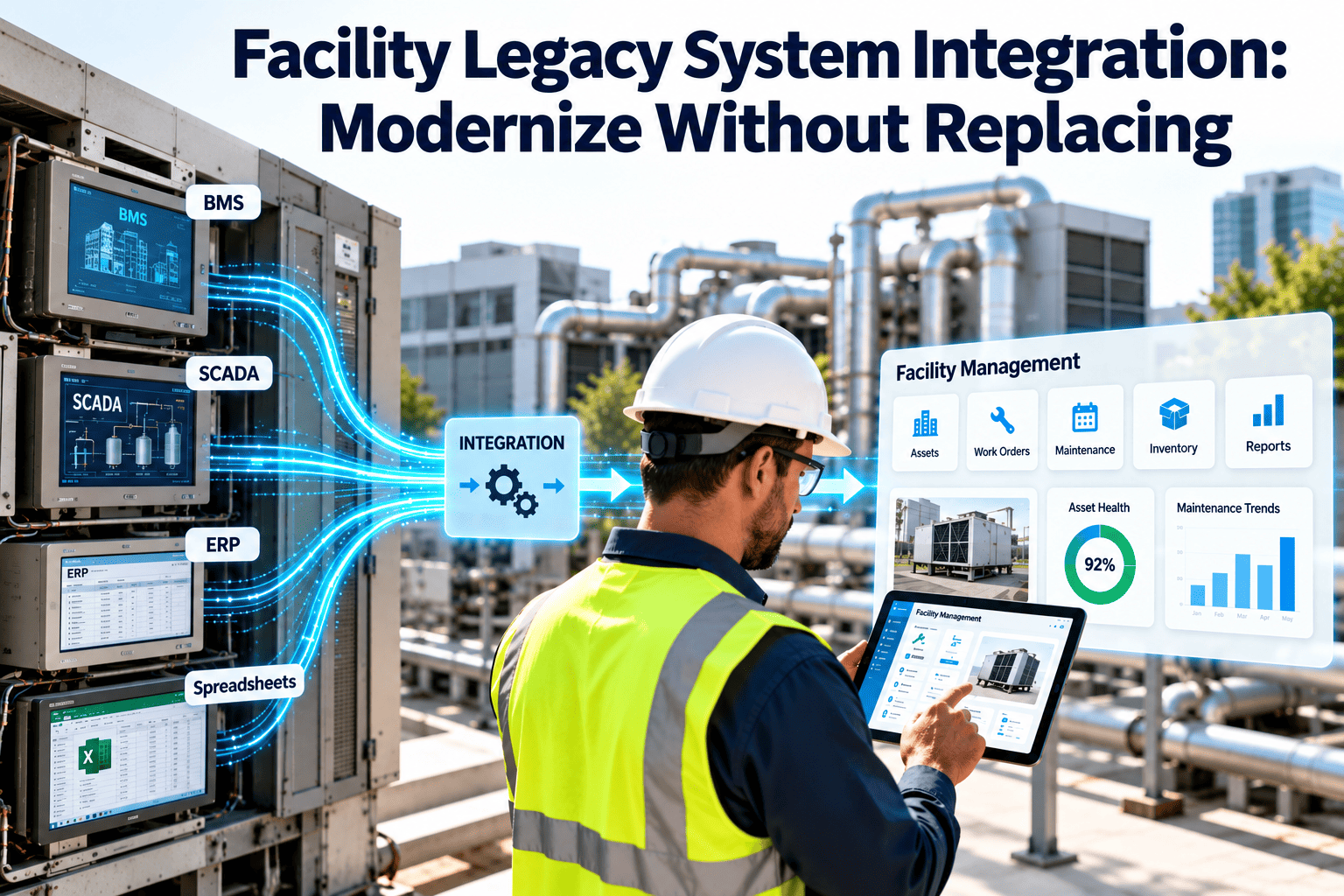
Facility Legacy System Integration: Modernize Without Replacing
Connect legacy BMS, older CMMS, and spreadsheets to one modern maintenance workflow, without a rip-and-replace project.
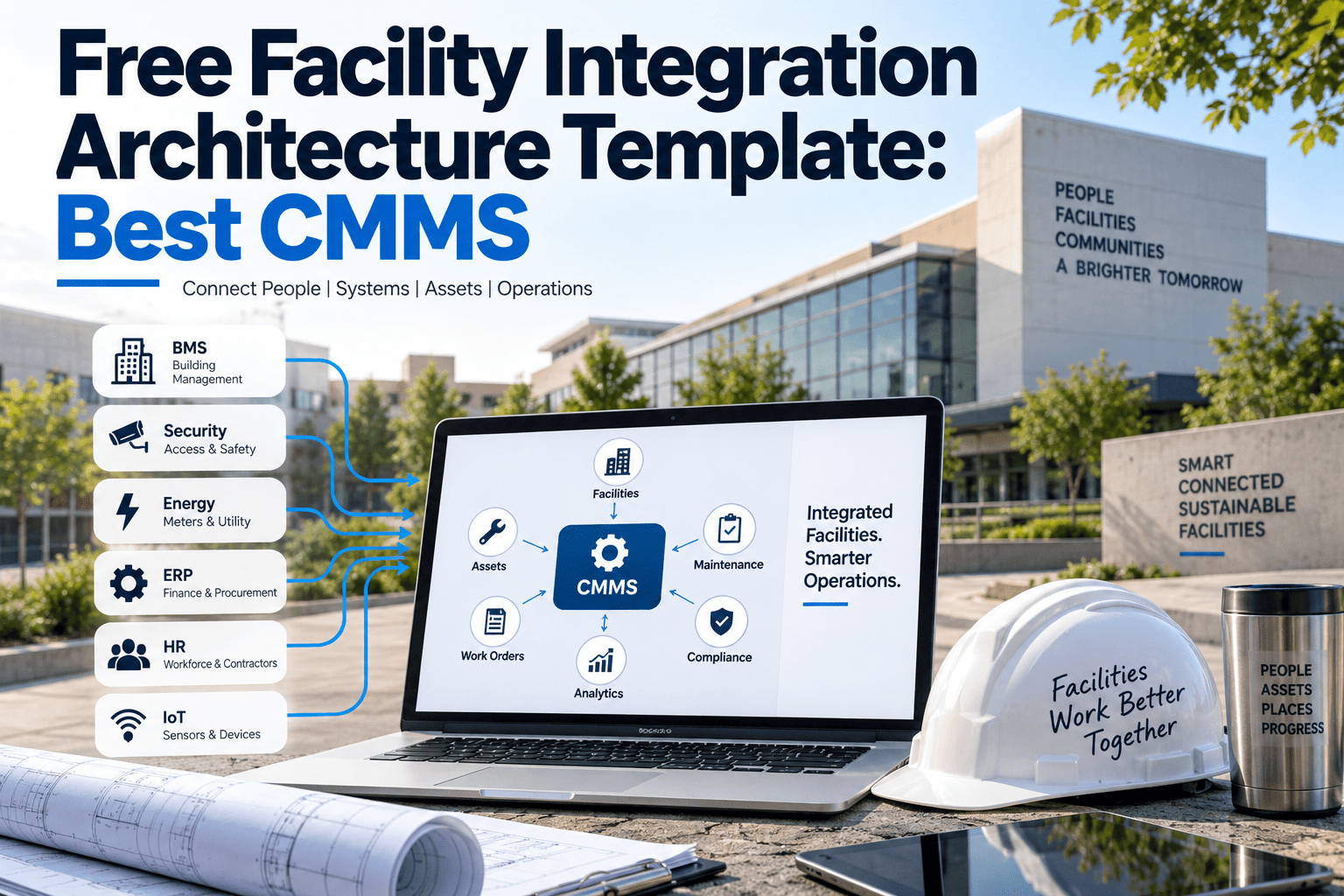
Modern layerWork orders, mobile inspections, dashboards
Integration layerAPIs, gateways, RPA, ETL
Legacy layerOlder BMS, CMMS, spreadsheets, meters
Why legacy facility systems persist
They still control the building
A BMS that reliably runs chillers and air handlers is not broken, even if its interface looks dated.
Replacement carries operational risk
Re-commissioning controls can disturb comfort, energy performance, and tenant operations.
History is trapped inside
Years of work orders and trend logs live in formats that are hard to migrate cleanly.
Budgets favor incremental change
Capital approval for a full replacement is slow, while smaller integration projects can start sooner.
The cost of leaving systems disconnected
Disconnected
- Alarms are seen, then retyped into a work order
- Meter readings are copied by hand
- Asset records differ between systems
- Reports are assembled in spreadsheets
- Root causes need several logins to trace
becomes
Connected
- Alarms can raise a work order automatically
- Readings flow into asset history
- One asset register is the reference
- Reports draw from shared data
- Alarm, asset, and repair history sit together
Modernization options at a glance
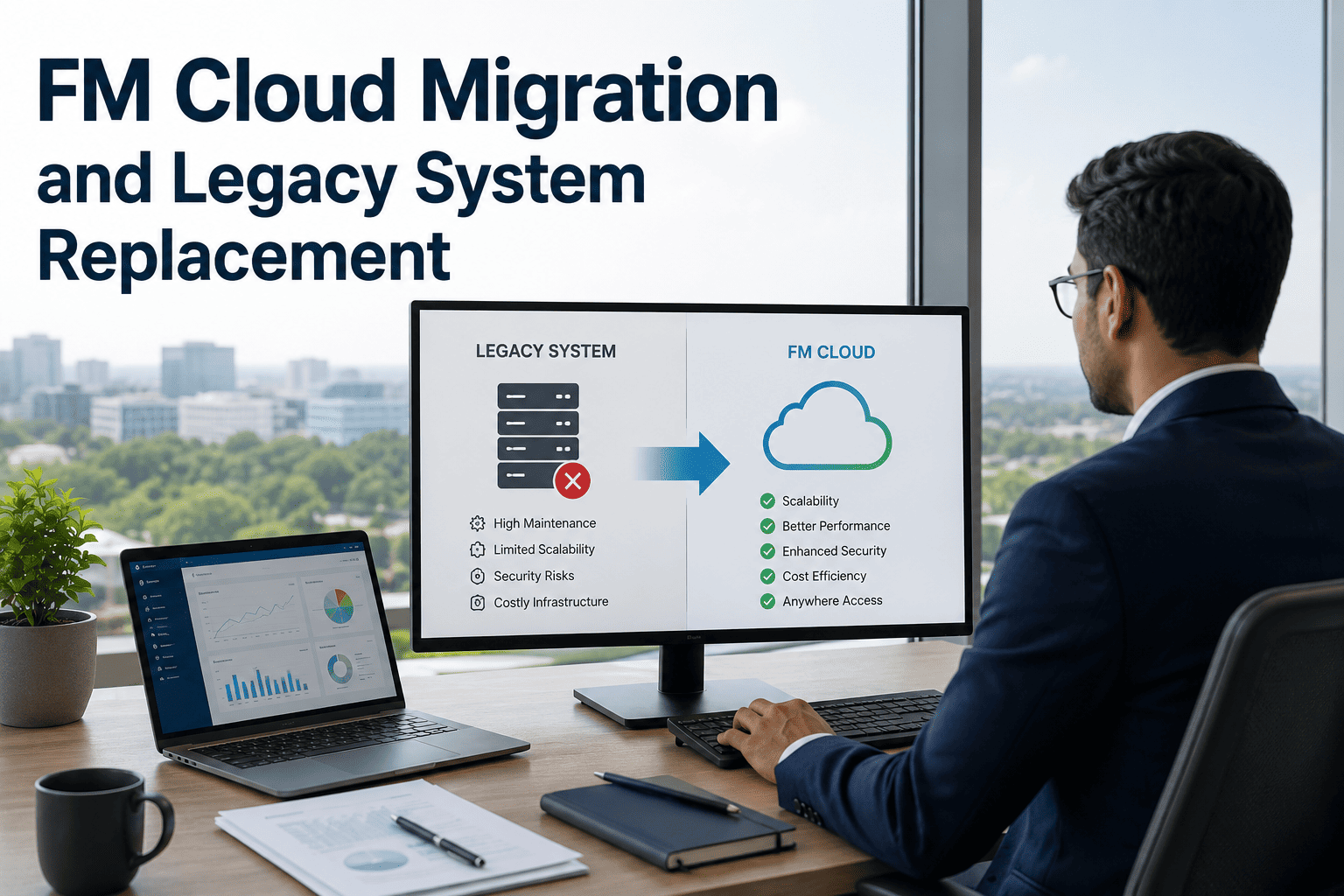
Encapsulate
Wrap the legacy system with an interface so other tools can reach its data. Lowest risk, fastest to start.
Rehost
Move the same application to new infrastructure without changing how it works.
Refactor
Restructure parts of the system to improve maintainability while keeping its function.
Replace
Retire the legacy system and migrate to a new platform. Highest cost and disruption.
Analyst firms such as Gartner describe modernization as a range of approaches, not a single choice. For most facilities, encapsulation and integration come first, with replacement reserved for systems that truly cannot continue.
Three core integration patterns
API integration
Best when the system exposes an interface
- Real-time or near real-time data exchange
- Reliable and maintainable when documented
- Many newer CMMS and BMS products offer REST interfaces
- Older systems may need a gateway or vendor module
RPA
Best when no interface exists
- Software robots mimic user clicks and keystrokes
- Useful for screen-only or closed systems
- Fragile if screens or layouts change
- Treat as a bridge, not a permanent design
ETL
Best for scheduled data movement
- Extract, transform, and load on a schedule
- Strong for history, reporting, and migration
- Data is current only to the last run
- Handles format cleanup and field mapping
Choosing the right pattern
| Situation | Suggested pattern | Watch out for |
|---|---|---|
| BMS alarms should create work orders | API or gateway | Alarm flooding without filtering rules |
| Old CMMS with no export or interface | RPA as a short-term bridge | Breakage when screens change |
| Years of work history to preserve | ETL migration | Duplicate and inconsistent asset names |
| Monthly reports from several systems | ETL into a shared reporting store | Data lag between runs |
| Meters or sensors on older protocols | Protocol gateway, then API | Point mapping and naming errors |
| Spreadsheet-based asset lists | Structured import | Missing parents and locations |
Keep your legacy systems and add a modern workflow
Start with a clean asset register and work order flow, then connect the systems you already own.
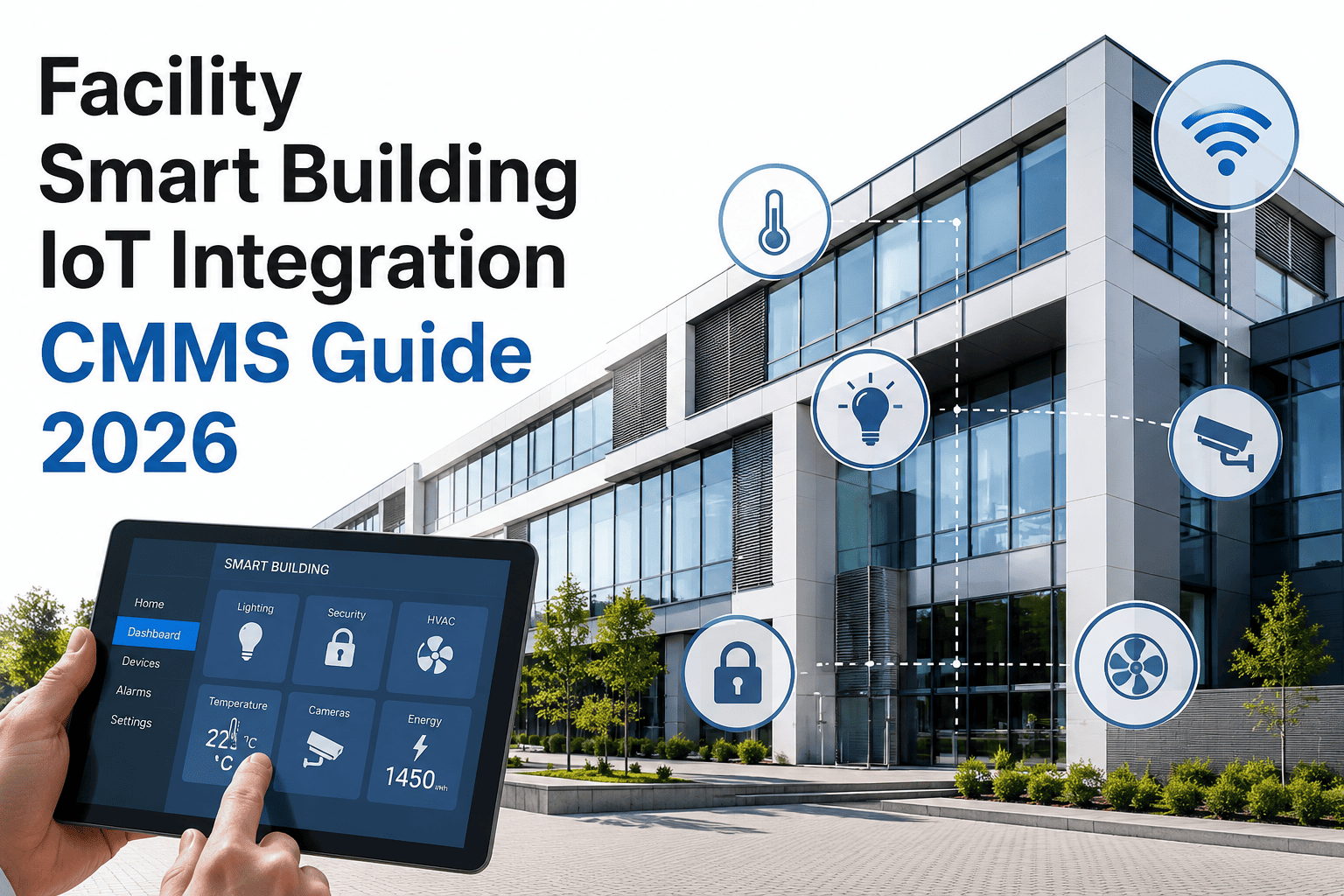
Legacy BMS integration: what to know
Protocols matter
Building controls commonly speak BACnet, Modbus, or LonWorks, and some use proprietary protocols. Gateways translate these into data other platforms can read.
Read before you write
Start with read-only access to alarms and trends. Writing commands back to controls adds risk and needs formal approval.
Filter the alarms
Not every alarm deserves a work order. Use priority, duration, and repeat rules so technicians see actionable events only.
Map points to assets
Controller points need a clear link to the asset record, otherwise an alarm cannot be tied to its equipment history.
Cybersecurity belongs in the design from day one. Segment control networks, limit access, and follow your organization's security policies before connecting anything to wider systems.
Legacy CMMS and spreadsheet migration
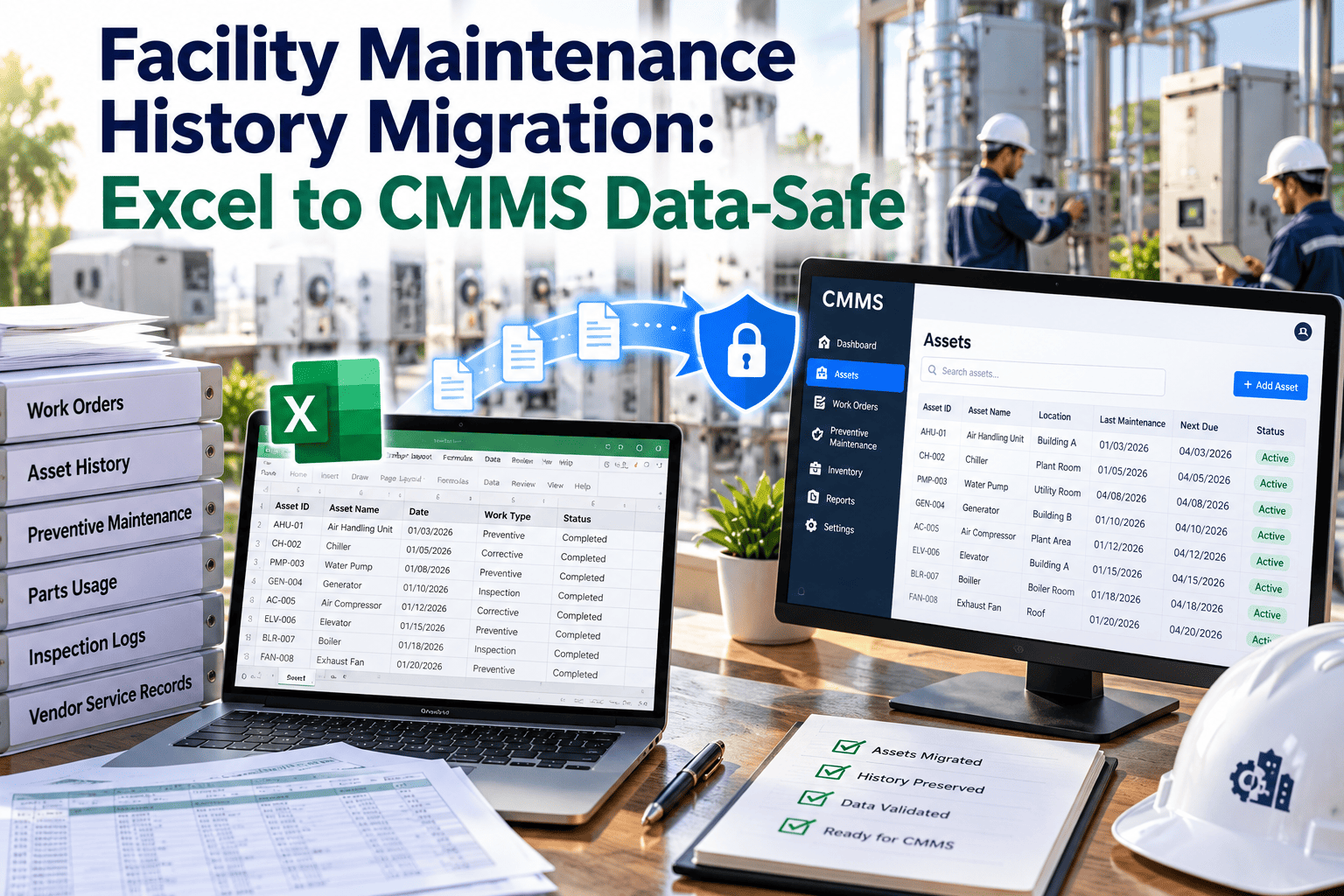
1
Inventory the data
List what exists: assets, work orders, schedules, parts, and attachments. Note formats and owners.
2
Decide what to carry over
Not everything needs migrating. Keep active assets and meaningful history, and archive the rest.
3
Clean and standardize
Fix duplicate names, missing locations, and inconsistent categories before loading.
4
Map fields
Match source columns to target fields, including status values, priorities, and asset codes.
5
Pilot, then run in parallel
Load one building first and compare results before switching the rest of the portfolio.
A phased roadmap
Phase 1
Foundation
- Build the asset register and hierarchy
- Set up work orders and preventive maintenance
- Import spreadsheet and legacy lists
Phase 2
Connect
- Link BMS alarms to work requests
- Bring in meter and sensor readings
- Replace manual re-keying
Phase 3
Optimize
- Use condition triggers for maintenance
- Report across all systems
- Retire legacy tools that no longer add value
Risks and how to control them
| Risk | Why it happens | Control |
|---|---|---|
| Data quality problems | Years of inconsistent entry | Clean before loading; validate samples |
| Brittle automation | RPA depends on screen layouts | Document dependencies; plan an exit |
| Security exposure | Control networks linked to wider systems | Segmentation, access limits, review |
| Vendor lock-in | Proprietary interfaces and licensing | Prefer open protocols and exportable data |
| User resistance | Change to familiar routines | Involve technicians early; train in short sessions |
| Scope creep | Trying to connect everything at once | Prioritize the highest-value flows first |
Integration readiness checklist
Systems
- Every system and owner is listed
- Interface options are confirmed with vendors
- Protocols and versions are documented
Data
- Asset names and codes are standardized
- Locations are consistent
- Migration scope is agreed
Governance
- Security review is complete
- Success measures are defined
- A pilot site is selected
How Oxmaint fits alongside legacy systems
- Asset management that consolidates equipment records into one structured register.
- Work orders and corrective maintenance that capture requests from alarms, tenants, and inspections.
- Preventive maintenance scheduling that replaces calendar reminders and spreadsheet trackers.
- Mobile inspections and checklists that put records in the system the moment work is done.
- Condition-based workflows that can trigger tasks from readings where data feeds are connected.
- Dashboards and compliance records that bring maintenance reporting into one place.
Available integration methods depend on your specific legacy systems. Confirm interface options during planning so expectations match what can be connected.
Designing alarm-to-work-order flows
1
Classify alarms
Separate safety-critical, equipment-fault, comfort, and informational alarms. Only some should create work.
2
Add conditions
Require a duration or repeat count so brief spikes do not generate tasks.
3
Match to assets
Link each point to its asset so the request carries location, history, and instructions.
4
Set priority and routing
Send urgent faults to on-call staff and routine items to the planned queue.
5
Close the loop
Record the cause and action so repeat alarms can be analyzed later.
Data governance for connected systems
One source of truth
Decide which system owns asset records, which owns work orders, and which owns live readings. Avoid editing the same field in two places.
Consistent identifiers
Use a shared asset code across systems. Without it, every integration needs a fragile lookup table.
Error handling
Plan what happens when a feed fails. Queue messages, alert an owner, and avoid silent data loss.
Change control
Firmware updates, renamed points, and screen changes can break links. Record dependencies and test after changes.
Measuring whether integration is working
| Measure | What it shows | Direction to aim for |
|---|---|---|
| Manual re-entry hours | Time spent copying data between systems | Down |
| Alarm-to-response time | Speed from fault to assigned work | Down |
| Duplicate or orphan assets | Register quality across systems | Down |
| Preventive maintenance completion | Reliability of scheduled work | Up |
| Reactive share of work | Shift from breakdown to planned work | Down |
| Report preparation time | Effort to assemble monthly figures | Down |
Record a baseline for each measure before integration begins, so the benefits can be shown with your own figures instead of assumptions.
Questions to ask vendors before you commit
- Does the legacy product offer an API, database access, or scheduled export?
- Which protocols does the controller support, and is a gateway needed?
- Are there licensing fees for interface modules or third-party access?
- Is the product still supported, and what is the vendor roadmap?
- Can historical data be exported in an open format?
- What security requirements apply to remote or networked connections?
- Who is responsible for support if an integration fails after an update?
Example scenario: three buildings, three systems
Building A
Older BMS with BACnet controllers. A gateway exposes alarms, and filtered faults raise work requests.
Building B
Legacy CMMS with no interface. A scheduled export is cleaned and loaded, with history archived.
Building C
Spreadsheet asset list and paper rounds. A structured import and mobile checklists replace both.
This is an illustrative scenario, not a customer result. It shows that different buildings can use different patterns while feeding one maintenance workflow.
Common integration mistakes
Connecting before cleaning
Automating bad data only spreads the errors faster. Clean the register first.
Turning every alarm into a task
Technicians stop trusting the queue when most items are noise.
Relying on RPA indefinitely
Bridges become permanent and fragile. Set a review date and an exit plan.
Skipping the operations team
Technicians and controls staff know which data matters. Involve them in design.
Where predictive and condition-based work fits
- Condition triggers need reliable readings tied to the correct asset.
- Start with a few high-value assets, such as chillers, pumps, and critical air handlers.
- Use thresholds and trends to create inspections before using complex analytics.
- Review each triggered task to confirm it was useful, then tune the rules.
Condition-based maintenance depends on sound integration underneath. Connect and clean first, then build triggers on top.
When replacement is the right answer
Keep and connect when
- Controls run reliably and parts are available
- The vendor still supports the product
- Data can be reached through a gateway or export
- Budget favors phased improvement
versus
Replace when
- Hardware is unsupported or unrepairable
- No practical data access exists
- Security risks cannot be mitigated
- Energy or comfort performance is failing
Integration can also buy time. Connecting systems now produces clean data that supports a better-justified replacement later.
Change management for technicians and managers
- Explain which manual steps will disappear and which new ones appear.
- Run short hands-on sessions on mobile devices instead of long classroom training.
- Keep the legacy system available read-only during the pilot so staff trust the new data.
- Name a champion in each building who collects feedback and reports problems early.
- Share early wins, such as hours saved on re-entry, to build momentum.
- Review the integration quarterly and adjust rules as equipment and staffing change.
Integration and compliance records
- Keep an audit trail showing which system created, changed, or closed each record.
- Preserve legacy inspection history for the retention period your regulations require, even after retirement of the old tool.
- Store certificates, test results, and photos against the asset in the new system.
- Document each interface, including owner, data fields, schedule, and fallback procedure.
Retention and reporting rules vary by region and facility type. Confirm obligations with your compliance lead before archiving or deleting legacy data.
Practical first steps this month
Week 1
- List every system and its owner
- Note available interfaces
Weeks 2 and 3
- Clean one building's asset list
- Pick two high-value data flows
Week 4
- Run a pilot in that building
- Compare results with your baseline
Testing before go-live
- Run a test alarm and confirm it creates one correctly prioritized work request.
- Compare record counts and sample values between source and target after each migration run.
- Simulate a failed feed and confirm that someone is alerted and no data is lost.
- Have technicians complete a full job on mobile before wider rollout.
- Document rollback steps so the previous process can resume quickly if a problem appears.
Frequently asked questions
Do I need to replace my legacy BMS to modernize maintenance?
Usually not. Gateways and APIs can expose BMS alarms and readings to a modern maintenance platform while the controls keep running.
When is RPA a sensible choice?
When a system has no interface and a task is repetitive. Use it as a bridge, since screen changes can break it.
How do I move history from an old CMMS or spreadsheet?
Clean and map the data, pilot one building, then expand. Book a demo to discuss your formats.
Is ETL real-time?
No. ETL runs on a schedule, so data is current to the last run. Use APIs where live data matters.
Where should I start?
Build a clean asset register and work order flow first, then connect. You can get started with Oxmaint today.
Modernize your facility operations on your own timeline
Keep the systems that work, connect the ones that matter, and give your team a single place to manage maintenance.