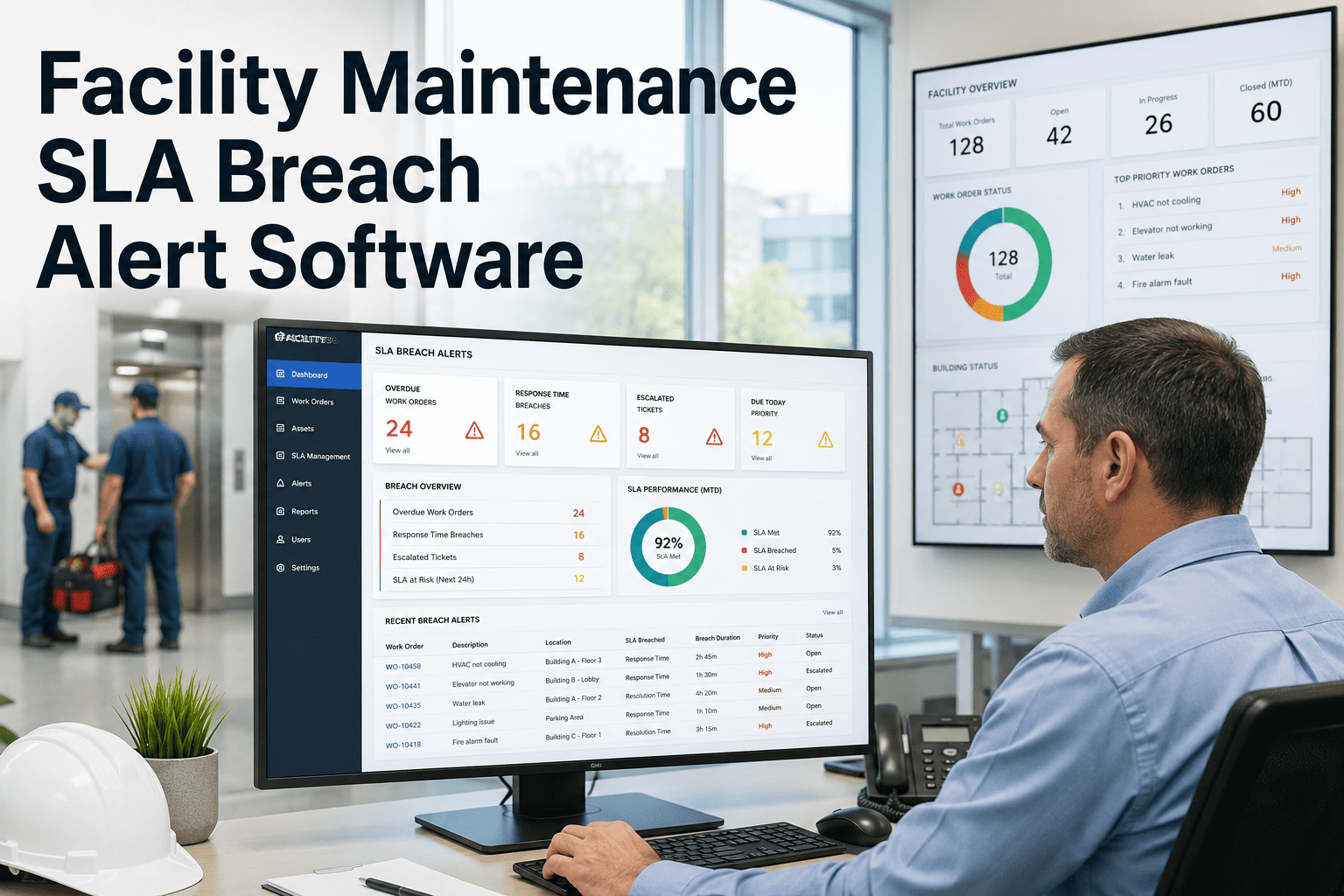
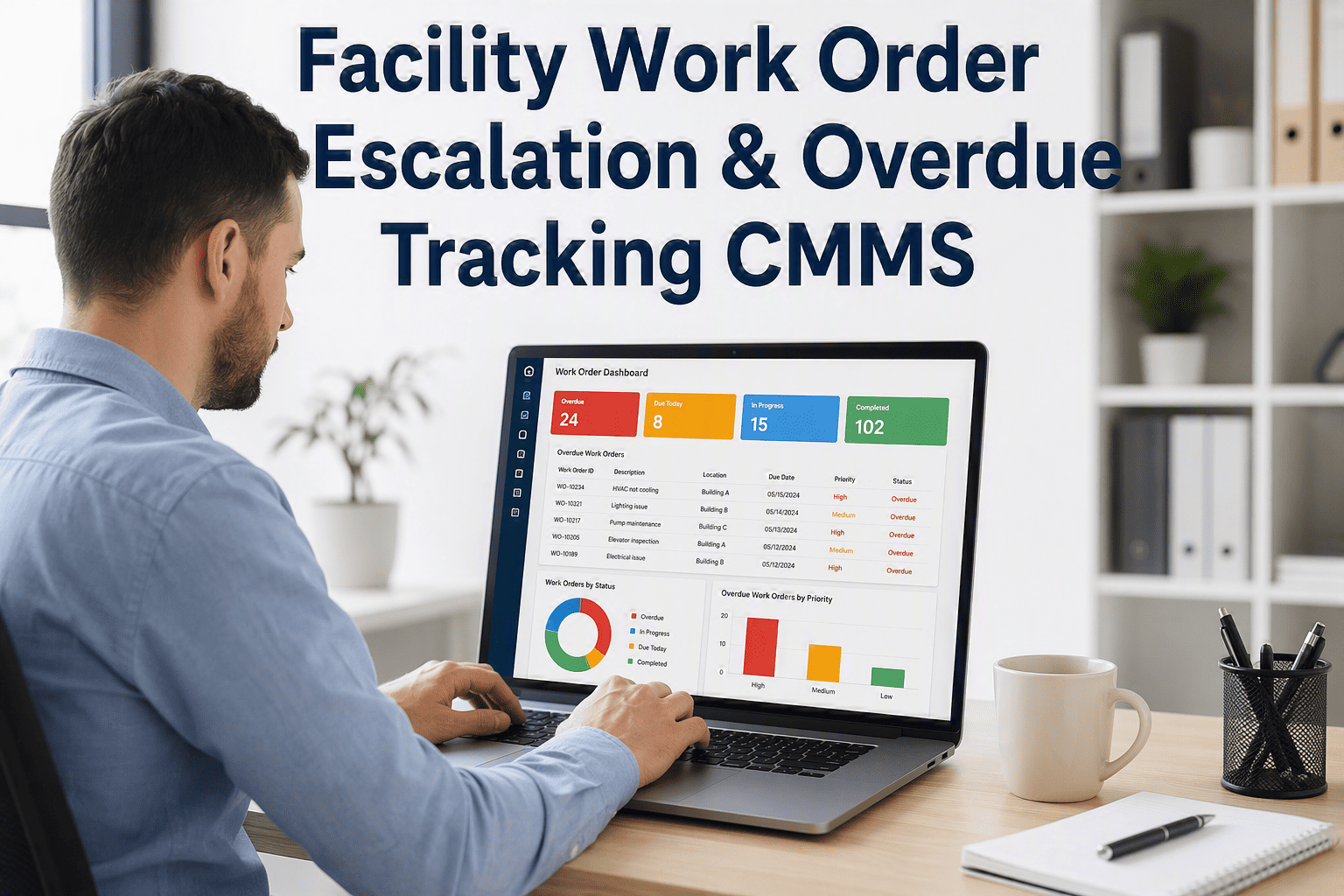
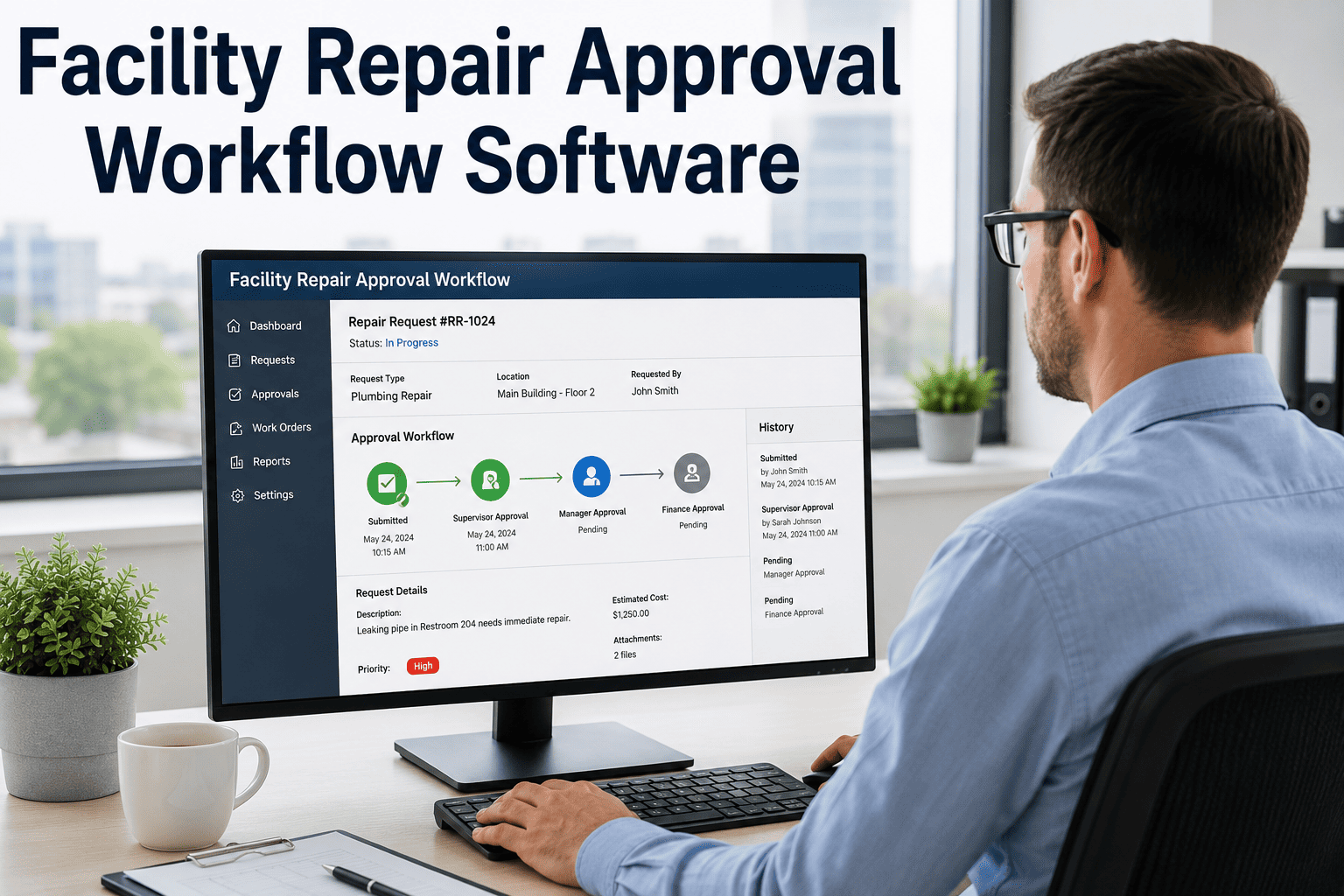
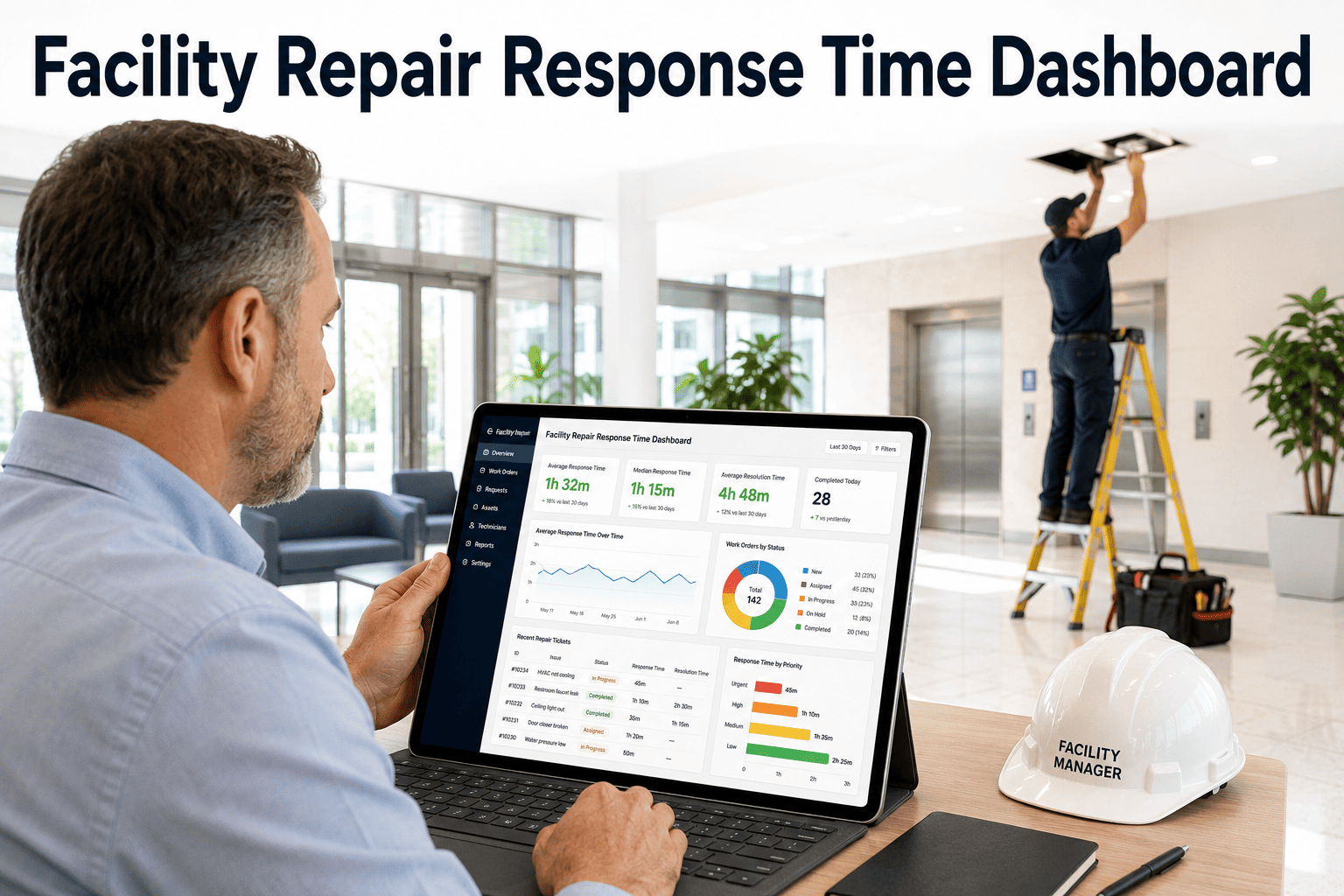
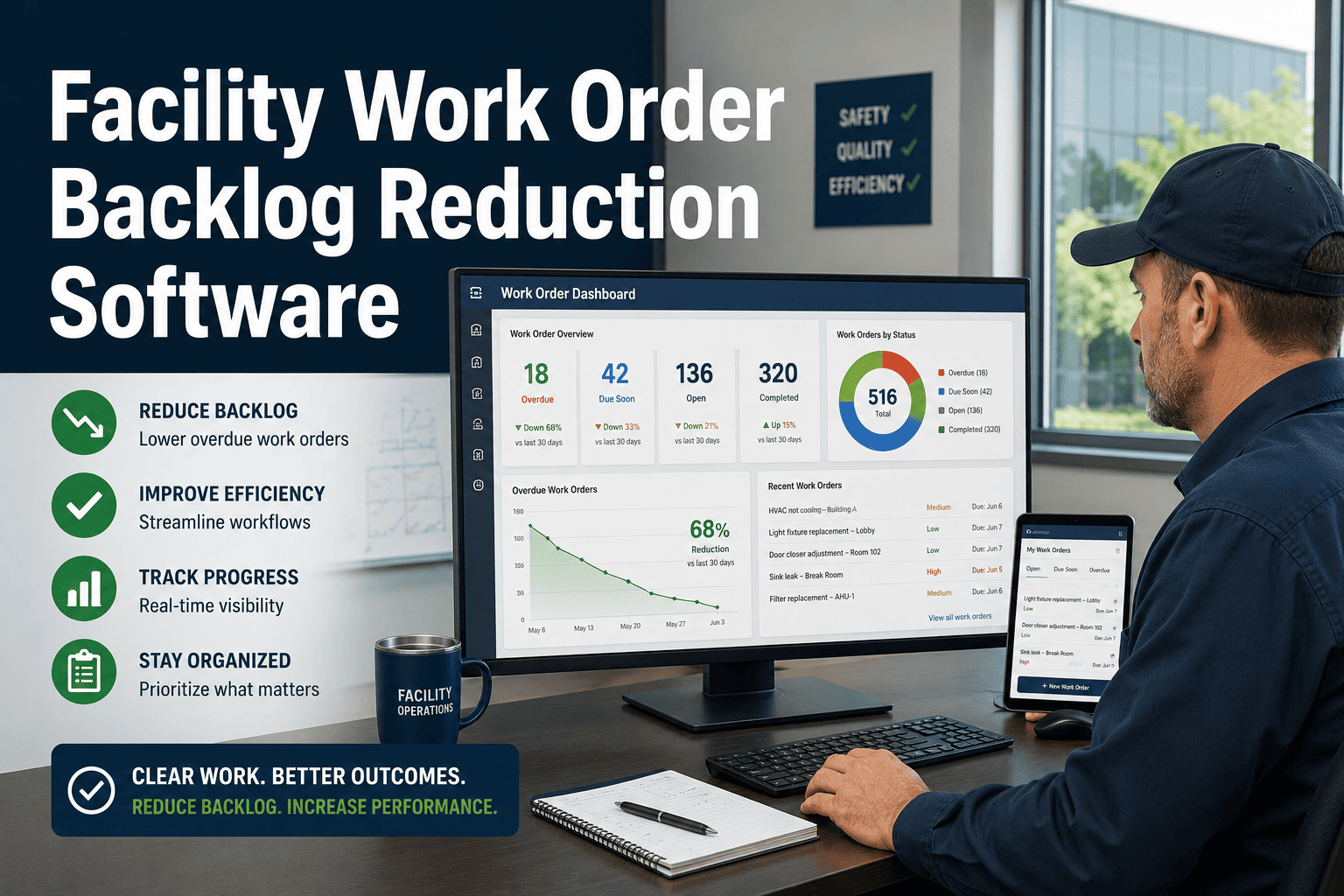
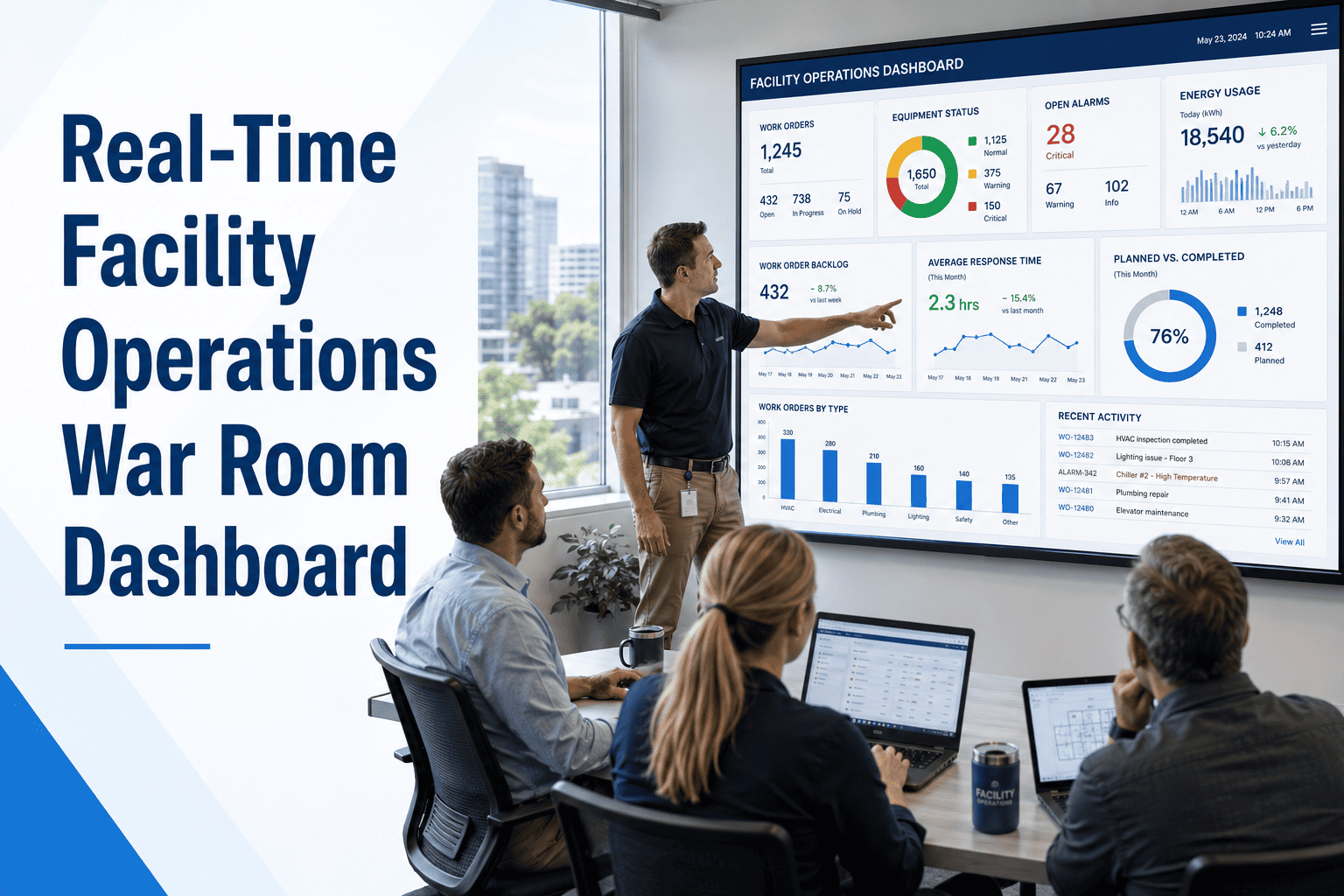
Every facility team has lived this moment: a tenant complaint sits in the queue for six hours, a technician is unaware it's even assigned, and by the time someone notices, the SLA clock has already run out. Facility maintenance SLA breach alert software closes that gap by watching every open work order in real time and flagging the ones racing toward a missed deadline — before they become a missed deadline. For facility teams managing hundreds of repair requests across multiple buildings, the difference between catching a breach at 80% elapsed time versus discovering it after the fact is the difference between a quiet save and an angry escalation email to leadership.
Article · SLA Management
Stop SLA Breaches Before They Happen
Repair aging alerts, priority dashboards, and automated reminders that catch at-risk work orders while there's still time to act
01
Work order created — SLA timer starts automatically based on priority level
02
System tracks elapsed time vs. SLA target continuously in the background
03
At 70% and 90% elapsed thresholds, alerts go to technician and supervisor
04
Breach risk surfaces on the priority dashboard for immediate reassignment
Why Repair Aging Quietly Destroys SLA Performance
Most SLA breaches don't happen because nobody cares — they happen because nobody's watching the clock until it's too late. A work order created on Monday morning can sit untouched until Wednesday simply because it scrolled off the top of someone's list. By the time a manager runs the weekly report, the breach is already a statistic.
Silent Aging
Tickets sit untouched with no visual indicator of how close they are to breaching, so urgency is invisible until it's a crisis.
Reactive Reporting
SLA compliance is reviewed weekly or monthly — long after individual breaches could have been prevented with same-day action.
No Escalation Path
When a technician is overloaded, there's no automatic trigger to reassign or alert a supervisor before the deadline passes.
Priority Confusion
High-priority requests get buried under a long list of low-priority tickets with no system enforcing response time differences.
SLA Tiers and Alert Thresholds
| Priority Level |
SLA Target |
First Alert |
Escalation Alert |
| Emergency / Safety |
1 Hour |
30 minutes elapsed |
45 minutes — auto-escalate |
| Urgent |
4 Hours |
2.5 hours elapsed |
3.5 hours — supervisor notified |
| Standard |
24 Hours |
16 hours elapsed |
21 hours — dashboard flag |
| Routine / Scheduled |
5 Business Days |
Day 3 |
Day 4 — reminder sent |
Your SLA Dashboard Should Warn You — Not Just Report To You
Oxmaint tracks every open work order against its SLA target in real time, sends automated reminders at risk thresholds, and gives supervisors a live priority dashboard so breaches get caught hours before they happen — not weeks after.
What an SLA Breach Alert Dashboard Actually Shows
A
Risk Color Coding
Every open work order is color-tagged green, amber, or red based on remaining SLA time — so risk is visible at a glance, not buried in a spreadsheet column.
B
Aging Sort View
Work orders automatically sort by time remaining, surfacing the most urgent items at the top regardless of when they were created.
C
Auto-Escalation Rules
If a technician hasn't updated status by a defined threshold, the system automatically notifies their supervisor or reassigns the ticket.
D
Breach History Log
Every breach — and near-breach — is logged with root cause notes, building a pattern report that shows where bottlenecks repeat.
The Cost of Missing SLA Targets
3x
higher escalation rate for facilities without proactive aging alerts
68%
of repeat tenant complaints stem from an earlier unresolved SLA breach
24hrs
average extra delay when breaches are caught in weekly reviews instead of real time
Expert Review
"The biggest shift we made wasn't adding more staff — it was making the SLA clock visible to everyone, all the time. Once technicians could see exactly how much time was left on a ticket, behavior changed almost immediately. Breach rates dropped within the first month because the alerts gave people a reason to act early instead of waiting for a complaint to escalate."
— Facility Operations Consultant, Commercial Property Management
See Your Open Work Orders Sorted By Breach Risk Today
Book a 30-minute walkthrough and Oxmaint's team will show you exactly how the priority dashboard and aging alerts apply to your current ticket volume — no setup required to see the demo.
Frequently Asked Questions
How does facility maintenance SLA breach alert software actually detect risk early?
The system calculates elapsed time against each work order's SLA target the moment it's created, then triggers alerts at preset thresholds — typically 70% and 90% of allowed time.
Oxmaint applies this automatically across every priority tier without manual setup per ticket.
Can SLA targets differ by request type or building?
Yes — SLA tiers can be configured per priority level, request category, or even building, so an emergency safety issue and a routine cosmetic repair follow entirely different alert timelines within the same system.
What happens if a technician misses an alert and the SLA is about to breach?
Auto-escalation rules notify a supervisor or reassign the ticket to another available technician before the deadline passes, preventing the breach from going unnoticed until a later report.
How quickly can a facility team set up SLA alerts in Oxmaint?
Most teams configure their core SLA tiers and alert thresholds within a single onboarding session.
Book a demo to walk through your specific priority levels and see the dashboard live.