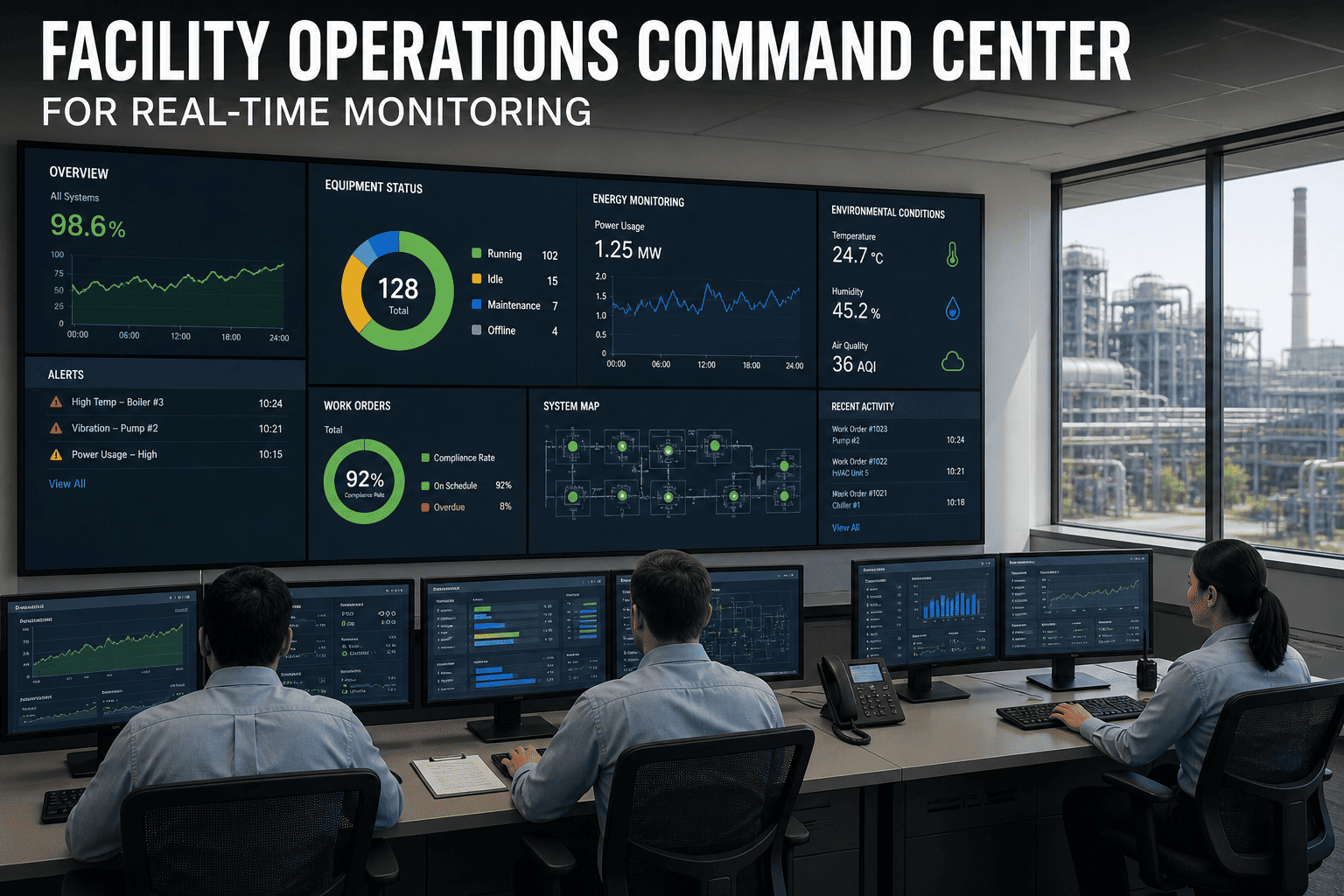
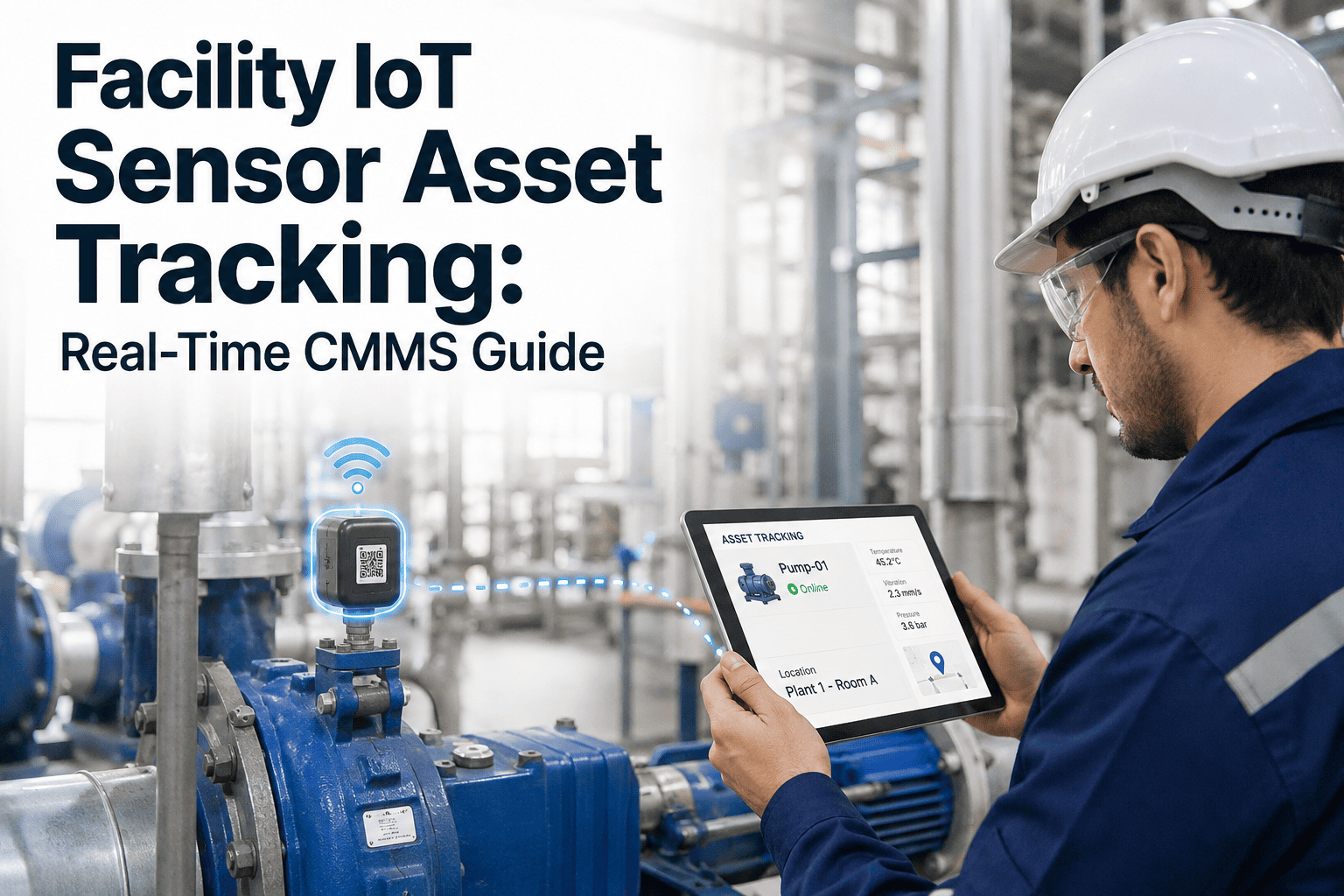
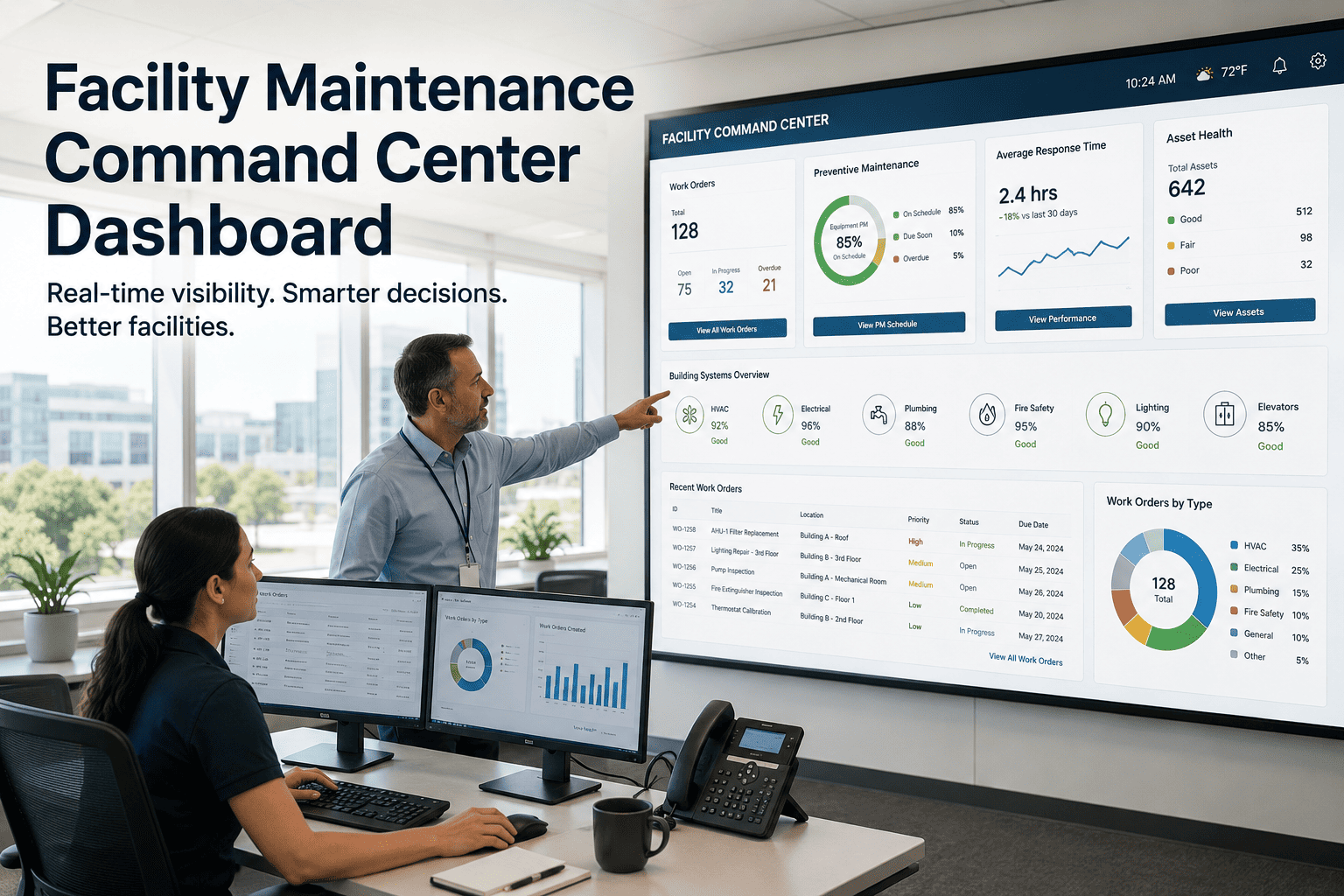
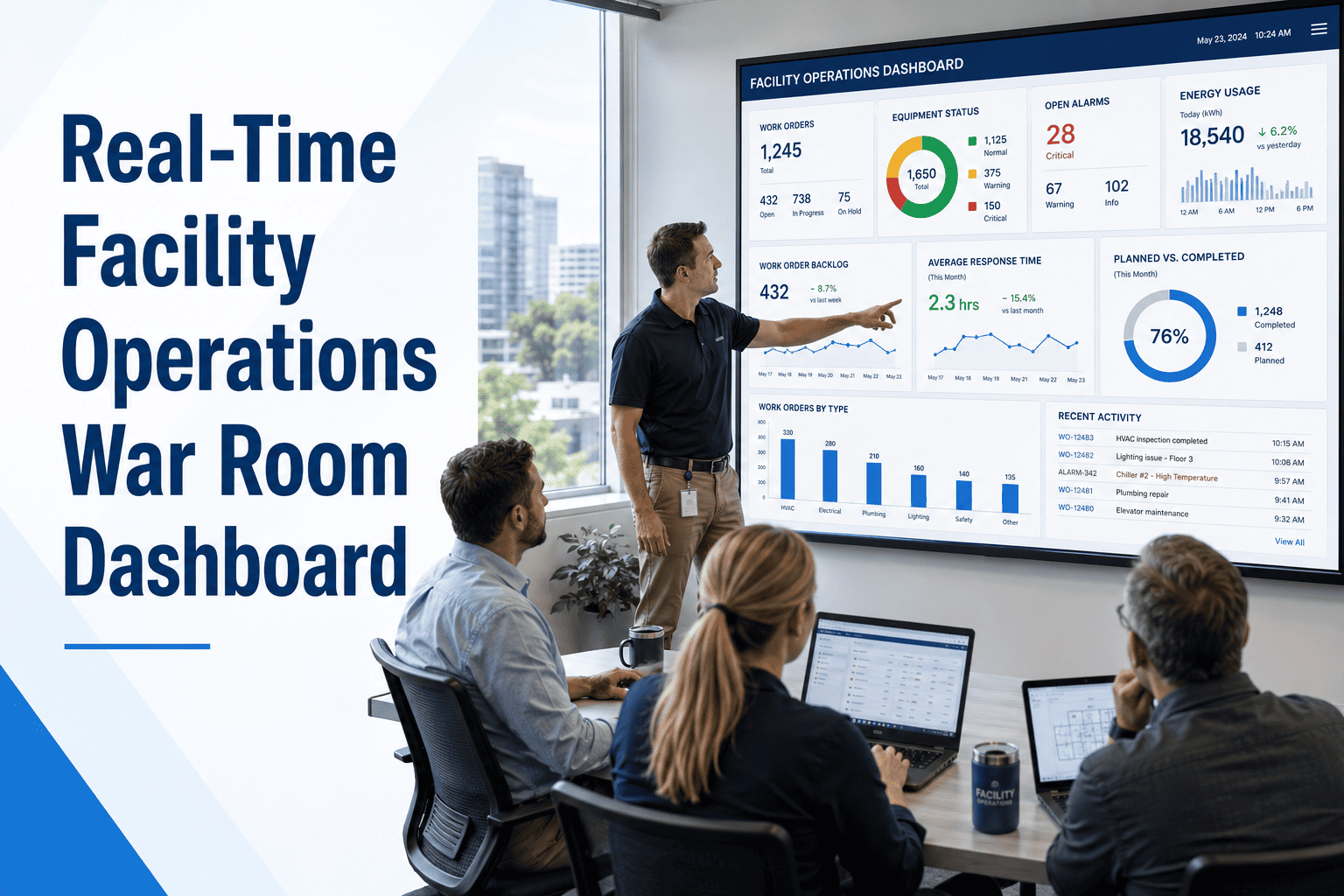
Most facility managers make their most important decisions — emergency response, maintenance dispatch, budget escalations — based on information that is hours old. A work order goes unresolved, a piece of equipment quietly degrades below threshold, an SLA window closes while the team is chasing a different fire. The operations command center market is growing from $34.84 billion in 2025 to $50.86 billion by 2030 at a 7.7% CAGR — driven entirely by organizations that have decided they cannot afford blind spots in their facility operations any longer. This guide covers what a modern facility command center looks like, what it monitors, and how OxMaint's cloud CMMS platform powers real-time visibility across every building, asset, and technician in your portfolio.
Smart Building Systems · Cloud CMMS Platform · Real-Time Operations
Facility Operations Command Center for Real-Time Monitoring
One live dashboard — every work order, equipment alarm, energy anomaly, SLA countdown, and technician status across your entire portfolio. Stop reacting. Start operating.
82%
Reduction in unplanned downtime with IoT-connected CMMS dashboards
4.8x
Higher cost of reactive vs. planned maintenance caught by real-time alerts
20%
Of workweek lost searching for information — dashboards eliminate this entirely
60s
OxMaint dashboard refresh interval — live operational picture, always current
What to Monitor
The 7 Live Data Streams Every Facility Command Center Needs
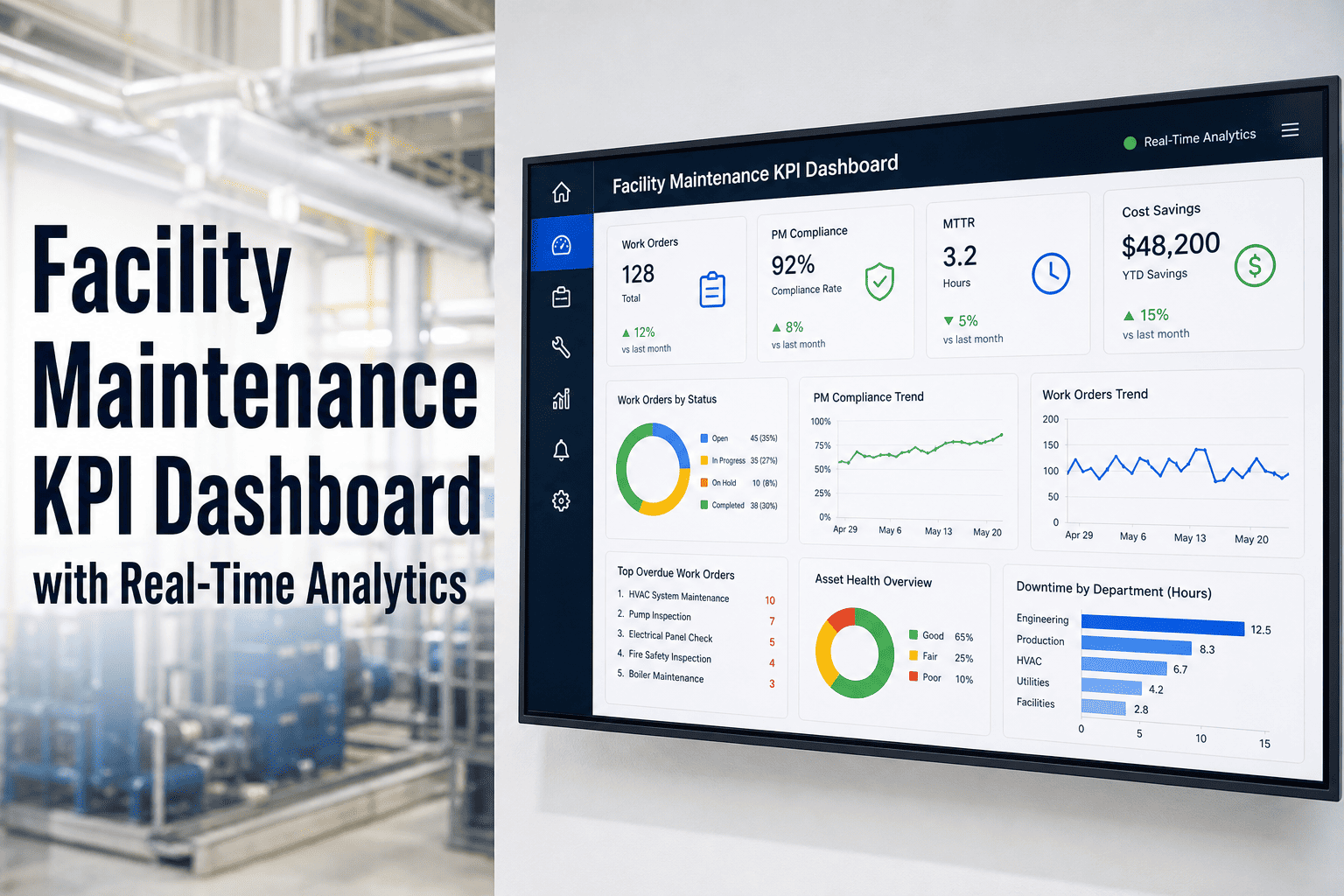
Effective command centers do not display every available data point — they surface the 7 streams that directly drive maintenance decisions, safety responses, and budget outcomes. OxMaint consolidates all seven into a single role-based dashboard.
01
Work Order Pipeline
Open, in-progress, overdue, and completed work orders in real time — filtered by site, priority, asset class, and SLA status. No dispatcher required to know what is happening across every technician's queue.
02
Equipment Health Scoring
Composite health score per asset — combining sensor readings (vibration, temperature, pressure), PM compliance rate, age, and failure history. Assets scoring below threshold are flagged for immediate review.
03
Live Alarm & Fault Feed
BMS, SCADA, and IoT sensor alarms flowing in real time — classified by severity, asset, and location. Alarm routing logic sends the right alert to the right team member, not everyone simultaneously.
04
Technician Dispatch Status
Live view of every technician's active assignment, location zone, and availability. AI-powered routing ensures the closest qualified technician receives the next work order without manual dispatch decisions.
05
Energy Consumption Anomalies
Live energy draw per asset and zone — equipment consuming 15–25% above baseline flags potential mechanical degradation before it becomes a failure event. Energy anomalies are maintenance alerts.
06
PM Compliance Rate
On-time, overdue, and upcoming preventive maintenance tasks — per facility, system, and technician. World-class target: 95%+ on-time completion visible at a glance, not buried in reports.
07
Multi-Site Portfolio KPIs
Downtime hours, maintenance cost per sq ft, MTBF, and work order backlog compared across all facilities in one view — identifying which sites need resource reallocation before performance deteriorates.
HVAC Systems
88%
Electrical
96%
Plumbing
79%
Elevators
100%
Chiller Unit C3 — Vibration above threshold — Inspection WO generated
Manual vs. Command Center
What Changes When Your Facility Gets a Real-Time Command Center
| Operational Scenario |
Manual / Fragmented |
OxMaint Command Center |
| Equipment failure detection |
Reported by occupant hours later |
Sensor alert within 60 seconds |
| Work order assignment |
Supervisor calls / texts technician |
AI auto-routes to nearest qualified tech |
| SLA tracking |
Spreadsheet updated end of shift |
Live countdown per open work order |
| Multi-site visibility |
Site reports compiled weekly |
All sites in one dashboard, updated live |
| Energy anomaly detection |
Noticed on monthly utility bill |
Flagged within hours of deviation onset |
| PM compliance reporting |
Manual compilation for each review |
Auto-generated, available on demand |
| Decision lag time |
4–8 hours average |
Minutes — data available instantly |
Implementation
From Zero Visibility to Full Command Center — In 4 Steps
OxMaint's command center goes live without a 6-month implementation project. The architecture is modular — start with work order visibility, add IoT sensor integration as your infrastructure supports it, and expand to predictive analytics over time.
1
Connect Asset & Work Order Data
Import your asset registry and configure work order categories. Existing CMMS data migrates in — OxMaint supports import from spreadsheets, legacy CMMS, and ERP systems. Go live in 1–3 days.
Day 1–3
2
Configure Dashboard Views by Role
Technicians see their active queue. Supervisors see site-level status. Directors see portfolio KPIs. Each role gets the data they need without information overload from irrelevant streams.
Day 3–7
3
Integrate IoT Sensors & BMS Alarms
Connect OxMaint to BACnet, Modbus, MQTT, and REST API sensor streams. Every alarm and threshold crossing populates the command center live feed automatically with work order generation rules.
Day 7–14
4
Set Escalation Rules & Reporting
Configure SLA thresholds, alarm escalation paths, and automated executive reports. Daily compliance summaries and weekly KPI reports generate automatically — no manual compilation required.
Day 14–21
"
The moment we went from weekly email reports to a live command center dashboard was the moment our response culture changed. Previously, managers would read about a problem that happened three days ago. With a real-time dashboard, the same manager sees the alarm, sees the open work order, sees the technician assigned and their ETA — all before they have finished reading the first alert. The decision loop that used to take 24 hours now takes 4 minutes. That is not a small operational improvement. It is a structural change in how we manage a 2-million-square-foot portfolio.
VP of Facility Operations
Mixed-use commercial portfolio, 14 buildings, 6 cities — OxMaint command center live across all sites
See Your Entire Facility Portfolio in One Live Dashboard
OxMaint's command center dashboard goes live in under 21 days — with work orders, equipment alarms, PM compliance, energy anomalies, and technician status updating every 60 seconds. No implementation project. No dedicated IT resources.
FAQs
Facility Command Center — Common Questions
What hardware infrastructure does a facility command center require?
OxMaint's command center is entirely cloud-based — it requires no dedicated server infrastructure, control consoles, or specialized hardware on your end. Access is via standard web browser or mobile app, meaning the same dashboard that appears on a 55-inch display wall in your operations center also works on a tablet in the field or a phone for a supervisor checking status at midnight. The only infrastructure requirements are IoT sensors or API connections to your existing BMS or SCADA systems for real-time equipment data, and a standard internet connection for dashboard access. Most facilities have this infrastructure already — the command center is the software layer that unifies it.
Start your free OxMaint trial and build your first dashboard today.
How does a CMMS-based command center differ from a traditional BMS?
A Building Management System (BMS) monitors and controls building systems — HVAC, lighting, access control — and generates alarms when thresholds are crossed. It does not manage work orders, track technician assignments, monitor PM compliance, or provide cost analytics. A CMMS-based command center like OxMaint's goes beyond BMS data by integrating equipment alarms with maintenance workflows — so when a BMS flags a chiller fault, OxMaint simultaneously creates a work order, routes it to the right technician, monitors SLA compliance, and updates the command center dashboard. The two systems are complementary: BMS monitors the building; CMMS manages the maintenance response.
Book a demo to see OxMaint's BMS integration in action.
Can the command center manage multiple facilities in different locations?
Multi-site management is one of OxMaint's core capabilities. Each facility in your portfolio appears as a separate site with its own asset registry, work order queue, technician team, and SLA configuration — while the command center dashboard rolls all sites up into a single consolidated view for portfolio-level KPI comparison. Site managers see only their facility by default; regional managers see their cluster; portfolio directors see everything. Role-based access controls determine who sees what without requiring separate logins. Facilities in different time zones, operating under different regulatory requirements, and running different maintenance programs all coexist in the same platform. The market data confirms this need — North America alone holds 40% of the global command center market due to the complexity of multi-site enterprise facility portfolios.
What is the typical ROI timeline for implementing a facility command center?
Facilities using real-time IoT-connected CMMS dashboards report full ROI within 8–12 months across the key value drivers: 82% reduction in unplanned downtime (the largest cost category for most facilities), 30–40% reduction in total maintenance costs from shifting reactive to planned work, and elimination of the administrative overhead that consumes 20% of the management workweek in search of operational information. The fastest payback category is emergency response reduction — when equipment alarms create instant work orders routed to the right technician, the cost difference between a 2-hour and 8-hour response to the same fault is often $5,000–$50,000 per event. At typical large-facility alarm frequency, that difference pays for the command center platform many times over in the first year.
Start your free OxMaint trial and track your first 30 days of operational data.