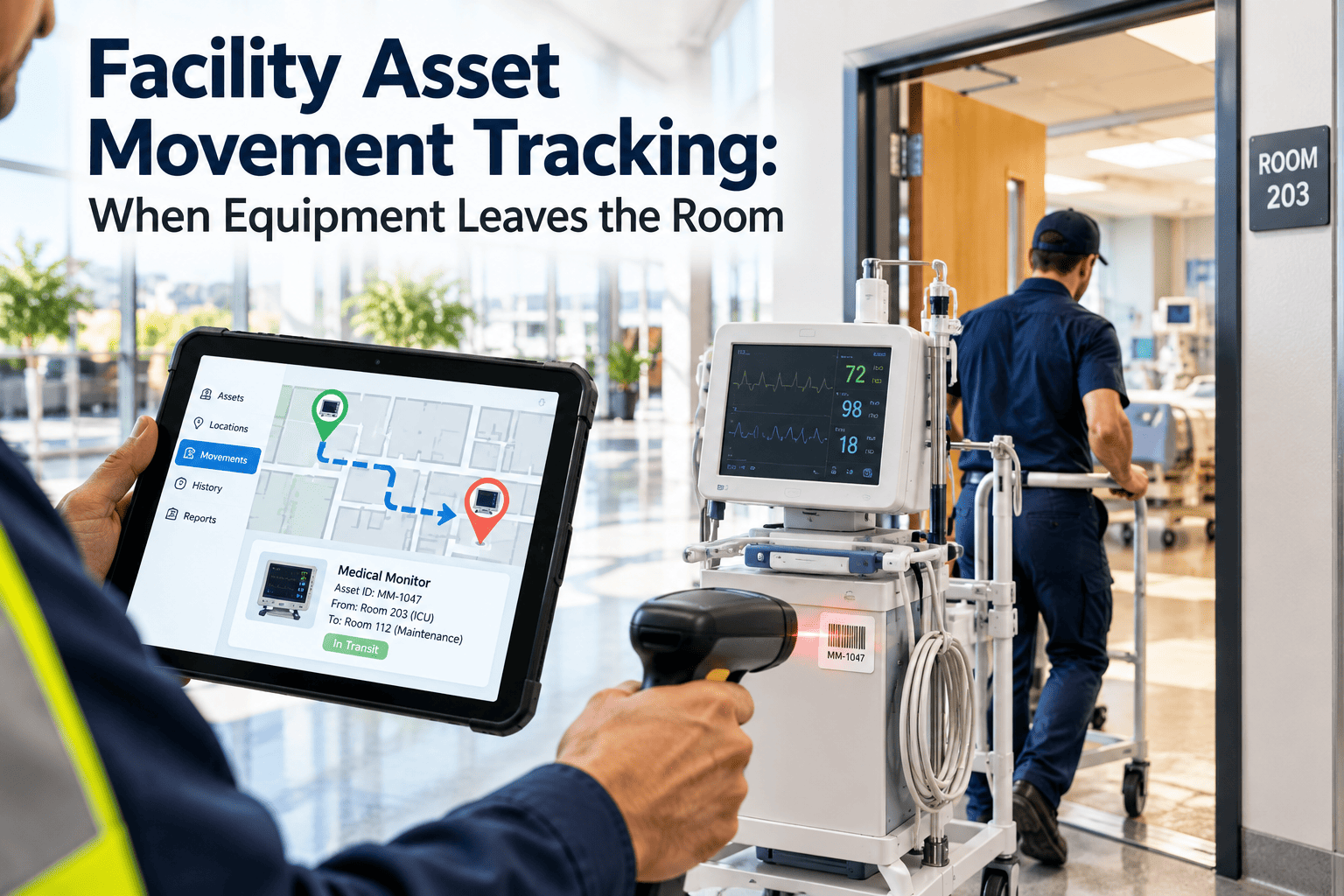
A portable pump leaves the storeroom for a flood response and never comes back. A calibrated meter rides around in a contractor's van for three weeks. A cart is "somewhere on level four." Movable equipment rarely fails the maintenance program because it is poorly built. It fails because nobody knows where it is, who has it, or when it was last inspected. Tracking movement closes that gap, and a CMMS with asset tracking turns every scan and sighting into a maintenance record.
Facility Asset Movement Tracking: When Equipment Leaves the Room
Pumps, tools, carts, test instruments, and rental units drift away from their assigned homes. Combine barcode, RFID, and BLE tracking with custody rules so every movable asset has a last known location and a maintenance history.
Asset drift is a chain of small, ordinary decisions
Nobody sets out to lose equipment. Drift happens one informal loan at a time, and each step makes the next one harder to undo.
What it costs
- Search time every time a technician needs the asset
- Duplicate purchases because the existing unit cannot be found
- Missed calibration and inspection dates on items nobody can locate
- Rental units kept past their term or lost at the end of a project
- Weak audit trails when a safety-critical tool is used without a current check
Which movable assets deserve tracking first
Not every item justifies a tag. Rank movable assets by how much they cost to lose and how much compliance depends on them.
| Asset group | Why movement matters | Maintenance link |
|---|---|---|
| Portable pumps and dehumidifiers | Shared across emergencies and projects | Run-hour based service, hose and seal checks |
| Test and measurement instruments | High value and easy to pocket | Calibration due dates, usage logs |
| Ladders, lifts, and fall protection | Safety-critical and regulated | Periodic inspection records, tag-out on failure |
| Generators and temporary power | Moves between sites and events | Load tests, fuel, and fluid checks |
| Carts, trolleys, and mobile equipment | Constantly relocated by many users | Wheel, brake, and structural inspection |
| Hand and power tools | Checked out per job or per technician | Electrical safety checks, custody records |
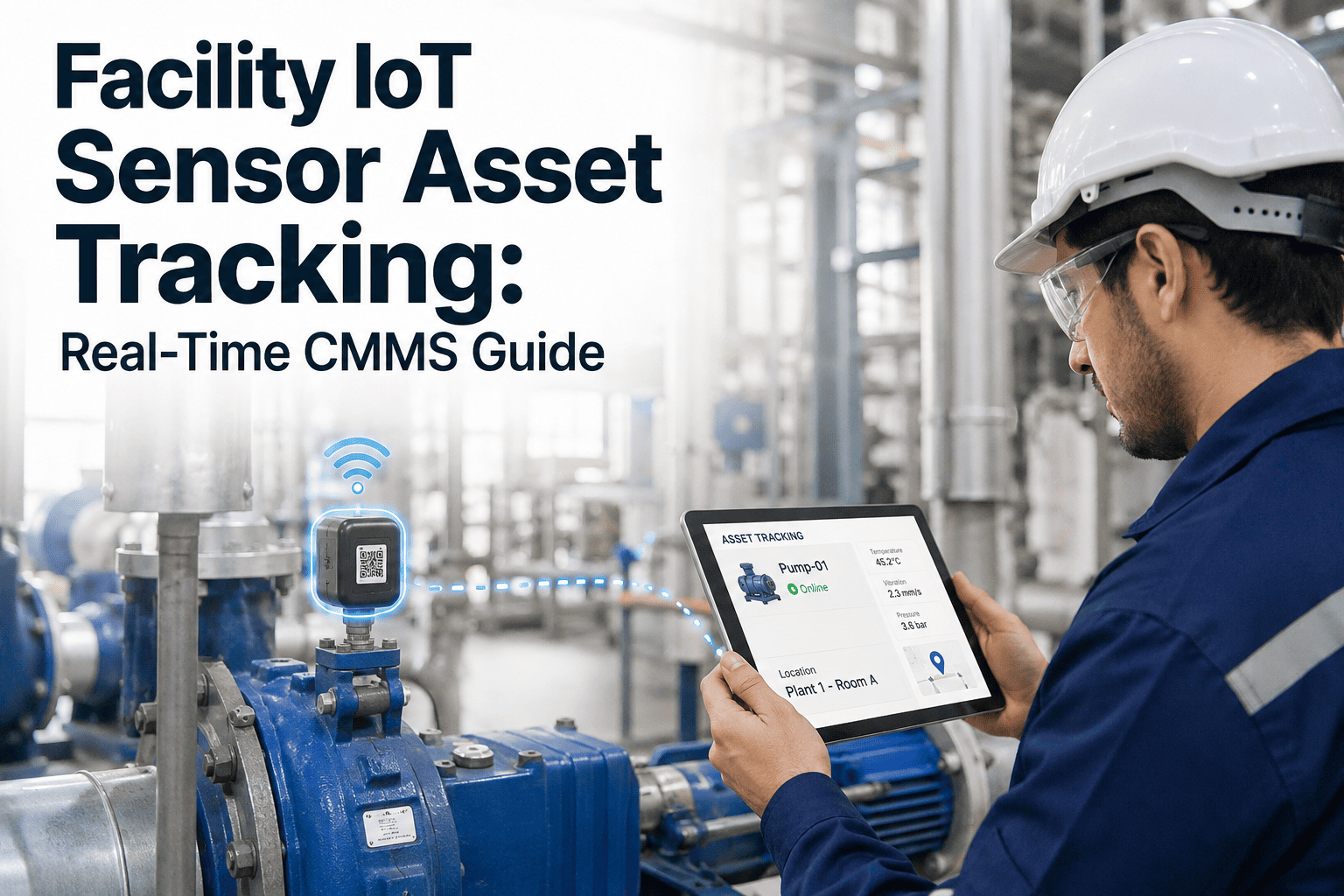
Barcode, RFID, BLE, and UWB: matching technology to the question
AIM, the global trade association for automatic identification, describes real-time location systems as a family of technologies, each with different accuracy and infrastructure demands.
| Technology | How location is known | Infrastructure | Good fit |
|---|---|---|---|
| Barcode or QR label | Person scans at check-out and return | None beyond a phone | Tools and low-cost items with disciplined custody |
| Passive UHF RFID | Read when passing a portal or handheld reader | Fixed readers at doors, or handhelds | Storeroom and dock control, bulk audits |
| Active RFID | Tag transmits to nearby readers | Readers across the area | High-value items needing regular sightings |
| BLE tags | Gateways or phones detect tag signals | Gateways, or crowd-sourced phone detection | Room or zone level visibility |
| UWB | Precise timing between tags and anchors | Dedicated anchors, careful survey | Fine-grained location in critical areas |
Choose by decision, not by technology
If the question is "is it checked out or home," a QR scan may be enough. If it is "which floor is it on right now," zone-level BLE is usually the practical answer.
Decide how precisely you need to know
Each step down in precision adds cost and complexity. Most facilities need zone or room level for movable assets.
Know where every movable asset is before the next emergency
Set up asset records, custody rules, and scan-based check-out in one workspace.
Six custody states give every movement a meaning
Location alone does not tell you whether an asset is available. Pair it with a status so a technician can trust what the screen says.
Available
At its home location and ready for use.Checked out
Assigned to a named person, job, or work order.In use
Working at a recorded location and accruing hours.In transit
Moving between sites or waiting at the dock.Quarantined
Failed inspection or overdue calibration, so it cannot be issued.Missing
Not seen or returned within the allowed window.A simple check-out routine
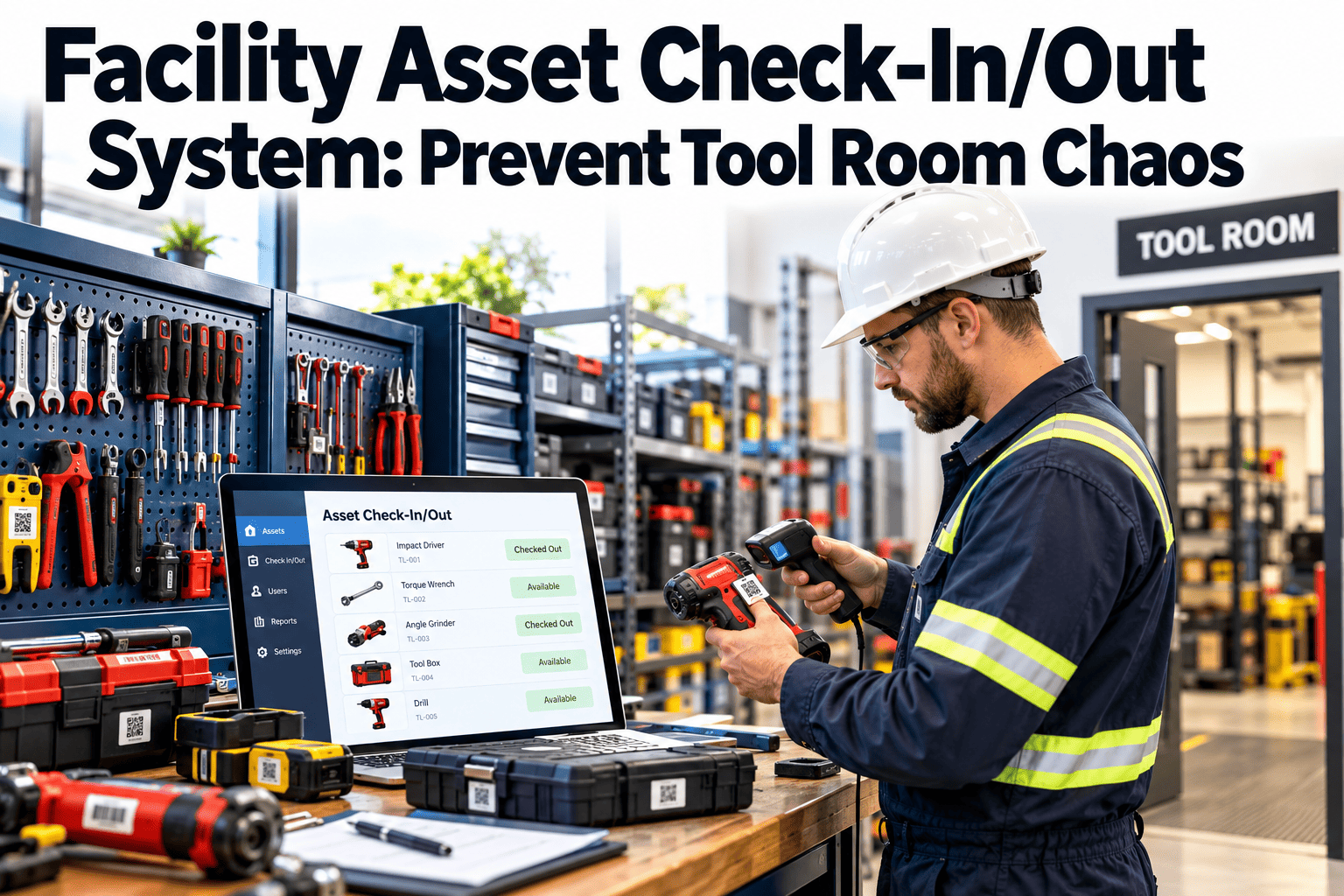
- Technician scans the asset tag on a phone.
- The system checks calibration, inspection, and quarantine status.
- If clear, the asset is assigned to the person and the job.
- On return, a scan records the location and prompts a quick condition check.
- Damage or defects create a corrective work order automatically.
Turn movement into useful alerts, not noise
Alerts should prompt a decision. Start with a short list and tune it with the crews who receive them.
| Event | Trigger | Who is notified | System action |
|---|---|---|---|
| Overdue return | Checked out past the agreed window | Borrower and supervisor | Reminder, then escalation |
| Left permitted area | Seen outside its assigned building or zone | Asset owner | Log movement and ask for confirmation |
| Exit without check-out | Read at a dock or gate portal | Storeroom lead | Flag for review |
| Calibration or inspection due | Date or usage threshold reached | Assigned technician | Create work order, block issue |
| Not seen | No sighting within the set period | Asset owner | Mark Missing, start search task |
What changes when movement data feeds the CMMS
Tracking pays off when location and custody drive the work, not just the map.
Without movement data
- PM runs on the calendar even if the asset sat idle
- Calibration lapses unnoticed on instruments in the field
- Searching for equipment is part of every job
- Loss is discovered at year-end counts
With movement data
- PM can follow actual hours of use and handling
- Due dates block issue until the asset is compliant
- A search shows last known zone and holder
- Exceptions surface within days, not months
Three phases that keep the program manageable
Prove value on a small, painful group of assets before expanding.
Pilot the problem assets
Tag the items that go missing most often. Use QR scanning and a clear check-out rule. Measure search time and loss.Add passive sightings
Place RFID or BLE readers at the storeroom, dock, and key corridors so movement is recorded without extra effort.Connect maintenance
Link custody to calibration, inspection, and usage-based PM so tracking directly shapes the work plan.Deployment issues that catch teams out
Most failures are physical and procedural, not software problems.
- Metal surfaces can degrade tag reads, so test tags on real equipment before buying in bulk
- Battery-powered tags need a replacement schedule tracked like any other maintenance task
- Surveying coverage first prevents dead zones in plant rooms and stairwells
- Clinical or sensitive areas may restrict radio devices, so confirm with site policy
- Tag placement should survive cleaning, washdown, and heavy handling
- Staff tracking is a different matter from asset tracking, so keep records tied to assets and custody
- Decide who owns tag stock, reader upkeep, and exception review
Indicators that show whether tracking is working
Compare each indicator with your own pre-project baseline, not with an outside benchmark.
Asset movement tracking questions
Do I need RFID or BLE, or is QR enough?
QR works where people scan reliably. Add RFID or BLE where assets move without anyone remembering to scan.How accurate is BLE asset location?
Typically room or zone level, depending on gateway density and the building. Test in your own spaces during a pilot.Can movement trigger maintenance work orders?
Yes. Return scans, overdue dates, and failed checks can create tasks. See how in a short demo.Which assets should I tag first?
Start with high-value, safety-critical, or frequently missing items. You can sign up and import a list today.What if people forget to check items out?
Add passive readers at exits and storerooms so unscanned movement is flagged for review.Write down who may move what, and for how long
Technology records movement, but policy decides what counts as acceptable movement. Keep the rules short enough that people actually follow them.
| Rule | What it settles | Example wording |
|---|---|---|
| Home location | Where the asset belongs when idle | Every movable asset has an assigned storeroom or bay |
| Permitted areas | Where the asset may travel without approval | Portable pumps may work anywhere on site, but not leave the site |
| Loan window | How long it may be out | Instruments return at the end of each shift unless extended |
| Hand-over | How custody passes between people | The receiving person scans the tag before the first person leaves |
| Contractor use | Rules for outside parties | Issued against a named job and checked in before final sign-off |
Choose and place tags so they survive real use
Many tracking projects stall because tags fall off, fail to read, or get painted over. Treat tag selection as an engineering decision.
- Pick labels or tags rated for heat, moisture, and cleaning chemicals present on site
- Use tags designed for metal surfaces where equipment housings are steel
- Place the tag where it is visible and scannable without moving the asset
- Add a second identifier, such as a printed ID, in case the tag fails
- Avoid covering nameplates, warning labels, or ventilation openings
- Log tag replacement as a task so failed tags are caught during audits
Three scenarios where movement data changes the outcome
These are illustrative situations, not case studies. Each shows how a custody record turns a vague problem into a specific action.
Emergency water response
Several pumps leave storage within hours. With scans and zone sightings, the supervisor sees which are deployed, where, and which still need a post-use inspection before returning to stock.Contractor project
A contractor borrows lifts and meters for a refit. Custody is tied to the job, so overdue items and calibration expiry are visible before project close-out.Seasonal equipment
Heaters and dehumidifiers rotate between buildings each season. Location history shows where they ran and how many hours they accrued before service.Events that should open or update maintenance work
Movement data is most useful when it creates the right task at the right time.
Return with a defect
The returning user flags damage, and a corrective work order is created and linked to the asset.Usage threshold reached
Accumulated hours or check-outs trigger the next service task.Calibration due
The asset is quarantined and a calibration task is raised with the supplier.Relocation to new area
A site-specific inspection, such as an electrical check, is prompted before use.Long idle period
Equipment unused beyond a set period gets a pre-use check before issue.Marked missing
A search task is created, and replacement is held until the search closes.Maintain the tracking data as carefully as the assets
A tracking system that is not maintained slowly loses credibility. Build the upkeep into routine work.
- Run a cycle count of selected storerooms and zones on a regular schedule and compare against records
- Review the not-seen list monthly and resolve each item as found, retired, or lost
- Retire records for sold, scrapped, or returned rental equipment so they do not clutter search results
- Check reader and gateway health as part of normal preventive maintenance rounds
- Replace tag batteries before they fail, using a tracked schedule
- Keep a short guide for new staff covering scan steps, return rules, and who to call
A note on privacy
Asset tracking should record where equipment is and who is accountable for it, not monitor individuals. Tell staff what is recorded, why, and how long it is kept.
Why movement tracking projects lose momentum
Most disappointments come from process gaps rather than from the tags and readers.
Warning signs
- Tracking everything at once with no priority list
- No named owner for exceptions and missing items
- Check-out steps that take longer than the task itself
- Alerts sent to a shared inbox nobody watches
What keeps it working
- A tight first scope with a visible win
- One accountable person per storeroom or zone
- Check-out that takes a few seconds on a phone
- Alerts routed to a specific role with a standard response
Questions to settle with vendors and your own team
A short checklist prevents expensive surprises once tags and readers are installed.
- What location accuracy is realistic in our plant rooms, stairwells, and basements
- How long tag batteries last under our reporting settings, and how replacement is handled
- Whether the system can write movement events back to our CMMS records automatically
- What happens to data when a reader or gateway goes offline
Stop searching for equipment and start maintaining it
Give every movable asset a location, a custodian, and a maintenance record your team can trust.

.jpeg)