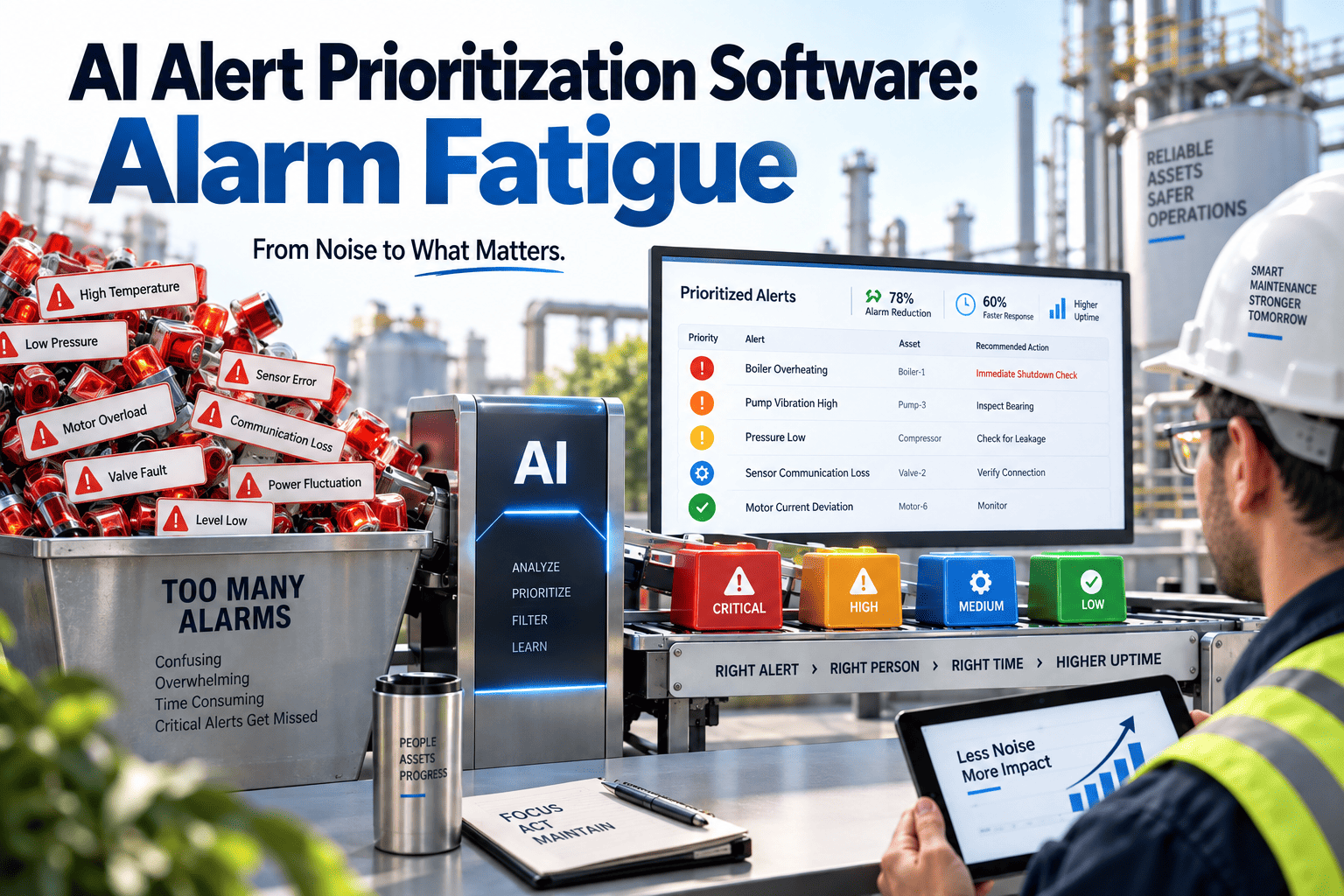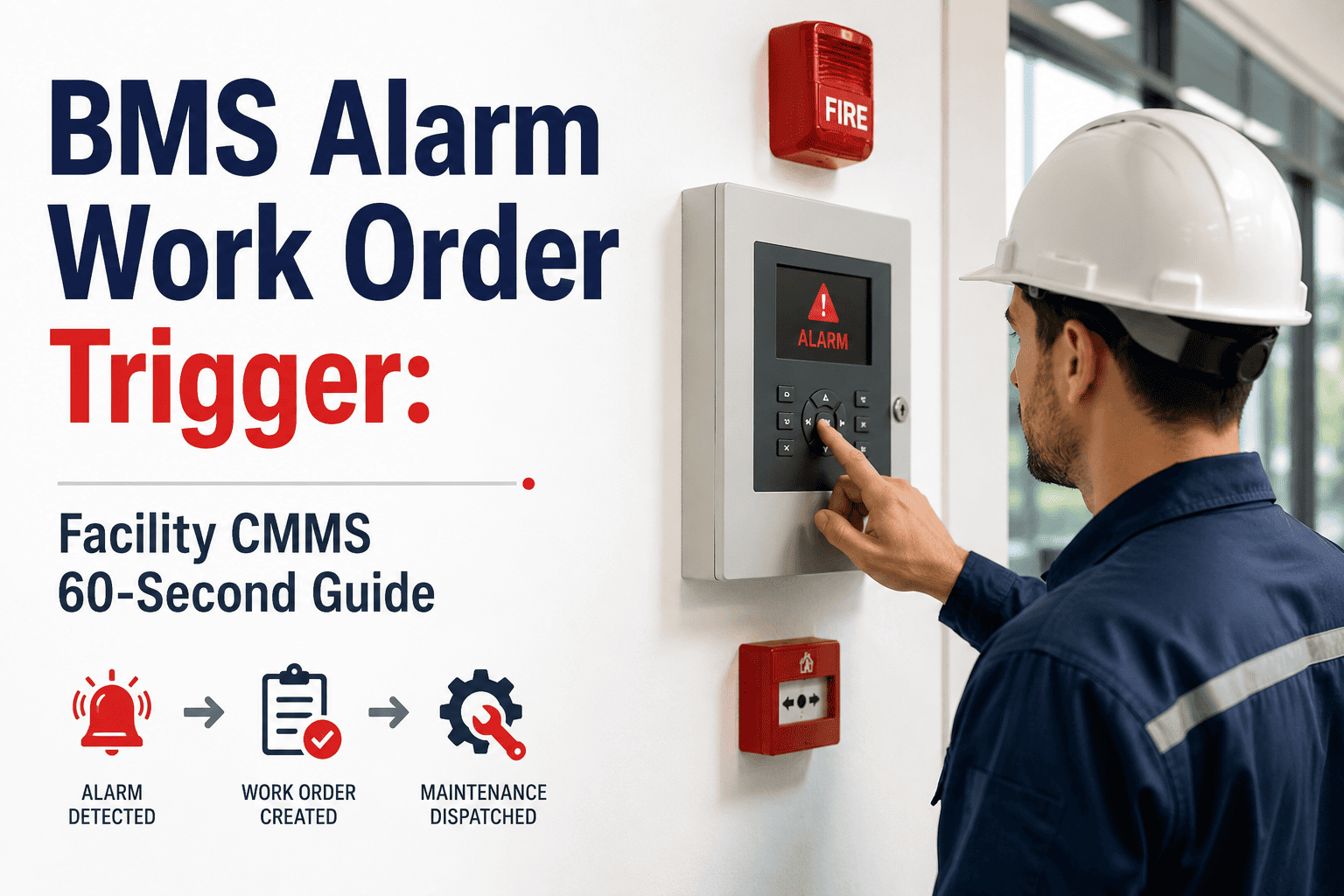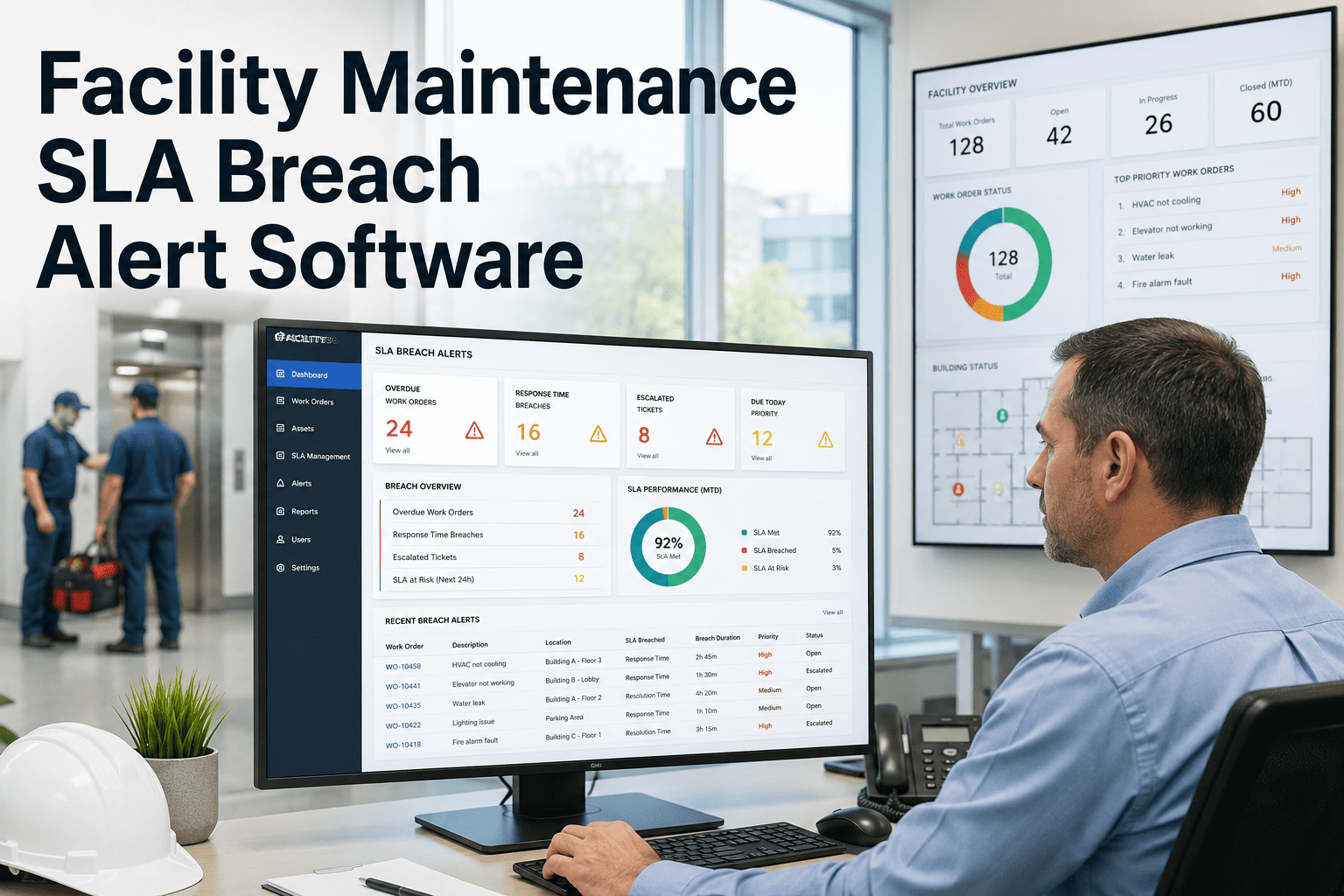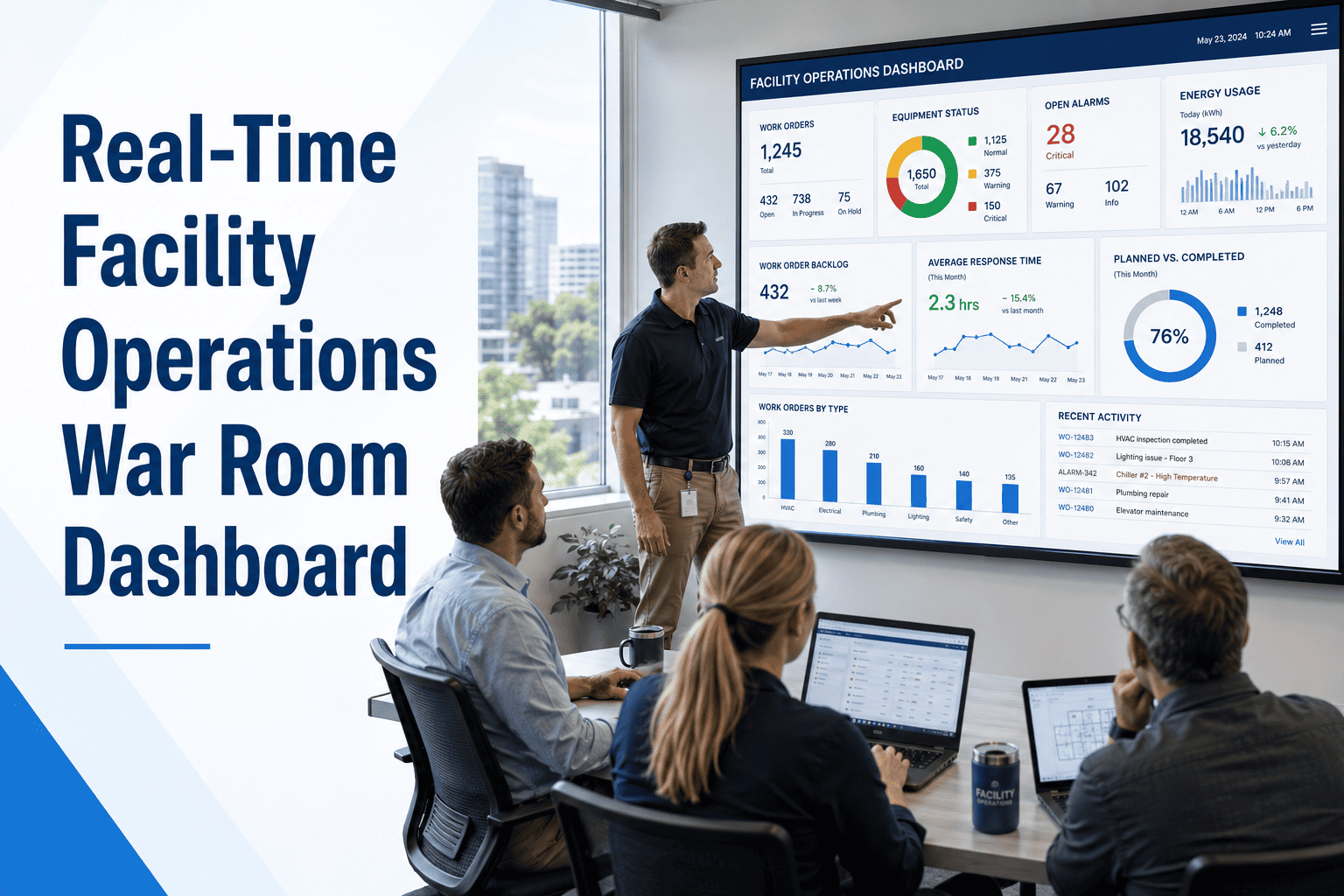
Every facilities team has lived through both alert failures. In one, a dashboard fires hundreds of notifications a day and technicians learn to ignore all of them. In the other, a failing chiller or a leak under a server room generates nothing until a tenant calls. The fix is not more alerts or fewer alerts, but deliberate design of what deserves attention, who sees it and when it escalates. This guide sets out a practical model for FM alert design, covering thresholds, deduplication and escalation, and shows how a CMMS with automated work order triggers can act on the right signals.
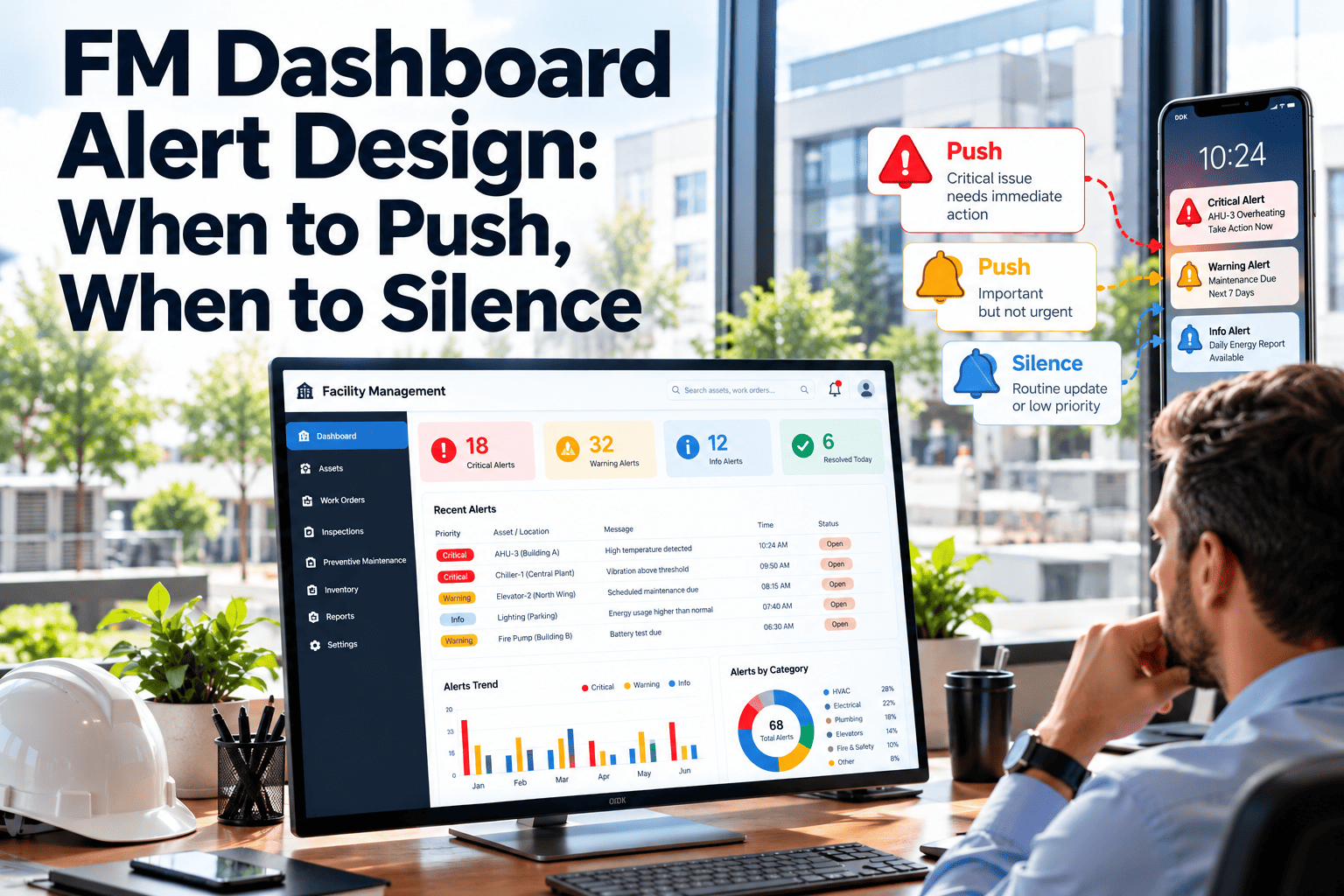
FM Dashboard Alert Design: When to Push, When to Silence
An alert is a request for someone's attention. Spend it only where a person can act, and spend it once. Oxmaint turns qualified signals into assigned work orders, so alerts lead to action instead of inbox clutter.
Two Ways Alerting Goes Wrong
Poor alerting looks like opposite problems, but both come from the same cause: nobody decided what an alert is for.
- Notifications arrive faster than anyone can read them
- Staff mute channels or filter messages to a folder
- Genuine emergencies sit among routine noise
- Trust in the dashboard falls and people revert to calls
- Technicians burn out on after-hours pings
- Faults are found by tenants, not by the team
- Thresholds are set so loose that nothing ever trips
- Overdue work is visible only to those who check
- Escalation depends on someone remembering to call
- Post-incident reviews show data existed but nobody saw it
The Anatomy of a Good Alert
A useful alert answers six questions in a single glance. If any is missing, the recipient has to go hunting, and response slows down.
Severity Tiers: Decide What Earns a Push
Four tiers are usually enough. Each tier has a channel and a response expectation, so the sound a phone makes tells the recipient how urgent the situation is.
Make Every Alert Lead to a Tracked Action
Qualify signals, assign owners and escalate automatically with Oxmaint work orders, so the right person responds and nothing is left unowned.
Threshold Design: Five Methods and When to Use Them
Most false alarms come from one lazy method: a single fixed limit applied to everything. Choose the method that fits how the signal actually behaves.
| Method | How it works | Best for | Watch out for |
|---|---|---|---|
| Static limit | Alert when a value crosses a fixed number | Safety limits, regulatory temperatures, tank levels | Noise when the value hovers near the limit |
| Duration filter | Alert only if the condition lasts longer than a set period | Door open, temperature excursions, pressure dips | Delay too long for fast-moving faults |
| Hysteresis | Different values to trigger and to clear | Signals that oscillate around a setpoint | Clear value set too close to the trigger |
| Rate of change | Alert on how fast a value moves | Leaks, temperature runaway, rapid pressure loss | Sensor spikes and bad data |
| Baseline comparison | Compare with the normal pattern for that hour or season | Energy use, runtime, equipment drift | Needs clean history and review after changes |
Deduplication and Suppression: Say It Once
One failed chiller can generate dozens of related faults. Group them so the responder sees one problem, not a flood.
Escalation: What Happens When Nobody Responds
Escalation is a promise that a missed alert does not disappear. Set the windows from your service levels, and test them regularly. The times below are examples to adapt.
Routing Matrix: Who Gets What
Routing rules should be written down and reviewed, not left in individual notification settings.
| Alert type | Primary recipient | Backup | Channel |
|---|---|---|---|
| Fire or life safety fault | On-call technician and security | Facility manager | Phone call and push with sound |
| Refrigeration or cold room excursion | On-call technician | Operations lead | Push with sound and text message |
| HVAC fault in occupied area | Assigned technician | Supervisor | Push notification |
| Water leak sensor | On-call technician | Facility manager | Push with sound |
| Preventive maintenance overdue | Task owner | Supervisor | In-app notice and daily digest |
| Service level breach risk | Vendor supervisor | Contract manager | Push notification and email |
| Trend warning | Assigned technician | None | Silent in-app notice |
FM Alert Examples by System
Use these as starting patterns. Thresholds depend on equipment, climate and your own service standards.
When to Stay Silent
Silence is a design decision. Keep a written list of conditions that should never push to a phone.
- Information that needs no action, such as routine status changes
- Expected alarms during planned shutdowns or commissioning
- Duplicate alerts for a condition already acknowledged and being worked
- Low-confidence signals from sensors with known faults, until repaired
- Trends that can wait for the next scheduled round
- Out-of-hours alerts for work that can safely start next morning
Move these to dashboards, digests or reports where they can be reviewed in context without interrupting anyone.
Alert Health Metrics: Is the System Working?
Alerts are a process, and processes need measures. Review these monthly alongside normal maintenance KPIs.
| Metric | What it tells you | Action if poor |
|---|---|---|
| Alerts per person per shift | Whether volume is manageable | Tighten thresholds, group and move lower tiers to digest |
| Time to acknowledge | Whether recipients trust and see alerts | Review routing, channel and escalation windows |
| False positive share | Quality of thresholds and sensors | Add duration, hysteresis or baseline logic |
| Alerts without action | Alerts that needed no response | Downgrade or remove the rule |
| Missed events found by people | Gaps in coverage | Add rules and review sensor placement |
| Open alerts older than target | Ownership and follow-through | Check assignment and workload |
The Monthly Tuning Loop
Alert rules decay as equipment, occupancy and seasons change. A short, regular review keeps them honest.
Dashboard or Notification: Choosing the Right Surface
Not every signal belongs in a push message. Match the surface to how quickly someone needs to act.
| Surface | Use it for | Reader behaviour | Example |
|---|---|---|---|
| Phone push or call | Immediate action needed | Interrupts whatever the person is doing | Critical temperature excursion in a cold room |
| In-app notice | Action needed during the shift | Seen at the next natural pause | New urgent work order assigned |
| Daily digest | Awareness and prioritisation | Read once, at the start of the day | Overdue tasks and warnings by building |
| Dashboard tile | Status and trend | Checked in reviews and walk-arounds | Backlog age and response time |
| Monthly report | Patterns and decisions | Read in management meetings | Repeat alerts by asset and vendor |
Before and After: One Facility's Alert Day
The scenario below is illustrative, not a case study. It shows how redesign changes a typical morning for a facility team.
- Overnight inbox holds a long list of unread messages
- One failed pump produces many related alerts
- Technicians cannot tell which message matters
- A leak warning is noticed after the area is wet
- Nobody knows who was meant to respond
- Morning digest lists overnight events by priority
- One grouped alert names the pump and affected systems
- Critical items arrive with sound and a clear owner
- Rate-of-change rule flags the leak early
- Acknowledgement and escalation are visible on the record
Alerts and Vendor Service Levels
When maintenance is outsourced, alerts also define who must respond and how fast. Build this into the contract rather than leaving it to goodwill.
- Link each alert tier to a response and resolution target in the service level schedule.
- Require vendor staff to acknowledge in the shared system, not by phone call alone, so response time is measurable.
- Agree an after-hours roster and test it with a scheduled drill at least twice a year.
- Pause the SLA clock only through recorded reasons, such as access denied or parts on order.
- Review repeat alerts by asset with the vendor each month as part of performance discussions.
Shared rules and a shared record prevent most disputes about whether an alert was received.
Alert Design Checklist
Run every new alert rule through these questions before it goes live.
How Oxmaint Supports Alert-to-Action Workflows
Oxmaint is maintenance management software. It handles the work that follows an alert, and ties escalation, ownership and history together.
Frequently Asked Questions
Alert Less, Respond Faster, Miss Nothing Important
Design alerts around action and ownership, then let Oxmaint carry each one from notification to closed work order.