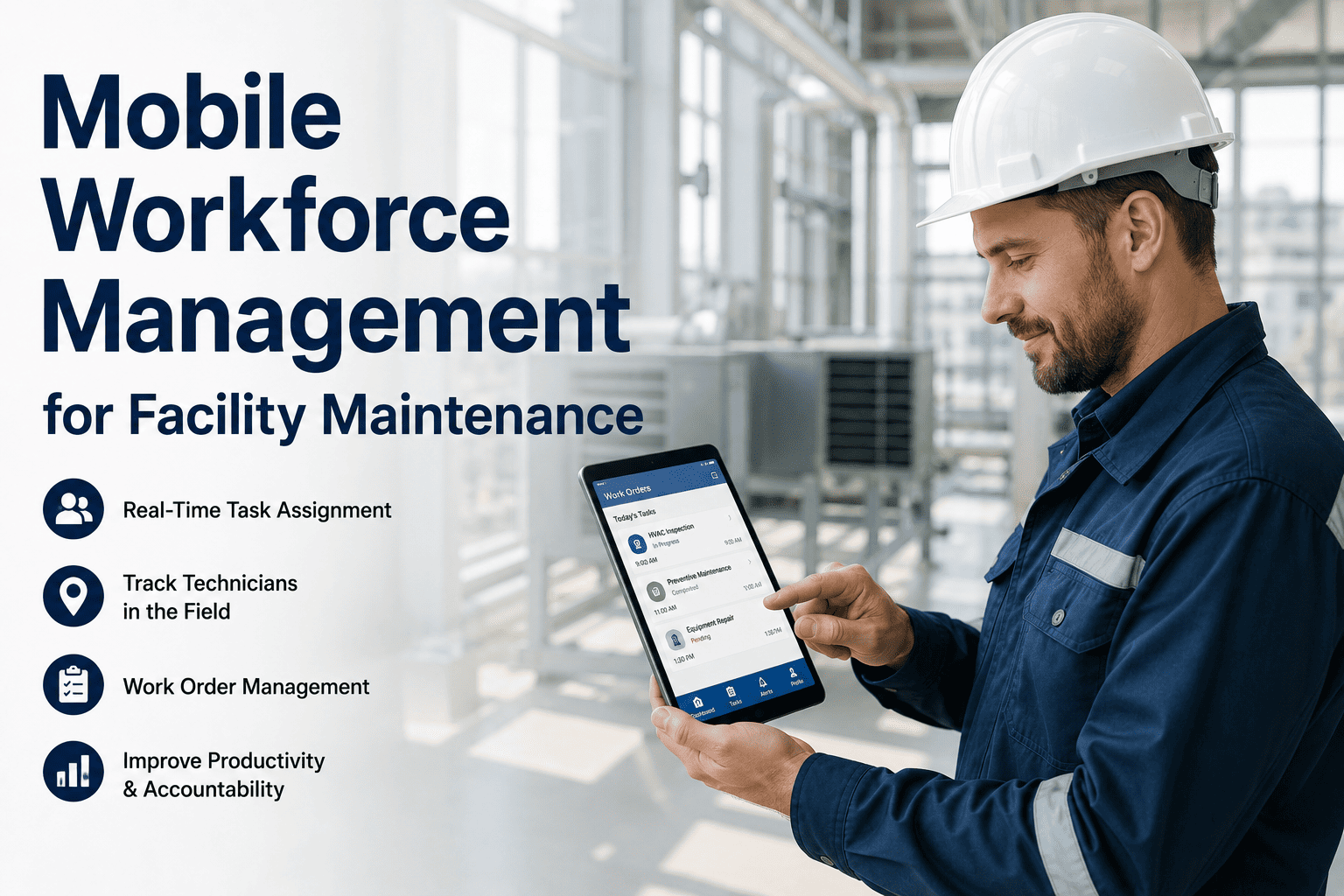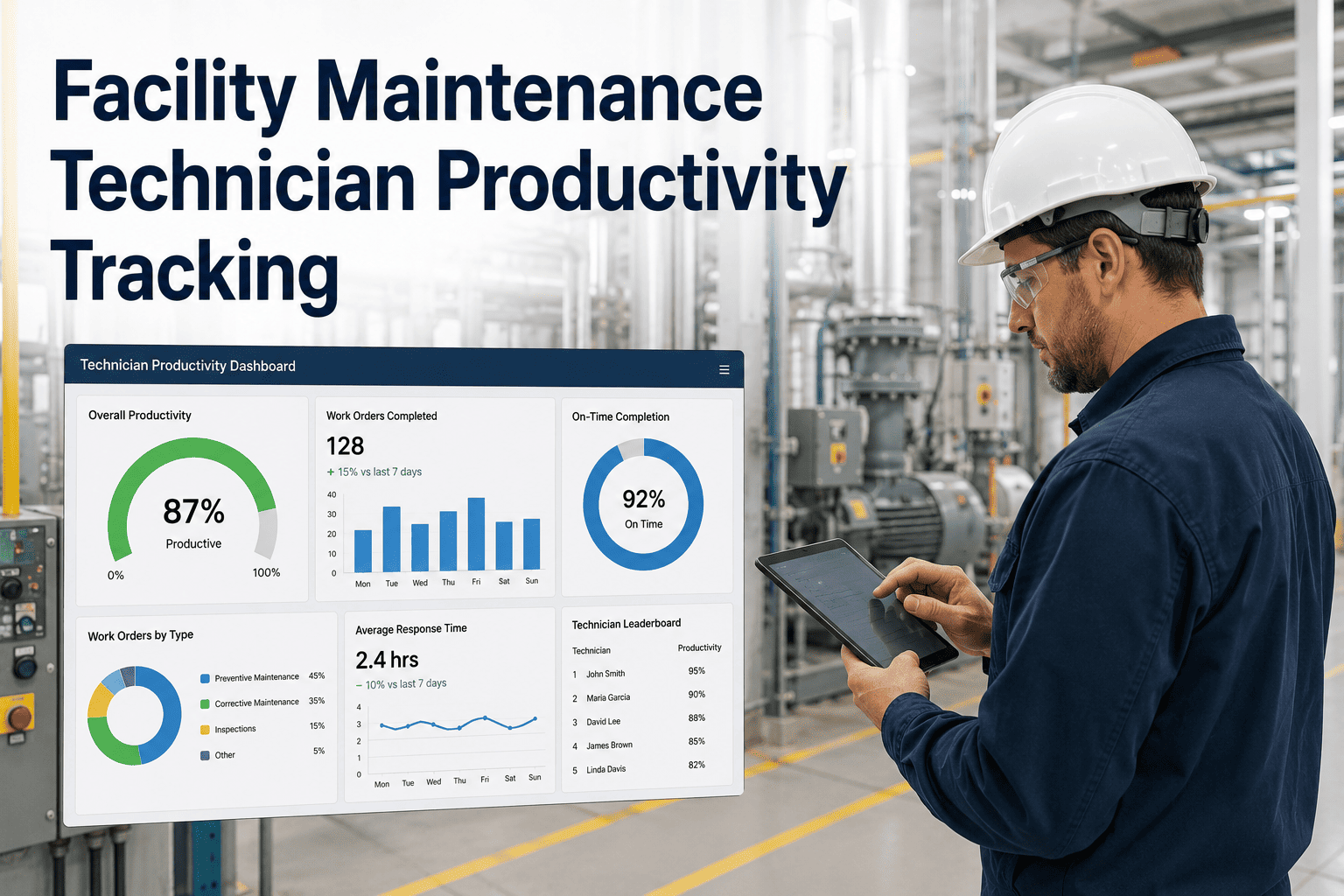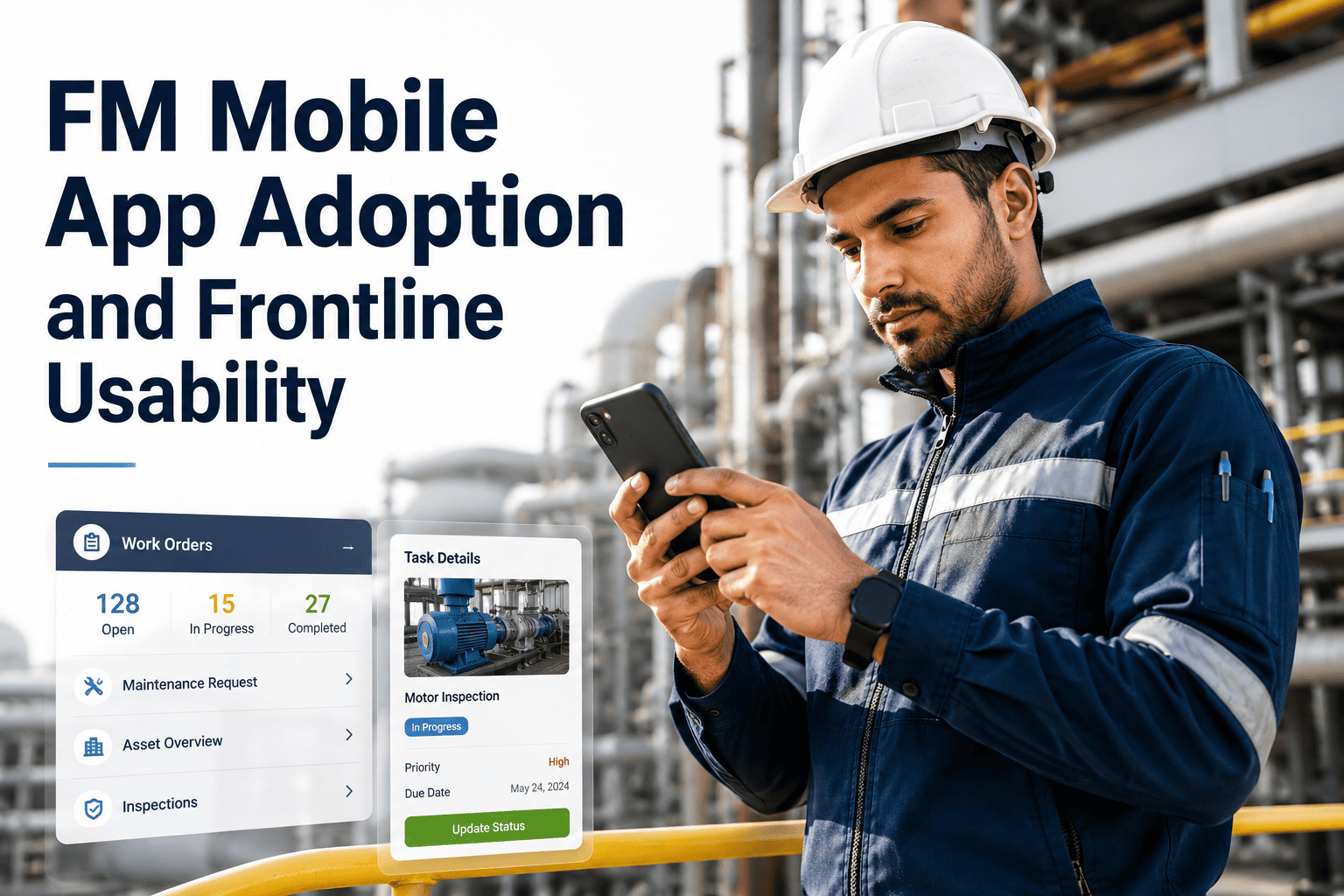
FM mobile app adoption is the single biggest factor that determines whether a facility maintenance technology investment actually delivers value or stays theoretical — if the app is hard to use, technicians go back to paper within weeks. Successful facility mobile app usability means designing for the frontline reality: gloved hands, poor lighting, spotty Wi-Fi, and 10-minute windows between emergencies. This guide breaks down the adoption tactics, usability principles, feedback loops, and rollout strategy that consistently get FM technicians using mobile tools every shift — and shows how OxMaint makes facility mobile enablement feel effortless from day one. Ready to see it on your assets? Start Free Trial or book a 30-minute demo today.
FM MOBILE APP ADOPTION
If the app is hard, technicians go back to paper.
70% of FM technology rollouts stall at the frontline — not because the software lacks features, but because the interface ignores how technicians actually work. OxMaint is built for the field: one-thumb navigation, offline-first sync, and work orders that load in under two seconds. Drive real facility mobile app adoption by designing for reality, not the office.
THE ADOPTION PROBLEM
Why facility mobile technology adoption fails at the frontline
Most CMMS platforms are designed by software engineers for office-based managers — then handed to technicians working in basements, on rooftops, and in mechanical rooms. The result is predictable: 55% of technicians abandon a new FM mobile workforce app within 30 days if it adds friction to their day.
of technicians stop using a new facility mobile app within 30 days when the UX adds more than 3 taps to complete a work order
in legacy CMMS mobile interfaces — OxMaint cuts this to 3 taps or fewer, the threshold below which adoption holds above 80%
a 180-asset facility loses when technicians revert to paper work orders — lost data, re-keying labor, missed PM compliance, and audit gaps
The cost of failed FM mobile tools adoption is not just the software license — it is the unrealized ROI of every preventive maintenance task that slips, every asset failure that could have been caught early, and every audit that turns into a scramble. A facility technician mobile app that sits unused on 40 phones is worse than no app at all, because it creates the illusion of digital transformation while the real work happens on clipboards.
USABILITY PRINCIPLES
What makes an FM technician app usable in the field
FM app usability is not about pretty screens — it is about whether a technician with cold hands in a dim utility room can log a fault, attach a photo, and move to the next task in under 60 seconds. These are the design principles that separate adopted apps from abandoned ones.
One-thumb navigation
Critical actions — accept, complete, flag, photo — live in the bottom third of the screen where a thumb naturally rests. Menus that require two hands or reach-to-top navigation kill adoption on day one.
Offline-first sync
Technicians routinely work in basements, tunnels, and rooftop mechanical rooms with zero signal. The app must cache work orders, asset histories, and spare-parts data locally — then sync the moment connectivity returns.
Photo and voice capture
Typing long descriptions on a phone is friction. A photo of the failed coupling or a 15-second voice note captures more diagnostic detail than a paragraph — and technicians actually do it.
Scannable asset identity
QR code or NFC tap-to-open asset records eliminates manual asset ID entry — the single most common source of bad data in facility maintenance. Scan, see history, log the fix, done.
ROLLOUT TIMELINE
How to roll out an FM mobile app technicians actually use
A phased facility mobile app rollout beats a big-bang launch every time. The facilities that reach 85%+ sustained FM technician app adoption follow a predictable 90-day arc — pilot, refine, scale — with feedback loops baked into each phase.
Pilot with 5–8 champion technicians
Select your most influential technicians — not necessarily the most tech-savvy — and give them the app two weeks before everyone else. Their buy-in and peer credibility matter more than any training deck. Target: champions complete 20+ work orders on mobile and report friction points weekly.
Refine based on frontline feedback
Fix the top 5 friction points champions identified — usually tap-count, slow load times, missing asset data, or confusing status labels. OxMaint configures custom work-order templates and asset views based on this input. Target: champion NPS above 40 before scaling.
Scale to full team with peer-led training
Roll out to the full maintenance team with champion-led, hands-on sessions — not slide decks. Train on real work orders, not sandbox data. Target: 80% of daily work orders completed on mobile by end of month three, with paper fallback eliminated for routine tasks.
ADOPTION VS. ABANDONMENT
Paper-based CMMS vs. a frontline-first mobile app
The difference between a facility mobile enablement strategy that works and one that fails shows up in measurable daily metrics. Here is what changes when technicians adopt a purpose-built FM field app versus sticking with paper and spreadsheets.
| Daily metric | Paper + spreadsheet | Frontline-first mobile app |
|---|---|---|
| Time to close a work order | 15–25 min (write, photo, re-key) | 2–4 min (tap, scan, sync) |
| Work order data completeness | 40–55% (missing fields, illegible) | 92%+ (required fields enforced) |
| PM compliance rate | 60–70% (slips through cracks) | 88–95% (automated reminders) |
| Time from fault reported to dispatched | 2–6 hours (phone tag, paperwork) | 5–15 min (auto-dispatch, mobile alert) |
| Audit-ready documentation | Days of manual compilation | Instant — every action time-stamped |
| Sustained 90-day adoption rate | N/A (paper is default) | 80%+ with proper rollout |
HOW OXMAINT HELPS
How OxMaint drives FM mobile adoption that sticks
OxMaint is engineered for the frontline first and the office second. Every capability maps to a specific adoption barrier that causes technicians to abandon other CMMS apps — and every outcome is measurable within the first 30 days of rollout.
Offline-first mobile work orders
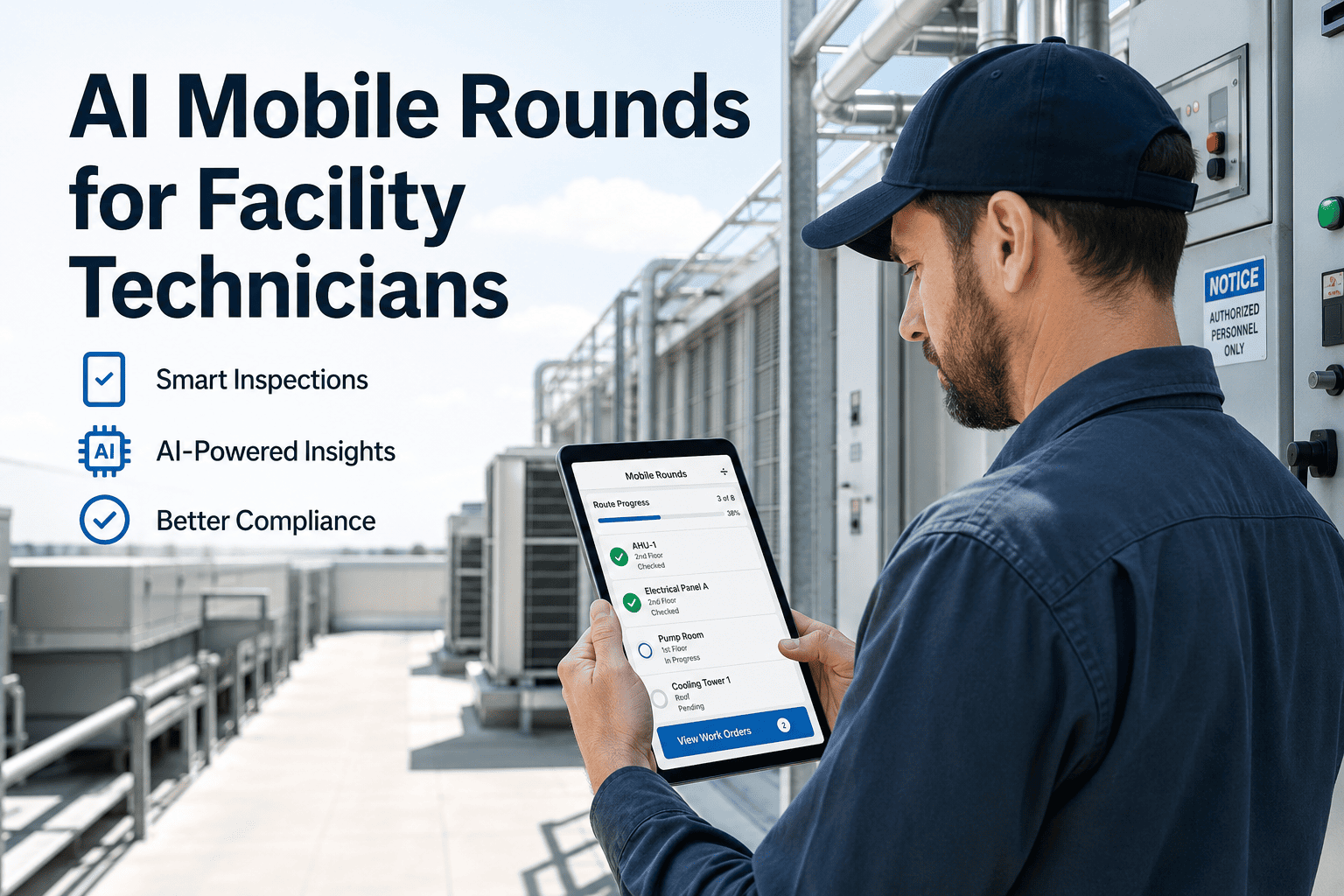
Technicians download their daily route to their phone. They view asset history, complete PM checklists, log faults, attach photos, and close work orders with zero connectivity. Sync fires automatically when signal returns.
QR/NFC scan-to-asset
Every asset gets a QR code or NFC tag. One scan opens the full asset record — maintenance history, spare parts, manuals, warranty status — and starts a new work order pre-linked to that asset. Zero manual typing.
AI-assisted fault descriptions
Technicians snap a photo or dictate a 15-second voice note. OxMaint's AI transcribes, categorizes, and suggests failure codes and spare parts — turning a quick note into a structured, searchable work order.
Manager dashboards that prove ROI
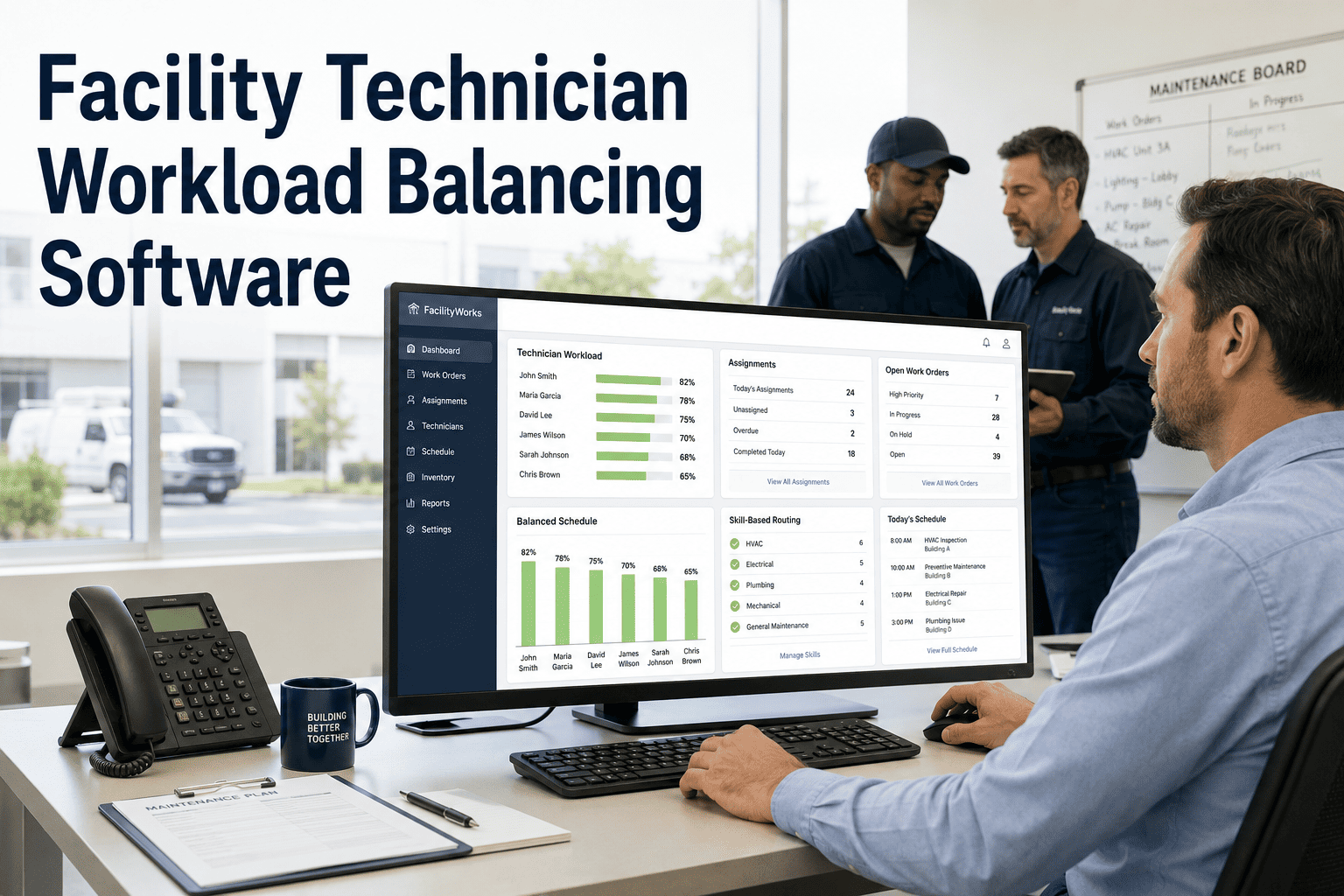
Real-time adoption metrics show who is using the app, which work orders are still on paper, and where friction remains. PM compliance, MTTR, and asset uptime update live — so you can prove the mobile rollout is paying off.
See OxMaint on your assets — book a 30-minute demo
Watch a technician scan a QR code, open a work order, log a fault with a photo, and close it in under 90 seconds — offline. Then see the manager dashboard update in real time. That is what facility mobile adoption looks like when the app is built for the frontline.
FREQUENTLY ASKED QUESTIONS
FM mobile app adoption: what maintenance leaders ask
How do you get facility technicians to actually use a mobile app?
You get FM technician app adoption by designing for the frontline reality — one-thumb navigation, offline sync, QR scan-to-asset, and 3-tap work-order closure — then piloting with 5–8 champion technicians for 2 weeks before scaling. Technicians adopt tools that save them time and abandon tools that add steps. OxMaint is built so that completing a work order on mobile is faster than paper, which is the only sustainable adoption driver. Book a Demo to see the 90-second workflow.
What is the average adoption rate for FM mobile apps?
Industry benchmarks show that 55% of technicians abandon a new facility technician mobile app within 30 days, and only 30% of rollouts reach sustained adoption above 70% at 90 days. Facilities that follow a phased rollout with champion-led training and a frontline-first app like OxMaint routinely hit 80–85% sustained adoption — meaning 8 of 10 work orders are completed on mobile, not paper.
Why do technicians go back to paper after a CMMS rollout?
Technicians revert to paper when the mobile app adds friction: too many taps, slow load times, no offline mode, confusing menus, or required fields that do not match the actual task. Paper feels faster in the moment, even though it destroys data quality and audit trails downstream. OxMaint eliminates every common friction point with offline-first sync, 3-tap work orders, and AI-assisted fault logging.
How long does an FM mobile app rollout take?
A well-executed facility mobile app rollout takes 90 days: month one is a pilot with 5–8 champion technicians, month two is refining based on their feedback, and month three is full-team scale with peer-led training. Facilities that try a big-bang launch — everyone on the same day with no pilot — typically see adoption stall below 50% within 6 weeks.
Does the OxMaint mobile app work without internet?
Yes. OxMaint is offline-first: technicians download their daily work orders, asset histories, and spare-parts data to their phone at the start of a shift. They complete PMs, log faults, attach photos, and close work orders with zero connectivity. All data syncs automatically the moment signal returns — making it ideal for basements, rooftops, tunnels, and remote sites. Start Free Trial to test it in your facility.
Stop paying for software your technicians won't use.
Give your frontline an app designed for how they actually work — offline, one-handed, in under 3 taps. OxMaint drives the FM mobile app adoption other platforms can't, because it is built for the technician first and the dashboard second. Book a demo and watch a work order close in 90 seconds.
Free 14-day trial · No credit card