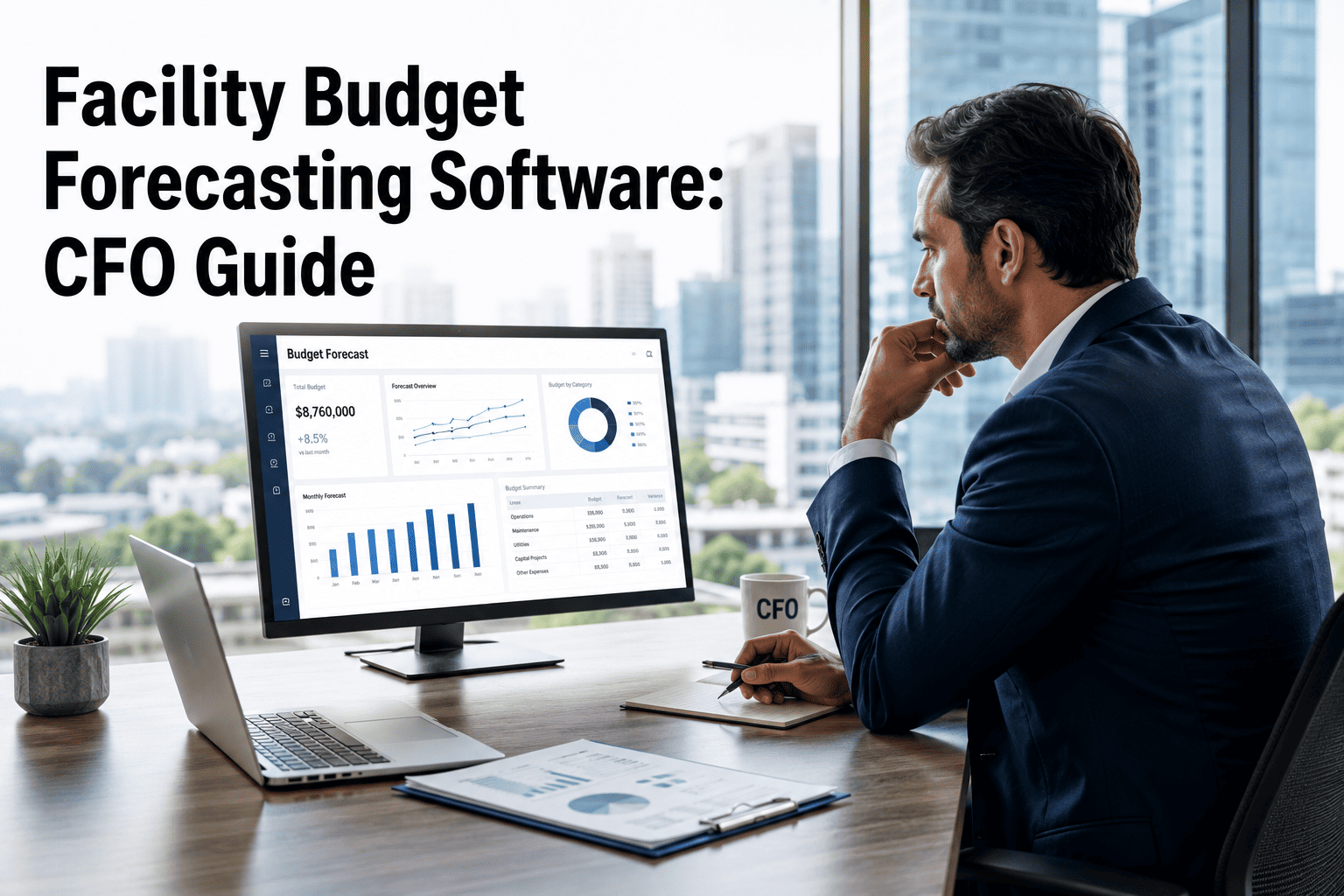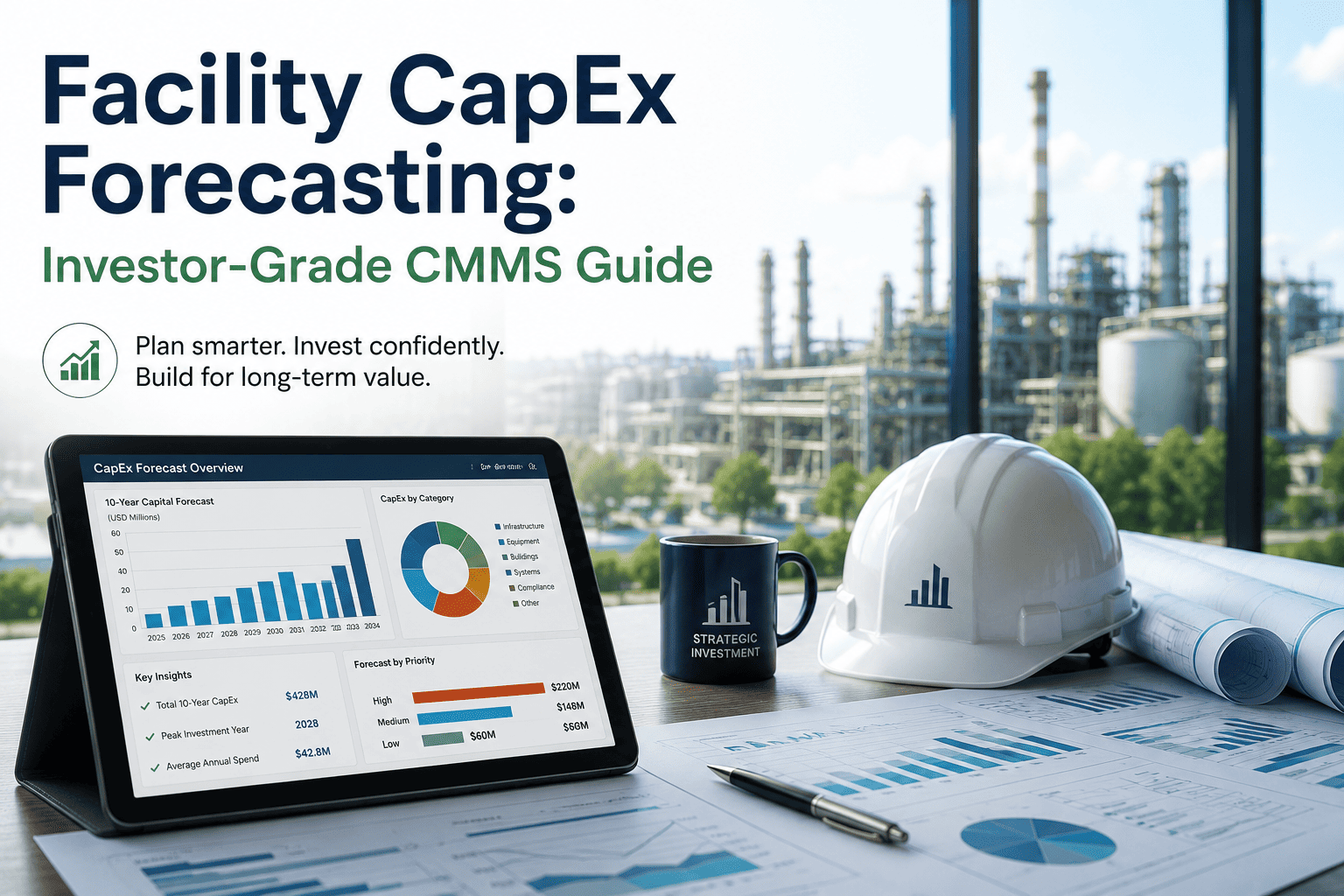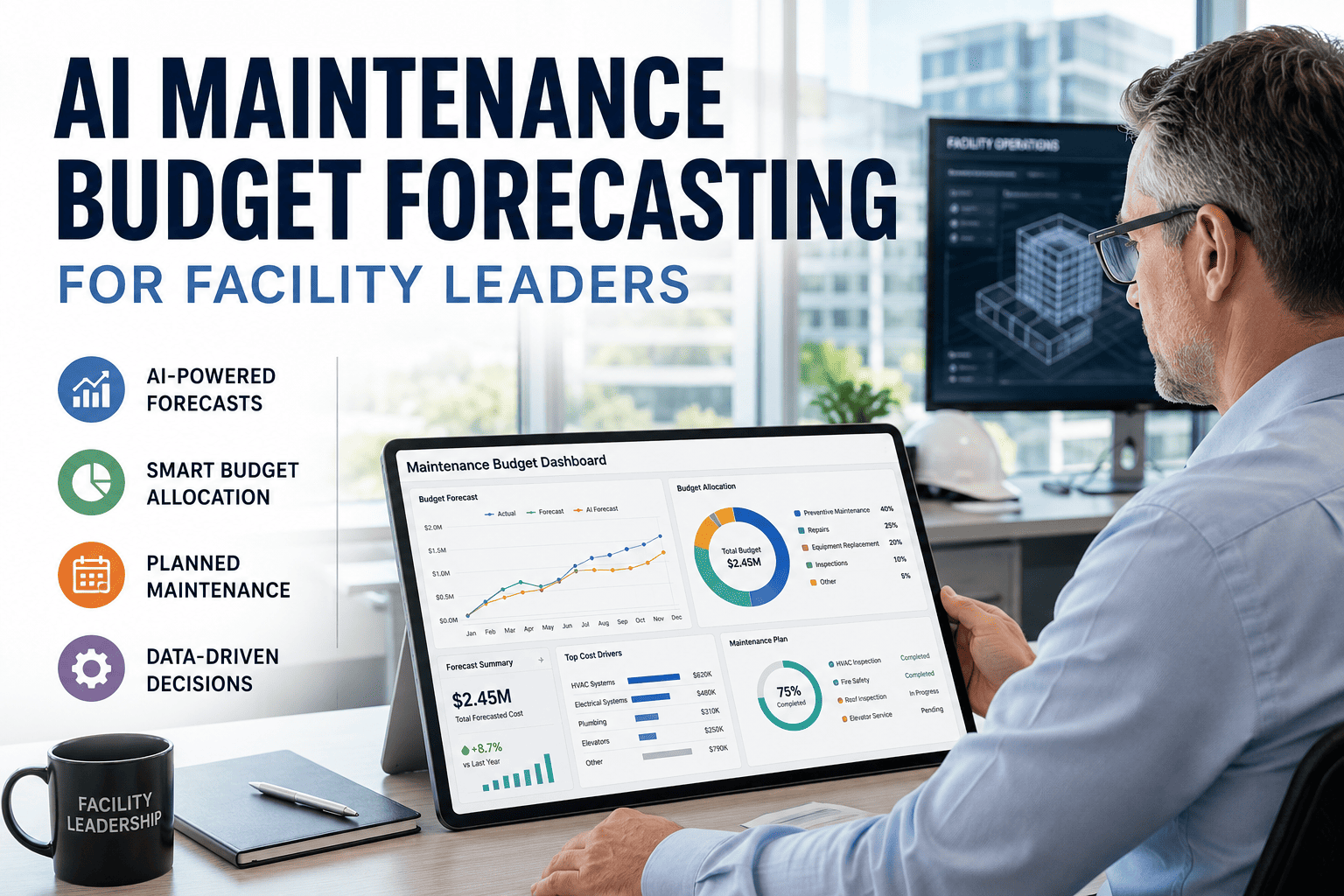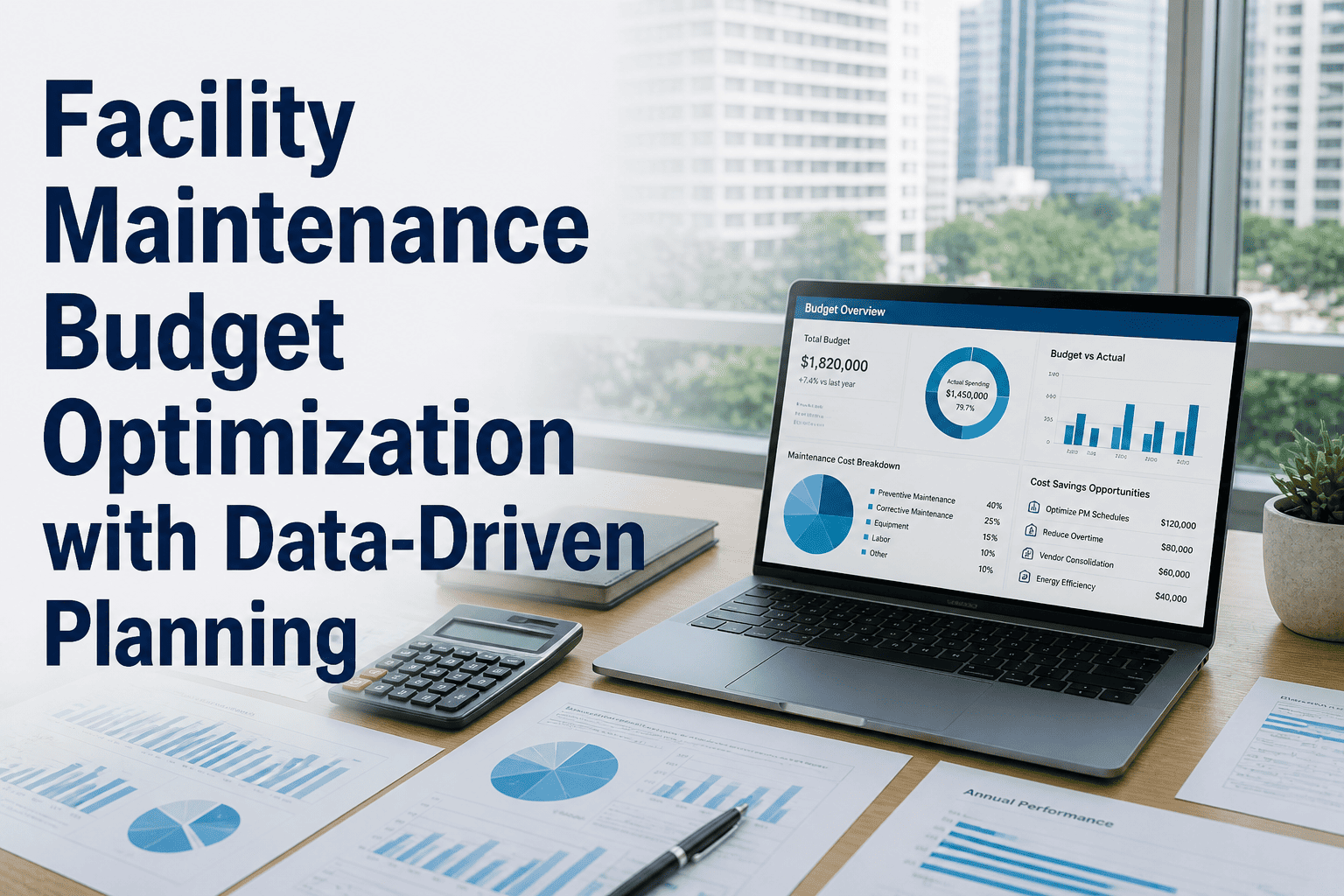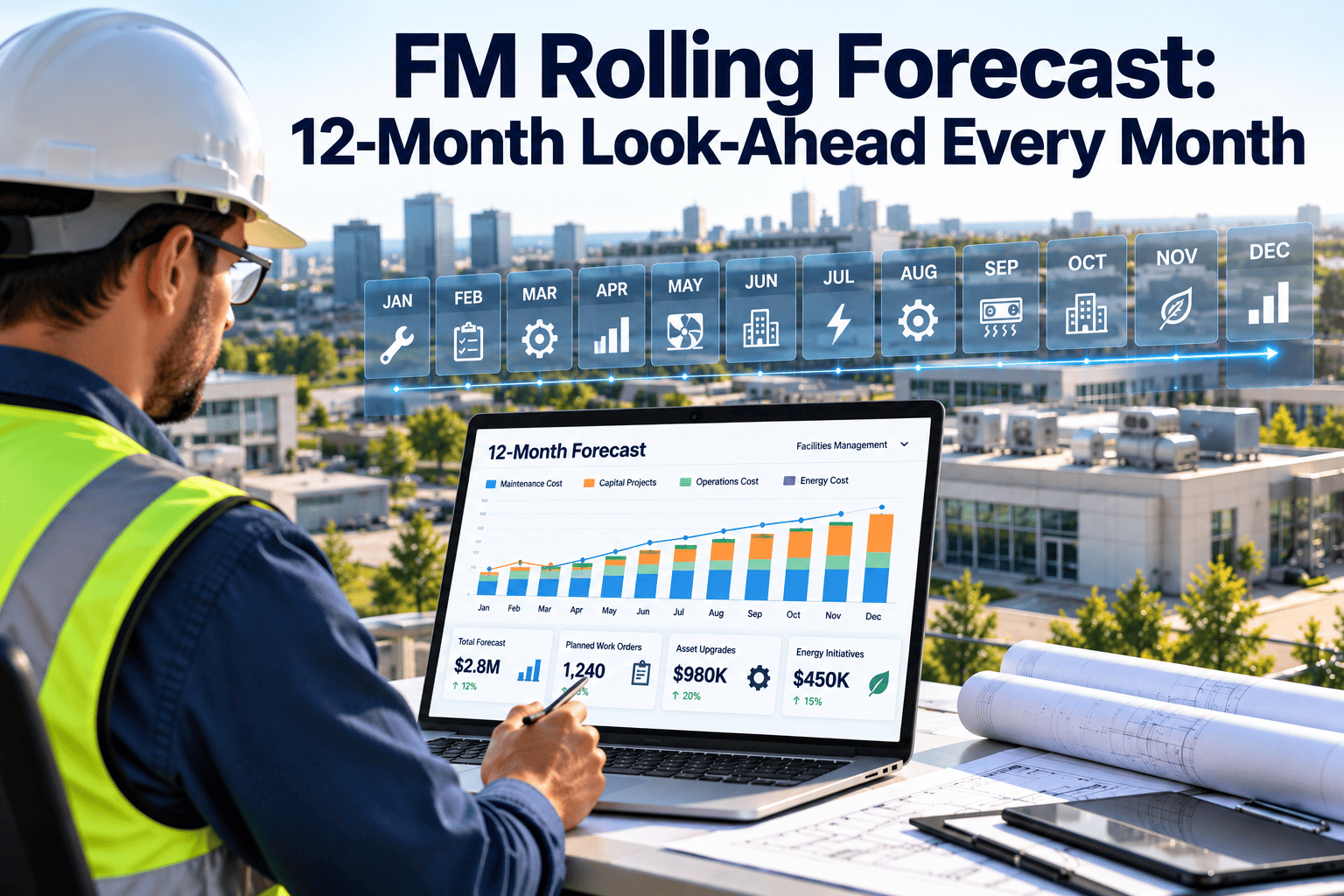
By the autumn of a typical budget year, a facility manager is effectively planning only a couple of months ahead, because the annual budget was fixed back in January and its horizon has shrunk with every passing month. Chiller overhauls, roof replacements, contract renewals, and seasonal peaks all sit just beyond that shrinking window. A rolling forecast fixes the horizon at twelve months, refreshes it every month, and feeds it with real maintenance data. This guide explains the method and the data pipeline behind it, and how Oxmaint CMMS software supplies the work order and asset records that make each update faster.
FM Rolling Forecast: 12-Month Look-Ahead Every Month
Close the month, drop it from the window, add a new month at the far end, and update the months in between with what you now know. The planning horizon never shrinks.
Static annual budget versus rolling forecast
Most organizations keep both. The annual budget sets targets and governance, while the rolling forecast guides operational decisions. Finance sources describe the same pattern: a constant horizon, usually twelve or eighteen months, refreshed regularly.
| Feature | Static annual budget | Rolling forecast |
|---|---|---|
| Planning horizon | Shrinks each month until year end | Constant, always twelve months ahead |
| Update frequency | Once a year | Monthly, or at least quarterly |
| Primary purpose | Targets, authority, and accountability | Early warning and decision support |
| Response to change | Variance explained after the fact | Changes reflected in the next update |
| Capital and major repairs | Visible only if inside the fiscal year | Visible as they enter the twelve-month window |
| Typical owner | Finance with facility input | Facility team with finance review |
What facility teams gain from looking twelve months ahead
Earlier warning
A boiler overhaul that lands in month ten appears in this month's view, giving time to secure funds or plan the outage.Smoother cash planning
Lumpy items such as lift modernization or roof work are spread or sequenced with better information.Better conversations with finance
Showing a drivers-based forecast, with a clear reason for each change, builds trust that a plain overspend report cannot.Fewer year-end surprises
Gaps between plan and reality are seen in the spring and summer, while corrective action is still possible.The CMMS data pipeline behind the forecast
A forecast built from memory goes stale quickly. A forecast built from maintenance records can be refreshed in hours, because the underlying data already exists.
Feed your forecast with live maintenance data
Keep work orders, schedules, and asset records in one system so every monthly update starts from facts.
Forecast by driver, not by line item
Adjusting a single number for repairs and maintenance tells you nothing. Splitting spend into drivers shows what to change when reality moves.
| Driver | Source in the CMMS | How it is forecast | What changes it |
|---|---|---|---|
| Preventive maintenance | Scheduled tasks and frequencies | Planned tasks priced by month | New assets, changed frequencies, vendor rate changes |
| Reactive repairs | Corrective work order history | Recent run-rate with a seasonal adjustment | Aging equipment, weather, recent failures |
| Contract services | Contract register and renewal dates | Known fees placed in the correct month | Renewals, scope changes, indexation |
| Lifecycle replacements | Asset age, condition, and repair history | Candidates priced and sequenced by risk | Condition findings, funding approvals |
| Parts and consumables | Inventory usage and reorder points | Usage trend with lead times | Supply changes, stocking policy |
| Inspections and compliance | Statutory task calendar | Fixed dates and known fees | Regulation changes, inspection findings |
| Seasonal load | Past work order volume by month | Peak months uplifted from history | Occupancy, climate, operating hours |
A monthly forecast cycle you can finish in days
Cadence matters more than depth. A light update every month is worth more than an elaborate one once a quarter.
- Day 1 to 2Close actualsClose work orders, post invoices, and lock the month.
- Day 3 to 4Refresh driversUpdate preventive calendar, contracts, backlog, and condition notes.
- Day 5 to 6Rebuild the windowDrop the closed month, add the new one, and revise months in between.
- Day 7Explain variancesCompare against budget and prior forecast, with a reason for each change.
- Day 8Review and decideAgree actions with finance and operations, then publish.
Handling uncertainty with scenarios
Maintenance spend is partly predictable and partly not. Showing a range prevents false precision and prepares leadership for variation.
Base case
Planned work completes on time, reactive spend follows recent run-rate, and no major failures occur.Stress case
One or two critical assets fail early, reactive spend rises, and contractor rates increase during peak demand.Deferral case
Planned replacements slip a year. Shows the avoided spend today and the added corrective risk in later months.Explaining variance without defensiveness
Rolling forecast pitfalls
Too much detail
Forecasting every minor item makes the cycle slow and brittle. Model the big drivers, and use allowances for small ones.Using it to judge performance
If managers fear being measured against the forecast, they will pad it. Keep accountability on the annual budget.Disconnected data
Rekeying numbers from the work order system into a separate file invites errors and delay.Skipping months
A forecast that is only refreshed when time allows quickly becomes another static plan.KPIs for the forecasting process
Forecast accuracy
Difference between forecast and actual for the next three monthsCycle time
Working days from month close to published forecastForecast bias
Whether forecasts consistently run high or lowUnplanned share
Spend that was not in the forecast one quarter earlierBacklog coverage
Open approved work reflected in the forecast windowPreventive share of spend
Planned work divided by total maintenance spendHow Oxmaint supports a rolling forecast
Oxmaint is maintenance management software, not a budgeting tool. It supplies the operational data your forecast model and your finance system rely on.
Preventive maintenance schedules
See upcoming scheduled tasks by month so planned labor and parts can be placed accurately.Work order history
Use corrective volumes and costs to set a realistic reactive run-rate with seasonality.Asset records
Review age, repair history, and condition notes to identify replacement candidates early.Inventory
Track usage and reorder levels so parts spend and lead times appear in the forecast.Reports and dashboards
Export backlog, spend, and completion data to support monthly variance reviews.Compliance calendar
Schedule statutory inspections so known costs appear in the correct month.Building the baseline from the last twelve months
The first forecast is only as good as the history behind it. Spend a little time cleaning that history before using it as a run-rate.
| Data to pull | Clean-up needed | Why it matters |
|---|---|---|
| Corrective work order cost by month | Remove one-off events such as storm damage, and tag them separately | Keeps the reactive run-rate representative of normal conditions |
| Preventive task cost by month | Confirm every scheduled task was priced and completed | Shows whether the plan was delivered or deferred |
| Contract fees and renewals | Match each fee to its contract and renewal date | Places fixed costs in the right month with the right uplift |
| Backlog of approved work | Confirm status, value, and expected start of each item | Prevents committed work from being missing in the window |
| Inventory consumption | Separate stock replenishment from usage | Avoids counting the same part spend twice |
Seasonality in facility spend
Maintenance cost is rarely flat across the year. A forecast that spreads spend evenly will look wrong in exactly the months that matter.
Heating season
Boiler, pump, and controls failures cluster when load is highest. Preventive checks are best completed before the season begins.Cooling season
Chiller, air handler, and cooling tower call-outs rise in hot spells. Contractor rates and lead times may rise with demand.Tenant turnover and fit-out
Move-in and move-out periods create bursts of repair and minor works that follow the lease calendar, not the budget calendar.Weather events
Roof, drainage, and external repairs follow storms and freeze-thaw cycles. Keep an allowance rather than forecasting a specific event.Placing large lifecycle items in the window
Big one-off items distort a monthly view. Treat them as a separate list with owners, ranges, and decision dates.
Contract renewals, indexation, and rate changes
Renewal dates
Record every service contract with its end date and notice period. A renewal that arrives unexpectedly is a forecast miss and a negotiating weakness.Indexation clauses
Many contracts adjust fees by an index at a set date. Put the expected uplift in the month it applies, with a note of the assumption.Labor rate movement
Pay awards and agency rate changes shift the cost of every hour. Update unit rates once and let the model recalculate.Scope creep in contracts
Extra visits and out-of-scope call-outs increase real cost above the contract fee. Track them as a separate line.Who owns what in the forecast process
| Role | Owns | Provides | Cadence |
|---|---|---|---|
| Facility manager | The forecast and its explanations | Priorities, risks, and decisions | Monthly |
| Maintenance planner | Preventive schedule and backlog data | Task counts, priced work, expected start dates | Monthly |
| Storekeeper or buyer | Parts and supplier information | Usage, lead times, and open orders | Monthly |
| Contract manager | Contract register | Renewals, fees, and indexation | Quarterly or on change |
| Finance partner | Ledger actuals and budget baseline | Closed-month actuals and variance rules | Monthly |
One page for finance and leadership
The people who read the forecast rarely want the full model. Give them a short summary that answers three questions.
What changed
The movement since the last forecast, grouped by driver, with a one-line reason for each major change.What we need
Decisions and approvals due in the coming months, such as replacements, contract changes, or outage windows.What could go wrong
The main risks and the range they could add, so nobody is surprised if a stress case happens.What one monthly roll looks like in practice
The table below walks through the logic of a single update using qualitative examples. Replace each row with your own figures when you run the cycle.
| Item | Before the roll | After the roll | Reason recorded |
|---|---|---|---|
| Closed month | Shown as forecast | Replaced by ledger actuals | Month is locked and reconciled |
| Reactive repairs, next quarter | Based on an older run-rate | Raised after two recent pump failures | Failure history changed the allowance |
| Chiller overhaul | Placed in month eleven | Moved to month nine | Condition findings brought the date forward |
| Service contract renewal | Flat fee assumed | Uplift applied from the renewal date | Indexation clause confirmed |
| New month at the far end | Not in the window | Built from schedule and seasonal pattern | Window kept at twelve months |
Quality checks before you publish
Reconcile actuals
Confirm the closed month agrees with the finance ledger. A forecast built on unreconciled actuals passes errors into every later month.Compare to last forecast
Review the biggest movements since the previous version and make sure each has a written reason, not just a changed number.Check for double counting
Make sure backlog items are not also included in the run-rate, and that contract fees are not repeated as reactive spend.Test the plausibility
Ask whether the total feels credible against recent months and against the annual budget. Investigate any gap that surprises you.Rolling forecast FAQs
Does a rolling forecast replace the annual budget?
Usually not. Most organizations keep the annual budget for targets and approval, and run the rolling forecast alongside it for operational decisions.
Is twelve months or eighteen months better for facilities?
Twelve is most common. Eighteen suits portfolios with long lead times for major equipment or capital work. Update frequency matters more than length.
How much extra work is a monthly update?
Less than expected when data already lives in a CMMS. The first cycle is slow, then each update reuses the same drivers and sources.
Which data matters most for accuracy?
Clean preventive schedules and work order costs by asset. Oxmaint keeps both in one place.
Where should we begin?
Start with your largest cost drivers and one monthly review meeting. Book a demo to map the data sources.
Look twelve months ahead, every month
Build forecasts on real work orders, asset records, and schedules your team already maintains.