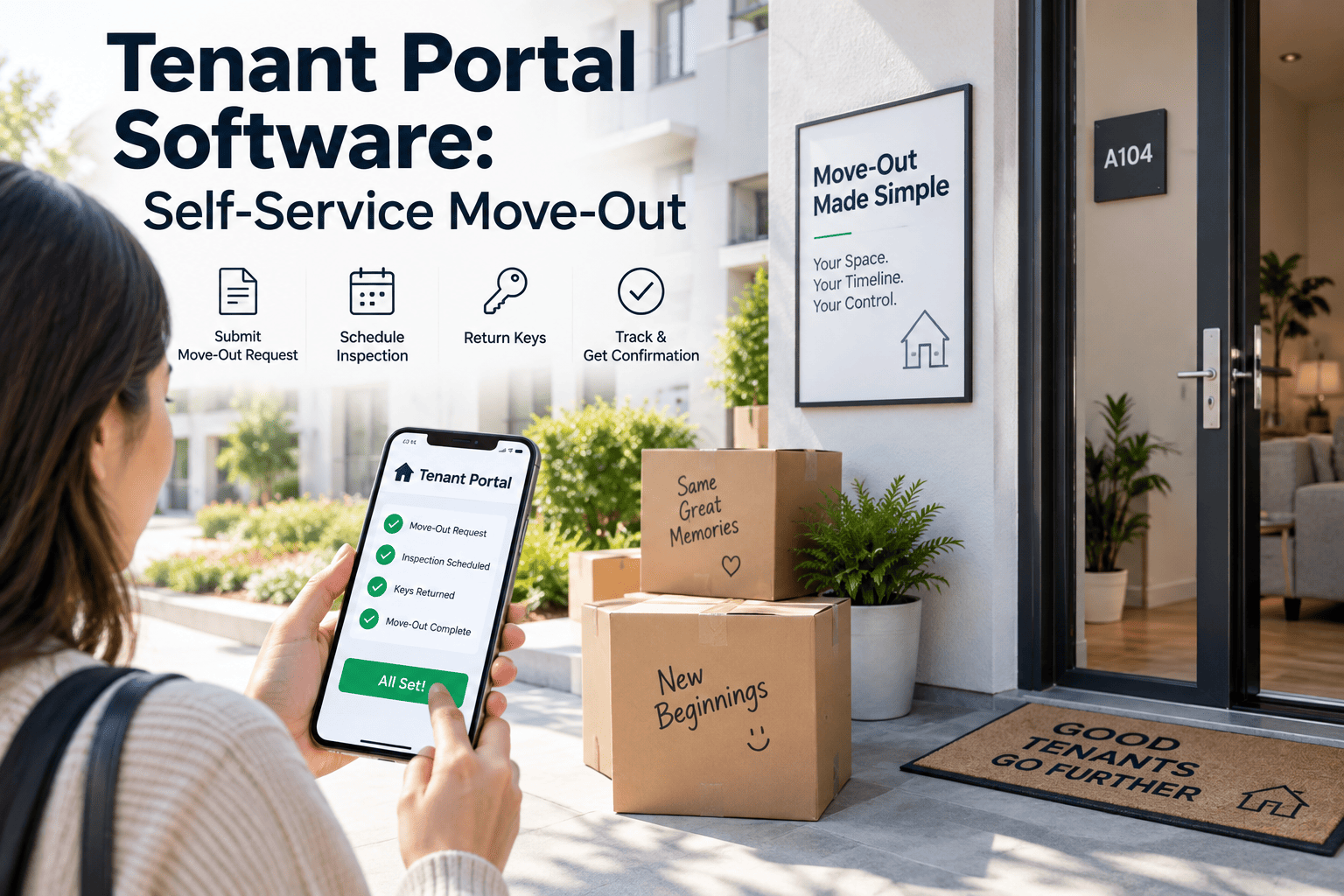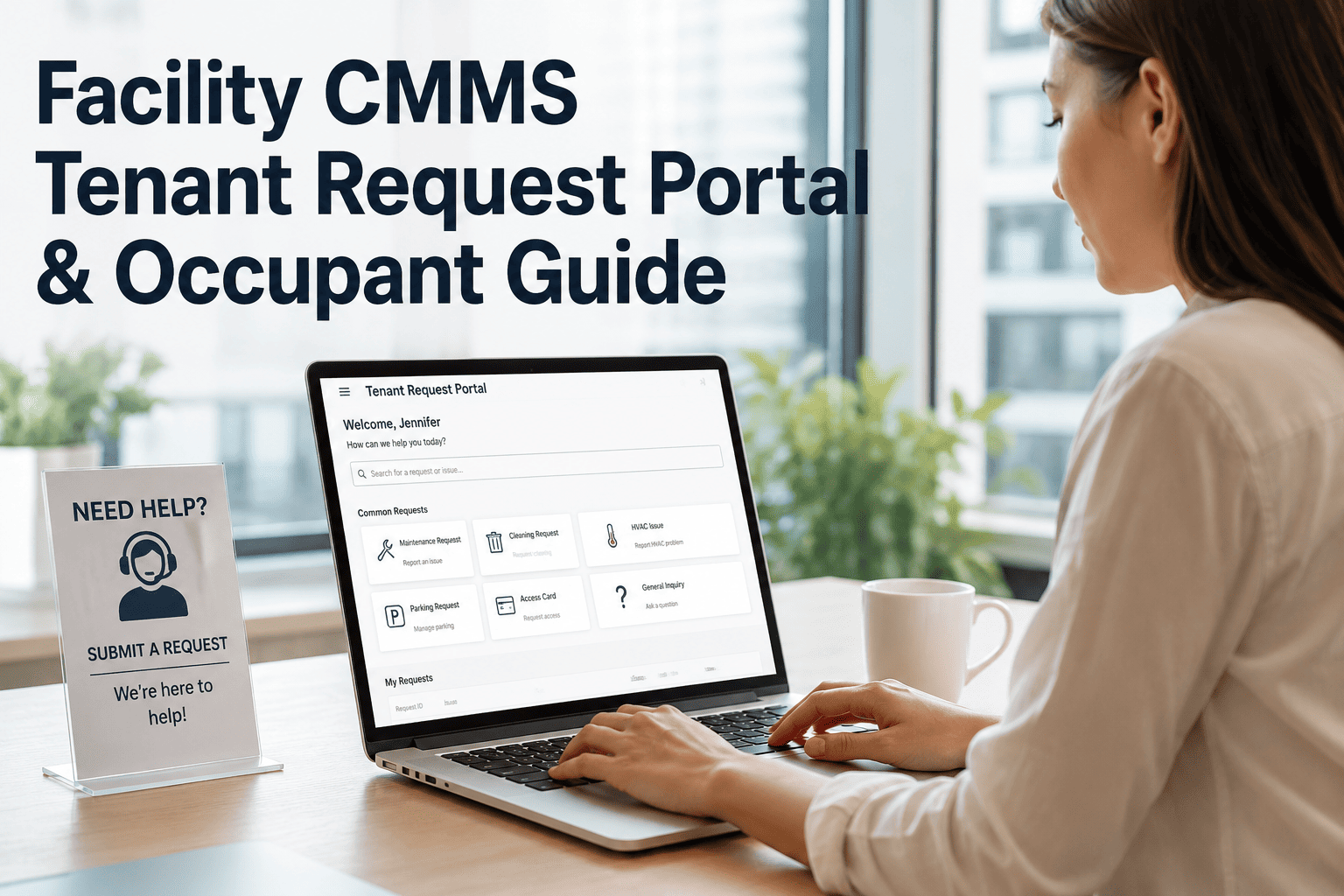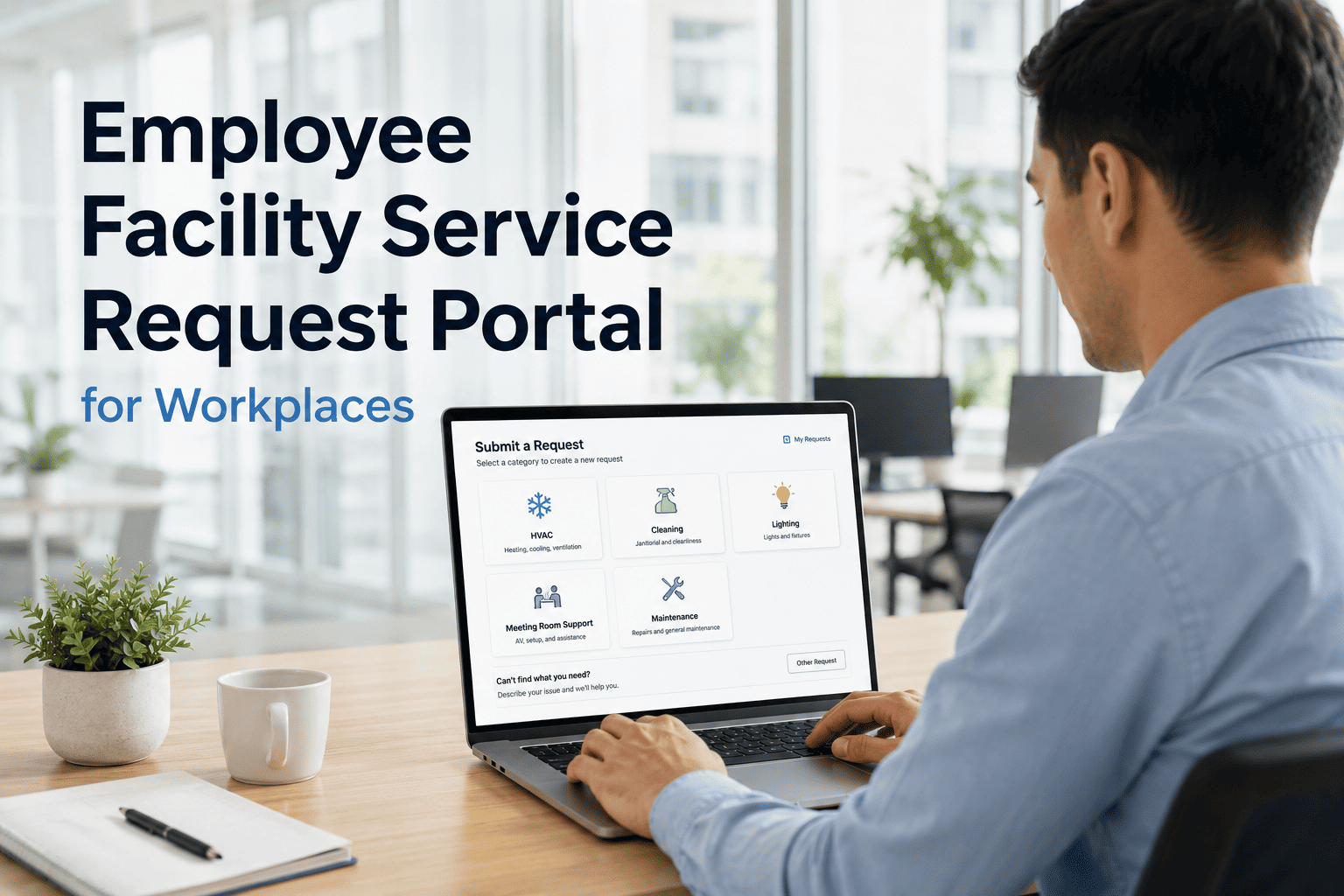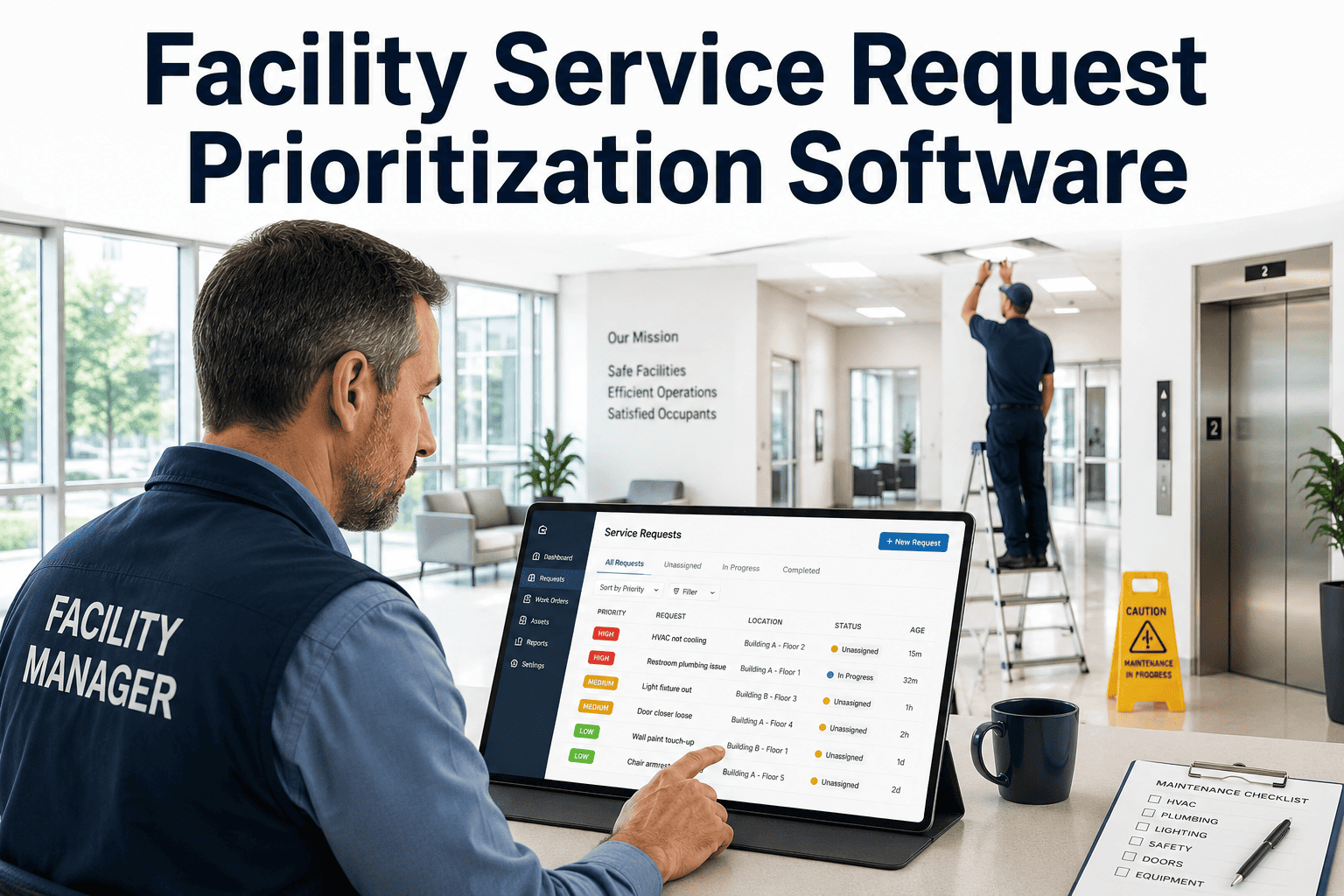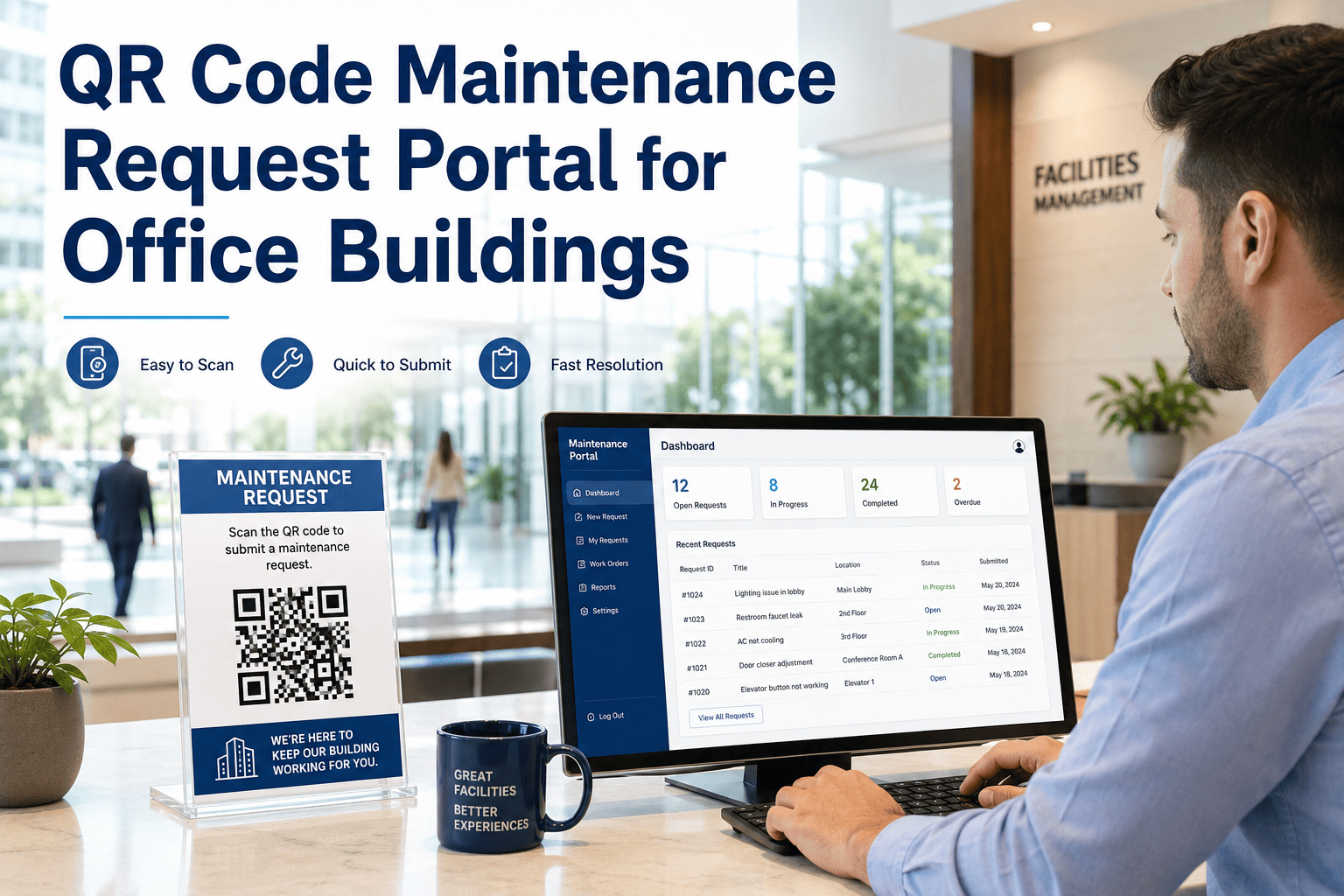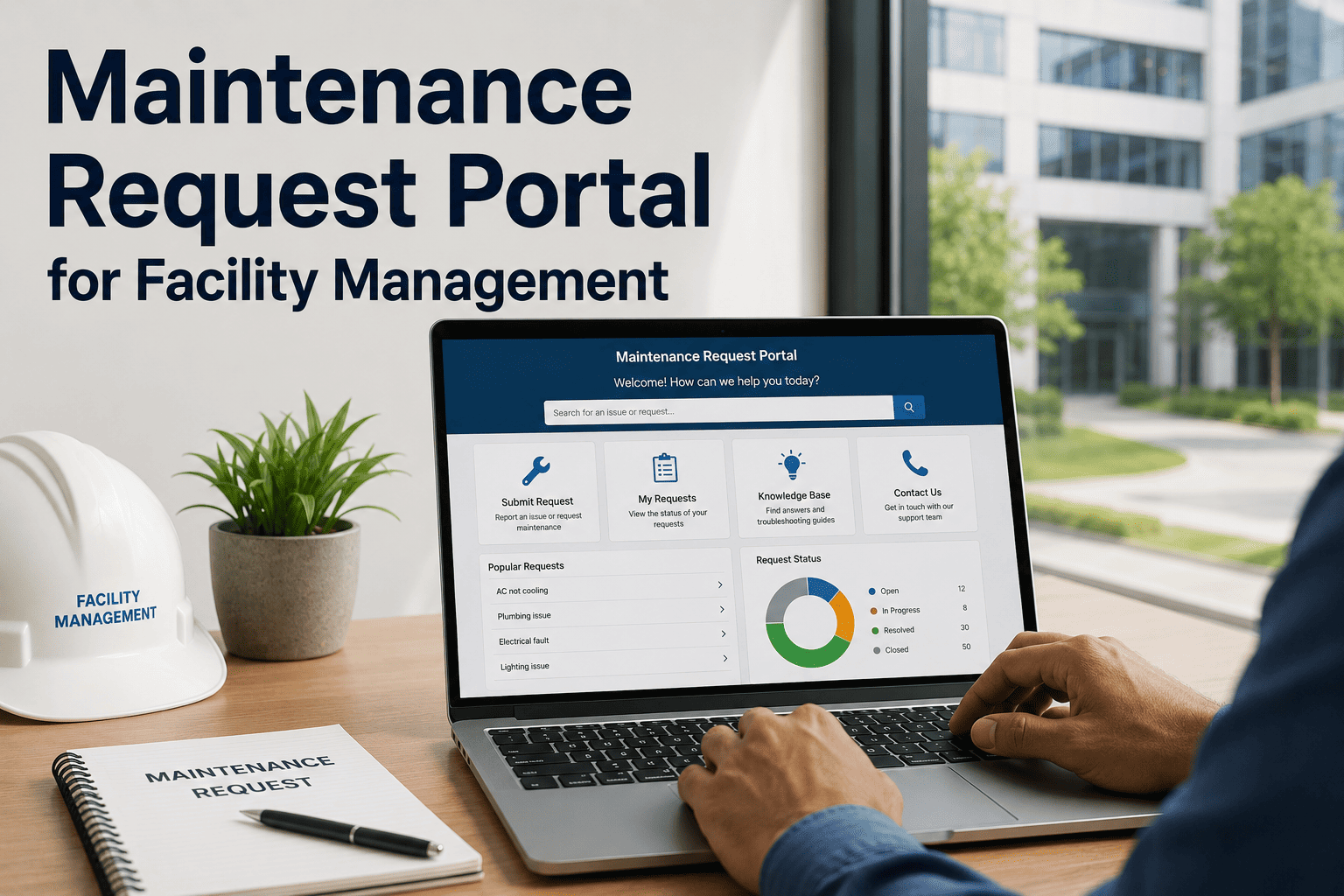
When a tenant's office AC stops working at 2 PM on a Tuesday, their next action determines how they feel about your facility management for the next 12 months. If they send an email into the void and hear nothing for 4 hours, that's a complaint. If they scan a QR code on the wall, submit a request in 30 seconds, and receive an automatic confirmation with an estimated response time — that's a service experience. OxMaint's Maintenance Request Portal gives facilities a self-service channel where every issue reported auto-generates a tracked, prioritized work order — without a single call to the facilities desk.
How a Self-Service Maintenance Portal Works
Request Channels: QR Code vs. Web Form vs. Email
| Channel | Best Use Case | Setup Effort | Work Order Created? | Tracking Visibility |
|---|---|---|---|---|
| QR Code (asset/location) | On-site requests at known location | Low — print and place | Instant, auto-assigned | Full |
| Web Request Portal | Desk-based, remote, or after-hours | Low — link or embed | Instant, categorized | Full |
| Email Submission | Familiar channel for less tech-comfortable users | Medium — parsing rules needed | Manual or parsed | Partial |
| Phone Call to FM Desk | Complex or emergency issues | None | Manual entry only | None — if not logged |
Stop Managing Requests in Your Inbox
OxMaint's self-service portal turns every tenant or occupant request into a tracked work order — automatically. No manual intake, no missed requests, no guesswork on priority.
What Happens Without a Structured Request Portal
By the Numbers: Portal vs. No Portal
Expert Review
The biggest complaint facility teams receive is not about broken equipment — it is about not knowing what is happening with their request. Occupants and tenants can tolerate a 4-hour repair wait far more comfortably if they receive a confirmation in the first 2 minutes and a status update when work starts. A self-service portal with automated status notifications reduces perceived response time even when actual repair time is unchanged. Beyond satisfaction, the operational benefit is significant: every request submitted through a portal is automatically logged, categorized, and attributable. This data tells you which locations generate the most issues, which issue types recur, and where your PM program has gaps — intelligence you cannot extract from an email inbox no matter how long you sort it.
Frequently Asked Questions
Do occupants need to create an account to submit a maintenance request?
No. OxMaint's request portal is designed for frictionless submission — occupants can submit a maintenance request via QR code or web link without creating an account or logging in. They provide their name, contact information, issue description, and optional photo. For organizations that require accountability or want to enable full status tracking for the requester, optional account-linked submission is also supported. The goal is to remove every barrier between a problem occurring and a work order being created, since barriers reduce reporting rates and increase the number of unreported issues that escalate into larger repairs.
How does QR code-based maintenance request work in practice?
Each QR code is linked to a specific asset or location in OxMaint. When an occupant scans the code with a smartphone camera, a mobile-optimized request form opens with the location or asset pre-populated. The form takes under 60 seconds to complete. On submission, OxMaint creates a work order assigned to the correct team with the location data, issue category, and any submitted photos already attached. Labels can be printed in bulk and applied to HVAC units, restrooms, conference rooms, or any asset where self-reporting is valuable. See OxMaint's platform overview for QR setup details.
Can the portal handle emergency maintenance requests differently from routine ones?
Yes. OxMaint's request portal includes priority classification at submission — occupants can flag a request as urgent, and the platform routes it differently from standard requests. Emergency-flagged requests can trigger immediate notifications to on-call technicians, bypass the standard assignment queue, and escalate to the facility manager if not acknowledged within a defined timeframe. For life-safety emergencies, the portal can also display a prominent message directing occupants to call emergency services directly rather than waiting for a work order response.
How does the maintenance request portal integrate with existing FM workflows?
OxMaint's portal generates standard work orders that flow into the same queue as technician-created and PM-generated work orders. There is no separate inbox to monitor. Facility managers see all work orders — portal-submitted, PM-triggered, and system-generated — in one prioritized view. Reporting shows request volume by source, so managers can track what percentage of work originated from the portal versus internal creation. This combined view makes workload planning more accurate and identifies demand patterns that inform staffing and preventive maintenance schedule adjustments.
Every Unreported Issue Is a Future Emergency
Give your occupants a 60-second way to report problems and give your team a 100% tracked work order for every issue submitted. OxMaint's self-service portal closes the gap between what goes wrong and what gets fixed.