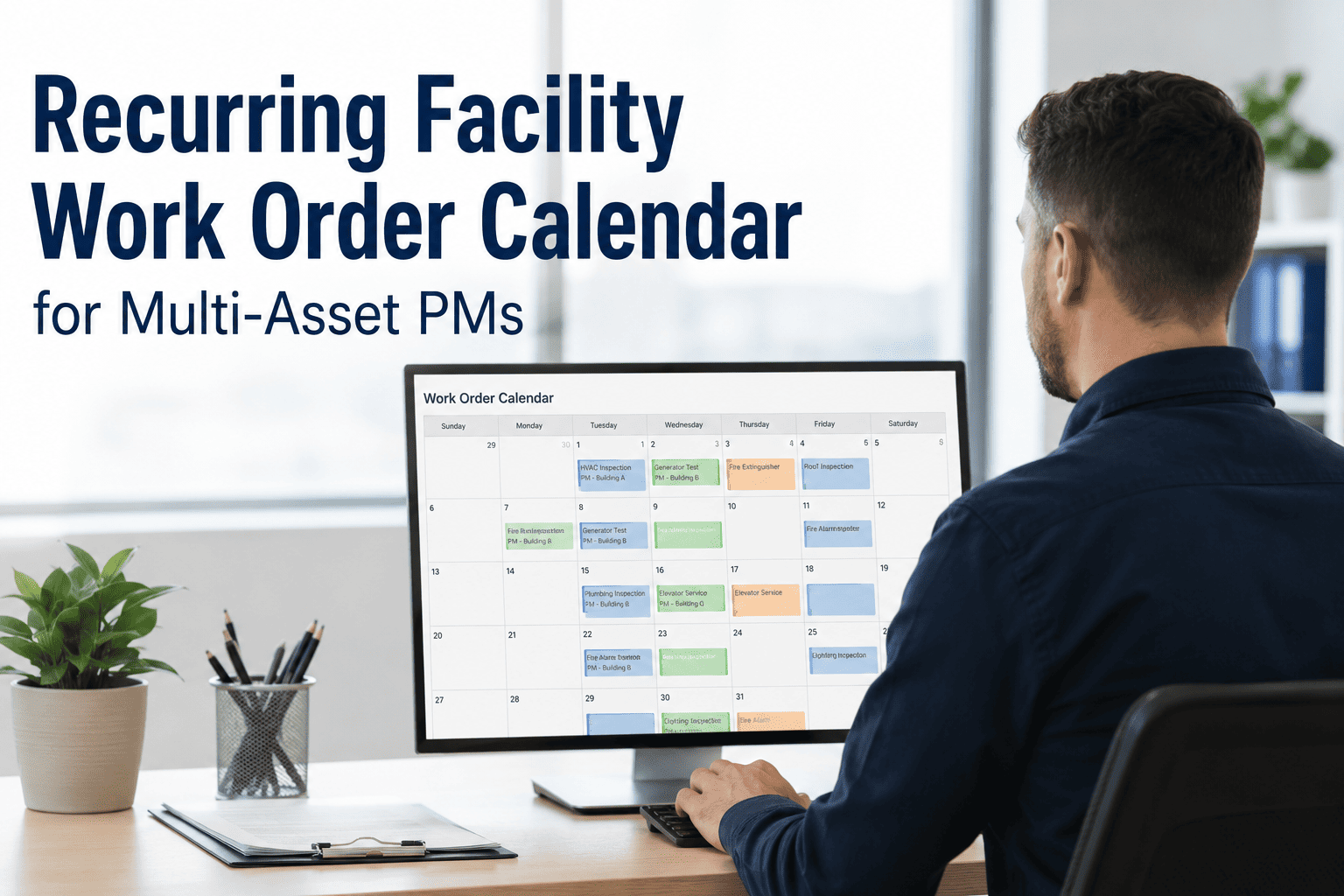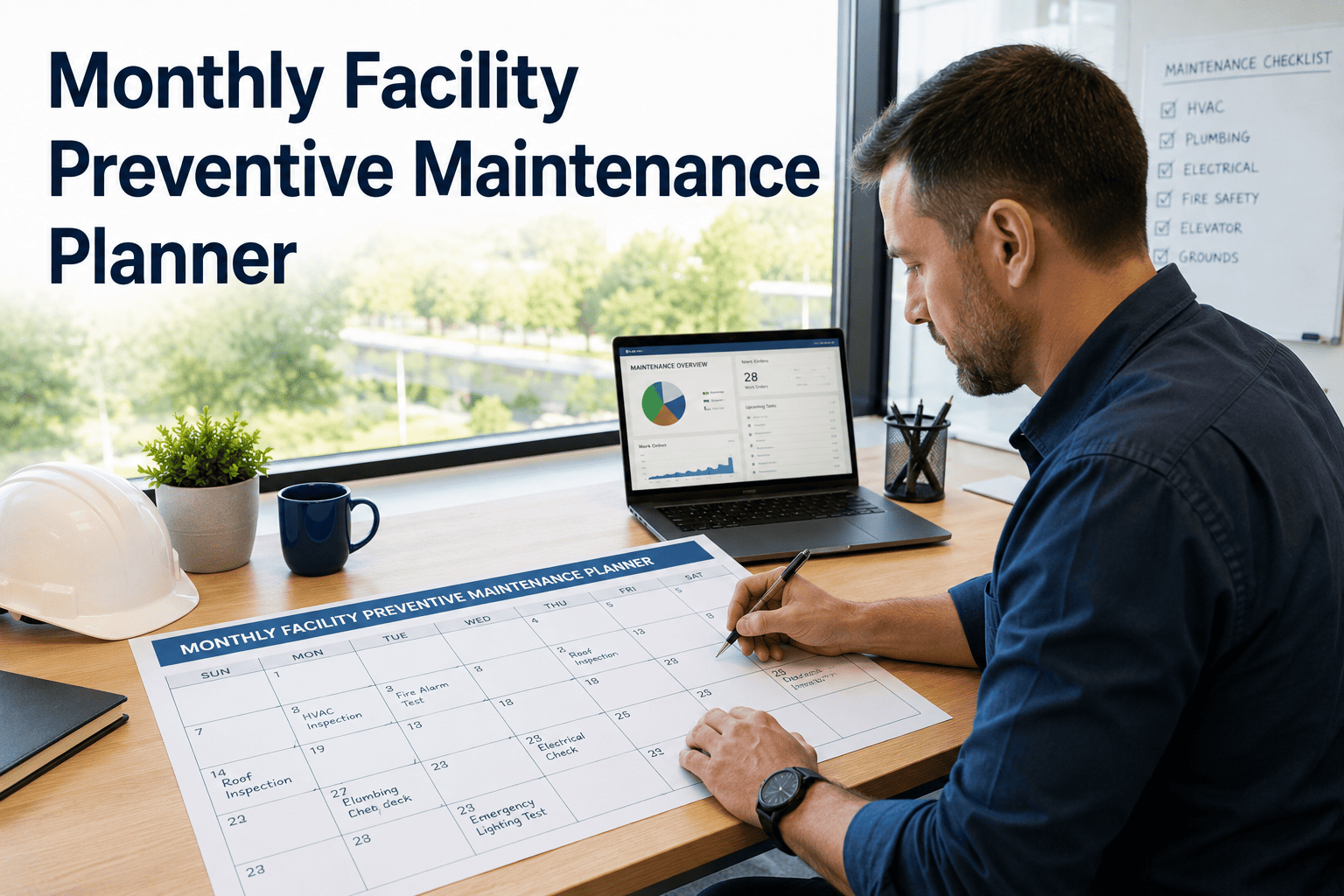
Every facility manager faces the same question on the first Monday of the month: what preventive maintenance has to happen, on which assets, performed by whom, and how do we prove it got done? A typical commercial building runs hundreds of recurring PM tasks a year, and when that load is juggled in a spreadsheet, completion quietly drifts to the 50-to-65% range while a coordinator burns five to ten hours a week just keeping the grid current. A monthly PM planner answers the Monday question automatically — laying out the month's work, assigning the right technician, flagging anything overdue, and reporting completion from one dashboard. This guide breaks the monthly planner into its working parts and shows how to run it in OxMaint's preventive maintenance module, or book a demo to see it built around your buildings.
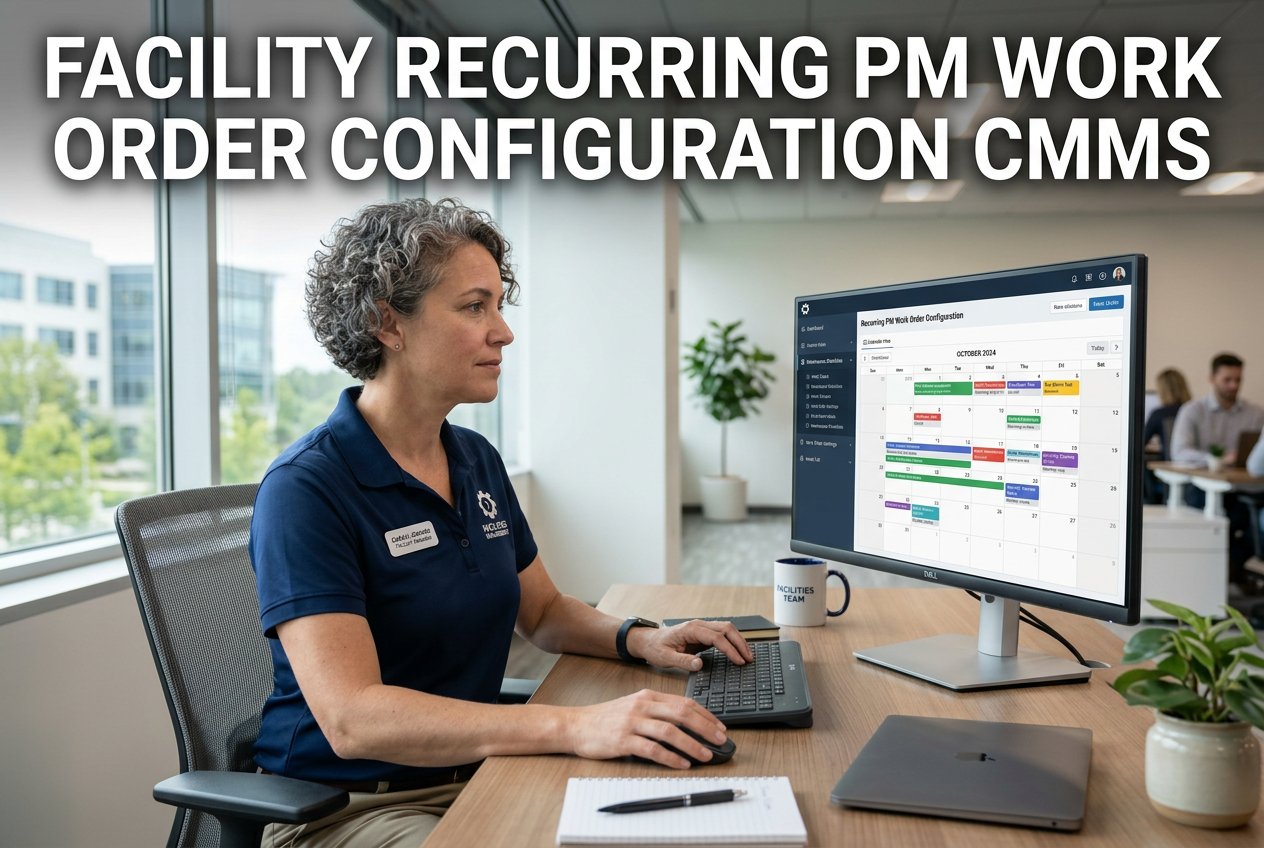
Monthly Facility Preventive Maintenance Planner
Plan the month's PM work, assign technicians, track overdue tasks, and report completion rates — all from one digital dashboard instead of a drifting spreadsheet.
The month at a glance
A good planner spreads the load instead of stacking it. Staggering work across the four weeks keeps any single week from overflowing and protects time to clear whatever slips.
Reserving the final week for catch-up and reporting is what keeps a missed task from rolling into next month and compounding into a backlog.
The four jobs of a monthly planner
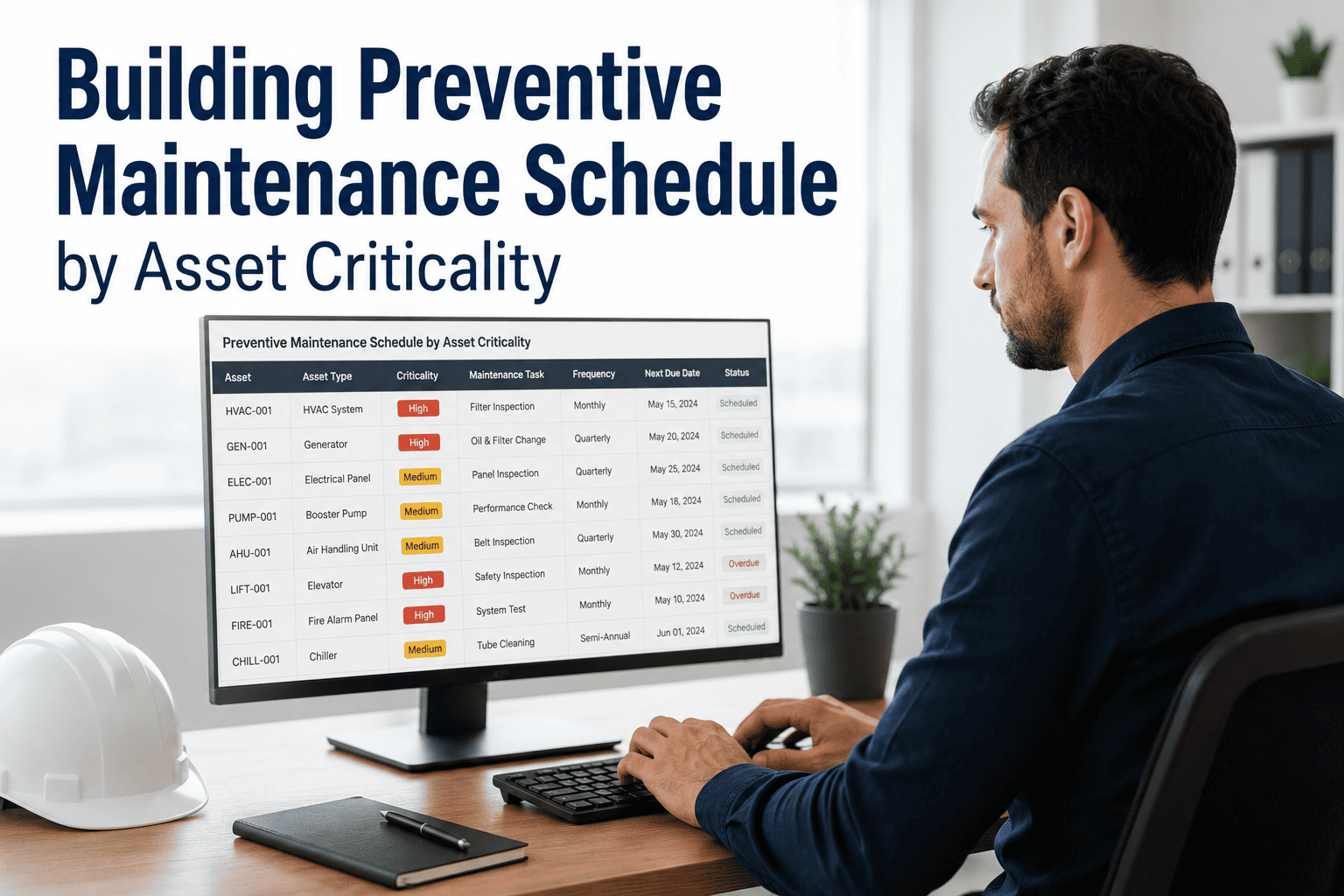
Strip a PM planner down and it does exactly four things. Get all four right and the program runs itself; drop one and compliance leaks.
Answer the Monday question automatically
OxMaint lays out the month, assigns the work, and tracks every task to done — so planning stops eating your week.
Schedule to capacity, not to chaos
The classic planning failure is committing more hours than the crew has, so work rolls forward every week. The fix is labor leveling: load the schedule to roughly all of the available hours, with a small buffer for emergencies — no more, no less.
Estimated hours on every task make this possible — without them, a planner can schedule sixty hours of work against a forty-hour week and never know until the jobs roll over.
The planner template: every row that matters
A monthly planner is only as useful as the fields it captures. These columns turn a task list into an assignable, trackable, reportable schedule.
| Field | Why it's on the row |
|---|---|
| Task & asset | What to do and the exact asset and location it's done on |
| Frequency | The recurring trigger that re-creates the task next cycle |
| Due date | The committed completion date inside the month |
| Primary technician | The named owner accountable for completion and sign-off |
| Backup technician | Covers vacation, sick days, and shift changes so nothing lapses |
| Estimated hours | Feeds weekly labor leveling and prevents overloading |
| Priority | Ensures critical and safety tasks are scheduled first |
| Status | Open, in progress, done, or overdue — the basis of the report |
Catch overdue work before it's a miss
Overdue tasks don't fail all at once — they slide. A tiered alert ladder gives the technician, then the supervisor, a chance to act while there's still time on the clock.
Because the schedule lives in the system, these alerts keep firing through turnover and holidays — the moments when manual programs quietly fall apart.
Report a completion rate you can stand behind
Completion rate is the headline number every director and auditor asks for. The gap between a manual planner and a digital one shows up here first.
One facility moved its completion rate from 61% to 94% in a single quarter after switching off the spreadsheet — not by adding staff, but by ending the manual chase.
"The single biggest mistake facility teams make is building the monthly plan in a spreadsheet and then wondering why compliance drops to 40% within six months. The plan itself is rarely the problem — it's the upkeep. Someone has to check dates, chase technicians, and rebuild the audit trail by hand, and the day that person is out, the whole thing slips. Two habits separate the teams that hold 90-plus percent: they assign a named primary and a backup to every single task, and they level the schedule to the hours the crew actually has. Automate those two things and the monthly planner stops being a chore and starts being the operating system of the building."
See a month planned in minutes
Walk through a live monthly plan on your own buildings — tasks laid out, technicians assigned, overdue flagged, and completion reported automatically.
Frequently asked questions
Make the monthly plan run itself
Stop rebuilding the same spreadsheet every month. Plan, assign, track, and report every PM from one dashboard — and turn 60% completion into 90-plus without adding a single hire.