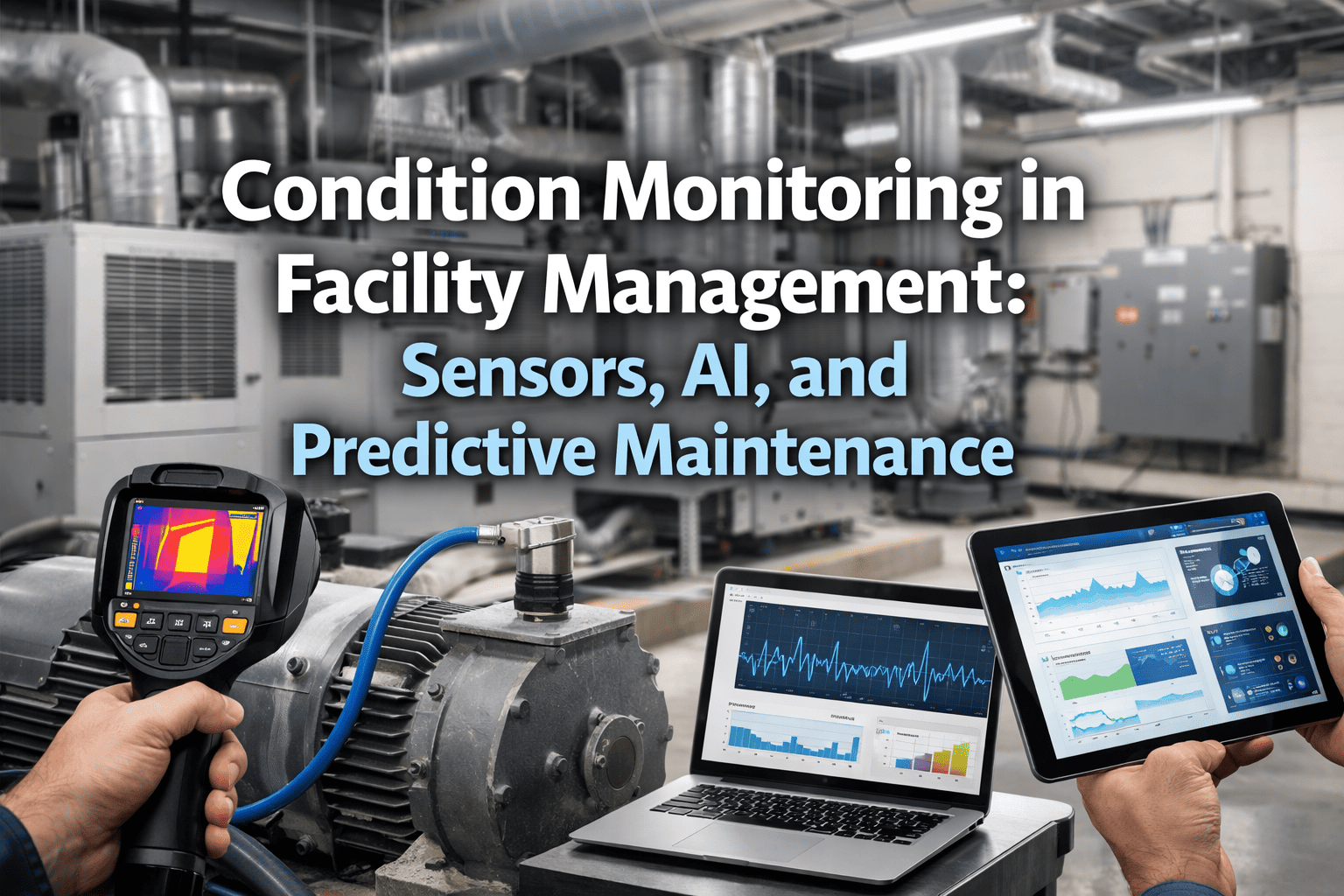
Most predictive maintenance programs do not fail because the analytics are weak. They fail because the wrong sensor was bolted to the wrong asset, on the wrong network, with a battery that dies before the first budget review. Choosing between wired and wireless, LoRaWAN and cellular, or a two-year and ten-year battery is an engineering decision with long consequences. This guide gives facility teams a practical selection framework, and you can connect the resulting alerts to work orders in Oxmaint once the hardware is chosen.
PdM Sensor Selection: Wired, Wireless and Battery Life
A decision framework for facility teams choosing vibration, temperature, current and pressure sensors, and the networks that carry their data into maintenance workflows.
Why sensor selection decides the whole program
A sensor is the only part of a PdM system that lives in the plant room. Analytics can be swapped in software; a mis-specified sensor means a ladder, a lockout and a purchase order every time.
Wrong measurement
A temperature probe on a motor that fails from bearing wear tells you late. The failure mode must drive the sensor type.
Wrong network
Signal that drops in a basement plant room produces gaps that look like healthy equipment.
Wrong power plan
Batteries that drain early create hundreds of small replacement jobs nobody budgeted.
Wrong workflow
Alerts that never become tasks are just notifications. Value appears only when someone acts.
Start with the failure mode, not the product
Every sensor should answer one question: what fails on this asset, and what physical signal changes first? Work backward from the failure.
| Asset | Typical failure mode | Leading signal | Sensor type |
|---|---|---|---|
| Motors, pumps, fans | Bearing wear, imbalance, misalignment | Vibration, surface temperature | Triaxial accelerometer with temperature |
| Air handling units | Clogged filters, belt slip | Differential pressure, motor current | DP transmitter, current transformer |
| Chillers and compressors | Fouling, refrigerant issues | Approach temperature, amps, runtime | Temperature probes, power meter |
| Boilers and steam | Trap failure, scaling | Temperature, acoustic, pressure | Contact temperature, ultrasonic |
| Electrical panels | Loose connections, overload | Thermal rise, load current | Thermal sensor, current monitor |
| Water and drainage | Leaks, sump pump failure | Presence of water, level, runtime | Leak sensor, level sensor |
If two sensor types can detect the same fault, prefer the cheaper and simpler one that gives enough lead time to schedule the repair.
Wired vs wireless: how to decide
Neither is universally better. Wired sensors give continuous power and deterministic data; wireless sensors give speed of installation and reach into places cabling never went.
Wired sensors
- Continuous power, no battery replacement
- High sampling rates suited to detailed vibration analysis
- Stable data delivery through a controller or gateway
- Higher installation cost for conduit, cable and commissioning
- Best on critical rotating equipment and new builds
Wireless sensors
- Fast retrofit with little or no cabling
- Reach into rooftops, remote plant rooms and moving equipment
- Lower per-point installation labor
- Limited by battery, sampling interval and radio conditions
- Best on broad coverage of many mid-criticality assets
A practical split for most facilities
- 1Use wired or hardwired sensors on the few assets where downtime is severe and data rate matters.
- 2Use wireless sensors across the long tail of pumps, fans, AHUs and motors that are important but not single points of failure.
- 3Reuse existing building automation points where they already exist, rather than adding duplicates.
Choosing the network: LoRaWAN, mesh, Wi-Fi and cellular
Network choice determines coverage, data volume, battery life and recurring cost. Match it to the building and the reporting interval you actually need.
| Option | Strengths | Watch-outs | Good fit |
|---|---|---|---|
| LoRaWAN | Long range, low power, few gateways, open ecosystem via the LoRa Alliance | Low data rate, so raw waveform streaming is impractical; duty-cycle limits apply | Campuses, multi-building sites, many low-data sensors |
| Mesh (such as Wirepas) | Self-healing, scales in dense device layouts, good indoor coverage | Repeating nodes consume more power; planning needed for density | Large single buildings, plant-heavy floors |
| Wi-Fi or BLE | Uses existing infrastructure, higher throughput | Higher power draw, IT security review, coverage gaps | Powered sensors, short-range spot monitoring |
| Cellular (LTE-M, NB-IoT) | No local gateway, works at remote or unmanaged sites | Per-device data plans, indoor penetration varies, carrier dependence | Rooftop units, remote pump stations, unmanned sites |
Questions to settle before ordering
- How many sensors per building, and how far apart are the buildings?
- Is signal needed through concrete, steel or underground rooms?
- Does IT allow new devices on the corporate network, or must the system stay isolated?
- Who owns gateway maintenance and recurring connectivity fees?
Run a site survey with a few pilot sensors in the hardest locations. Signal in the lobby proves nothing about the sub-basement chiller room.
Battery life: read the fine print
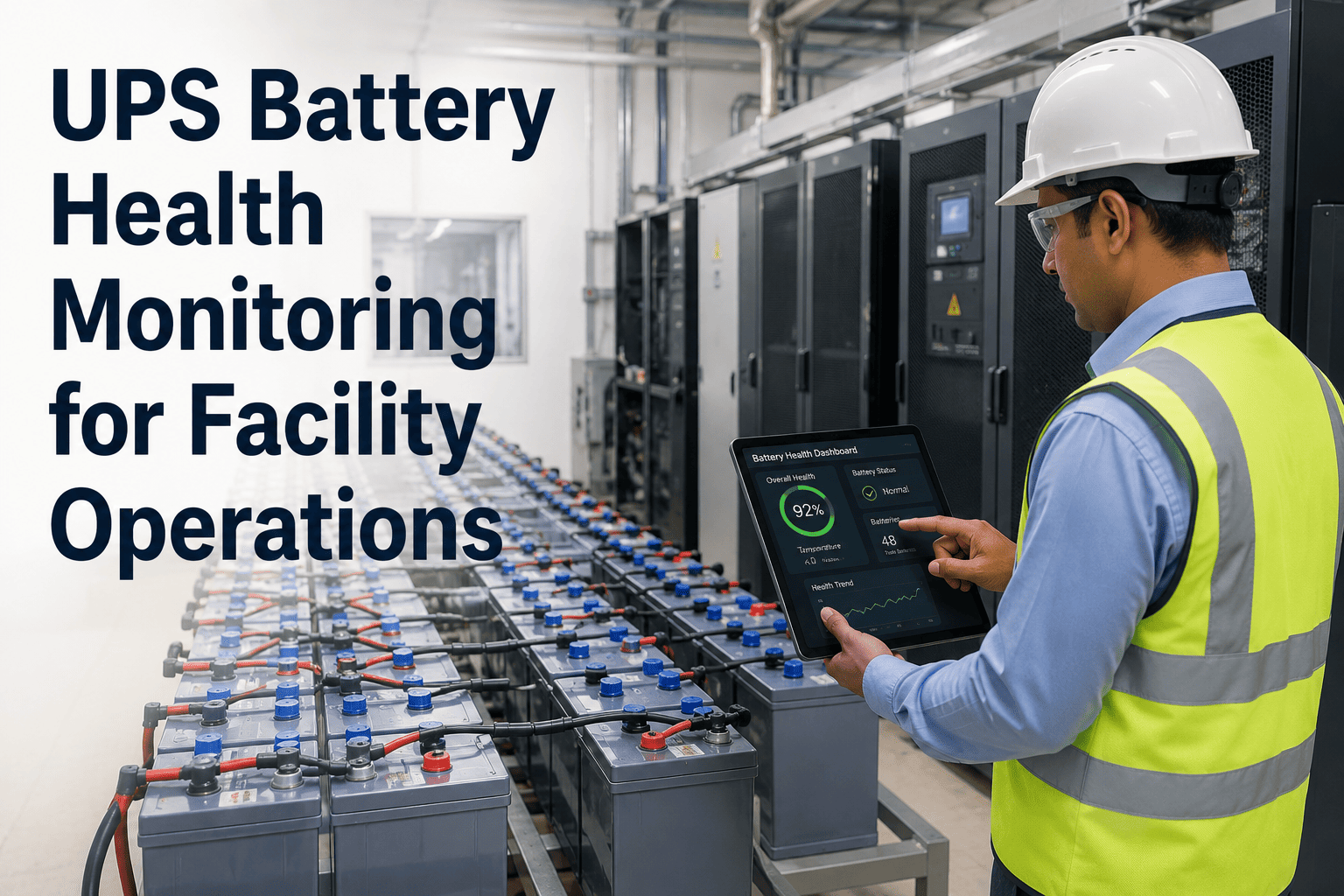
Advertised battery life is usually measured under specific conditions. Real life depends on how you configure the device, so treat any headline number as a ceiling.
Bar length shows relative influence on battery drain, as a planning guide rather than a measured value.
Battery planning checklist
- Ask for battery life at your intended reporting interval, not the vendor's best case
- Confirm battery chemistry and operating temperature range
- Check whether the battery is replaceable or the sensor is disposable
- Align replacement cycles with existing PM rounds
- Confirm the platform reports low-battery status before data stops
Turn sensor readings into scheduled maintenance
Oxmaint links asset records, alerts and work orders so a rising trend becomes a planned task, not a missed notification.
A five-step selection framework
Rank assets by criticality
Focus first on assets whose failure stops operations or triggers safety and compliance issues.
Define failure modes
List how each asset actually fails and which signal changes first.
Pick the measurement
Choose the simplest sensor that gives enough warning time.
Match network and power
Survey coverage, decide wired or wireless, and set intervals against battery targets.
Connect to work orders
Define thresholds, owners and response steps before go-live.
Cost: look at total ownership, not unit price
A cheap sensor with expensive installation, frequent battery visits and weak support becomes the costliest option over five years.
Upfront
- Sensor hardware
- Gateways or controllers
- Installation labor and lockout time
- Site survey and commissioning
Recurring
- Cellular data plans
- Platform subscription
- Battery replacement labor
- Gateway maintenance
Hidden
- False alarms that erode trust
- Data gaps from poor coverage
- Sensors nobody can locate later
- Vendor lock-in on proprietary protocols
Before and after: sensors with and without a workflow
Sensors alone
- Dashboard alerts reviewed when someone has time
- No link between an alert and a technician task
- Battery failures discovered when data disappears
- Thresholds set once and never tuned
Sensors plus maintenance software
- Threshold breach opens a work order against the asset
- Technician sees history, parts and procedure on mobile
- Battery and sensor replacement scheduled as PM tasks
- Closed work orders feed back into threshold reviews
Installation details that quietly decide data quality
Even the right sensor produces poor data if it is mounted badly. Installation is where many facility pilots lose credibility.
Mounting method
Stud or adhesive mounting transmits vibration far better than loose magnets on painted or curved surfaces. Prepare the surface and place the sensor close to the bearing.
Orientation
Record axis orientation for every sensor. Inconsistent placement makes trends unreliable when a unit is replaced.
Ingress protection
Washdown areas, rooftops and outdoor units need suitable enclosure ratings. Moisture is a common early failure cause.
Hazardous areas
Boiler rooms, fuel storage and battery rooms may require certified devices. Confirm before purchase, not after.
Commissioning checklist
- Record sensor ID, asset tag, location and mounting point in the asset register
- Capture a baseline reading while the asset is known to be healthy
- Confirm signal strength at the final mounted position
- Photograph the installation for future technicians
- Verify the alert reaches the right person before handover
Reporting intervals: how often is enough?
More data is not automatically better. The right interval depends on how quickly the failure develops and how much warning you need.
| Failure speed | Example | Suggested approach |
|---|---|---|
| Slow, weeks to months | Filter loading, bearing wear, fouling | Infrequent readings with trend analysis preserve battery |
| Moderate, days to weeks | Belt slip, motor overheating | Regular readings with thresholds and rate-of-change alerts |
| Fast, hours or less | Leaks, sudden overload, power faults | Event-driven alerts or powered, continuous monitoring |
Many wireless devices can send routine readings slowly and switch to faster reporting when a threshold is crossed. That approach protects battery life without sacrificing early warning.
Security and IT alignment
Connected sensors are network devices. Bring IT into the conversation early to avoid a stalled rollout.
- Prefer encrypted transport and device authentication supported by the network standard
- Keep sensor networks segmented from business systems where possible
- Ask how firmware updates are delivered and who approves them
- Confirm where data is stored and how long it is retained
- Check that credentials and gateway access are documented and rotated
Interoperability matters
Open standards and documented data formats make it easier to change vendors later. Ask how readings reach your maintenance system, whether through an API, a gateway integration or a building automation point.
Setting thresholds that technicians trust
Alert fatigue kills condition monitoring faster than any hardware fault. A threshold strategy should be built in stages.
- 1Collect baseline data across normal operating modes, including start-up, part load and seasonal changes.
- 2Set conservative warning levels using manufacturer guidance and industry references such as ISO vibration severity standards where relevant.
- 3Assign a named owner and response time to each alert level.
- 4Review every false alarm and missed fault, then adjust limits.
- 5Feed findings from completed work orders back into the asset record.
Scaling from pilot to portfolio
A successful pilot proves the concept. A successful rollout standardizes it, so the fiftieth sensor is no harder to manage than the fifth.
Standardize
Choose a small approved list of sensor models and mounting kits.
Document
Write installation and commissioning procedures technicians can follow.
Train
Teach technicians how to read trends and respond to alerts.
Measure
Track avoided failures, alert accuracy and battery replacements.
Expand
Add asset classes and sites once results justify the budget.
Common selection mistakes
- Buying one sensor type for every asset because it simplifies procurement
- Skipping the pilot and discovering dead zones after rollout
- Streaming data faster than the failure mode requires
- Ignoring who replaces batteries and when
- Choosing a closed ecosystem that cannot integrate with the maintenance system
- Deploying hundreds of sensors before proving value on ten
Start small, then scale
Pilot on one or two asset classes for a full operating season. Measure alert accuracy, battery behavior and technician response before committing the wider budget.
Questions to put to every sensor vendor
- What battery life do you guarantee at my reporting interval and operating temperature?
- Which network standards and data formats do you support, and are they documented openly?
- How are alerts, thresholds and firmware updates managed after installation?
- What happens to my historical data if I change platforms?
- Can readings be passed to a maintenance system so alerts create work orders automatically?
- What support is available for site surveys, mounting and commissioning?
Where Oxmaint fits
Sensors detect; maintenance software acts. Oxmaint supports asset registers, preventive maintenance schedules, work orders, mobile inspections, inventory for spare sensors and batteries, and dashboards to track outcomes.
Maintaining the sensors themselves
A monitoring system is also an asset population. Sensors, gateways and batteries need the same discipline as the equipment they watch.
| Item | Recurring task | Why it matters |
|---|---|---|
| Wireless sensors | Battery check and replacement on a planned round | Prevents silent data gaps on monitored assets |
| Gateways | Power, connectivity and firmware review | One offline gateway can hide many sensors |
| Mounting hardware | Visual inspection for loosening or corrosion | Loose mounts distort readings |
| Calibration-sensitive probes | Periodic verification against a reference | Drift produces false alarms or missed faults |
| Spare stock | Keep replacement sensors and batteries on hand | Shortens the time an asset runs unmonitored |
Keep records that survive staff turnover
- Link each sensor to its asset, location and installation date
- Log battery changes and gateway faults as work orders
- Store baseline readings and threshold decisions with the asset
- Track which alerts led to real repairs and which were false
These records also support audits and insurer conversations, because they show that equipment condition is monitored and acted on rather than simply observed.
Frequently asked questions
Is wireless accurate enough for predictive maintenance?
For trend-based alerts on most facility assets, yes. Deep vibration diagnostics on critical machines may still justify wired sensors.
LoRaWAN or cellular for a multi-building campus?
LoRaWAN usually suits a campus with a few gateways. Cellular suits scattered or unmanned sites without local infrastructure.
How long will a wireless sensor battery last?
It varies with reporting interval, radio settings and temperature. Ask vendors for life at your configuration.
Do I need sensors on every asset?
No. Start with critical assets, then expand. Track them in an asset management workspace from day one.
How do alerts become maintenance tasks?
Define thresholds and owners, then route alerts into work orders. You can book a demo to see the flow.
Choose the right sensors, then close the loop
Pair your PdM hardware with a maintenance platform that turns every alert into an assigned, tracked and documented job.