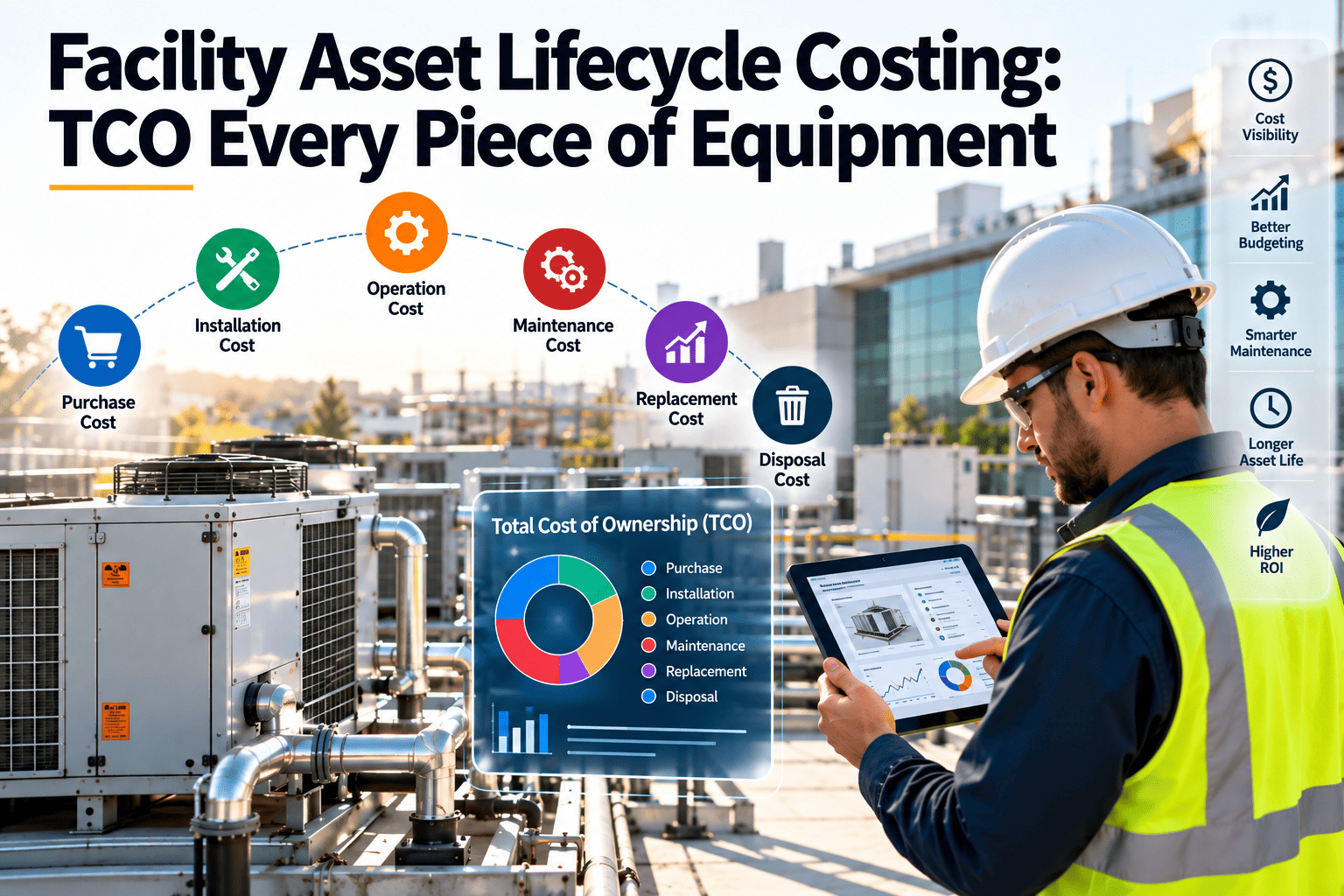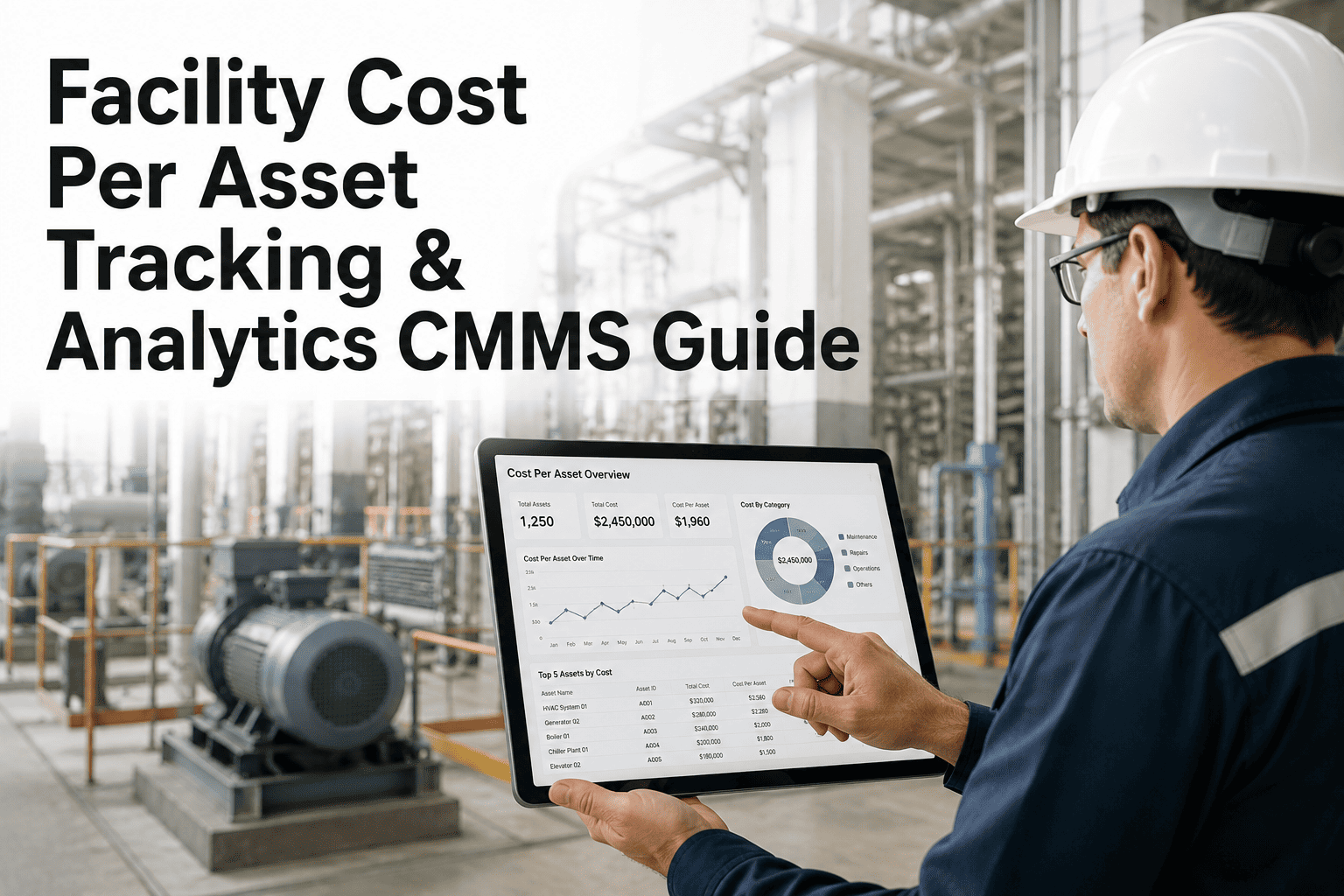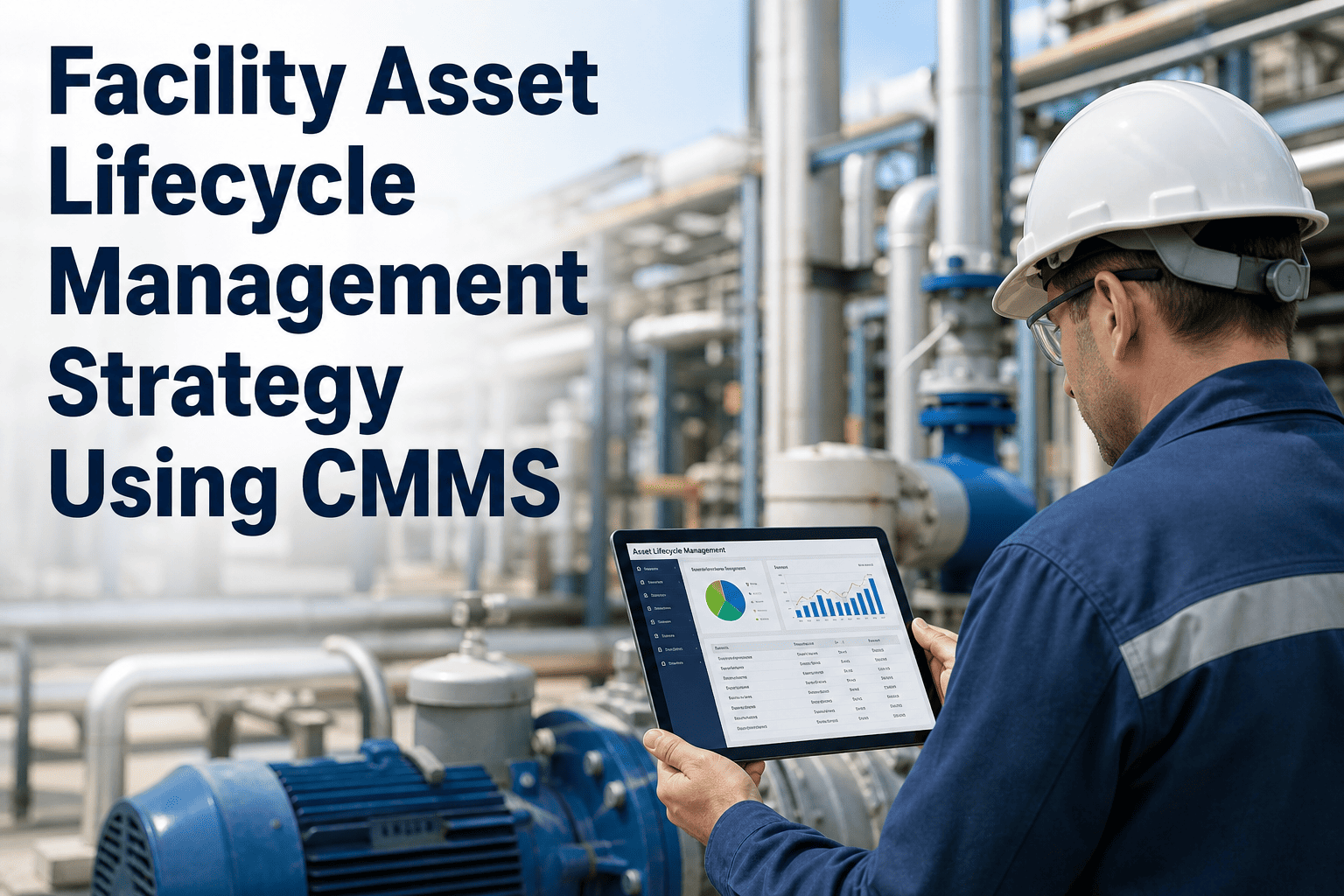
Most facility teams can tell you what they spent last month, but far fewer can say what a single air handler has cost them since it was installed. Without that number, repair-or-replace decisions rest on opinion, and budgets are argued by building rather than by evidence. The fix is simple in principle: every labor hour, part, contractor invoice, and downtime impact must land on the work order, and every work order must land on an asset. This guide lays out that rollup architecture, and shows how Oxmaint asset management software keeps the chain intact.
WO Cost Rolling Up to Asset: Every Dollar Tagged
Lifecycle economics are only as good as the tagging behind them. Tag cost at the work order, attach the work order to an asset, and let the totals roll upward to system, building, and portfolio.
Why spend by building is not enough
A building total tells you where money went. An asset total tells you why, and whether to keep spending.
Spend tracked by building
- Shows a large maintenance line but hides the cause
- Cannot separate a failing chiller from routine upkeep
- Makes replacement cases hard to defend to finance
- Rewards low spend even when it defers a bigger failure
Spend rolled up by asset
- Shows which equipment consumes the most labor and parts
- Separates preventive from corrective cost per asset
- Builds an evidence trail for repair or replace decisions
- Reveals models and vendors that cost more to keep running
The cost components that must be tagged
If any component is missing from the work order, the asset total is understated and every downstream ratio becomes unreliable.
| Component | What to capture | Common gap | Control that closes it |
|---|---|---|---|
| Labor | Hours by technician and trade, with the loaded hourly rate | Time logged to a generic code or not at all | Require time entry before a work order can close |
| Parts and materials | Item, quantity, and unit cost issued from stores or bought on site | Parts taken from the store room with no record | Issue parts against the work order, not against a cost center |
| Contractors | Invoice value, visit date, scope, and the work order it belongs to | Invoices paid without a work order reference | Require a work order number on every purchase order |
| Downtime | Hours the asset or space was unavailable and the impact category | Impact felt by occupants but never recorded | Add start and end of outage as work order fields |
| Rentals and temporary equipment | Hire cost while the asset is out of service | Booked to the building budget | Tag rental orders to the asset under repair |
| Internal overhead | Agreed allocation for supervision and tooling, if used | Mixed inconsistently with direct cost | Show direct and allocated cost as separate lines |
The rollup architecture, level by level
Rollup works because each level inherits from the one below. If the lowest level is wrong, every total above it is wrong.
Put a real cost on every asset
Track labor, parts, and contractor spend on each work order and see lifetime cost per asset without rebuilding spreadsheets.
Which asset receives the cost
Tagging rules are where most rollups break. Decide them once, write them down, and apply them to every work order.
- Charge the failed component's parent assetA replaced motor on a pump belongs to the pump record, with the component noted in the description.
- Split multi-asset visitsWhen a technician services three units in one trip, record time against each unit or use an agreed split.
- Use a system record for shared itemsDistribution piping or common controls that serve many assets can sit under a system-level asset.
- Separate repair from improvementUpgrades that extend capacity or life should be marked as projects, not mixed into corrective cost.
- Keep preventive and corrective apartThe ratio between them is one of the most useful signals on an asset, so never blend them in one code.
Downtime: the cost that never reaches an invoice
Downtime does not appear on a supplier statement, yet it can outweigh the repair bill. Track it separately and label it clearly.
Record the facts
Capture when the asset went out of service, when it returned, and which spaces or services were affected. Facts first, valuation second.Choose a valuation method
Some sites assign an hourly impact rate by space type or service. Whatever you choose, agree it with finance and apply it consistently.Show it as a shadow line
Report downtime impact beside, not inside, direct spend so budget totals still reconcile to the ledger.Illustrative repair-or-replace view
The figures below are invented to show the logic, not benchmarks. Use your own asset records to build the real comparison.
| Cost line (example) | Year 1 | Year 2 | Year 3 | Reading |
|---|---|---|---|---|
| Preventive labor and parts | Steady | Steady | Steady | Routine upkeep is stable |
| Corrective labor and parts | Low | Rising | High | Failures are becoming more frequent |
| Contractor call-outs | None | One | Several | In-house skills are being exceeded |
| Downtime hours | Few | Some | Many | Occupant impact is growing |
| Decision signal | Corrective spend rising faster than preventive suggests it is time to price a replacement | |||
Dirty data patterns and how to fix them
Month-end routine for clean cost rollup
A short monthly discipline keeps the data trustworthy. Skipping it lets small gaps accumulate into numbers nobody believes.
- Close or age every open orderComplete finished jobs and confirm status of those still open.
- Check labor completenessCompare timesheet hours with hours posted to work orders.
- Match parts and invoicesReconcile issued stock and supplier invoices to work orders.
- Review generic assetsMove costs parked on catch-all records to real equipment.
- Publish the rollupShare asset, system, and building totals with finance and managers.
KPIs built on asset-level cost
Cost per asset per year
Total of labor, parts, and contractor spend for each assetPreventive to corrective ratio
Preventive spend divided by corrective spend on each asset classMaintenance cost to replacement value
Annual maintenance spend divided by estimated replacement costRepeat repair rate
Assets with several corrective orders for the same failure in a yearTagged cost coverage
Share of spend tied to a work order and an assetContractor share of spend
Outside spend divided by total spend per systemHow Oxmaint supports cost rollup to asset
Oxmaint is maintenance management software. It does not replace your accounting system, but it holds the asset-level maintenance detail finance cannot see.
Asset registry and hierarchy
Organize equipment by building and system so costs roll up through the same structure you manage in.Work orders with cost fields
Record labor, parts, and contractor activity on each job and link it to the asset worked on.Inventory tracking
Issue stock to work orders so part usage is tied to the equipment that consumed it.Preventive and corrective separation
Keep scheduled and reactive work distinct to read each asset's health ratio.History and reporting
Review full maintenance history per asset and report spend by system, building, or category.Mobile completion
Technicians log time, parts, and notes at the equipment, which improves data completeness.Closing the contractor invoice gap
Outside spend is the cost most likely to escape the asset record, because it arrives through accounts payable rather than the maintenance team.
| Scenario | Where the cost lands | Reference required | Review check |
|---|---|---|---|
| Planned service contract visit | The assets serviced, split by agreed share of the fee | Contract number and asset list | Compare visits recorded with visits invoiced |
| Emergency call-out | The failed asset's work order | Work order number on the purchase order | Confirm the call-out has a matching work order |
| Specialist repair quote | The asset under repair, marked corrective | Approved quote linked to the work order | Check final invoice against the approved quote |
| Multi-asset project | A project record, with asset-level allocation at close | Project code and allocation schedule | Allocate before the project is closed out |
Warranty claims, insurance recoveries, and credits
Recoveries change the true cost of an asset. If they are ignored, assets that were repaired for free look as expensive as assets the owner paid for.
Warranty work
Record the full repair as a work order and mark the portion paid by the supplier. The asset history then shows the failure even when the invoice was zero.Insurance recoveries
Link the claim reference to the work orders involved, and post the recovery against the same asset or event so net cost can be reported.Supplier credits
Returned or faulty parts should reverse against the original work order, not appear as unrelated income in a general ledger line.Labor rates: direct, loaded, and overtime
The hours are only half of the labor figure. The rate you apply determines whether asset costs compare fairly across sites and trades.
Using asset cost in capital planning
Rolled-up cost becomes valuable when it feeds a decision. These steps turn raw totals into a defensible capital request.
- Rank assets by trailing costList the highest-spend assets over the last two or three years, separated into preventive and corrective cost.
- Add condition and ageCombine the cost view with inspection findings and remaining life, since cost alone can hide a risky but quiet asset.
- Estimate the replacement optionPrice replacement including installation, commissioning, and expected maintenance on the new unit.
- Compare on a like-for-like basisSet the avoided repair and downtime against the capital outlay over a stated period, and show the assumptions openly.
- Record the decisionStore what was decided and why on the asset record, so the next review begins with context instead of memory.
Reading the rollup for each audience
| Audience | Question they ask | View that answers it | Frequency |
|---|---|---|---|
| Technician lead | Which machines keep coming back? | Repeat repairs and top cost assets by trade | Weekly |
| Facility manager | Where is spend rising, and is it preventive or corrective? | System and building totals with the preventive to corrective split | Monthly |
| Finance partner | Does maintenance spend reconcile and what is coming? | Spend by cost type tied to ledger codes, with open commitments | Monthly |
| Executive sponsor | Which assets need capital, and what is the risk of waiting? | Ranked replacement candidates with cost and condition evidence | Quarterly or annual |
The first ninety days of cost tagging
Cost rollup improves in steps. Aim for completeness before polish, and use early reports to show the team why the extra data entry matters.
- Week one: fix the asset listClean duplicates and add missing high-cost equipment.
- Weeks two to three: require timeMake labor hours mandatory on closure.
- Weeks four to six: link partsIssue stock and purchases against work orders.
- Weeks seven to ten: add vendorsRequire work order references on purchase orders.
- Weeks eleven to thirteen: reportShare the first asset rollup and agree improvements.
Work order cost rollup FAQs
Do we need an accounting integration to roll up cost?
Not to begin. Many teams start by tagging labor and parts in the maintenance system, then reconcile with finance monthly. Integration can follow once the tagging habit is solid.
How should we treat shared systems like chilled water piping?
Create a system-level asset for shared infrastructure and charge its work there. Document the rule so everyone applies it the same way.
Should downtime be included in total cost?
Show it as a separate line beside direct spend. That keeps ledger totals reconciled while still revealing the impact of failures.
How long before the asset data becomes useful?
Trends appear after a few months of consistent tagging, and lifecycle views firm up over a year or more. Start recording now so history builds.
Where do we start if our asset list is messy?
Begin with the highest-cost systems and clean those records first. Book a demo to plan the register structure.
Know what every asset really costs
Give finance and facilities one shared, asset-level view of maintenance spend that supports confident decisions.