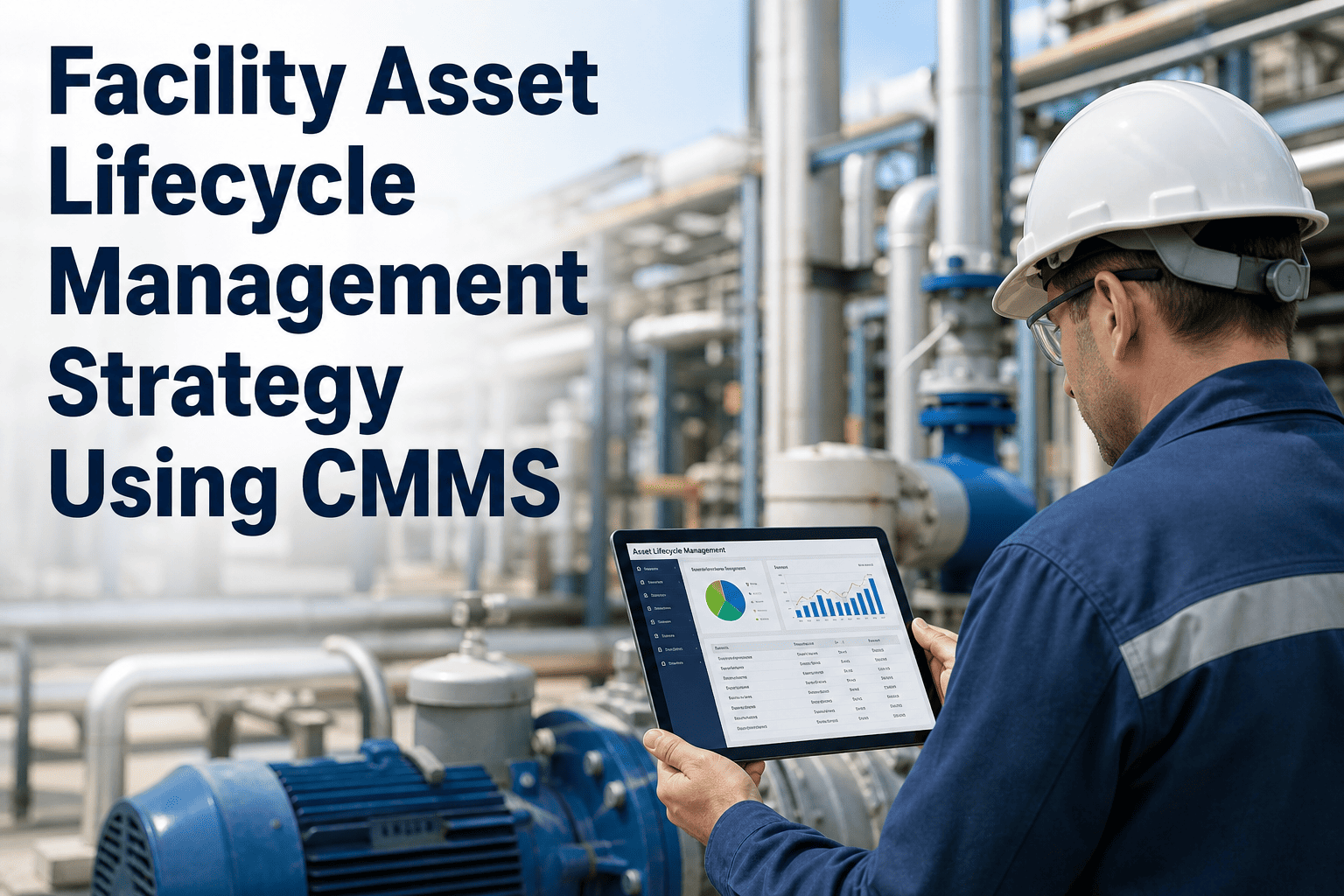
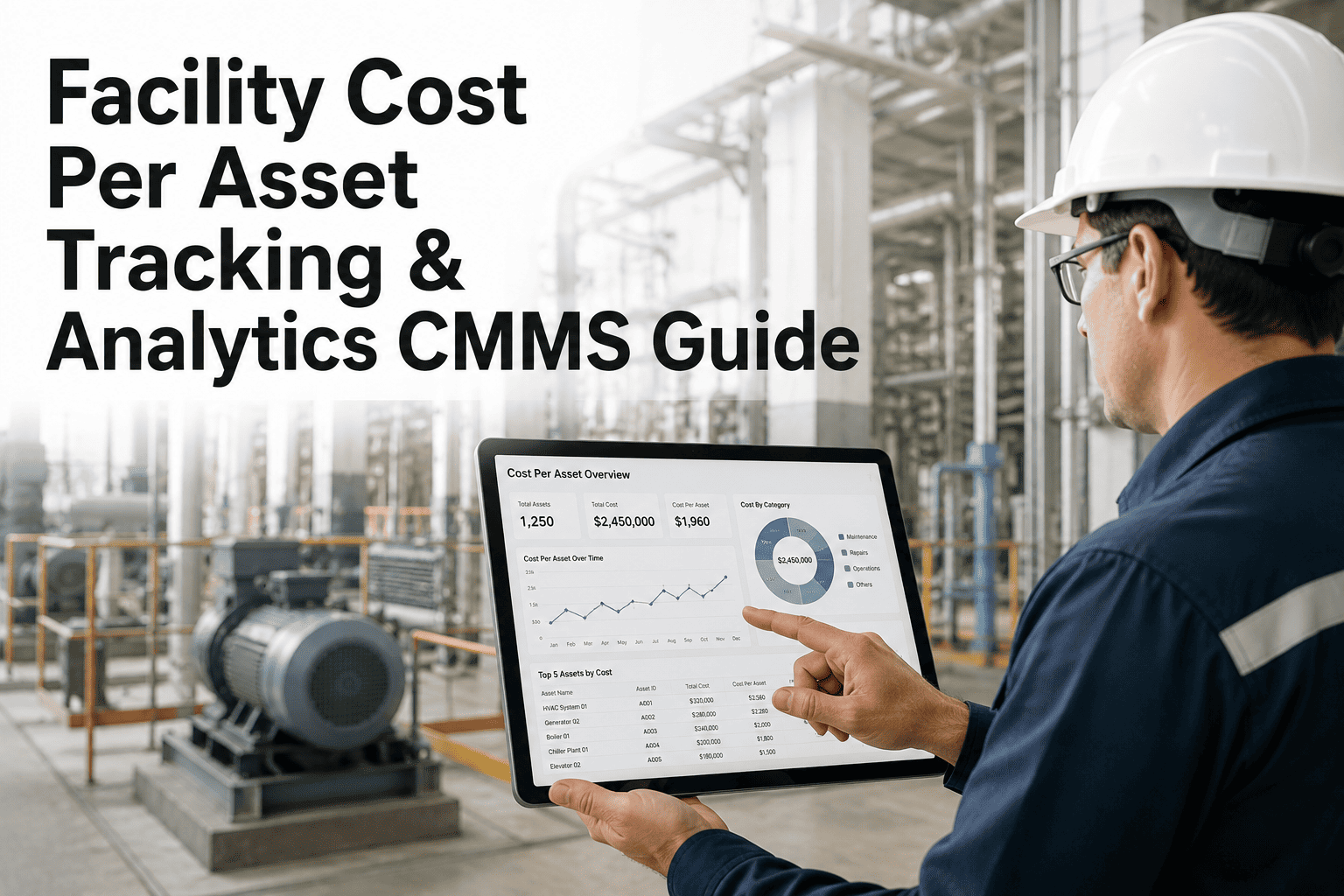
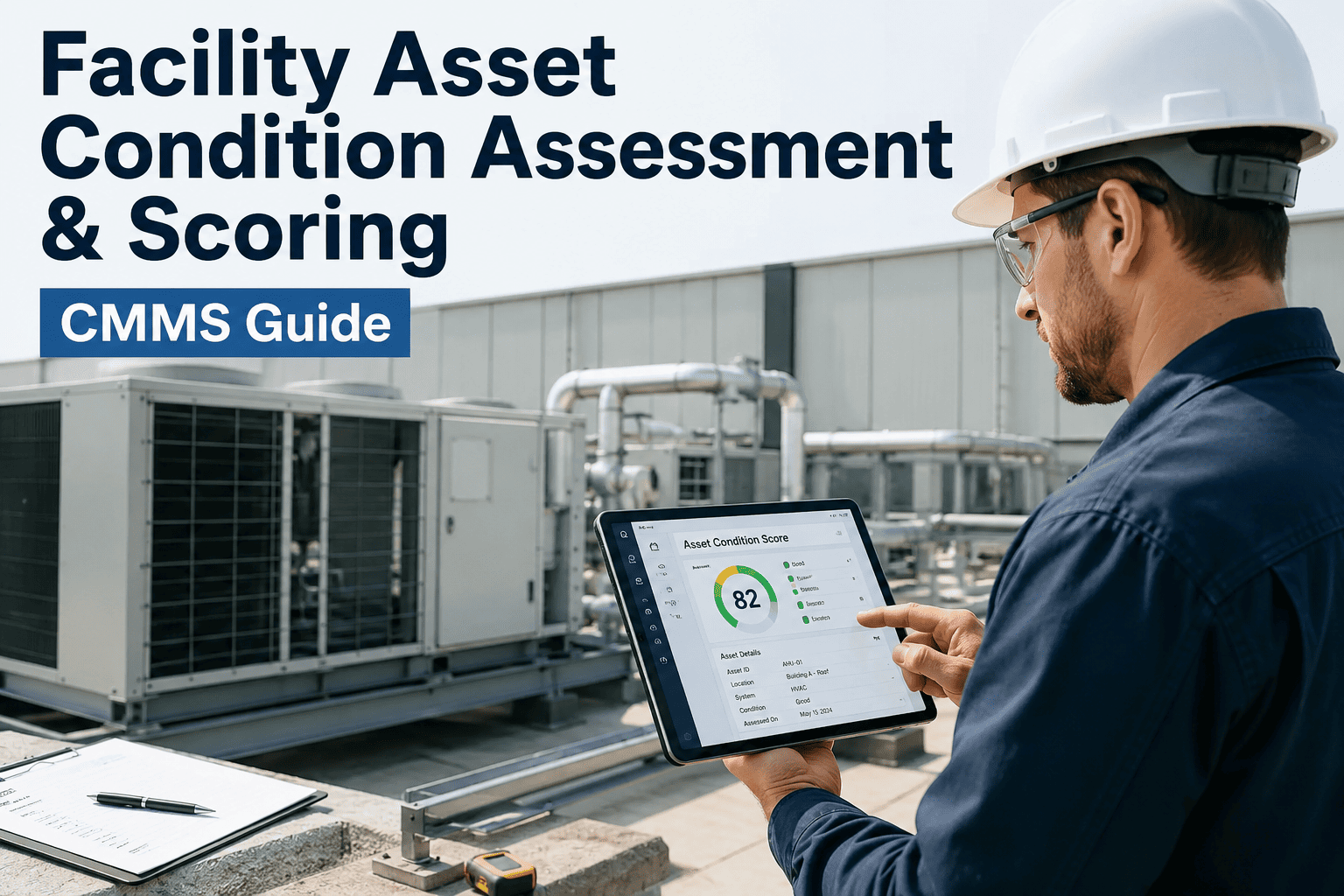
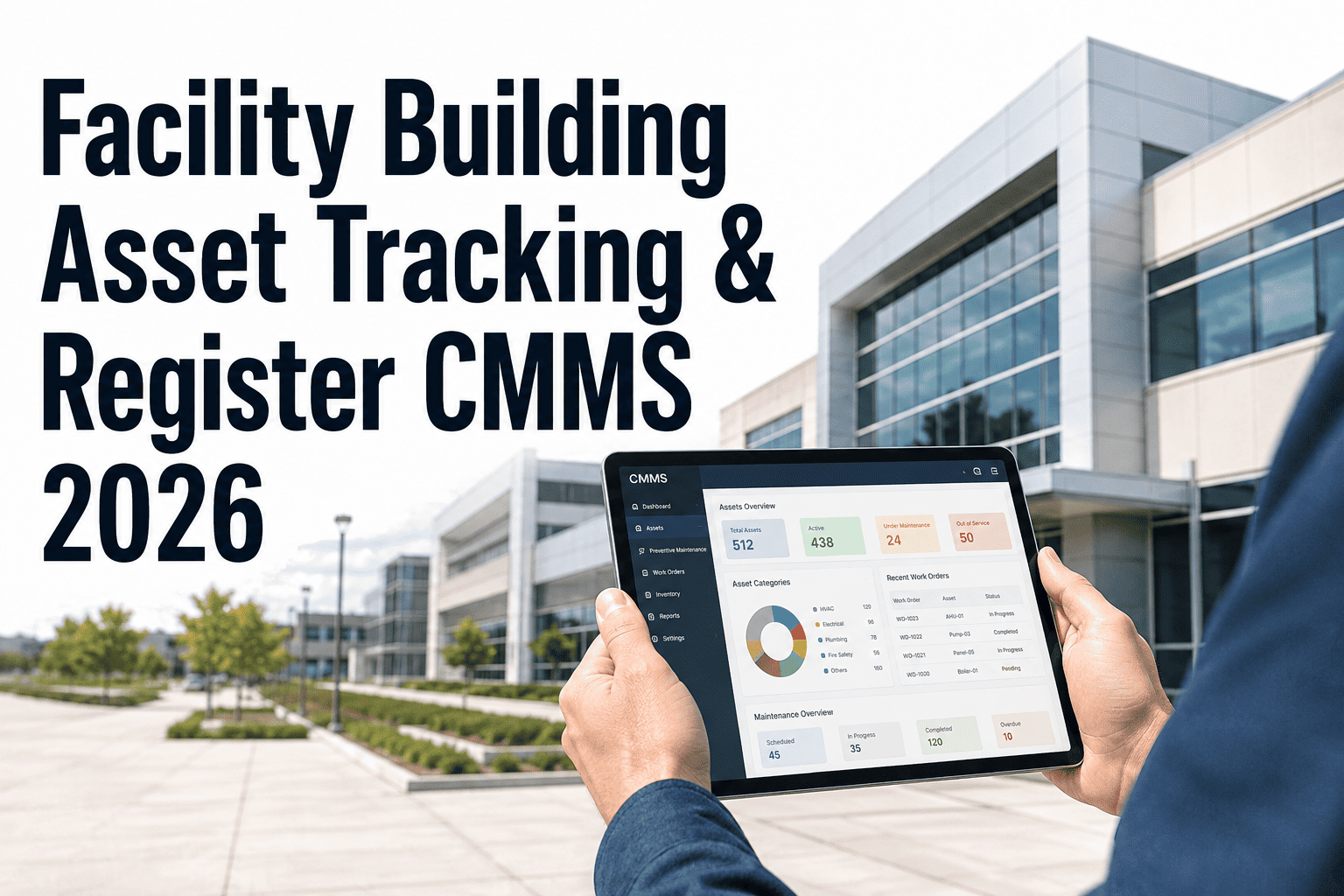
Every building asset — from chillers and elevators to lighting systems and roofing — has a lifecycle that determines when it needs inspection, repair, refurbishment, or full replacement. Facility managers who track this lifecycle with a CMMS make smarter capital decisions, avoid emergency replacements, and extend asset longevity by 20 to 35 percent. This article outlines the complete strategy for managing building asset lifecycles from acquisition to retirement using structured CMMS data.
Asset Management · Strategy Article
Facility Asset Lifecycle Management Strategy Using CMMS
From acquisition to retirement — how structured CMMS lifecycle tracking, condition scoring, and capital planning protect your facility budget and extend asset value.
Asset Lifecycle Stages
01
Acquisition
Asset registration, warranty capture, baseline condition score
02
Operation
PM schedules, work order history, condition trending
03
Maintenance
Repair cost accumulation, refurbishment decisions, MTBF analysis
04
Retirement
Replacement planning, capital budget submission, asset disposal
Why Lifecycle Management Fails
The Hidden Cost of Untracked Asset Age
Most facility teams know roughly when their major assets were installed — but few have a structured record of cumulative repair costs, condition scores, or predicted remaining useful life. The result: capital replacement decisions are made based on breakdowns and emergencies rather than data. A rooftop HVAC unit that has cost $28,000 in repairs over five years looks "still running" on a spreadsheet — but a CMMS lifecycle view reveals it has consumed 140% of its replacement cost in maintenance alone.
Without Lifecycle Tracking
- Replacement decisions driven by failures
- Capital budgets built on estimates, not data
- Repair costs scattered across multiple systems
- No visibility into asset condition deterioration
- Warranty expirations missed, coverage lost
With CMMS Lifecycle Tracking
- Planned replacements 12 to 24 months in advance
- Capital requests backed by repair cost history
- Full cost-of-ownership visible per asset
- Condition score trending flags at-risk assets early
- Warranty and service contract alerts automated
Condition Scoring System
How Asset Condition Scoring Works in Practice
A condition score translates inspection data into a standardised number — typically 1 to 5 or 1 to 100 — that can be compared across asset types, buildings, and time. When every asset in your portfolio has a current condition score logged in the CMMS, capital planning becomes a ranked prioritisation exercise rather than a guessing game.
| Condition Rating |
Score Range |
Asset Status |
Recommended Action |
Capital Priority |
| Excellent |
85 – 100 |
Performing to spec, no defects |
Routine PM only |
Low |
| Good |
70 – 84 |
Minor wear, functional |
Monitor + PM adjustment |
Low |
| Fair |
50 – 69 |
Noticeable deterioration |
Schedule refurbishment |
Medium |
| Poor |
25 – 49 |
Frequent failures, high cost |
Plan replacement in 1–2 years |
High |
| Critical |
0 – 24 |
At or near end of life |
Immediate capital request |
Critical |
35%
Longer average asset lifespan when lifecycle tracking is active in CMMS from acquisition
IFMA Asset Management Benchmark 2024
Track Every Asset from Day One
Register assets, log condition scores, track repair costs, and plan replacements — all in Oxmaint's lifecycle module.
Capital Planning Integration
Turning Lifecycle Data into Capital Budget Justification
The most common challenge for facility managers is getting capital replacement requests approved. Finance teams want evidence — not "the chiller is old." A CMMS with lifecycle tracking gives you exactly that: total repair cost over asset life, condition score trend, estimated remaining useful life, and cost of continued reactive maintenance versus planned replacement. Oxmaint generates asset lifecycle reports that can be attached directly to capital budget submissions.
$42K
Average annual saving per building when capital planning uses CMMS lifecycle data vs reactive decisions
18 mo
Average advance planning window that CMMS condition scoring provides for major asset replacements
91%
Of facility managers say lifecycle data improved their capital budget approval rate with finance leadership
Expert Review
What Asset Management Specialists Say
"The shift from calendar-based replacement to condition-based replacement is where the real savings emerge. Facilities that use CMMS condition scoring replace assets 20 to 30 percent later than those on fixed schedules — because the data shows those assets still have useful life remaining. That deferral, done safely, is pure capital savings."
— BOMA International, Asset Lifecycle Management Guidelines, 2024 Edition
"Lifecycle cost analysis changes every capital conversation. When a facility manager walks in with total cost of ownership data — not just purchase price but 10 years of repair history, energy cost trends, and condition score — finance teams approve replacement budgets at a fundamentally different rate. The data removes the subjectivity."
— Facilities Management Journal, Capital Planning Special Report, Q2 2024
Common Questions
Frequently Asked Questions
How do I build an asset registry if I have no existing records?
Start with a physical walkthrough and register every asset above a defined replacement value threshold — typically $2,500 or higher for building assets. Capture nameplate data, estimated install year, and an initial condition score during the walkthrough. Oxmaint supports bulk import via CSV for teams with partial records in spreadsheets. Within 30 to 60 days of consistent use, your registry will reflect actual fleet condition rather than assumptions.
Start your asset registry free — no existing data required.
What is the difference between useful life and remaining useful life in lifecycle planning?
Useful life is the manufacturer or industry-standard expected lifespan of an asset — for example, 15 to 20 years for a commercial HVAC chiller. Remaining useful life (RUL) is the estimated time left based on actual condition, usage history, and repair cost accumulation in your CMMS. RUL is a far more actionable planning number because it accounts for how your specific asset has actually been maintained, not a generic average. Assets with heavy use and high repair frequency may reach end-of-life 30 to 40 percent earlier than the standard figure.
Can Oxmaint track lifecycle costs across multiple asset categories in one view?
Yes. Oxmaint's lifecycle dashboard groups assets by category — HVAC, electrical, plumbing, structural, life safety — and shows total spend, current condition score, and estimated replacement year for each group. Portfolio-level capital planning views aggregate all at-risk assets into a multi-year replacement schedule that can be exported for budget submissions. This view is particularly valuable for portfolio property managers overseeing multiple buildings.
Book a demo to see the portfolio lifecycle dashboard configured for your asset types.
How does warranty tracking integrate with lifecycle management in Oxmaint?
Each asset record in Oxmaint includes warranty start date, end date, coverage terms, and vendor contact. Oxmaint sends automated alerts 60 and 30 days before warranty expiry so your team can complete any outstanding warranty claims before coverage lapses. Work orders generated during the warranty period are automatically flagged for potential warranty claim, reducing the repair costs that should have been recovered from the manufacturer or contractor. This alone typically recovers $5,000 to $20,000 annually for mid-size building portfolios.
Start Managing Your Building Assets by Lifecycle, Not by Crisis
Register assets, track condition scores, log repair costs, and generate capital replacement forecasts — all in Oxmaint's CMMS from day one.