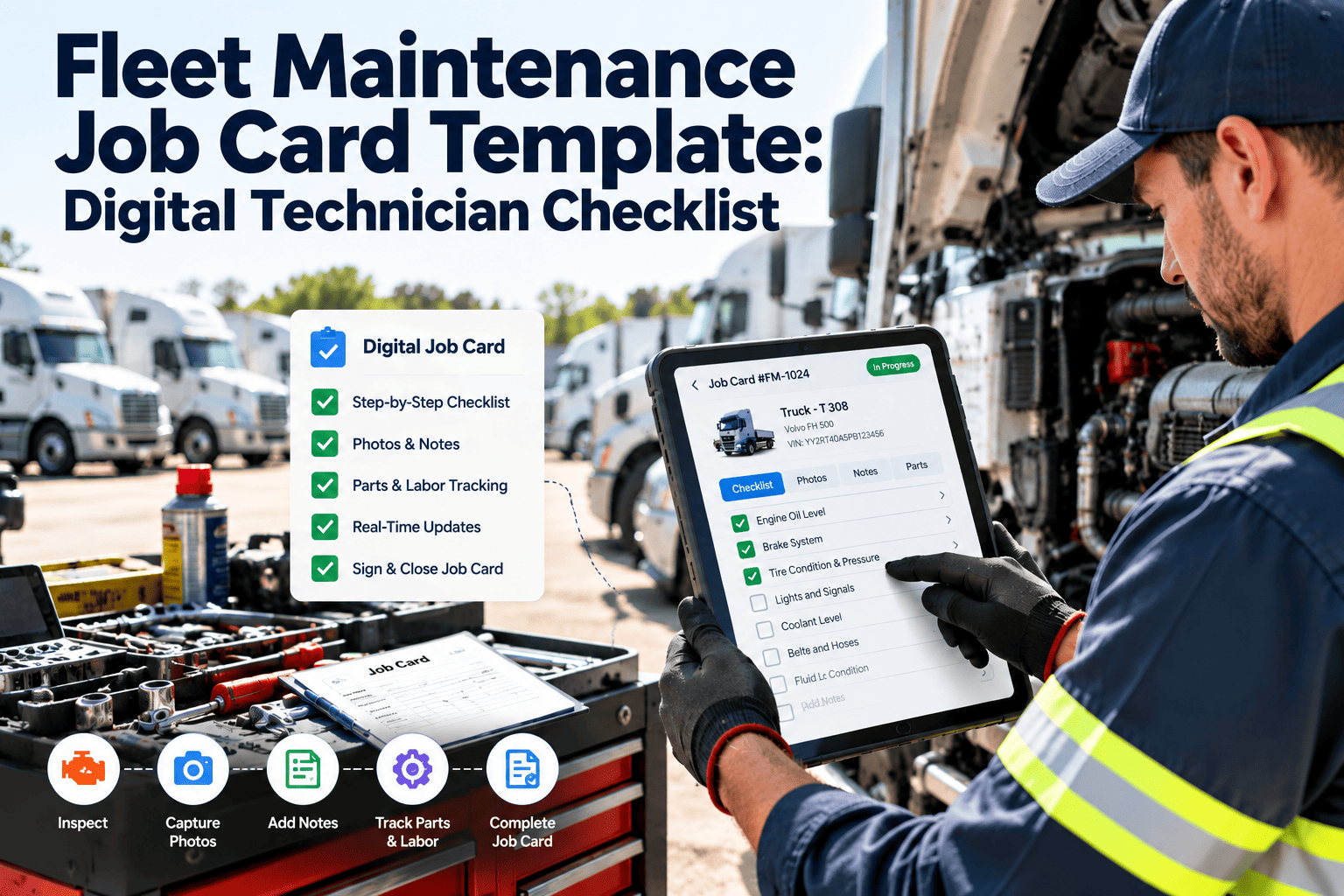
Your fleet asset register is the single source of truth for every vehicle you own, lease, or operate — and if it lives in someone's head, a filing cabinet, or a spreadsheet last updated six months ago, you do not actually have one. A 2024 NAFA benchmark survey found that 39% of fleet managers cannot produce a complete, accurate vehicle inventory within 24 hours of being asked. That gap creates real problems: insurance audits fail because vehicle lists do not match policies, depreciation calculations miss vehicles that have been disposed of but not removed from the books, maintenance costs are tracked against the wrong asset, and replacement planning operates on incomplete data. This fleet asset register template provides the complete vehicle inventory framework — VIN tracking, ownership records, insurance details, warranty information, registration dates, service history links, and depreciation calculations — all in one organized spreadsheet. Download it to build your registry today, or deploy Oxmaint's digital asset registry for a living database that updates automatically as vehicles are acquired, maintained, transferred, and disposed of. A spreadsheet is a snapshot. A CMMS asset register is a real-time operating system for your fleet. Book a demo or start a free trial to see the difference.
Fleet Asset Register Template: Complete Vehicle Inventory Spreadsheet
Track all vehicle details, VIN numbers, ownership, insurance, warranty, service history, and depreciation in one organized master spreadsheet. Foundation for fleet management, financial reporting, and compliance documentation.
Build Your Fleet Master Record Today
Start with the Excel template to create a structured vehicle inventory. When you need a living asset database with automatic updates from work orders, inspections, and lifecycle events, import directly into Oxmaint for real-time fleet visibility.
Complete Asset Register Data Categories
A proper fleet asset register captures far more than make, model, and license plate. This template organizes vehicle data into six categories that serve every stakeholder — fleet operations, finance, compliance, insurance, and executive management.
Unit number, VIN, year, make, model, trim level, body type, GVWR, engine type, transmission, fuel type, color, and license plate. The foundation that links every other data point to the correct physical asset. VIN decoding validates data accuracy.
Acquisition date, purchase price, financing terms, lease details, book value, depreciation method, depreciation schedule, residual value estimate, and disposal date/value. Financial data that supports budgeting, tax reporting, and replacement planning.
Registration state, registration expiration, title number, title status, DOT number, IFTA decal, emissions inspection date, and federal tax form 2290 status. Compliance data that prevents registration lapses and regulatory violations.
Insurance carrier, policy number, coverage type, deductible, premium, policy expiration, and claims history. Insurance data that ensures coverage accuracy, prevents gaps, and supports renewal negotiations.
Manufacturer warranty terms, warranty expiration date/mileage, extended warranty details, service contract coverage, and warranty claim history. Captures $3,200 average in warranty-eligible repairs that fleets miss annually due to poor tracking.
Assigned driver, assigned department, home location, current odometer, annual mileage, primary use type, and pool/assigned status. Operational data that drives utilization analysis and right-sizing decisions.
Template Structure and Field Reference
The spreadsheet is organized into tabs that serve different use cases. Each tab pulls from the master vehicle record to eliminate duplicate data entry and ensure consistency across all views.
| Spreadsheet Tab | Purpose | Key Fields |
|---|---|---|
| Master Vehicle List | Complete inventory of all fleet assets | All 47 data fields per vehicle in a single row |
| Financial Summary | Depreciation, book value, and TCO tracking | Acquisition cost, current value, annual depreciation, cumulative maintenance |
| Compliance Calendar | Registration, inspection, and insurance expiration tracking | Expiration dates with conditional formatting for upcoming deadlines |
| Warranty Tracker | Active warranty coverage and expiration monitoring | Warranty type, coverage terms, expiration date/mileage, claims filed |
| Disposal Log | Vehicles removed from fleet with disposition details | Disposal date, method, sale price, buyer, final odometer, reason |
| Dashboard Summary | Fleet-wide statistics and KPI overview | Total vehicles, average age, average mileage, total book value, fleet mix |
Static Spreadsheet vs. Living CMMS Database
A spreadsheet asset register is accurate on the day you update it — and begins decaying immediately. Every vehicle acquisition, disposal, maintenance event, and odometer update that is not entered creates a gap between the register and reality. Here is how a static spreadsheet compares to a living CMMS asset database. Ready to make the jump? Start a free trial or book a demo to see how Oxmaint keeps your registry current automatically.
| Capability | Excel Asset Register | Oxmaint Digital Asset Registry |
|---|---|---|
| Data Accuracy Over Time | Decays daily — requires manual updates | Updates automatically from work orders and inspections |
| Odometer Tracking | Updated when someone remembers | Captured at every work order, fuel purchase, and inspection |
| Maintenance Cost Per Vehicle | Requires cross-referencing with separate maintenance records | Calculated automatically from work order cost data |
| Compliance Alerts | Conditional formatting — only visible when file is open | Push notifications 30/60/90 days before expirations |
| Multi-User Access | File conflicts, version confusion | Unlimited concurrent users with role-based permissions |
| Audit Readiness | Single point of failure — file corruption loses everything | Cloud-backed, version-controlled, instantly exportable |
The template gives you the structure. Oxmaint gives you a living database that updates with every maintenance event, every inspection, and every lifecycle change. Import your Excel registry into Oxmaint and never manually update an asset record again. Most fleets are fully migrated within a single afternoon.
Common Asset Register Problems and Solutions
Every fleet manager who has maintained a vehicle registry knows these problems. The template minimizes them with structure and validation rules — and Oxmaint eliminates them entirely with automation.
Disposed vehicles still on the registry, inflating insurance premiums and distorting fleet size metrics. The template includes a disposal workflow. Oxmaint requires disposition documentation before removing assets, preventing premature or undocumented removals.
Same vehicle entered under different unit numbers or VIN variations. The template uses VIN as unique identifier with validation. Oxmaint rejects duplicate VINs at data entry, preventing duplicates from ever entering the system.
Acquisition costs, depreciation, or residual values left blank because finance and fleet operate in silos. The template flags incomplete financial records. Oxmaint integrates with financial systems to keep asset valuations current.
Registration, inspection, or insurance lapses discovered only when a vehicle is stopped at a weigh station. The template includes expiration tracking with conditional formatting. Oxmaint sends proactive alerts before any compliance date expires.
Frequently Asked Questions
How do I get accurate data into the asset register for vehicles already in our fleet?
Should leased vehicles be included in the asset register?
How often should the asset register be updated?
Can I import this template into Oxmaint when I am ready to go digital?
Know Exactly What You Own, Where It Is, and What It Costs
Your fleet asset register should answer every question about your vehicles instantly — from VIN to book value to warranty status to last service date. This template builds that foundation. Oxmaint keeps it alive and accurate without manual updates. Download the template to structure your fleet records today, or go digital and never wonder about your asset data again.