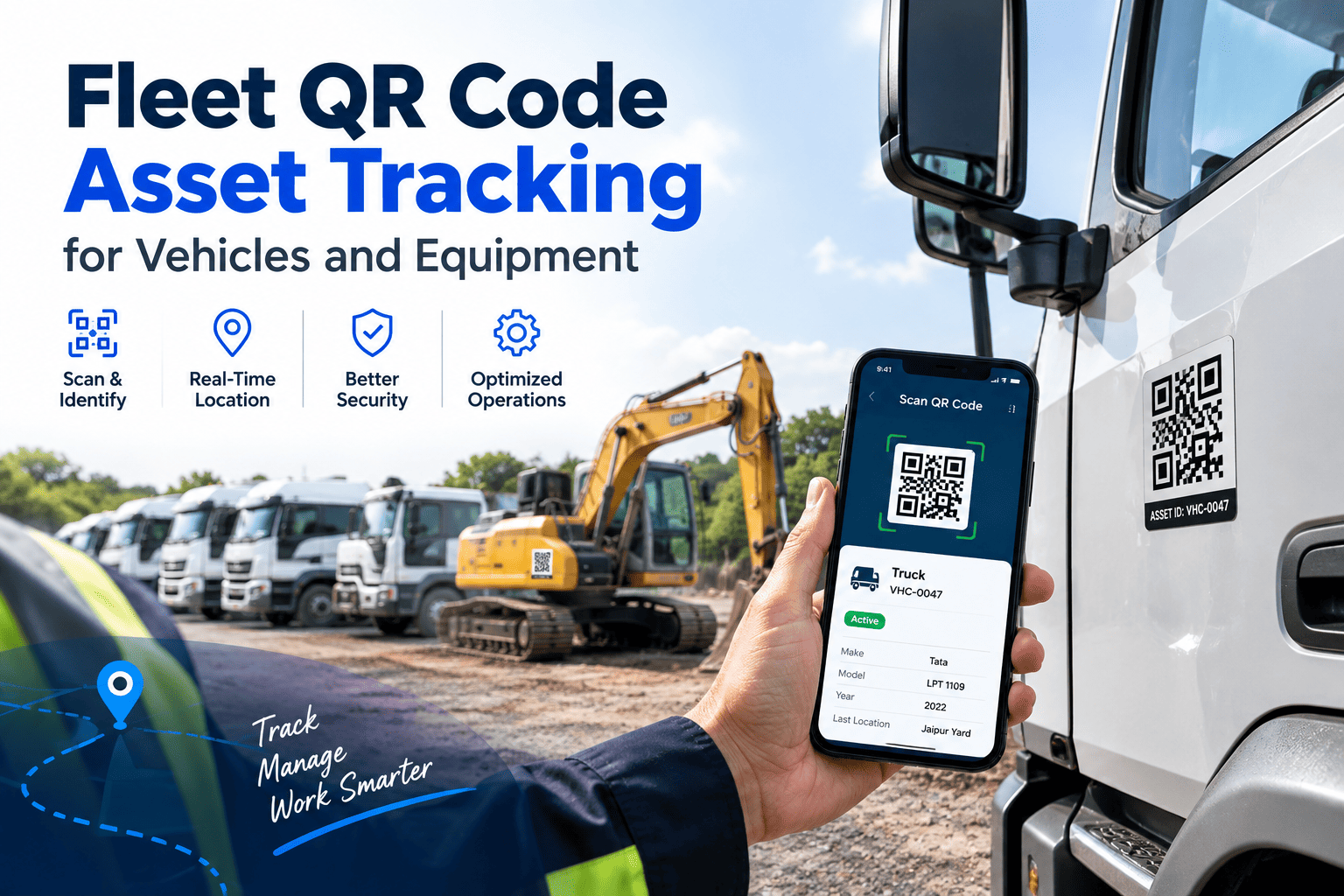
Every fleet has the same quiet problem: the truck in the yard and the record in the system do not always match. Unit numbers get repainted, trailers change hands, and a technician spends ten minutes hunting for the right asset before any work starts. A QR code on each vehicle or machine gives it a permanent identity that any phone can read in a second, opening the exact history, checklist or work order. Paired with a maintenance-first system such as Oxmaint fleet asset management and mobile work orders, the label becomes the front door to every maintenance task.
Asset Management for Fleets
Fleet QR code asset tracking for vehicles and equipment, built around maintenance
Put a scannable identity on every truck, trailer and machine so inspections, work orders, meter readings and parts requests start at the right asset every time.
The Identity Problem
Where fleet maintenance loses time and history without a reliable asset ID
Fleet maintenance is full of small handoffs, and each one is a chance to attach work to the wrong unit. The cost rarely shows up as one big event. It shows up as scattered delays and unreliable history.
Choosing The Tag
QR codes compared with barcodes, RFID and NFC for fleet assets
No identification method wins everywhere. QR codes suit fleets because they are cheap to produce and readable by phones that technicians already carry.
| Method | Strengths | Limits | Best fit in a fleet |
|---|---|---|---|
| QR code | Low cost, phone camera reads it, no special hardware | Needs line of sight and a clean, undamaged label | Vehicles, trailers, equipment, tools, bays |
| Linear barcode | Low cost, well understood | Holds little data and needs a scanner or app support | Parts bins and inventory shelves |
| RFID | Reads without line of sight, can read many tags quickly | Higher tag and reader cost, metal can interfere | Yard gates and high-volume tracking |
| NFC | Tap to read, hard to misread | Short range and a phone with NFC needed | Inspection checkpoints inside cabs |
A practical mix
Many fleets use QR codes as the default identity and add other methods where speed or environment demands it. The important part is one asset ID that every method points to.
What A Scan Does
Five things a maintenance-first QR scan should open
A code that only opens a webpage adds little. The value comes from landing in the workflow the person needs, with the asset already selected.
Inspection
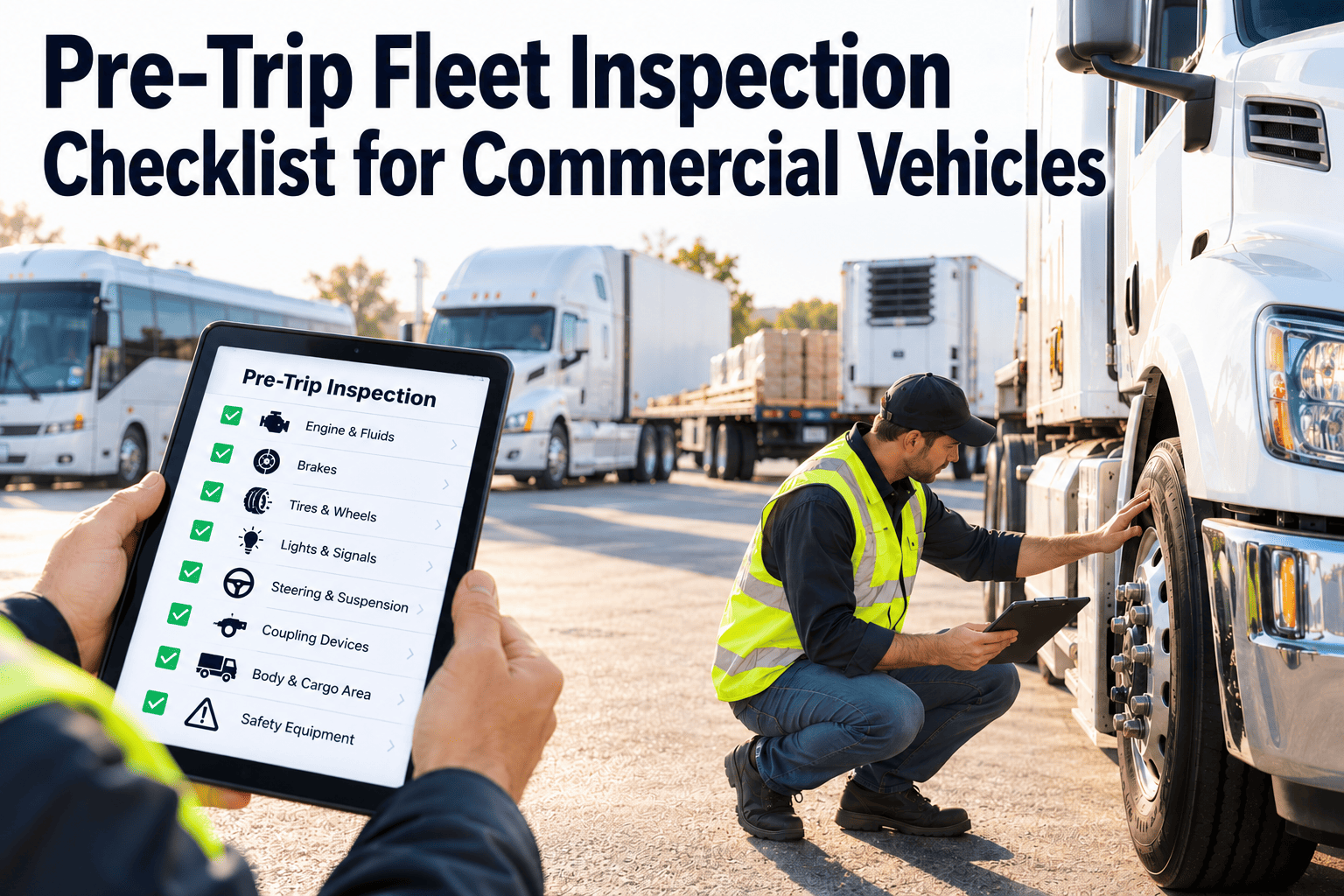
Opens the correct pre-trip, post-trip or equipment checklist for that asset type, with pass and fail items and photo capture.
Defect report
Lets a driver or operator flag an issue in seconds, creating a request that maintenance can convert into a work order.
Work order
Shows open and past work orders, so a technician starts, updates and closes tasks against the right asset.
Meter reading
Captures odometer or engine hours to keep usage-based preventive maintenance triggers accurate.
History and parts
Displays service history, warranty details and the parts used before, which speeds diagnosis and reordering.
Give Every Asset A Front Door
Start every inspection and repair from a single scan
Oxmaint connects asset records, inspections and work orders so a scanned label leads straight to the right task.
Label Specification
Designing QR labels that survive road salt, heat and pressure washing
A label that peels or fades after one winter defeats the purpose. Specify the label for its environment, not just for the print shop.
| Design choice | Recommendation | Why it matters |
|---|---|---|
| Standard | Use codes that follow ISO/IEC 18004 | Ensures common phone readers decode the code |
| Content | Encode a short unique ID or URL, not asset data | Simpler codes scan faster and the record can change without reprinting |
| Error correction | Use a higher level such as Q or H for outdoor assets | Allows scanning even when part of the label is scuffed |
| Material | Durable polyester or similar synthetic, with UV-resistant laminate | Resists fading, moisture and cleaning chemicals |
| Adhesive | Match to the surface, such as painted metal, plastic or rough casting | Prevents peeling on vibrating or hot surfaces |
| Size and contrast | Print large enough for scanning at arm's length, with strong dark-on-light contrast | Dirt and glare make small, low-contrast codes fail |
| Human-readable ID | Print the unit number beside the code | Gives a fallback if the code is damaged |
Placement Map
Where to place QR labels by asset type
Pick spots that are easy to reach, protected from abrasion and consistent across the fleet, so anyone can find the label without thinking.
Trucks and vans
- Inside the driver door frame
- Dash or cab pillar for driver access
- Engine bay label for technicians
Trailers
- Front left near the landing gear
- Rear door frame for yard checks
- Reefer unit panel for refrigeration service
Equipment and tools
- Operator station or control panel
- Protected frame area on loaders and forklifts
- Tool cases and attachments
Compliance And Records
How QR scanning supports inspection and compliance records
Regulated fleets need proof that inspections happened, defects were reviewed and repairs were completed. A scan-based workflow creates that proof at the time of the event.
- Driver vehicle inspection reports, such as those required under FMCSA rules in 49 CFR Part 396 in the US, can be completed on a phone with time and asset attached
- Defects marked as safety-related can be routed to a work order and tracked until closed
- Technician sign-off records who repaired what and when
- Exportable history helps during audits, roadside follow-ups and warranty claims
- Retention periods and required fields should follow the rules that apply to your operation
Check your own obligations
Requirements differ by country, vehicle class and operator type. Confirm forms and retention with your compliance lead before changing procedures.
Rollout Timeline
A phased QR rollout that does not disrupt daily operations
Start with a clean asset list and a small pilot. Labelling the whole fleet before the data is right only spreads the errors.
Clean the asset register
Remove duplicates, confirm VINs and unit numbers, and define one ID format for vehicles, trailers and equipment.
Pilot on one group
Label a single depot or vehicle class, run inspections and defect reports by scan, and gather driver feedback.
Fix and standardize
Adjust label material, size and placement based on what failed, then lock the standard.
Scale across the fleet
Label remaining assets in batches, train users and add labels to onboarding for new units.
Maintenance Payoff
How Oxmaint uses the asset identity to run fleet maintenance
The QR label is only the entry point. Oxmaint provides the maintenance workflow behind it.
Without a scan-based identity
- Assets found by searching lists
- Paper forms re-keyed later
- Meter readings estimated or late
- Repair history split across sources
With QR and Oxmaint
- Asset opened directly from the label
- Inspections captured on a phone
- Readings drive preventive maintenance triggers
- One history of work orders, parts and costs
- Preventive maintenance schedules based on time, mileage or engine hours
- Work orders with labor, parts and notes attached to the asset
- Inspection forms tied to asset type and inspection frequency
- Inventory visibility so parts used in repairs are tracked
- Reports on downtime, repeat repairs and cost per asset
Field Conditions
Making scans work in yards, shops and low-signal locations
Fleet assets live in depots, quarries, farms and remote job sites where mobile coverage is patchy. A scan workflow has to keep working when the signal does not.
- Use a mobile workflow that stores inspections locally and syncs when the device reconnects
- Keep the asset ID readable in plain text so a technician can search manually if a scan fails
- Test scanning in glare, rain, dust and low light before finalizing label size
- Give drivers a simple fallback, such as entering the unit number, instead of skipping the inspection
Gloves, grease and moving equipment
Technicians work in gloves and with dirty hands. Larger codes, wipeable laminates and placement at a comfortable height make scanning faster than typing on a screen.
Beyond The Vehicle
Extending QR identity to tools, parts bins and workshop bays
Once vehicles are tagged, the same approach solves smaller tracking problems that eat into technician time.
Parts and stock
- Label shelves and bins with location IDs
- Scan parts out to a work order
- Trigger reorder checks at minimum levels
- Record returns and core parts
Tools and equipment
- Tag calibrated tools and diagnostic kits
- Track who has which tool
- Schedule calibration and inspection dates
- Record damage or loss quickly
Facilities and bays
- Tag lifts, compressors and wash bays
- Link inspections to the equipment
- Report faults from the workshop floor
- Keep service records for each machine
Access And Security
Deciding who sees what when a label is scanned
A QR code is visible to anyone who walks past the vehicle. The link should identify the asset, and the data behind it should stay behind permissions.
Risky approach
- Codes that expose costs or driver data publicly
- One shared login for every device
- Codes that hold readable asset details
- No record of who scanned and what changed
Safer approach
- Sign-in required before records open
- Roles for drivers, technicians and managers
- Codes that carry only an ID or link
- Activity history on every record
Driver Adoption
Training drivers and technicians to use scan-based workflows
Adoption is a habit change. A short, practical routine works better than a long manual.
Show the shortcut
Demonstrate that a scan takes less time than finding a paper form or a unit in a list.
Practice on real units
Have each person complete one inspection and one defect report on their own vehicle.
Close the loop visibly
Show drivers when their reported defect became a work order, so reporting feels worthwhile.
Review and adjust
Ask for feedback on label spots and form length, then fix the friction points.
Asset Lifecycle
Using the asset identity from acquisition to disposal
The QR label follows the asset through its whole life, which makes the maintenance record useful long after the first repair.
- At acquisition: register the asset, print the label and attach warranty and specification documents
- In service: record inspections, meter readings, repairs and parts against the same ID
- For warranty claims: show dated failure evidence, repair history and inspection results quickly
- At replacement review: compare accumulated maintenance cost and downtime with the cost of a new unit
- At disposal: keep the history, retire the label and record the reason and date
Audit the labels regularly
Add a label check to routine inspections. A technician who notices a faded, missing or wrong label can report it, so identity problems are fixed before they corrupt records.
- Scan a sample of units each quarter and confirm the code opens the correct record
- Keep a small stock of pre-printed replacements for each asset class
Handling label replacement
When a label is replaced, keep the same asset ID so history stays continuous. Retired IDs should never be reused for a different unit.
Common Mistakes
QR tracking errors that cause more trouble than they solve
Most failed rollouts trace back to process choices, not the technology. Avoid these patterns early.
Data problems
- Duplicate asset IDs
- Labels printed before the register is verified
- Encoding changeable data in the code
- No owner for the asset list
Physical problems
- Paper or unlaminated labels
- Labels on surfaces that flex or heat up
- Codes too small for gloved use
- No spare labels for replacements
Process problems
- No training for drivers and technicians
- No offline plan for low-signal yards
- Damaged labels not reported
- Scans that create no follow-up task
Measure Results
Fleet measures that show whether QR tracking is working
Compare these against your starting figures so improvement is visible and not assumed.
FAQ
Fleet QR code asset tracking: common questions
What is fleet QR code asset tracking?
It labels each vehicle or machine with a QR code that opens its record, inspections and work orders in a maintenance system.
Should the QR code contain asset data?
No. Encode a unique ID or link so the record can change without reprinting labels.
What if a label is damaged or unreadable?
Print the unit number beside the code and keep replacements ready. Higher error correction also helps with scuffed labels.
Does this work for trailers and equipment too?
Yes. Any asset with a register entry can carry a label. Get started by importing your asset list.
How do we plan a pilot?
Choose one depot, label it and run scan-based inspections. Book a demo to shape the pilot scope.
Ready To Tag The Fleet
Turn every vehicle and machine into a scannable, maintainable asset
Set up QR-based inspections, defect reports and work orders in one fleet maintenance workflow.