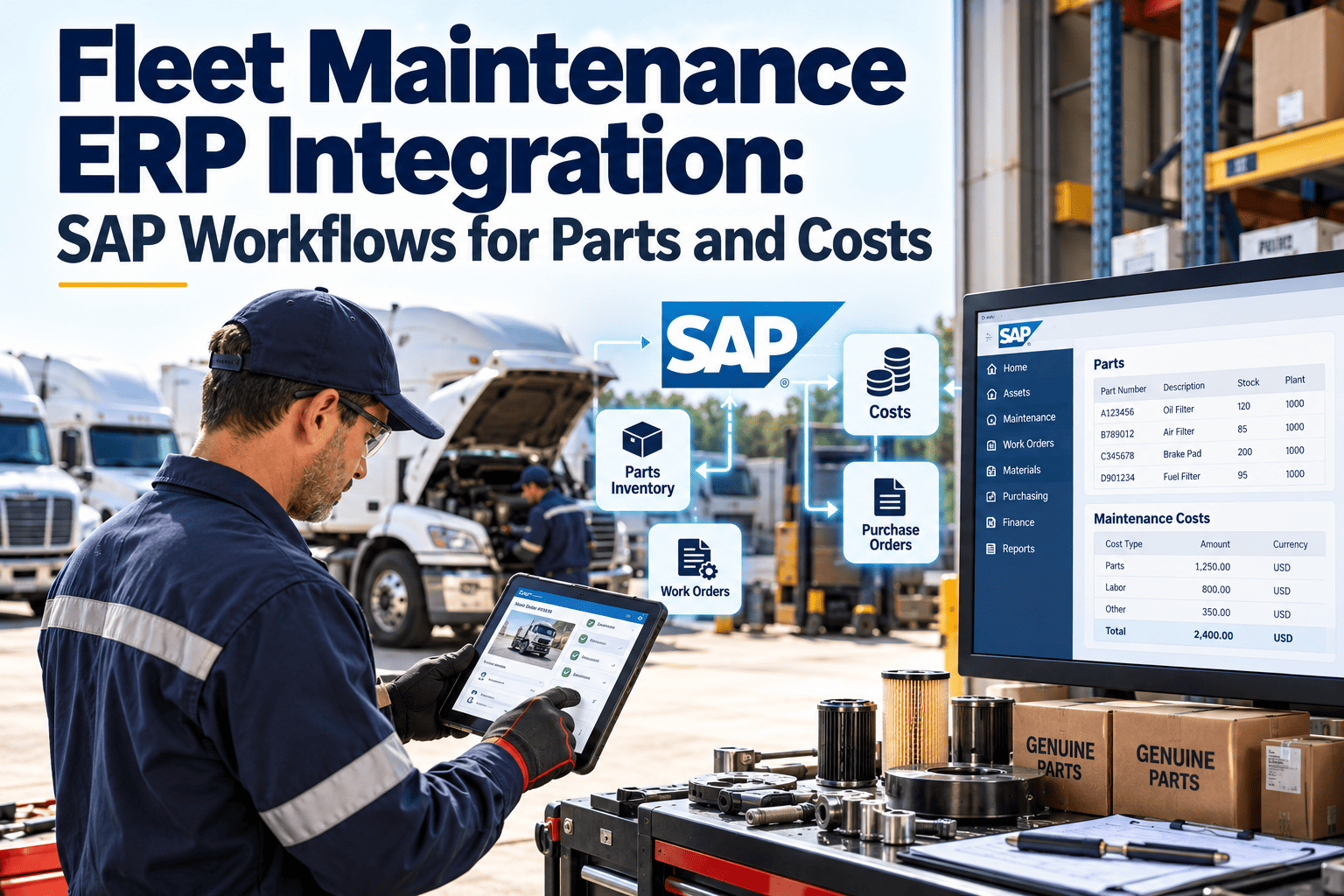
Fleet maintenance generates data that finance and procurement teams depend on: parts issued, labor hours, vendor invoices, and cost per vehicle. When the shop works in one system and SAP holds the ledger in another, someone ends up retyping part numbers, reconciling invoices, and explaining why maintenance cost reports never match. This guide maps the SAP workflows that matter most for fleet parts and costs, and shows how a maintenance-first CMMS fits alongside the ERP. You can start with the maintenance side in Oxmaint and plan the integration scope from there.
Fleet Maintenance ERP Integration: SAP Workflows for Parts and Costs
Keep the shop floor in a maintenance-first system and let SAP stay the financial record, with parts and cost data moving between them on clear rules.
Where Fleet Maintenance and SAP Usually Disconnect
The gap rarely comes from SAP itself. It comes from how maintenance work is recorded before the data reaches SAP.
Which System Owns Which Data
Integration succeeds when each data object has one owner. Decide this before building anything, and confirm the final design with your SAP team because configurations differ by company.
| Data Object | Typical Master | Flow Direction | Why It Matters |
|---|---|---|---|
| Material and part numbers | SAP | SAP to maintenance system | Prevents duplicate or mistyped part records |
| Stock levels and valuation | SAP | Both directions | Keeps availability and cost accurate |
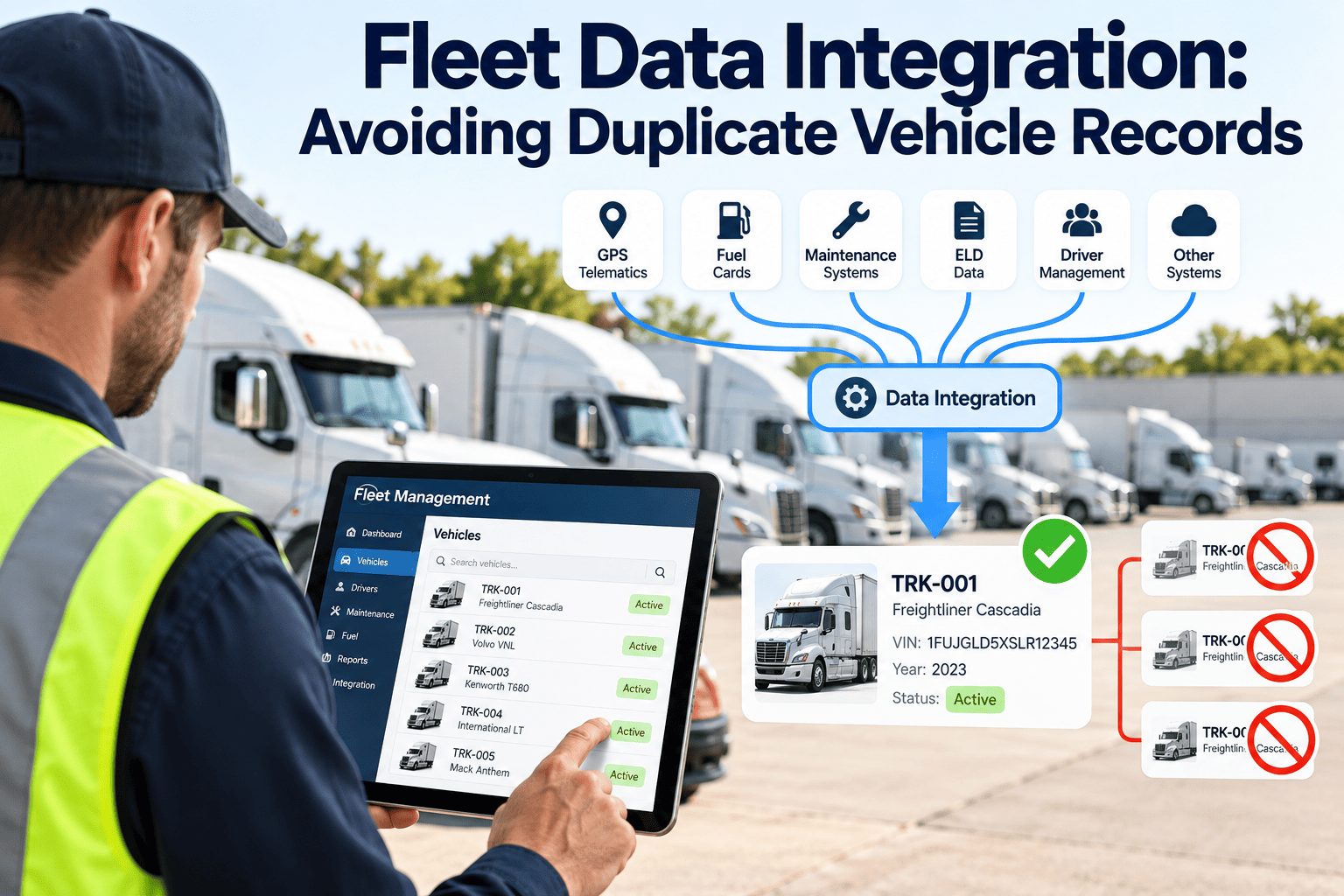
| Vehicle and asset records | Maintenance system for service history, SAP for financial reference | Reference shared | Links repair history to cost center |
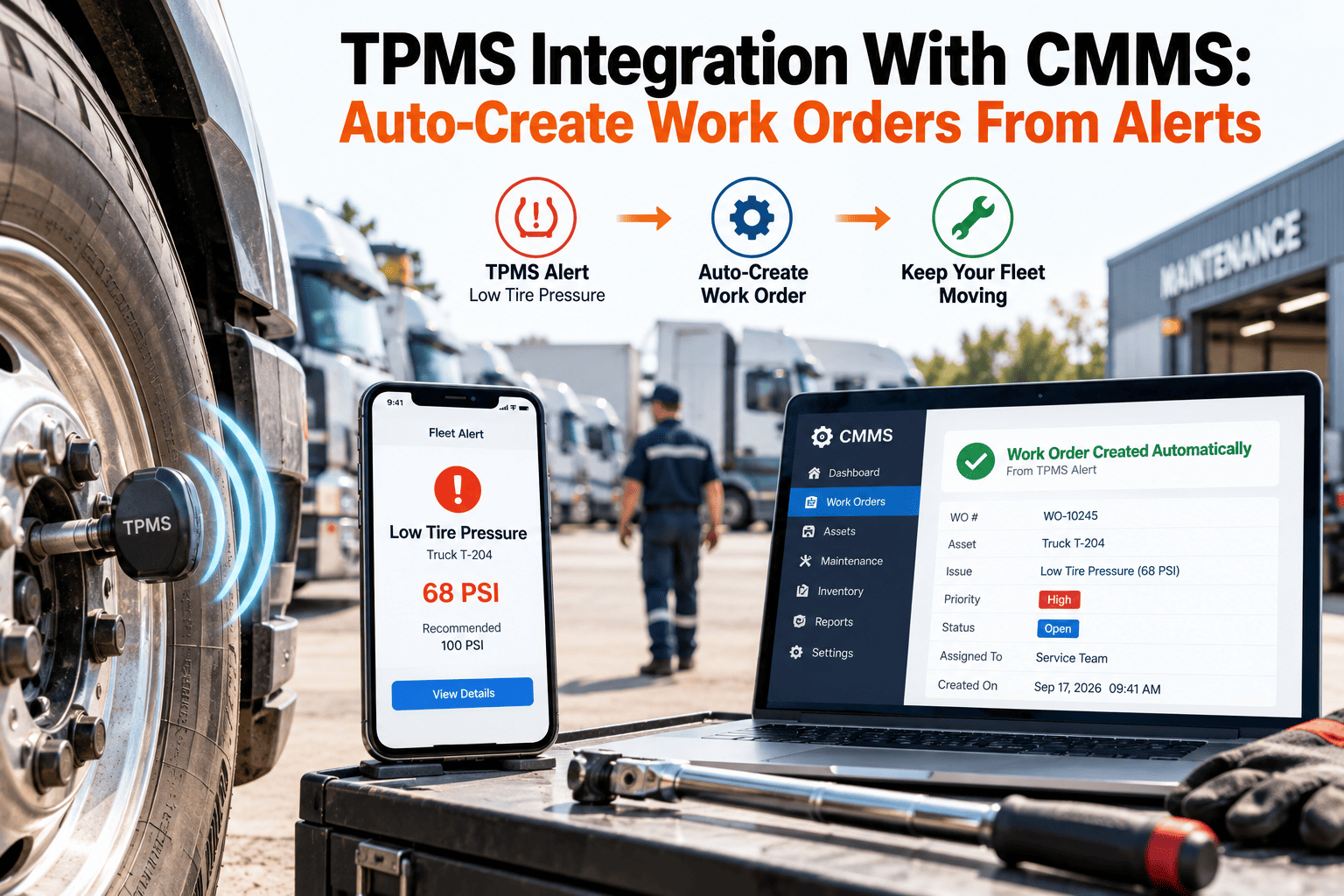
| Work orders and labor | Maintenance system | Maintenance system to SAP | Supports cost posting with real activity |
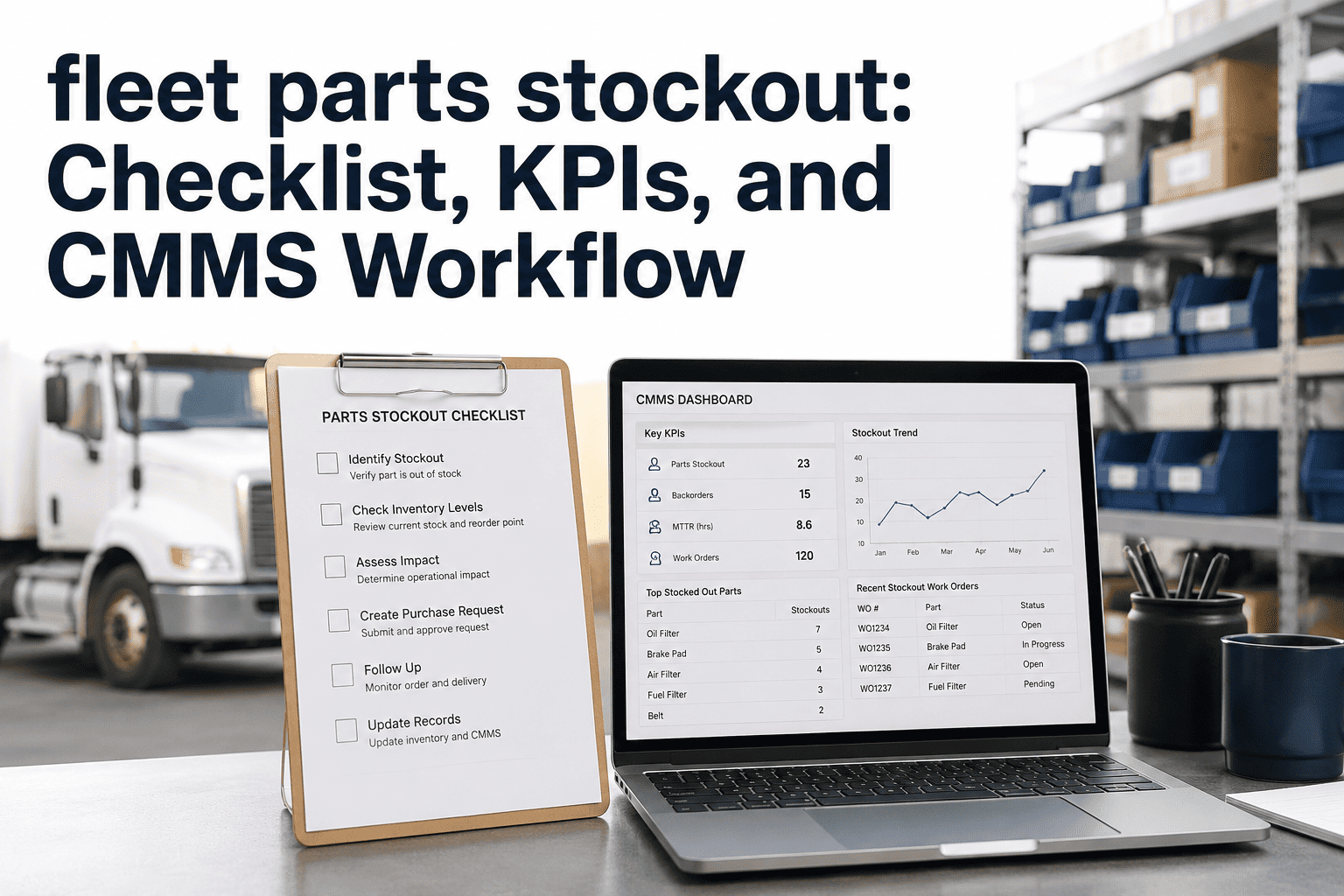
| Purchase requisitions | SAP | Request from maintenance system | Keeps procurement approvals intact |
| Vendor invoices | SAP | Reference back to work order | Matches outside repair cost to the vehicle |
Start With Clean Maintenance Data Before You Integrate
Oxmaint organizes vehicles, work orders, and parts usage so the data you send to SAP is accurate from the start.
The Parts Workflow: From Request to Consumption
Parts control is where most fleet integration value is found, because it connects the shop, the stockroom, and purchasing.
The Cost Workflow: Making Every Repair Traceable
Cost data should follow the same path as the work. Each completed order carries its own cost components into the ledger.
- Define whether costs post on completion, on approval, or in scheduled batches.
- Agree on how accruals and open work orders appear at period close.
- Keep a single reference number across the work order, requisition, and invoice.
Integration Pitfalls to Avoid
Before Integration vs. After
An Integration Readiness Checklist
A Phased Rollout
How Oxmaint Supports the Maintenance Side
Oxmaint is a maintenance-first CMMS. Integration scope with SAP depends on your landscape and should be agreed during planning.
Frequently Asked Questions
Should SAP or the CMMS manage work orders?
Many fleets run work orders in the maintenance system and send costs to SAP. Confirm with your team.
What should we integrate first?
Parts availability and completed work order costs usually give the quickest return.
How do we match vehicles to cost centers?
Build a mapping table and keep one owner for changes. Book a demo to discuss your setup.
Can we pilot at one depot?
Yes, a single depot reduces risk and tests the workflow. Get started on the maintenance side.
Who reviews failed transfers?
Assign a named owner in maintenance and finance with a daily review.
Give Finance and the Shop the Same Maintenance Facts
Organize fleet work orders and parts in Oxmaint, then plan the SAP connection with a clear scope.