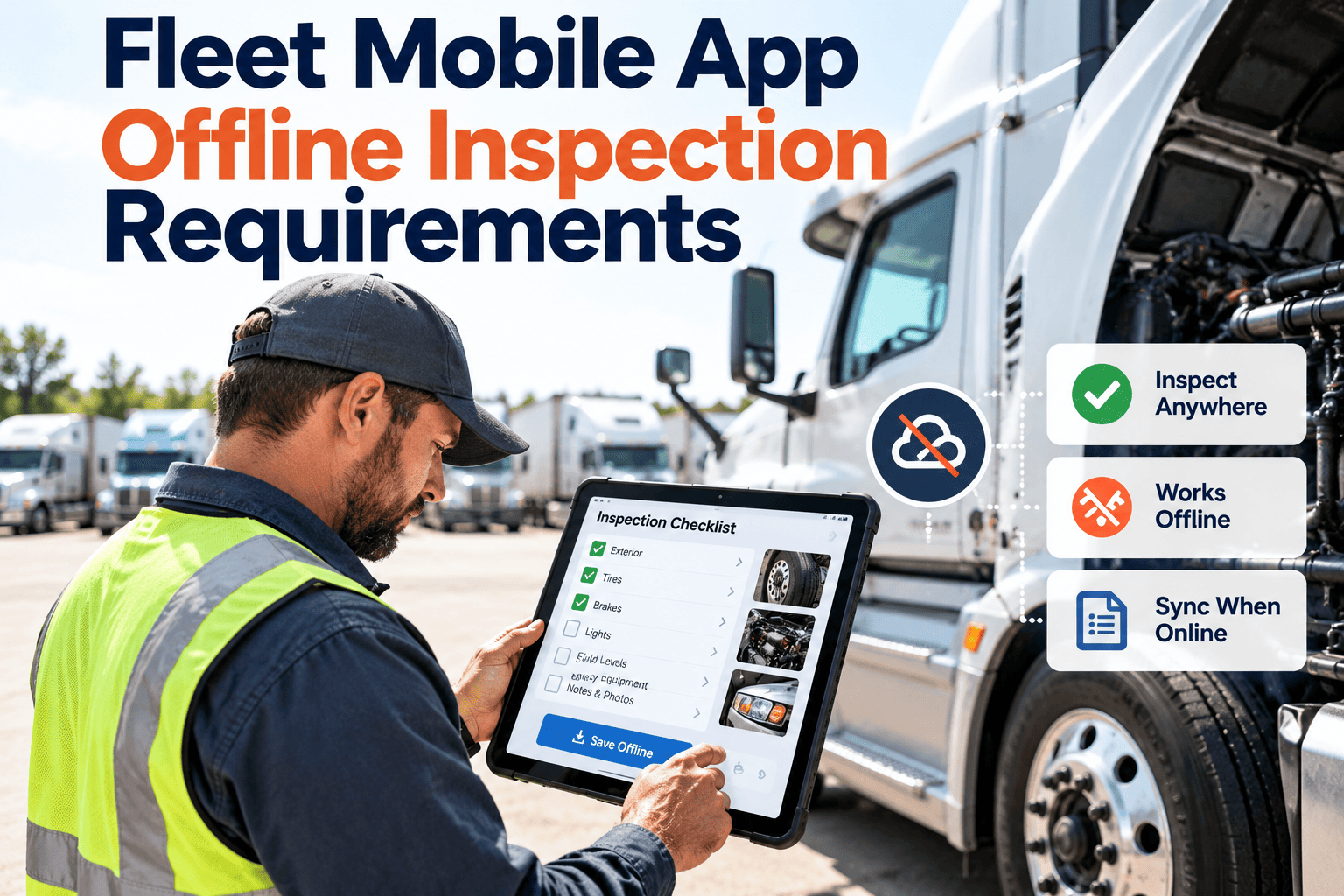
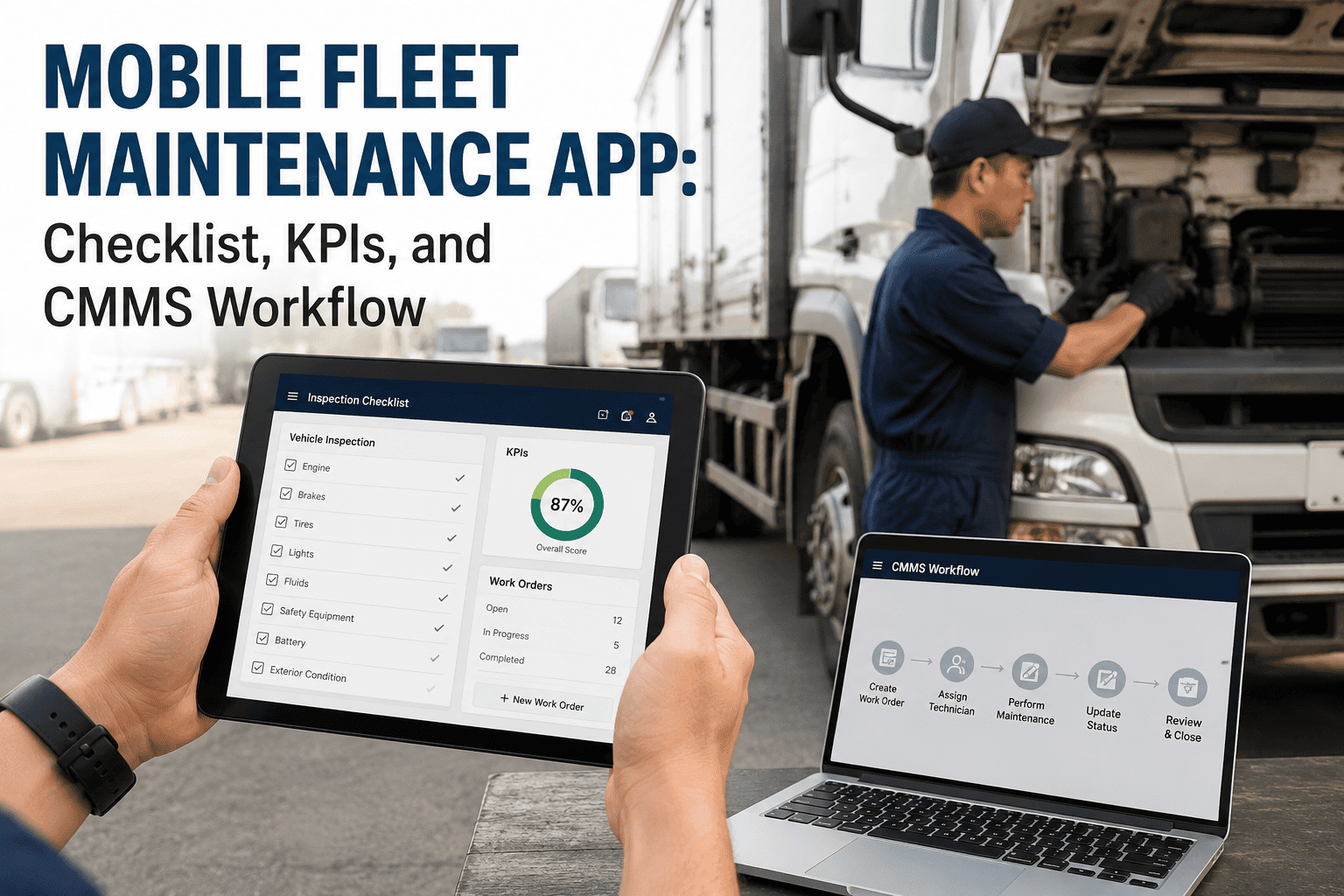
Vehicle inspections rarely happen where the network is strong. Drivers walk around trucks in rural yards, technicians work under steel canopies, and roadside breakdowns happen in dead zones. If a fleet mobile app cannot capture an inspection without a signal, drivers fall back to paper, defects are reported late, and the compliance trail develops gaps. This page is a working checklist for testing offline inspection requirements one item at a time, with a way to verify each check and a scorecard at the end. It is written for fleet and maintenance managers evaluating mobile fleet inspection software for real field conditions.
Offline inspection requirements: the fleet mobile app checklist
49 checks in 8 groups, each with a verify step and a priority. Test them on real devices before you issue an app to drivers.
49checks
8groups
30Must items
3result bands
How to use this checklist
Work through the groups in order. Each check has an ID, a priority and a way to verify it.
1Pick devices and unitsChoose real phones, real vehicle classes and real dead zones.
2Test each itemFollow the verify step. Do not rely on a brochure or a demo.
3Mark the resultPass, Partial or Fail. Add a short note and the date.
4Total the Must itemsUse the scorecard to decide pilot, fix or stop.
MustDeal-breaker. A failure can lose data or break the compliance record.
ShouldStrongly expected. A failure needs a workaround and a date for a fix.
NiceImproves speed or comfort. A missing item is a trade-off, not a stop.
A. Forms and access
6 checks
Drivers must be able to open the right form for the right unit before they have any signal. Test every item with airplane mode switched on.
A1Must
Inspection forms download to the device before the shift and open with no connection.How to verify: Load the forms on Wi-Fi, switch to airplane mode and open every form type.A2Must
Assigned units, routes and open work orders are available offline.How to verify: Open the unit list and one open work order with no signal.A3Must
Unit lookup works by search or code scan without a server call.How to verify: Search a unit number and scan a code in airplane mode.A4Must
Forms differ by vehicle class, such as tractor, trailer, van or equipment.How to verify: Start an inspection on each class and compare the item lists.A5Should
Form updates reach a device that was offline when the change was published.How to verify: Edit a form, reconnect a stale device and check the form version.A6Must
Login stays valid for a stated offline window.How to verify: Stay offline for the full window the vendor states, then reopen the app.B. Data capture
7 checks
The inspection record must be complete without the server. A record that needs the network to be finished is not an offline record.
B1Must
Pass, fail and not-applicable answers exist for every checklist item.How to verify: Complete one form and confirm all three states are stored.B2Must
A failed item needs a note or defect category before it can be submitted.How to verify: Fail an item and try to submit without a note.B3Must
Photos attach to the specific checklist item, not only to the whole inspection.How to verify: Add a photo to one item and confirm it appears against that item after sync.B4Must
Meter reading entry is validated against the last known value.How to verify: Enter a lower value and confirm a warning or a hold.B5Must
Driver signature or confirmation is captured on the device.How to verify: Sign offline and view the signature on the synced record.B6Must
Every submission stores timestamp, user and unit automatically.How to verify: Open the record details after sync and read all three fields.B7Should
A defect can be marked critical or out of service in the field.How to verify: Flag a critical defect and check how it appears to the shop.C. Storage and security
6 checks
Phones get lost and shared. These checks protect data that has not synced yet.
C1Must
Local data is encrypted on the device.How to verify: Ask the vendor for written documentation and check your device policy.C2Must
Role-based access limits drivers to their own units and forms.How to verify: Sign in as a driver and try to open another team's unit.C3Must
A lost device can be disabled remotely.How to verify: Run the disable process on a test phone.C4Should
Synced data is cleared or archived on a defined schedule.How to verify: Sync, wait for the stated period and inspect what remains on the device.C5Should
The app warns before storage runs low.How to verify: Fill test storage and start an inspection.C6Should
Shared devices keep each driver's drafts separate.How to verify: Start a draft as one user, then sign in as another.D. Sync behavior
7 checks
Sync is where offline apps usually fail. Test it on a weak signal, not only on good Wi-Fi.
D1Must
Background sync starts automatically when a connection returns.How to verify: Turn airplane mode off and watch the status without opening menus.D2Must
An interrupted upload resumes without duplicates or lost records.How to verify: Cut the connection mid-sync, reconnect and count the records.D3Must
Each submission shows a clear status such as saved, waiting or synced.How to verify: Queue three inspections and read the status of each.D4Should
Critical defects and inspection results upload before photos.How to verify: Queue a large photo set and a critical defect, then sync on a weak signal.D5Should
Photos are compressed before upload.How to verify: Compare file size on the device and on the server.D6Should
Supervisors can see which devices hold unsynced records.How to verify: Leave a device offline and check the admin view.D7Nice
A driver can retry a failed sync without technical steps.How to verify: Ask a driver to retry a failed sync with no help.Test offline inspections with your own drivers
Set up inspection forms, units and work orders in Oxmaint, then try them in the dead zones that matter to your operation.
E. Conflicts and duplicates
6 checks
Offline work creates cases a server-only workflow never sees. Ask how each one is resolved, then test it.
E1Must
Two offline inspections of the same unit are both kept with their capture times.How to verify: Inspect one unit on two phones offline, then sync both.E2Must
A defect that arrives after its work order was closed is reopened or linked.How to verify: Close a work order, then sync an older defect for that unit.E3Must
A meter reading lower than the server value is held for approval.How to verify: Submit a lower reading offline and watch what happens after sync.E4Must
Duplicate submissions are detected and merged or flagged.How to verify: Retry the same inspection twice and check the history.E5Should
The form version used is stored on the submission.How to verify: Submit on an older form version and read the record.E6Should
A wrong device clock is flagged.How to verify: Set the phone clock back one day and sync.F. Compliance record integrity
6 checks
Rules differ by country and operation. Check what applies to you. The US references below come from 49 CFR Part 396.
F1Must
Original capture time is preserved after a delayed upload.How to verify: Compare capture time and receipt time on a synced record.F2Must
A submitted inspection cannot be changed without an audit trail.How to verify: Edit a submitted record as a supervisor and read the log.F3Must
Failed items link to a repair work order and a repair certification.How to verify: Follow one defect from inspection to a closed work order.F4Must
Records can be retrieved by unit and date for your retention period, such as three months for driver vehicle inspection reports under 49 CFR 396.11.How to verify: Search for a record from the oldest period you must keep.F5Must
Maintenance history stays tied to the specific unit, as 49 CFR 396.3 expects.How to verify: Open one unit and view its inspection and repair history together.F6Should
Records export for audits or roadside requests.How to verify: Export one unit's history for a chosen date range.G. Field usability
5 checks
An app that is hard to use in the yard will be skipped, whatever its offline features.
G1Should
Touch targets work with gloves and in bright light.How to verify: Test outdoors with work gloves.G2Should
A normal inspection needs very little typing.How to verify: Time a full inspection and count the typed fields.G3Must
Screens load quickly without waiting for the network.How to verify: Open five forms in airplane mode and note any delay.G4Nice
Drivers can switch language where crews need it.How to verify: Change the language and open a form.G5Nice
Unit scanning or voice notes reduce manual entry.How to verify: Scan a unit code and record a voice note.H. Pilot test
6 checks
A demo in an office proves little. Run these with real drivers on real devices.
H1Must
Run the pilot with at least one driver from each shift.How to verify: List the drivers who completed inspections during the pilot.H2Must
Test in at least three real dead zones from your own routes.How to verify: Record the location and result of each test.H3Should
Include the oldest phone model that drivers actually use.How to verify: Run the full inspection on that device.H4Should
Simulate the end-of-shift sync wave at the depot.How to verify: Have many devices sync together on depot Wi-Fi.H5Should
Time each inspection and compare it with the current process.How to verify: Record minutes per inspection before and after.H6Must
Collect written feedback from drivers and shop staff after two weeks.How to verify: Ask what felt slow, confusing or unreliable.Questions to put to every vendor
Use these alongside the checks above. Write the answers down and compare them with what you see in the pilot.
1Offline limitHow long can a device stay offline before data or login expires?
2Lost or replaced phoneWhat happens to a queued inspection if the app is uninstalled or the phone is replaced?
3Stale devicesHow are form updates delivered to devices that have not connected recently?
4VisibilityCan supervisors see which devices have unsynced records, and since when?
Common failure points to watch for
Blank form without signalThe form only loads after a server call, so the driver sees an empty screen.
Expired sessionThe login times out while offline and cannot be renewed without coverage.
Silent sync errorA record shows as sent but never arrived, so the shop never sees the defect.
Blocked queueLarge photos hold up the queue and delay a safety defect behind them.
Repeated inspectionsAn unclear status makes drivers redo an inspection out of doubt.
Wrong unit dataA stale unit list lets a driver inspect a vehicle that has been reassigned.
Scorecard: count your results
Mark each item Pass, Partial or Fail after testing it yourself. Do not tick an item because a vendor says it works. Then fill in the table below, one row per group.
| Group | Checks | Must items | Pass | Partial | Fail |
|---|
| A. Forms and access | 6 | 5 | | | |
| B. Data capture | 7 | 6 | | | |
| C. Storage and security | 6 | 3 | | | |
| D. Sync behavior | 7 | 3 | | | |
| E. Conflicts and duplicates | 6 | 4 | | | |
| F. Compliance record integrity | 6 | 5 | | | |
| G. Field usability | 5 | 1 | | | |
| H. Pilot test | 6 | 3 | | | |
| Total | 49 | 30 | | | |
Reading the result
Ready for a wider pilotEvery Must item passes, and Should items that fail have a documented workaround.
Fix before rolloutOne to three Must items fail or are partial. Ask the vendor for a dated fix and retest those items.
Not ready for field useFour or more Must items fail, or any sync or data-loss check fails. Do not issue the app to drivers yet.
Frequently asked questions
How should I use this offline inspection checklist?
Test each item on a real device, mark Pass, Partial or Fail, and count the Must items that fail. Print it or copy it into a spreadsheet for each vendor you compare.
Which items matter most?
The Must items protect data and the compliance record: offline capture, safe sync, preserved timestamps and the defect-to-work-order link. A failure on any of them should pause the rollout.
Will offline inspections still show the correct time?
They should. A reliable app stores the capture time on the device and the receipt time on the server, so the record shows when the inspection really happened.
Can offline defects still become work orders?
Yes, after sync. Failed items should create defects linked to the unit and flow into repair jobs. You can book a demo to see that flow.
How can we test this with our own units?
Add a few vehicles and build an inspection form, then run Group H in your dead zones. You can sign up here to start.
Inspections that work wherever the vehicle is parked
Give drivers and technicians mobile inspections, linked defects and complete asset history in one maintenance platform.