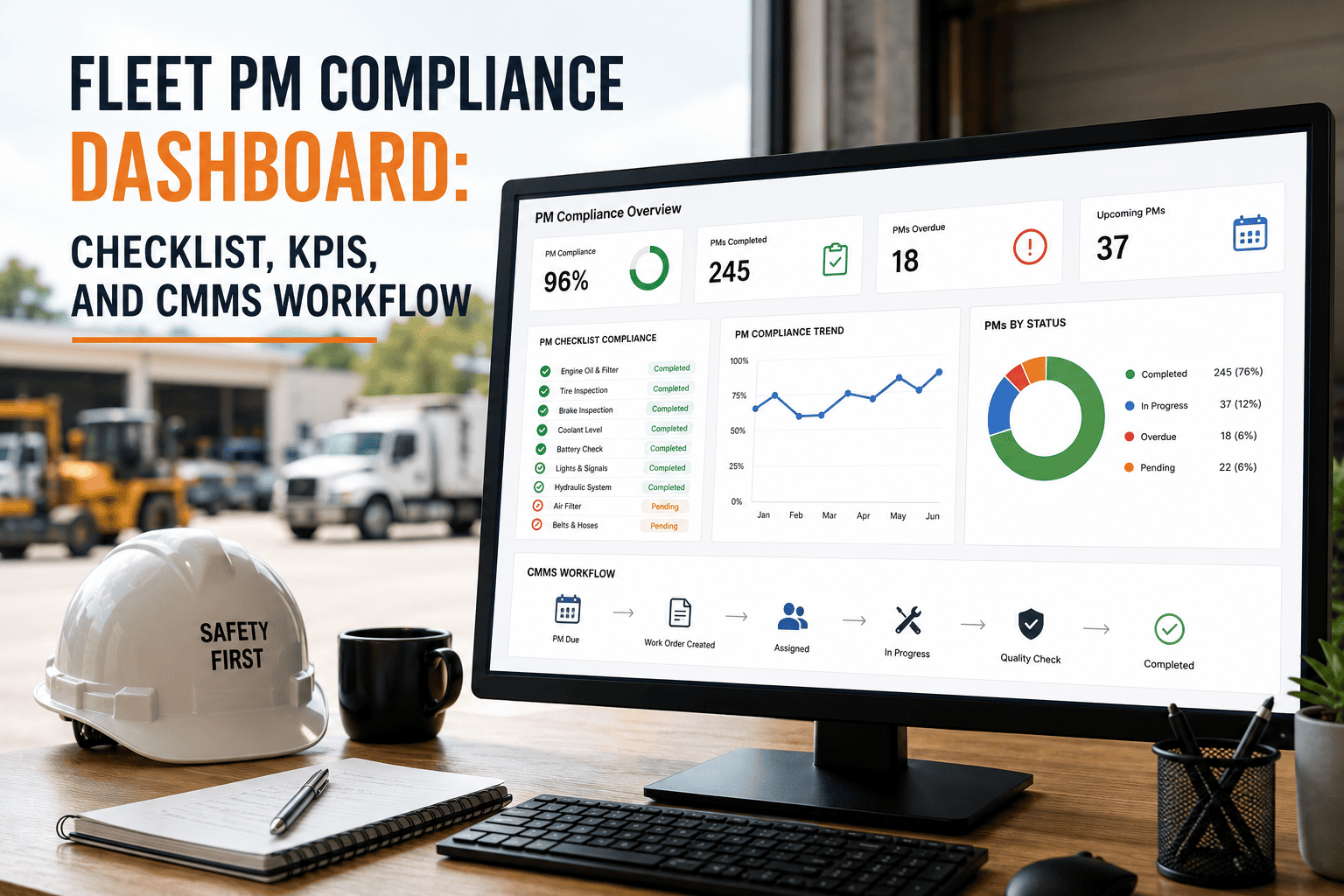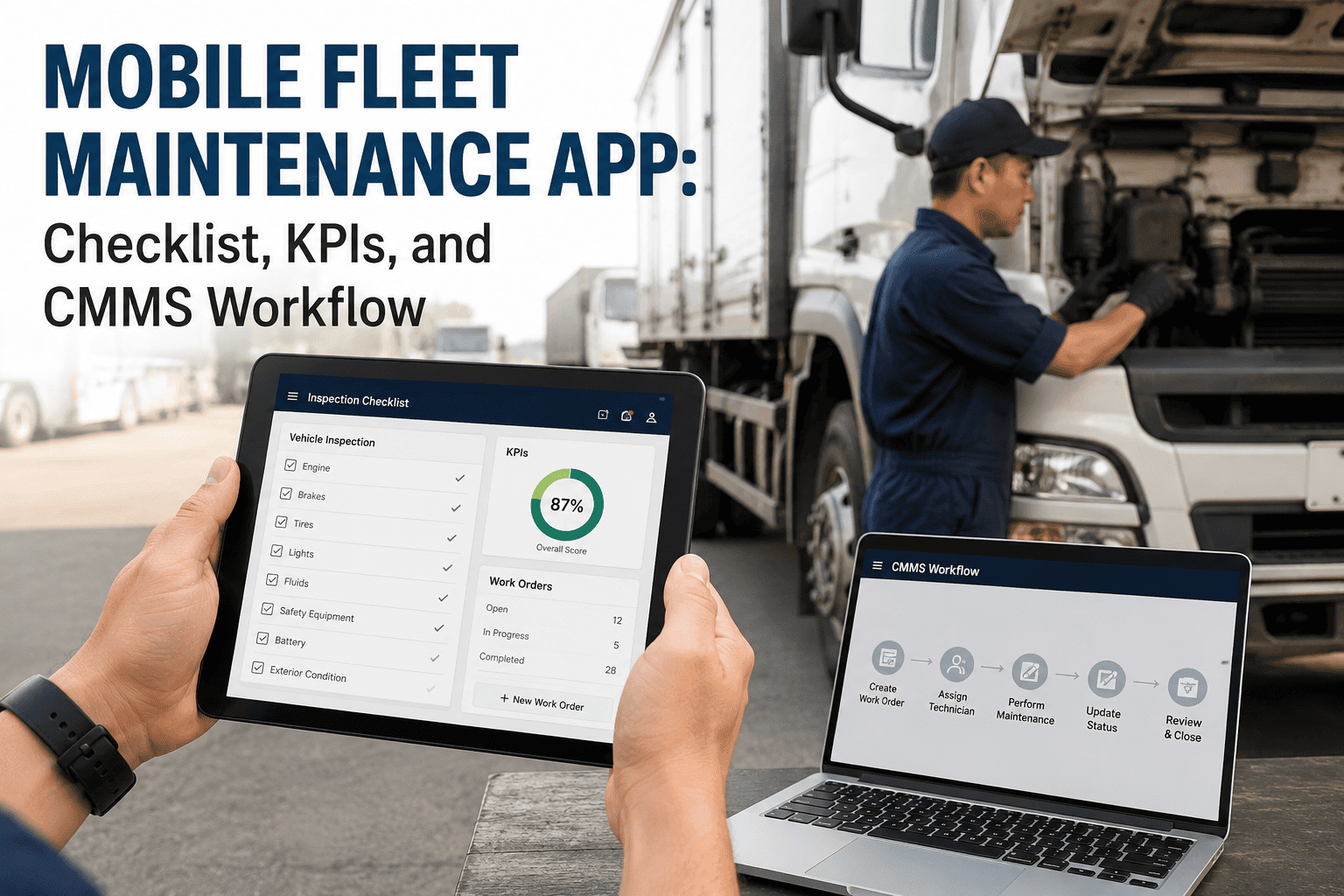
A technician who finds a cracked hydraulic hose during a pre-trip inspection but has no way to log it until they get back to the office at the end of the shift is not really doing an inspection — they are doing a memory test they will probably fail. A mobile fleet maintenance app closes that gap by putting the same work orders, inspection forms, and parts lookups a maintenance office uses onto the phone already in every technician's pocket. This checklist helps fleet managers evaluate, roll out, and measure adoption of a mobile maintenance app across drivers, technicians, and supervisors, with every inspection and work order captured in real time through OxMaint's mobile CMMS instead of a paper form waiting to be re-typed hours later.
Mobile Fleet Maintenance App Checklist: Capabilities, Rollout, and KPIs
A role-by-role breakdown of what a mobile maintenance app needs to deliver for drivers, technicians, and fleet managers, plus a rollout checklist for driving real adoption instead of a downloaded app nobody opens.
What a Driver Should Be Able to Do From Their Phone
Drivers are the first point of contact with a developing mechanical problem, so the app's driver-facing side needs to make reporting a defect faster than ignoring it.
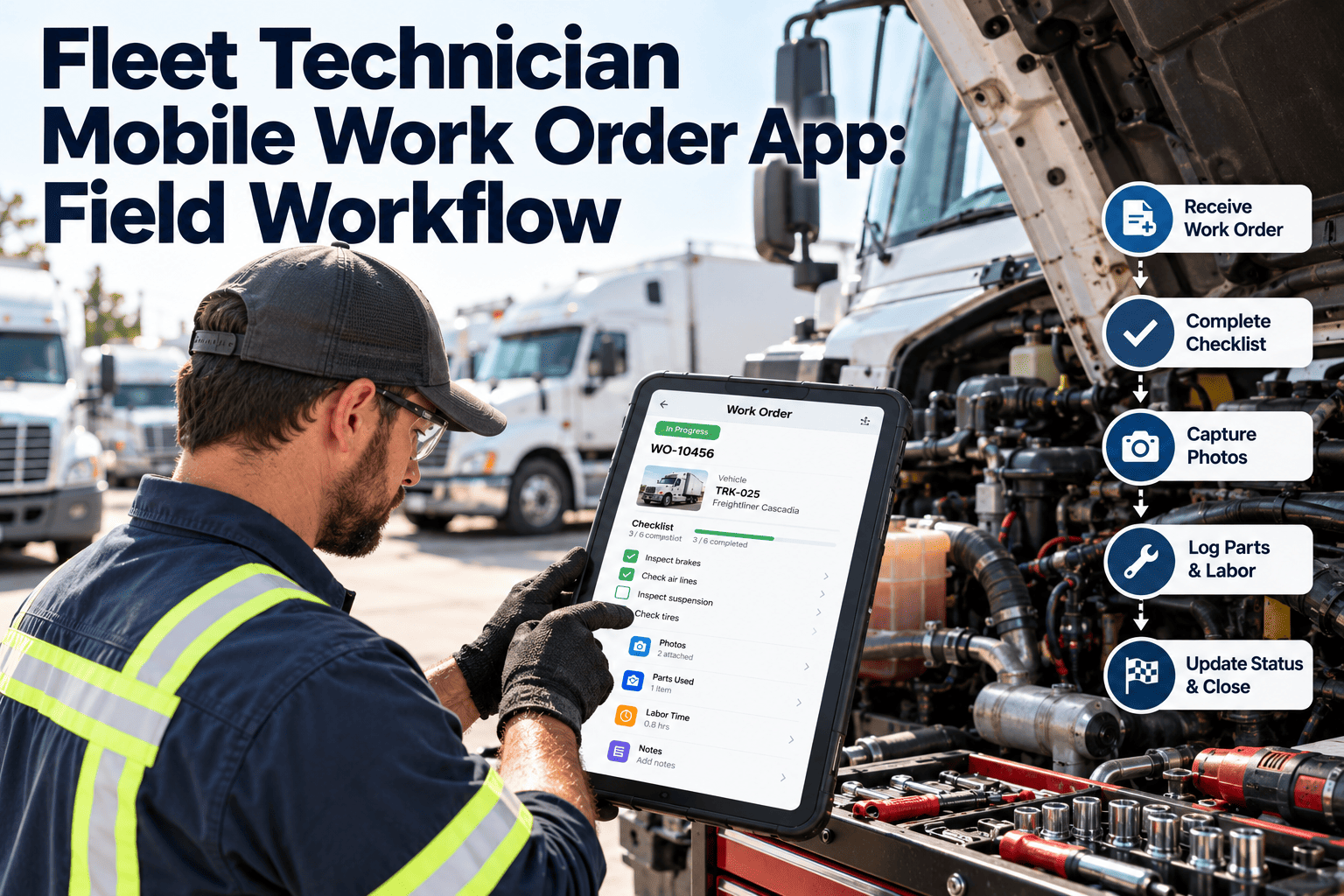
What a Technician Should Be Able to Do From Their Phone
Technicians lose the most time walking back to a shared terminal to look something up, so the technician view should put asset history, parts, and work order updates within reach at the vehicle.
A mobile app only pays off if the office side keeps up with what the field is reporting. OxMaint routes driver defect reports and technician updates into the same live dashboard fleet managers already use, so nothing sits unread in a separate inbox.
What a Fleet Manager Should Be Able to Do From Their Phone
A fleet manager away from a desk still needs to see the state of the fleet and clear approvals that would otherwise sit until they are back at a computer.
Getting a Mobile App Actually Adopted in the Field
The most common reason a mobile maintenance app fails is not a missing feature — it is a rollout that skipped training and left the old paper process running alongside it as a safety net nobody stopped using.
Metrics That Show the Mobile App Rollout Is Working
| Metric | How to Measure | Target |
|---|---|---|
| DVIR Completion via App | Digital inspections completed / Total shifts | 95%+ |
| Defect-to-Work-Order Time | Minutes between a defect report and work order creation | <15 min |
| Active User Rate | Users logging in weekly / Total licensed users | 90%+ |
| Paper Form Usage | Paper inspections filed / Total inspections | 0% |
Frequently Asked Questions
Does a mobile fleet maintenance app work without internet access at a job site?
Most mobile CMMS apps, including OxMaint, allow inspections and work order updates to be captured offline and sync automatically once a connection is available.
How long does it take to roll out a mobile maintenance app to a fleet?
A fleet of under 100 vehicles typically completes setup and initial training within two to three weeks, with adoption stabilising over the following month.
What is the biggest reason mobile maintenance app rollouts fail?
Running the old paper process alongside the app indefinitely, which lets drivers and technicians default back to the familiar method instead of building a new habit.
Can technicians look up parts availability from a mobile app?
Yes, a properly configured mobile CMMS shows live parts stock and lets a technician request a part directly from the work order screen before starting a repair.
How does a mobile app improve DOT inspection readiness?
Digital DVIRs with timestamps and photos create a defensible inspection record instantly, rather than relying on a paper form that may be incomplete or lost. Book a demo to see the inspection workflow.
Every Inspection Logged the Moment It Happens
OxMaint puts inspections, work orders, and parts lookups on the phone your drivers and technicians already carry, so nothing waits until the end of the shift to be reported.