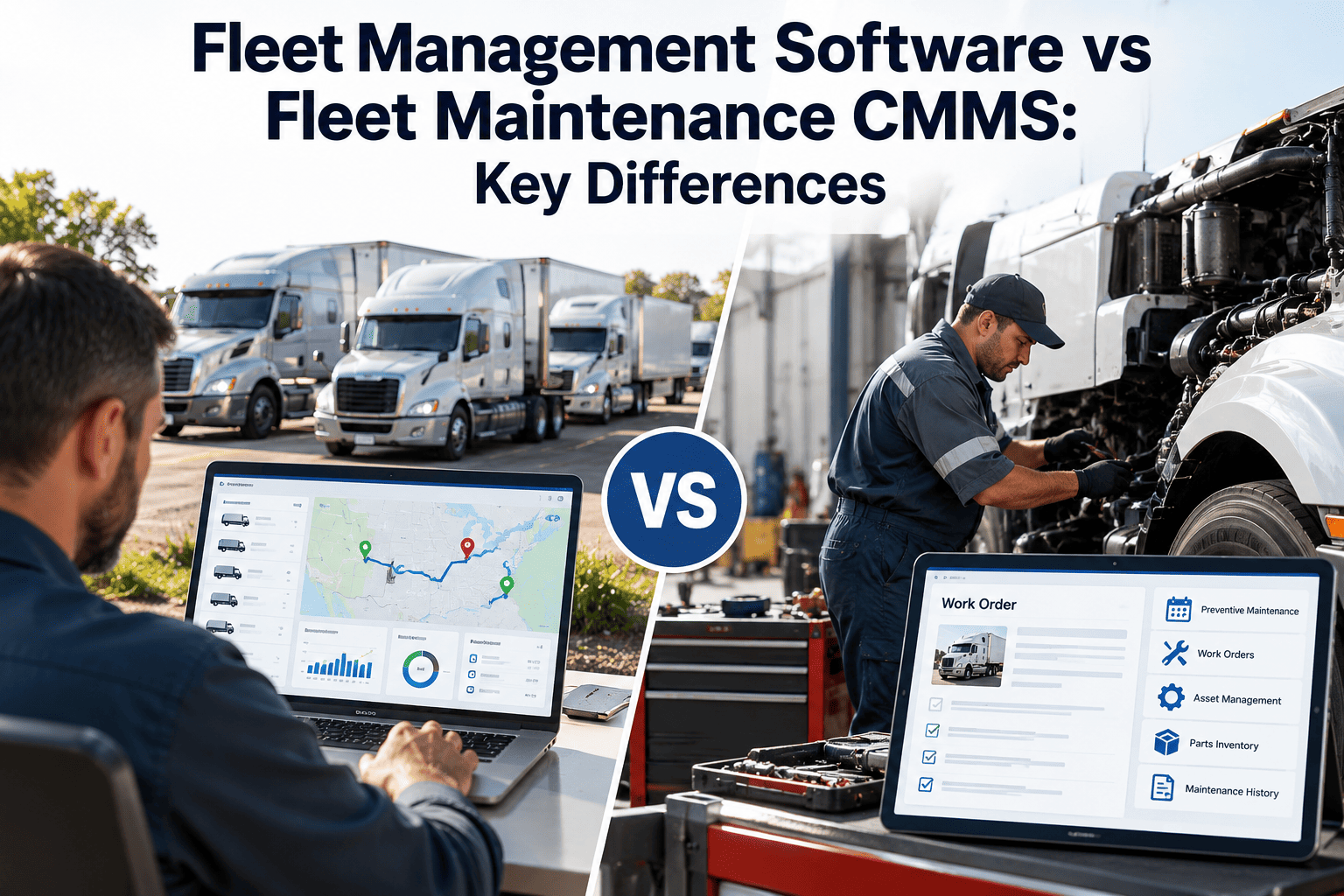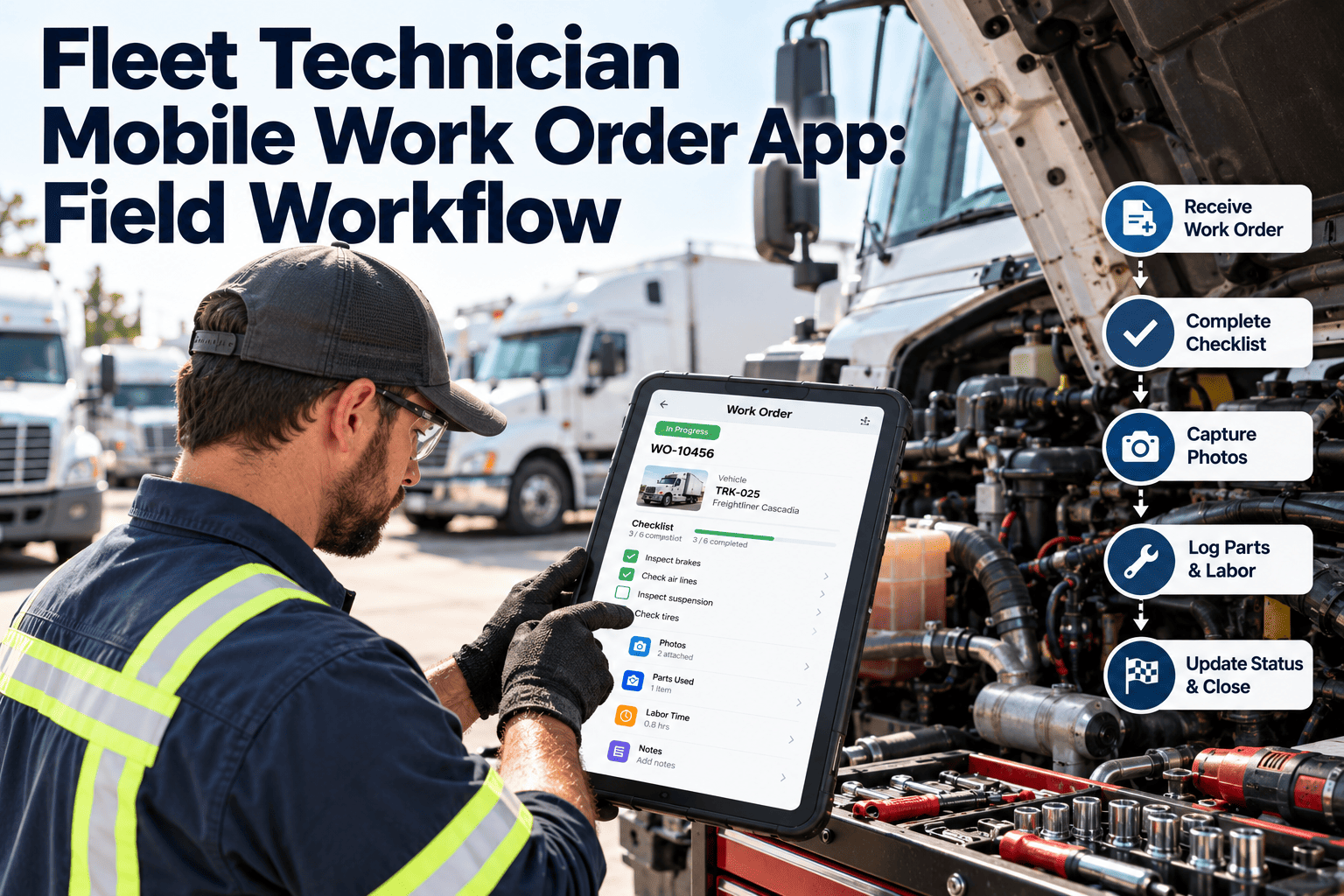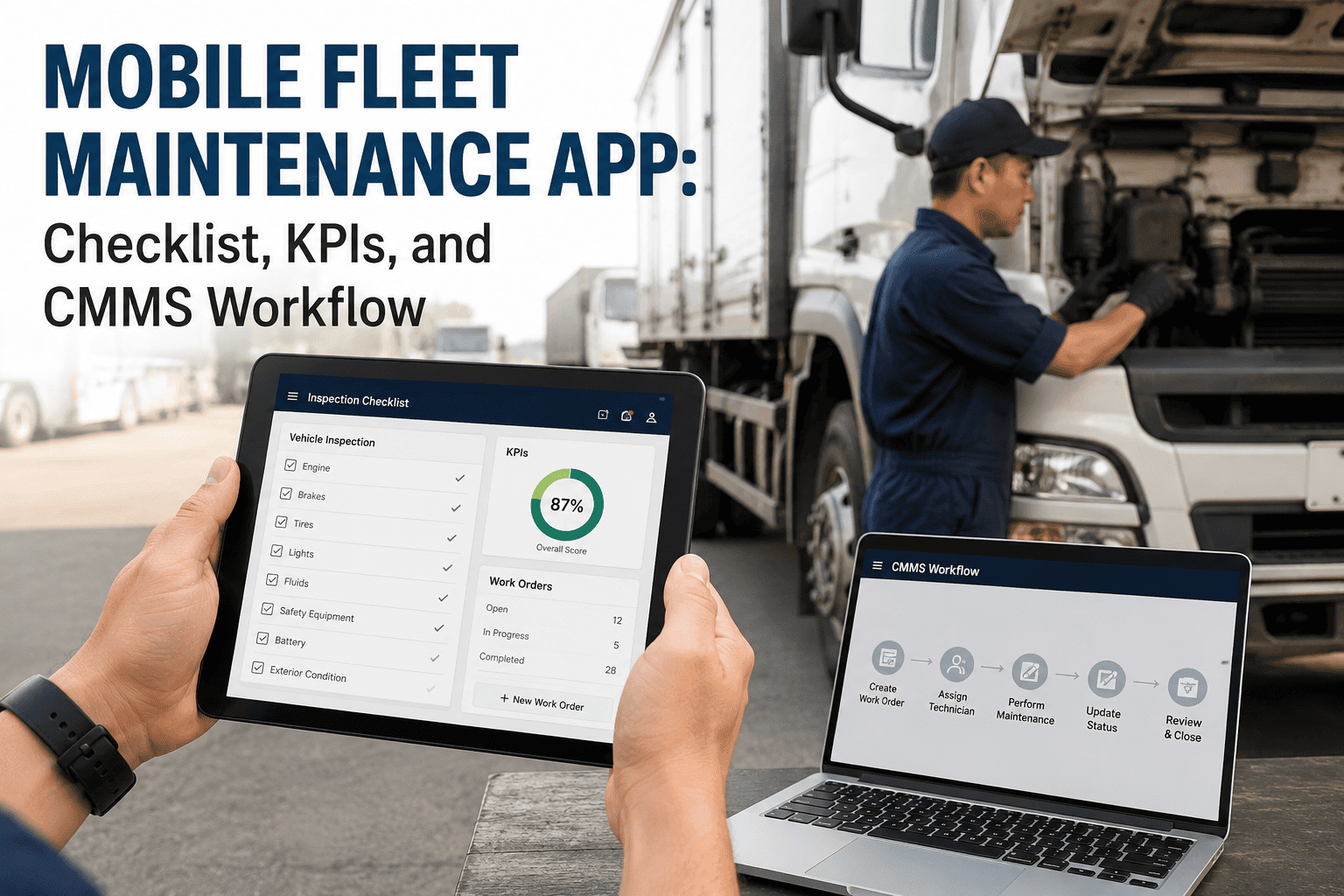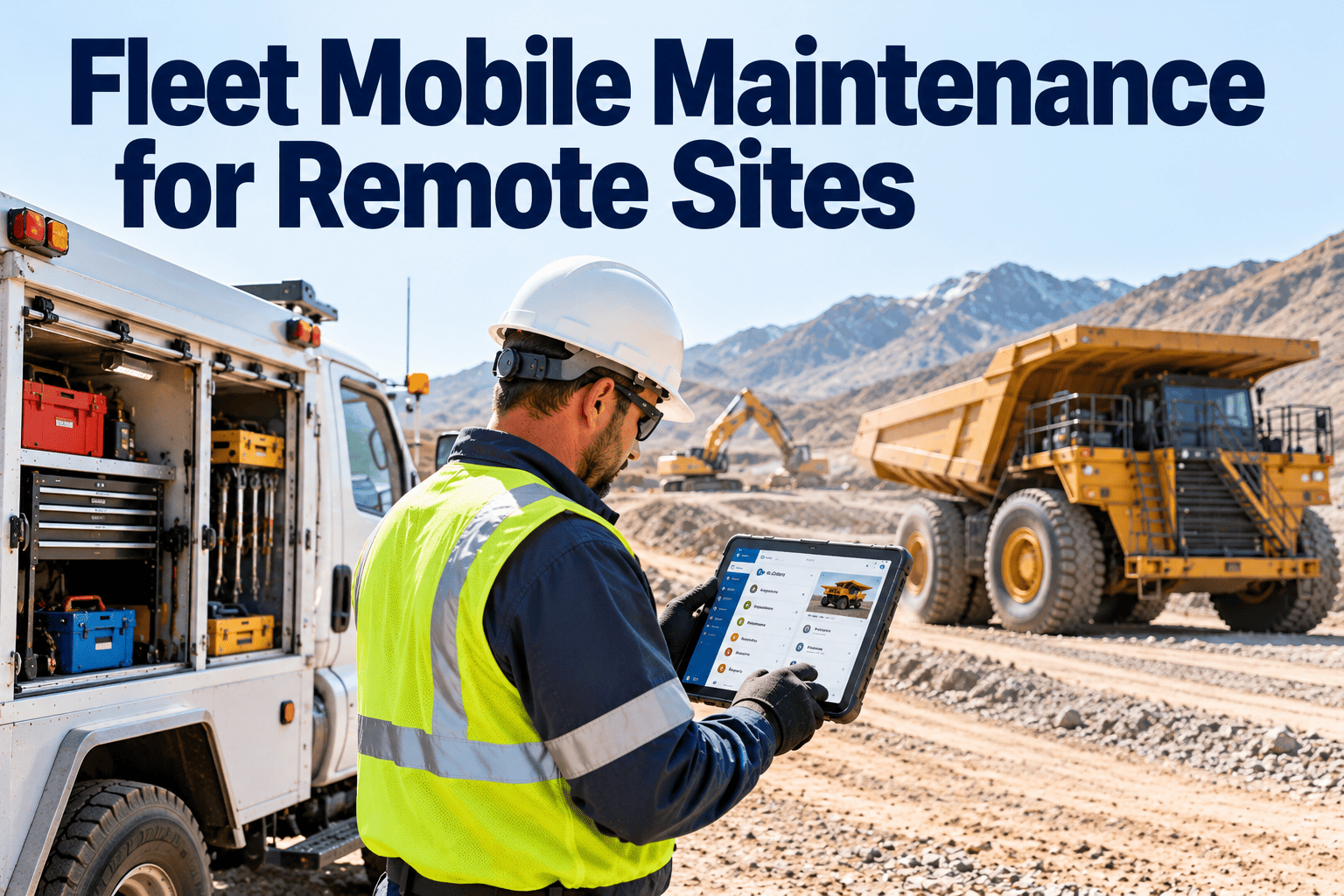
When vehicles work far from a main shop, a small defect can become a long recovery. Mining haul roads, pipeline corridors, farms, construction camps, and utility territories all share the same problem: technicians, parts, and records are rarely where the breakdown happens. Mobile maintenance closes that gap by sending a service truck instead of towing the unit. This guide covers how to plan, equip, and document field service so remote work stays as controlled as shop work, supported by fleet CMMS software built around work orders and asset history.
Fleet Mobile Maintenance for Remote Sites
Keep equipment working far from the shop by planning field service, parts, and records around the site, not around the garage.
Remote Defect
to
Triage
to
Service Truck
to
Closed Work Order
Why remote fleet maintenance is harder than shop maintenance
Distance
Every trip for a missing part can cost a half day or more.
Connectivity
Weak coverage delays reporting, approvals, and manuals.
Environment
Dust, mud, heat, and cold accelerate wear and complicate repairs.
Skills
A lone technician must cover many systems.
Safety
Working alone, on slopes, or near traffic raises risk.
Records
Paper notes get lost before they reach the system.
Cells shaded darker indicate the factors that most often turn a short repair into extended downtime.
Before and after: moving from tow-in to field service
Tow-in model
- Unit stops work and waits for a tow
- Defect is diagnosed only at the shop
- Parts are ordered after diagnosis
- Work order is written days later
- Operator loses the machine for the full round trip
Mobile service model
- Technician is dispatched with a prepared kit
- Defect is diagnosed on site
- Likely parts are already on the truck
- Work order is updated at the unit
- Machine returns to work in the same shift when possible
A field service timeline from request to closeout
1
Request
Operator reports a fault with unit number, location, symptoms, and photos.
2
Triage
A planner decides whether the fix is field-ready, needs a tow, or can wait for the next scheduled visit.
3
Prepare
Check asset history for similar faults, load likely parts, and confirm safe access.
4
Repair
Technician follows the job plan, logs findings, and records parts and time.
5
Verify
Operator confirms the fault is cleared and the unit passes a quick check.
6
Close
Work order is completed and the asset history is updated for the next visit.
Put every remote repair on the record
Give field technicians mobile work orders and give planners one view of every unit, wherever it works.
What belongs on a mobile service truck
Consumables
- Filters, belts, hoses
- Oils, coolant, grease
- Fuses, bulbs, fasteners
Fast movers
- Parts from repeat-failure history
- Tire repair and inflation gear
- Battery and charging tools
Diagnostics
- Scan tools and meters
- Pressure and temperature gauges
- Reference manuals and job plans
Safety
- Lockout and tagging supplies
- First aid and fire equipment
- Communication backup for dead zones
Review truck stock against completed work orders. Parts that keep appearing in repairs deserve a permanent place on board.
Scheduling remote preventive maintenance
- Group units by site and route PM visits in a single trip
- Use meter readings, hours, or mileage to trigger service rather than fixed calendar dates alone
- Combine inspection and PM in one visit to cut travel
- Pull forward PM when a unit is already scheduled for downtime
- Reserve capacity for unplanned calls so planned work is not constantly displaced
The goal is simple: fewer emergency trips, more planned visits. Every avoided breakdown saves a long drive and a lost shift.
Inspections and compliance away from the shop
Remote fleets still need defect reporting and repair documentation. In the United States, 49 CFR Part 396 covers driver vehicle inspection reports and maintenance record retention for covered vehicles. Off-road and site equipment may follow other safety rules, so confirm what applies.
- Use a consistent pre-trip checklist for each vehicle type
- Require photos for safety-critical defects
- Do not release a unit until the defect work order is closed
- Keep records tied to the asset, not to the technician or site
- Retain documents long enough for audits and warranty claims
Connectivity-aware record keeping
Capture at the unit
Store on the device
Sync when in range
Review by planner
Confirm how any mobile tool handles entries in low-signal areas before rollout. Test it at your worst site, not your best.
KPIs for remote fleet maintenance
| KPI | What it shows | Why it matters at remote sites |
|---|---|---|
| First-visit fix rate | Jobs solved without a return trip | Return trips are expensive when sites are far apart. |
| Response time | Request to technician arrival | Reveals coverage gaps between sites. |
| Planned vs unplanned work | Share of scheduled work | Higher planned share usually means fewer emergencies. |
| Travel time per job | Windshield time | Highlights routing and clustering opportunities. |
| Parts availability on truck | Jobs with parts on hand | Missing parts are a leading cause of delay. |
| Work order closure lag | Completion to record update | Late records weaken history and compliance. |
How Oxmaint supports mobile maintenance
- Mobile work orders so technicians log labor, parts, and notes at the unit
- Preventive maintenance schedules by meter, mileage, or time
- Inspection checklists with photos for defect capture
- Asset history showing earlier faults before the truck leaves
- Inventory tracking for central stock and truck stock
- Dashboards for backlog, PM compliance, and cost by site
Frequently asked questions
Is mobile maintenance cheaper than towing?
Often, when repairs are field-suitable. Compare travel, downtime, and tow costs per event.
What repairs suit field service?
PM, tires, hoses, belts, electrical faults, and many diagnostics. Major component swaps may still need a shop.
How do we keep records accurate remotely?
Use mobile work orders at the unit. Try Oxmaint to see the workflow.
How should we stock service trucks?
Base stock on repeat failures from work order history, then adjust quarterly.
Can PM be planned by site?
Yes. Book a demo to see route-friendly scheduling.
Take maintenance to the work, not the work to the shop
Plan field service, parts, and records in one maintenance platform built for fleets that operate far from home.