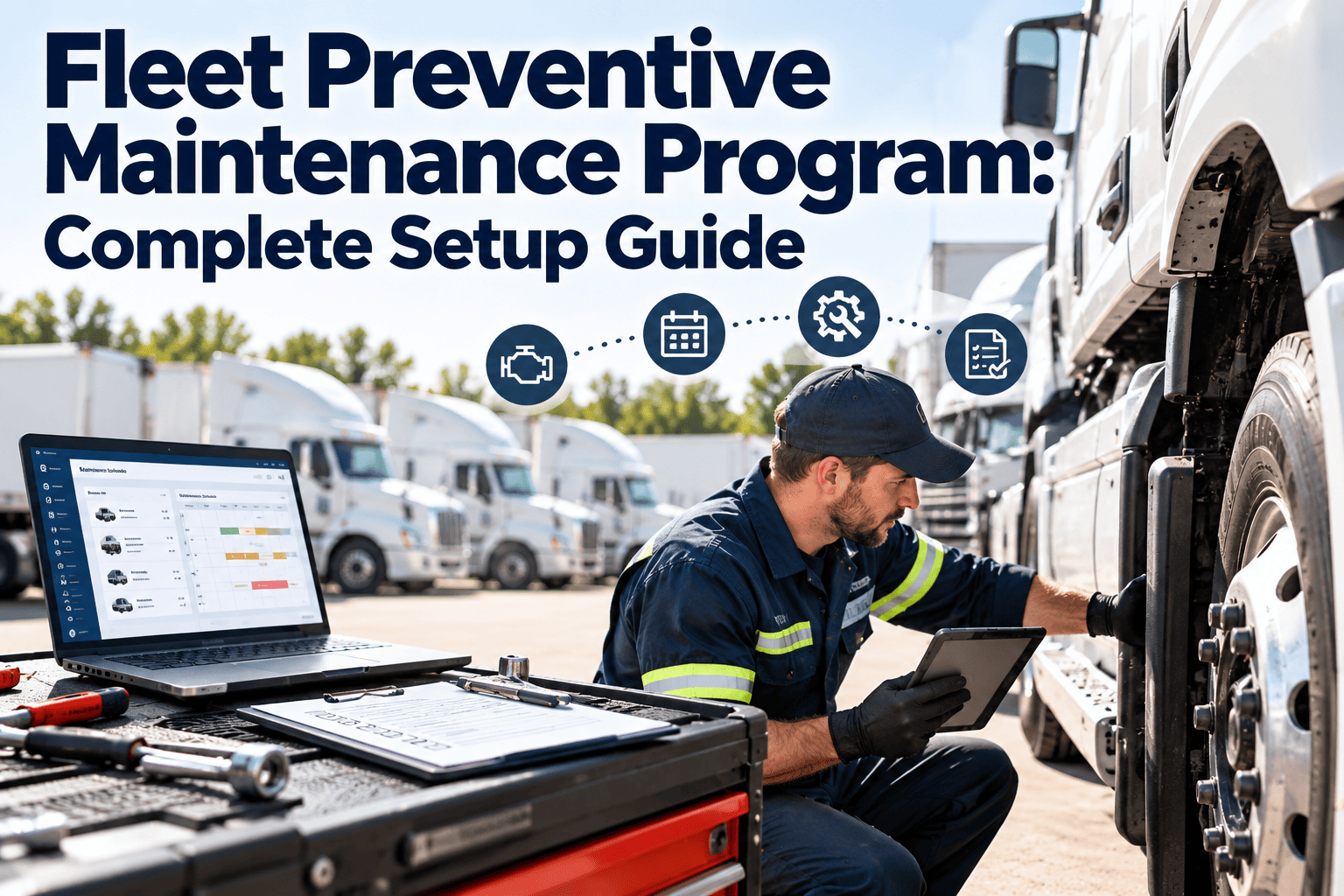
A fleet preventive maintenance program is a written system that decides which vehicles get serviced, when, by whom, and how the results are recorded. Without it, service depends on memory, driver complaints, and whoever shouts loudest. With it, downtime becomes predictable, inspections become evidence, and repair spend becomes something you can plan. This guide walks through each setup decision, and a fleet maintenance software platform can hold the whole workflow in one place.
Fleet Preventive Maintenance Program: Complete Setup Guide
Build a preventive maintenance program that fleet managers, shop leads, and drivers can actually follow: clear intervals, defect-driven work orders, clean asset history, and compliance records ready before an audit asks.
Why fleets need a defined program before buying tools
- Software only organizes the process you already have. If intervals, ownership, and defect rules are undefined, a system will simply store the confusion.
- A written program gives drivers, technicians, and supervisors the same definition of "due," "overdue," and "out of service."
- It also protects the business: documented maintenance is the strongest answer to a roadside inspection, an insurer, or an accident investigation.
Reactive fleet versus program-driven fleet
- Service triggered by breakdowns or driver complaints
- Odometer and engine hours updated by hand, if at all
- Paper inspection reports lost or filed late
- Repeat repairs on the same unit with no visible pattern
- Parts bought in a hurry at retail prices
- Audit preparation takes days of searching
- Service scheduled by mileage, hours, or calendar days
- Meter readings captured at inspection and fueling
- Digital inspections create defects instantly
- Asset history exposes repeat failures and weak components
- Parts staged against upcoming services
- Records retrieved by unit, date, or requirement
The seven-step setup process
Work through these in order. Each step produces something concrete you can review with your team.
Build a clean asset register
List every tractor, truck, van, trailer, and support unit with VIN, plate, make, model, year, engine, fuel type, and assigned depot. Add auxiliary equipment such as liftgates, reefers, and PTO units.
Group assets into maintenance classes
Classes might be light-duty, medium-duty, heavy-duty, trailers, and specialty. Each class shares a service schedule template, so you write intervals once instead of per vehicle.
Choose the trigger for each task
Use mileage for wear tied to distance, engine hours for idle-heavy or vocational units, and calendar days for time-based items such as annual inspections, batteries, and fluid aging.
Define service tiers
Tier the work into A, B, and C services so a light check does not become a full teardown. Start from the manufacturer schedule, then adjust using duty cycle and failure history.
Standardize inspection forms
Create pre-trip and post-trip checklists per vehicle class. Every failed item should create a defect with a photo, a severity, and an owner.
Set priorities and response rules
Decide in advance which defects park the vehicle, which are repaired at the next service, and which are monitored. Drivers should never guess.
Measure, review, and tune
Track a small set of KPIs monthly. Lengthen intervals only where history proves it is safe, and shorten them where failures cluster.
Designing service tiers that fit your fleet
The table below is an illustrative structure only. Replace every interval and task with your manufacturer recommendations, regulatory requirements, and operating conditions.
| Tier | Typical purpose | Example tasks | Trigger type |
|---|---|---|---|
| Service A | Frequent, short, low-cost check | Fluid levels, tire pressure and tread, lights, wipers, leaks, belts visual | Short mileage or hour interval |
| Service B | Core wear items and lubrication | Oil and filters, brake measurement, grease points, coolant test, battery test | Mid mileage or hour interval |
| Service C | Deep inspection and replacements | Air dryer service, fuel filters, suspension and steering inspection, drivetrain fluids | Long interval or calendar |
| Annual | Regulatory and full-condition review | Documented annual inspection, emissions checks, registration items | Calendar date |
Signals that an interval needs adjusting
- The same component is failing between services on several units in one class
- Oil analysis or wear measurements show much more or less life than expected
- Vehicles in one depot face harsher duty than the rest, such as stop-and-go routes or dusty sites
- Technicians routinely find nothing to do at a service, suggesting the interval is too short
Inspection workflow: from driver report to repair
What a good pre-trip checklist covers
- Service and parking brakes, air pressure, and visible leaks
- Tires, wheels, lug nuts, and tread condition
- Steering play and suspension components
- Headlights, brake lights, signals, and reflectors
- Mirrors, windshield, wipers, and horn
- Coupling devices, trailer connections, and landing gear
- Emergency equipment such as triangles, extinguisher, and first aid
- Fluid levels, warning lights, and unusual noises or smells
Severity matrix for defect response
| Severity | Examples | Response | Work order priority |
|---|---|---|---|
| Safety-critical | Brake failure, steering looseness, tire damage, inoperative lights | Remove from service until repaired | Priority 1, immediate |
| Compliance risk | Expired inspection, missing emergency equipment, faulty ELD hardware | Repair before next dispatch | Priority 2, same day |
| Reliability | Weeping hose, slow starter, minor coolant loss | Schedule at next service or within a set window | Priority 3, planned |
| Comfort or cosmetic | Cab trim, seat wear, minor dents | Batch with other work | Priority 4, backlog |
Put your program on a system your drivers will actually use
Set up asset classes, service tiers, inspection forms, and automatic work orders in one workspace.
Compliance and records you need to keep
Requirements differ by country, state, and vehicle weight. For US commercial motor vehicles, the FMCSA rules in 49 CFR Part 396 are the usual starting point. Confirm the details with your compliance team.
- Systematic inspection, repair, and maintenance records per vehicle, including the date and nature of the work
- Driver vehicle inspection reports and evidence that reported defects were repaired or judged not to affect safety
- Periodic (annual) inspection documentation and inspector qualification records
- Retention periods, which vary by record type, so set them per document category rather than one rule for everything
Why digital records win audits
Parts, inventory, and vendor control
A preventive schedule is only useful if the filter, brake kit, or fluid is on the shelf when the truck arrives.
- Record warranty coverage so failed components are claimed, not paid for twice
- Track outside vendor invoices against work orders to compare in-house and external cost
- Note core returns and disposal requirements for batteries, oil, and tires
KPIs that show whether the program works
| Metric | How to calculate | What it tells you |
|---|---|---|
| PM compliance rate | Services completed on time divided by services due | Whether the schedule is being followed |
| Planned versus unplanned work | Planned work order hours divided by total hours | Shift from firefighting to control |
| Road calls | Roadside breakdowns per million miles or per month | Reliability as customers experience it |
| Repeat repair rate | Same defect on same unit within a set window | Quality of diagnosis and repair |
| Downtime per unit | Hours out of service divided by available hours | Availability and lost revenue exposure |
| Cost per mile or hour | Parts, labor, and outside cost divided by usage | Which units or classes cost the most to keep running |
| Defect closure time | Days from report to repair | Shop responsiveness |
Pick five to seven of these and review them on the same day each month. More than that becomes noise.
A 30-60-90 day rollout plan
Foundation
- Clean up the asset register
- Confirm OEM and regulatory requirements
- Draft service tiers and inspection forms
- Name owners for each depot
Pilot
- Launch with one depot or class
- Train drivers on mobile inspections
- Generate first scheduled work orders
- Collect feedback from technicians
Scale
- Extend to the remaining fleet
- Add parts and inventory tracking
- Publish the first KPI review
- Adjust intervals using early history
Common setup mistakes to avoid
- Copying generic intervals without checking manufacturer guidance or actual duty cycle
- Letting odometer data go stale, which makes mileage-based triggers unreliable
- Creating inspection forms so long that drivers rush or skip them
- Closing work orders without labor, parts, or findings recorded
- Ignoring trailers and auxiliary equipment because they have no engine
- Measuring too many KPIs and acting on none of them
How Oxmaint fits the workflow
| Program need | Oxmaint capability |
|---|---|
| Recurring services by mileage, hours, or date | Preventive maintenance scheduling with reusable templates |
| Driver inspections and defect capture | Mobile inspection checklists with photos |
| Repairs and assignments | Work orders with priority, technician, and status |
| Unit history and repeat failures | Asset records with full service timeline |
| Parts availability | Inventory tracking with usage per work order |
| Audit readiness and oversight | Compliance records, reports, and dashboards |
Frequently asked questions
How often should fleet vehicles receive preventive maintenance?
It depends on the vehicle class, duty cycle, and manufacturer guidance. Start with OEM intervals, then refine them using your own failure history.
Should I schedule by mileage, engine hours, or calendar?
Use whichever trigger matches the wear. Many fleets combine them, servicing at whichever limit is reached first.
Can a small fleet run a program without software?
Yes at first, but tracking grows hard past a few vehicles. You can start with a free account and grow from there.
How do I get drivers to complete inspections properly?
Keep forms short, use photos, and show drivers that reported defects get fixed. Response builds trust quickly.
What is the fastest way to see how this works?
Walk through a sample fleet setup with a specialist. You can book a demo at a convenient time.
Turn your fleet maintenance plan into a working program
Register your vehicles, schedule services, capture inspections, and keep every record in one system.