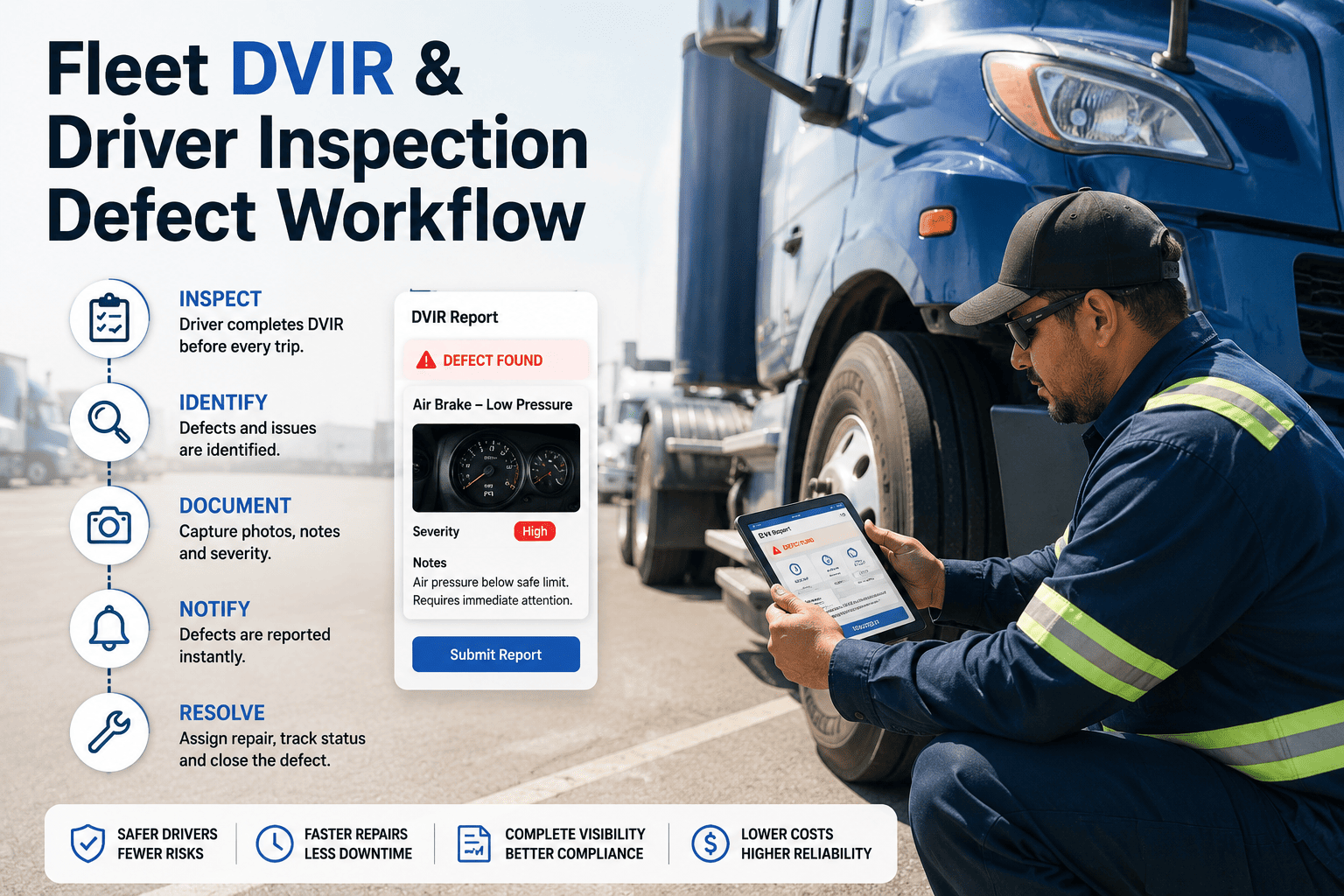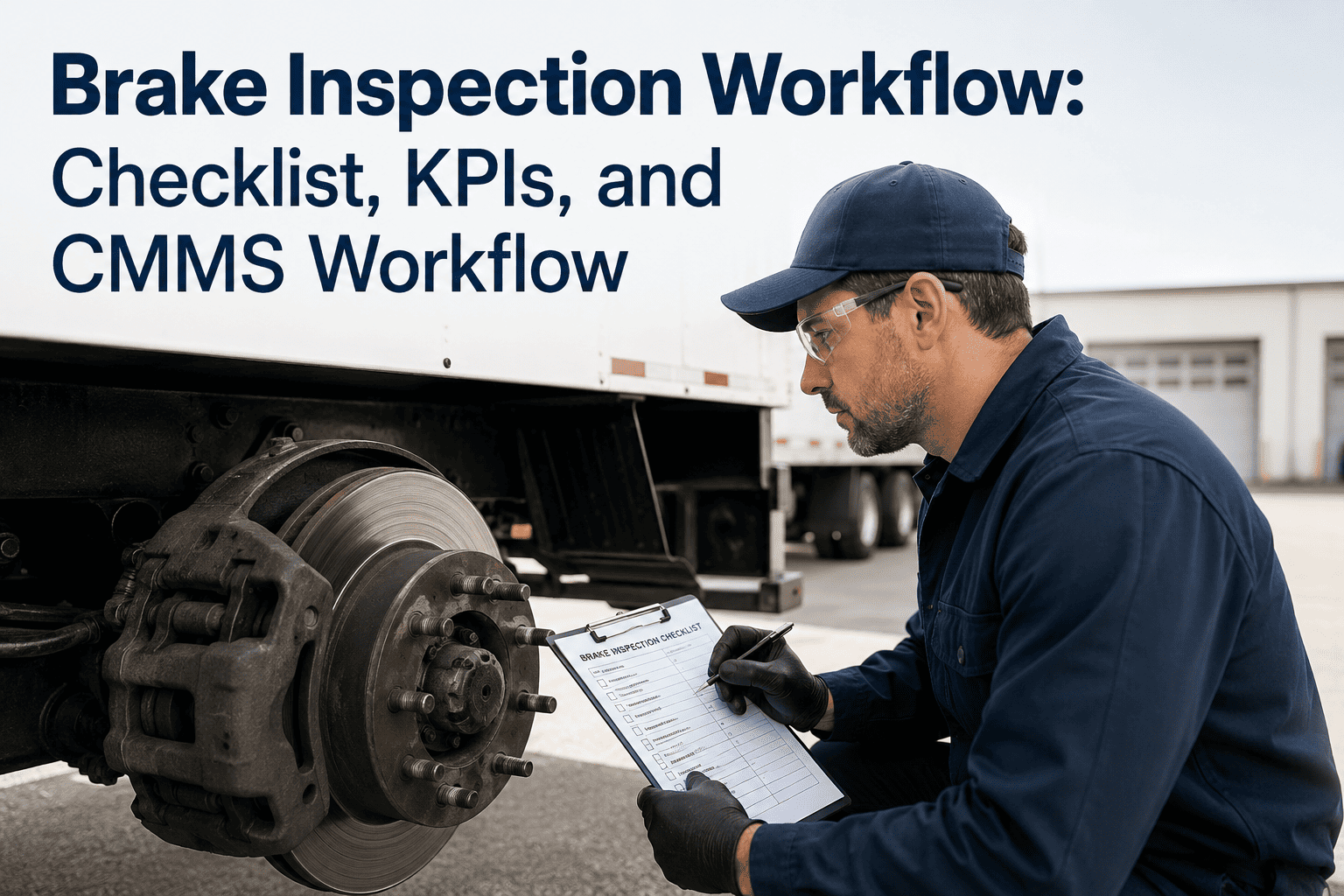
A driver notes a soft brake pedal on a pre-trip inspection. The note reaches the shop two shifts later, the truck has already run a full route, and nobody can say who decided it was safe to keep rolling. Fleet safety defect escalation is the workflow that prevents this: it defines how a reported defect is classified, who decides whether a vehicle stays in service, and how that decision is recorded. A maintenance-first fleet CMMS keeps that chain visible from the first report to the final repair sign-off.
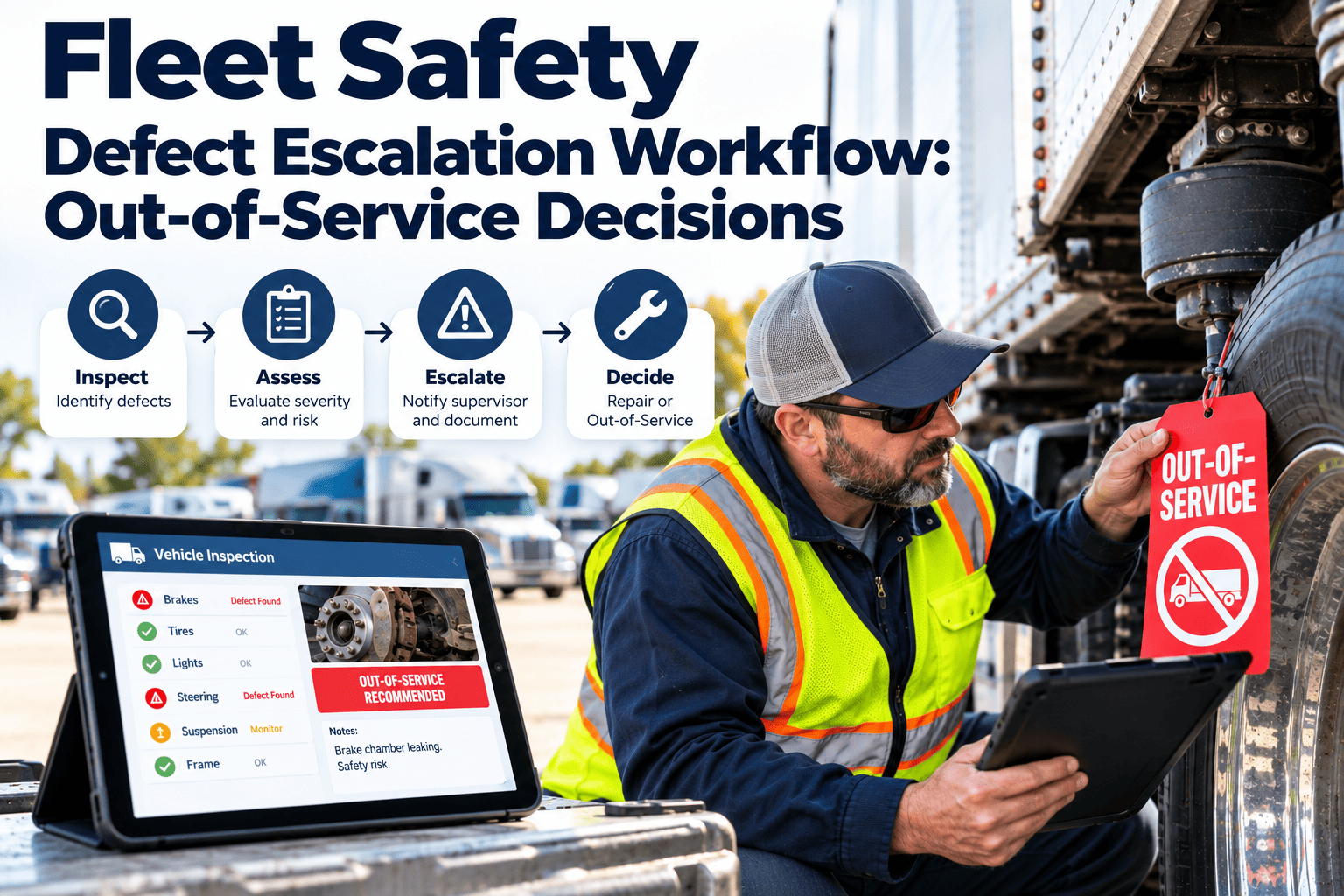
Fleet Safety Defect Escalation Workflow: Out-of-Service Decisions
Turn every driver-reported defect into a clear, timed decision: keep running, repair soon, or park the vehicle now. Oxmaint ties inspections, work orders, and asset history into one escalation path.
Why defect escalation breaks down in real fleets
- Defects are reported on paper or by phone, so the shop sees them late or not at all.
- Drivers describe symptoms in different words, which makes severity hard to judge.
- Nobody owns the out-of-service call, so supervisors, dispatchers, and technicians each assume someone else decided.
- Dispatch pressure pushes marginal vehicles back onto routes when a replacement is not available.
- Repairs are completed but the original defect report is never formally closed.
The operational cost of a slow decision
Every hour a defective vehicle stays in an uncertain state, risk rises in three places at once. Safety exposure grows, roadside inspection exposure grows, and the repair often becomes larger than it needed to be.
The four-tier escalation ladder
A ladder gives every reported defect a defined next step. Your own tiers should reflect your regulations, vehicle types, and operating risk, and they should be reviewed with your safety lead.
Defect categories and typical decisions
Use a decision matrix like this as a starting reference, then align it with the current CVSA North American Standard Out-of-Service Criteria and your local rules.
| Defect area | Example finding | Typical tier | First action |
|---|---|---|---|
| Brakes | Air leak, out-of-adjustment brake, contaminated lining | Tier 3 to 4 | Stop use, technician inspection |
| Steering | Excess play, damaged linkage | Tier 4 | Tag out, tow if needed |
| Tires and wheels | Exposed cord, loose lug nuts, sidewall damage | Tier 3 to 4 | Replace before dispatch |
| Lighting | Inoperative brake or turn lamp | Tier 2 to 3 | Repair before next trip |
| Coupling devices | Fifth wheel wear, cracked mounting | Tier 4 | Remove from service |
| Fluid leaks | Slow seep versus active drip | Tier 1 to 3 | Assess source and rate |
| Cab and body | Cracked mirror, worn wipers | Tier 1 to 2 | Schedule repair |
A six-step escalation workflow
- Capture the defect at the source.Drivers complete a mobile inspection checklist, attach photos, and mark items as defects instead of free-typing notes.
- Route automatically by severity.Safety-critical categories trigger an immediate alert to the shop supervisor, while lower tiers enter the normal queue.
- Assess with a qualified person.A technician or designated inspector confirms the finding and picks the tier from the agreed criteria.
- Record the out-of-service decision.The decision, the person who made it, and the timestamp are stored on the asset so the reasoning is never lost.
- Repair through a work order.Parts, labor, and procedures attach to one work order, and the vehicle stays locked out until it closes.
- Verify and release.A second check confirms the defect is corrected, and the release is signed before the unit is available to dispatch.
Who owns which decision
Drivers
- Report every defect found, however small.
- Stop and report immediately when a safety-critical condition appears.
- Do not operate a unit that has been tagged out.
Technicians
- Confirm the defect and assign the tier.
- Document findings with photos and measurements.
- Complete the repair and record parts used.
Supervisors and safety
- Approve any restricted-use exception.
- Review overdue and repeated defects.
- Release units back to service.
Paper process versus tracked escalation
Before
- Carbon-copy inspection forms stored in a binder
- Verbal handoffs between shifts
- Out-of-service calls made informally
- Records rebuilt manually for audits
After
- Mobile inspections feed directly into work orders
- Severity alerts reach the shop in real time
- Each decision has an owner and timestamp
- Asset history is searchable in seconds
Put a clear owner on every out-of-service decision
See how Oxmaint connects inspections, defects, and work orders into one traceable escalation path for your fleet.
Root causes behind repeated safety defects
- Preventive maintenance intervals set by calendar only. Vehicles with heavy duty cycles wear faster than mileage or time alone suggests.
- Repeat defects not linked. A recurring air leak looks like five small jobs instead of one unresolved cause.
- Parts not on hand. A confirmed defect waits days for a part, and the vehicle drifts back into use.
- Inspection fatigue. Long checklists without clear pass or fail inputs encourage drivers to tick boxes.
- Weak closure discipline. Repairs are done, but nobody verifies and closes the original defect.
Using asset history to break the cycle
When each defect, repair, and part is attached to the vehicle record, patterns become visible. A tire position that keeps failing or a brake chamber replaced twice in a quarter points to a root cause worth investigating.
Compliance and recordkeeping considerations
In the United States, motor carriers are expected to systematically inspect, repair, and maintain vehicles and to keep records. Driver vehicle inspection reports and certification of repairs are covered in FMCSA regulations, including 49 CFR 396.11 and 396.13. Requirements differ by country and vehicle class, so confirm the rules that apply to your operation.
Metrics that show whether escalation is working
How Oxmaint supports the escalation workflow
| Workflow need | Oxmaint capability |
|---|---|
| Driver defect capture | Mobile inspection checklists with photos and notes |
| Fast routing | Defects converted into prioritized work orders |
| Repeat-issue visibility | Asset history for each vehicle and component |
| Repair readiness | Inventory and parts tracking linked to work orders |
| Preventive action | Preventive maintenance schedules by time or usage |
| Audit support | Compliance records and exportable reports |
| Management oversight | Dashboards for overdue defects and downtime |
Start small, then expand
Many teams begin with one vehicle class and a single pre-trip checklist. Once the tier definitions and approval roles prove workable, the same structure extends across the rest of the fleet.
Implementation checklist for fleet managers
- Define your tiers.Write plain-language criteria for each tier with your safety lead.
- Name decision owners.Assign who may tag out, who may approve exceptions, and who may release.
- Build the inspection checklists.Use specific pass or fail items per vehicle type.
- Set response targets.Agree on maximum times for triage and repair by tier.
- Train and review.Walk drivers and technicians through real examples, then review overdue items weekly.
Fleet defect escalation FAQs
Who should make an out-of-service decision?
A qualified technician or designated inspector, using written criteria. Drivers should always be able to stop and report.
How does a CMMS help with defect escalation?
It routes defects to work orders and records each decision. Start with a free account to test it.
Can a defective vehicle return to service after repair?
Yes, once the repair is verified and signed off under your release procedure and local regulations.
What if replacement vehicles are not available?
Safety-critical defects should not be overridden. Plan spare capacity and use restricted-use only with documented approval.
How do I set this up for my fleet?
Map your tiers and roles first. Book a demo to see a workflow configured for your vehicles.
Keep unsafe vehicles off the road with a workflow everyone follows
Give drivers, technicians, and supervisors one shared record of every defect, decision, and repair.