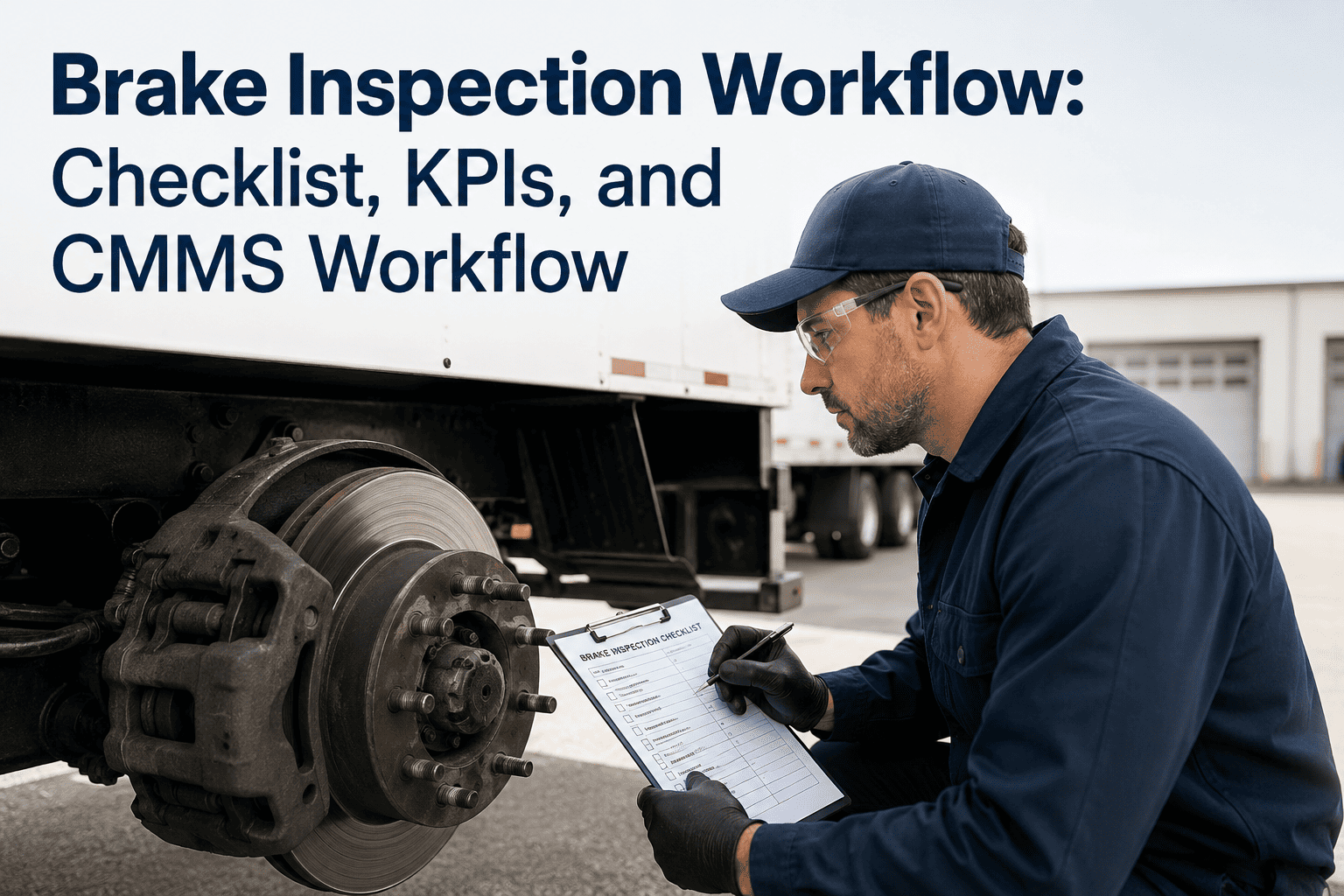
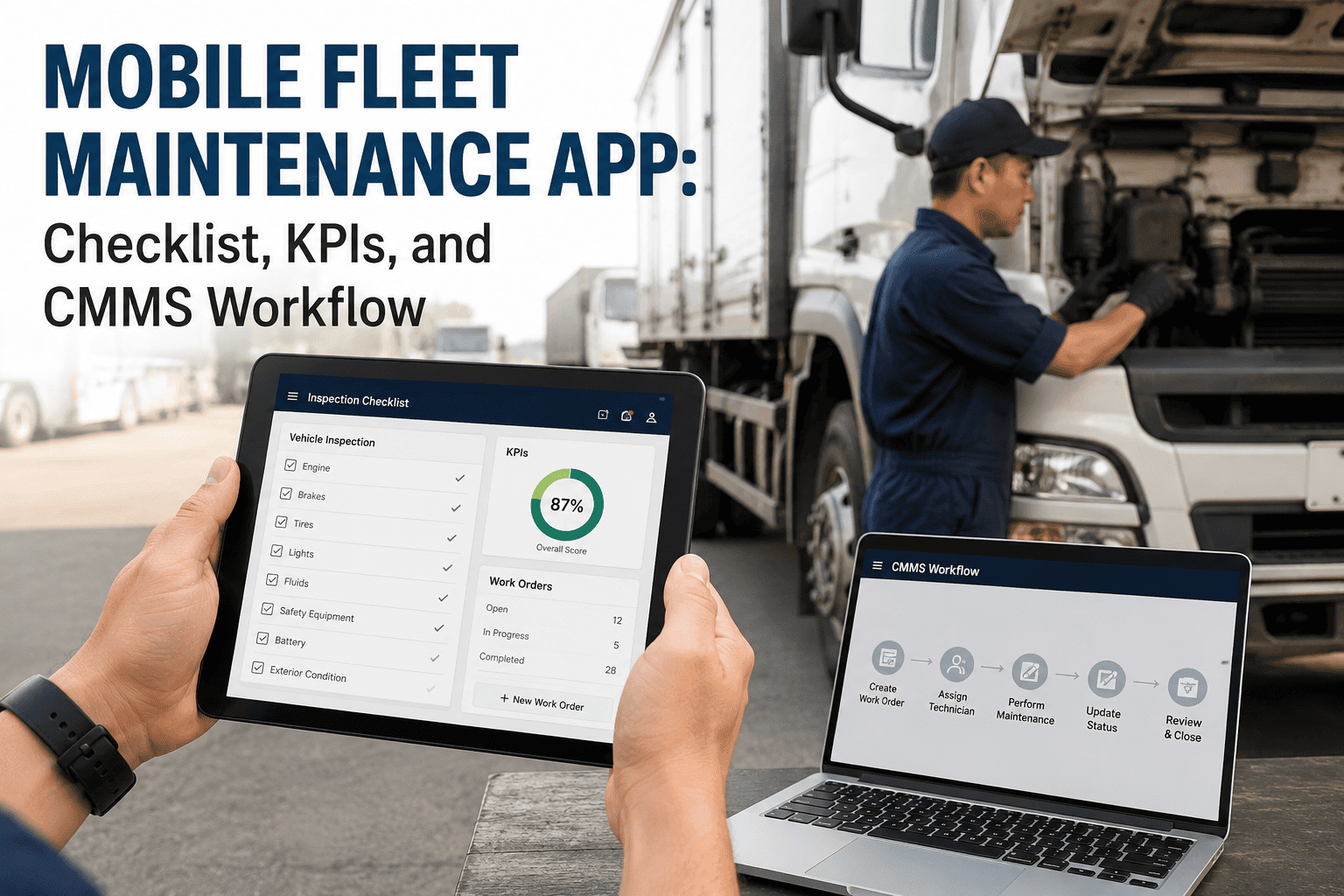
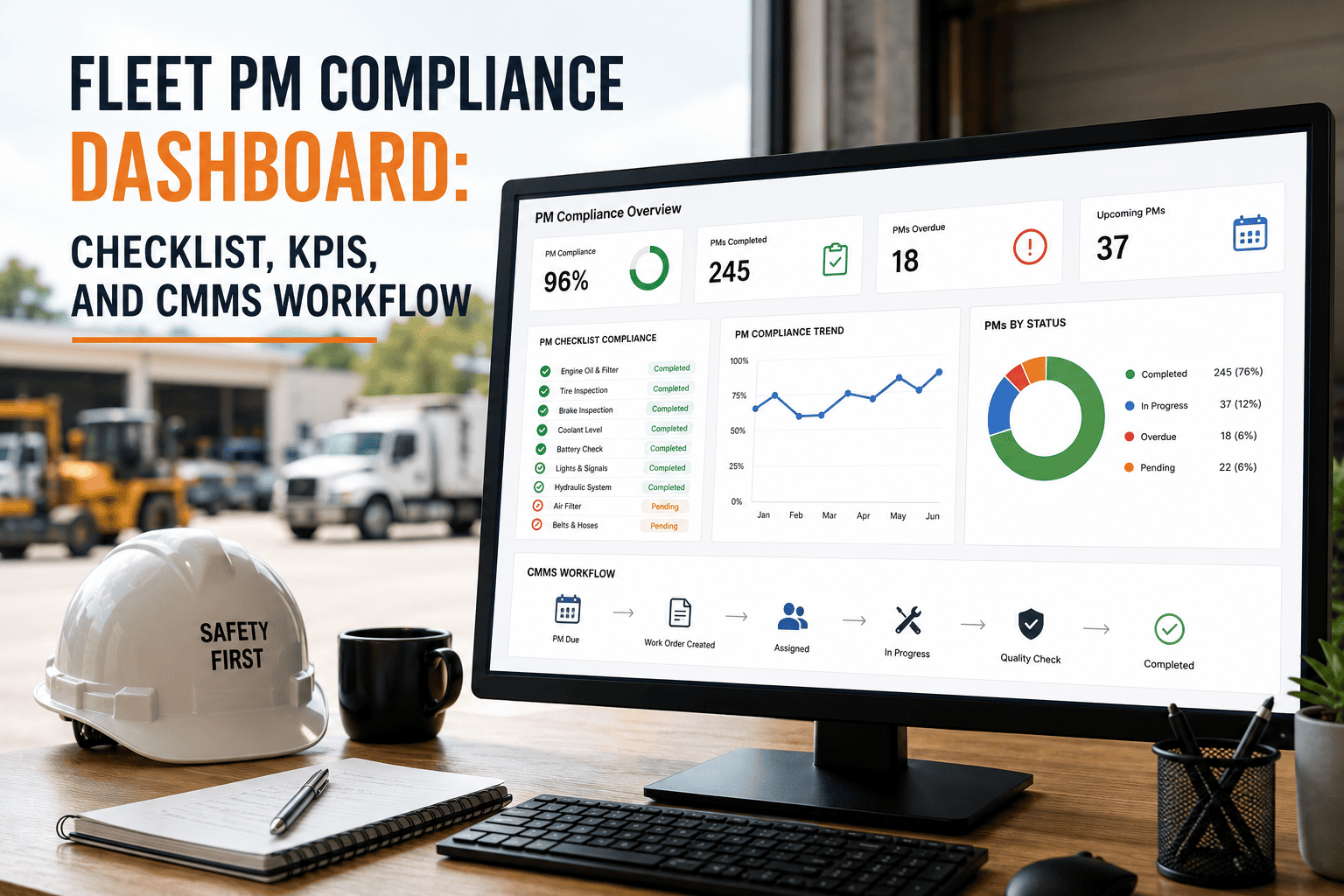
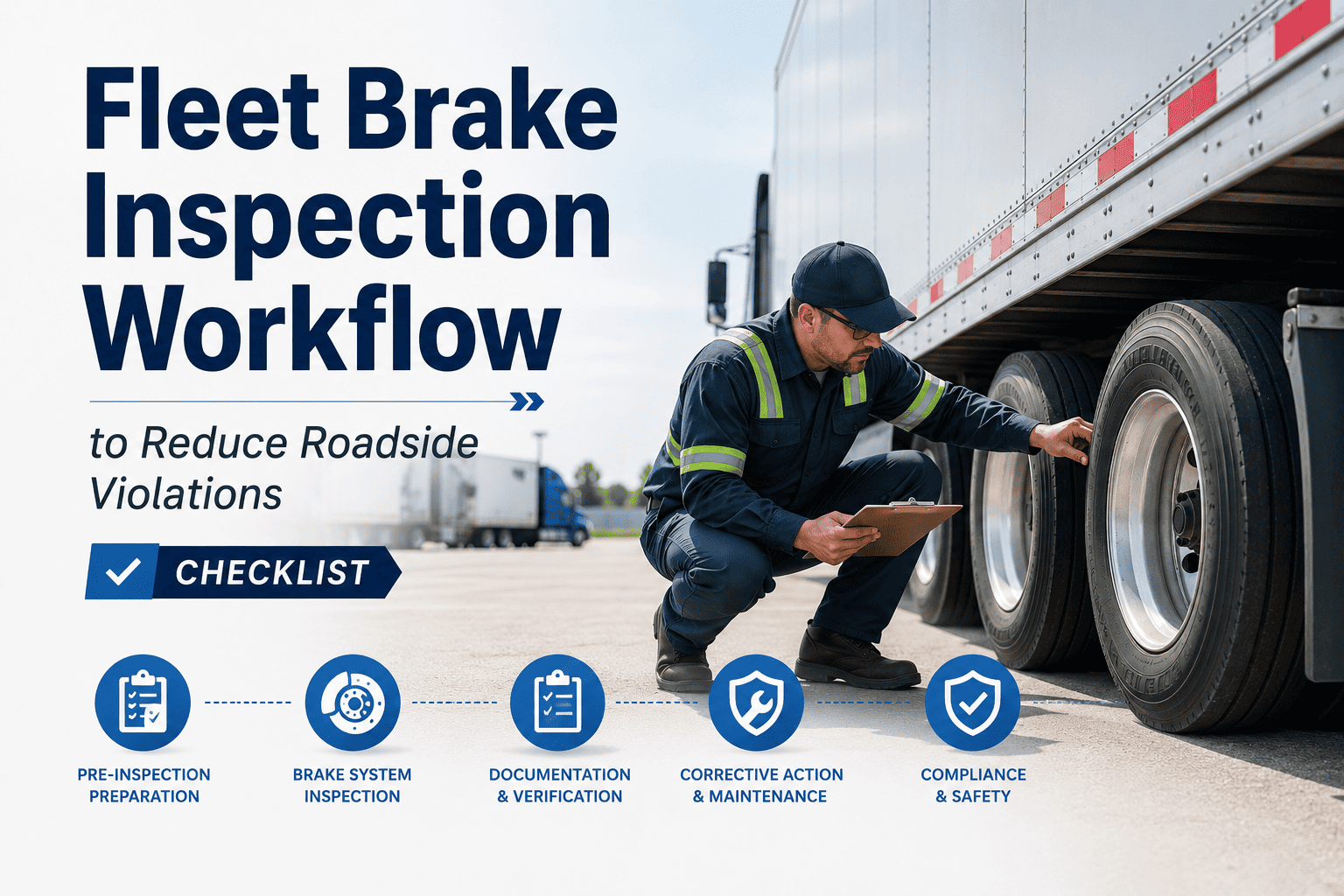
A brake inspection workflow is only as good as the data it produces — and data on paper dies in a binder. Fleet maintenance teams that connect their brake inspection checklist to a CMMS workflow gain something paper never can: a closed loop where every inspection reading feeds a predictive schedule, every defect auto-generates a repair work order, and every completed repair updates the vehicle's compliance record in real time. This guide provides the complete brake inspection checklist, the KPIs that measure whether your program is working, and the CMMS workflow configuration that makes it systematic rather than situational. For fleets ready to move from paper to digital, sign up for OxMaint free or book a demo to see the workflow running live.
Checklist · KPIs · CMMS Workflow · 2026
Brake Inspection Workflow: Checklist, KPIs, and CMMS Integration
The complete operational guide — from the inspection checklist your technicians use on the floor to the KPIs your fleet manager tracks on the dashboard. Built for CMMS-driven, DOT-compliant brake maintenance.
Inspect
Mobile checklist with measured readings
→
Flag
Defects trigger instant work orders
→
Repair
Technician resolves and documents
→
Analyze
KPIs improve next interval
↩
The Checklist
Complete Brake Inspection Checklist — By Inspection Type
Three distinct inspection types form a complete brake maintenance program. Each has a different scope, different personnel requirement, and different documentation standard. All three must be captured in your CMMS to build a complete audit-ready record.
Type A
Driver Pre-Trip — Daily (FMCSA Mandated)
Air System Checks
Verify air pressure builds to governed pressure — note PSI at full charge
Fan brake pedal to reduce pressure — low warning light must activate before 60 PSI
Check for audible air leaks with key on engine off — report any sustained hissing
Verify air lines and gladhands are properly connected and not damaged
Mechanical Checks
Apply service brakes — check for pulling, delayed response, or unusual feel
Test parking brake — apply and verify vehicle holds on grade before departure
Visual walk-around — inspect visible brake chambers, drums, and lines under vehicle
Document all findings in mobile DVIR with timestamped defect photos if applicable
Type B
Technician Measured Inspection — Weekly
Measurement Checks
Push rod stroke — measure all chambers, compare to allowable stroke by chamber type
Brake lining thickness — measure at thinnest point per axle position, log by position
Air leak rate test — charge to governed pressure, time PSI drop over 2 minutes
Slack adjuster check — verify automatic adjusters retract fully without manual adjustment
Visual and Functional Checks
Inspect brake drums for cracks, heat discoloration, or visible scoring
Check lining for oil or grease contamination — contamination = replacement regardless of thickness
Inspect all brake lines and hoses for chafing, cracking, or improper routing
Log all readings in CMMS by position with vehicle ID, odometer, and technician name
Type C
Periodic System Inspection — 90-Day / Annual (49 CFR 396.17)
Component Inspection
Disassemble chambers — inspect diaphragm, spring, and housing for fatigue or damage
Measure drum diameter against manufacturer discard spec — replace at or beyond limit
Inspect and lubricate anchor pins, camshaft bushings, and slack adjuster splines
Inspect ABS tone rings and wheel speed sensors — clean and verify correct signal
System-Level Testing
Brake balance test — verify side-to-side braking force is within 20% per axle
Spring brake test — verify spring brake does not release below 20 PSI on charge
Replace all brake linings at or below 3/8" — never mix lining types on one axle
Generate signed periodic inspection certificate — store in CMMS and paper file
Run Every Checklist Type on Mobile. Auto-Generate Work Orders. Export DOT Records in 60 Seconds.
OxMaint handles Types A, B, and C in one platform — with position-level measurement logging, instant defect-to-work order conversion, and complete compliance documentation built in.
KPI Framework
The Brake Inspection KPI Stack — What to Measure and Why
KPIs without action thresholds are just numbers. This framework pairs each metric with its measurement source, its calculation method, and the action it should trigger when it moves out of target range.
Safety KPI
Brake OOS Rate
Formula: Brake OOS orders ÷ Total roadside inspections × 100
Source: FMCSA DataQs / SMS portal
Target: Below 3%
Action at: Above 6%
Above 6% means your internal inspection is missing defects that DOT inspectors find. Investigate whether drivers are completing pre-trips and whether technicians are measuring push rod stroke correctly.
Cost KPI
Unplanned Brake Event Rate
Formula: Unplanned brake repairs ÷ Total brake repairs × 100
Source: CMMS work order history
Target: Below 15%
Action at: Above 25%
If more than 25% of brake repairs are unplanned, your inspection thresholds are set too close to the failure point. Move your replacement trigger earlier in the wear curve to create a scheduling buffer.
Efficiency KPI
Brake Lining Life (Miles)
Formula: Avg miles at replacement across all vehicles in class
Source: CMMS lining replacement records + odometer
Target: Establish baseline, track variance
Action at: 20% below class average
Vehicles wearing linings 20% faster than class average indicate alignment issues, load overloading, driver braking behavior, or incorrectly specified lining material for the application.
Process KPI
Inspection Completion Rate
Formula: Completed inspections ÷ Scheduled inspections × 100
Source: CMMS scheduled vs. completed inspection log
Target: Above 95%
Action at: Below 90%
A program with 80% completion is an 80% program. The 20% of uninspected vehicles carry all the risk. If completion drops below 90%, investigate whether technician capacity, scheduling conflicts, or vehicle availability is the constraint.
Compliance KPI
Periodic Inspection Currency
Formula: Vehicles with current periodic inspection ÷ Total vehicles × 100
Source: CMMS PM records vs. 90-day / annual requirement
Target: 100%
Action at: Any vehicle out of compliance
Any vehicle operating without a current periodic inspection is an immediate compliance exposure. This KPI should be visible on your daily dashboard — not discovered during a DOT audit.
Financial KPI
Brake Cost Per Vehicle Per Month
Formula: Total brake labor + parts ÷ Active vehicles ÷ Months in period
Source: CMMS work order cost tracking
Target: Establish baseline, reduce 10–20% YoY
Action at: 15% above fleet average
Vehicles running 15% above fleet average brake cost are candidates for a dedicated audit: route profile, load patterns, driver behavior, and specification alignment with the application should all be investigated.
CMMS Workflow
How to Configure Your CMMS for a Complete Brake Inspection Workflow
A CMMS configured for brake inspection is a force multiplier — it turns individual inspector actions into a system-wide maintenance program that runs without manual coordination. Here is the configuration blueprint.
Step 1
Build Vehicle-Specific Inspection Forms
Create separate forms for each vehicle type with position-specific measurement fields. Every form must capture: vehicle ID, odometer, inspector ID, inspection type, and measurement fields by axle position. Attach pass/fail thresholds to each measurement field so the system flags violations automatically without relying on inspector judgment about what constitutes a defect.
Step 2
Configure Auto Work Order on Defect
Every below-threshold measurement or flagged defect should auto-generate a work order with: the vehicle ID, the defect description (auto-populated from form field), priority level (critical for OOS-qualifying conditions, high for approaching threshold), and assigned technician group. The work order should block vehicle dispatch until marked complete — creating a hard stop in the workflow, not a soft suggestion.
Step 3
Set Odometer-Triggered PM Schedules
Create PM triggers for each inspection type: weekly technician check at every 1,500–2,000 miles for high-mileage vehicles; periodic inspection at 90-day or 25,000-mile intervals (whichever comes first). Odometer triggers must be fed by actual vehicle mileage updates — GPS integration or manual odometer entry on dispatch. Calendar-only triggers miss the mileage reality and create false compliance.
Step 4
Build the KPI Dashboard
Configure your CMMS dashboard to display: brake OOS rate (pulled from inspection records), unplanned brake event count, inspection completion rate (scheduled vs. completed this week), and vehicles with periodic inspection due within 30 days. This view should be visible to both fleet managers and shop supervisors — it is the daily operating picture for your brake program.
Step 5
Enable DOT Audit Export
Configure a DOT compliance export template that pulls: all DVIRs for a selected vehicle and date range, all technician inspection records with measurements, all work orders generated from defects, all periodic inspection certificates, and a vehicle-level compliance summary. This export should require no manual data assembly — it should be generated in under 60 seconds from a date-range selection.
Step 6
Activate Trend-Based Predictive Alerts
The highest-value CMMS feature for brake programs is trend-based alerting: when lining thickness is decreasing at a rate that projects a below-minimum reading within the next 2–3 weeks, the system generates a proactive scheduling work order. This is what separates OxMaint's AI predictive maintenance from a simple checklist tool — it schedules repairs before the defect exists, not after it is found.
Frequently Asked Questions
Brake Inspection Workflow, KPIs, and CMMS — Common Questions
What is the difference between a brake inspection checklist and a brake inspection workflow — and why does it matter?
A checklist is a list of items to check. A workflow is the complete process that connects inspection to repair to scheduling to compliance documentation. A checklist without a workflow produces paper records nobody acts on. A workflow without a checklist produces action without a consistent standard. The combination — structured checklist feeding a CMMS-driven workflow — is what produces measurable reductions in OOS rates and unplanned downtime.
OxMaint delivers both in one platform.
Which brake inspection KPI should a fleet manager focus on first when starting a new program?
Start with inspection completion rate — it is the foundation everything else depends on. If your inspections are not being completed consistently, your safety KPIs, cost KPIs, and compliance KPIs are all based on incomplete data. Once completion rate is consistently above 95%, shift focus to brake OOS rate (the safety signal) and unplanned event rate (the cost signal). These two together tell you whether the program is actually preventing failures, not just documenting them.
Book a demo to see how OxMaint tracks all of these.
Can OxMaint integrate with existing ELD or telematics systems to automate odometer-based PM triggers?
OxMaint supports odometer data input via manual entry on dispatch and supports integration with major telematics and ELD providers for automated mileage updates. Automated odometer input eliminates the primary failure point of mileage-based PM programs — manual entry errors or forgetting to update. When odometer data flows automatically into OxMaint, PM triggers fire at the correct mileage every time without any manual coordination. Contact our team via
a demo session to confirm your specific telematics integration.
How long should brake inspection records be retained — and what format satisfies DOT audit requirements?
FMCSA requires DVIRs to be retained for 3 months, periodic inspection certificates through the next periodic inspection (minimum), and maintenance records showing repairs from defects for at least 1 year. Format requirements are flexible — digital records that are tamper-evident, timestamped, and attributable to a specific inspector satisfy the same requirement as paper. OxMaint's digital records meet all of these criteria and are exportable in multiple formats for DOT auditors.
Sign up free to start building your compliant record today.
What makes OxMaint's AI predictive maintenance different from a standard CMMS for brake inspection management?
Standard CMMS tools schedule inspections at fixed intervals and flag current readings against static thresholds. OxMaint's AI analyzes the trend of readings over time — rate of lining wear, rate of push rod stroke increase, rate of air pressure drop — and projects when a component will reach the replacement threshold. This means the work order is generated days or weeks before the defect actually exists, giving your shop a scheduled repair window instead of an emergency. That shift from threshold-based to trend-based alerting is the core driver of unplanned event elimination.
See it in a live demo.
Checklist. KPIs. CMMS Workflow. OxMaint Is the Only Platform That Connects All Three.
Stop managing brake inspections in three disconnected systems. OxMaint unifies your driver checklists, technician measurements, predictive scheduling, work order management, and DOT documentation into a single mobile-first platform — ready to deploy across your fleet in 48 hours.