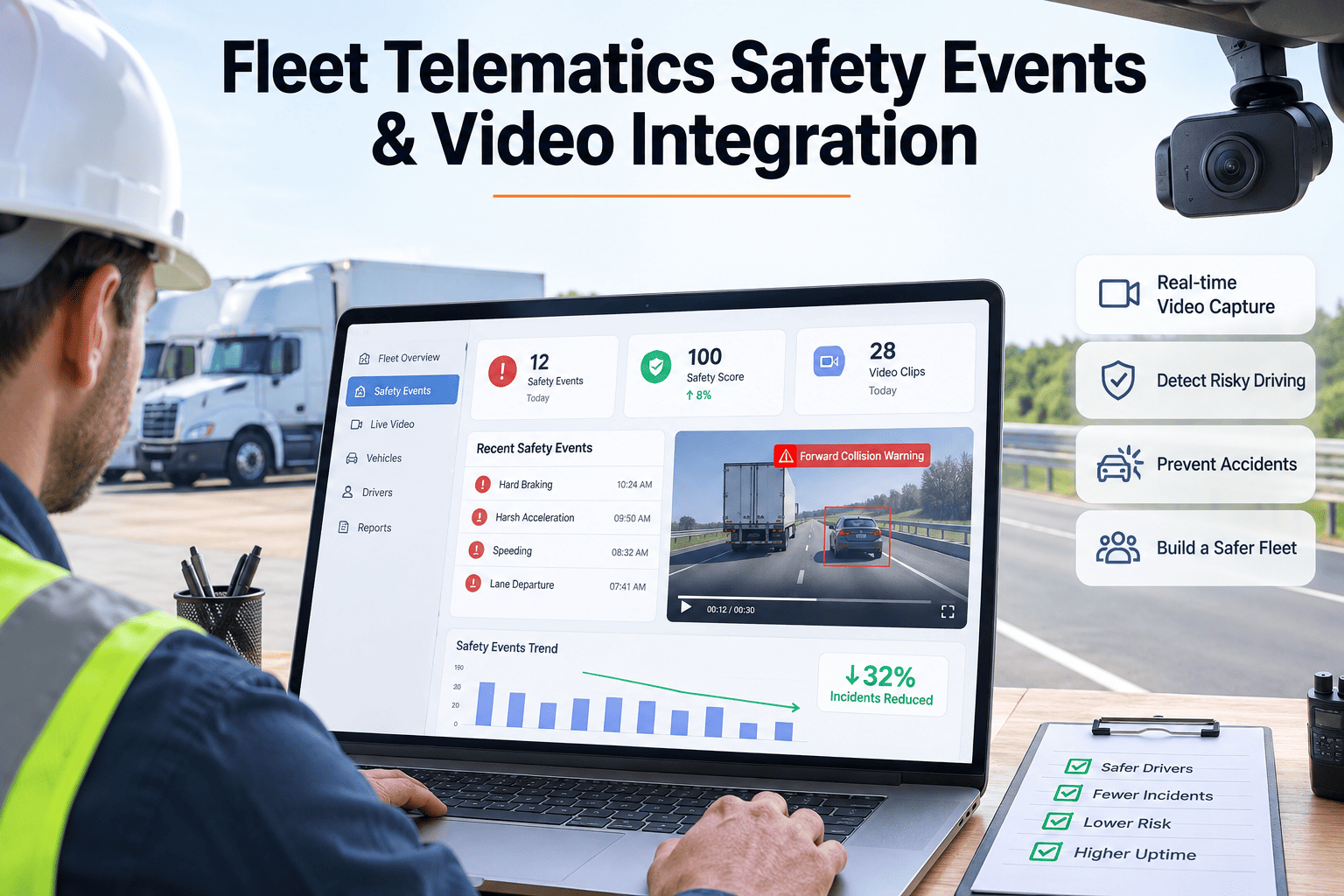
A dispatcher gets an alert: harsh braking, truck 214, 2:47pm. No video attached yet — just a G-force spike and a location pin on a map. By the time the clip finishes uploading and someone gets around to reviewing it, the moment is three days old and the driver barely remembers the intersection, let alone why they braked hard — a jaywalker, a merging car, or simply following too close. Without the visual context attached to the same event record, a harsh-braking number stays a statistic instead of a coaching moment, and safety teams end up guessing at intent instead of understanding what actually happened on the road. OxMaint AI links every telematics safety event to its matching video clip in one record, so a flagged moment gets reviewed and coached while it's still fresh.
Fleet Telematics Safety Events · Video Integration · OxMaint Coaching Workflow
A Harsh-Braking Alert Is Just a Number Until Someone Sees What Happened Behind the Wheel.
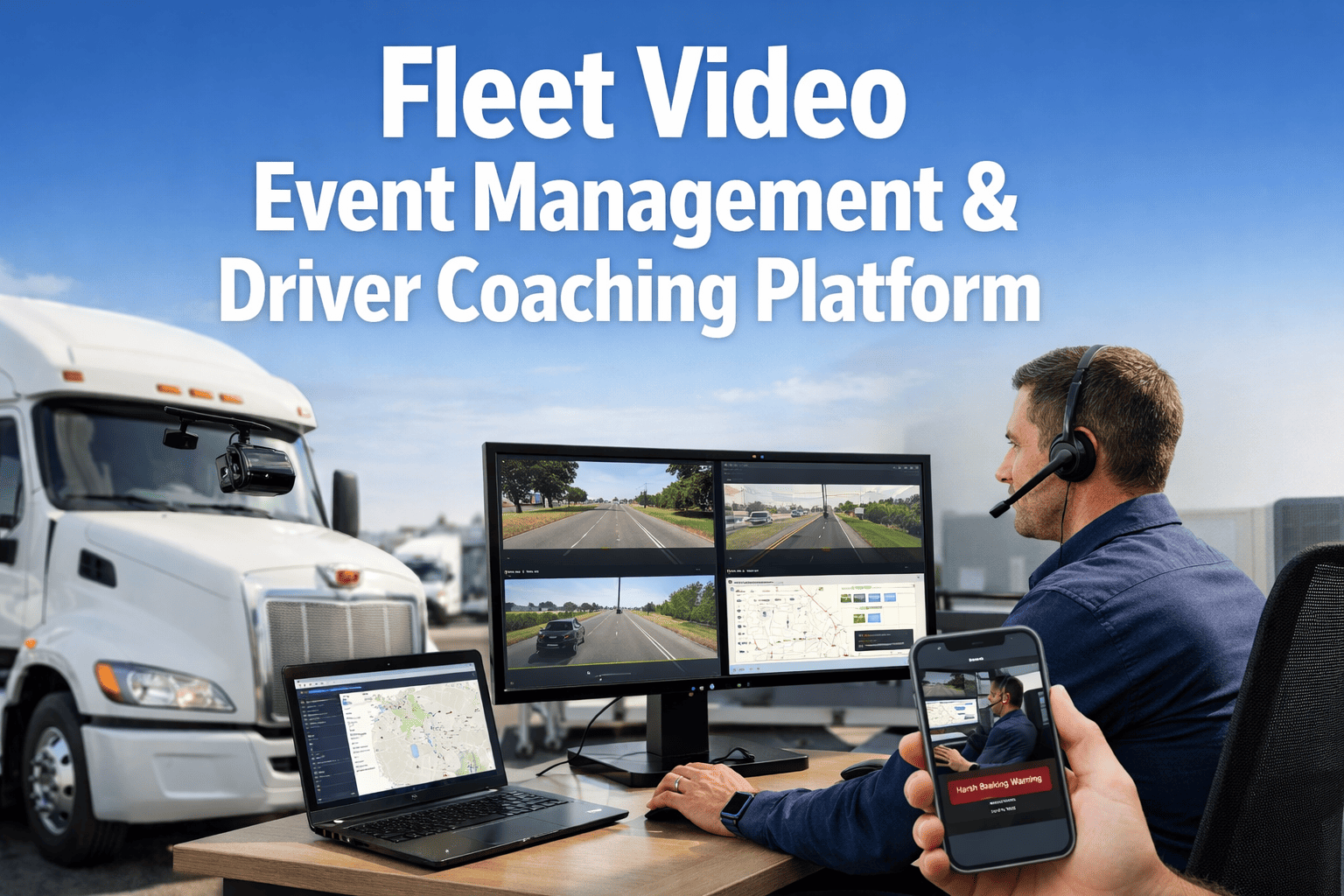
OxMaint AI pairs every telematics safety event — harsh braking, hard cornering, rapid acceleration, forward collision risk — with its matching video clip, so safety teams review real context instead of guessing at intent from a G-force spike alone.
3 sec
typical pre- and post-event buffer a video telematics system captures — the difference between a G-force spike and seeing the pedestrian who stepped off the curb
70%+
of fleet safety teams report that video context changes how they interpret a flagged event compared to the telematics data alone
2-3 days
typical delay before a flagged event without integrated video gets reviewed — by which point driver recall of the moment has already faded
96%
reduction in at-risk events reported by fleets pairing automated video coaching directly with telematics alerts, per published video telematics case data
Reactive
is the honest word for what a camera alone does. A harsh-braking alert means the driver was already in a situation requiring emergency action; a distraction alert means attention had already left the road. The footage explains what happened in that instant — but by itself it doesn't explain why the same vehicle keeps triggering the same alert at the same intersection, or whether the real cause is behavior at all.
Why Context Beats Raw Event Counts
Most fleets already collect plenty of telematics data — harsh braking counts, speeding minutes, cornering G-force readings, updated weekly on a scorecard. The problem isn't a shortage of data; it's that a scorecard number carries no memory of what actually happened. A driver with five harsh-braking events this month looks identical on paper to a driver who had five near-misses caused by other people's mistakes, and to a driver whose assigned vehicle has a brake pull nobody has diagnosed yet.
Video closes part of that gap by showing what happened in each moment. But video reviewed in isolation still leaves the second question open — is this an isolated event, or part of a pattern tied to this driver, this vehicle, or this route? Answering that requires the event, the footage, the driver's history, and the vehicle's maintenance record to sit in the same place, reviewed together rather than pieced together from three different systems after the fact.
Six Telematics Safety Events Worth Pairing With Video
Harsh Braking
The most common triggered event and often the most ambiguous without footage — a hard stop for a genuine hazard looks identical in raw telematics data to a hard stop from following too close.
Rapid Acceleration and Hard Cornering
These events often cluster together and can point to aggressive driving style, but video is needed to rule out a merge, a lane change forced by another vehicle, or a slick road surface.
Forward Collision and Following Distance
ADAS-triggered alerts on following distance carry real liability weight if a collision follows. Video with sub-second telemetry lets a safety team reconstruct exactly how the gap closed.
Distraction and Drowsiness Alerts
Driver-facing camera detections for phone use, smoking, or fatigue carry a different coaching conversation than road events, and need their own review path rather than being lumped in with braking data.
Speeding Against Posted Limits
GPS-based speed events are simple to log but easy to over-flag on roads with inconsistent posted limits, making route-level context as useful as the raw speed number itself.
Driver-Flagged Near-Misses
Not every risky moment crosses a sensor threshold. A driver-initiated event marker paired with the surrounding footage captures near-misses that pure G-force triggers miss entirely.
From Triggered Event to Closed Coaching Loop
Step 1
Event Trigger
A sensor threshold — G-force, ADAS detection, or driver marker — flags a moment worth reviewing.
Step 2
Clip Capture
The matching video clip, with its pre- and post-event buffer, attaches to the same event record automatically.
Step 3
Review & Context
The event is checked against driver history and the vehicle's maintenance record to separate behavior from a mechanical factor.
Step 4
Coaching or Work Order
A behavior pattern routes to a coaching conversation; a mechanical pattern routes to a work order — both logged against the record.
OxMaint · Telematics Safety Event & Video Integration
Turn Every Flagged Event Into Either a Coaching Win or a Prevented Repair
OxMaint AI links video, driver history, and vehicle maintenance records to every safety event, so the review shows the real cause, not just the alert.
Is It Behavior, or Is It the Vehicle?
Signs It's Driver Behavior
Events cluster around one driver, regardless of which vehicle they're assigned that week
Video shows a late reaction to a hazard that was clearly visible with time to respond
Events happen on familiar, low-traffic routes where road conditions don't explain the pattern
Event frequency drops noticeably after a documented coaching conversation
Signs It's a Mechanical Factor
Events cluster around one vehicle, regardless of which driver is behind the wheel that week
Video shows a normal, timely reaction, but the vehicle's stopping distance looks longer than expected
Event frequency rises gradually over weeks with no change in route or driver assignment
Brake, tire, or suspension components are approaching the end of their PM service interval
What OxMaint Links to Every Flagged Safety Event
A safety event reviewed on its own is a single data point. OxMaint attaches five additional pieces of context automatically, so the review answers the question that actually matters — what caused it, and what should happen next.
Matching video clip with pre- and post-event buffer, attached automatically
Driver identity and duty status at the moment the event triggered
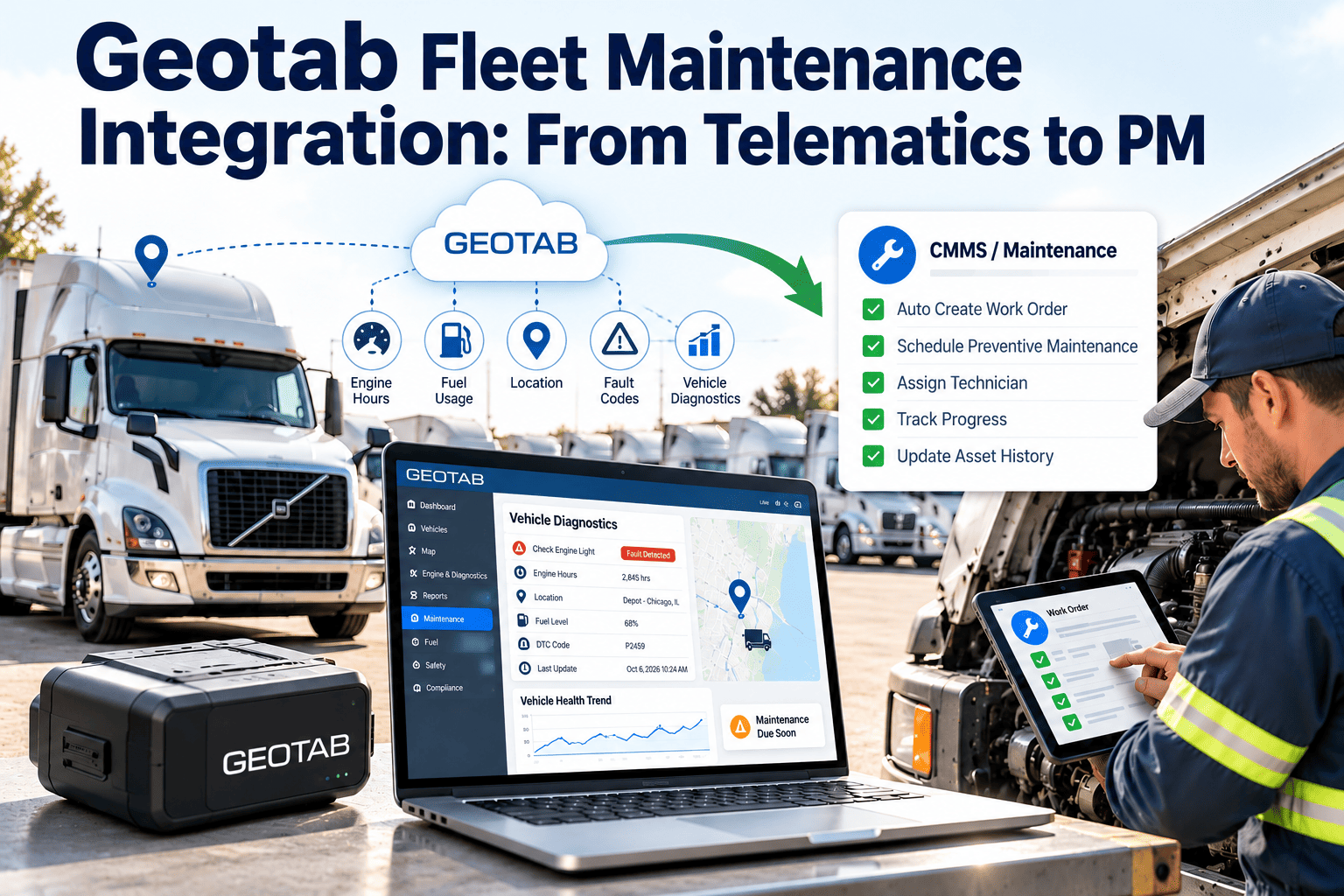
The vehicle's current PM status and any open brake, tire, or suspension work orders
Event frequency history for both the specific driver and the specific vehicle
Coaching note and outcome, recorded permanently against the driver's file
Automatic work order suggestion when a pattern points to a mechanical cause
Where Telematics-to-Video Integration Matters Most
New Driver Onboarding Programs
The first few weeks behind the wheel generate the most events for almost any driver, as unfamiliar routes and vehicles create their own risk. Video-backed review turns those early events into structured, specific coaching instead of a generic warning that doesn't stick.
High-Turnover Driver Pools
When drivers rotate through vehicles frequently, separating a driver's pattern from a vehicle's pattern is the only reliable way to know whether retraining or a maintenance work order is the right response to a rising event count.
Multi-Terminal Safety Programs
Consistent event-to-video linkage across every terminal keeps coaching standards the same everywhere, instead of depending on how thoroughly each location's staff happens to review footage that week.
Fleets Facing Rising Insurance Premiums
Underwriters respond to demonstrated safety programs, not just raw event counts pulled from a telematics export. A documented review-and-coaching workflow is evidence a fleet is actively managing its risk, not just measuring it.
Mixed CDL and Non-CDL Fleets
Passenger vehicle drivers and commercial operators generate different event profiles and face different regulatory exposure. Video context helps safety teams calibrate coaching appropriately across both groups instead of one generic scorecard.
Fleets Managing Liability Disputes
When a collision or a claim is disputed, a video clip with synced speed, location, and G-force data removes ambiguity and can be the difference between an unfounded claim against a driver and a properly exonerated one.
Camera-Only Telematics vs OxMaint's Connected Workflow
| Workflow Factor | Camera-Only Telematics | OxMaint AI |
| Event-to-video linkage |
Manual search across systems |
Automatic, same record |
| Root-cause context |
Not distinguished |
Cross-referenced with PM history |
| Coaching documentation |
Scattered notes |
Attached to driver file |
| Repeat-event detection |
Reviewed case by case |
Flagged by driver and vehicle |
| Work order generation |
Manual, if noticed at all |
Automatic suggestion |
| Multi-terminal consistency |
Varies by location |
Unified fleet-wide |
Same Day
typical event-to-coaching turnaround when video and context arrive attached to the alert instead of requiring a separate search
2x
faster identification of vehicle-linked event patterns versus driver-linked ones, once maintenance history is cross-referenced automatically
100%
of flagged events arrive with a matching clip attached, removing the manual search that delays most safety reviews
A coaching conversation built on a G-force number rarely lands. A coaching conversation built on thirty seconds of footage the driver can watch, react to, and explain almost always does — and if the footage instead shows a vehicle problem, the conversation was never about the driver in the first place.
OxMaint AI makes sure every flagged event carries enough context to know which conversation to have.
Frequently Asked Questions — Telematics Safety Events & Video
Does OxMaint provide its own dash cameras and telematics hardware?
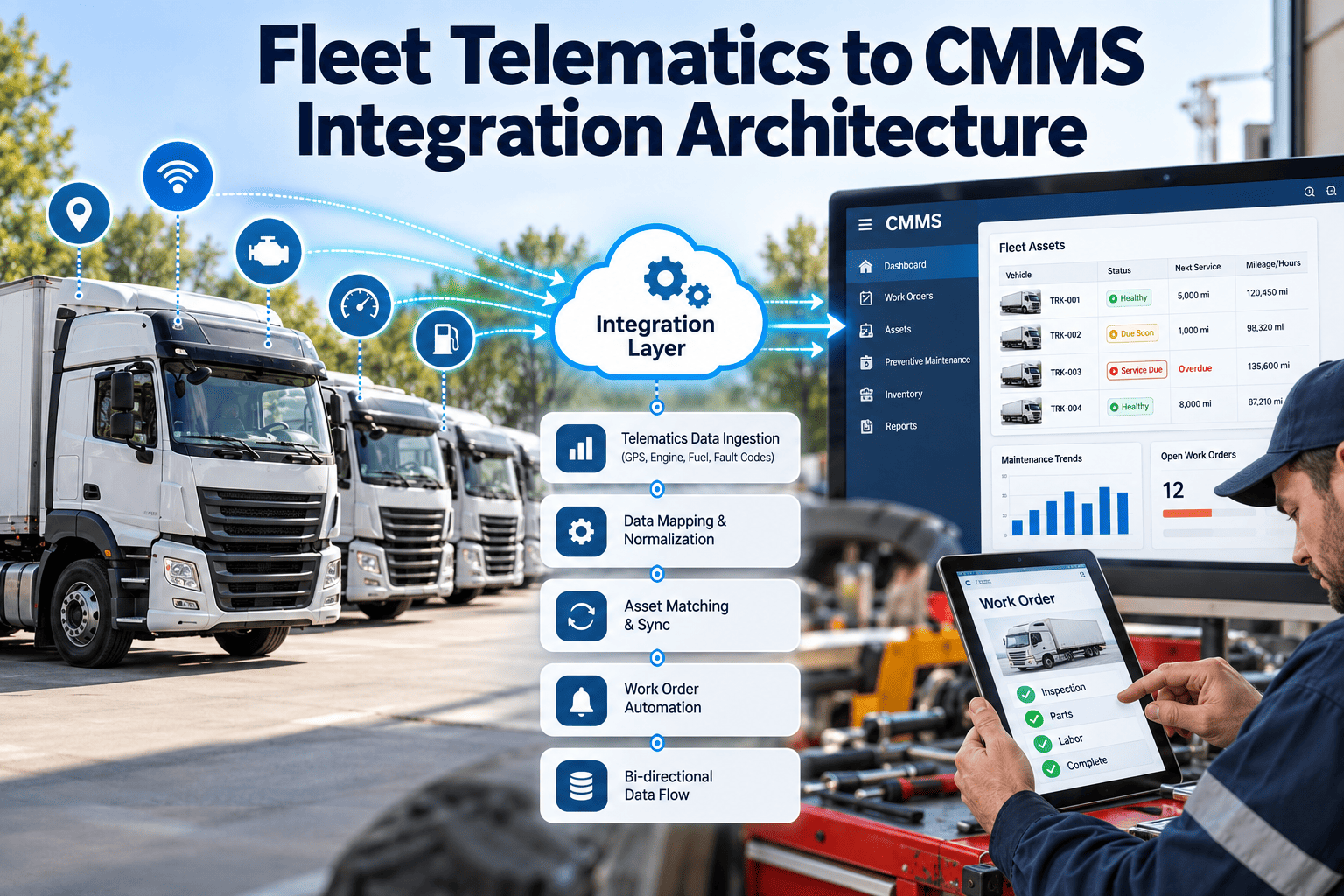
OxMaint integrates with existing telematics and video telematics hardware rather than replacing it, pulling event and clip data into one workflow alongside maintenance and driver records through the
OxMaint app.
How does OxMaint decide whether a flagged event points to a driver issue or a vehicle issue?
Every event is checked against two histories at once — the driver's recent event pattern and the specific vehicle's maintenance and PM status — so a cluster tied to one vehicle across multiple drivers reads differently than one tied to a single driver.
Can coaching notes and video be kept together for later reference?
Yes. Each coaching conversation and its outcome are logged against the driver's file alongside the original clip, building a searchable history instead of a one-time note that gets lost.
What happens when a pattern points to a mechanical cause instead of driver behavior?
OxMaint generates a work order suggestion tied to the affected vehicle and component, so a brake or suspension issue behind repeated events gets scheduled for repair instead of mistakenly treated as a coaching problem.
How long does it take to connect an existing telematics and video provider to OxMaint?
Setup time depends on the existing provider, but most fleets can see events and video appearing in a unified review workflow shortly after onboarding.
Book a demo to walk through your specific setup.
The Next Harsh-Braking Alert Deserves More Than a G-Force Number.
OxMaint AI pairs every telematics safety event with video, driver history, and vehicle maintenance context, so the review shows the real cause — and the right next step follows automatically.