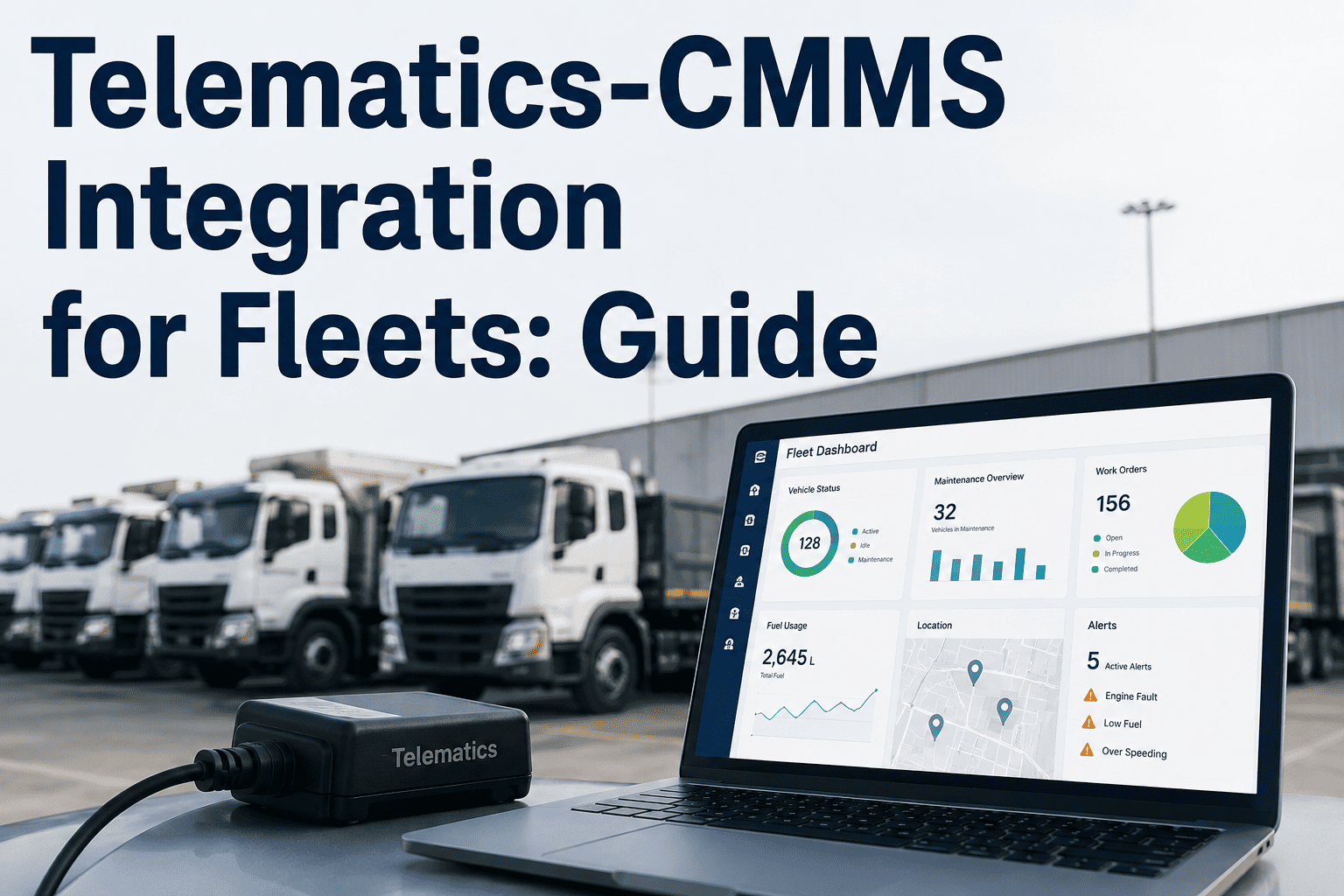
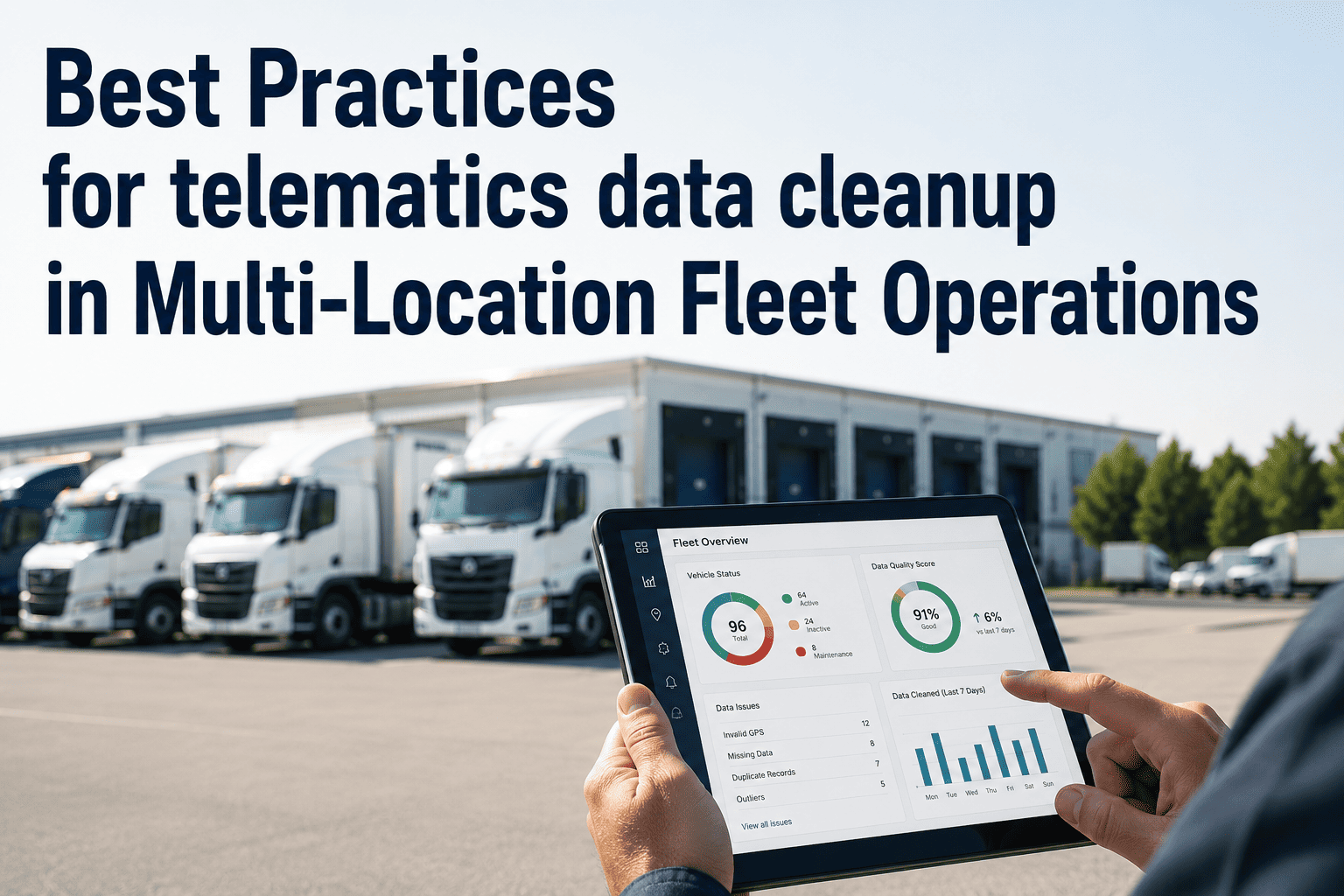
A fault code fires on a delivery truck at 6:40 AM. In most fleets, that signal lands in a telematics dashboard and sits there — nobody assigned, nobody watching — until the vehicle stalls on a route three weeks later. Telematics-CMMS integration is what closes that gap: it takes the fault codes, odometer readings, engine hours, and DVIR data your telematics platform already collects and turns them into work orders, technician assignments, and parts orders automatically. This guide covers how that connection actually works, what data moves between the two systems, and how fleets that connect telematics to maintenance cut breakdown rates without adding headcount. If your fleet is still copying fault codes out of a telematics dashboard by hand, start a free trial with OxMaint to see the connection live.
Fleet Maintenance · Telematics · CMMS Integration
Telematics Shows the Fault. Your CMMS Fixes It. But Only If They're Actually Connected.
A working guide to telematics-CMMS integration for fleet teams — how fault codes become work orders, how mileage and engine hours drive preventive maintenance automatically, and what to check before you connect Samsara, Geotab, or Motive to your maintenance system.
Vehicle
OBD-II / J1939 sensors
Telematics
Fault codes, GPS, hours
CMMS
Work order, tech, parts
82%
Of fleet operators still track maintenance manually across spreadsheets and paper logs
4-6 hrs
Typical delay between a fault code firing and a work order being created without integration
Under 60s
Time from fault detection to a priced, technician-assigned work order with a live integration
4-5x
Higher average cost of a reactive roadside repair compared to a scheduled preventive one
The Disconnect
What Happens When Telematics and Maintenance Don't Talk to Each Other
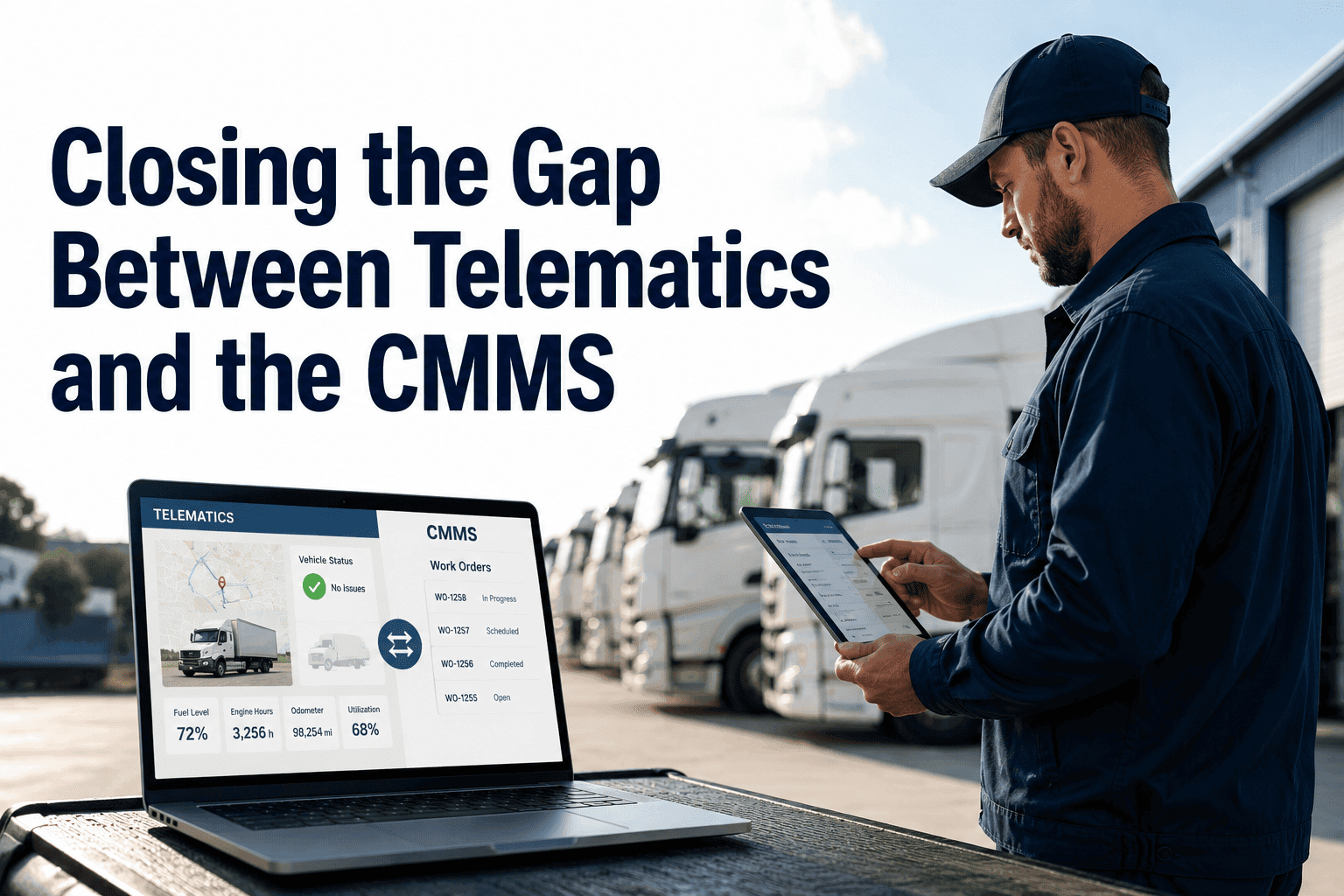
Most fleets already own the telematics data they need. GPS units and OBD-II readers on every vehicle stream fault codes, engine hours, fuel trim data, and location constantly. The problem is not data collection — it is data routing. Without a direct connection to a maintenance system, that stream terminates in a dashboard that a dispatcher checks once a day, if at all. The cost of that gap shows up in the field, not in a report.
Without Integration
- Fault codes sit in a telematics dashboard until someone manually checks it
- PM schedules run on fixed calendar dates regardless of actual vehicle usage
- A technician re-types mileage, hours, and fault data into a separate work order
- DVIR defects are logged on paper and re-entered into maintenance days later
- Fleet managers discover a stored fault code only after a roadside breakdown
With Integration
- A fault code creates a prioritized, technician-assigned work order within seconds
- PM triggers automatically off real mileage and engine hours, not the calendar
- Fault data, odometer readings, and GPS location populate the work order on their own
- A failed DVIR item becomes a work order the moment the inspection is submitted
- Fleet managers see every stored fault code and its resolution status in one view
How It Works
From Fault Code to Closed Work Order — The Five-Step Data Path
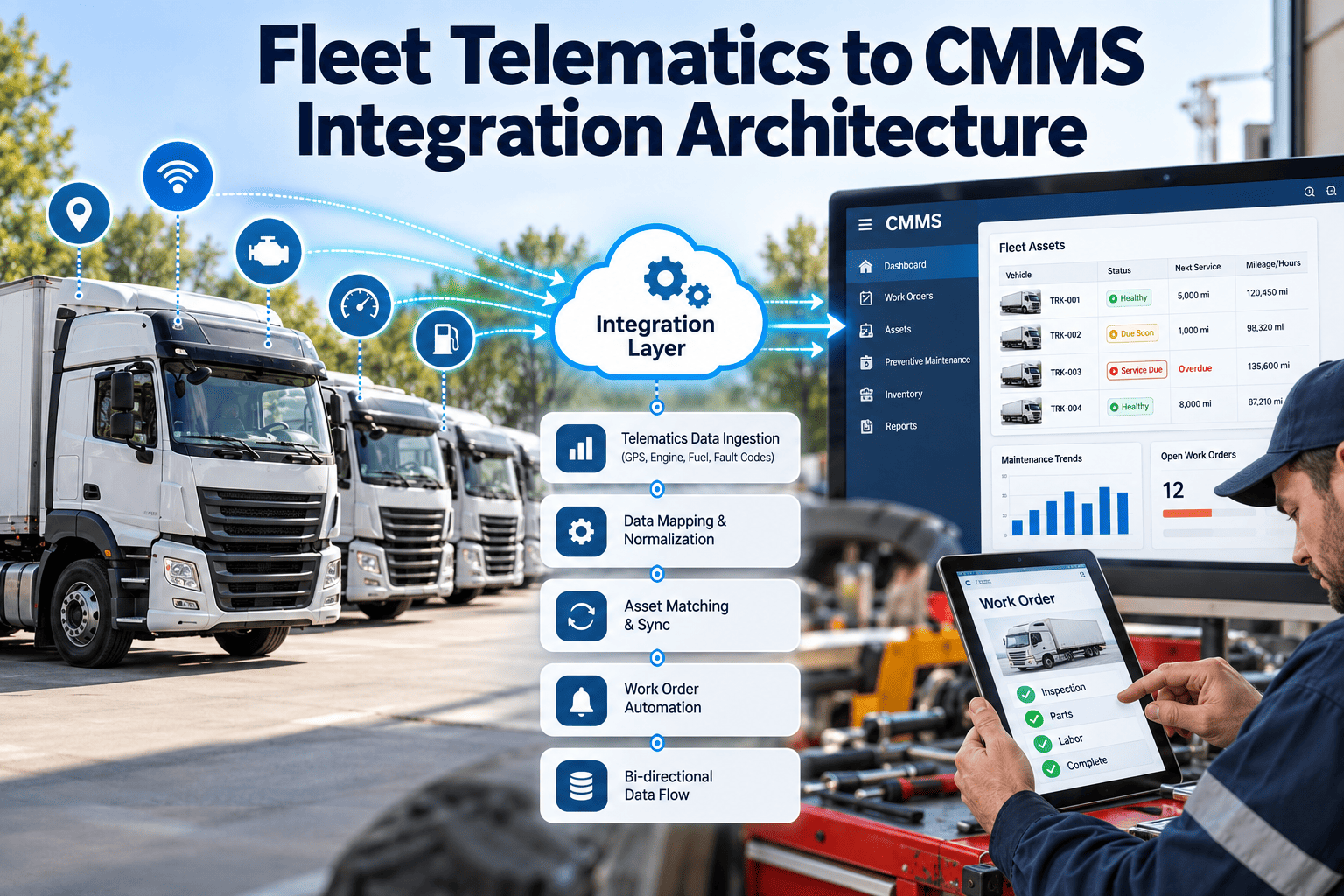
Telematics-CMMS integration is a real-time pipeline, not a nightly file export. Once a telematics account is connected, every relevant signal a vehicle produces follows the same automated path from detection to resolution. Here is what happens between the moment a fault fires and the moment a technician closes the ticket.
01
Sensor Detects the Fault
An OBD-II or J1939 sensor on the vehicle logs a diagnostic trouble code — low oil pressure, a coolant temperature spike, a brake system warning — and the telematics device transmits it in real time.
02
Telematics Platform Decodes It
Providers like Samsara, Geotab, and Motive translate the raw code into a readable fault description and attach the vehicle ID, timestamp, odometer reading, and GPS location.
03
CMMS Receives the Signal
The integration layer passes the decoded fault directly into the maintenance system, matching it to the correct vehicle asset record and maintenance history automatically.
04
Work Order Is Generated and Assigned
A prioritized work order is created based on fault severity, populated with the fault data, and routed to the nearest available technician or shop without manual entry.
05
Resolution Feeds Back Into Vehicle History
Parts used, labor time, and technician sign-off are logged against the vehicle's permanent record, closing the loop from detection through documented repair.
What Actually Moves
The Six Data Streams a Telematics-CMMS Connection Should Sync
Not every integration is built the same way. Some connections only pass fault codes; others sync a full picture of vehicle condition and driver behavior. Before connecting a telematics account to a maintenance system, confirm which of these six data streams actually flow through — this is what determines whether the integration replaces manual work or just adds another dashboard.
Fault Codes (DTCs)
J1939 and OBD-II diagnostic codes decoded into plain-language fault descriptions and matched to severity levels.
Odometer & Mileage
Live mileage readings that trigger mileage-based PM schedules the moment a threshold is crossed.
Engine Hours
Usage-based runtime data for equipment and vehicles where hours are a more accurate wear indicator than mileage.
DVIR Results
Driver inspection findings, including failed items and attached defect photos, routed into the maintenance queue instantly.
GPS & Geofence Events
Vehicle location at the moment a fault occurs, used to route the nearest technician or approved repair shop.
Driver Behavior Data
Hard braking, harsh acceleration, and idle time patterns that flag vehicles needing inspection ahead of a scheduled PM.
Trigger Types Compared
Mileage, Engine Hours, Calendar, or Fault Code — Which Should Trigger Your Maintenance?
A telematics-CMMS integration is only as good as the trigger logic behind it. Different assets in a mixed fleet need different triggers, and the best connections let every vehicle run on the trigger type that actually matches how it wears.
One Connection, Every Vehicle
Run Every Asset on the Trigger That Actually Fits How It Wears
OxMaint applies mileage, engine hours, fault codes, and calendar rules per asset — trucks on mileage, equipment on hours, permits on the calendar — all inside one connected maintenance dashboard.
Why It Pays Off
What Connected Fleets Report After Go-Live
The value of telematics-CMMS integration is not the connection itself — it is the time and cost it removes from the maintenance cycle. Fleets that move from manual fault tracking to an automated pipeline consistently report the same pattern of results in their first two quarters.
Fault-to-work-order time reduced
Hours to under 60 seconds
Manual data entry eliminated
Up to 90% of entries removed
Roadside breakdown frequency
Down with earlier fault action
Reactive repair cost avoided
4-5x cost gap closed
220-652%
First-year ROI range reported by fleets after connecting telematics to CMMS work orders
90 days
Typical time for a mid-size fleet to reach positive ROI after go-live
10,000+
J1939 and J1708 fault codes decoded automatically without manual lookup
Common Questions
Telematics-CMMS Integration — Questions Fleet Teams Ask Before Connecting
Which telematics providers can connect to a fleet CMMS?
+
Most fleet CMMS platforms connect to the major providers — Samsara, Geotab, and Motive — through a direct account authorization rather than new hardware.
Start a free trial to check compatibility with your current provider.
How long does a telematics-CMMS integration take to set up?
+
A standard connection is a single authorization step followed by mapping vehicles between the two systems, typically finished in under fifteen minutes with no new hardware installed.
Book a demo to see the setup walked through live.
Does every fault code need to generate a work order automatically?
+
No. Well-configured integrations apply severity rules so critical codes generate an immediate priority work order while minor codes are logged for review at the next scheduled service, avoiding alert fatigue for technicians.
Can mixed fleets run trucks on mileage and equipment on engine hours at the same time?
+
Yes. A properly configured CMMS applies a different trigger type per asset class, so trucks trigger PM on mileage, generators trigger on engine hours, and trailers trigger on calendar dates within one dashboard.
What happens to fault code history if we switch telematics providers?
+
Historical fault and repair records stay attached to the vehicle asset inside the CMMS rather than the telematics account, so switching providers does not erase maintenance history.
Start a free trial to see how asset history is preserved.
OxMaint · Telematics-Connected Maintenance
Stop Reading Fault Codes Off a Dashboard. Start Acting On Them Automatically.
OxMaint connects to your existing telematics provider and turns fault codes, mileage, engine hours, and DVIR results into assigned, priced work orders the moment they happen — no new hardware, no manual entry, no fault code sitting unread for weeks.