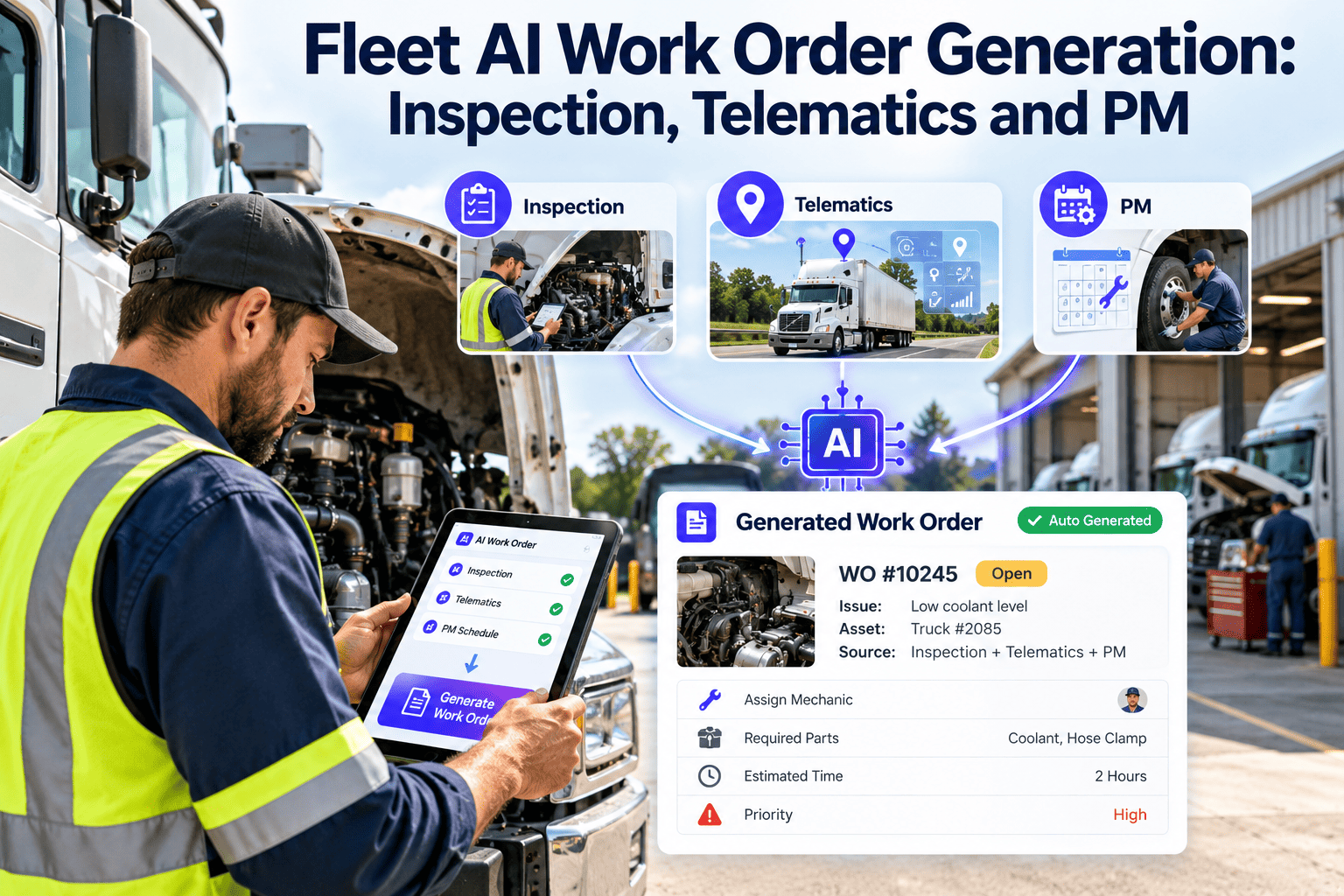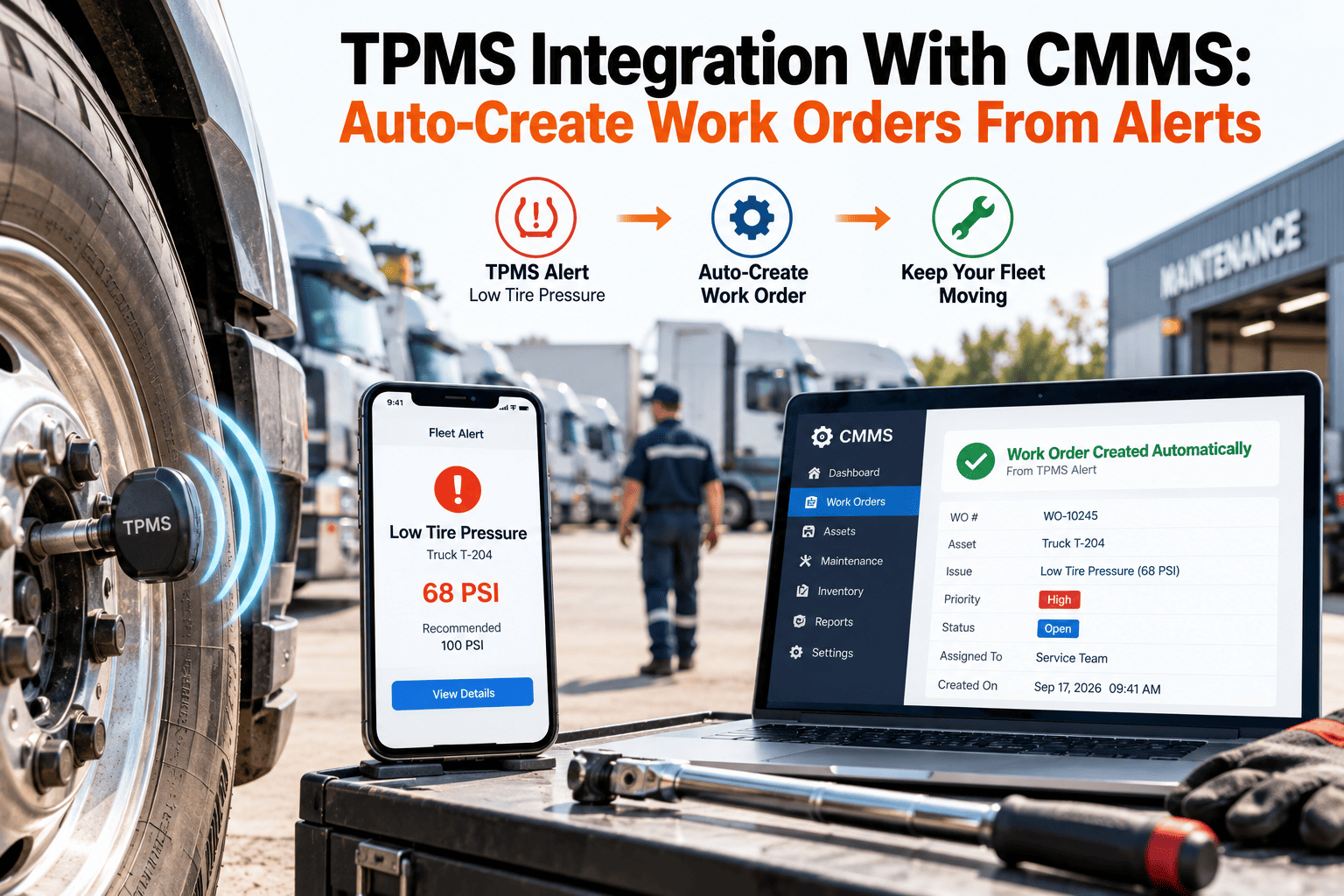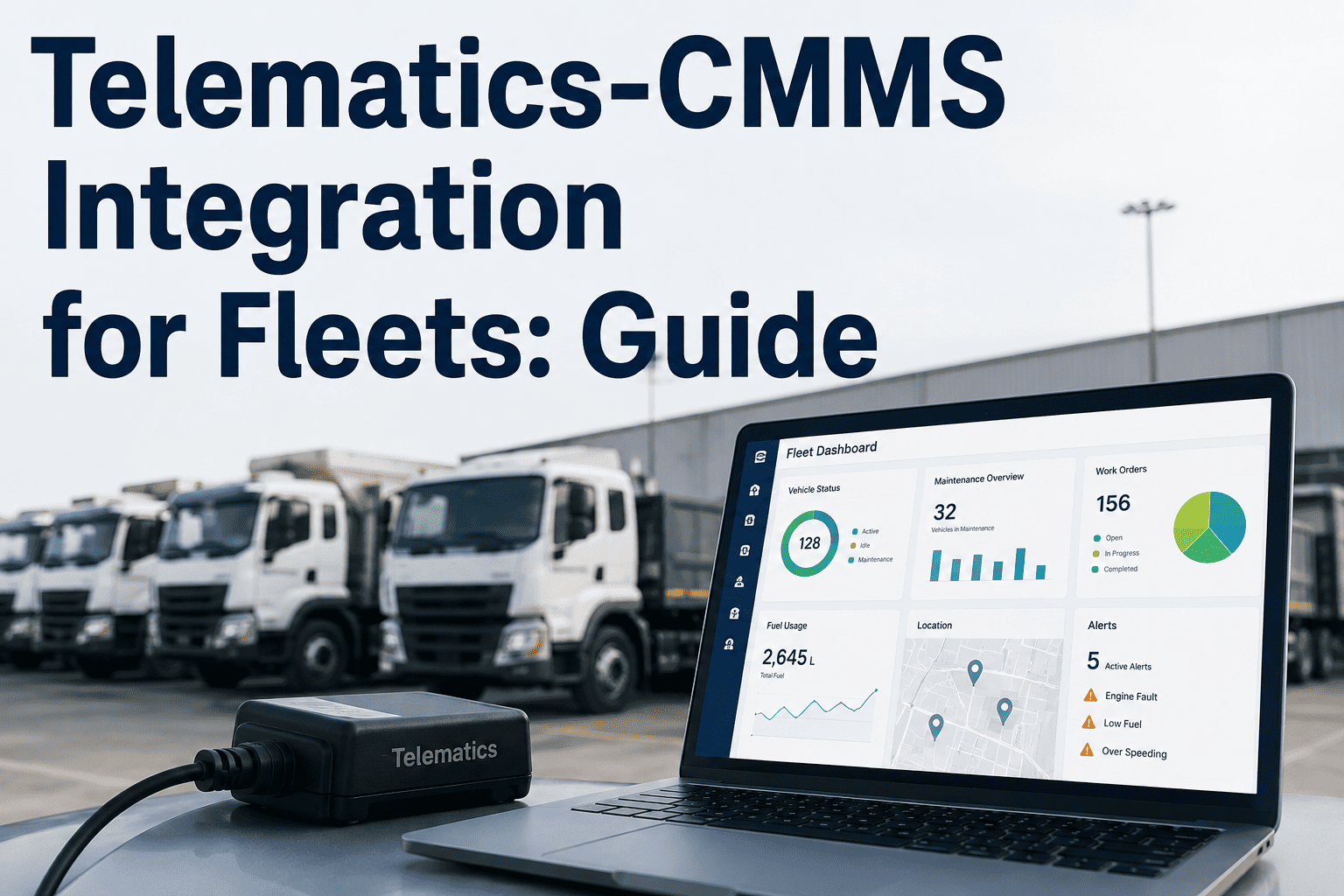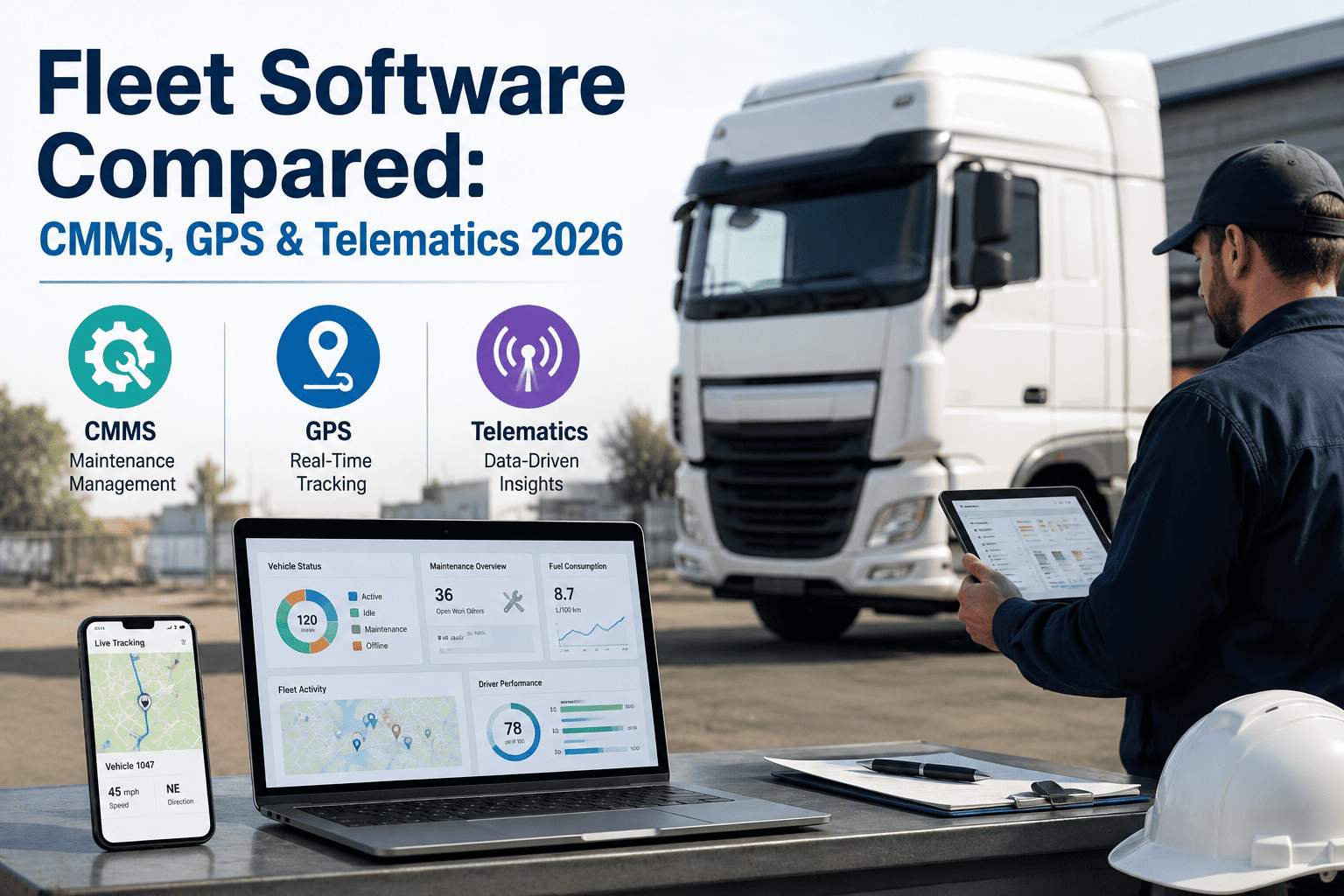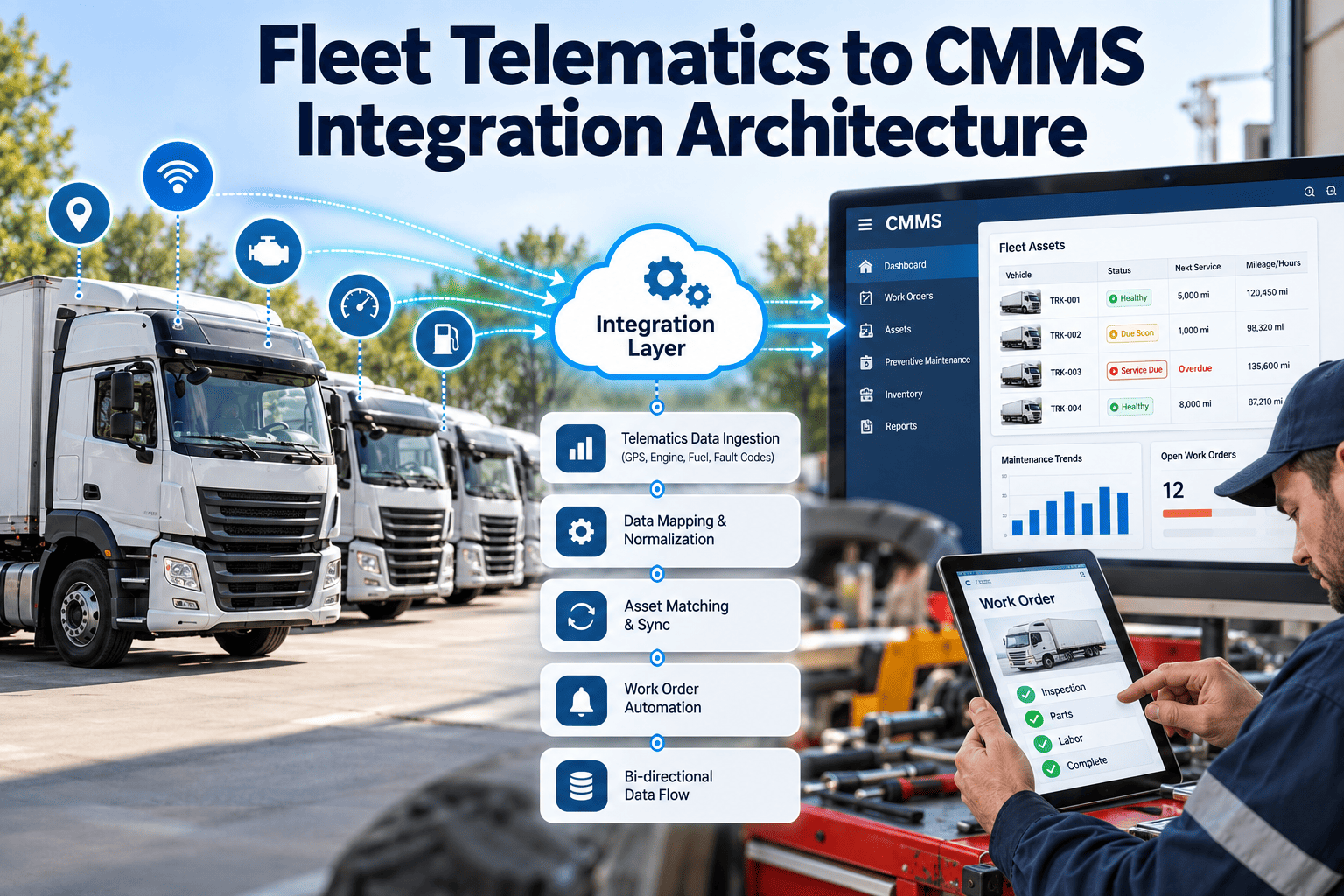
Telematics platforms know when a vehicle is idling, throwing a fault code or crossing a mileage threshold. A CMMS knows what that vehicle needs, who is qualified to fix it and what was done last time. Connecting the two is an architecture decision, not just a data feed, because raw signals only reduce downtime when they arrive as clean, deduplicated and prioritised work. This guide walks through the layers, data mappings and failure points of a sound integration, and shows where a maintenance-first platform such as Oxmaint fleet maintenance software fits at the receiving end.
Fleet Telematics to CMMS Integration Architecture: From Vehicle Signals to Closed Work Orders
Turn fault codes, odometer readings and engine hours into scheduled, prioritised maintenance work instead of another alert inbox nobody owns.
Why telematics data alone does not reduce downtime
Most fleets already own telematics hardware. The gap is what happens after a signal fires: who sees it, who decides, and where the outcome is recorded.
Alert-only telematics
- Fault codes arrive by email or dashboard, with no owner.
- The same code repeats daily and gets ignored.
- Odometer-based service reminders live in a separate spreadsheet.
- Repairs are not linked back to the original alert.
- Nobody can prove a warning was acted on.
Telematics connected to a CMMS
- Qualifying signals become work orders with a priority and an assignee.
- Repeat codes update one open record instead of creating clutter.
- Meter readings drive preventive maintenance automatically.
- Labor, parts and findings are stored against the same asset.
- Every alert has a documented outcome.
Reference architecture: five layers, one direction of trust
A durable integration separates concerns. Each layer has one job, which keeps a device change or vendor swap from breaking maintenance workflows.
Vehicle and device
Engine control modules, CAN bus (J1939 on heavy vehicles, OBD-II on light duty), GPS and the telematics gateway that reads them.
Telematics platform
Cloud service that stores raw data, calculates trips, engine hours and odometer, and exposes an API or event stream.
Integration and rules
Normalises payloads, matches vehicles to assets, filters noise, applies thresholds and handles retries and duplicates.
CMMS system of record
Asset records, meters, PM schedules, work orders, parts, technician assignments and compliance history.
Reporting and feedback
Dashboards on maintenance outcomes, plus confirmed repairs feeding back to improve alert rules.
Which telematics signals belong in the CMMS
Not every data point deserves a record. Send what changes a maintenance decision, and keep the rest in the telematics platform.
| Signal | Typical source | CMMS use | Trigger type |
|---|---|---|---|
| Odometer | ECM or GPS-derived | Update meter, fire mileage-based PM | Scheduled |
| Engine hours | ECM | Hour-based PM for idle-heavy vehicles and equipment | Scheduled |
| Diagnostic trouble codes (SPN and FMI) | ECM via J1939 | Create or update corrective work order | Condition-based |
| Coolant temperature, oil pressure | ECM | Raise urgent inspection if sustained out of range | Condition-based |
| Battery voltage | Gateway or ECM | Flag weak batteries before no-start events | Condition-based |
| Driver inspection defects | Electronic DVIR app | Create defect record and repair order | Event |
| Harsh braking or events | Accelerometer | Trigger brake and tire review after patterns | Trend |
| Battery state of health (electric fleets) | OEM or vehicle API | Schedule battery and charging inspections | Trend |
The data flow: six steps from signal to closed loop
Ingest
Receive data by API pull, webhook or scheduled file, and store the raw payload for traceability.
Normalise
Convert units, timestamps and code formats into one consistent schema across vendors.
Match the asset
Resolve the device to the right vehicle using VIN, unit number and device serial.
Evaluate rules
Check thresholds, persistence and duplicates before deciding whether action is needed.
Create or update
Open a work order, add to an existing one, or update a meter and let PM logic run.
Close the loop
Record the confirmed cause and repair so the next alert on this code starts with history.
Choosing an integration pattern
The right pattern depends on data volume, latency needs and what your telematics vendor supports.
| Pattern | How it works | Strength | Watch out for |
|---|---|---|---|
| Scheduled API polling | CMMS or middleware requests updates on a timer | Simple, easy to control and retry | Delay between event and record; rate limits |
| Webhook or event push | Telematics platform sends events as they occur | Near real-time for urgent faults | Needs a public endpoint, signature checks and replay handling |
| Batch file transfer | Daily export of meters and events | Low effort for legacy systems | Stale meters; poor fit for critical alerts |
| Middleware or integration platform | Central tool maps and routes data between systems | Reusable across several vendors | Extra cost and another system to monitor |
Many fleets combine patterns: webhooks for critical fault codes, and scheduled sync for odometer and engine hours.
Asset identity and data quality: where integrations quietly fail
Most failed integrations are not technical outages. They are mismatched records.
Master data to fix first
- One VIN per asset, validated at 17 characters for road vehicles.
- A stable unit number that never gets reused for a different vehicle.
- Device serial numbers mapped to the vehicle, with swap history.
- Trailers and powered equipment linked to their own meters.
- Retired vehicles closed so they stop receiving alerts.
Data conflicts to plan for
- GPS-derived and ECM odometer readings that disagree.
- Meter values that jump backward after a gateway replacement.
- Offline vehicles that upload a burst of old events.
- Time zones and daylight saving offsets in event timestamps.
- Manual meter entries that overwrite automated ones.
Define a single authoritative source for each meter, and reject readings that move backward without review.
Alert-to-work-order rules: a severity and confidence matrix
Creating a work order for every alert floods planners. This matrix shows how to weigh the seriousness of a fault against confidence that it is real and persistent.
Ready to give telematics alerts a maintenance home?
See how work orders, asset history and preventive schedules can receive vehicle data in one place.
Meter-driven preventive maintenance in practice
Accurate meters are the simplest, highest-value payoff. The example below is illustrative only and not a benchmark.
- A delivery van has a PM every fixed number of miles, set from the manufacturer schedule.
- Telematics updates the odometer nightly, so the CMMS knows the true remaining distance.
- When the van enters the due-soon window, a scheduled work order is generated for the depot.
- The planner books a bay before the van becomes overdue, rather than after the driver notices a sticker.
Engine-hour meters matter equally for vehicles that idle heavily, such as buses, refuse trucks and utility bodies.
Security, privacy and governance
Access control
Use scoped API credentials with the minimum permissions, and rotate them on a schedule.
Auditability
Keep a log of which system created or changed each work order and when.
Driver privacy
Send only maintenance-relevant data. Location and behaviour data may fall under privacy rules in your region.
Retention
Define how long raw payloads are kept versus maintenance records tied to compliance.
Failure handling
Queue failed messages, retry with backoff and alert someone when sync stops.
Vendor change
Keep the asset mapping in your own system so a telematics switch does not reset history.
Measuring whether the integration is working
Track outcomes in maintenance terms, not message counts.
| Measure | What it shows | Healthy direction |
|---|---|---|
| Alert-to-action time | Delay from fault to assigned work | Shorter |
| Alerts converted to confirmed repairs | Rule quality and noise level | Higher share |
| Duplicate work orders | Effectiveness of deduplication | Near zero |
| Meter accuracy exceptions | Data trust across systems | Fewer |
| PM compliance | Whether meters trigger service on time | Higher |
| Roadside breakdowns | Whether early warnings prevent failures | Fewer |
| Unlinked alerts | Signals with no matching asset | Fewer |
A phased rollout that limits risk
Clean the foundation
Audit VINs, unit numbers and device mappings, and decide the authoritative meter source.
Meters first
Sync odometer and engine hours, and validate that PM due dates match reality on a pilot group.
Selective fault codes
Start with a short list of high-severity codes and expand only when noise stays low.
Optimise and extend
Tune thresholds from repair outcomes and add trend-based or battery health workflows.
Where a maintenance-first CMMS fits
The receiving system determines whether telematics insight becomes action. Oxmaint provides the maintenance side: vehicle asset records, meter-based preventive maintenance, work orders, inspections, parts tracking and reporting. You can book a walkthrough to discuss which telematics data your fleet should connect first.
- Asset history keeps every alert, repair and part in one vehicle record.
- Preventive schedules can follow miles, hours or calendar time.
- Mobile work orders let technicians add findings at the vehicle.
- Dashboards show PM compliance, open corrective work and repeat failures.
Confirm current integration options with the Oxmaint team, since the connection method depends on your telematics provider.
Trends shaping telematics-to-CMMS design
OEM-embedded data
More manufacturers expose vehicle data through their own connected-vehicle services, so plan for multiple sources per fleet.
Electric vehicle maintenance
Battery health, charging faults and thermal management data need their own inspection and work order templates.
Predictive rules
Trend-based alerts work best when repair outcomes are fed back, which requires clean closed-loop work orders.
Electronic inspections
Driver vehicle inspection reports are increasingly digital, making defect-to-repair traceability far easier.
Frequently asked questions
Do I need real-time integration?
Only for critical faults. Meters and routine data work well on a schedule, and a demo can help map which is which.
Should every fault code create a work order?
No. Use severity, persistence and duplicate rules so planners see actionable work rather than noise.
Which identifier should match vehicles?
Use VIN as the anchor, with unit number and device serial as secondary keys, and track device swaps.
Can meters from telematics drive preventive maintenance?
Yes. Accurate odometer and engine hours let PM schedules trigger automatically; you can start in Oxmaint and test with a pilot group.
What if the telematics provider changes?
Keep asset identity and history in the CMMS, so only the mapping layer needs rebuilding.
Give every vehicle signal a maintenance outcome
Start with clean asset records and meter-based PM, then add fault-driven work orders as your rules mature.