A technician torques a fastener to the number written on the last work order, not the number in the current OEM service bulletin, because the bulletin update never made it out of a service manager's inbox. Six months later that fastener backs out on the highway, and the resulting claim gets denied because the repair record shows a torque value that does not match manufacturer specification at the time of service. This is not a rare failure. It is the default outcome of running repairs from static, manually distributed manuals instead of a procedure library that pulls current OEM standards directly into the work order a technician is looking at. A repair performed to an outdated procedure is functionally identical, from a warranty and liability standpoint, to a repair performed with no procedure at all. Sign in to OxMaint to connect current manufacturer repair procedures directly to your fleet's work orders.
OEM Repair Standards · Warranty Compliance · OxMaint AI
Every Work Order Should Open to the Current Manufacturer Procedure, Not Whatever Version Was Printed Last Year.
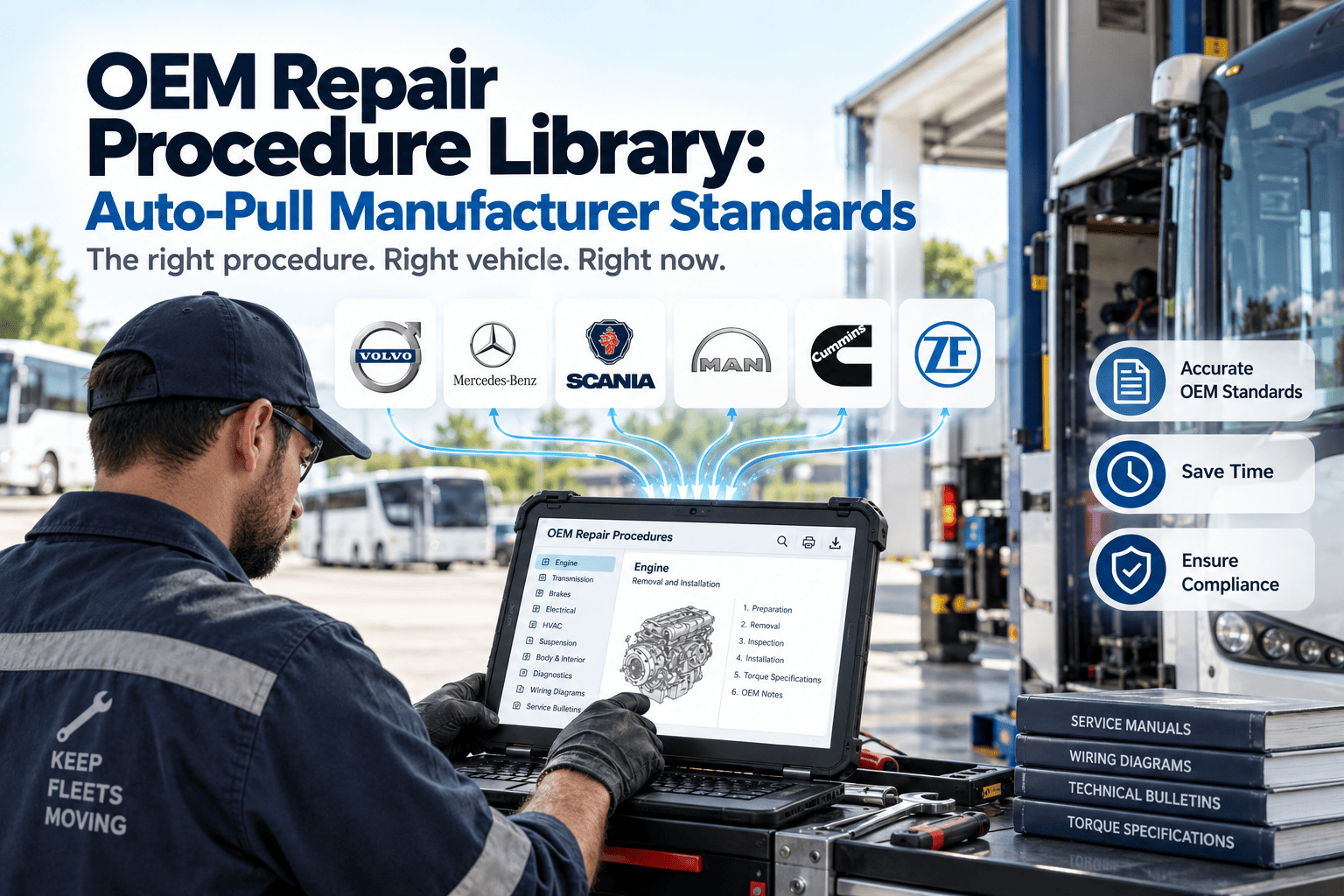
OxMaint auto-pulls manufacturer repair procedures, torque specifications, and service bulletins directly into the work order a technician is performing, so every repair is documented against the current OEM standard instead of a static manual that may already be out of date.
31%
of warranty claim denials traced back to a repair performed against an outdated or incorrect manufacturer procedure version
4-6
separate manufacturer portals a mixed fleet technician typically has to check manually for current procedures and bulletins
18 min
average time a technician spends searching for the correct procedure version before starting a repair without a connected library
31%
Nearly a third of warranty claim denials reviewed across fleet service departments trace back to one root cause: the repair was performed correctly, by a competent technician, using a procedure that was no longer current. The manufacturer had issued a revised torque value, a superseded part number, or an updated diagnostic sequence, and the printed or bookmarked procedure the shop was using simply had not been updated to match it. None of this reflects poorly on the technician doing the work, since nobody can be expected to independently track every revision a manufacturer publishes across every model in a mixed fleet. OxMaint closes this gap by connecting the work order directly to the manufacturer's current procedure at the moment the repair is performed, not the moment the manual was last downloaded.
Four Procedure Types OxMaint Auto-Pulls Into Every Work Order
STEP — Step-by-Step Repair Sequence
Manufacturer Repair Steps Pulled Into the Work Order Itself
A technician should never have to leave the work order screen to find the repair sequence for the job in front of them. OxMaint pulls the current manufacturer step-by-step procedure directly into the work order, including required tools, part numbers, and sequence dependencies, so the documented repair matches exactly what the manufacturer specifies for that model year and configuration.
What Gets Pulled Automatically
Full repair sequence matched to vehicle model year and configuration
Required special tools and OEM part numbers listed inline
Procedure version and publication date stamped on the work order
What a Static Manual Approach Misses
Technician working from a bookmarked PDF of unknown revision
No record of which procedure version was actually followed
SPEC — Torque and Fluid Specifications
Torque Values and Fluid Specs Matched to Exact Vehicle Configuration
Torque specifications and fluid capacities frequently vary between trim levels, engine options, and model year revisions of what otherwise looks like the same vehicle. OxMaint matches the specification pulled into the work order to the exact VIN-decoded configuration being serviced, removing the guesswork of picking the closest-looking entry from a general reference table.
What Gets Pulled Automatically
Torque values matched to VIN-decoded engine and trim configuration
Fluid type and capacity specification for the exact drivetrain fitted
Revision history showing when a specification last changed
What a Static Manual Approach Misses
A single generic torque value applied across every trim variant
No alert when a manufacturer revises a spec mid-model-year
TSB — Technical Service Bulletins
Active Service Bulletins Surfaced Before the Repair Starts
A technical service bulletin issued after a known field failure pattern is only useful if the technician sees it before diagnosing the same symptom the bulletin describes. OxMaint checks active bulletins against the vehicle's VIN and reported symptom at work order creation, surfacing any applicable bulletin before the technician begins independent diagnosis.
What Gets Pulled Automatically
Active bulletins matched to VIN and reported symptom keywords
Superseded part numbers flagged when a bulletin changes a component
Bulletin-driven diagnostic shortcuts inserted ahead of standard flowcharts
What a Static Manual Approach Misses
Technician diagnoses from scratch despite a known bulletin existing
Superseded part ordered because the bulletin was never checked
WARR — Warranty Documentation
Repair Records Structured to Match Manufacturer Claim Requirements
Manufacturers reject warranty claims that do not document the specific data points their claim system requires, and those requirements differ by manufacturer and sometimes by claim category. OxMaint structures the repair record captured during the job to match each manufacturer's claim submission format, reducing the rework of reconstructing documentation after the fact.
What Gets Pulled Automatically
Manufacturer-specific claim field requirements applied at work order close
Procedure version reference attached automatically to the completed claim
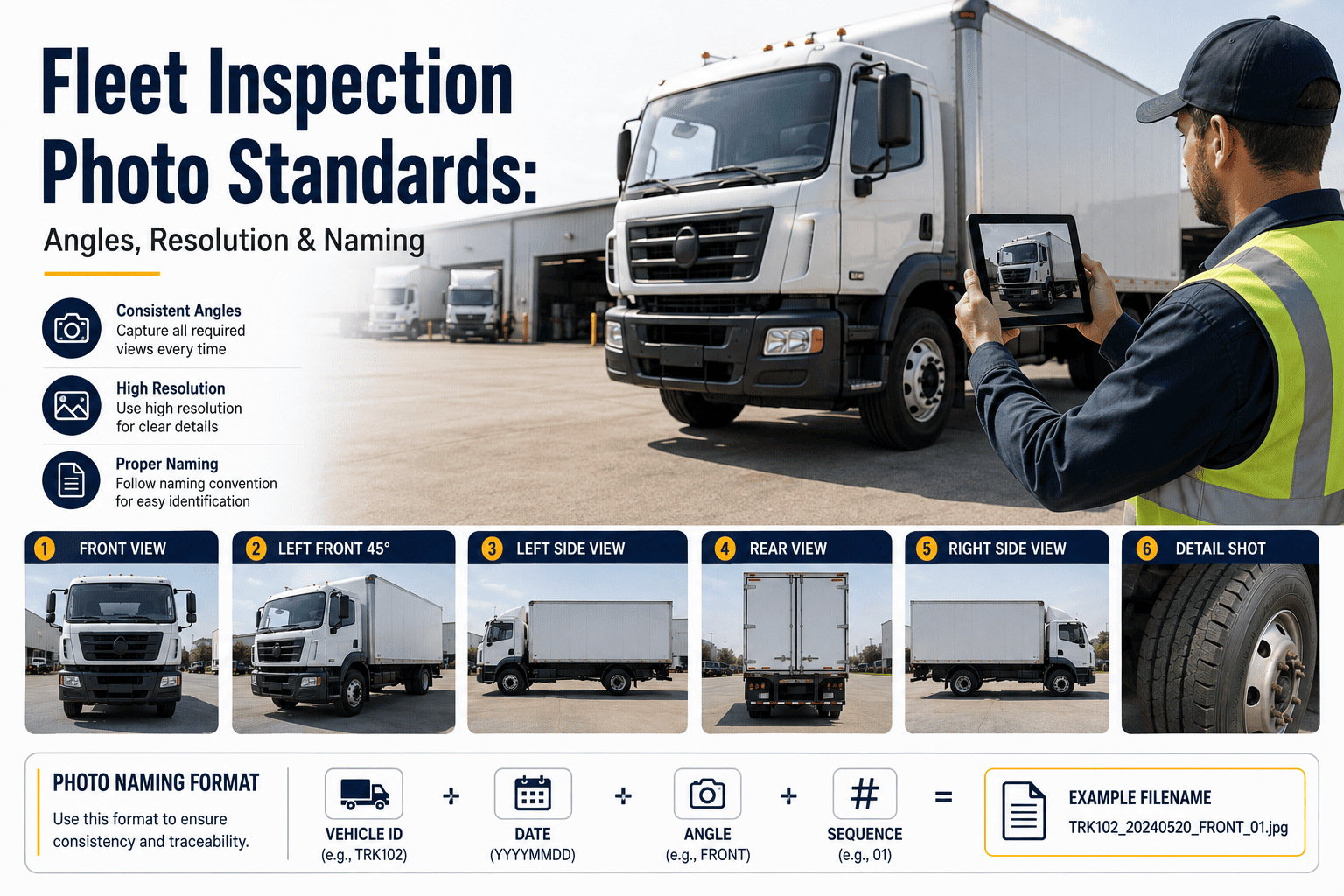
Photo and measurement evidence requirements flagged before submission
What a Static Manual Approach Misses
Claims rejected for missing fields discovered only after submission
No link between the procedure followed and the claim submitted
OxMaint AI · OEM Procedure Library
The Procedure a Technician Follows Should Always Be the Procedure the Manufacturer Currently Publishes.
OxMaint connects manufacturer repair standards directly to the work order, so every torque value, fluid spec, and repair sequence a technician follows matches the current published version, not last year's printout.
How an Auto-Pulled Procedure Reaches a Work Order in Three Steps
Step 1 · Identify
Vehicle Decoded to Exact Configuration
The work order's VIN is decoded to the exact model year, engine, trim, and option set, so the procedure lookup that follows is matched to the specific vehicle rather than a general model family.
Step 2 · Match
Current Procedure and Bulletins Retrieved
OxMaint retrieves the current repair procedure, torque and fluid specifications, and any active service bulletins tied to that configuration and the reported symptom or repair type being performed.
Step 3 · Document
Procedure Version Attached to the Completed Record
The exact procedure version and publication date used are stamped onto the completed work order, creating a permanent link between what the manufacturer specified and what the technician actually followed.
Static Manual Lookup vs. Auto-Pulled OEM Procedure Library
Documented Outcomes at Fleets Using OxMaint OEM Procedure Auto-Pull
58%
reduction in warranty claim denials linked to outdated or incorrect procedure documentation after connecting current OEM procedures to work orders
18 min
of manual procedure lookup time eliminated per repair job once current specifications appear directly inside the work order
100%
of completed repair records carrying a stamped procedure version, giving every claim an auditable link back to the standard followed
31%
of warranty denials traced to an outdated procedure version being followed at time of repair
4-6
manufacturer portals a mixed fleet technician would otherwise check manually per repair
18 min
average lookup time removed per job once the current procedure is pulled automatically
1
single source of current procedures, specs, and bulletins across every manufacturer in a mixed fleet
A printed manual is accurate on the day it is printed and increasingly wrong every day after that. A connected procedure library is accurate on the day the repair is performed, which is the only day that actually matters for a warranty claim.
Current torque and fluid specs. Active bulletins matched to symptom. Claim documentation structured to manufacturer requirements. OxMaint keeps every repair tied to the standard that was actually in effect when the wrench turned.
We run six manufacturers across our shop floor and every one of them updates procedures on its own schedule with no coordination between them. Before OxMaint, a technician's best option was bookmarking a manufacturer portal page and hoping nobody revised it. We had a warranty claim denied over a torque spec that had changed two months earlier and nobody in the shop knew, which is the kind of thing that looks like a small clerical mistake until you realize it cost us a full repair reimbursement. Since connecting our work orders to the current procedure library, that entire category of denial has essentially disappeared, and our technicians stopped losing time hunting through portals mid-repair, which turned out to matter almost as much as the claim recovery itself.
Fleet Service Director, Mixed Manufacturer Fleet, 140 Units
Why Version Control Matters More in a Mixed Fleet Than a Single-Brand Shop
A single-brand shop has one manufacturer's release schedule to track, which is difficult enough on its own. A mixed fleet shop running six or eight manufacturers is tracking six or eight independent release schedules simultaneously, each with its own portal, its own notification method, and its own definition of what counts as a minor versus a major procedure revision. Nobody on a shop floor has the time to check every manufacturer portal before every repair, so in practice the checking simply stops happening after the first few weeks of good intentions, and technicians fall back on whatever procedure they remember or whatever printout is closest to the bay. This is not a training gap or a discipline problem. It is a structural mismatch between how much procedure-tracking work a mixed fleet actually requires and how much time a shop floor has available to do it manually. The fix is not asking technicians to check more portals more often. It is removing the portal-checking step entirely by connecting the current procedure directly to the vehicle being worked on, at the exact moment the work order is created. When that connection exists, a technician servicing a European drivetrain in the morning and a domestic diesel platform in the afternoon sees the correct, current procedure for each without needing to know which of eight manufacturer systems to check or how recently each one was updated. The shop's procedural accuracy stops depending on any individual technician's memory of eight separate update schedules, and starts depending on a single connected system that tracks all eight automatically. That shift, from memory-dependent to system-dependent accuracy, is the actual mechanism behind the reduction in outdated-procedure warranty denials that mixed fleets see after adopting a connected procedure library, and it is the reason the benefit scales with the number of manufacturers in the fleet rather than staying flat.
Frequently Asked Questions — OEM Repair Procedure Libraries
How does OxMaint keep manufacturer procedures current across multiple brands?
OxMaint syncs procedure and bulletin updates from each connected manufacturer source on a defined refresh schedule, so every work order pulls the most recently published version rather than a cached or manually re-downloaded copy.
Sign in to OxMaint to review the manufacturer sources connected to your fleet.
Does the procedure library work for fleets with older, discontinued models?
Legacy and discontinued models are supported as long as the manufacturer maintains archived procedure data, with the last published version and its date clearly noted so technicians know exactly how current the reference material is.
Can OxMaint flag when a procedure changes after a repair was already scheduled?
Yes. If a manufacturer revises a procedure, torque spec, or issues a new bulletin after a work order was created but before it was closed, OxMaint flags the change so the technician can confirm the repair still matches the current standard.
Book a demo to see this mid-repair update flow.
Does connecting a procedure library reduce warranty claim processing time?
Structuring the repair record to each manufacturer's required claim format during the job, rather than after, typically shortens the time needed to assemble a submission and reduces the number of claims sent back for missing documentation.
How is the procedure version documented for audit purposes?
Every completed work order carries the exact procedure version identifier and publication date used during the repair, creating a permanent record that can be produced during a warranty audit or liability review.
Stop Repairing to Last Year's Manual. Repair to Today's Standard.
Current torque and fluid specifications. Active bulletins matched automatically. Warranty documentation structured to manufacturer requirements. OxMaint connects every work order to the procedure the manufacturer actually publishes today, and stamps proof of it on every completed repair, so the next audit or claim review starts from a record that already matches the standard in effect.