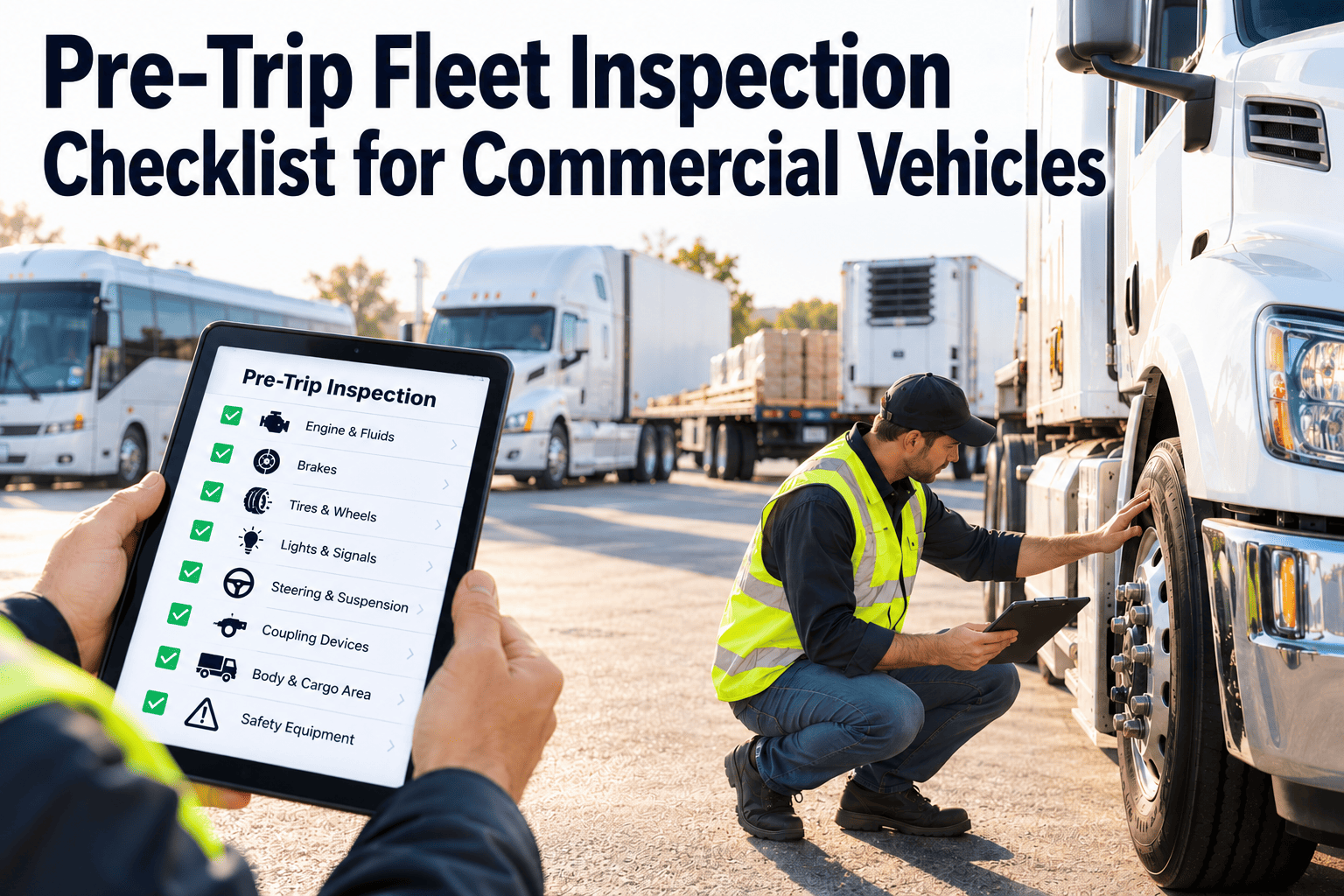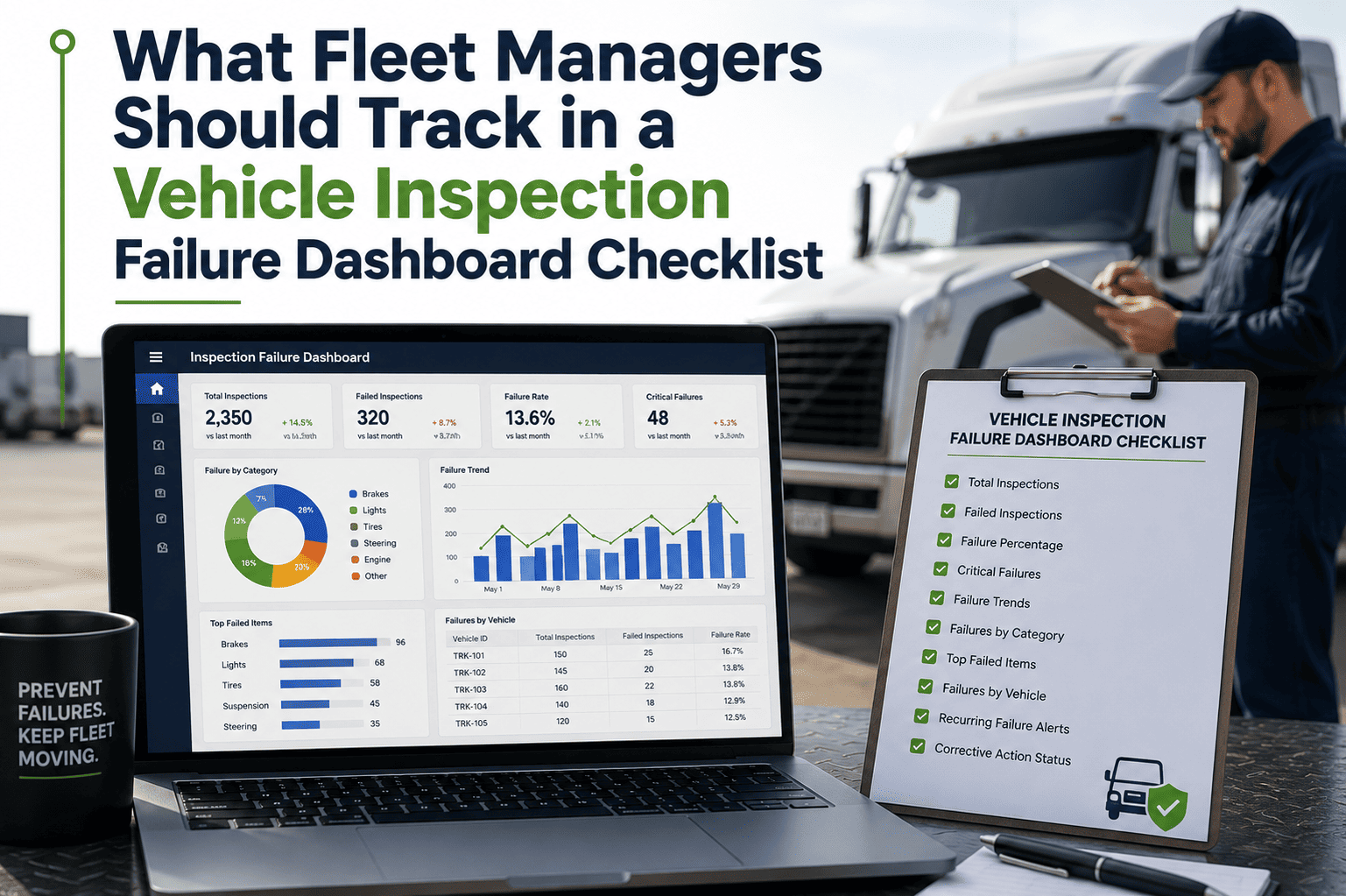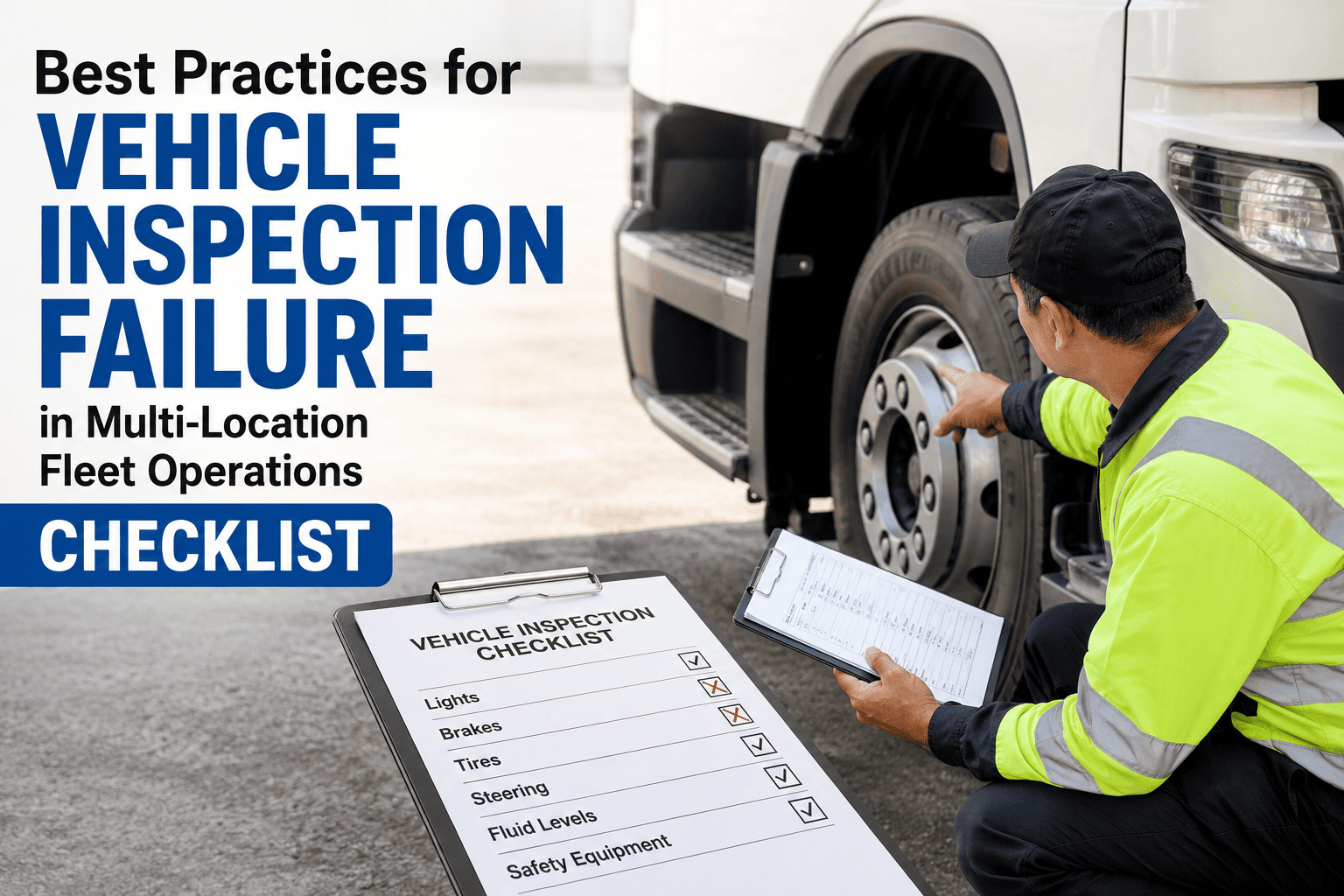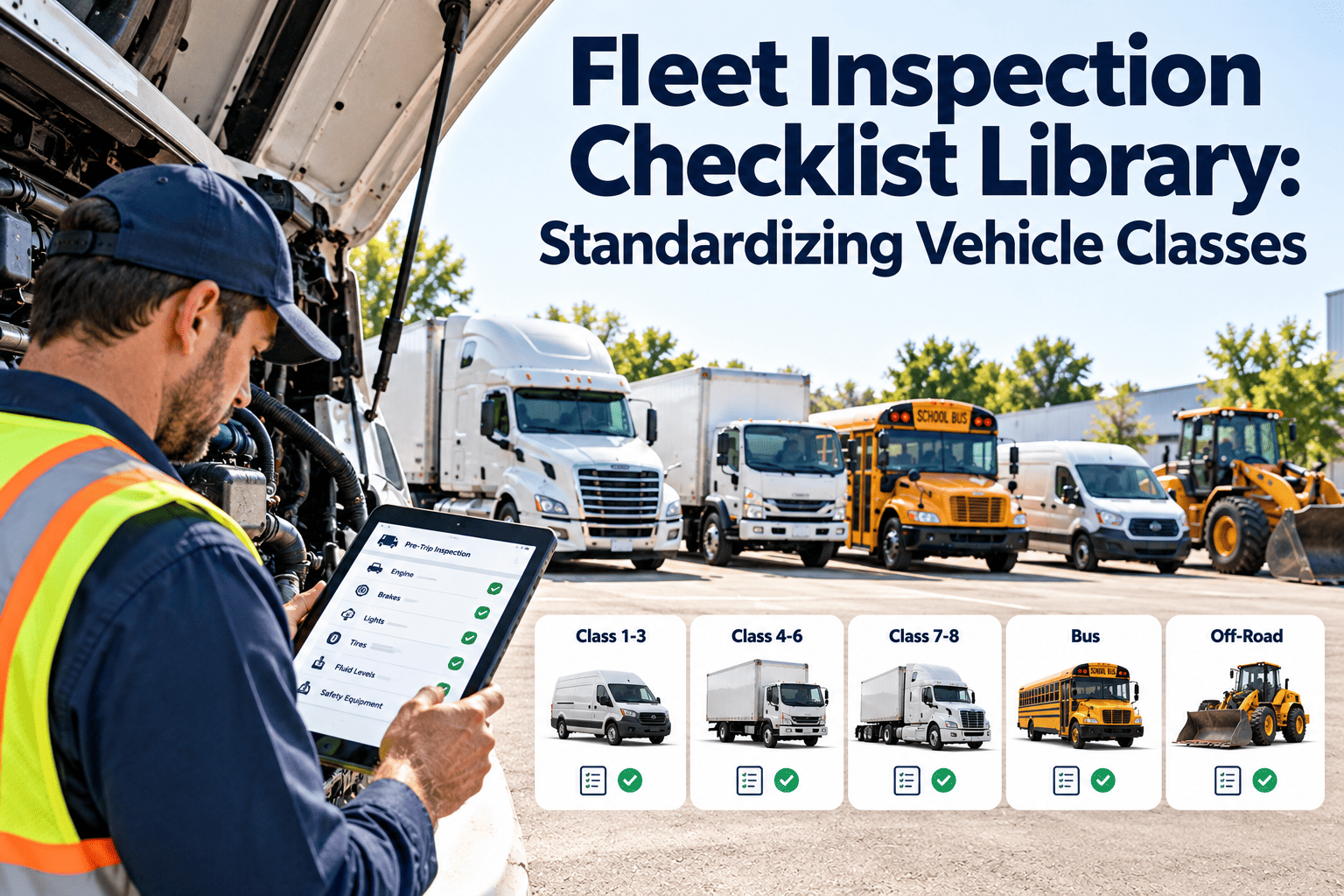
Most fleets do not have an inspection problem. They have an inconsistency problem. A pickup, a day cab tractor, a reefer trailer and a utility body truck fail in very different ways, yet drivers are often handed the same generic form for all of them. A fleet inspection checklist library solves this by defining one governed checklist for each vehicle class, built from shared core items plus class-specific modules. When those templates live inside a fleet maintenance management platform, every inspection result can flow directly into a defect, a work order and the asset history.
Fleet Inspection Checklist Library: Standardizing Vehicle Classes
Replace scattered, one-size-fits-all forms with a single checklist library organized by vehicle class, so every driver and technician inspects what actually matters on the asset in front of them.
Why One Generic Checklist Fails Across Mixed Fleets
Without a class-based library
- Drivers skip lines that do not apply, so skipped lines become normal.
- Air brake, coupling and cargo items are missing from the form that trailers need.
- Every depot edits its own copy, and nobody knows which version is current.
- Defects are written as free text, so they cannot be grouped or trended.
- Audit time turns into a search through paper binders and photos.
With a class-based library
- Each asset is assigned a class, and the right checklist appears automatically.
- Required items cannot be skipped, and optional items appear only if fitted.
- One owner controls versions, and every change is dated and traceable.
- Failed items create structured defects tied to the asset record.
- Inspection history is searchable by asset, class, driver, date or defect.
How to Define Vehicle Classes That Actually Work
A class is useful only if vehicles inside it share the same failure modes and the same inspection needs. Group by what gets inspected, not by purchase category or department.
Module Matrix: Which Checklist Sections Apply to Which Class
Use this matrix as the starting blueprint for your library. Core means required for every asset in that class.
| Checklist module | Light duty | Straight truck | Tractor | Trailer | Vocational | Passenger |
|---|---|---|---|---|---|---|
| Lighting and signals | Core | Core | Core | Core | Core | Core |
| Tires and wheels | Core | Core | Core | Core | Core | Core |
| Service brakes | Core | Core | Core | Core | Core | Core |
| Air brake system | Not applicable | If fitted | Class module | Class module | If fitted | If fitted |
| Steering and suspension | Core | Core | Core | Core | Core | Core |
| Coupling and hitch | If towing | Not applicable | Class module | Class module | If towing | Not applicable |
| Fluids and leaks | Core | Core | Core | Not applicable | Core | Core |
| Cab safety equipment | Core | Core | Core | Not applicable | Core | Core |
| Cargo and body | If fitted | Class module | Not applicable | Class module | Class module | Not applicable |
| Auxiliary equipment | Not applicable | If fitted | If fitted | If fitted | Class module | If fitted |
| Emergency exits and passenger gear | Not applicable | Not applicable | Not applicable | Not applicable | Not applicable | Class module |
Core Checklist: Items Every Vehicle Class Shares
These items form the base layer of the library. Keep wording identical across classes so drivers learn one habit and reports can compare like with like.
Class Modules: What Gets Added on Top of the Core
Tractor module
Trailer module
Light duty module
Vocational module
A Four-Level Defect Grading Scale for Every Checklist
A library only works if a failed item always leads to the same response. Define the grading once and apply it to every class.
Inspection Types and Who Performs Them
| Inspection type | Performed by | Typical trigger | Library content used |
|---|---|---|---|
| Pre-trip | Driver | Start of each shift or trip | Core plus class module |
| Post-trip | Driver | End of shift or trip | Short defect-focused version |
| Drop yard check | Yard staff or inspector | Trailer idle for several days | Trailer module |
| Preventive maintenance inspection | Technician | Mileage, hours or calendar interval | Extended class checklist |
| Periodic or annual inspection | Qualified inspector | Regulatory interval | Regulatory checklist plus records |
| Return to service | Technician or supervisor | After a Level 3 or 4 repair | Targeted verification items |
From Inspection Result to Closed Work Order
Put Your Checklist Library Into One System
Build class-based templates, route failed items to work orders and keep inspection history attached to every vehicle and trailer.
Common Mistakes When Building a Checklist Library
Special Cases Worth Planning For
- Rented and leased units: assign them to a class on arrival so drivers use the same checklist, and record defects against the unit for lessor follow-up.
- Seasonal equipment: add temporary items such as chains, heaters or cooling checks only during the season they apply.
- Mixed combinations: when a light truck tows a trailer, the driver completes the base class plus the trailer module for the pairing.
- Out-of-class vehicles: temporary substitutes inherit the checklist of the class they are actually performing, not the one they were bought for.
Governing the Library So It Stays Standard
A library decays when anyone can edit it. Treat each template like a controlled procedure.
Ownership
- Name one library owner, usually a maintenance or safety manager.
- Give depots request rights, not edit rights.
- Record who approved each revision and why.
Change triggers
- A new vehicle model or body type enters the fleet.
- A recurring defect shows the checklist missed something.
- A regulation, insurer or customer requirement changes.
Review rhythm
- Review each class at least annually.
- Remove items that never fail and never matter.
- Add items tied to repeat roadside or breakdown findings.
Compliance Points Your Library Should Reflect
Requirements depend on fleet type and jurisdiction, so confirm details against current rules. In the United States, commonly referenced parts of the Federal Motor Carrier Safety Regulations include the following.
- Part 392 covers driving rules, including the driver's responsibility to be satisfied the vehicle is in safe condition.
- Section 396.11 covers driver vehicle inspection reports, and section 396.13 covers driver review of the previous report before operating.
- Section 396.17 requires periodic inspections at least every 12 months, with records covered in section 396.21.
- Part 393 sets parts and accessories standards, including lighting, brakes and tires.
- CVSA out-of-service criteria guide roadside decisions, so align Level 4 definitions with them.
KPIs That Show the Library Is Working
| Metric | How to calculate | What it reveals |
|---|---|---|
| Inspection completion rate | Completed inspections divided by scheduled or dispatched assets | Whether drivers actually use the library |
| Defects per inspection by class | Defects found divided by inspections, grouped by class | Which classes need stronger checklists or PM |
| Time from defect to work order | Defect timestamp to work order creation | Delay between finding and acting |
| Defect closure time | Defect timestamp to verified close | Repair responsiveness and backlog |
| Repeat defect rate | Same item failing again on one asset within a set period | Weak repairs or missing root cause fixes |
| Roadside out-of-service findings | Items cited that the checklist should have caught | Gaps in library content |
How Oxmaint Supports a Standardized Checklist Library
A Practical Rollout Timeline
Fleet Inspection Checklist Library FAQs
How many vehicle classes should a fleet define?
Start with the fewest classes that separate real inspection differences, often five to eight. Split a class only when its checklist would otherwise contain many not-applicable items.
Should checklists be longer for older vehicles?
Keep the daily checklist consistent and move age-related checks into preventive maintenance inspections. Asset-level schedules can then add tasks for higher-mileage units.
How do we stop drivers from rushing through checklists?
Require photos for failures, keep lists short and review completion times. Acting quickly on reported defects also builds trust that the effort matters.
Can one library cover several depots?
Yes. Keep the core and class modules central and allow only approved site add-ons. A short demo can show how multi-site templates are managed.
How often should we update the library?
Review each class at least once a year, and sooner when new equipment, regulations or repeat defects appear.
Standardize Every Inspection by Vehicle Class
Give drivers the right checklist for each asset, turn failed items into work orders and keep audit-ready records in one place.