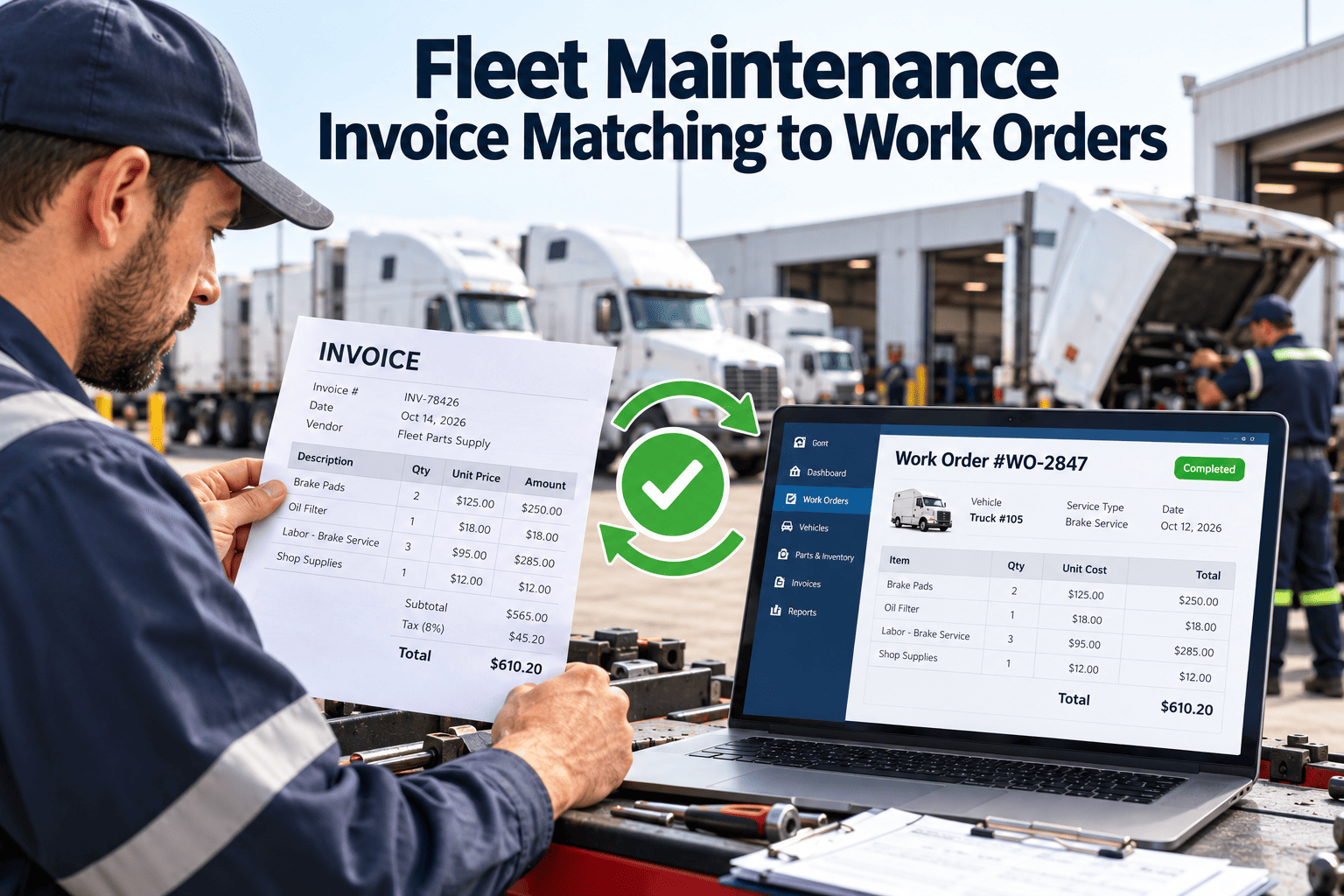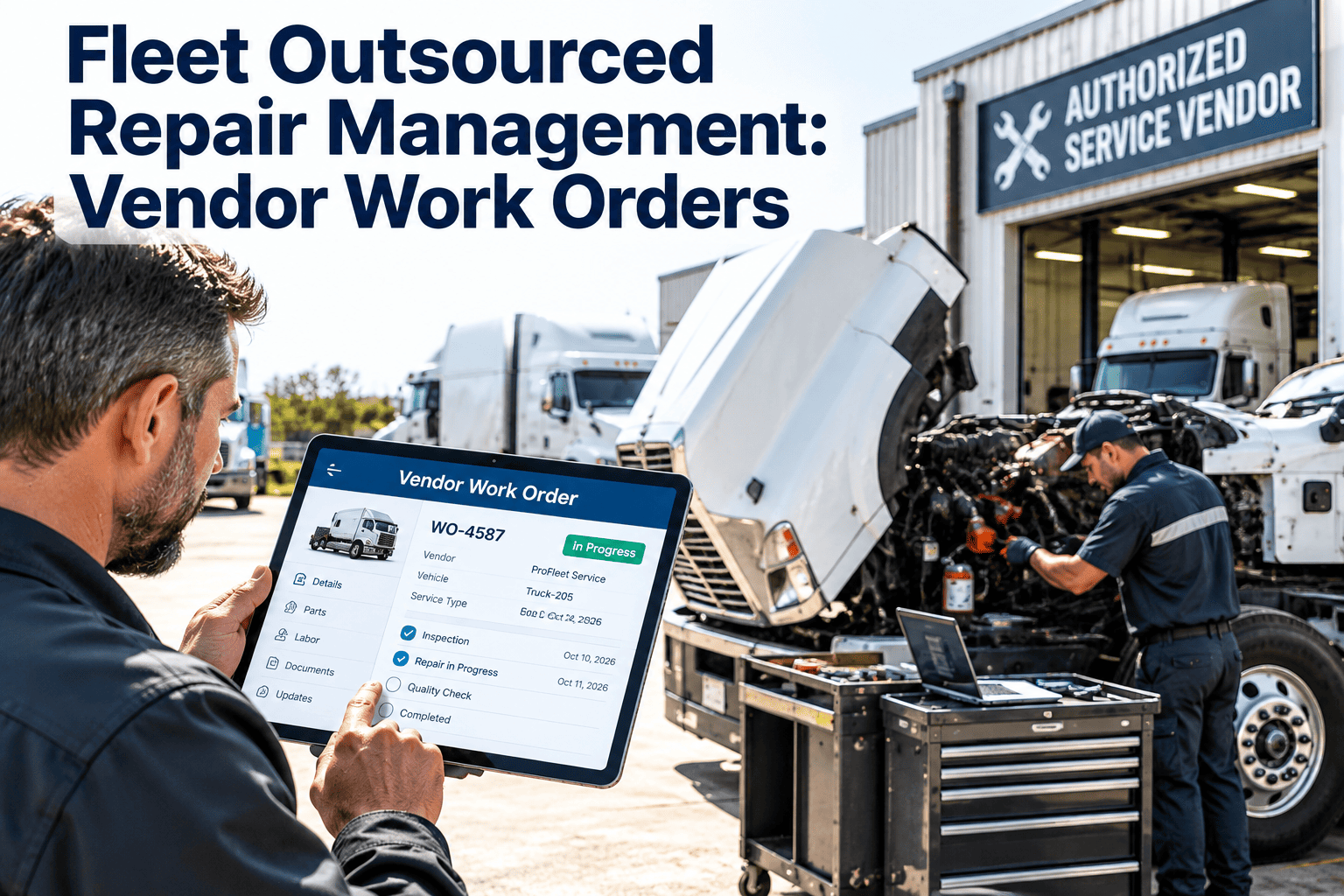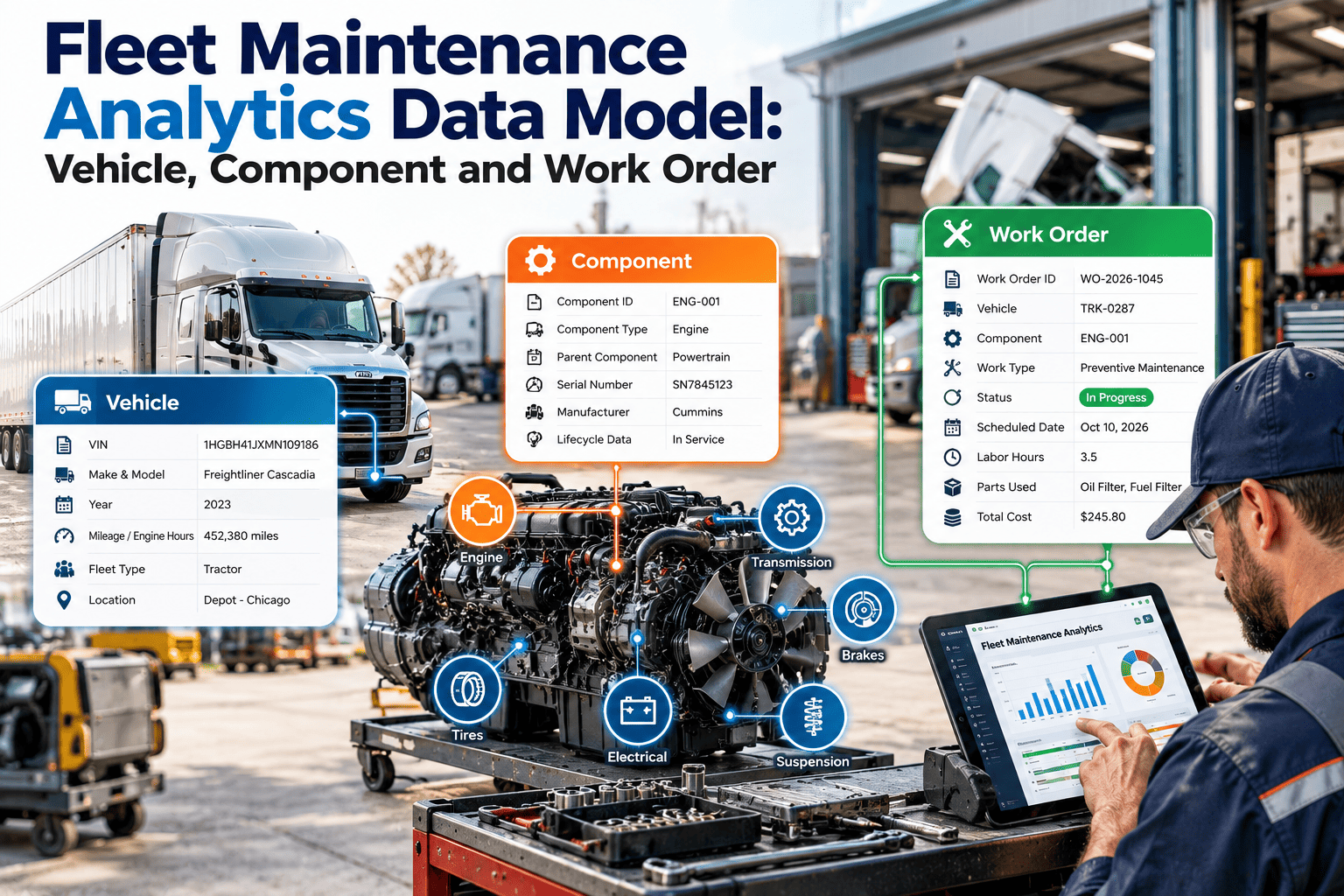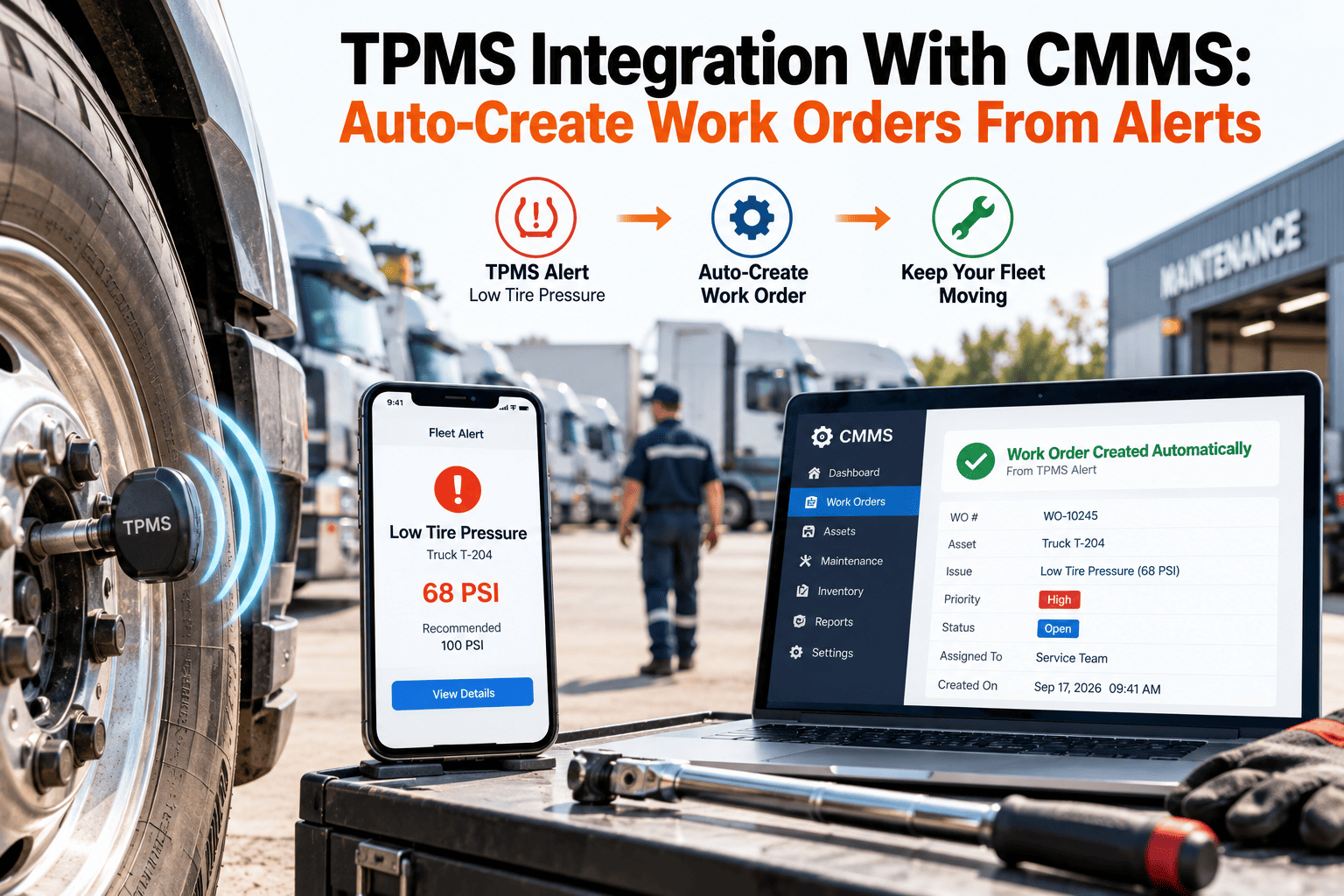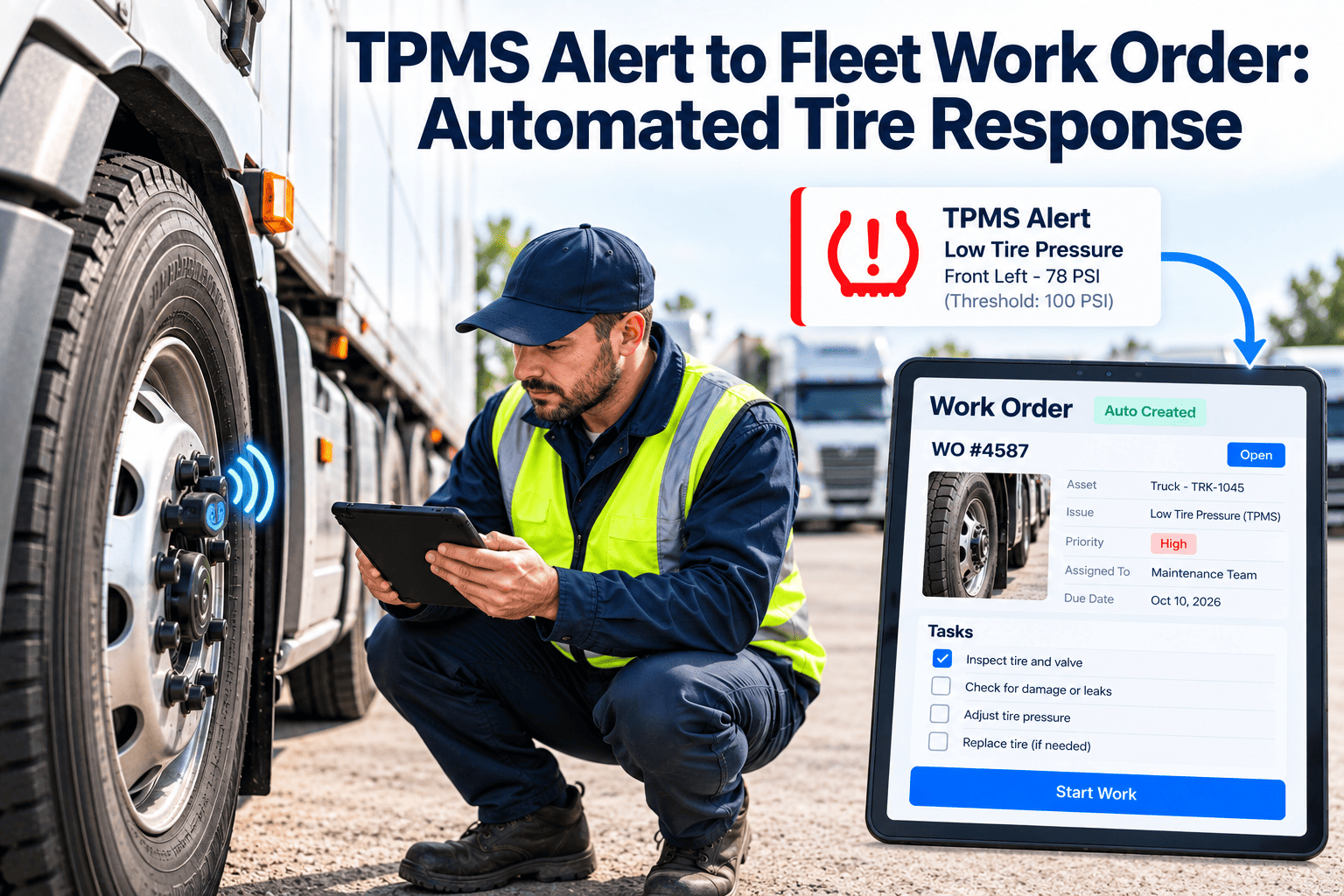
A tire pressure alert that reaches a driver's dash but never reaches the shop is only half a program. The alert gets noticed, the truck keeps rolling, and the same unit triggers the same warning next week. This guide shows how to turn each pressure, temperature and leak alert into a tracked tire work order, so the response is consistent, timed and recorded. The workflow runs well in Oxmaint fleet maintenance software alongside your inspections and preventive maintenance.
TPMS Alert to Fleet Work Order: Automated Tire Response That Closes Every Pressure Warning
Why Tire Alerts Fail Without a Work Order
What the Numbers Say About Underinflation
Industry sources consistently identify underinflation as one of the most common and most avoidable tire problems in commercial fleets. Exact savings depend on duty cycle, tire type and how large your gap currently is, so measure your own baseline.
- Fleet industry coverage describes underinflation as a leading contributor to blowouts and premature tire loss
- Fleet experts quoted in trade press say continuous monitoring is useful because managers otherwise cannot see tire status or track chronic underinflation across the fleet
- Direct-sensor systems report actual pressure and temperature, while indirect systems infer pressure from wheel speed and usually miss gradual loss
From Sensor Event to Closed Work Order
Turn Every Pressure Warning Into a Tracked Repair
Severity Matrix: Deciding How Fast to Respond
Priority should reflect two things: how bad the reading is and how risky the vehicle's current duty is. A moderate leak on a loaded highway tractor deserves faster attention than the same leak on a yard truck.
| Condition | Yard or short route | Regional delivery | Long-haul or loaded |
|---|---|---|---|
| Rapid pressure loss or sudden drop | Critical: stop and inspect | Critical: stop and inspect | Critical: stop at the next safe location |
| High temperature reading | High: cool down, then inspect | High: inspect before continuing | Critical: inspect brakes, bearings and tire |
| Pressure far below target | High: repair at shift end | High: repair before next dispatch | High: repair before departure |
| Slow leak trend over days | Moderate: next service window | Moderate: schedule within the week | High: schedule at the next terminal |
| Dual tire pressure mismatch | Moderate: correct and recheck | Moderate: correct and recheck | High: correct before departure |
| Small drift from target | Watch: log it | Watch: log it | Moderate: confirm at inspection |
What Each Alert Type Usually Means
- Puncture or sidewall damage
- Valve stem failure
- Bead separation from the rim
- Corroded or damaged rim seat
- Failing valve core or cap
- Small nail or screw puncture
- Underinflation or overload
- Dragging brake or failing bearing
- Mismatched dual tires
- Unresolved root cause
- Sensor fault or low sensor battery
- Rim or wheel damage
Temperature matters as much as pressure. A tire running hot beside a pressure alert often points past the tire to a brake or bearing problem, so the work order template should prompt the technician to inspect adjacent components.
Manual Response Versus Automated Tire Response
- Driver reports the alert by radio or at shift end
- Someone writes the unit number on a whiteboard
- Air is added and the issue is considered closed
- Tire history is split across vendor invoices and text messages
- Repeat problems are discovered only at tire replacement
- The alert opens a work order with unit and tire position
- Priority and due time follow written response rules
- Technicians record the cause, repair and final pressure
- Every tire event is stored on the asset history
- Repeat alerts are flagged automatically for root-cause review
Technician Checklist for a TPMS Work Order
- Confirm the tire position and compare the sensor reading with a calibrated gauge
- Check cold inflation pressure against the target for the axle and load
- Inspect the tread, sidewall, valve stem, valve core and rim for damage
- Check the dual partner pressure and tire size match
- Inspect the brake, hub and bearing area if the temperature alert was high
- Repair or replace, torque wheel fasteners to specification where wheels were removed
- Record the cause code, parts, labor, and final pressure
- Photograph the failed component for warranty or claim use when relevant
Compliance and Safety Context
Commercial vehicles are inspected at the roadside against tire criteria that include flat tires and tires with noticeable leaks, and drivers are expected to check tires during pre-trip inspections. Confirm the current regulations and the out-of-service criteria published by the Commercial Vehicle Safety Alliance for your operation.
| Record | Why it matters | What the work order should store |
|---|---|---|
| Pre-trip inspection tire findings | Shows defects were reported and acted on | Link between the defect and the repair |
| Repair completion | Shows the unit was returned to service safely | Technician, date, parts and final pressure |
| Recurring tire alerts | Supports root-cause and vendor reviews | Asset, position, cause code and repeat count |
| Tire purchases and retreads | Supports cost tracking and warranty claims | Serial or identifier, mounted position and removal reason |
Fields Every Tire Work Order Should Capture
- Unit number, axle and wheel position, with the meter reading at the time of the alert
- Alert type, severity, and the time the alert was received and acknowledged
- Measured cold pressure compared with the target for that position
- Cause code selected from a short standard list, so reports can be grouped
- Parts used, labor time, vendor name and invoice reference where applicable
- Final pressure, the technician who verified it, and the closeout time
- Photos of the failed component when a warranty or claim review is possible
Metrics That Show the Response Is Working
Setting Targets That Alerts Can Be Judged Against
An alert is only meaningful against a target. Tire pressure rises as the tire heats during driving, so comparing a hot reading to a cold target creates false alarms and missed events.
- Define a cold inflation target for each axle position based on tire manufacturer guidance and load
- Decide whether your system compensates for temperature or reports raw readings, and write the rule down
- Set separate thresholds for steer, drive and trailer positions because loads and risks differ
- Record the target on the asset so technicians check against the same number every time
- Review targets when the tire model, axle load or route type changes
Common causes of nuisance alerts
- Thresholds set tighter than normal day-to-night temperature swings
- Sensors that are mapped to the wrong wheel position after a tire rotation
- Trailers swapped between tractors without updating the pairing
- Low sensor batteries that report unstable values
Maintaining the Monitoring System Itself
Sensors, receivers and valve caps are assets too. If they are not maintained, the alert stream becomes unreliable, and technicians learn to ignore it.
| Component | Typical issue | Maintenance task |
|---|---|---|
| Wheel sensors | Battery depletion, damage during tire changes | Track install date, test at tire service and replace on condition |
| Valve stems and caps | Corrosion or air leaks at the sensor interface | Inspect and replace during every tire repair |
| Receiver or gateway | Lost signal after trailer swaps or wiring faults | Include signal checks in pre-trip or periodic inspections |
| Position mapping | Wrong tire position after rotation | Update the mapping during every rotation work order |
Reviewing Repeat Alerts for Root Cause
Closing one work order does not solve a problem that keeps returning. Set a simple trigger, such as a second alert on the same wheel position within a defined period, that opens a review instead of another quick fix.
| Pattern | Likely area to examine | Review action |
|---|---|---|
| Same position, repeated slow loss | Rim, bead seat or valve | Remove the tire, inspect the rim, replace the valve components |
| Same trailer, multiple positions | Trailer wheel end, inflation system or sensor power | Inspect the trailer and review recent repairs |
| Same route, multiple units | Road hazard or yard condition | Share findings with operations and review the route |
| Same vendor, repeat returns | Repair quality or procedure | Compare vendor repair outcomes and raise the issue |
| High temperature with normal pressure | Brake drag or wheel bearing | Inspect brake and hub components |
Working With In-House Technicians and Tire Vendors
- Assign by skill and bay availability
- Track labor against the work order
- Reserve tires and valve parts from stock
- Close with measured final pressure
- Send the work order details with the unit and position
- Require cause, repair type and tire identifiers on the invoice
- Attach the invoice to the same asset history
- Compare response time and repeat rate by vendor
Inventory considerations
Tires, valve cores, stems and sensors are consumables that should have reorder points. Tracking usage against work orders shows which sizes and parts the fleet actually burns through, and it prevents delays when a unit is waiting on a part.
Rollout in Four Stages
Driver and Dispatcher Communication Rules
Technology does not help if the driver does not know what to do. Publish a one-page response guide and review it during onboarding and safety meetings.
- Stops safely on a critical alert and reports the position shown
- Does not continue on a rapidly falling tire
- Records the alert in the inspection report at the end of the trip
- Reports symptoms the sensors cannot show, such as vibration or pulling
- Reads the priority and deadline on the work order
- Holds or redirects units with critical alerts
- Releases the unit only after the work order is closed
- Escalates when a repair is blocked by parts or vendor delay