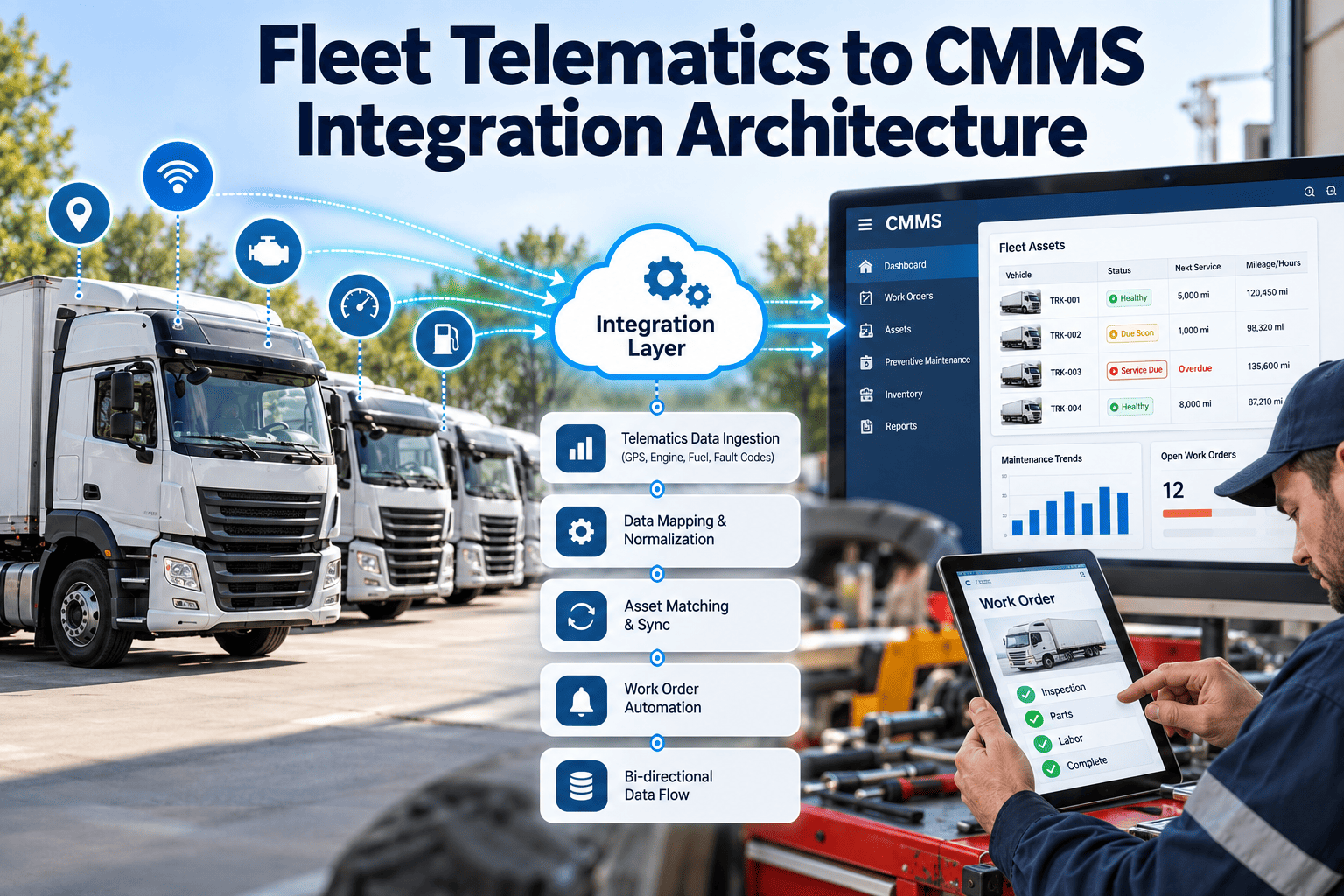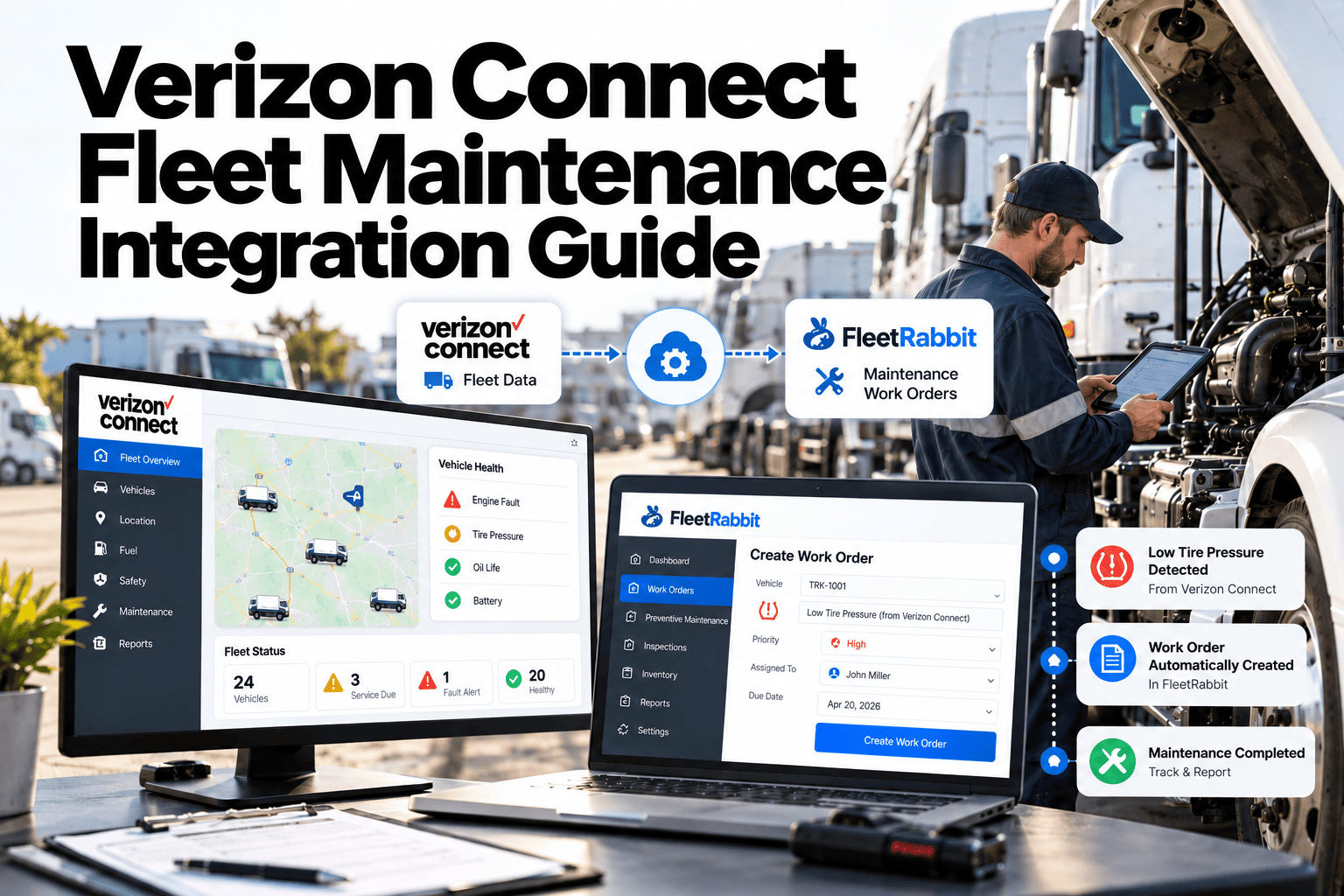
Telematics tells you where a vehicle is, how far it has driven and which fault codes its engine has raised. A maintenance program turns that signal into a scheduled, assigned and closed repair. This guide explains how fleets connect Verizon Connect data to preventive maintenance, inspections and work orders, and how a maintenance-first system such as Oxmaint fleet maintenance software keeps the resulting records ready for audit.
Verizon Connect Fleet Maintenance Integration Guide: From Vehicle Data to Closed Work Orders
What Verizon Connect Data Contributes to Maintenance
Verizon Connect Reveal and Verizon Connect Fleet (the platform formerly known as Telogis) collect usage and vehicle health data. Which signals you receive depends on the device, the vehicle and your plan, so confirm the list with your account manager first.
| Telematics signal | What it tells maintenance | Maintenance action | Where it lands in the CMMS |
|---|---|---|---|
| Odometer | Distance driven since the last service | Trigger mileage-based preventive maintenance | Asset meter history |
| Engine hours | Real operating time, including idling and PTO work | Trigger hours-based service on vocational units | Asset meter history |
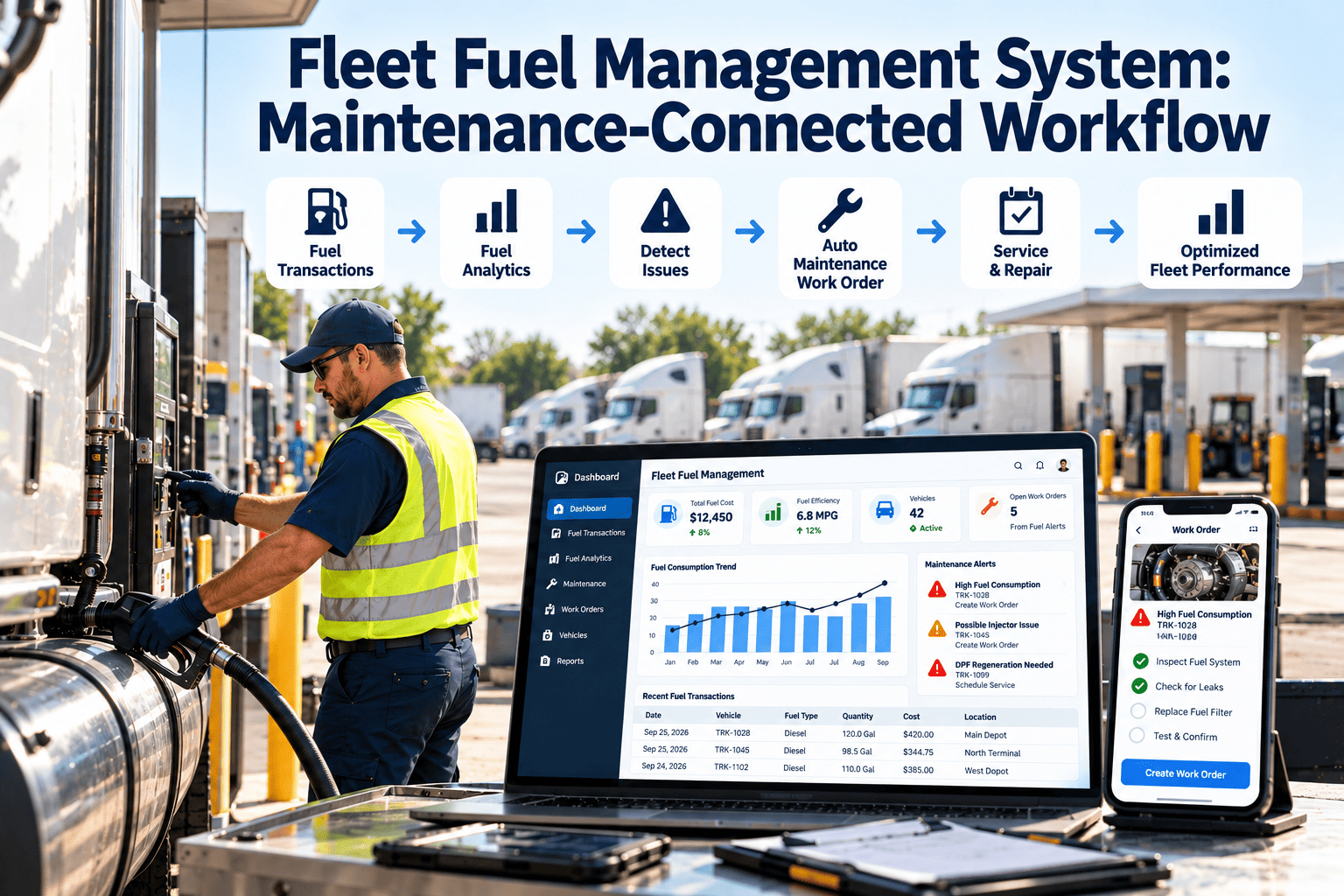
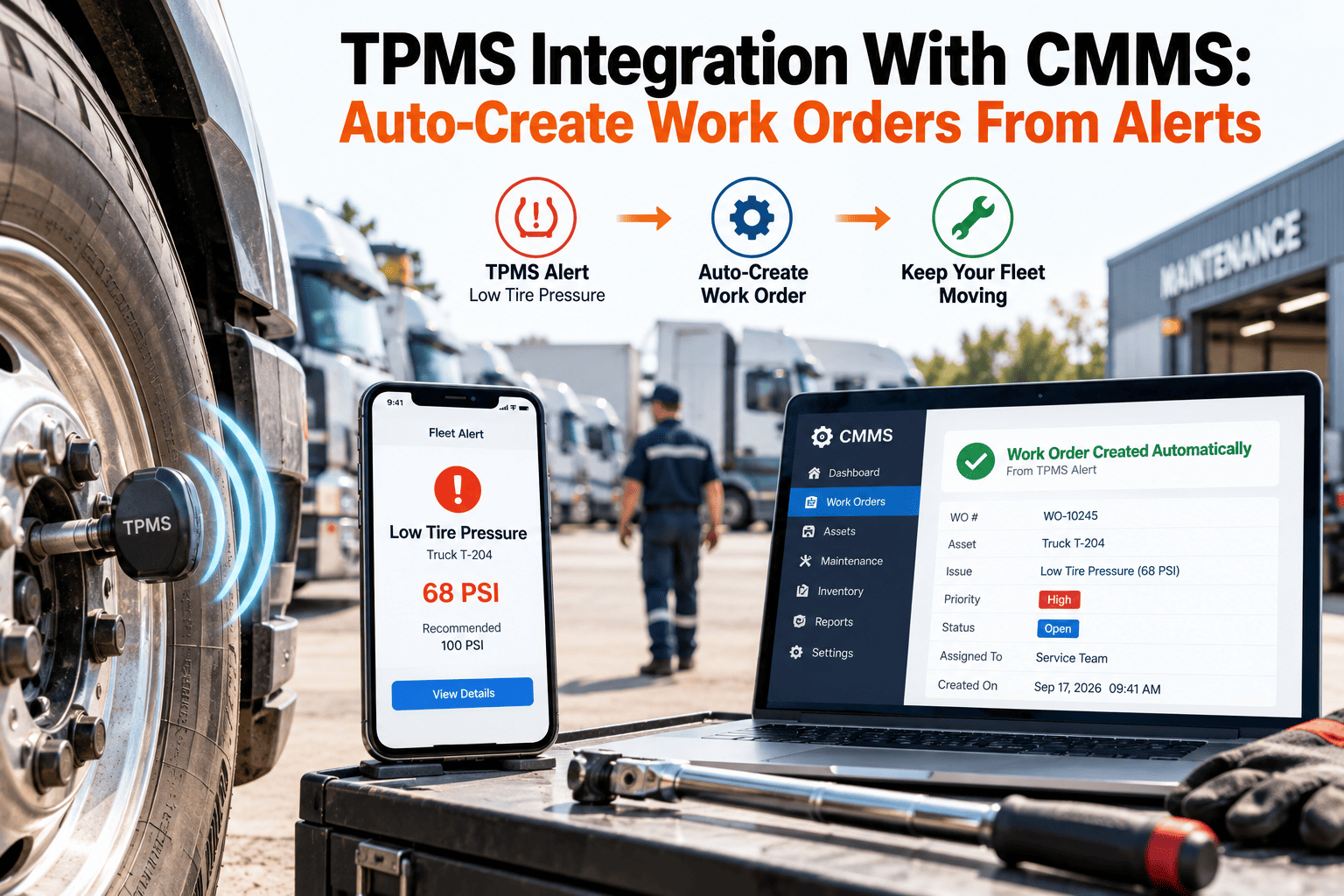
| Diagnostic trouble codes | Engine and emissions events reported by the ECM | Triage, then open a corrective work order | Work order with fault detail attached |
| Location and geofence events | Which vehicles are at or near the depot | Pull units into the shop when they are available | Scheduling board |
| Battery voltage and fuel level, where supported | Electrical health and range | Add inspection tasks or battery checks | Inspection checklist and asset record |
Telematics Only Versus a Maintenance-First Integration
- A fault code appears in a report that someone must remember to open
- Service reminders live in one tool while repair history lives in another
- Technicians retype unit numbers, mileage and symptoms
- Repeat faults are visible only if someone searches old alerts
- Auditors receive screenshots instead of a linked record
- A qualifying fault becomes a work order with the asset already attached
- Meters drive preventive maintenance in the same system that stores repairs
- Technicians open one record that includes meter, defects and service history
- Repeat faults roll up against the asset and the system involved
- Inspections, repairs and approvals form one traceable chain
Six Steps From API Access to the First Automated Work Order
Most failed integrations skip the planning steps and go straight to connecting accounts. Work through these in order.
See Telematics Data Turn Into Scheduled Maintenance
Fault Code Triage: Not Every Code Deserves a Work Order
If every diagnostic trouble code opens a ticket, the queue fills with noise and technicians stop trusting it. Sort codes into four response lanes before you automate anything.
Triage rules that keep the queue clean
- Suppress duplicates when an open work order already covers the same asset and system
- Attach the code, timestamp and current meter reading to every fault-based work order
- Require a technician to record the cause and the fix, so the next occurrence is easier to diagnose
- Review the top ten most frequent codes monthly and retune the lanes
- Escalate any unit that triggers the same code again after a completed repair
Keeping Meter Data Honest
Preventive maintenance is only as accurate as the meter behind it. Audit these points before you trust automatic triggers.
- Each asset has one active telematics device and one meter of record
- GPS-derived distance is compared with the dashboard odometer during inspections, and the gap is recorded
- Odometer rollbacks, ECM replacements and cluster swaps are logged as events, not silently overwritten
- Engine hours are used wherever idling, PTO or stop-and-go duty makes mileage misleading
- Refresh frequency is known, and PM tolerance windows allow for the lag
- Units with failed or missing devices fall back to manual meter entry in inspections
Closing the Loop: Inspections, Repairs and Parts
A fault code says something is wrong. A driver inspection says what the driver saw. A technician says what was actually found. The integration is valuable when these three views land on one asset record instead of three disconnected tools.
Why the technician view matters most
- Fault codes point to a system, not always to the failed part, so the closeout record should capture the true cause
- Repeated codes after a repair often indicate a wiring, sensor or software issue rather than a failed component
- Findings from inspections can reveal wear that never triggers a code, such as brake lining or tire condition
- Photos and notes on the work order give the next technician context that a code alone cannot
Parts and inventory follow the work order
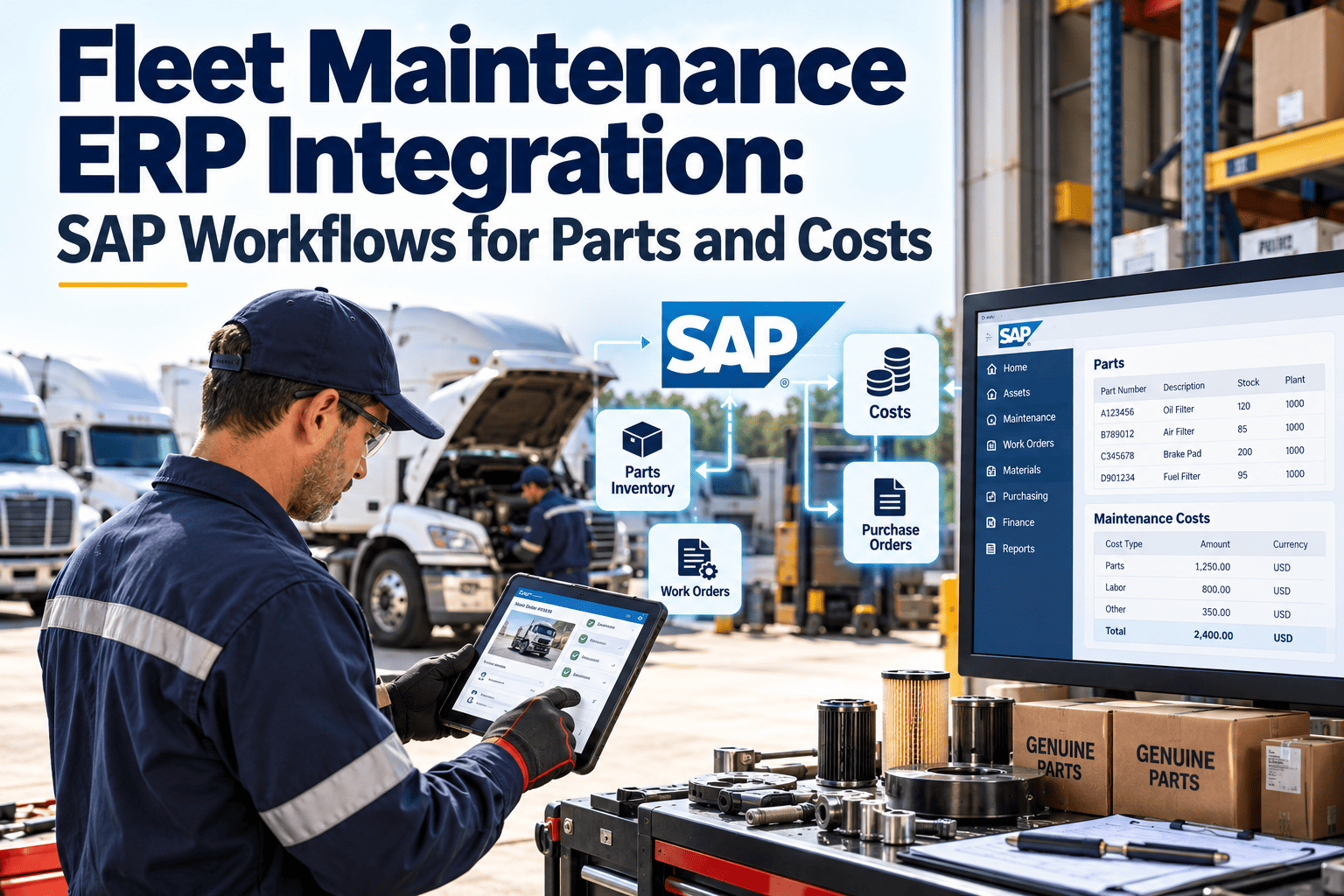
When fault-based work orders repeat for the same part, inventory should respond. Reorder points tied to real consumption stop the common situation where a unit sits in the bay waiting for a part that was used last week.
- Link standard repairs to parts lists so technicians reserve stock when the work order opens
- Track which parts are consumed against which asset to expose chronic problem units
- Flag work orders blocked by parts, so waiting time is measured instead of hidden
- Record outside vendor repairs on the same asset history, with invoice and warranty details
Access, Ownership and Data Hygiene
Integrations often fail quietly months after launch, when a user leaves or a device is replaced. Set simple ownership rules at the start.
- Use a dedicated service account for the connection rather than a personal login that may be disabled
- Give read access only to the data the maintenance workflow actually needs
- Name one person responsible for device-to-asset mapping and review it every quarter
- Record every vehicle addition, disposal and device swap as a change in both systems on the same day
- Keep a short written runbook describing what happens when the connection drops, including manual meter entry
Choosing What to Automate and What to Review
Automation should remove typing, not judgment. Use this split when you decide which steps the system performs and which a person approves.
| Step | Automate | Keep a person in the loop |
|---|---|---|
| Meter updates | Pull odometer and engine hours on a regular schedule | Investigate sudden jumps, rollbacks and flat readings |
| Preventive maintenance generation | Create the work order when an interval is reached | Adjust intervals after reviewing failure history |
| Fault intake | Open work orders for critical lanes and repeat thresholds | Review new code types before adding them to automation |
| Scheduling | Suggest shop slots based on due dates and bay availability | Confirm the plan against route demand and driver availability |
| Closeout | Require cause, labor and parts fields before closing | Approve high-cost or safety-critical repairs |
Compliance Records the Integration Should Support
Telematics data helps document condition and usage, but it does not replace the records US motor carriers must keep. Check current text and your state rules before finalizing retention settings.
| Requirement | What telematics can help show | What the maintenance record must still hold |
|---|---|---|
| Driver vehicle inspection reports, 49 CFR 396.11 | Trip distance and engine events around the report | Driver-signed report, defects noted, mechanic certification of repair |
| Periodic inspection, 49 CFR 396.17 and 396.21 | Mileage at the time of inspection | Inspection report, inspector qualification, retained for the required period |
| Systematic maintenance records, 49 CFR 396.3 | Usage that drives service intervals | Vehicle identification, service dates, nature of inspection and maintenance performed |
| Roadside readiness | Early warning of fault conditions | Proof that the defect was repaired before the unit was dispatched |
KPIs That Prove the Integration Is Working
- PM compliance rate
- Preventive maintenance completed within tolerance, divided by preventive maintenance due in the same period.
- Fault-to-work-order time
- Time from the first qualifying fault event to an open, assigned work order. This should shrink from days to minutes.
- Fault-to-repair time
- Time from fault event to completed repair. It exposes shop capacity and parts delays that dashboards hide.
- Repeat repair rate
- Repairs on the same asset and system inside a chosen window, divided by total repairs. A rising value points to misdiagnosis.
- Unplanned downtime hours
- Hours a unit is out of service without a scheduled work order. Track by asset class and by cause.
- Maintenance cost per mile
- Parts, labor and outside repair cost divided by miles driven, using the same meter source throughout.
Integration Pitfalls and How to Avoid Them
| Pitfall | Symptom | Fix |
|---|---|---|
| Duplicate asset after a device swap | Two histories for one truck | Re-link the new device to the original asset and retire the duplicate |
| Every fault creates a work order | Queue floods and technicians ignore it | Add severity lanes and repeat-count rules |
| Mileage source is inconsistent | Preventive maintenance fires too early or too late | Name the meter of record and reconcile it during inspections |
| Hours not used on idle-heavy trucks | Services run overdue on vocational units | Add engine-hour triggers beside mileage |
| Telematics treated as the inspection | Gaps in driver defect reporting | Keep driver inspections and defect reports as a separate required step |
| No owner for integration data | Mappings go stale after fleet changes | Assign a data steward and review mappings quarterly |
Questions to Ask Before You Connect
- Which Verizon Connect product and plan do we run, and does it include API services?
- Which data points are available for each vehicle type and device generation?
- How often is the data refreshed, and does that suit our PM tolerance windows?
- Who owns the integration on the fleet side and the maintenance side?
- How will we handle units with missing or failed devices?
- What is the rollback plan if the connection fails or data looks wrong?
A 90-Day Rollout Path
- Confirm API access and available data points
- Clean the asset register and match devices
- Pilot one depot or vehicle class
- Switch on usage-based preventive maintenance
- Enable fault triage rules for the pilot group
- Train technicians on mobile work orders
- Expand to remaining depots
- Review KPIs and retune thresholds
- Add inventory reorder points for repeat parts