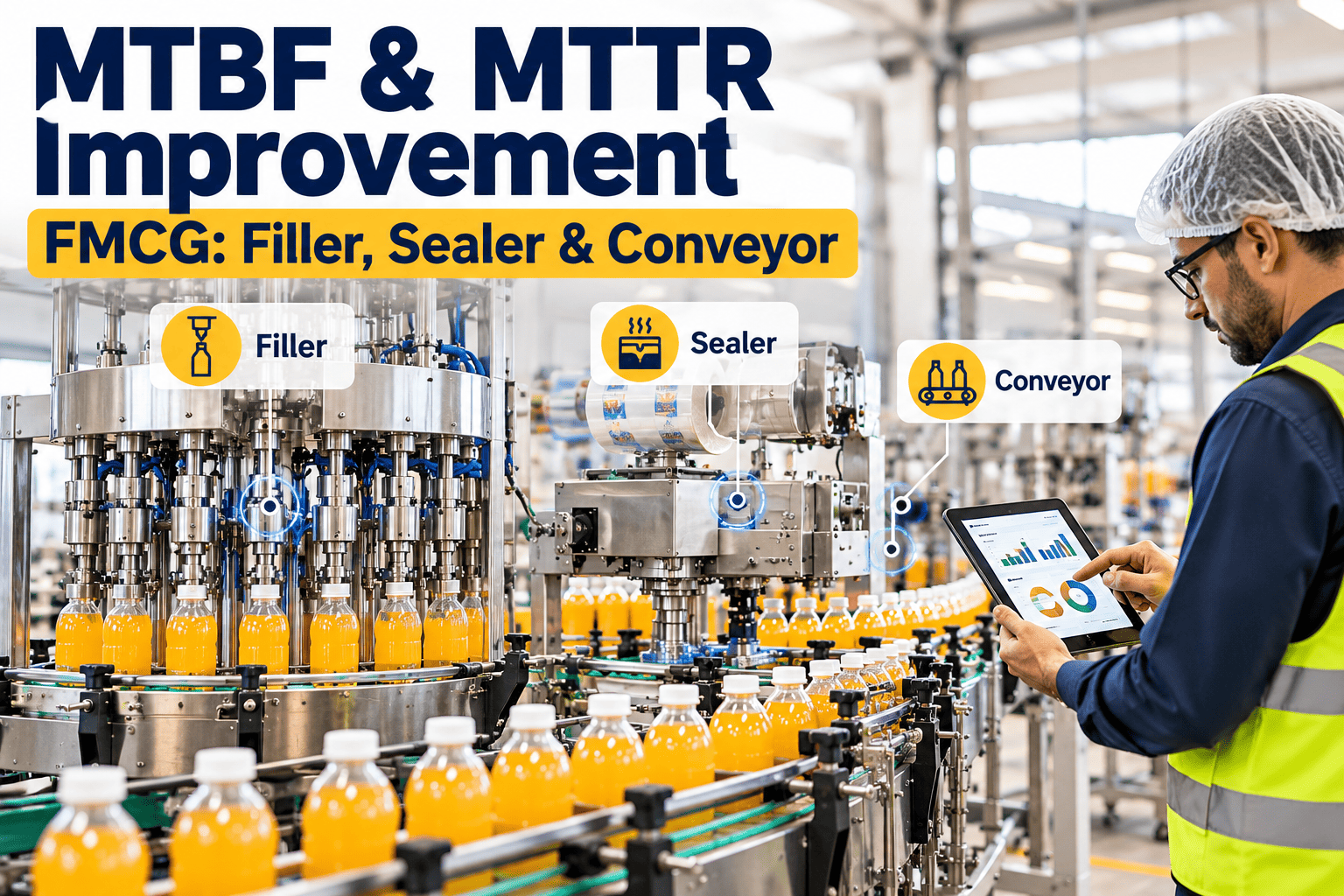
Every FMCG line has two clocks running: how long it stays up between failures, and how long it takes to get running again once something stops. MTBF measures the first, MTTR measures the second, and most plants are weaker on one than they realize. Fillers tend to suffer from recurring wear, sealers from drift and heat-related faults, and conveyors from jams that are quick to clear but frequent. This guide explains how to measure both metrics properly, set sensible improvement priorities and use a CMMS such as Oxmaint to standardize repairs, stage parts and track reliability trends across the line.
MTBF and MTTR Improvement for FMCG Fillers, Sealers and Conveyors
Lengthen the time between failures, shorten the time to recover, and see exactly which machine and failure mode is costing your line the most.
What the Two Metrics Actually Tell You
MTBF is operating time divided by the number of failures. MTTR is total repair time divided by the number of repairs. Together they define inherent availability.
Illustrative example: a filler runs 160 hours, fails 4 times and loses 8 hours to repairs. MTBF is 40 hours, MTTR is 2 hours and availability is about 95.2%.
Two Levers, Two Different Problems
Improving MTBF and improving MTTR require different actions, so separate them before choosing projects.
Raising MTBF
- Remove root causes of repeat failures
- Replace parts based on wear evidence
- Improve lubrication, cleaning and alignment
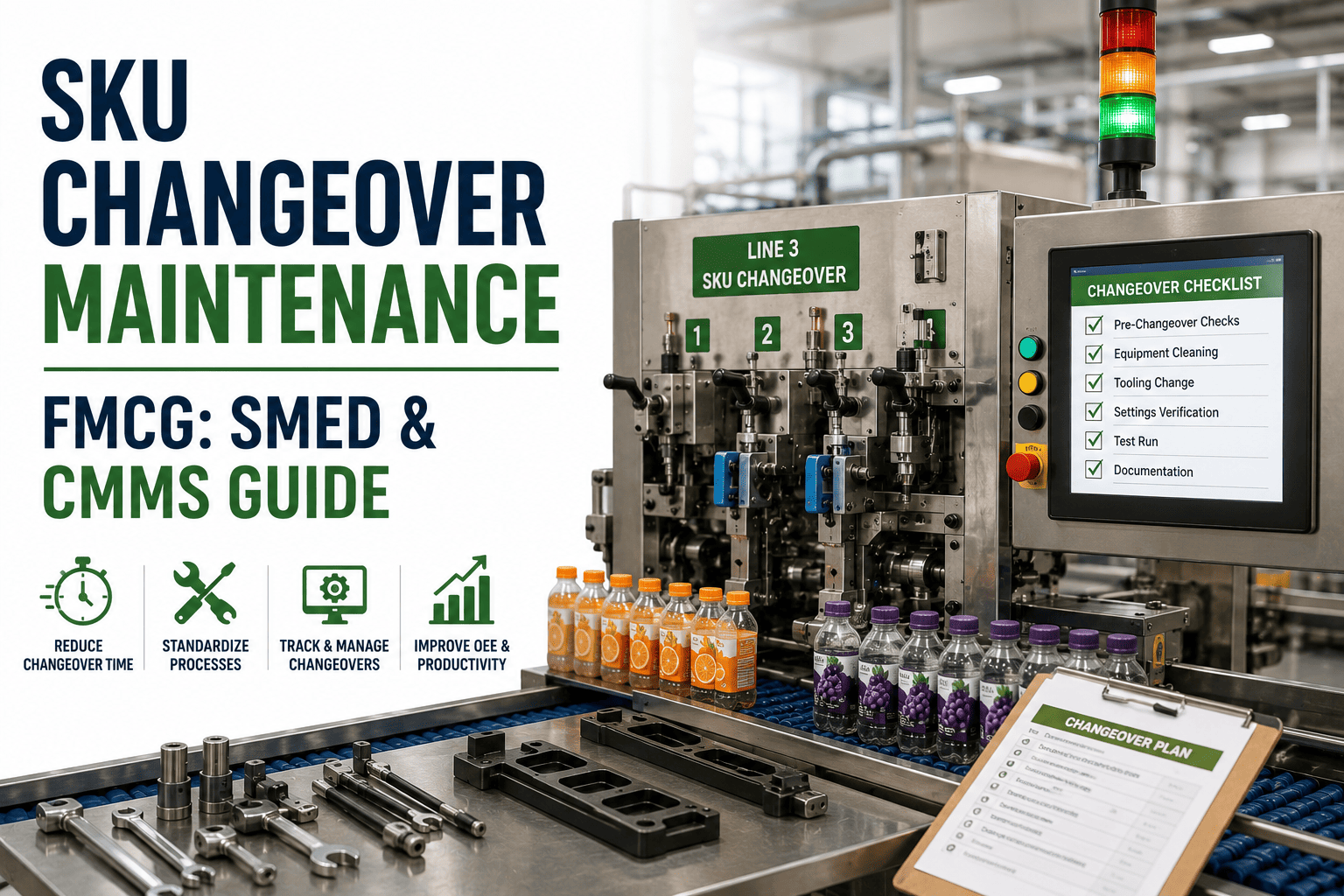
- Control operating conditions and changeover settings
- Add condition checks to catch drift early
Reducing MTTR
- Speed up fault finding with guided procedures
- Stage the right spares near the line
- Standardize repair and restart steps
- Pre-assign skills and tools for common jobs
- Shorten approvals, permits and handovers
Machine by Machine: Where the Gains Usually Are
Each asset type has typical drivers. Confirm them against your own failure data before acting.
Filler
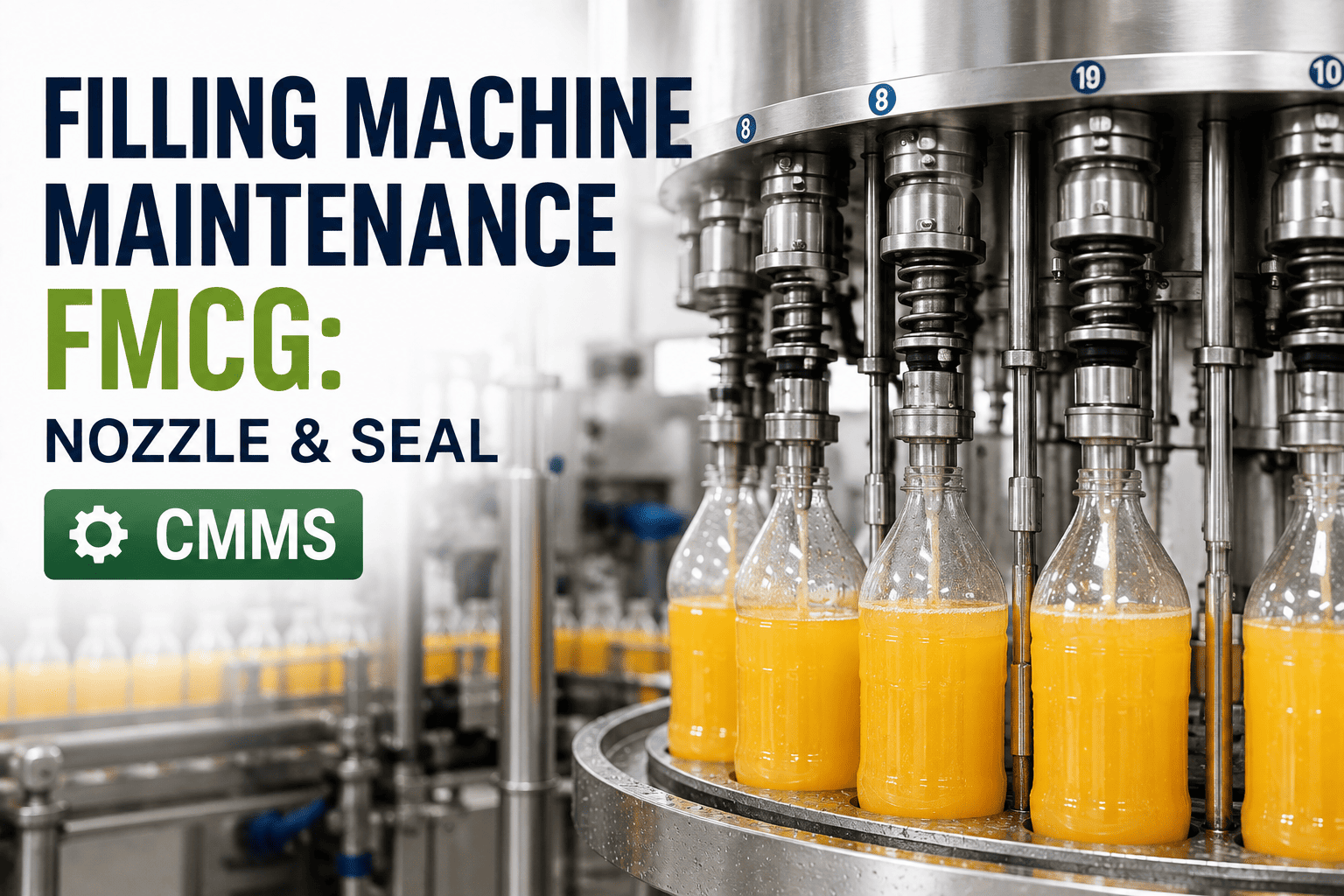
Failure driversNozzle valve and seal wear, flow meter drift, product residue and servo or pneumatic faults.
MTBF actionsSeal condition checks at changeover, calibration verification and cleaning discipline.
MTTR actionsNozzle and seal kits staged, quick-change procedures and photo-based rebuild guides.
Sealer
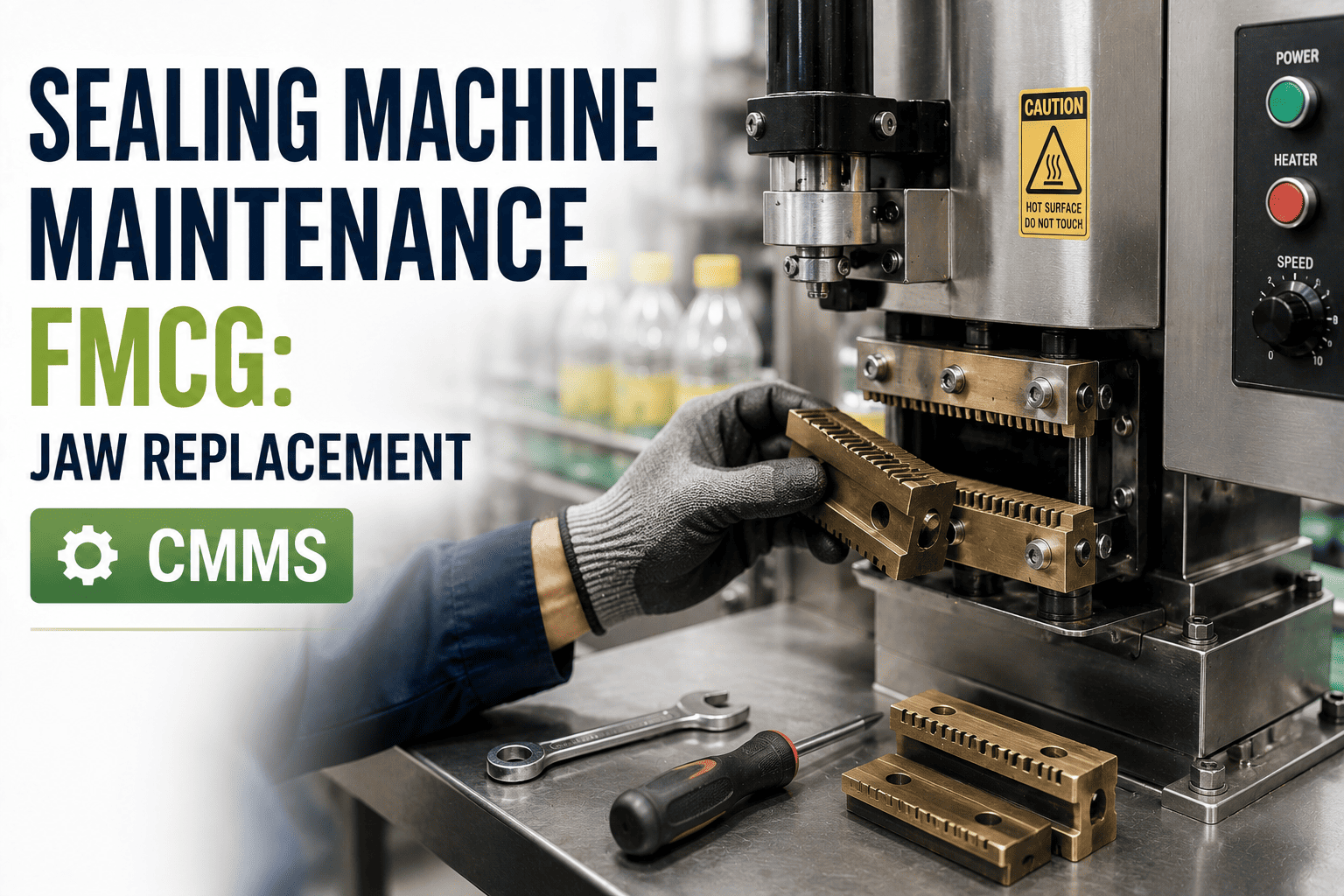
Failure driversHeater and thermocouple faults, jaw tape wear, misalignment and pressure loss.
MTBF actionsMeasure actual jaw temperature, trend variance and replace tape on observed life.
MTTR actionsHeater cartridge and sensor spares, jaw exchange routine and a restart checklist.
Conveyor
Failure driversChain or belt wear, guide misalignment, gearbox and motor bearings, sensor fouling.
MTBF actionsChain wear measurement, lubrication routes and guide setting standards per format.
MTTR actionsPre-kitted sections, clear jam-clearing steps and standard bearing and motor swaps.
Anatomy of a Repair: Where MTTR Time Hides
Wrench time is often only part of a stoppage. Break the downtime event into stages and measure each one.
- 1
Detect and Report
Delay before maintenance is notified. Fix with simple fault requests from the line.
- 2
Respond and Diagnose
Technician travel and fault finding. Fix with symptom-based troubleshooting guides.
- 3
Wait for Parts and Tools
Searching the store or waiting for supply. Fix with staged kits and reorder points.
- 4
Repair
Actual work. Fix with standard steps, torque values and settings in the work order.
- 5
Test and Restart
Hygiene release, trial runs and adjustments. Fix with a defined restart checklist.
Digital SOPs and Parts Staging: Before and After
Two practical changes shorten many repairs without new equipment: procedures on the technician's device and spares kept where the work happens.
Before
- Procedures in binders or in a senior technician's head
- Different people repair the same fault differently
- Part numbers searched for during the stoppage
- Time recorded loosely at the end of the shift
After
- Steps, photos and settings attached to the work order
- One tested method per recurring repair
- Kits linked to the asset and failure mode
- Timestamps captured from request to completion
See Your Real MTBF and MTTR by Machine and Failure Mode
Replace estimates with clean downtime data, structured work orders and repair procedures that every shift follows.
Match Each Improvement to the Right Metric and CMMS Feature
| Improvement | Primary effect | Typical use on the line | CMMS capability |
|---|---|---|---|
| Failure coding on work orders | Both | Identify repeat modes by machine | Work orders and reporting |
| Condition-based inspections | MTBF | Jaw temperature, seal condition, chain wear | Mobile checklists and readings |
| Preventive maintenance routines | MTBF | Lubrication, cleaning, alignment checks | PM scheduling |
| Digital repair procedures | MTTR | Nozzle rebuilds, heater swaps, bearing changes | Task instructions on work orders |
| Staged spare kits | MTTR | Seals, tape, heaters, sensors, chains | Inventory and reorder points |
| Downtime timestamps | MTTR | Separate waiting from wrench time | Work order status tracking |
| Trend dashboards | Both | Prioritize projects and prove results | Dashboards |
Reading the Trend: What Each Combination Means
Watching one metric alone can mislead. Read them together before deciding what to change.
MTBF up, MTTR down
The program is working. Document what changed and extend it to similar machines.
MTBF up, MTTR up
Failures are rarer but harder to recover from. Review spares, skills and procedures.
MTBF down, MTTR down
Quick fixes may hide a recurring problem. Look for root causes, not faster repairs.
MTBF down, MTTR up
Reliability and response are both slipping. Check PM completion, parts and staffing.
Data Discipline: Getting Trustworthy Numbers
Poor data produces confident but wrong conclusions. Agree on definitions before building reports.
- Define a failure. Decide whether a short jam counts, and apply the same rule on every line and shift.
- Use operating hours. Calendar time understates MTBF when machines are idle between runs.
- Capture start and finish times. Without them, MTTR is an estimate.
- Standardize failure codes. Free-text descriptions make trends nearly impossible to read.
- Track minor stops separately. They can dominate lost time while barely moving repair statistics.
A Sensible Improvement Sequence
Avoid launching every initiative at once. Build in stages so each step produces evidence.
- Stage 1
Baseline
Record clean downtime and failure codes on the filler, sealer and conveyors.
- Stage 2
Pareto
Rank failure modes by downtime and frequency to select targets.
- Stage 3
Standardize
Write repair procedures and build spare kits for the top modes.
- Stage 4
Prevent
Add PM and condition checks that address root causes.
- Stage 5
Review
Compare trends monthly and move to the next-ranked failure mode.
Minor Stops: The Hidden Drain on Reliability
On many lines the biggest loss is not the long breakdown. It is dozens of short stops that operators clear without calling maintenance, so they never reach the repair record.
- Filler. Brief stops from nozzle drips, container presence faults or foam at the fill point.
- Sealer. Short pauses for temperature alarms, film tracking errors or jaw faults cleared by a reset.
- Conveyor. Container tipping and accumulation jams cleared by hand.
If operators can log a reason code in seconds, minor stops become visible, and a repeated cause can be treated as a reliability problem instead of a routine annoyance.
Writing a Repair Procedure Technicians Will Follow
A procedure only shortens MTTR if it is short, specific and trusted. Build each one from the best real repair, not from a manual excerpt.
- State the symptom and scope. Name the fault, the machine and when the procedure applies.
- List safety and isolation steps first. Include lockout points and any hot surface warnings for jaws and heaters.
- Specify parts, tools and settings. Add torque values, gap settings and part numbers.
- Use photos at tricky steps. One image often replaces a paragraph of text.
- Define the restart test. Say what must be checked before the line is released.
- Review after use. Let technicians flag steps that were unclear or wrong.
Staging Parts for the Most Common Repairs
Pick the repeat repairs that consume the most downtime and build a ready kit for each. Keep the kit near the line and linked to the asset.
| Repair | Kit contents | Where kept | Check |
|---|---|---|---|
| Filler nozzle seal change | Seals, O-rings, lubricant approved for food contact, tools | Line-side cabinet | Count at each changeover |
| Sealer heater and thermocouple swap | Matched heater, sensor, terminals, thermal compound if specified | Maintenance store | Monthly stock review |
| Jaw tape replacement | Tape, cutter, cleaning materials | Line-side cabinet | Restock on use |
| Conveyor chain section | Pre-cut links, pins, lubricant | Maintenance store | Quarterly review |
| Sensor replacement | Sensor, bracket, cable, configuration sheet | Line-side cabinet | Restock on use |
Hygiene and Release: The Part of MTTR People Forget
In food and beverage plants, a repair is not finished until the machine is clean, checked and released. Treat that time as part of the process, not as delay.
- Step 1
Clean After Repair
Remove debris, tools and lubricant residue from contact areas.
- Step 2
Verify Parts and Tools
Account for every tool and fastener before closing the machine.
- Step 3
Quality Release
Complete required hygiene or quality checks before restart.
- Step 4
Trial Run
Confirm fill, seal and label results are within specification.
Fair Comparisons: By Shift, Crew and Product
Averages hide differences. Breaking results down can show where a practice works well and where it does not.
By Shift
If MTTR is lower on one shift, learn what that crew does differently and standardize it.
By Product or Format
Some products foul nozzles or jam conveyors more. MTBF may need to be read per product family.
By Failure Mode
One recurring mode can pull down machine MTBF. Treat it separately from random faults.
By Repair Type
Compare planned stops with unplanned ones so MTTR is not distorted.
Connecting MTBF and MTTR to OEE
OEE is availability multiplied by performance and quality. MTBF and MTTR mainly shape the availability part, but they also influence the others.
A reliability project that improves a failing sealer may lift availability and quality together, because fewer seal defects follow fewer temperature faults.
Common Mistakes When Improving MTBF and MTTR
- Chasing the average. One long breakdown can hide many small, fixable problems.
- Speeding up repairs but ignoring causes. Faster recovery from a repeat failure is still a repeat failure.
- Setting targets without data. Targets should reflect baseline performance and asset design.
- Skipping operator input. Operators often notice early symptoms before sensors do.
- Letting kits go stale. Staged parts must be restocked and reviewed.
- Ignoring planned stops in the data. Cleaning, changeovers and scheduled PM should be coded separately so they do not distort failure statistics.
- Changing too much at once. Introduce one improvement per failure mode so you can see which action produced the result.
- Forgetting to retire old procedures. Outdated instructions left in circulation cause errors and lengthen repairs.
Teams can book a demo to see structured repair tasks and parts tracking before standardizing their own procedures.
Skills and Handover: A Quiet Driver of MTTR
Repair time varies with who is on shift. Capturing expert knowledge in the work order reduces that dependence.
- Skill matrix. Record which technicians are confident on fillers, sealers, controls and conveyors, so the right person is assigned.
- Shift handover notes. Open work, temporary fixes and watch items should be written against the asset, not passed on verbally.
- Short coaching sessions. Use a recent repair as a ten-minute case for the next shift.
- Vendor knowledge. Store service bulletins, wiring notes and setup sheets on the asset record.
Planning PM Around Failure Patterns
Preventive tasks should aim at the failure modes that limit MTBF. A task that never prevents anything is a candidate for review.
Keep or Strengthen
- Tasks that find developing wear before it stops the line
- Lubrication and cleaning that match a known failure mode
- Calibration checks that protect fill accuracy
Question or Remove
- Replacements done on a calendar with no wear evidence
- Inspections with no measurable limit
- Duplicate tasks performed by operators and technicians
Review findings from completed PM work orders. Tasks that regularly find issues deserve attention; tasks that never do may need a longer interval or a different method.
A Monthly Reliability Review Agenda
A simple, regular meeting keeps the numbers connected to action.
- 1
Review the Trend
Look at MTBF and MTTR for the filler, sealer and conveyors against the previous periods.
- 2
Study the Top Modes
Choose the failure modes that cost the most downtime and confirm their causes.
- 3
Check Actions
Review procedures, kits and PM changes assigned last month, and confirm owners and dates.
- 4
Agree Next Steps
Select the next targets and note data quality issues to fix.
MTBF and MTTR FAQs
What is a good MTBF for a filler?
It depends on product, speed and design. Benchmark against your own history and trend each failure mode.
Should we focus on MTBF or MTTR first?
Use a downtime Pareto. Frequent short stops need MTBF work; long repairs need MTTR work.
Can MTTR include waiting time?
Yes, if you measure total time to restore. Splitting stages shows where delay occurs.
How does a CMMS help calculate these?
Oxmaint records work order times and failure codes so reports reflect real events.
Can we see this on our own line?
Keep the Line Running Longer and Recover Faster When It Stops
Give your team structured work orders, staged spares, clear procedures and trend reports that show where reliability gains will come from next.




-in-fmcg-calculation,-benchmarks-&-improvement.png)