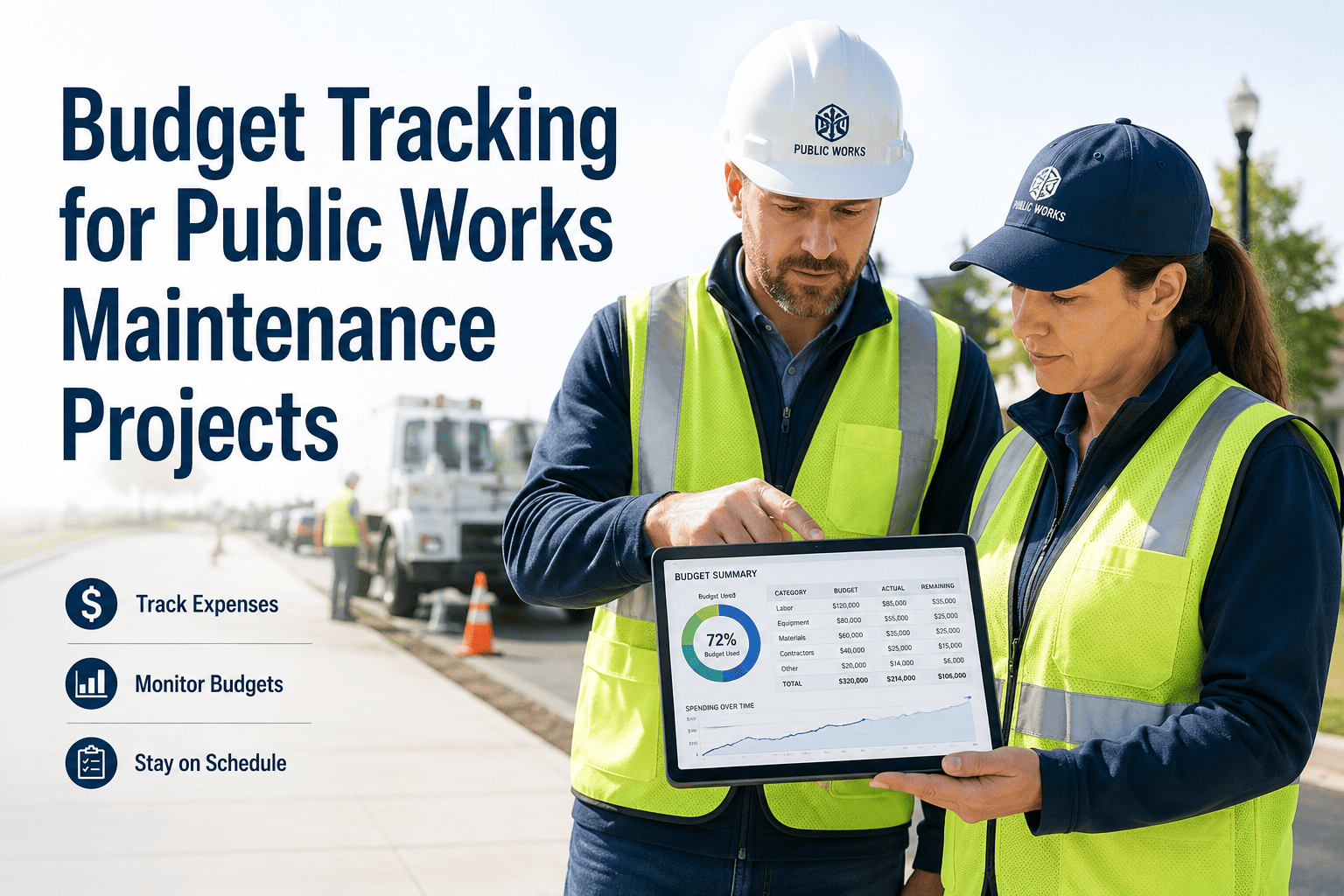
Municipal maintenance budgets face relentless pressure — aging infrastructure, rising contractor costs, and city councils demanding line-by-line accountability. Yet most public works departments still track spend through spreadsheets updated days after the fact, leaving budget managers blind to overruns until it is too late to course-correct. Real-time cost visibility across assets, projects, labor, parts, and contractors is no longer a nice-to-have — it is what separates agencies that stay on budget from those that request emergency appropriations every fiscal year. OxMaint's analytics and reporting module gives public works teams a single dashboard to track every maintenance dollar, and a live demo shows how it maps to your existing budget categories in under 30 minutes.
Budget Tracking for Public Works Maintenance Projects
From asset-level cost history to contractor invoices — every maintenance dollar tracked, reported, and audit-ready.
Where Public Works Budget Visibility Breaks Down
Connect Your Maintenance Spend to Every Budget Line
OxMaint maps labor, parts, contractor, and project costs to your existing budget structure — and keeps every dollar traceable to a work order.
Six Budget Dimensions Public Works Agencies Must Track
| Cost Dimension | What Gets Tracked | Budget Risk Without It | OxMaint Capability |
|---|---|---|---|
| Asset-Level Cost | Total spend per asset over time — labor, parts, contractor | Unable to build replacement justification; repair costs invisible | Asset cost history with R/M ratio calculation |
| Department / Division | Maintenance spend by roads, parks, water, facilities | No data for annual budget allocation per department | Department cost rollup with YTD vs budget view |
| Project / Program | Costs tied to a capital project, grant program, or work zone | Grant drawdowns without matching cost proof; audit findings | Project-tagged work orders with exportable cost reports |
| Labor Hours | Hours logged per technician, per work order, per asset | Labor cost overruns invisible; overtime uncontrolled | Technician time log auto-attached to every work order |
| Parts & Materials | Parts consumed per work order with unit costs | Inventory shrink undetected; parts budget always under/over | Parts usage report with cost per job and running totals |
| Contractor / Vendor | Invoiced amount vs approved PO vs completion status | Duplicate invoices; pay-before-proof-of-completion risk | PO-to-invoice match with work order completion gate |
From Work Order Completion to Budget Report — Automated
Budget Alerts That Act Before Overruns Happen
Triggered when a department, asset, or project reaches 90% of its allocated budget — giving managers time to reallocate or freeze non-critical work
Flags when a contractor invoice exceeds the approved PO by more than a set tolerance — routes to supervisor approval before payment is processed
Identifies assets whose annual repair cost exceeds a set percentage of replacement value — surfaces replacement candidates before the next capital budget cycle
Catches work orders closed without a budget line tag — prevents spend from disappearing into unassigned categories that break reporting accuracy
The single most important shift we made was connecting work orders to budget lines at the time of job creation, not at invoice reconciliation three weeks later. Once costs attached to work orders in real time, our monthly close went from four days to half a day, and our council presentation went from an apology for overruns to a demonstration of exactly where every dollar went. Departments that can show dollar-by-dollar traceability retain budget authority. Those that can't lose it to central finance every cycle.
Stop Discovering Overruns After the Fiscal Year Ends
OxMaint gives public works budget managers real-time spend visibility across every asset, project, and contractor — with export-ready reports for council, audit, and grant compliance.
Frequently Asked Questions
Can OxMaint track costs against multiple budget codes for a single work order?
Yes. Work orders in OxMaint can be split across multiple budget codes — for example, charging labor to an operational line and parts to a capital project code on the same job. This is critical for public works agencies where grant-funded and operations-funded work often occurs on the same asset. Start a free trial to configure your budget code structure and see how cost splits are applied automatically based on work order type.
How does budget tracking work for contractor-managed maintenance programs?
OxMaint's vendor management module links contractor work orders to purchase orders, tracks invoice amounts against approved PO values, and flags variances before approval. Contractors can update work status and attach completion proof through a guest portal — keeping all cost and completion data in one place without giving contractors full system access. Book a demo to see the contractor cost tracking workflow for outsourced municipal maintenance programs.
Can we export maintenance cost data for annual budget presentations or audits?
OxMaint generates cost reports filterable by asset, department, project, date range, cost type, and vendor — exportable as CSV or PDF. Reports are formatted for direct use in council presentations and audit responses, with work order references attached to every cost line so auditors can trace any dollar to the originating job. See the reporting module to explore available report templates for public sector budget cycles.
How do we handle budget tracking across fiscal years when multi-year projects span periods?
Projects in OxMaint are independent of fiscal year boundaries. You can view a multi-year infrastructure project's total spend alongside annual breakdowns — making it straightforward to report cumulative grant drawdowns while also providing fiscal-year cost statements for annual budget reports. Book a demo to walk through multi-year project cost reporting with your agency's specific budget structure.
What happens if a work order is closed without a budget code assigned?
OxMaint can be configured to require budget code assignment before a work order can be closed — preventing untagged costs from appearing in reports. For agencies that prefer a softer control, an automated alert flags untagged closed work orders for a supervisor to resolve within a set time window. Either approach ensures no spend disappears into unassigned categories that break budget reporting accuracy. Configure spend controls in your OxMaint trial account.