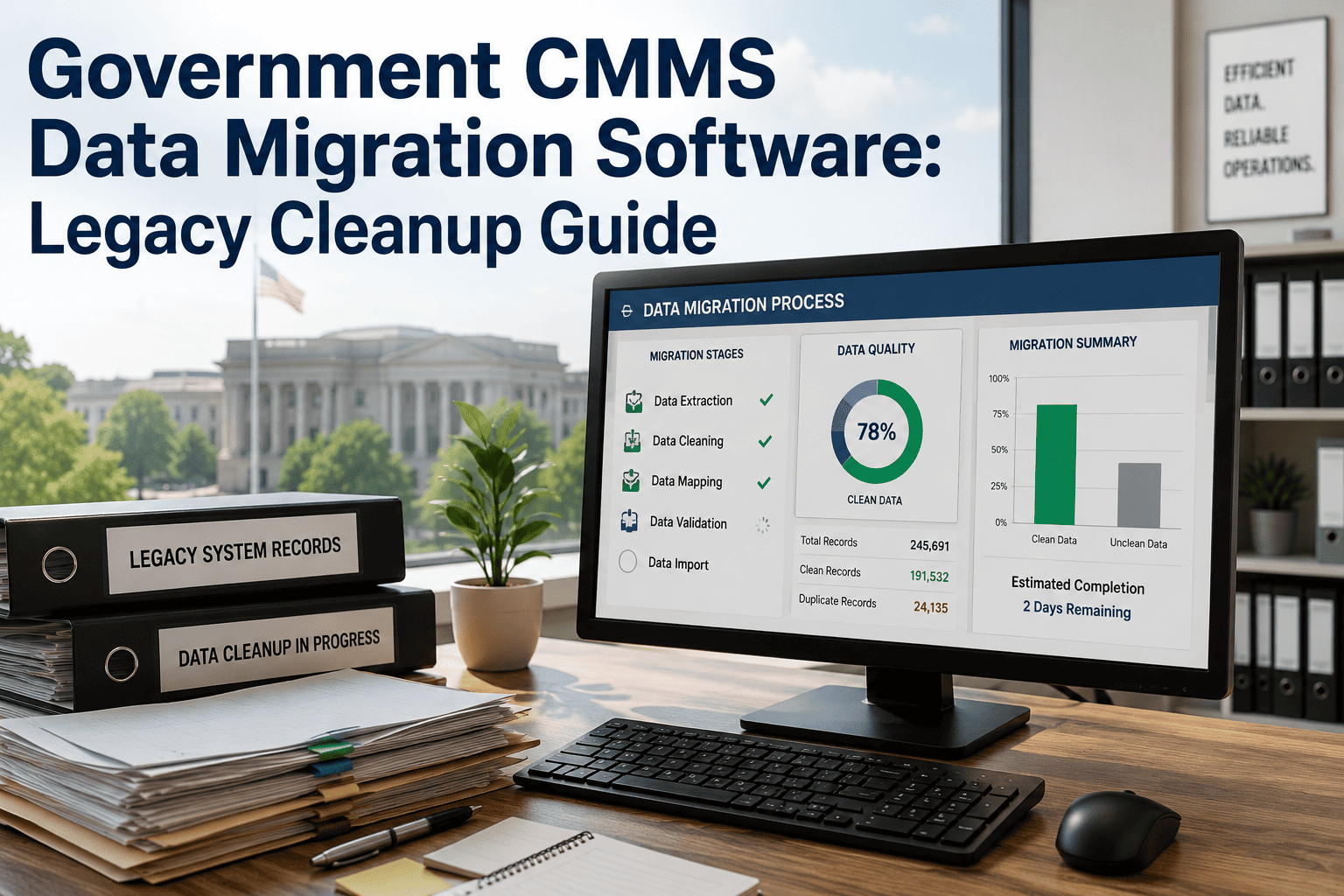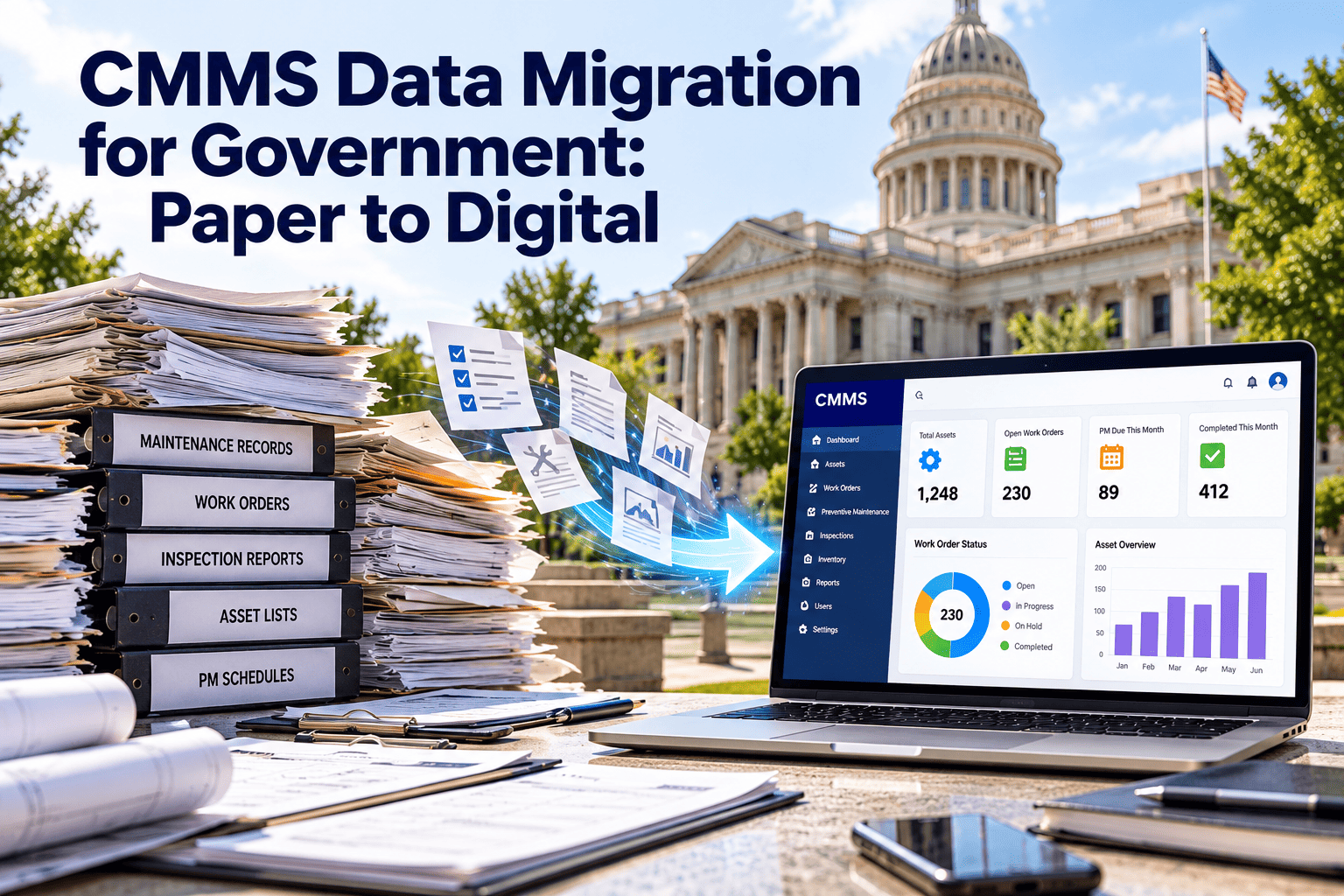
Most city and county maintenance teams do not start from zero. They start from filing cabinets of work order carbons, a spreadsheet per department, equipment cards in a supervisor's desk, and years of knowledge that lives in a few experienced technicians. Moving that history into a maintenance system is the riskiest part of any rollout, because bad data carried over simply recreates old problems on a new screen. This guide covers how to plan CMMS data migration for public agencies, from inventory and cleanup to cutover, and shows where a platform such as Oxmaint fits into the process.
CMMS Data Migration for Government: Paper to Digital
Move binders, spreadsheets and tribal knowledge into one clean asset and work order system without losing history, breaking audit trails or stalling daily operations.
Why public sector migrations stall
What agencies usually face
- Maintenance requests arrive by phone, email, counter slips and shared spreadsheets, so no single list shows what is open.
- Different departments name the same pump, vehicle or building in different ways.
- Asset lists were built for budgeting or insurance, not for maintenance, so locations and parents are missing.
- Years of completed work sit on paper that nobody has time to retype.
- Staff worry that a new system adds clerical work to already full days.
What it costs when ignored
- Duplicate assets split repair history across several records, hiding repeat failures.
- Preventive schedules are built on guesses, so intervals are wrong from day one.
- Technicians stop trusting the system and return to notebooks.
- Audit and grant requests still require manual reconstruction of records.
- Reports show confident numbers built on incomplete inputs.
Step one: inventory every source of maintenance data
| Source | Typical problems | Migration approach |
|---|---|---|
| Paper work orders and binders | Handwriting, missing dates, no asset ID | Migrate only recent and high-value history; scan and attach the rest |
| Departmental spreadsheets | Inconsistent names, merged cells, duplicate rows | Standardize columns, then import in batches by department |
| Equipment cards and nameplate photos | Scattered, partly outdated | Capture make, model and serial in the asset record during field verification |
| Vendor and contractor invoices | Repair details buried in billing | Link to the asset as cost history where it matters for lifecycle decisions |
| Inspection and compliance logs | Signed paper, gaps between visits | Keep originals as attachments and rebuild schedules as recurring inspections |
| Parts and storeroom lists | Counts that do not match shelves | Recount, then load stock levels and reorder points |
Not every record deserves migration. A good rule is to bring across anything needed to run next year's maintenance, and archive the rest.
A six-phase path from binders to a working system
Scope and ownership
Name a data owner per department, define what counts as an asset, and agree on the minimum fields every record needs.
Collect and consolidate
Gather every list into one working file so duplicates and conflicts become visible before anything is imported.
Clean and standardize
Apply naming rules, remove duplicates, fill locations and assign each asset a category and criticality.
Verify in the field
Walk the sites with a mobile device, confirm assets exist, tag them and photograph nameplates.
Import and test
Load a pilot batch, compare it with the source, fix mapping errors and only then load the remainder.
Cutover and stabilize
Stop creating new paper work orders, retire old spreadsheets and review data quality weekly for the first months.
Asset tagging and hierarchy come before history
Rules that keep the register usable
- Give every asset one permanent ID that never changes, even if the item moves.
- Match the physical tag, such as a barcode or QR label, to the record before go-live.
- Build a parent and child hierarchy so a pump station, its pumps and their motors roll up correctly.
- Record location precisely enough that a new technician can find the asset without calling anyone.
- Rank criticality early so preventive maintenance effort goes where failure hurts most.
Data cleanup checklist before import
Identity
- One name format for every asset type
- No duplicate IDs or near-duplicate names
- Serial and model captured where available
Structure
- Every asset has a site and location
- Parent and child links are complete
- Categories match the reporting you need
History
- Dates use a single format
- Work types separate preventive from corrective
- Costs and labor are tied to the right asset
Governance
- Named owner approves each batch
- Source files are archived unchanged
- Retention rules are confirmed with records staff
Before and after migration
- Requests live in email, phone notes and several spreadsheets
- Repair history is found by asking the longest-serving technician
- Inspection proof is assembled by hand when an auditor asks
- Parts are ordered after a breakdown reveals the shortage
- Managers see problems only after complaints arrive
- Every request becomes a tracked work order with an owner and status
- Each asset shows its full service history in one place
- Inspections and signatures are stored as dated records
- Stock levels and reorder points are visible to the storeroom
- Dashboards show backlog, overdue work and repeat failures
Phased rollout beats a single big-bang cutover
One department with motivated staff and a manageable asset count. Prove the data model and gather field feedback.
Add facilities, fleet or utilities, whichever carries the most request volume. Refine templates and roles.
Bring in parks, streets, stormwater and specialty crews using patterns already proven.
Tune preventive intervals, retire legacy files and extend reporting to leadership and finance.
How Oxmaint supports each stage
Plan your migration before you buy the software
Walk through your current spreadsheets and binders with a team that understands public sector maintenance.
Validation and cutover checklist
Reconcile counts
Compare asset totals by site and category against the source lists and explain every difference.
Spot-check records
Pick a sample of assets per department and confirm tags, locations and history in the field.
Train by role
Technicians, dispatchers, supervisors and managers each practice only the tasks they will perform.
Set a firm cutoff date
After the date, new work is entered only in the system, and old forms are no longer accepted.
Review weekly
Track missing fields, unassigned orders and duplicate assets until the data stabilizes.
Measures that show the migration worked
Common mistakes to avoid
CMMS data migration FAQs
How much old paper history should we migrate?
Migrate recent work and records tied to critical or regulated assets, and scan older paper as attachments. Retention rules should guide what you keep.
Can we import our existing spreadsheets directly?
Usually yes, after standardizing columns and removing duplicates. You can book a demo to review your files.
How long does migration take?
It depends on asset count and data quality, so a pilot department is the best way to estimate. Cleanup typically takes longer than the import.
Do we need to tag every asset first?
Start with critical assets and expand by wave. Unique IDs matter from the start, while physical tags can follow site by site.
Can we try the system before committing?
Yes, sign up and load a small batch of assets to test your mapping.
Replace scattered requests with one clean maintenance record
Start with a pilot department and build a migration plan your crews will actually follow.