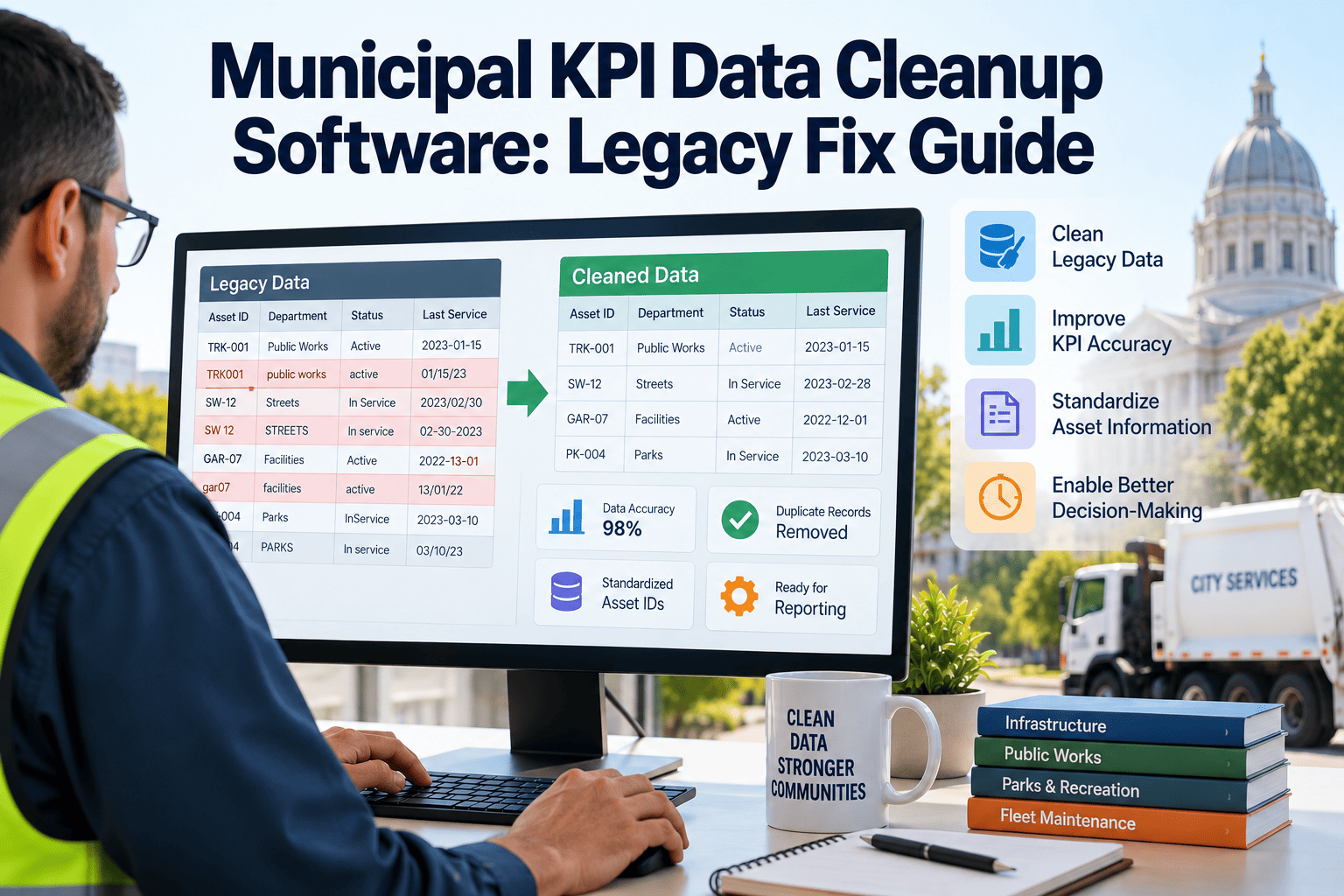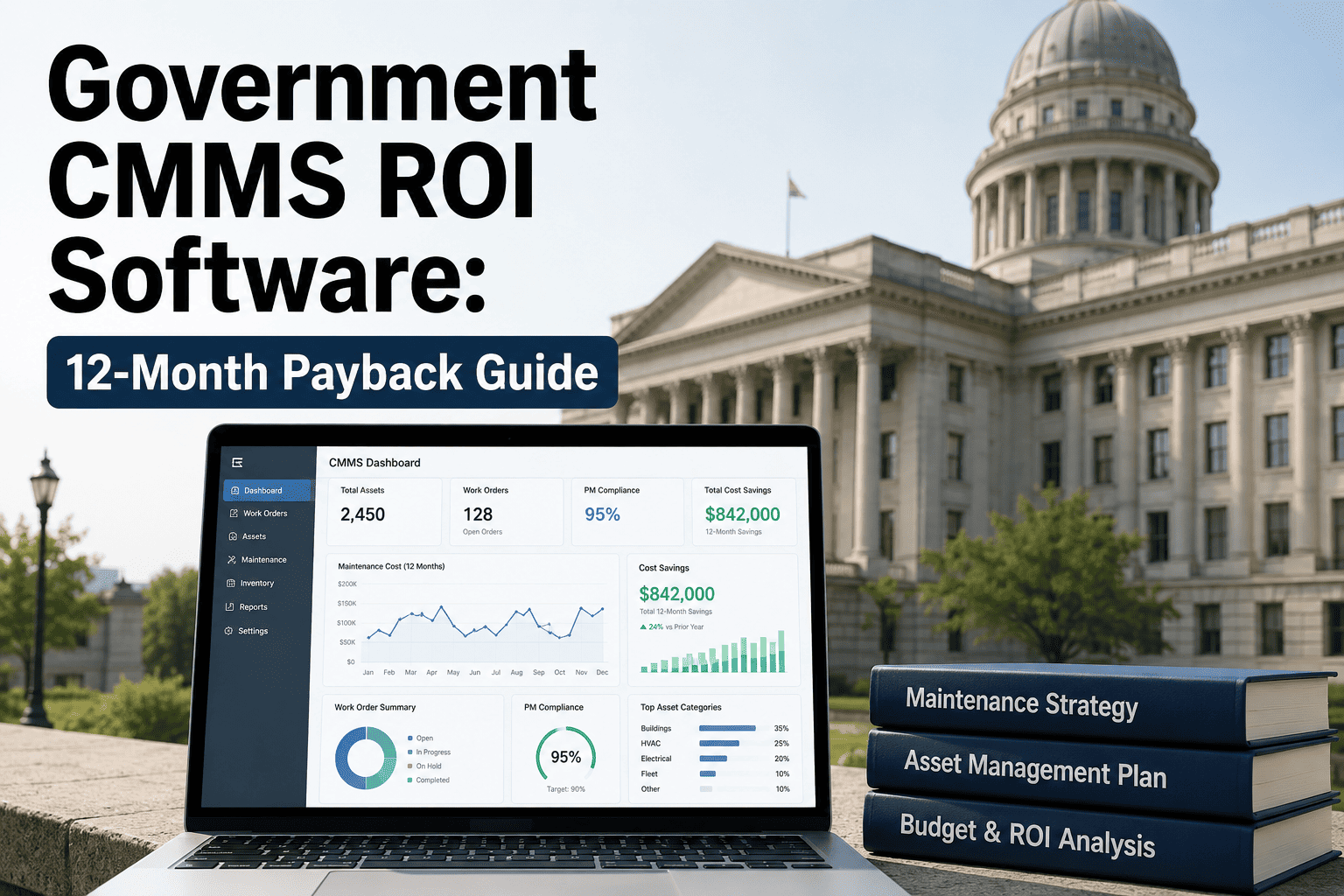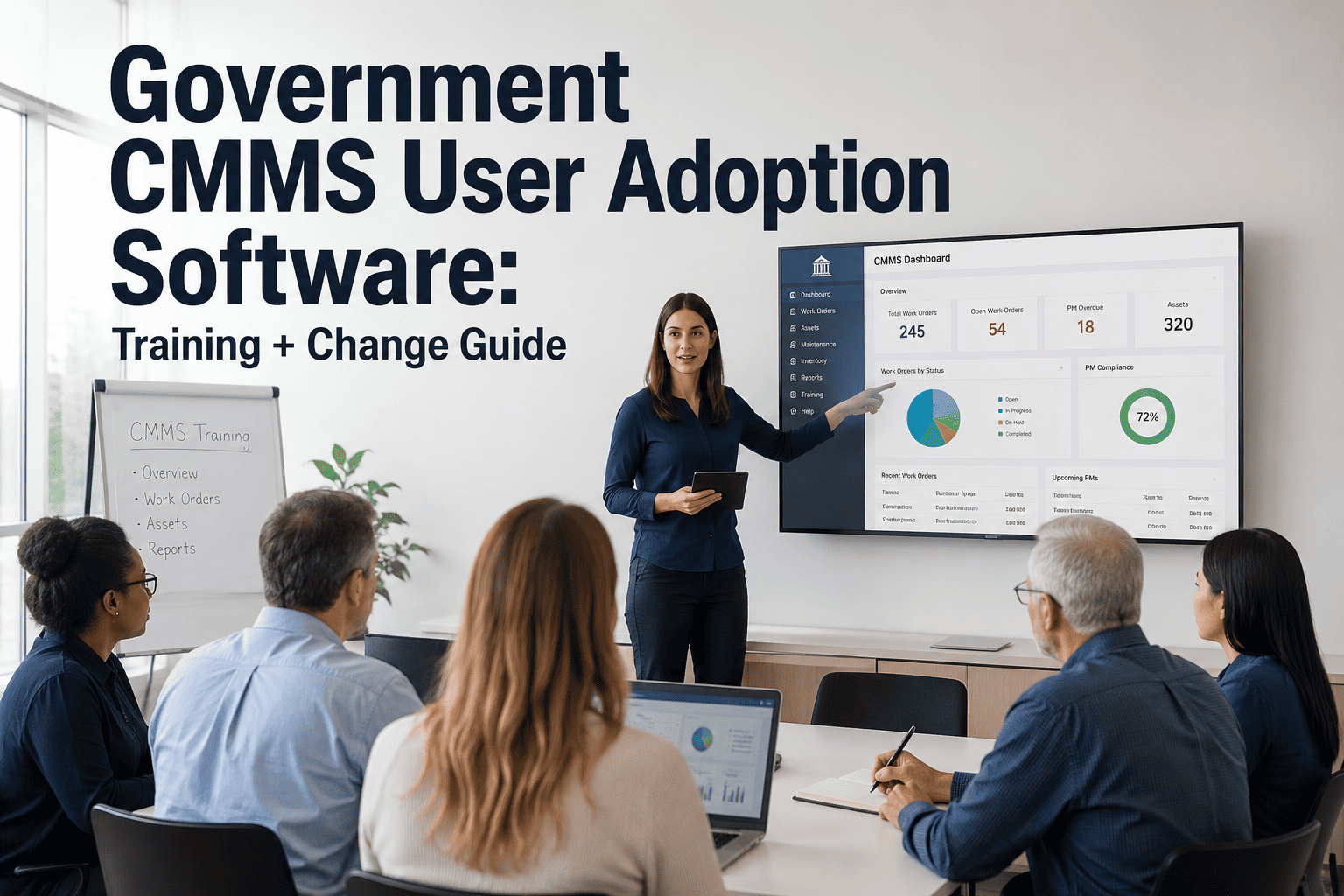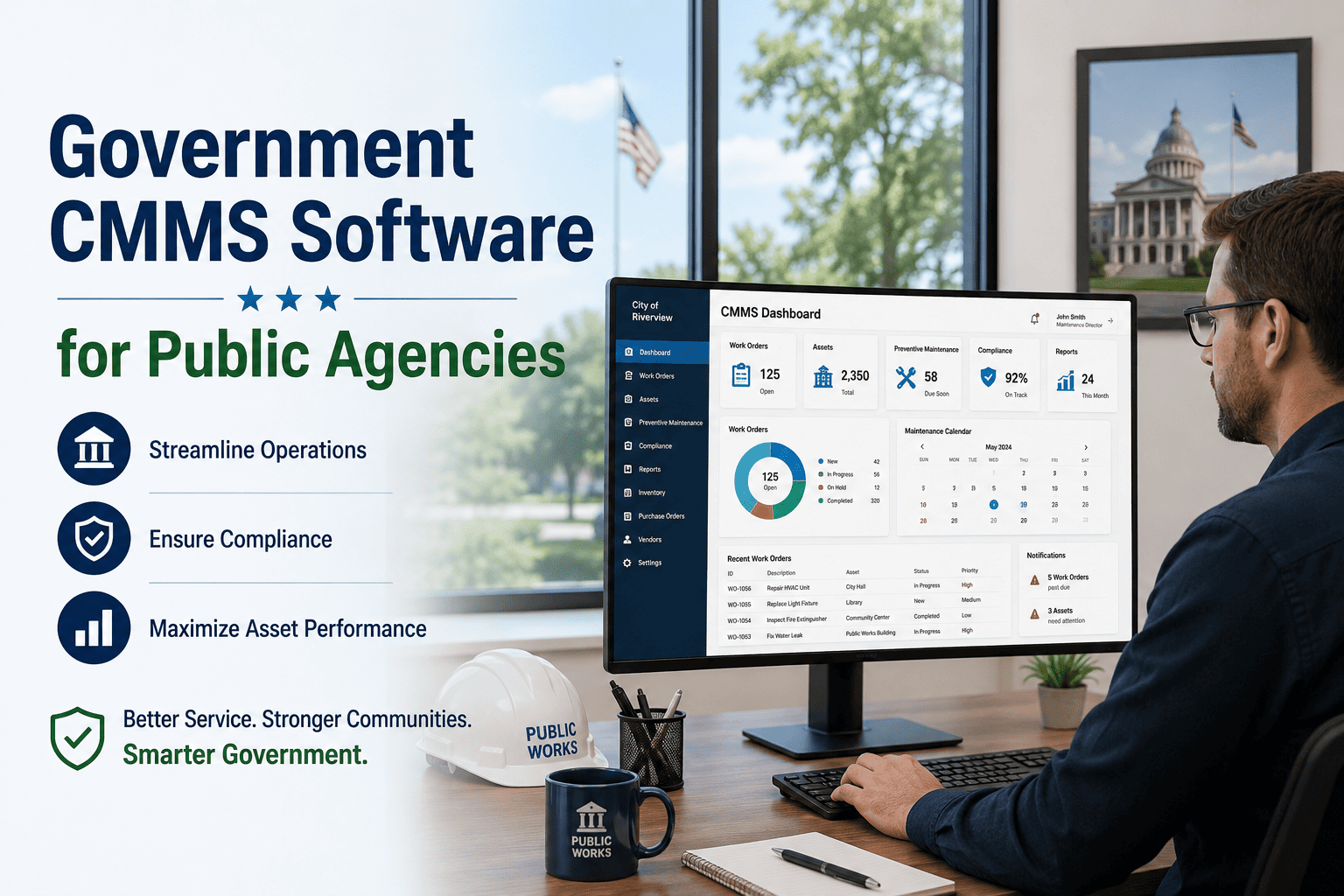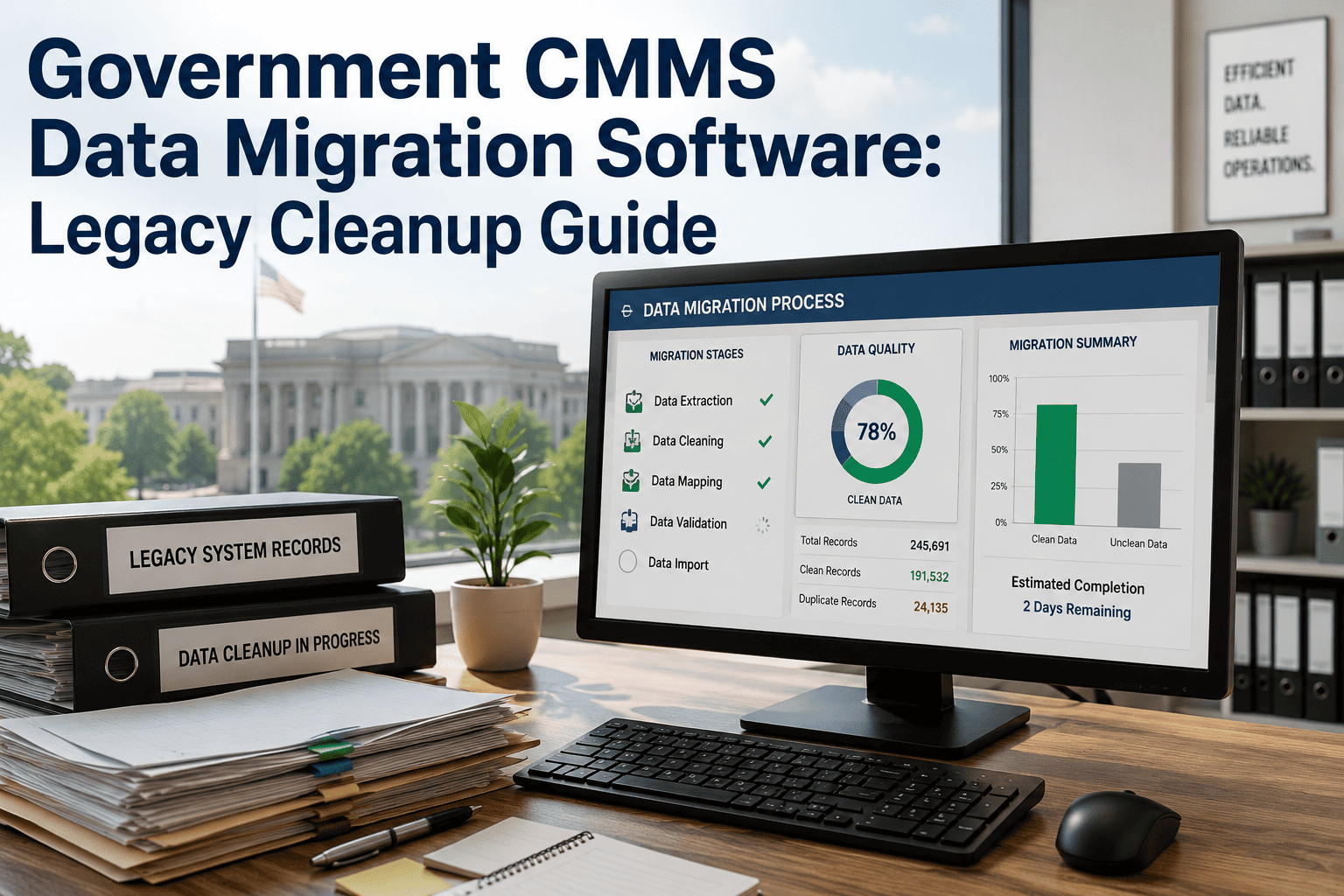
Every government agency running a computerized maintenance management system eventually faces the same reckoning: the CMMS is aging, support costs are climbing, and the data locked inside it has to move somewhere without disappearing along the way. Legacy platforms like IBM Maximo, department-built spreadsheets, and shelves of paper work orders were never built to talk to a modern system, and close to eight in ten data migration projects run over budget or fail outright when that gap gets underestimated. Public agencies carry extra weight here, since asset records tied to bond financing, grant compliance, and public records requests cannot simply vanish because a file got renamed mid-move. A migration built around a documented, auditable checklist is what separates a clean cutover from a multi-year data-quality problem, and OxMaint's government CMMS migration tools at app.oxmaint.ai are built around exactly that discipline.
Legacy Data Doesn't Retire When Your CMMS Does
Whether your department is walking away from IBM Maximo, a decade of department spreadsheets, or a filing cabinet of paper work orders, swapping the software is the easy part. The data underneath it decides the next five years of asset management, audit response, and budget justification. A rushed export carries forward every duplicate, every mislabeled asset, and every undocumented shortcut a retired employee built years ago — a planned migration does not.
Three Legacy Starting Points, Three Different Problems
Most public agencies are not migrating from one clean system — they are migrating from whichever combination of enterprise software, department spreadsheets, and paper history their organization has accumulated over the last twenty years. Each source demands a different discipline before it can safely land in a modern CMMS.
IBM Maximo, SAP PM & Similar Platforms
Enterprise platforms hold the deepest history but the most rigid schema. Custom fields added by IT staff who left years ago, undocumented workflow rules, and rising per-seat license costs are usually what force the move. The asset hierarchy, failure codes, and PM schedules are worth preserving in full — the one-off customization built around a single retired employee's workaround usually is not. Export tools built into these platforms are also not the same thing as a migration plan; they move rows, not judgment about which rows still matter.
Department Workbooks & Access Files
Every department keeps its own version. Fleet has one workbook, facilities has another, and neither uses the same asset ID format. There is no record of who changed a cell last Tuesday, and formulas break silently when a column gets inserted. Migrating from spreadsheets means standardizing the data before mapping it — not just copying rows into a new table. Expect to spend more time reconciling naming conventions across departments than actually moving the numbers themselves.
Work Order Binders & File Cabinets
Paper survives power outages and server crashes, but it cannot be searched, trended, or produced quickly for a records request. Years of binders represent real maintenance history — but only after someone digitizes, timestamps, and links each sheet back to a specific asset. Prioritize assets under active warranty, litigation, or capital-planning review first, and treat the rest as a background digitization project rather than a blocker to going live.
Not Sure What's Actually in Your Legacy System?
OxMaint's implementation team reviews your existing data sources, asset structure, and PM library before any contract is signed, and returns a clear migration scope, timeline, and risk register your department can share with leadership.
Signs Your Department Needs a Plan, Not Just an Export Button
A surprising number of public agencies find out mid-migration that their legacy data was never in the shape they assumed. These are the warning signs worth checking for before a go-live date gets locked in.
Nobody Owns the Master List
If asset counts differ depending on which department you ask, there is no single source of truth to migrate from — there are several, and they disagree with each other.
Work Orders Reference Assets That No Longer Exist
Decommissioned equipment still generating PM tasks is a common sign that the legacy system has not been reconciled against the field in years.
Critical Knowledge Lives in One Person's Head
If only one retiring staff member understands a custom field or a workaround, that knowledge needs to be captured in the audit phase, not discovered after they leave.
The Five-Phase Migration Roadmap
Skipping or compressing any one of these phases is what turns a routine software swap into a multi-year data-quality problem. The sequence below applies whether your department is moving off Maximo, a spreadsheet, or a mix of both.
Audit
Document every data source in use — which system holds what, how old the records are, and how complete each field actually is. Most departments discover at least one "shadow" spreadsheet during this step that nobody outside one office knew existed, along with a handful of paper binders nobody had scheduled for review at all.
Cleanse
Remove duplicate asset records, standardize date and ID formats, and decide which historical data gets actively migrated versus archived for compliance only. Attempting to carry over every record ever created overwhelms users and slows the new system down, and it usually drags forward the same naming inconsistencies that caused problems in the old system to begin with.
Map
Match every legacy field to its equivalent in the new CMMS, and flag the fields that have no equivalent so a decision gets made deliberately instead of by omission. This is where Maximo customizations and spreadsheet-only columns get resolved, and where the migration team should document why each unmapped field was dropped, not just that it was.
Migrate
Move data in stages, starting with the highest-value assets — fleet vehicles, critical infrastructure, anything under active warranty — while running the legacy system in parallel so crews are never blocked from closing a work order. Staging the move also limits the blast radius if a mapping error surfaces partway through.
Validate
Monitor data quality for at least 90 days after go-live — work order completion rates, PM compliance, and parts records — and correct systematic entry errors before they quietly become the new system's own bad habits. This is also the point where department heads should formally sign off that their data is accounted for.
What Has to Survive the Move
Not every field in a legacy system deserves a seat in the new one, but these six categories are what auditors, department heads, and future technicians will actually go looking for.
Asset Registry & Hierarchy
Parent-child relationships between systems, sub-systems, and components, so a bridge deck, its bearings, and its expansion joints stay connected in the new record instead of becoming three unrelated line items.
PM Schedules & Meter Triggers
Time-based and meter-based preventive maintenance rules, including the ones a single supervisor set up manually and never documented anywhere else outside their own memory.
Work Order & Failure History
Completed work orders, failure codes, and downtime records that feed every future reliability decision and every past dispute an agency may need to revisit years later.
Parts & Inventory Counts
Stock levels, reorder points, and vendor part numbers, reconciled against a physical count rather than trusted blindly from the old system, since shrinkage and unrecorded usage tend to accumulate quietly over the years.
Warranty & Vendor Records
Purchase dates, warranty windows, and vendor contact history — the fields most likely to be missing entirely from a paper-based system, and the ones that save the most money when a claim is filed on time.
Compliance Attachments
Inspection certificates, permit records, and any document a Government Accountability Office review or state auditor might request years from now, indexed so they can be produced without a manual search through storage.
Legacy Record vs. Migrated Record — A Side-by-Side Scorecard
The value of a migration is easiest to see when the same asset's record is scored before and after the move, across the criteria that matter most to a public agency. None of these dimensions require new software features on their own — they require the underlying data to be trustworthy enough to build features on top of.
| Scoring Dimension | Legacy Record | Migrated & Cleansed Record |
|---|---|---|
| Data completeness across required fields | Inconsistent, department by department | Standardized against one schema |
| Duplicate asset or work order rate | Often 10–20% in merged spreadsheets | Deduplicated before cutover |
| Searchability by asset, defect, or date | Manual lookup, binder by binder | Filterable in seconds |
| Audit and records-request readiness | Days of staff time per request | Exportable evidence pack |
| Technician adoption of the record system | Workarounds and side notebooks | One system of record |
The Cost of Getting This Wrong
Public agencies rarely budget for the cost of a failed migration, because that cost shows up months later as duplicate assets, missing PM history, and a records request that takes days instead of minutes. It also shows up as staff time spent re-entering data that should have transferred correctly the first time. A few figures worth planning against:
The KPIs That Tell You the Migration Actually Worked
Go-live is not the finish line. These are the metrics a public works or facilities director should track for at least a quarter after cutover.
Questions Worth Asking Before You Sign a Migration Contract
A migration vendor's sales pitch will always sound confident. The questions below are what separate a vendor who has actually done this for a public agency before from one who is learning on your department's budget.
Do they audit before they map?
A vendor who wants to start mapping fields before reviewing your actual data sources is skipping the step that catches the most expensive surprises.
Have they migrated from your specific legacy system before?
Maximo, spreadsheet, and paper migrations each carry different risks. Ask for a reference from an agency that moved off the same source system your department is using today.
What happens to data during the parallel-run period?
Work orders closed in the old system during cutover need a clear plan for how and when they get reconciled into the new one, not an afterthought.
Who signs off that the migration is complete?
A migration without a formal, department-by-department sign-off tends to surface gaps months later, usually during an audit rather than during testing.
I have led three CMMS transitions across two counties, and the migrations that went badly were never the ones with old software — they were the ones where nobody could tell me, in writing, what was actually inside the old system before we started moving it. The successful projects all did the same unglamorous thing first: they audited every spreadsheet, every binder, and every custom field in the legacy platform before touching the new one. That single step is the difference between a department that can answer an auditor's question in an afternoon and one that spends a week digging through file cabinets. It also changes the conversation with elected officials, because a director who can point to a documented data trail is negotiating from a position of evidence rather than assurance. None of that requires more staff or a bigger budget — it requires treating the audit phase as real project work instead of a formality on the way to the software everyone actually wanted.
Frequently Asked Questions
How long does a government CMMS data migration actually take?
Enterprise platforms like Maximo typically take 10–16 weeks depending on data volume and customization, while spreadsheet or paper-based migrations can move faster once the cleanup step is done and duplicate records have been resolved. Book a demo to get a timeline scoped to your department.
What happens to years of paper work orders that were never digitized?
They get scanned, timestamped, and linked to the correct asset before mapping into the new CMMS. Older, low-priority records can be archived for compliance rather than actively migrated, keeping the live system fast and searchable while still satisfying a records-retention requirement.
Can OxMaint migrate directly from IBM Maximo or does data need to be exported first?
OxMaint's implementation team works directly with Maximo exports, mapping asset hierarchy, PM schedules, and failure history field by field rather than dumping raw tables into a new schema. Start a free trial to see a sample mapping against your own export.
What data typically gets left behind during a legacy cleanup, and is that a problem?
Duplicate records, undocumented custom fields tied to a single former employee's workaround, and stale inventory counts are usually left out deliberately. Leaving them out is the point — carrying every historical error forward into a brand-new system defeats the entire purpose of doing a cleanup in the first place.
How do we keep the system running during the migration so crews aren't blocked?
A staged migration runs the legacy and new systems in parallel, starting with high-value assets, so technicians always have a working system to close a work order in throughout the transition. Book a demo to walk through the parallel-run plan.
Your Next Audit Won't Wait for a Cleaner Spreadsheet.
OxMaint helps public agencies move off Maximo, spreadsheets, and paper records with a documented, audit-ready migration plan — built around how your department already works, not around a generic import template.