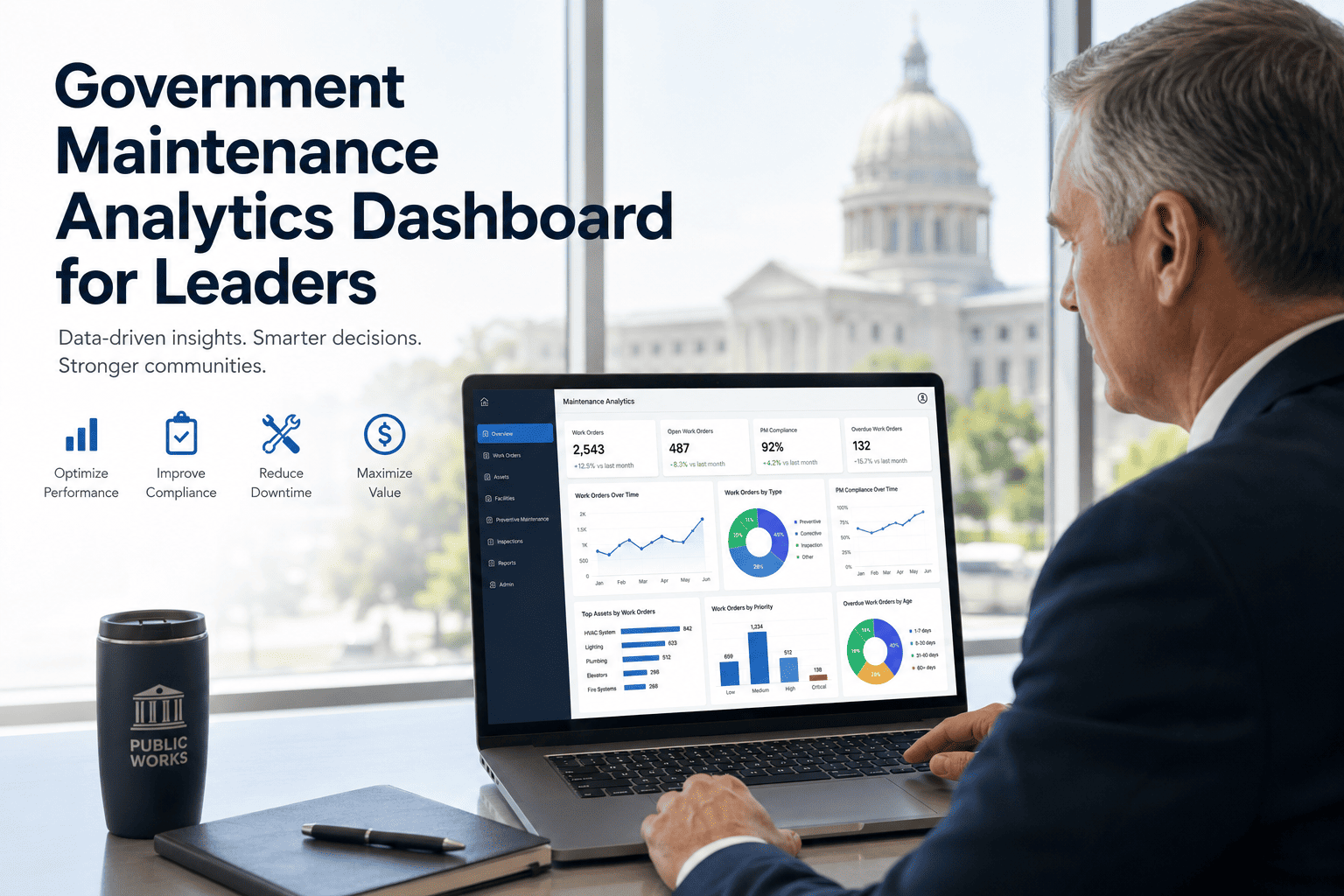
Directors and department heads in public works don't need another spreadsheet — they need to walk into a budget meeting knowing exactly how many work orders are overdue, how PM compliance is trending, which assets are eating the most repair dollars, and whether crew productivity is improving or slipping. OxMaint's analytics dashboard puts all of it on one screen, updated in real time. Book a free demo to see a live dashboard built from your own data.
Article · Analytics & Reporting
One Screen That Answers the Questions Leadership Actually Asks
Open Backlog
312
work orders
PM Compliance
87%
target: 90%
Avg. Cost / Order
$184
vs $210 last quarter
What Leaders Need to Know
Five Questions the Dashboard Answers Daily
1
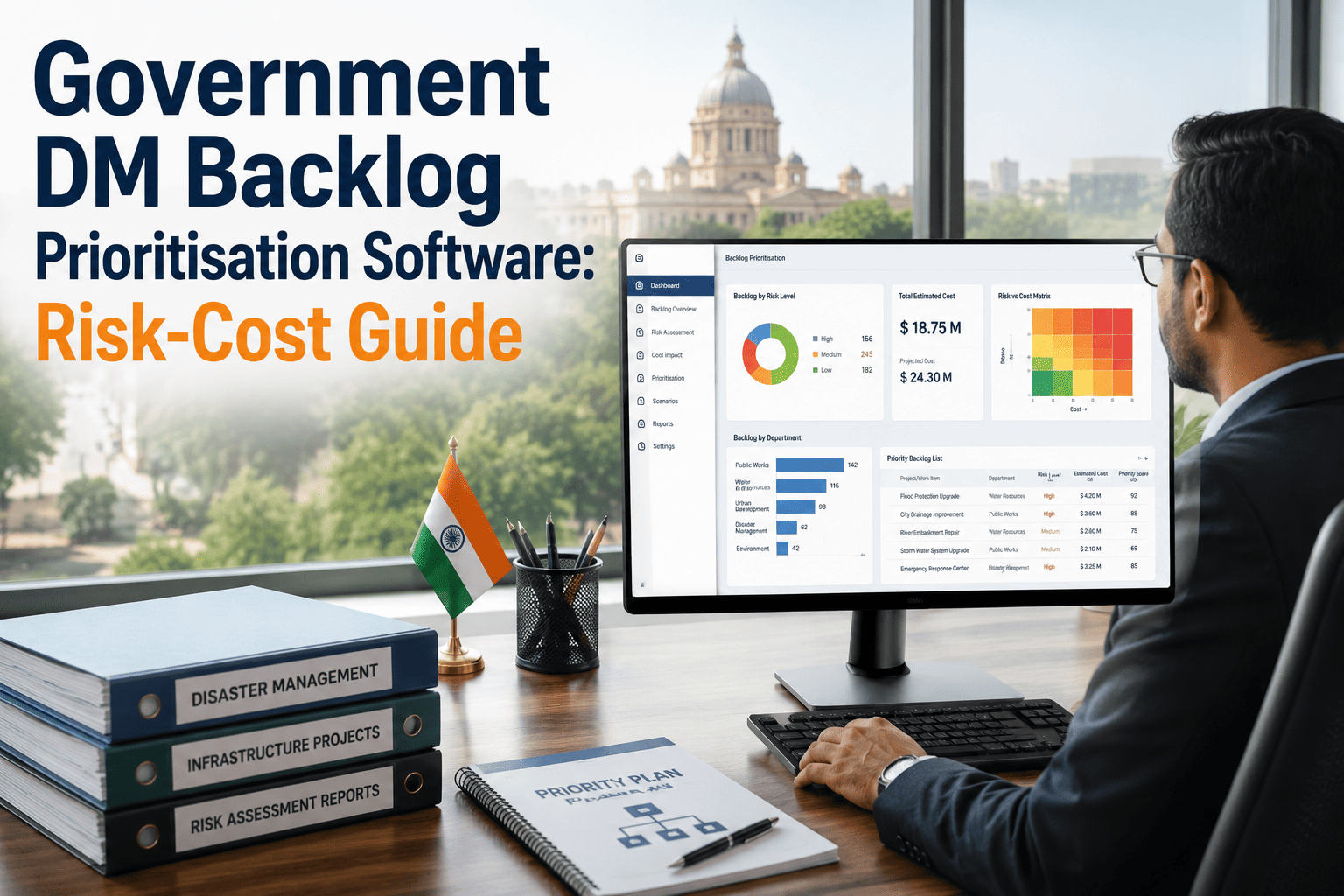
How big is the backlog, and is it growing or shrinking?
Backlog trends over time, broken down by department and asset category.
2
Are preventive maintenance schedules being followed?
PM compliance rate against target, with drill-down by facility or asset type.
3
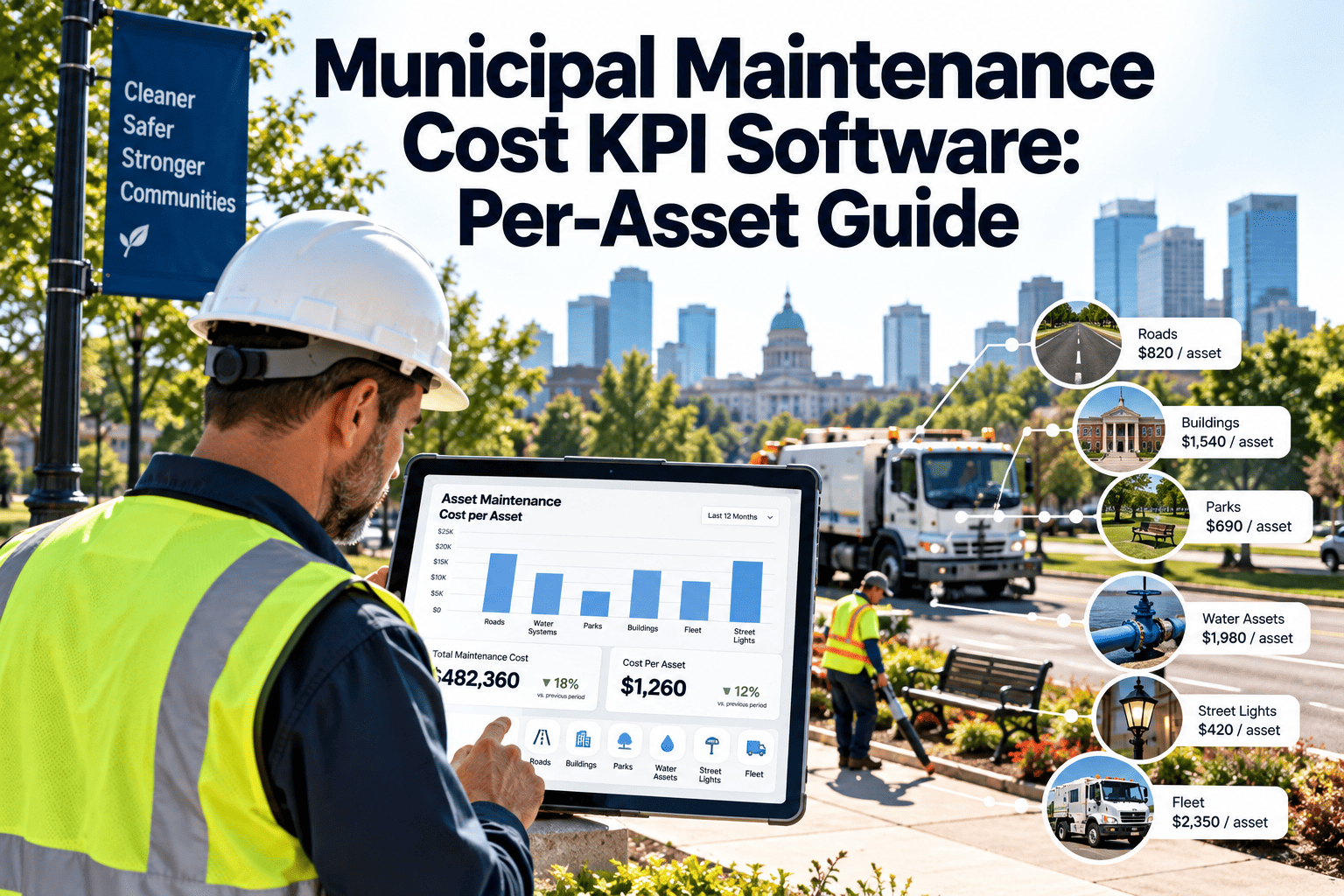
Which assets are costing the most to maintain?
Cost ranking by asset, highlighting candidates for repair-vs-replace decisions.
4
Are crews meeting response time commitments?
SLA performance by crew, work order type, and location.
5
Where is the budget actually going?
Cost breakdown by labor, parts, and vendor spend across the reporting period.
Build a Dashboard From Your Own Maintenance Data
Connect your existing work order and asset data and see these metrics populated automatically.
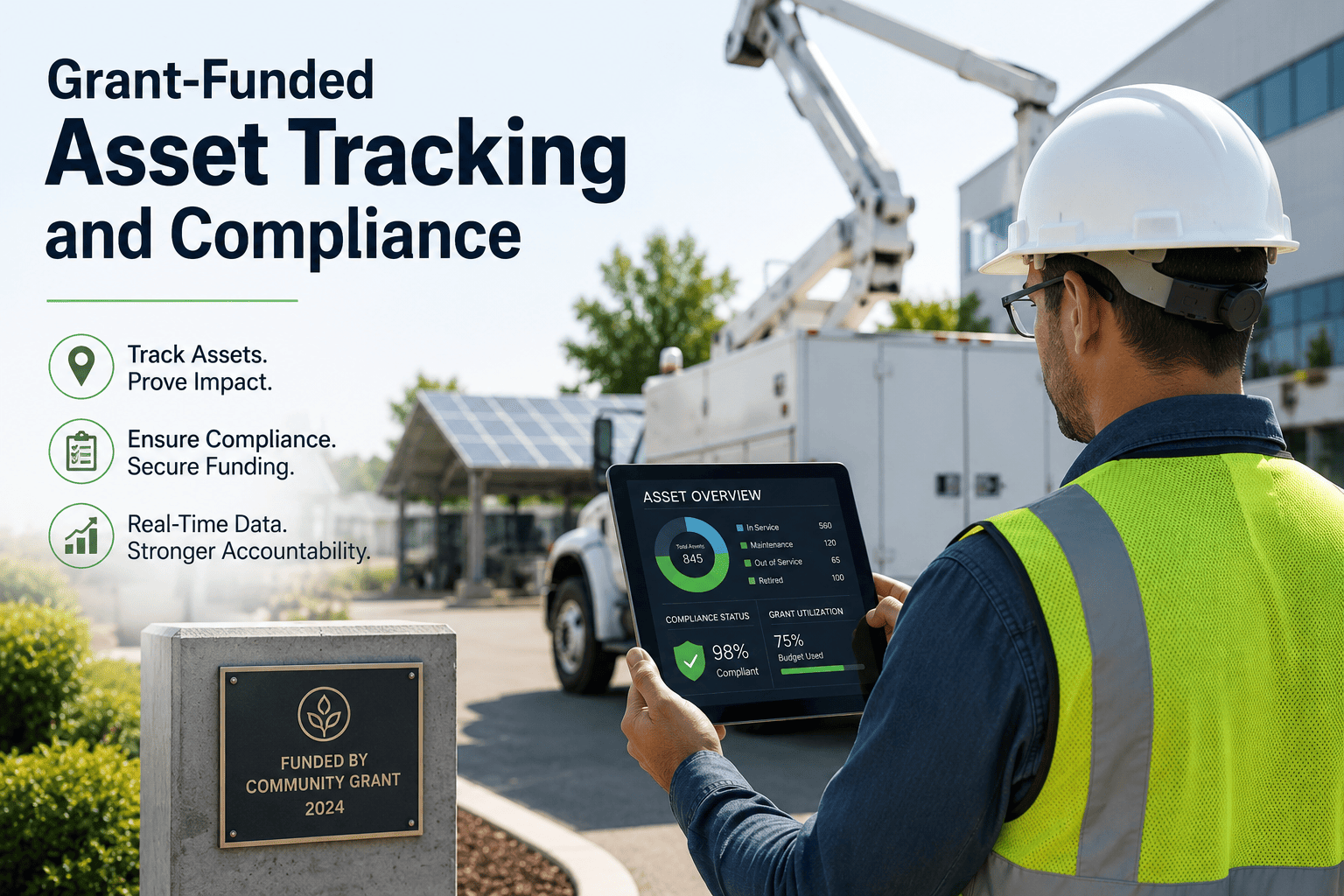
Asset Condition Overview
Condition Distribution Across the Asset Portfolio
Reporting Cadence
How Reports Reach Different Audiences
| Audience |
Report Type |
Frequency |
Focus |
| Department Director |
Executive Summary |
Weekly |
Backlog, SLA, cost trends |
| Budget Office |
Cost Breakdown |
Monthly |
Labor, parts, vendor spend |
| Operations Supervisor |
Crew Productivity |
Daily |
Tasks completed, response times |
| Council / Board |
Asset Condition Summary |
Quarterly |
Portfolio health, capital planning input |
Expert Review
What Industry Experts Say
Real-time visibility into maintenance backlog and PM compliance is consistently identified as a foundational element of effective asset management programs, supporting better-informed capital planning and budget justification.
— APWA, Asset Management Framework Guidance
Agencies that track cost-per-work-order and crew productivity metrics over time are better positioned to identify efficiency gains and justify staffing or technology investments to budget authorities.
— Government Finance Officers Association, Performance Measurement Reports
FAQs
Frequently Asked Questions
Can the dashboard be customized for different departments?
Yes. Views can be filtered and saved by department, asset category, or location, so each team sees the metrics relevant to their operations.
Start free to set up department-level views.
Can reports be scheduled and emailed automatically?
Yes. Reports can be configured to generate and send automatically on a daily, weekly, or monthly schedule to specific recipients.
How far back does historical data go?
Historical data is retained based on your configuration and can include data migrated from your previous systems, allowing trend analysis from before OxMaint was implemented.
Book a demo to discuss data migration options.
Can this data support capital improvement planning?
Yes. Asset condition trends and cost-per-asset data are commonly used as inputs for capital improvement plans and repair-versus-replace decisions.
Analytics & Reporting
Walk Into Every Budget Meeting With the Numbers Ready
OxMaint's dashboard gives leadership real-time visibility into backlog, compliance, cost, and asset condition — no manual report building required.