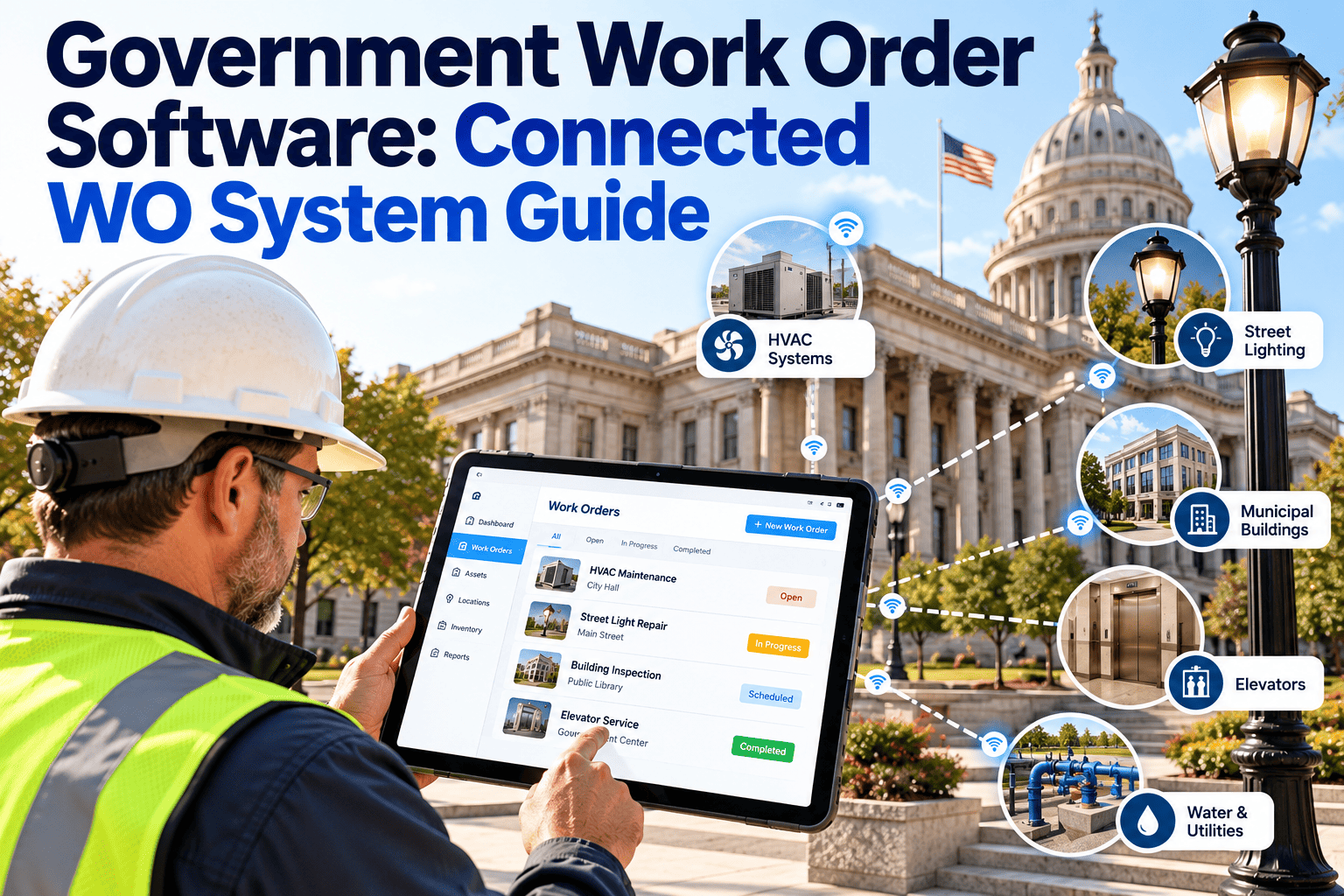
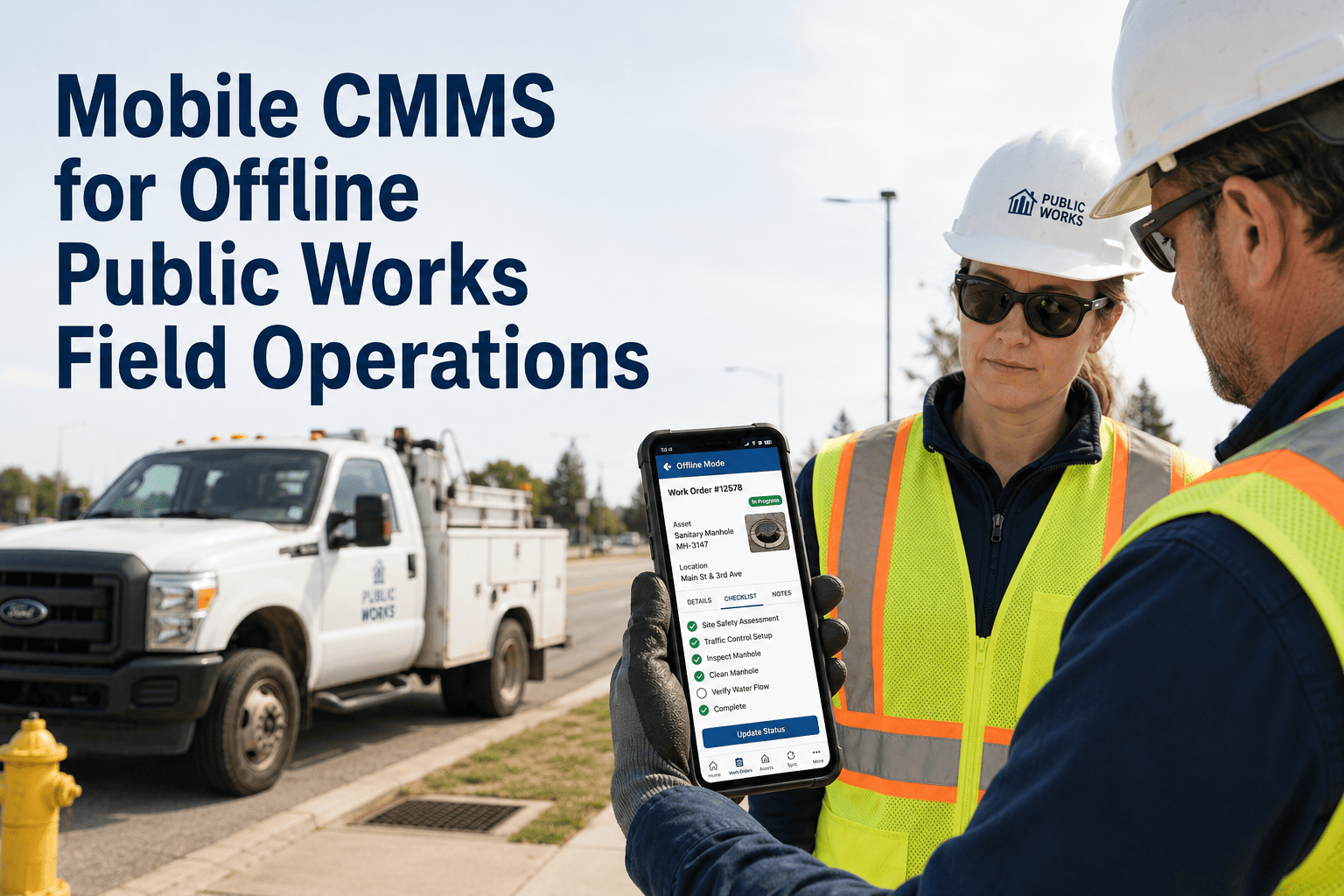
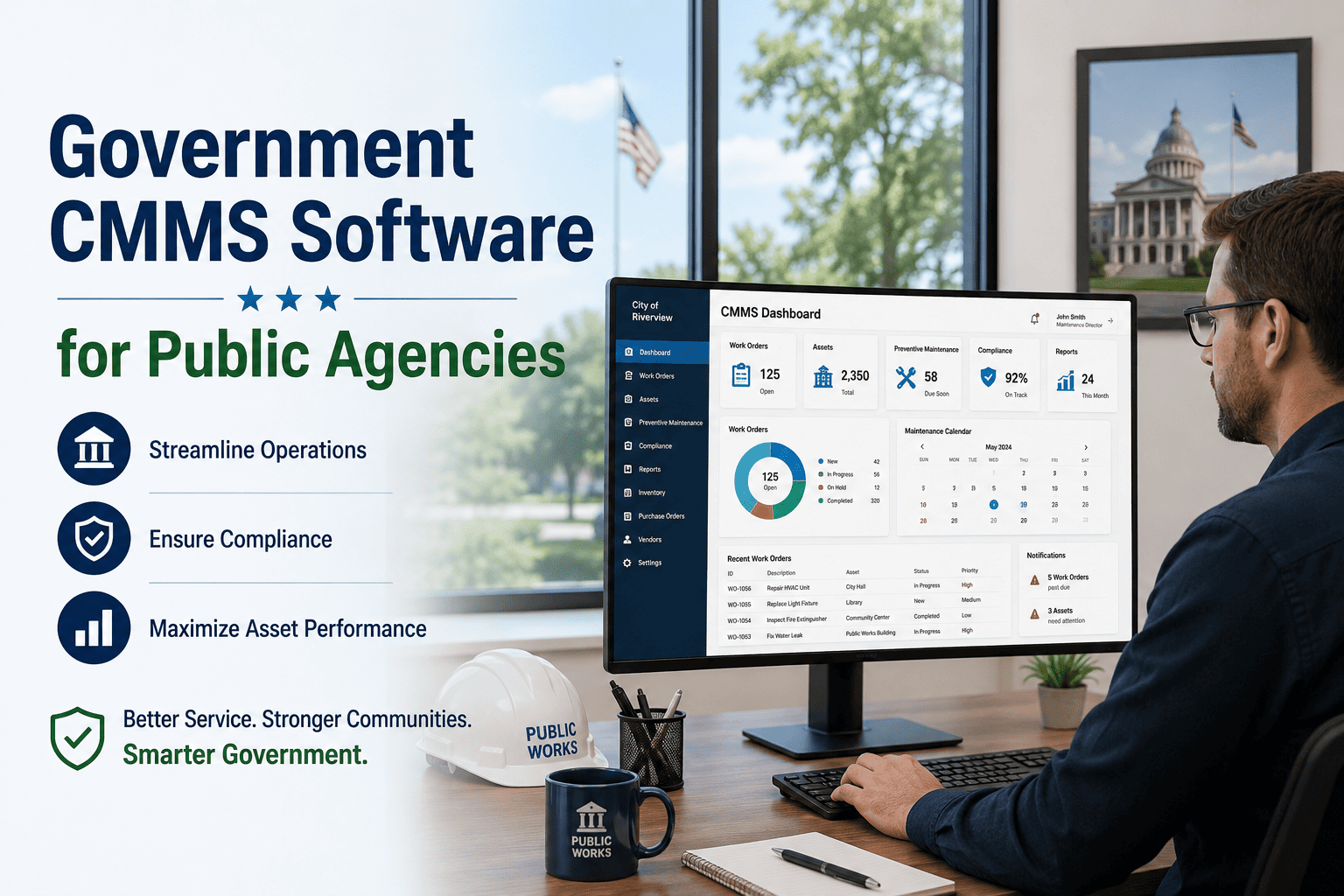
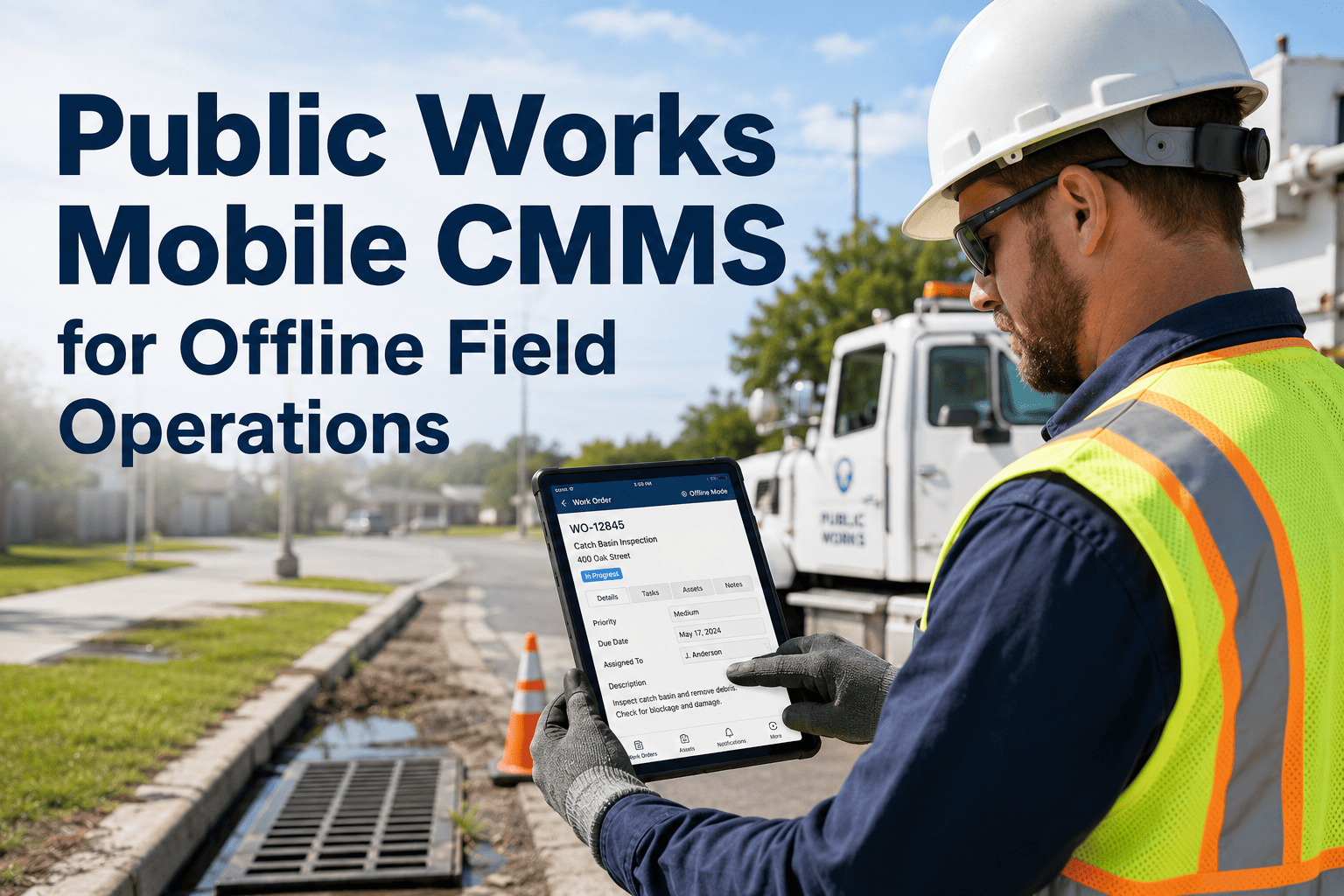
Follow a public works technician for one ordinary Tuesday and you will find the real cost of paper work orders — not in a single dramatic failure, but in ninety minutes a shift lost to clipboards, callback calls to the yard for missing information, and repair notes written from memory at 4:45pm. Across a department of thirty field staff, that gap adds up to thousands of lost labor hours a year, wrench time as low as 25 to 35 percent, and audit trails that exist mostly in someone's handwriting. Mobile work order software puts the job, the asset history, and the parts list directly into the technician's hand — and the agencies that have made the switch report 40 percent more work orders closed per day. Start free with Oxmaint to put your crews on mobile this week.
A Tuesday With Paper vs a Tuesday With Mobile
The clearest way to see what mobile work order software actually changes is to walk through the same day twice — once the way most public agencies still operate, and once the way leading departments run today. The difference is not a new gadget bolted onto an old process. It is hours of the day returned to actual maintenance work, and it is the gap between a technician who finishes the shift frustrated and one who finishes it having closed nearly twice the work.
Paper route
7:00Pick up printed work order stack at the yard, no asset history attached
8:15Arrive on site, realize the wrong part was pulled — drive back to the shop
10:40Repair complete, no photo taken, notes jotted on the back of the ticket
1:30Citizen complaint call comes in — dispatcher has no idea which crew is closest
4:45Back at the yard, reconstructing the day's paperwork from memory
4 jobs closed — 90 min lost to admin
Mobile route
7:00Work orders sync to phone overnight, parts list and asset history attached
7:45Scan the asset QR code on arrival, correct part already in the truck
9:10Repair complete, before and after photos and voice notes captured on site
1:30New work order auto-routes to the nearest crew by GPS in real time
4:15Last job closed from the truck — no paperwork waiting at the yard
7 jobs closed — 0 min lost to admin
The Numbers Behind the Paper Problem
Every department already knows paper is inefficient. What is less visible is exactly how much it costs in recovered labor, completion volume, and documentation quality once removed from the daily routine. These are the figures public agencies report after moving field crews to mobile work orders, drawn from operations that made the same switch this department is considering.
90 min
Lost per shift
Average time a technician loses daily to paperwork and searching for information
40%
More jobs closed
Increase in work orders completed per day after mobile deployment
45%
Less data entry
Reduction in field data entry time using mobile forms versus paper
100%
Photo documented
Completion rate for before and after photos once mobile capture is standard
Every recovered ninety minutes is another completed work order, another citizen complaint closed same-day, another line of defensible audit evidence. Oxmaint puts the full work order, asset history, and parts list on the technician's phone before they leave the yard.
Built for Every Crew, Not Just One Department
Government field work spans wildly different disciplines under one roof — HVAC technicians, grounds crews, custodial staff, and general repair teams all carry different tools, different parts, and different hazards on any given day. A mobile work order platform has to serve all four without forcing any of them into a desktop-shaped workflow that was really designed for whoever sits behind the dispatch desk.
HVAC
Mechanical and controls
Scan the unit's QR code to pull manufacturer specs, refrigerant type, and full repair history before opening the panel. Meter readings log directly against the asset for trend tracking.
Grounds
Parks and landscaping
GPS-tagged work orders route crews by location across sprawling park systems. Seasonal PM schedules for irrigation, turf, and tree inspection push automatically to the right route.
Custodial
Building services
Simple checklist-based mobile forms for high-frequency, low-complexity tasks. Supervisors verify completion instantly instead of relying on paper sign-off sheets on a clipboard by the door.
Repair
General facility crews
Cross-trained technicians handling everything from door hardware to plumbing get one unified queue instead of juggling separate lists for each building or asset type they touch.
Eight Capabilities Every Government Mobile CMMS Needs
Not every mobile app built for maintenance survives contact with real field conditions — dead zones in basements, gloved hands on cold mornings, a truck cab that shakes at every pothole on the county road. These are the non-negotiable capabilities that separate a purpose-built government field tool from a desktop form squeezed onto a phone screen and shipped as a mobile app in name only.
1
True offline mode
Download assigned work orders, asset histories, and checklists before entering a basement, tunnel, or rural dead zone. Data syncs automatically the moment signal returns.
2
QR and barcode scanning
Scan any tagged asset to pull full history, manuals, warranty status, and open work orders instantly — no searching, no guessing which pump this actually is.
3
Photo and voice capture
Mandatory before and after photos reduce liability disputes and verify work quality. Voice-to-text notes let technicians log detail without typing in the field.
4
GPS-based routing
New emergency tickets auto-assign to the technician whose location is physically closest. Map view shows every nearby open work order across the jurisdiction.
5
Real-time inventory check
Field crews check part availability from the truck before driving to the shop. Consumption logs automatically against stock so reorder alerts trigger themselves.
6
One-tap status updates
Supervisors see job status change in real time — assigned, en route, in progress, closed — without a single phone call back to the yard for an update.
7
Minimal-click closeout
Closing a work order takes seconds, not minutes. Fewer required fields and more dropdowns and photo uploads means technicians actually use it every time.
8
Role-based permissions
Technicians see only their assigned work. Supervisors see full team workload and performance. Every role gets the exact view it needs, nothing more.
What Happens to Wrench Time When Paper Disappears
Wrench time — the share of a shift actually spent on hands-on maintenance rather than admin, searching, or driving for information — is the single clearest measure of field efficiency. It is also the metric that moves fastest once mobile work orders replace paper routes.
Wrench time more than doubles once technicians stop losing 90 minutes a shift to paperwork, callbacks, and searching for missing information — turning the same headcount into more than double the completed work.
How Oxmaint Runs Mobile Work Orders for Public Agencies
Oxmaint's mobile app is built around one principle — time on wrench. Every screen minimizes the clicks required to see, act on, and close a work order, because software that field staff find frustrating simply does not get used, no matter how good the dashboard looks in a demo. The technicians who actually carry the app every day are the real test of whether a mobile CMMS deployment succeeds or quietly fails.
Assign
Instant push to the right crew
Work orders route by location, skill, and current workload. Technicians get a push notification with the full job packet already attached.
Access
Full asset history in one scan
Scan a pump, HVAC unit, or vehicle to bring up its complete service history, warranty status, and manuals — no digging through file cabinets or shared drives.
Complete
Voice-to-text and photo capture
Close work orders with mandatory before and after photos and voice-dictated notes — accurate data captured at the source instead of reconstructed later.
Navigate
Map-based asset location
Find streetlights, hydrants, and remote assets on a live map. See every nearby open work order geographically instead of scrolling a flat list.
Sync
Offline-first architecture
Every screen works without signal. Downloaded work orders, checklists, and asset data sync automatically the moment connectivity returns.
Report
Supervisor visibility in real time
Dashboards show live crew location, job status, and completion rates. No end-of-day phone calls required to know where the department actually stands.
Departments deploying Oxmaint's mobile app typically see technicians fully onboarded within days, not weeks. Native apps with large buttons and minimal required fields mean field staff adopt it on day one.
Paper Work Orders vs Mobile: The Full Comparison
For directors weighing the switch, the comparison usually comes down to a handful of dimensions that matter most in budget hearings and daily operations alike. Here is the complete picture side by side — the kind of table that turns a maintenance discussion into a case any department head can defend in front of council or a city manager.
| Dimension |
Paper work orders |
Mobile work orders |
| Data entry time |
Manual transcription, duplicated effort |
45% faster with structured mobile forms |
| Wrench time |
As low as 25–35% of a shift |
Often exceeds 60–65% of a shift |
| Asset history access |
Filed in cabinets or scattered spreadsheets |
One QR scan away, always current |
| Photo documentation |
Inconsistent, often skipped entirely |
100% completion with mandatory capture |
| Dispatch speed |
Phone calls, radio, guesswork on location |
GPS-based auto-routing to nearest crew |
| Offline reliability |
Not applicable — paper always works |
Full offline mode, syncs on reconnect |
| Parts visibility |
Drive back to the shop to check stock |
Real-time inventory check from the truck |
| Audit trail quality |
Handwritten, easily lost or illegible |
Timestamped, photo-backed, exportable |
The 90-Day Rollout: How Agencies Actually Get There
Switching thirty field technicians from clipboards to phones is not a single flip of a switch — it is a short, structured rollout that most public agencies complete inside one budget quarter. The pattern below is what separates a mobile deployment that sticks from one that quietly reverts back to paper within six months.
A
Weeks 1–2: Asset and crew setup
Import the asset register, tag priority equipment with QR codes, and set up crew profiles by discipline. This is the foundation every scan and work order will reference going forward.
B
Weeks 3–4: Pilot with one crew
Run one department — usually HVAC or general repair — fully on mobile while the rest of the agency stays on paper. Fix workflow friction before scaling to every crew type.
C
Weeks 5–8: Department-wide rollout
Expand to grounds, custodial, and remaining repair crews using the pilot's refined workflow. Supervisors get dashboard training in parallel with technician onboarding.
D
Weeks 9–12: Paper retirement
Formally retire the paper work order pad. Wrench time, completion rate, and photo documentation metrics start feeding directly into monthly department reporting.
What Directors Bring Back to the Budget Conversation
Mobile deployment is not just a technician-facing change. It gives directors specific, current evidence for the budget conversations that decide whether the department gets the next round of equipment, headcount, or capital funding it needs.
Metric
Completion rate trend
Monthly work orders closed per technician, trended over time, gives finance committees a productivity curve instead of an anecdote about a busy season.
Metric
Citizen response time
Time from complaint to first crew response, tracked automatically from GPS dispatch data, is the number that shows up in constituent satisfaction reports.
Metric
Documentation completeness
Photo and note completion rate per closed work order gives auditors a defensible record instead of a stack of illegible paper tickets from the glove box.
Metric
Overtime reduction
Faster dispatch and fewer return trips for missing parts or information directly reduce the after-hours callouts that drive unplanned overtime spend.
What Ninety Recovered Minutes Is Actually Worth
Ninety minutes a shift sounds modest until it is multiplied across a department. For a thirty-technician public works team working roughly 250 days a year, that lost time adds up to a labor bill most directors have never actually calculated — and it is money spent on searching and paperwork rather than on the roads, parks, and buildings residents expect to see maintained.
675
Hours per technician
Annual hours lost to paperwork and searching at 90 minutes per shift across 250 working days
20,250
Hours per department
Total annual hours lost across a thirty-technician team before mobile deployment
10+
FTE equivalent
Roughly the number of additional full-time technicians that lost time is equivalent to hiring
$0
New headcount needed
Mobile deployment recovers that labor from the existing team without a single new hire
That last row is the argument that changes budget conversations. A mobile CMMS rollout is not a new line item competing against headcount requests — it is often the fastest way to add the equivalent of ten technicians to a department without touching the personnel budget at all.
Security and Access Control for Public Sector Mobile Deployment
Government IT departments evaluate mobile CMMS deployment differently than private industry does — every device in a technician's hand is a potential access point into public infrastructure data, and every login needs to be traceable for the same audits that govern the rest of the agency's technology stack. Mobile work order software built for public agencies has to satisfy that scrutiny without slowing technicians down in the field.
Access
Role-based permissions
Technicians see only their assigned work orders and the assets relevant to their role. Supervisors and directors see broader visibility scoped to their department or jurisdiction.
Identity
Single sign-on support
Integration with existing agency identity systems means technicians log in with the same credentials IT already manages, without creating a second password to track and secure.
Device
Remote wipe capability
A lost or stolen device does not become an open door into the asset register. Administrators can revoke access and clear cached data remotely the moment a device goes missing.
Trail
Full activity logging
Every login, work order action, and data change is timestamped and attributable to a specific user — the same standard of accountability public agencies already apply to financial systems.
Frequently Asked Questions
Does mobile work order software work without cell signal in the field?
Yes — offline mode lets technicians download assigned work orders, asset histories, and checklists before entering basements, tunnels, or rural dead zones. Everything syncs automatically once connectivity returns.
Try offline mode free.
How long does it take field crews to actually adopt a mobile CMMS app?
Native apps designed for technicians rather than office staff are typically adopted within days. Large buttons, minimal required fields, and voice-to-text input remove the friction that causes low-adoption rollouts elsewhere.
Can different crew types like HVAC, grounds, and custodial share one app?
Yes. Role-based views let each crew type see only what they need — HVAC technicians get asset specs and repair history, custodial staff get simple checklists — while supervisors see the full department queue in one place.
How much does mobile deployment actually increase completed work orders?
Public agencies moving field teams to mobile report roughly 40% more work orders completed per day, driven by recovered admin time, faster dispatch, and technicians who no longer drive back to the yard for missing information.
What does mobile work order software do for compliance and audit readiness?
Every closeout carries timestamped, photo-backed documentation instead of handwritten notes. Audit packages export directly from the platform, closing the documentation gap that generates most compliance findings.
Book a walkthrough to see the audit export.
Give every technician the office in their pocket
Oxmaint puts the full work order, asset history, parts list, and photo documentation directly on the field technician's phone — recovering the ninety minutes a shift paper routes cost and turning every crew into a faster, more accountable operation.