When one division logs a burst main as "repair" and another calls it "emergency," no report can compare them fairly. Municipal public works, parks, fleet, and facilities teams often grow their own work order labels over the years. The result is KPI comparisons, budget roll-ups, and audits built on categories that mean different things in different places. A CMMS such as Oxmaint lets cities enforce one classification scheme across divisions.
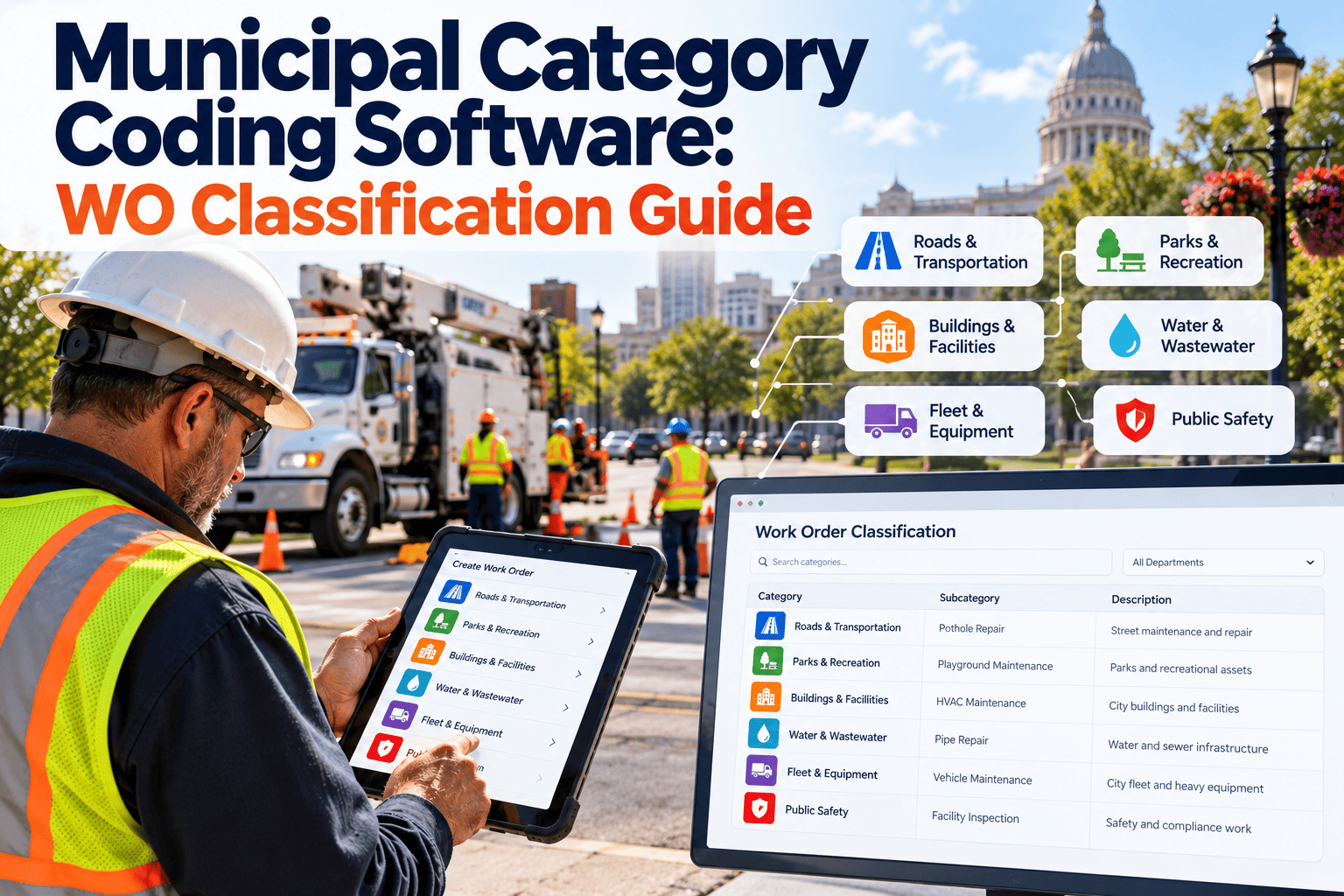
Municipal Category Coding Software: A Work Order Classification Guide
Standardize how every division classifies work, so KPI comparisons, roll-ups, and budget reports rest on the same definitions.
Work Order
TypePM, corrective, emergency, request
Asset classStreet, pipe, vehicle, building
CauseWear, weather, damage, defect
PrioritySafety, service, routine
Why Classification Quietly Decides Report Quality
Every KPI built on work orders depends on the category field. If the field is inconsistent, the metric is inconsistent.
Planned versus reactive ratioCannot be trusted if emergency and urgent are used interchangeably.
Cost by asset classDistorted when work is coded to general labels like "other" or "misc."
Division benchmarkingMisleading when each team defines routine work differently.
Budget roll-upsFinance must reclassify manually at year end.
Same Work, Four Different Labels
Here is how a single event can appear in unstandardized records across divisions.
| Division | Job Description | Label Used | Problem |
|---|---|---|---|
| Water | Replace broken valve | Emergency repair | Counted as reactive |
| Streets | Fill reported pothole | Maintenance | Cannot separate PM from corrective |
| Parks | Fix damaged irrigation head | Misc | No asset or cause visible |
| Facilities | Repair roof leak | Urgent | Different meaning of urgent |
Building a Coding Structure That Cities Can Actually Use
Good schemes are small, mutually exclusive, and tied to decisions someone will make.
Layer 1: Work type
Preventive, corrective, emergency, inspection, request, and project. Keep definitions short and written down.
Layer 2: Asset class
Align with the asset register so costs roll up the same way across divisions.
Layer 3: Failure and cause
Limit to the causes you will analyze. Too many options produce random picks.
Layer 4: Funding and cost code
Map to finance accounts, so work orders tie to budget lines without rework.
Give Every Division the Same Language for Work
Standardize categories once in Oxmaint and let reports compare like with like.
Practical Definitions Worth Writing Down
EmergencyAn immediate threat to safety, health, or critical service. Work begins right away.
CorrectiveRepair of a known defect that can be scheduled within a set window.
PreventiveScheduled work based on time, usage, or inspection, created before failure.
Service requestWork initiated by a resident or staff report, before inspection confirms it.
Project workCapital or improvement work, kept separate from routine maintenance counts.
Governance: Who Owns the Code List?
1
Form a small working group
Include one representative from each division and one from finance.
2
Inventory existing labels
Export a year of work orders and count how many unique categories exist today.
3
Merge and define
Collapse duplicates, write one-sentence definitions, and map old labels to new ones.
4
Configure required fields
Make category, asset, and cause mandatory before a work order can close.
5
Review quarterly
Check for overuse of catch-all codes and retire categories nobody uses.
How Oxmaint Supports Category Discipline
Standard dropdowns
Replace free text with controlled lists across all divisions and mobile devices.
Required fields at closeout
Prevent incomplete work orders from hiding in general categories.
Asset-linked history
Classification attaches to the asset so trends build over time.
Preventive scheduling
Generated PM work orders arrive already coded to the right type.
Reports and dashboards
Filter by division, type, asset class, or period using the same definitions.
Inventory and cost tracking
Parts and labor flow into the category so costs roll up cleanly.
Common Coding Mistakes to Avoid
- Creating a new code for every unusual job instead of using notes.
- Allowing "other" to become the largest category.
- Letting each division maintain its own private list.
- Mixing priority and work type in the same field.
- Skipping training, so crews guess at categories under pressure.
- Changing definitions mid-year without marking the change in reports.
KPIs That Become Trustworthy After Standardization
Planned work sharePreventive work compared with all maintenance hours.
Emergency rateEmergency work orders by division and asset class.
Cost per asset classLabor, parts, and contractor spend by class.
Backlog by categoryOpen work grouped by type and age.
Catch-all usageShare of orders coded to vague categories.
Category Starting Points by Division
No single list fits every city. The examples below show how asset class and work type can be organized, so divisions share a skeleton while keeping the detail they need.
| Division | Typical Asset Classes | Common Work Types | Typical Causes |
|---|---|---|---|
| Water distribution | Mains, valves, hydrants, services, meters | Leak repair, valve exercise, flushing | Corrosion, pressure, ground movement |
| Wastewater | Sewer mains, manholes, lift stations | Cleaning, CCTV, pump repair | Roots, grease, wear, debris |
| Streets | Pavement, signs, curbs, sidewalks | Patching, sweeping, sign repair | Weather, traffic load, damage |
| Parks | Playgrounds, irrigation, courts, trees | Inspection, mowing, repair | Vandalism, age, seasonal wear |
| Fleet | Light, heavy, and specialty vehicles | PM service, repair, inspection | Wear, accident, operator error |
| Facilities | HVAC, roofs, electrical, plumbing | PM, service call, project | Age, weather, equipment failure |
| Traffic signals | Signals, controllers, detection | Timing, repair, replacement | Power loss, collision, component failure |
Keep Priority Separate From Work Type
One of the most common design errors is mixing urgency with the type of work. An emergency is a priority; corrective is a type. Combining them makes both fields less useful.
Priority 1Immediate safety or service threat. Crews respond right away, regardless of work type.
Priority 2Serious problem needing work within a short, defined window.
Priority 3Needed work that can be scheduled with normal planning.
Priority 4Low urgency or improvement work handled when capacity allows.
Write response targets next to each level and apply them in every division. Then a Priority 2 in parks means the same thing as a Priority 2 in water.
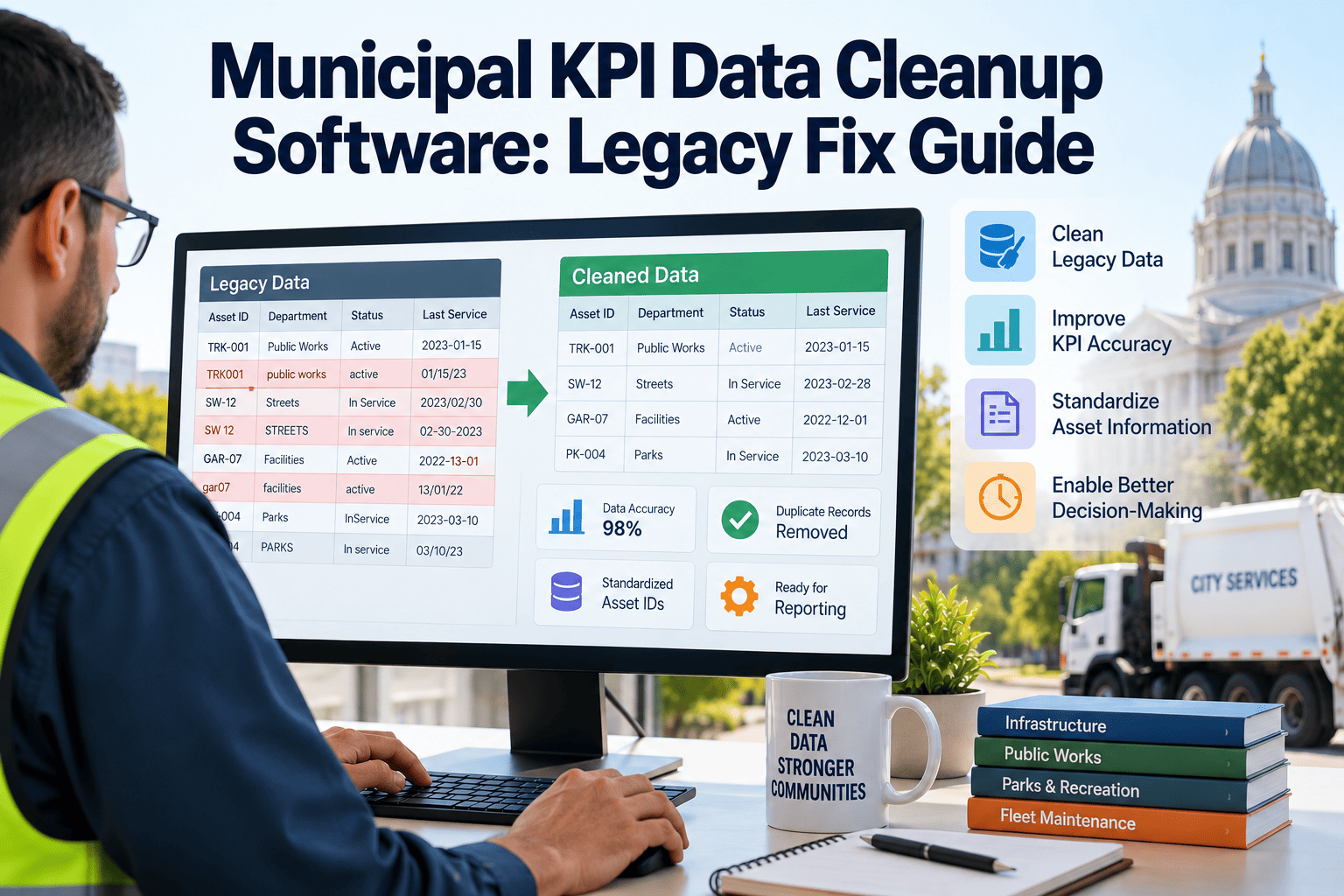
Cleaning Up Legacy Data Before Migration
1
Export and count
List every unique label used in the past two years and how many work orders each one covers.
2
Group similar labels
Spelling variants, abbreviations, and division nicknames often collapse into a handful of real categories.
3
Build a mapping table
Pair each old label with its new code so historical records remain usable in trend reports.
4
Flag unmapped records
Review vague entries by hand, or mark them as legacy so they do not distort new KPIs.
Training Crews and Supervisors on the New Scheme
Coding quality is decided in the field, often by someone on a phone at the end of a shift. Training should be short and practical.
- Use real examples from the city's own work orders rather than abstract definitions.
- Give crews a one-page reference with the most frequent codes for their division.
- Show supervisors how to spot and correct poor coding during review.
- Explain how the data supports staffing, equipment, and budget decisions, so the effort has a visible purpose.
- Revisit codes after the first month and remove choices that cause confusion.
Crews accept structure faster when it saves typing time and when their feedback shapes the final list.
Running a Data Quality Audit
Standards slip over time. A short monthly audit keeps categories reliable.
Catch-all usageCount work orders coded to vague or unspecified categories and follow up by division.
Missing asset linksFind orders closed without an asset or location, since cost cannot roll up properly.
Cause mismatchSample orders where the cause does not match the description.
Type conflictsCheck emergency work flagged as planned, or preventive tasks logged as corrective.
Aligning Categories With Finance and Reporting
Classification works best when it mirrors how the city already reports. Early coordination with finance prevents a second round of reclassification.
- Map work types to budget programs or cost centers where practical.
- Separate capital improvement work from routine maintenance.
- Use asset classes consistent with the capital asset records the city maintains for annual reporting.
- Keep grant-funded work identifiable, so reimbursement requests draw on the same data.
- Document each code definition and the date it took effect.
Check specific reporting rules with your finance director, since requirements differ by state and funding source.
A 30-60-90 Day Rollout
30
Days 1 to 30: design
Form the working group, inventory old labels, write definitions, and agree on required fields.
60
Days 31 to 60: pilot
Launch the scheme in one or two divisions, gather crew feedback, and adjust confusing choices.
90
Days 61 to 90: expand
Roll out citywide, begin the monthly audit, and publish the first cross-division report.
Signs Your Coding Scheme Needs Attention
- Managers ask for spreadsheets to rebuild reports the system should produce.
- Two divisions report very different emergency rates for similar work.
- The "other" category appears among the top five by volume.
- New hires cannot explain the difference between two similar codes.
- Finance still reclassifies costs at year end.
Any of these is a prompt to review definitions, retrain crews, and tighten required fields.
What a Well-Coded Work Order Looks Like
Consider a water main leak reported on a winter morning. The same event can be recorded poorly or well.
| Field | Poorly Coded Entry | Well-Coded Entry |
|---|---|---|
| Work type | Repair | Corrective, emergency response |
| Priority | Urgent | Priority 1 |
| Asset | Main on Oak Street | Water main segment ID with location |
| Cause | Broke | Pipe failure, circumferential break |
| Cost code | General | Water distribution, main repair |
| Notes | Fixed it | Repair clamp installed, service restored, photos attached |
The second entry feeds cost reports, failure analysis, and budget roll-ups without anyone rewriting it later.
Edge Cases Your Definitions Should Settle
Crews will meet jobs that do not fit neatly. Decide these questions in advance and publish the answers.
- Is a repair found during a PM inspection preventive or corrective?
- When does a request become a work order, and who makes that call?
- How is a job coded when it involves two asset classes?
- Where does emergency make-safe work belong when a permanent repair follows later?
- How are warranty repairs and contractor work recorded?
- When does a repair become a capital project?
Short written answers prevent each supervisor from inventing a private rule.
Requests, Work Orders, and Projects Are Different Records
RequestA report from a resident or employee. It may be duplicated, invalid, or already scheduled.
Work orderAn approved task with assignment, priority, and expected effort or cost.
ProjectA larger scope with its own budget, often grouping many work orders.
Keeping them separate avoids inflated work order counts and makes service request metrics meaningful.
Reports That Depend on Consistent Categories
Division comparisonPlanned versus reactive work side by side using shared definitions.
Budget varianceActual cost by cost code against approved budgets.
Failure trendsRecurring causes by asset class and season.
Response performanceTime to complete by priority and division.
When these reports arrive without spreadsheet cleanup, managers spend their time on decisions rather than reconciliation.
Roles in a Healthy Classification Program
Division supervisorsReview coding in daily or weekly work order checks and coach crews when entries are vague.
System administratorMaintains code lists, required fields, and user permissions, and records every change.
Finance liaisonConfirms cost codes match budget structure and flags new funding sources early.
Department directorSets expectations that reports will use the standard definitions, and resolves disputes between divisions.
Written roles keep the scheme from drifting. Without an owner, every division eventually adds its own exceptions.
Why Small Cities Benefit Just as Much
Smaller municipalities often have one public works team handling streets, water, parks, and fleet. Shared definitions still matter, since the same crew may log many kinds of work.
- A short list of types and asset classes is easier to enforce.
- Consistent coding makes council and budget reports easier to prepare.
- Clean history helps when staff change or when grants require documentation.
- Starting simple leaves room to add detail as the program matures.
Large or small, the principle is the same: define terms once, require them at closeout, and review them regularly.
What Success Looks Like After Six Months
- Most work orders close with type, asset, cause, and cost code complete.
- Catch-all categories shrink to a small share of total work.
- Division reports use the same definitions and can be placed side by side.
- Finance receives cost data without manual reclassification.
- Crews can explain the code list without a reference sheet.
These outcomes are practical targets, not guarantees. Track them monthly and adjust training, definitions, or required fields where progress stalls.
Frequently Asked Questions
How many categories should a city use?
Use the fewest that support real decisions. Most teams need a short list at each layer.
Can old work orders be reclassified?
Often yes, through mapping old labels to new codes. Ask about migration in a demo.
Does standard coding slow crews down?
Short dropdowns on mobile are usually faster than typing descriptions.
Who should approve new codes?
A cross-division group with finance input. Start a trial to configure lists.
Does this help audits?
Consistent categories make records easier to sample, explain, and reconcile to budgets.
Make Every Roll-Up and KPI Comparable
Set up one classification standard in Oxmaint and let every division report on the same footing.