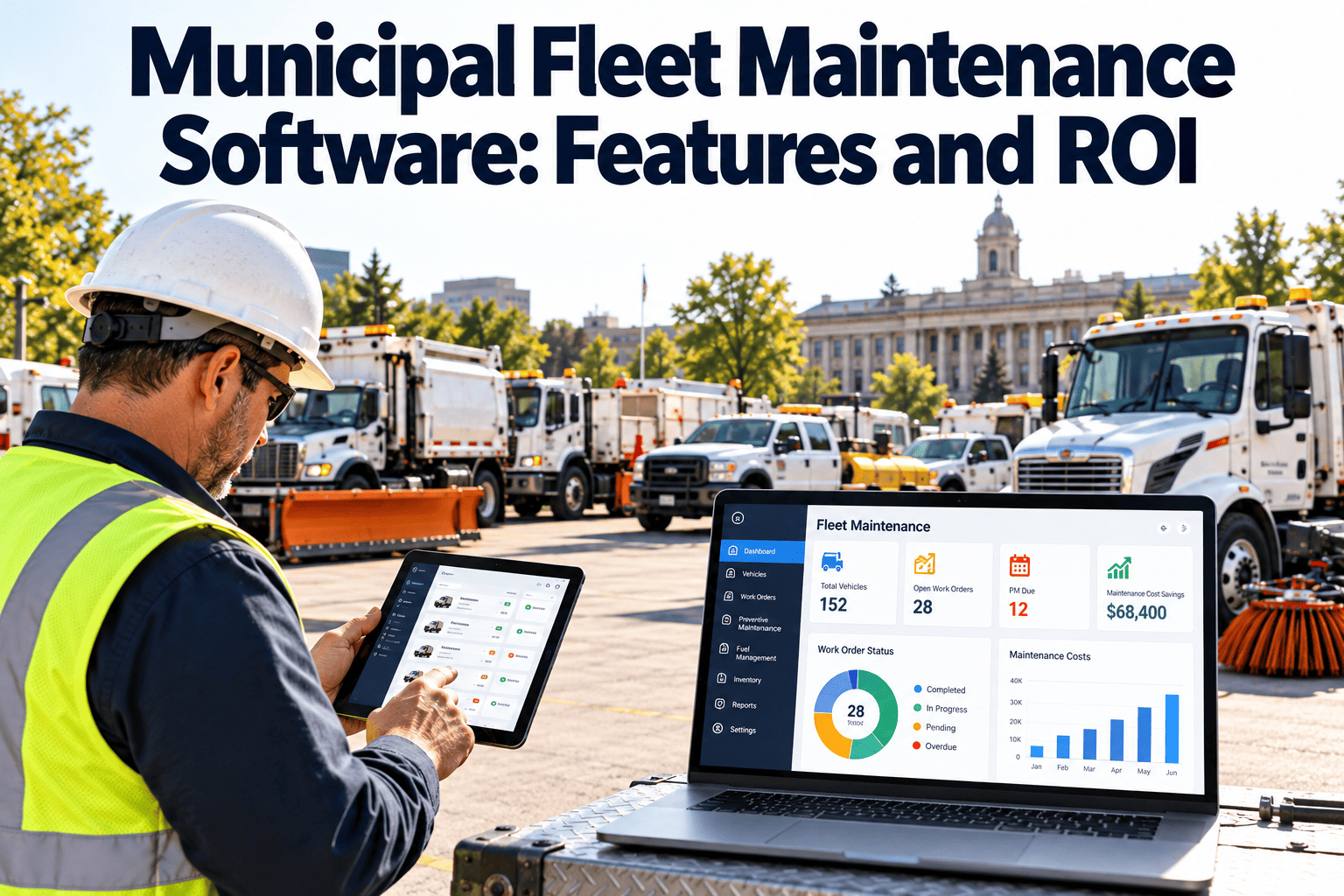
City fleets cover plow trucks, patrol cars, refuse trucks, mowers, sweepers, and fire apparatus, and every one of them has a different duty cycle. A police cruiser idles for hours while a dump truck racks up engine hours without moving far. Calendar-only service intervals miss that reality, so units are serviced too early or too late. Repairs get logged in a shop notebook, fuel lands in a separate system, and nobody can see why a vehicle keeps coming back. This guide covers the features that matter in fleet software and how to build an honest ROI case, and you can explore Oxmaint for municipal fleets as you evaluate options.
Municipal Fleet Maintenance Software
Keep city vehicles available instead of chasing repairs
Meter-based preventive maintenance, inspections, fuel, and repair history in one record for every unit in the fleet.
The Cost of Reactive Repairs
Why government fleets fall into a repair-first cycle
- Departments own the vehicles, but the shop owns the repairs, so accountability is split
- Seasonal peaks such as snow season leave little room for planned downtime
- Budget cycles reward replacement requests more than documented maintenance
- Records spread across work order books, fuel cards, and vendor invoices
Core Features
Fleet maintenance software features that earn their place
| Feature | Shop problem it solves | What to confirm in a demo |
|---|---|---|
| Meter-based PM triggers | Services due by miles or engine hours, not calendar guesses | Multiple triggers per unit, such as miles or days, whichever comes first |
| Vehicle inspections | Defects found at pre-trip and never repaired | Failed inspection items creating work orders automatically |
| Work order management | Unclear job status and scattered labor records | Labor, parts, and notes recorded per vehicle |
| Repair history | Repeat failures treated as new problems | Full timeline searchable by unit, system, or failure type |
| Fuel tracking | Unusual consumption going unnoticed | Fuel entries linked to the same vehicle record |
| Parts inventory | Downtime waiting on common filters and belts | Reorder points and parts used per work order |
| Reporting | No evidence for budget and replacement discussions | Cost per unit, downtime, and PM compliance reports |
Meter-Based PM
Match the maintenance trigger to how each vehicle works
Patrol vehicles, pickups, and inspection vans where distance drives wear on tires, brakes, and suspension.
Plows, sweepers, mowers, and loaders where idle and PTO time matter more than distance traveled.
Seasonal readiness, annual safety inspections, and low-use units that age without accumulating meter readings.
- Capture meter readings at fueling, inspection, and work order close
- Use the earliest trigger so a unit never slips past service
- Build separate PM templates for each vehicle class
See It on Your Fleet
Walk through a PM schedule built around your vehicle classes
Bring a few unit types and we will show how meter-based PMs, inspections, and repair history fit together.
Building the ROI Case
An ROI model you can defend to a budget committee
Avoid borrowed vendor percentages. Use your own baseline data and compare the same measures before and after rollout.
- Pull twelve months of repair costs and downtime before rollout
- Pick five to eight measures and keep definitions fixed
- Treat software cost, training time, and data cleanup as part of the model
Before and After
What changes in the shop day to day
- Services due are remembered by the lead mechanic
- Drivers report problems verbally
- Fuel and repair data live in separate systems
- Replacement requests rely on opinion
- Upcoming PMs listed by unit and due trigger
- Inspection defects become work orders
- Cost, fuel, and downtime viewed per unit
- Replacement cases backed by repair history
Evaluation Scorecard
Questions to ask any fleet maintenance vendor
Where Oxmaint fits
- Preventive maintenance scheduling by meter or calendar
- Work orders with labor, parts, and notes by asset
- Inspections that raise corrective work orders
- Inventory tracking, dashboards, and cost reporting
FAQ
Municipal fleet maintenance software: common questions
What is municipal fleet maintenance software?
It is a CMMS-style system for managing vehicle PMs, inspections, work orders, parts, and history across a government fleet.
How does meter-based preventive maintenance work?
Each service interval is tied to miles or engine hours and updates as readings are entered. Oxmaint can also combine meters with calendar dates.
Can the software manage non-road equipment?
Yes. Mowers, loaders, sweepers, and generators can be tracked as assets with hour-based PM schedules.
How do we measure ROI?
Compare downtime, planned-versus-emergency repair mix, and labor time against your own baseline. Book a demo to map those measures.
Do drivers need to use it?
Drivers only need to submit inspections or defect reports. Technicians and supervisors handle the rest of the workflow.
Start With One Fleet Class
Put every city vehicle on a maintenance schedule you can prove
Set up PMs, inspections, and repair history for your fleet with Oxmaint.