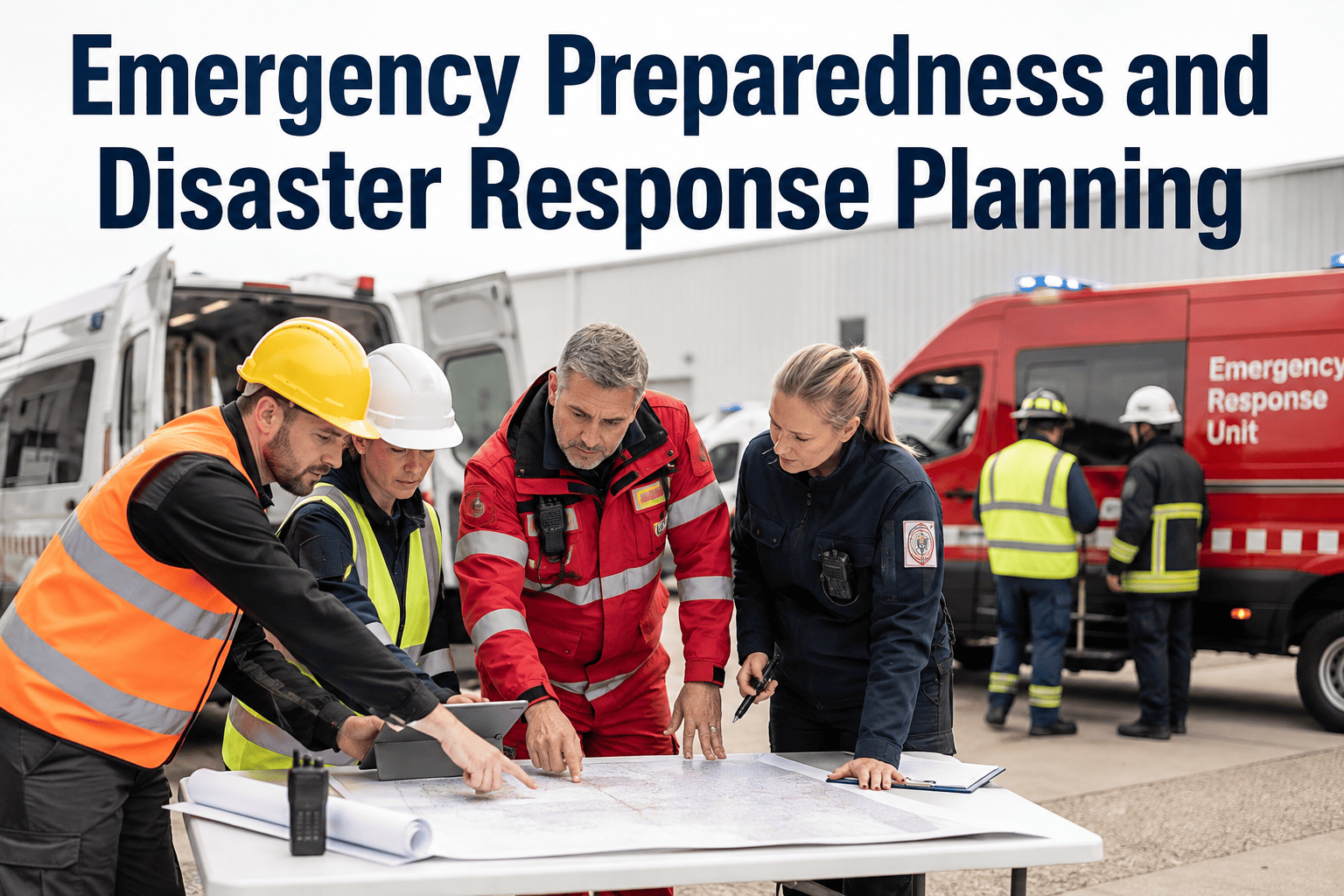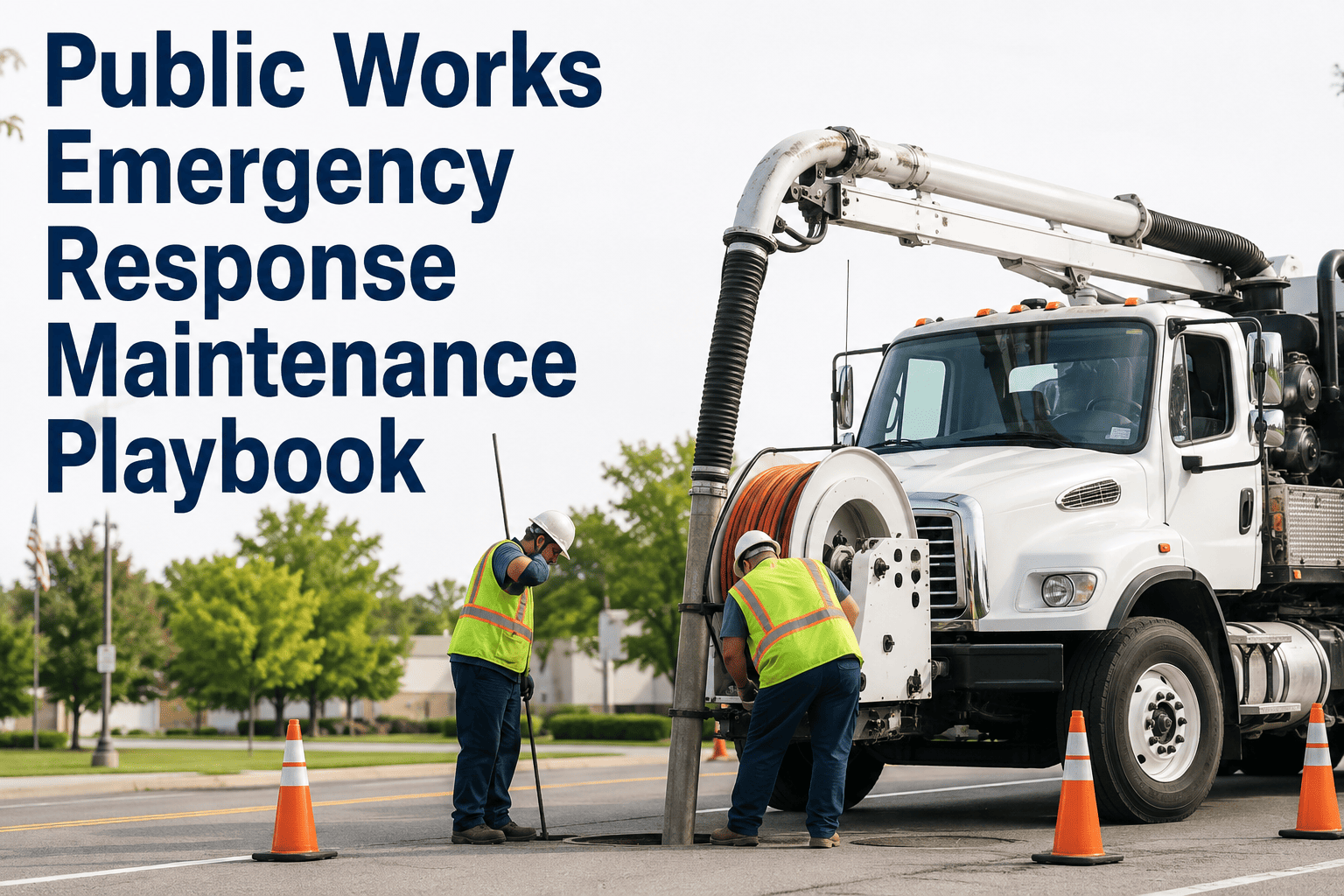
A storm hits, crews scatter across the city clearing downed limbs and pumping flooded intersections, and six months later the reimbursement claim for all that work gets denied — not because the work wasn't needed, but because nobody could prove it happened the way the invoice says it did. FEMA's own appeal record is full of these cases: applicants losing hundreds of thousands of dollars because load tickets, monitoring logs, or site photos were missing or incomplete. OxMaint's mobile emergency response workflow exists to solve both problems at once — faster crew coordination during the event, and the documentation trail your finance department needs to actually collect on it afterward. Book a walkthrough before the next storm season starts.
Five Phases of a Public Works Emergency Response
Storms, floods, and major outages all move through the same operational rhythm. Departments that document each phase in real time recover both faster and more of what they spend — the two goals are not in tension, they run on the same data.
Why FEMA Denies Public Assistance Claims — In the Agency's Own Appeal Record
FEMA's published appeal decisions follow a consistent pattern: the eligible work happened, but the paperwork proving it did not hold up. These are not edge cases — they are the recurring reasons real claims get reduced or denied.
What FEMA's Reviewers Are Actually Looking For
| Documentation Type | What It Proves | Field Capture Method |
|---|---|---|
| Load tickets / quantities | How much debris or material was actually removed | Logged per load at time of collection |
| Site photos, before/after | The condition and scope of the eligible work | Captured on mobile device, geo-tagged |
| Time and labor logs | Force account or contractor hours actually worked | Logged against the specific work order |
| Location / GPS data | Work occurred on eligible public property or ROW | Auto-captured with each field entry |
| Monitoring records | Contractor operations were actively overseen | Supervisor sign-off tied to each work order |
Don't Let a Missing Load Ticket Cost You a Six-Figure Reimbursement
OxMaint captures location, photos, quantities, and time stamps as your crews work — building the FEMA-ready record automatically instead of asking someone to reconstruct it from memory in month four.
What Field Crews Need in Their Hands During an Active Response
Expert Review — An Emergency Operations Coordinator's Perspective
I have run public works response for two major flood events and one ice storm that shut the city down for a week. Coordinating the crews in the moment was never our real problem — everyone knows how to clear a downed tree or pump a flooded underpass. Our real problem showed up eight months later, when the finance department asked for documentation to support a reimbursement claim and half of what we needed lived in a mix of paper logs, texted photos, and people's memories. We recovered less than we should have on that first event, and it was entirely a documentation gap, not a work-quality gap. After we moved to a system that captures the photo, the GPS pin, and the quantity at the moment a crew logs the work, our next event's claim went through with almost no follow-up requests from the state. That is the difference between doing the work and getting paid for it.
Storm Season Doesn't Wait for a Better Filing System
Real-time mobile dispatch, field documentation, and cost tracking — built to move at the speed of an active response and hold up months later under FEMA review.
Frequently Asked Questions
Does OxMaint work in the field when cell service is down during a storm?
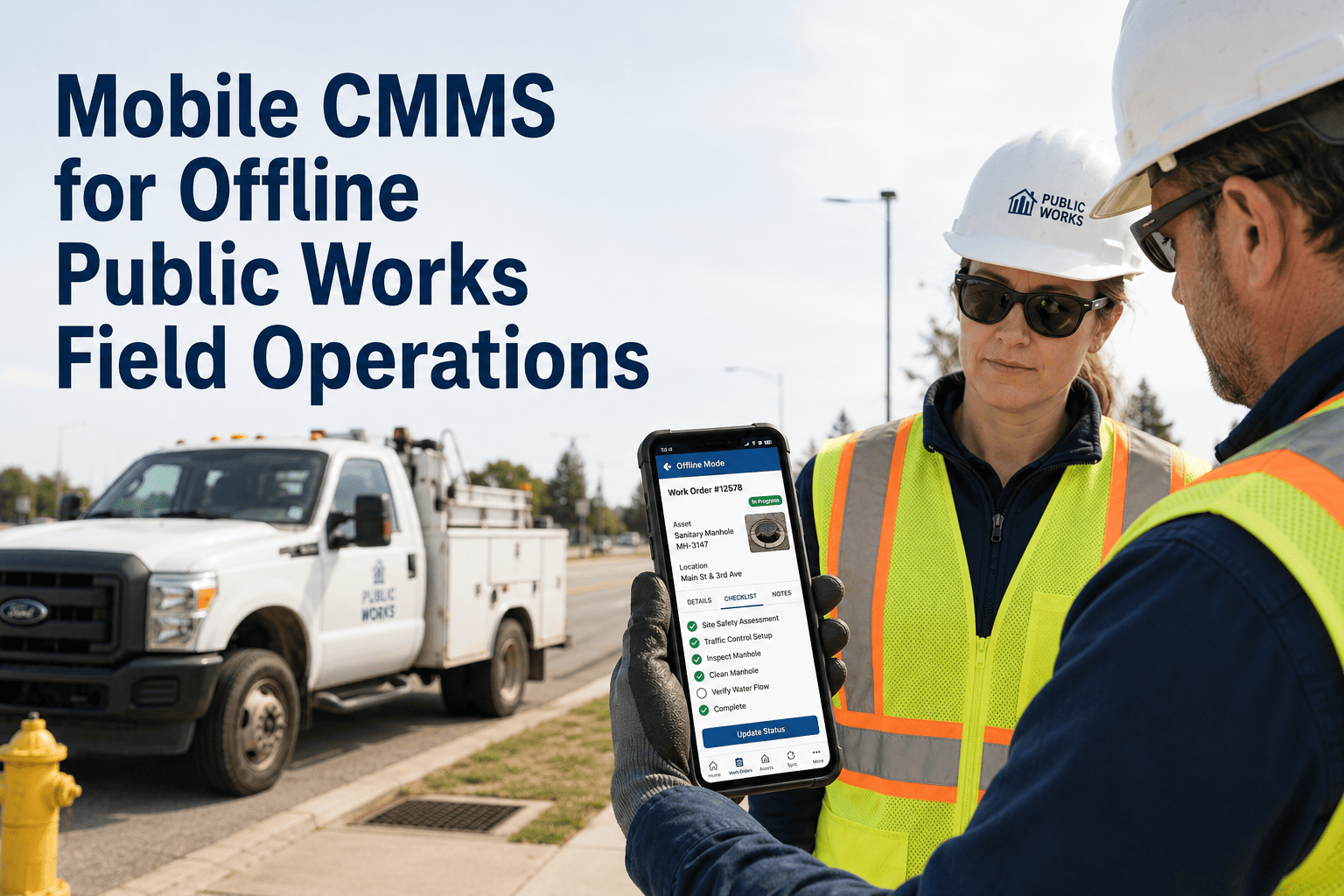
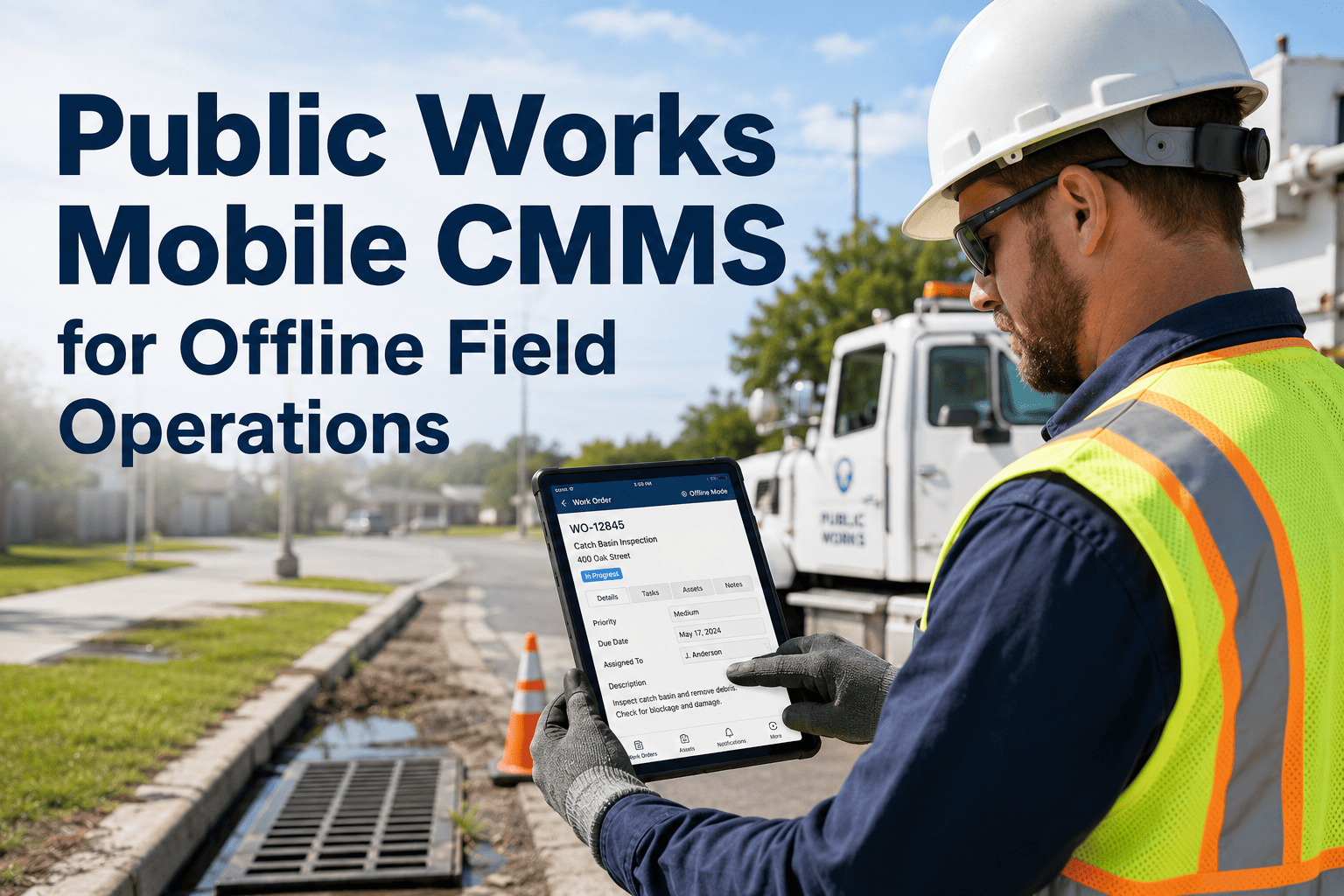
Yes. The mobile app captures assignments, photos, and location data offline and syncs automatically once connectivity returns, so crews are never blocked from logging work in the field. Start free in OxMaint to see the offline field workflow.
Can this help us build a defensible FEMA Public Assistance claim after an event?
Every logged work order carries a time stamp, GPS location, photo, and quantity, exportable by incident, which is the exact documentation pattern FEMA appeal decisions repeatedly cite as missing in denied claims. Book a demo to see a sample incident export.
How does command staff see crew status across a citywide response in real time?
A live dashboard shows every assigned zone, crew status, and completion percentage as field updates come in, so incident command can redirect resources without waiting for a radio check-in. Start free in OxMaint to see the live response dashboard.
Can we track contracted debris removal crews alongside our own in-house crews?
Contracted crews follow the same work order and monitoring workflow as force account crews, so supervisor sign-off and load documentation are captured consistently regardless of who performed the work. Book a demo to see contractor monitoring in the field app.
Do we need a separate emergency response plan set up before an event happens?
Response plans, crew callout lists, and priority zones are configured in advance, so an alert triggers a pre-built plan instead of starting the planning process during the event itself. Start free in OxMaint to build your response plan.
Build the Documentation Trail While the Crew Is Still on Site
Mobile dispatch, offline field capture, live incident dashboards, and FEMA-ready records — one workflow for the whole response.