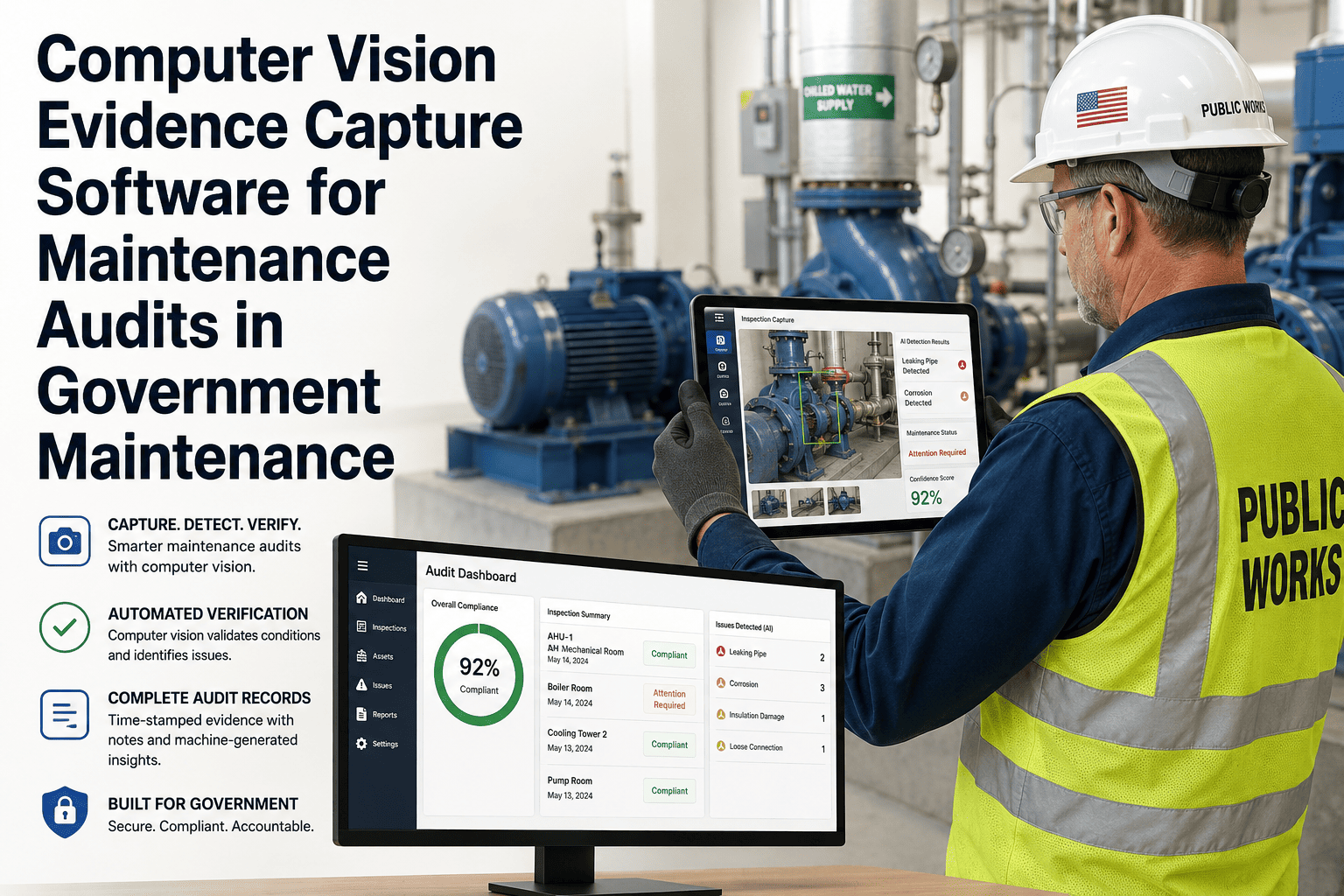
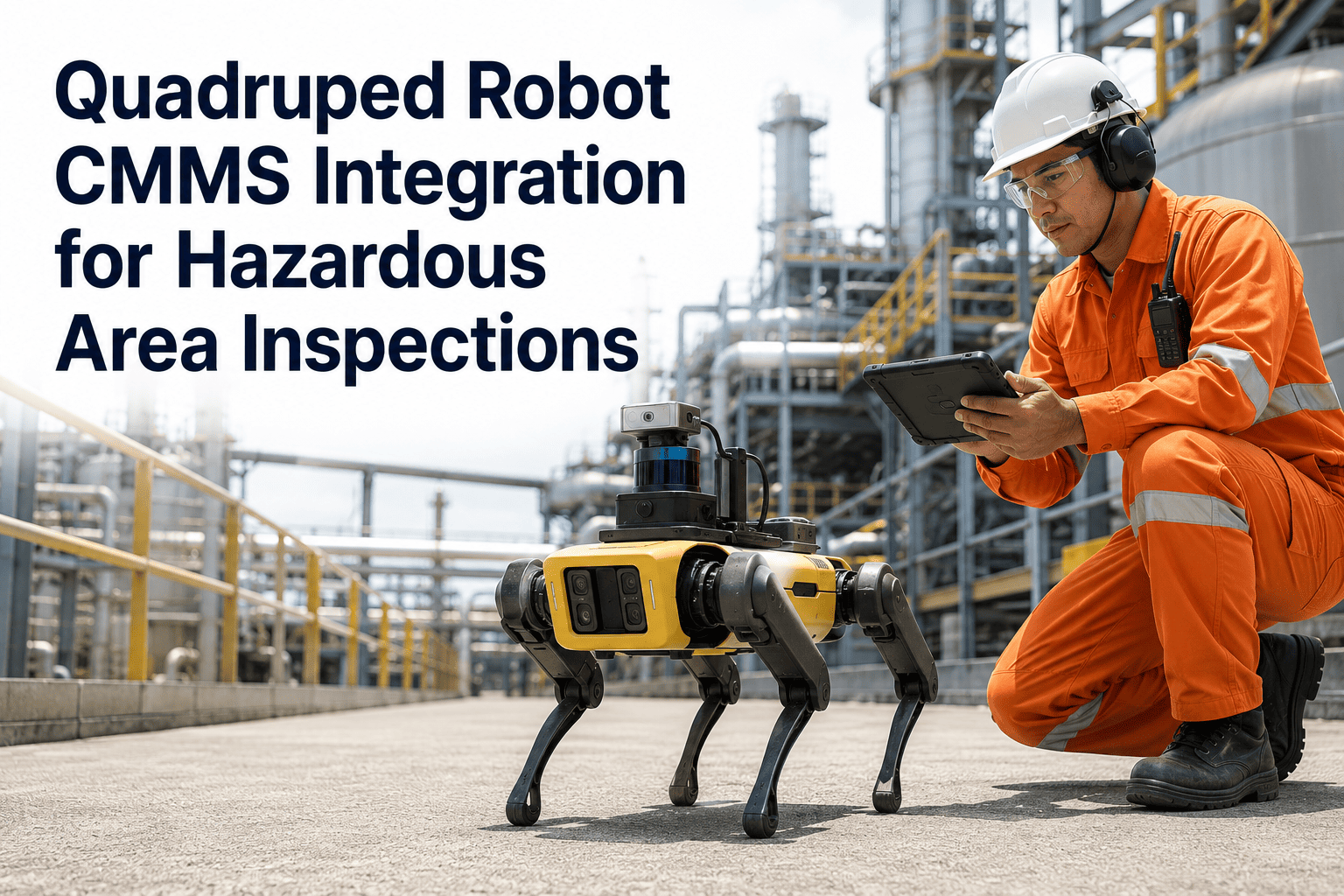
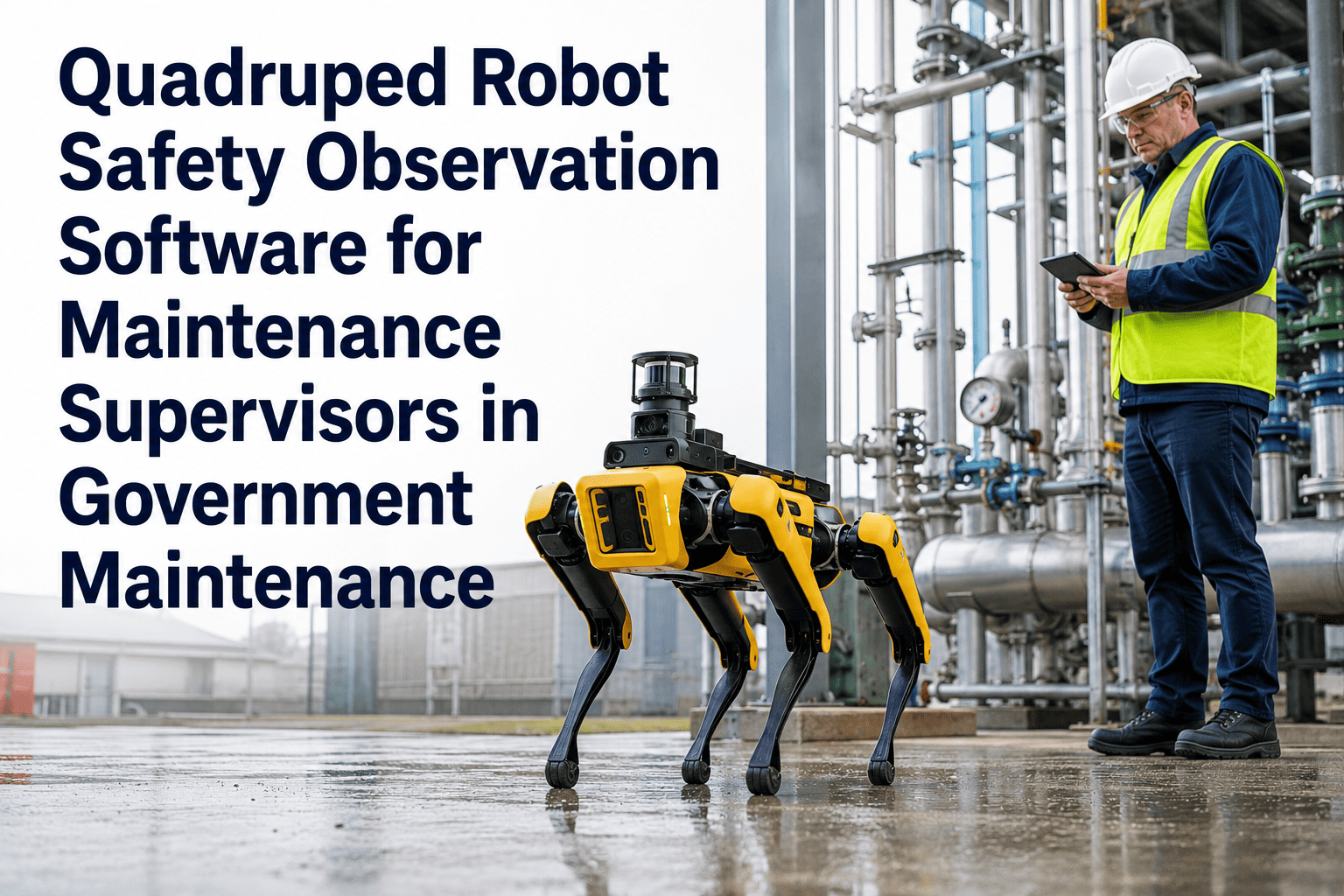
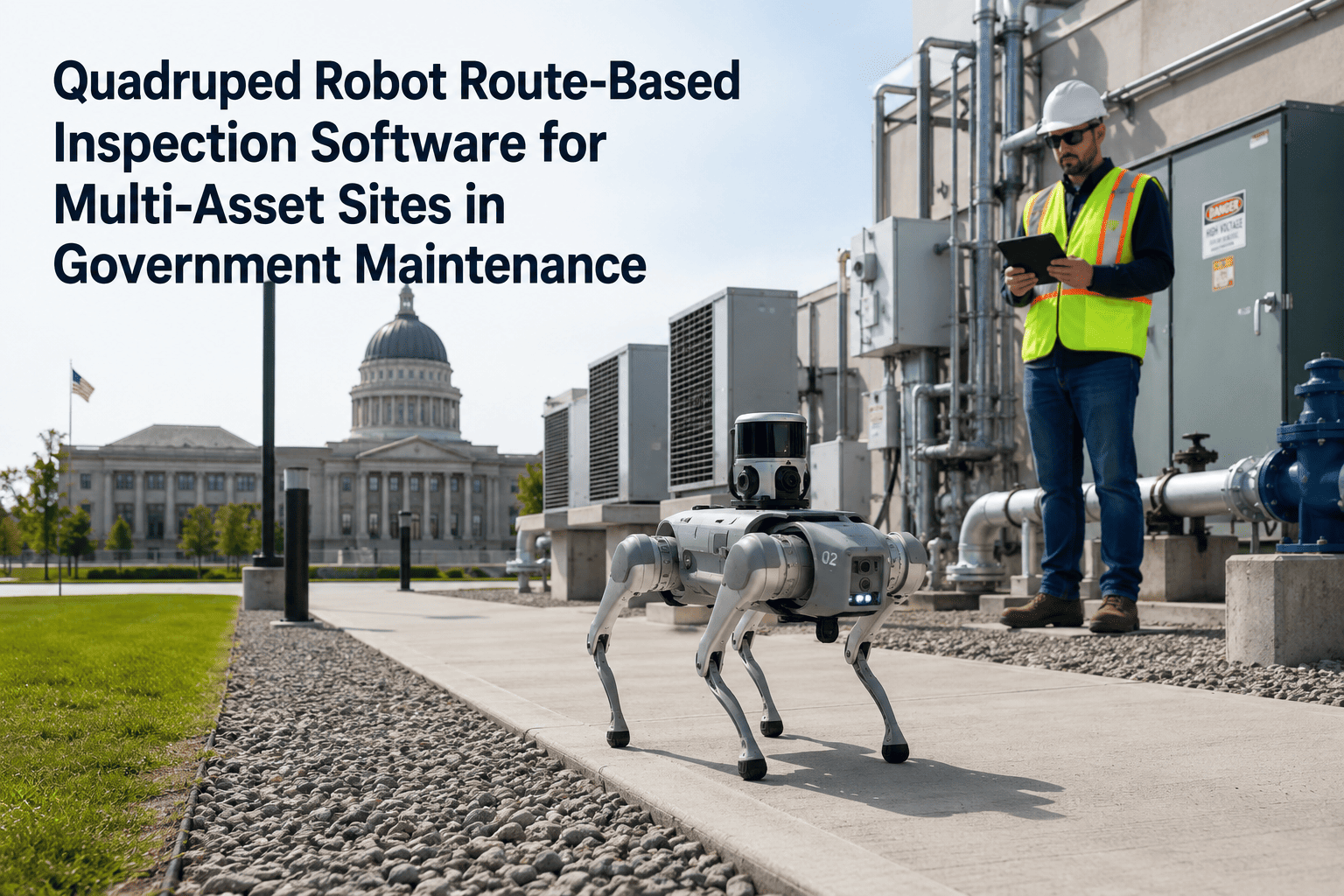
Inspection evidence — the images, sensor readings, video clips, and audit timestamps that prove maintenance was performed and defects were found — is the asset government CMMS teams most often fail to manage well. When quadruped robots conduct the inspection, the evidence volume multiplies: dozens of checkpoint images, thermal scans, acoustic recordings, and route logs per patrol cycle. Without a structured evidence management system inside the CMMS, that data accumulates in robot dashboards and file folders that compliance auditors cannot trace back to specific work orders or asset records. Oxmaint's evidence management layer captures, organizes, and links all inspection evidence to the correct asset, work order, and compliance record — automatically, at the moment the robot patrol ends. Book a demo to see how Oxmaint manages robot inspection evidence for government CMMS teams, or sign up free to explore the evidence management interface with your own asset data.
The Evidence Gap: What Gets Lost Without Structured Management
01
Inspection Image Orphans
Robot inspection photos stored in a separate folder system with no link to the work order they belong to — untraceable during audit review.
02
Finding-Resolution Disconnect
Evidence of a defect exists in the robot app, but the repair completion record lives only in the CMMS — with no link between them for auditors to follow.
03
Timestamp Mismatch
Robot patrol timestamps and CMMS work order timestamps are never reconciled, creating gaps in the documented timeline that compliance reviewers flag.
04
No Version Chain
Pre-inspection, mid-repair, and post-repair images stored separately with no chain of custody — making it impossible to demonstrate condition progression over time.
Stop Managing Evidence in Two Systems
Oxmaint links every inspection image, sensor reading, and patrol timestamp directly to the asset, work order, and compliance record — one system, full chain of custody.
Evidence Types Managed Per Inspection Event
Evidence Traceability: From Robot Finding to Audit Record
| Evidence Item |
Linked To in Oxmaint |
Available For |
| Pre-repair inspection image |
Work order — defect record |
Technician briefing, audit submission |
| Post-repair verification image |
Work order — resolution record |
Before/after comparison, warranty documentation |
| Sensor reading at detection |
Asset condition history |
Trend analysis, PM calibration |
| Patrol route timestamp chain |
Inspection compliance record |
Coverage proof, regulatory submission |
| Acoustic recording file |
Work order — evidence attachments |
Specialist review, cross-cycle comparison |
| AI defect classification label |
Work order — defect type field |
Repair type selection, recurrence analysis |
Performance Impact of Structured Evidence Management
62%
reduction in audit preparation time when evidence is pre-linked to compliance records
3×
faster defect-to-work-order conversion when inspection images are automatically attached
94%
of government audit findings related to inspection gaps resolved by implementing structured evidence chains
Government auditors are increasingly sophisticated about inspection evidence. Five years ago, showing a folder of photos satisfied most programs. Today they want to see that each photo links to a specific asset record, a specific work order, and a specific technician — and they want the timestamps to form an unbroken chain from initial detection to resolution. Oxmaint provides that structure automatically from robot patrol data, which is genuinely difficult to replicate manually at the volume modern inspection programs require.
— Government Audit Compliance Specialist, 16 years supporting public sector inspection programs
Frequently Asked Questions
How does Oxmaint handle large inspection image volumes from high-frequency robot patrols?
Oxmaint stores inspection images as compressed attachments linked to individual asset and work order records, with configurable retention policies that archive older evidence after the compliance retention window closes. For facilities with daily robot patrols across hundreds of assets, this means evidence accumulation is managed automatically without manual file management.
Start free to explore evidence storage configuration for your patrol frequency.
Can inspection evidence be shared directly with external auditors without exporting the full CMMS database?
Yes — Oxmaint supports audit-scoped exports that include only the evidence items, work orders, and compliance records relevant to the specific audit period and asset class, without exposing unrelated maintenance data. Each export package includes a tamper-evident manifest that auditors can use to verify completeness.
Book a demo to review the audit export workflow for government compliance submissions.
What happens to inspection evidence when a work order is closed — is it retained or deleted?
All inspection evidence attached to a work order is retained permanently in the asset's maintenance history in Oxmaint unless explicitly deleted by a user with administrative permissions. Closed work orders remain fully accessible with all attached evidence for as long as the account is active, supporting the multi-year retention requirements common in government facilities compliance programs.
Can a technician add their own field photos to a work order that was auto-created from robot inspection evidence?
Yes — technicians can attach additional photos, video clips, or notes to any work order at any stage from the Oxmaint mobile app, with each attachment time-stamped and tagged to their technician ID. This allows robot detection evidence and human verification evidence to coexist in the same work order record, building the before-during-after chain that comprehensive compliance documentation requires.
See the mobile evidence workflow in a live demo.
Inspection Evidence Is Only Useful When It's Traceable
Oxmaint links every piece of robot inspection evidence to the exact asset, work order, and compliance record where auditors need to find it — automatically.