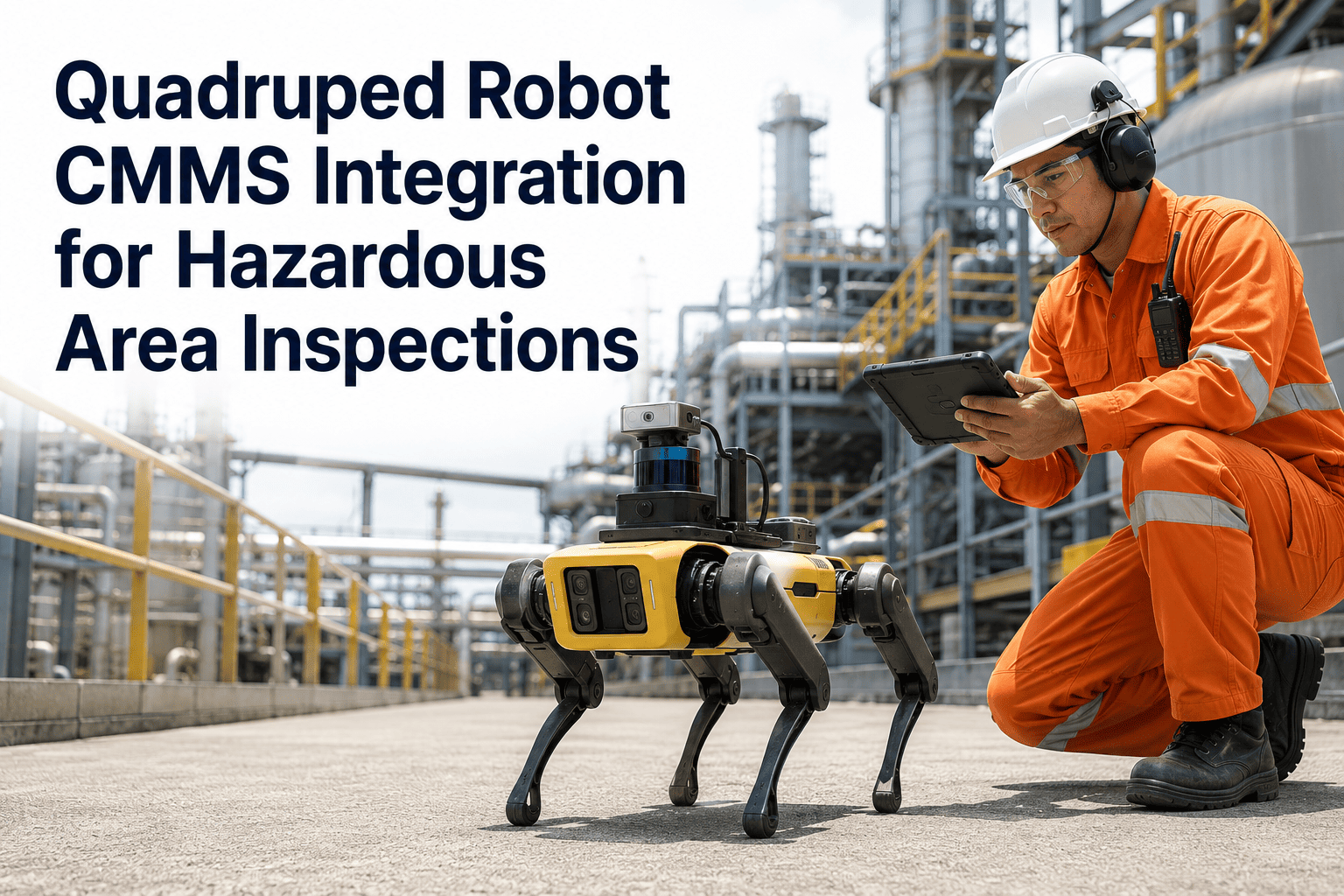
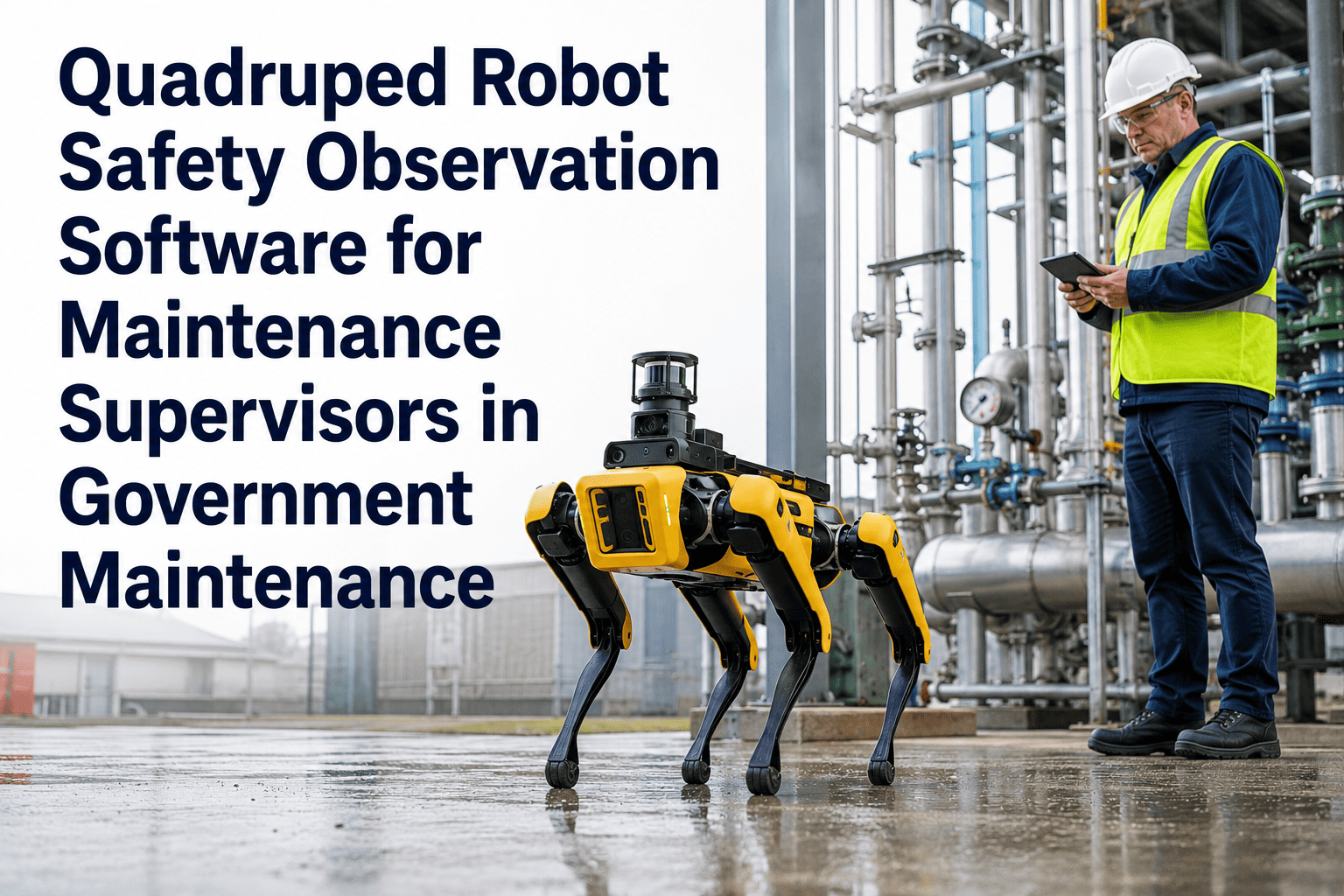
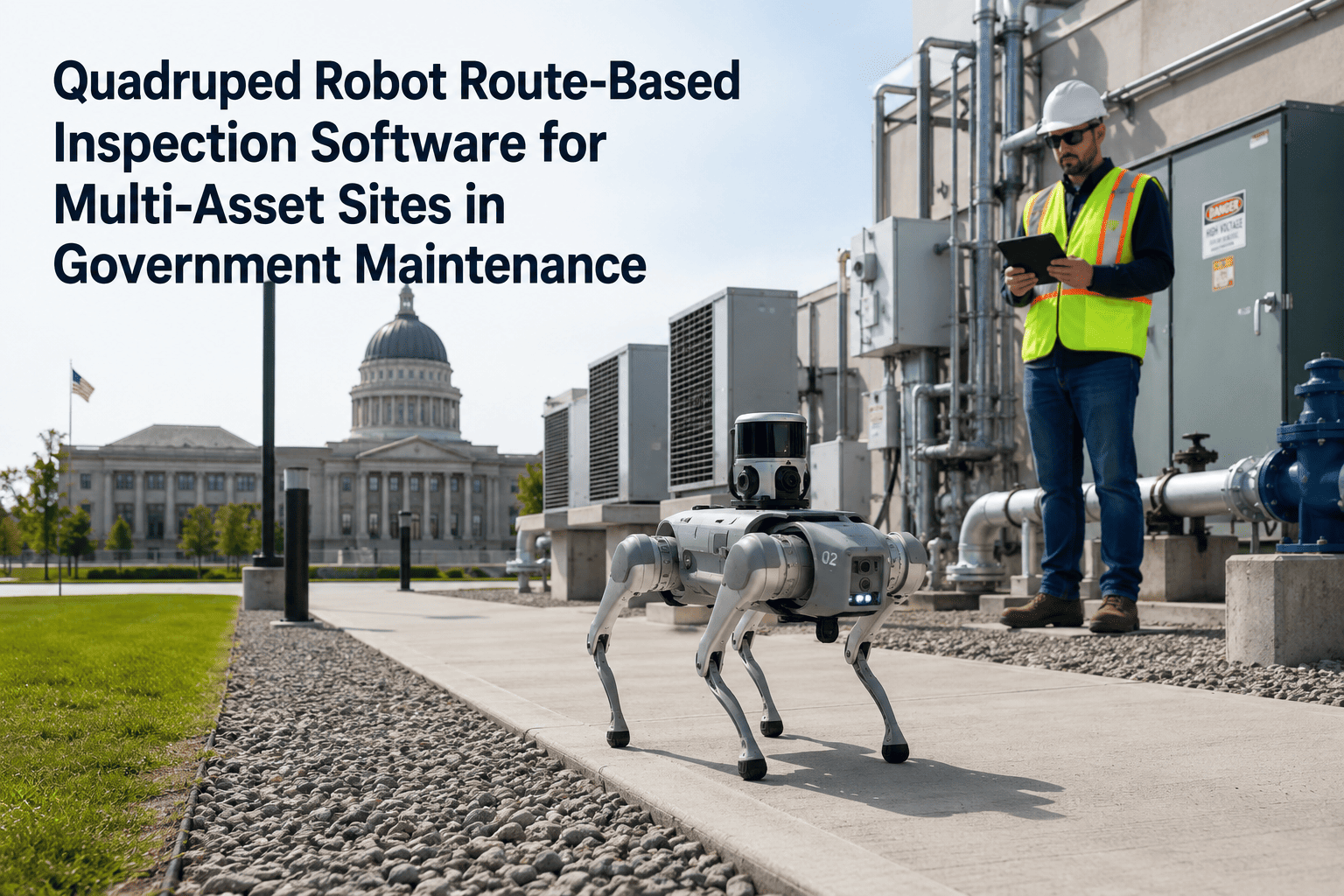
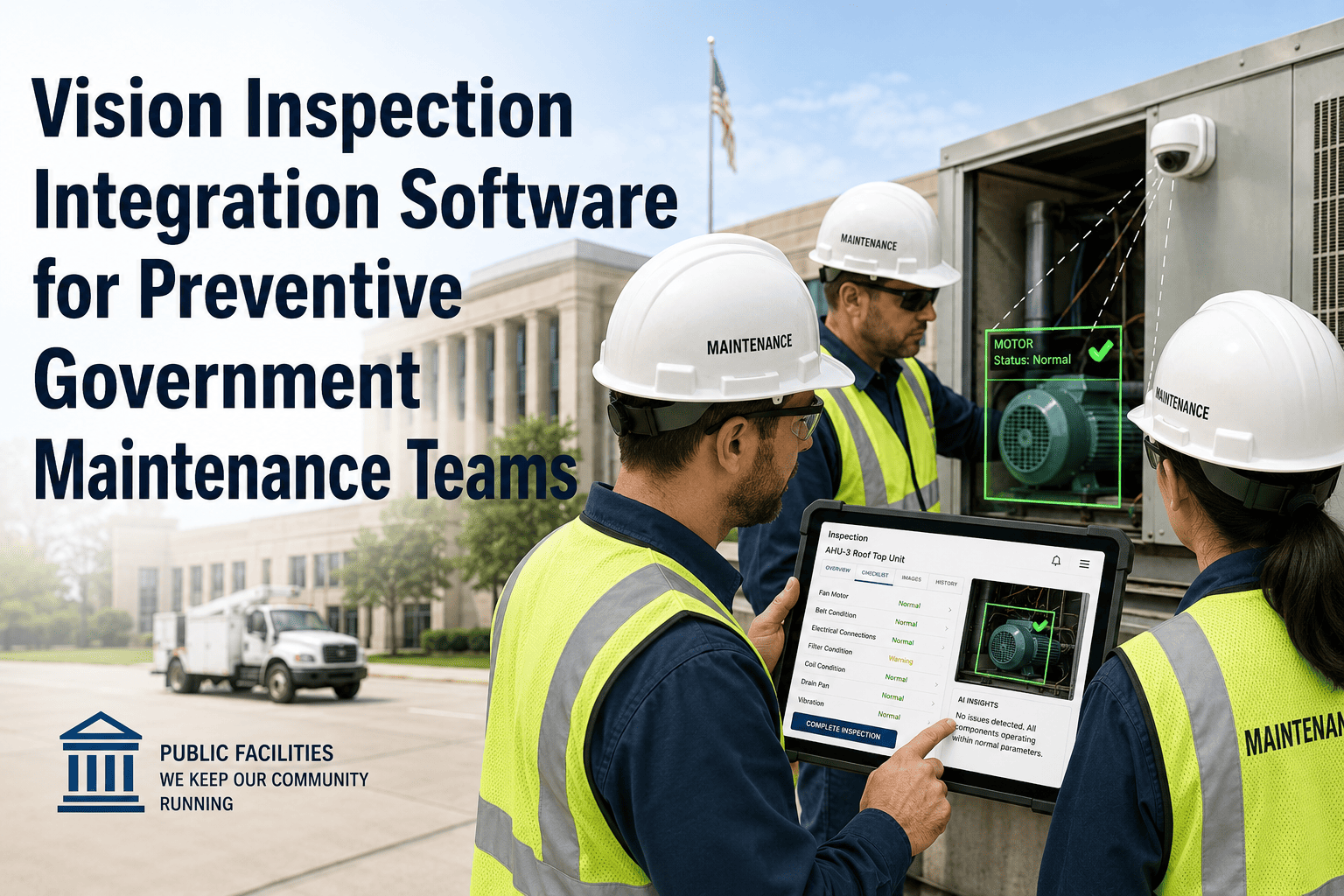
Quadruped robots generate more inspection data per shift than any human team can manually process — and that data is worthless unless it flows directly into the maintenance workflow that manages repairs, compliance records, and asset histories. Government agencies deploying quadruped robot inspection API integration with CMMS platforms eliminate the manual bridge between robot output and maintenance action. When a robot completes a patrol at a water treatment facility, Oxmaint's API receives the inspection payload, parses anomalies by severity, creates work orders for the maintenance crew, and updates the asset's condition record — all within minutes. Book a demo with the Oxmaint team to see how this API layer replaces the manual data-entry bottleneck that's currently costing your maintenance team hours every week and creating gaps in the compliance record that auditors will eventually find.
API Integration · Government CMMS · Robotics Workflow
Robot Inspection API Integration for Government CMMS Workflows
Connect your quadruped robot inspection platform to Oxmaint CMMS — automatically converting inspection payloads into work orders, compliance records, and asset condition updates without manual intervention.
87%
of robot inspection data never reaches a CMMS work order — lost to manual-entry gaps and siloed storage
4 hrs
average daily time spent manually moving robot inspection data into maintenance systems — per facility
<2 min
from robot inspection completion to Oxmaint work order generation via API integration
100%
of inspection observations captured in CMMS compliance records when API replaces manual entry
Why Manual Data Transfer from Robot to CMMS Fails at Scale
Volume Overload
A robot inspecting 40 checkpoints produces hundreds of data points per route. Manual entry of this volume is a full-time task — and still produces incomplete records due to human error.
Latency Between Detection and Action
When robot findings sit in a report until someone reads and re-enters them, the window between hazard identification and work order generation expands to hours or days. That gap is where minor faults become critical failures.
Data Integrity Degradation
Every manual transcription step introduces error. Asset IDs get transposed. Severity ratings get downgraded. Timestamps drift. By the time data reaches the CMMS, its accuracy cannot be trusted for compliance documentation.
Audit Evidence Fragmentation
Robot reports in one folder, CMMS records in another, work orders somewhere else — auditors navigating government maintenance documentation find fragmented evidence that cannot be assembled into a defensible inspection timeline.
How the Oxmaint Robot Inspection API Works
Robot Platform
Inspection Data
Sensor Readings
Images
GPS Coordinates
Anomaly Flags
Oxmaint CMMS API Layer
Parse & Classify
Asset Tag
Severity Score
Route Map
CMMS Outputs
Work Orders
Compliance Records
Asset History
Supervisor Alerts
API Integration Capabilities: What Oxmaint Supports
| Integration Feature |
Description |
Government Use Case |
| Inspection Payload Ingestion |
Receives structured JSON inspection data from robot platform per route completion |
Eliminates manual data entry after every patrol |
| Asset ID Auto-Mapping |
Maps robot checkpoint IDs to Oxmaint asset records using route configuration |
Ensures every observation is linked to the correct infrastructure asset |
| Anomaly-to-Work-Order Trigger |
Anomalies above configured severity thresholds auto-generate prioritised work orders |
Same-shift repair dispatch for critical infrastructure hazards |
| Image Attachment Transfer |
Robot inspection images transferred and linked to asset records and work orders via API |
Visual evidence attached to every repair task and compliance record |
| Compliance Record Auto-Creation |
Timestamped inspection records created automatically per completed robot route |
Audit-ready documentation without manual preparation |
| Bi-Directional Sync |
Work order status updates sync back to robot platform and GIS/ERP systems |
Government ERP and municipal GIS platforms stay current without duplicate entry |
Expert Review — Government CMMS Integration
The value of quadruped robot inspection is entirely contingent on what happens to the data after the robot completes its route. In most government deployments I've assessed, the robot platform and the CMMS are completely siloed — meaning a person has to read a robot report and manually create maintenance tasks. That process introduces hours of latency and significant data quality loss. API integration that converts robot observations directly into CMMS work orders and compliance records is not a nice-to-have; it's what turns a robot patrol into a functioning maintenance program.
Government Technology Integration Lead, National Infrastructure Maintenance Council
Connect Your Robot Fleet to Oxmaint — Eliminate Manual Data Entry
See how Oxmaint's inspection API converts robot patrol data into work orders, compliance records, and asset condition updates automatically — in under 2 minutes per route.
4 hrs
saved daily per facility when robot-to-CMMS API replaces manual data transfer
99.4%
data accuracy in CMMS records when API ingestion replaces manual entry
Zero
missed compliance records when every robot route auto-generates a CMMS inspection log
Frequently Asked Questions
What robot platforms does Oxmaint's inspection API integrate with?
Oxmaint's API is designed to integrate with any quadruped or autonomous inspection robot that outputs structured inspection data via REST API or webhook. Boston Dynamics Spot, ANYbotics ANYmal, and other platforms with accessible API layers are supported. Integration is configured through Oxmaint's route mapping system, which aligns robot checkpoint IDs to the relevant asset records in your CMMS. For agencies evaluating specific robot hardware combinations,
book a technical demo to assess compatibility.
How does the API handle inspection data from multiple robots covering different sites?
Oxmaint supports multi-robot, multi-site API configurations — each robot fleet registers under its own site and route configuration. Inspection payloads from different robots are tagged to their respective sites and asset records independently, with no cross-contamination between site data. Government agencies managing infrastructure across multiple boroughs or districts can monitor all robot inspection data from a single Oxmaint dashboard while maintaining separate compliance records per site or department.
Can the API integration connect to our existing government ERP or GIS platform?
Yes — Oxmaint supports bi-directional data sync with government ERP systems and GIS platforms via structured API feeds. Inspection records created in Oxmaint can be pushed to upstream municipal management systems, and asset location data from GIS platforms can be pulled into Oxmaint for route mapping configuration. This enables government teams to maintain a single source of truth across multiple platforms without duplicate data entry. Contact the
Oxmaint integration team to scope your specific ERP and GIS compatibility requirements.
What happens if the API connection drops during a robot inspection?
Oxmaint's API integration includes connection resilience features — inspection payloads from robot platforms are queued when connectivity is interrupted and transmitted once the connection is re-established. No inspection data is lost due to temporary network outages. Government agencies operating in remote infrastructure environments where connectivity is intermittent can configure local buffering on the robot platform side, with Oxmaint ingesting the full inspection record when the sync window is available.
Turn Robot Inspection Data into Maintenance Action — Automatically
Oxmaint's inspection API connects your robot fleet to a complete government CMMS workflow — work orders, compliance records, asset histories, and supervisor alerts generated automatically from every patrol. No manual entry. No data gaps. No missed audits.