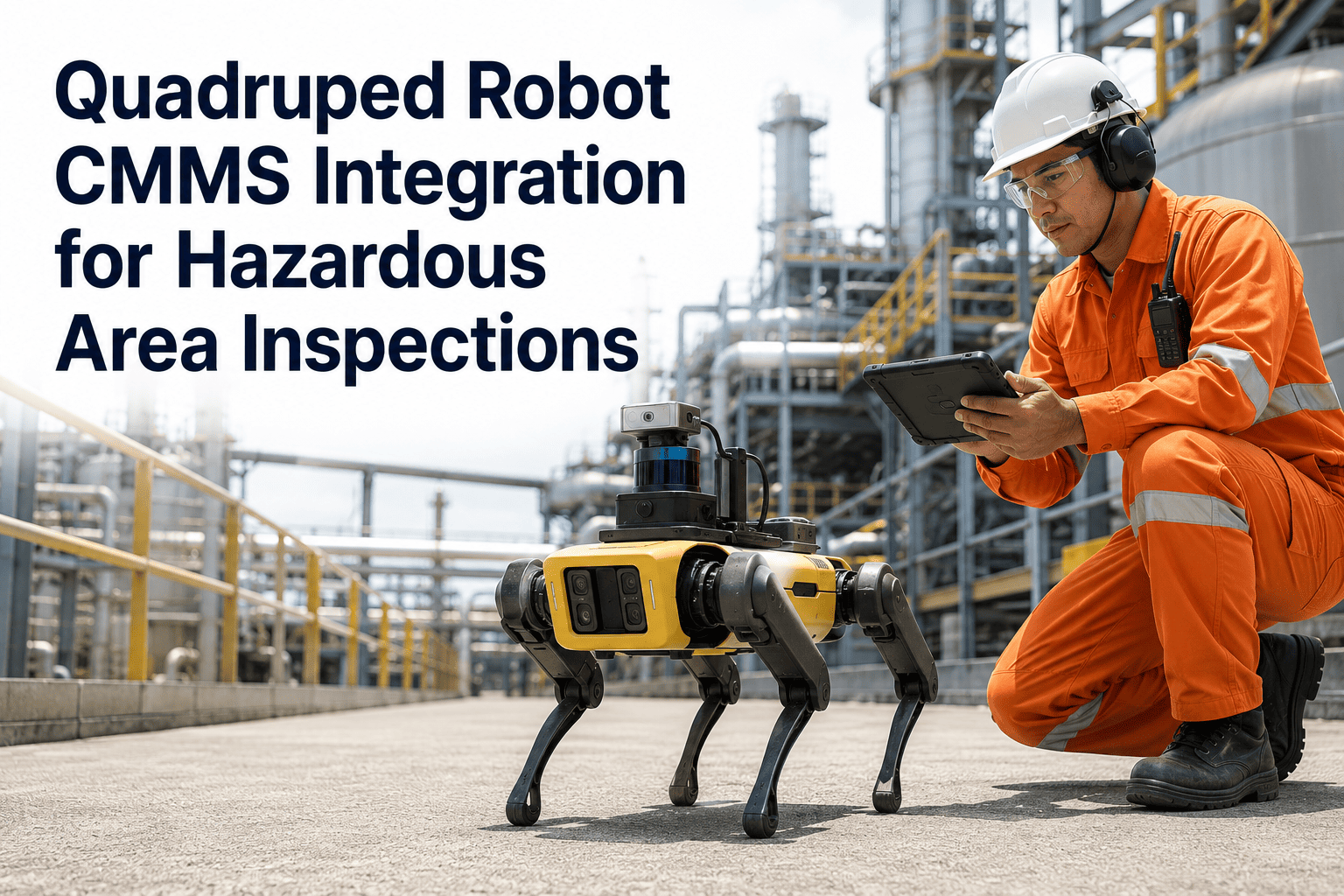
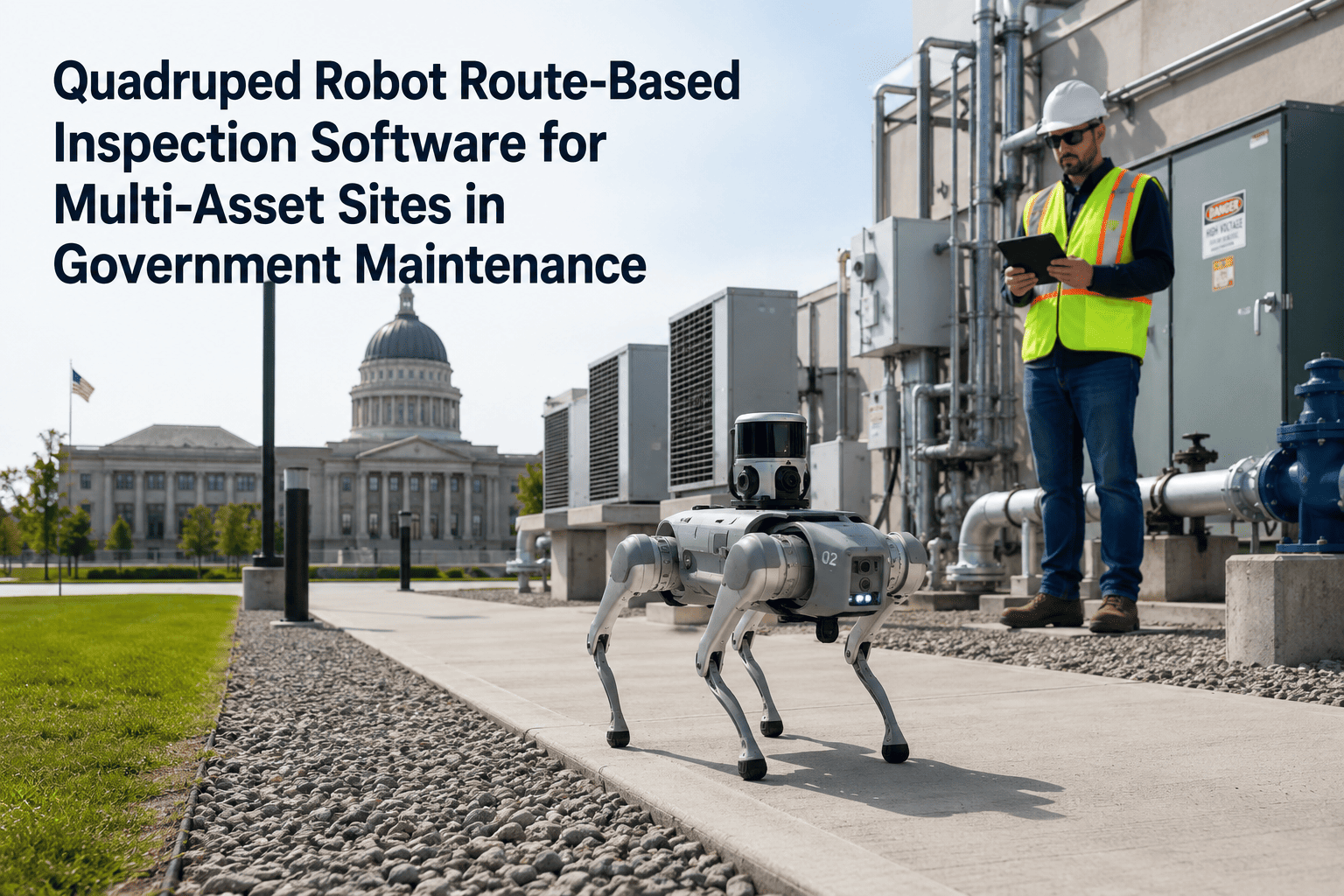
Every quadruped robot patrol generates a structured data trail — asset locations visited, sensor readings captured, anomalies flagged, timestamps locked — but that trail only becomes a maintenance record when it connects to the system where maintenance decisions are actually made. Government compliance and audit teams face increasing scrutiny over inspection documentation gaps, and isolated robot patrol logs that never integrate with the CMMS create exactly the kind of gap that triggers audit findings. Oxmaint's patrol data integration bridges that disconnect: patrol logs become maintenance records automatically, with no manual re-entry and no documentation delay between what the robot found and what the CMMS records. Book a demo to see how patrol data flows from robot to maintenance record in Oxmaint, or start free to begin connecting your existing patrol data sources.
What Lives in a Complete Maintenance Record — and What Robot Patrols Add
Traditional CMMS Record
Work order number and description
Asset ID and location
Technician assignment and sign-off
Labor hours and parts used
Pre-repair condition evidence
Patrol route confirmation
Sensor baseline at time of detection
Continuous coverage timestamps
With Oxmaint + Robot Patrol Integration
Work order number and description
Asset ID and location
Technician assignment and sign-off
Labor hours and parts used
Pre-repair condition evidence — attached
Patrol route confirmation — timestamped
Sensor baseline at time of detection
Continuous coverage timestamps
Make Every Patrol Count as a Maintenance Record
Oxmaint turns robot patrol logs into complete, audit-ready maintenance records — automatically, with full evidence chain preserved.
Patrol Data Fields That Map to Maintenance Records in Oxmaint
| Robot Patrol Data Field |
Maps To in Oxmaint |
Used For |
| Patrol start / end timestamp |
Inspection record date range |
Compliance documentation, audit coverage proof |
| Asset checkpoint visited |
Asset ID in work order |
Work order routing, PM linkage |
| Sensor reading value |
Condition score field |
PM triggering, trending, threshold comparison |
| Anomaly classification label |
Work order defect type |
Repair type selection, parts lookup |
| Attached inspection image |
Work order evidence file |
Technician briefing, post-repair comparison |
| Patrol route ID |
Inspection template record |
Coverage verification, compliance audit |
The Compliance Record Lifecycle with Patrol Integration
1
Robot Patrol Begins
Start timestamp locked in Oxmaint as inspection record opens. Route and asset list pre-loaded.
2
Checkpoints Logged
Each asset visited adds a timestamped entry to the inspection record — creating a continuous coverage chain.
3
Anomalies Generate WOs
Findings above threshold create work orders immediately, linked to the parent inspection record for traceability.
4
Patrol Closes and Locks
End timestamp recorded, inspection record sealed — immutable audit trail created for all findings and coverage.
5
Work Orders Resolved
As WOs close, resolution records link back to the originating patrol — completing the full evidence chain for auditors.
Expert Review
The single biggest audit risk I see in government facilities using quadruped robots is the gap between what the robot logs and what the CMMS shows. Auditors don't accept robot dashboard exports as maintenance records — they need to see that the finding generated a work order, the work order was assigned and completed, and the timeline is consistent. That chain can only be verified when the patrol data and the maintenance record are in the same system. Oxmaint makes that connection automatic, which is the only way to sustain it at scale.
— Government Compliance Officer, State Public Works Department — 12 years in maintenance audit readiness
Frequently Asked Questions
Can Oxmaint pull patrol data from robot platforms that don't have a direct API?
Yes — Oxmaint supports structured CSV, JSON, and XML imports for teams whose robot platforms export data as scheduled flat files rather than live API streams. Imports can be configured to run on a schedule so patrol records are transferred to the CMMS automatically after each patrol cycle ends, without any manual upload step.
Start free to test your patrol data format with our import validator.
How does patrol data integration handle multiple robots covering different zones of the same facility?
Each robot's patrol data is tagged with a route identifier and facility zone before it enters Oxmaint, so findings from different robots are stored in the correct asset and location hierarchy without merging or conflicting. Multi-zone patrol coverage appears as a single facility-level inspection record with zone-level sub-records, giving compliance managers a unified view of coverage across all robots in a single dashboard.
Book a demo to see multi-robot patrol management configured for a facility like yours.
What formats are available for exporting patrol-integrated maintenance records for government audits?
Oxmaint exports patrol-integrated maintenance records in PDF, CSV, and JSON formats, with filtering options by date range, asset class, patrol route, work order status, and technician. For government audit submissions, the PDF format includes a tamper-evident timestamp chain from patrol start to work order resolution — covering the full evidence lifecycle that regulatory bodies require to accept inspection records as compliant.
Can patrol data integration support gap analysis — identifying which assets were missed in a patrol cycle?
Yes — Oxmaint compares each completed patrol against the planned route's asset checklist and flags any assets that were not visited in the same inspection record. Missed checkpoint alerts can be configured to notify the patrol manager immediately after the patrol closes, supporting the kind of coverage verification that OSHA and state public works inspection programs require for documented inspection programs.
Talk to our team about coverage verification reporting for your compliance program.
Patrol Data Without a Maintenance Record Is Just a Log Nobody Acts On
Oxmaint connects every robot patrol to the maintenance system that drives action — work orders created, records locked, audits ready.