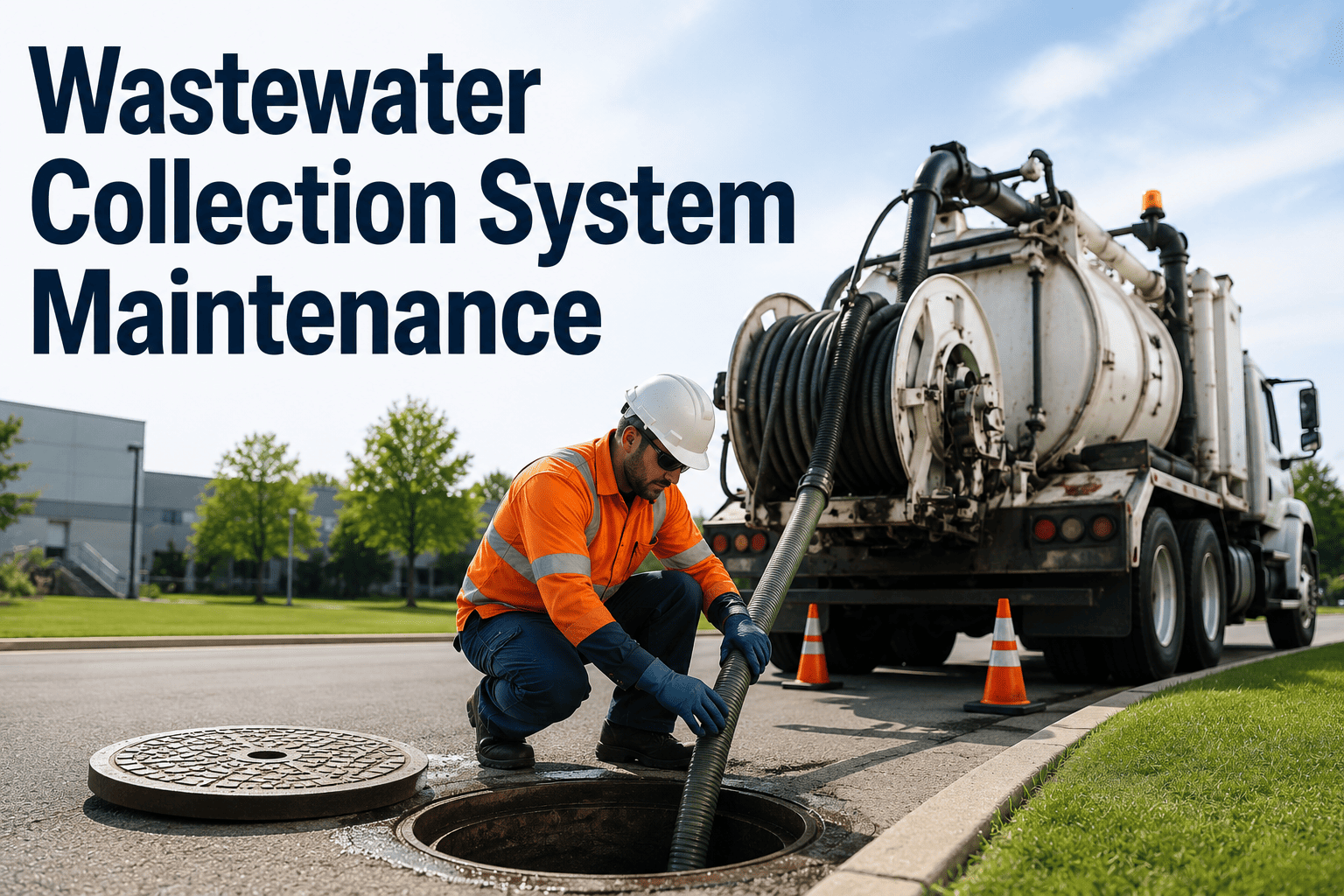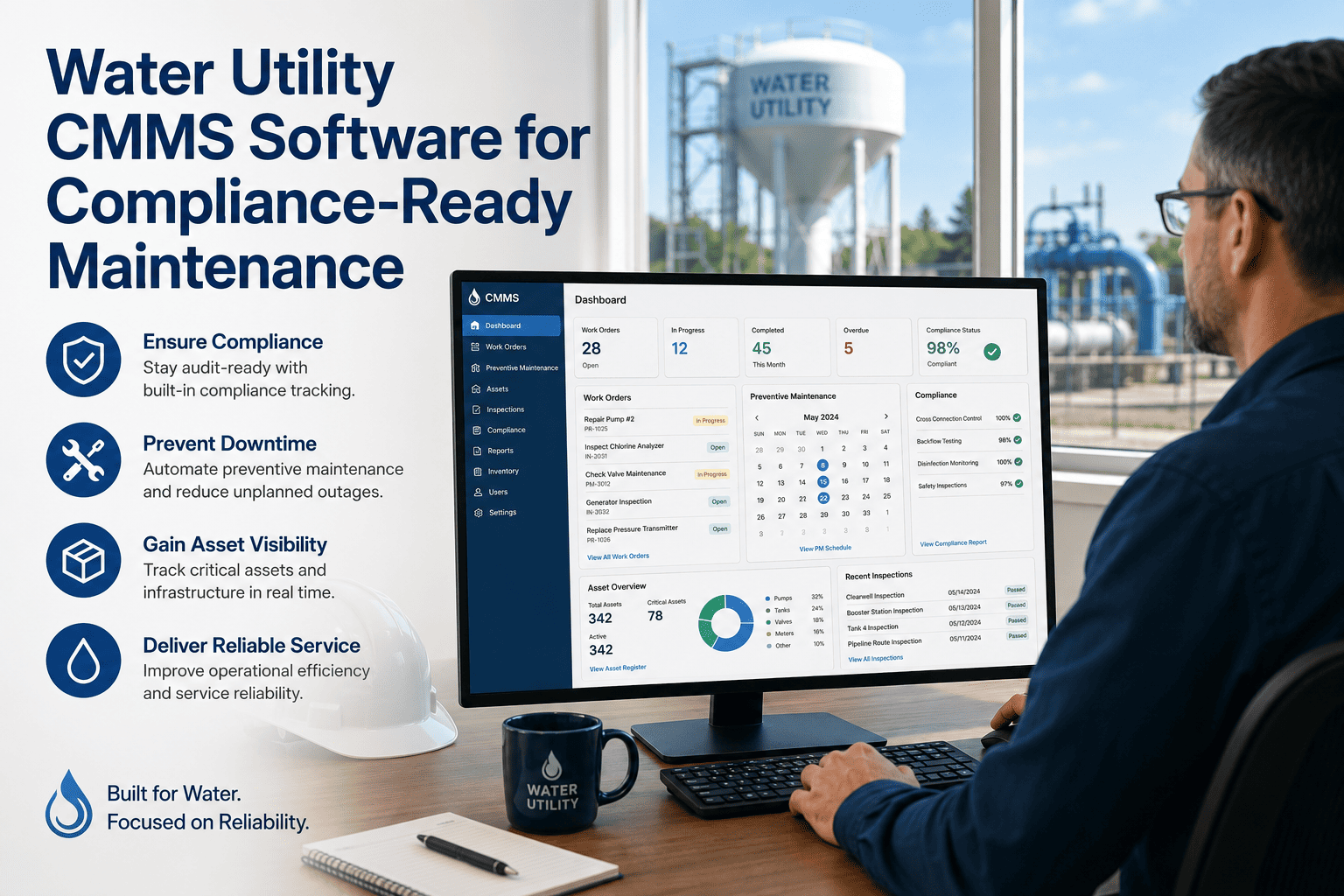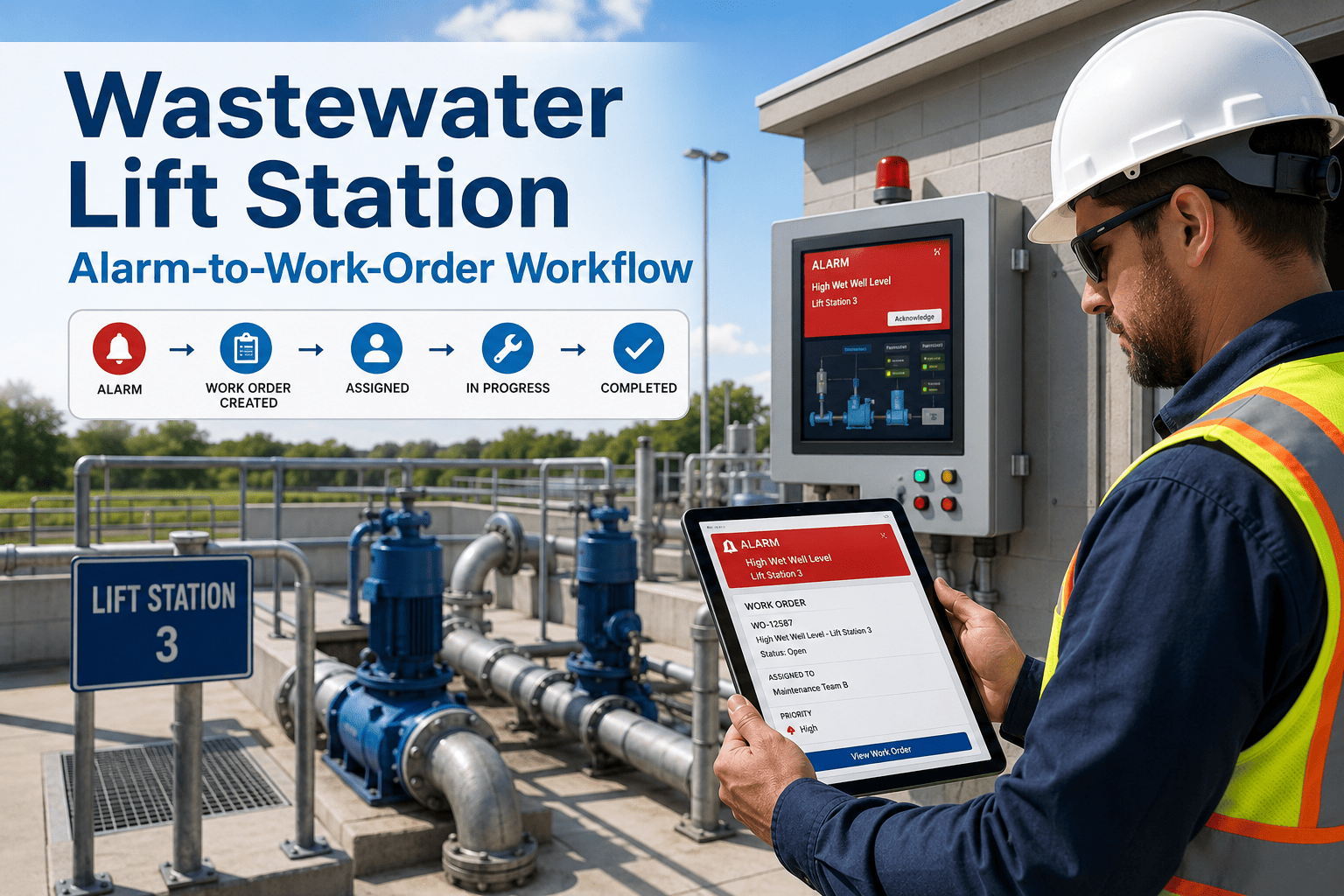
A CCTV crew finds a cracked pipe, the footage goes onto a hard drive, and the cleaning crew never hears about it. Months later the same segment backs up into a basement. Collection system records are often split between inspection software, cleaning logs, GIS layers, and repair invoices, so nobody sees the full history of a pipe. A sewer maintenance program works when inspection findings, cleaning, and repairs all point at the same segment record. This guide shows how to connect those steps and manage sewer work orders in Oxmaint without losing the trail.
Sewer Maintenance Program
Connect CCTV findings to cleaning and repair work
Rank sewer segments by defect grade, assign the right response, and track whether the pipe actually improved.
Fragmented Records
Where sewer information gets lost between crews
Defect Grading
Turn inspection grades into a response plan
Many utilities use the NASSCO PACP coding system, which rates defects from 1 to 5. The table below shows one way to map grades to action. Adjust it to your own policy and consequence of failure.
| Grade | General meaning | Typical response | Work order outcome |
|---|---|---|---|
| 1 to 2 | Minor defects, minimal or no deterioration expected soon | Keep on routine cycle and re-inspect on schedule | Update segment record, no immediate job |
| 3 | Moderate defects, deterioration likely over time | Add to planned maintenance and monitor more often | Scheduled cleaning or spot-repair planning order |
| 4 | Significant defects, failure likely in the foreseeable future | Prioritize repair or rehabilitation design | Repair work order with target date |
| 5 | Severe defects, failure may be imminent or already occurring | Urgent response, interim controls, then repair | Priority work order with supervisor notification |
Cleaning Strategy
Cleaning frequency should follow what the pipe is telling you
Segments with grease, roots, or repeated stoppages. Short cleaning intervals and cause tracking.
Segments with moderate debris or defects found in inspection. Extended checks between cleanings.
Segments with no history of problems. Longer cycle based on inspection results.
- Record the cause of each stoppage: grease, roots, debris, structural defect, or unknown
- Note the cleaning method used and the amount of material removed
- Move segments between tiers when the history justifies it
One Record Per Segment
See inspection, cleaning, and repair history in one place
We can walk through how a defect finding becomes a work order and shows up in segment history.
Day-to-Day Workflow
From a CCTV finding to a closed repair
Review the inspection
Create the right work order
Assign and schedule
Document completion
Re-inspect when needed
Before and After
What integrated sewer records change
- Defects found but not linked to jobs
- Cleaning routes repeated by habit
- Repairs unconnected to the original finding
- Backups investigated with incomplete history
- Findings generate prioritized work orders
- Cleaning frequency follows cause and history
- Repairs trace back to defect grades
- Backup response starts with segment history
Performance Tracking
Measures for a collection system program
Oxmaint capabilities for sewer teams
- Asset records for pipe segments, manholes, and lift stations
- Preventive maintenance schedules for cleaning cycles
- Corrective work orders with photos, labor, and equipment
- Inspections, reporting, and mobile access for field crews
FAQ
Sewer maintenance program: common questions
What belongs in a sewer maintenance program?
CCTV inspection, cleaning, root and grease control, repair and rehabilitation, and records tying them together by segment.
How do CCTV defect grades guide work orders?
Higher grades move to repair planning while lower grades stay on routine cycles. Oxmaint can hold the resulting orders against the segment.
Does a CMMS replace inspection software?
Not necessarily. Inspection tools code defects, while the CMMS manages the resulting work and history. Integration options can be discussed in a demo.
How do we set cleaning frequency?
Use stoppage history, cause, and inspection results to group segments into tiers and revisit them regularly.
Can crews log work from the field?
Yes, mobile work orders allow photos and notes on site. Book a demo to see the crew view.
Bring the Records Together
Give every sewer segment a maintenance history you can act on
Link inspection, cleaning, and repair work in Oxmaint.