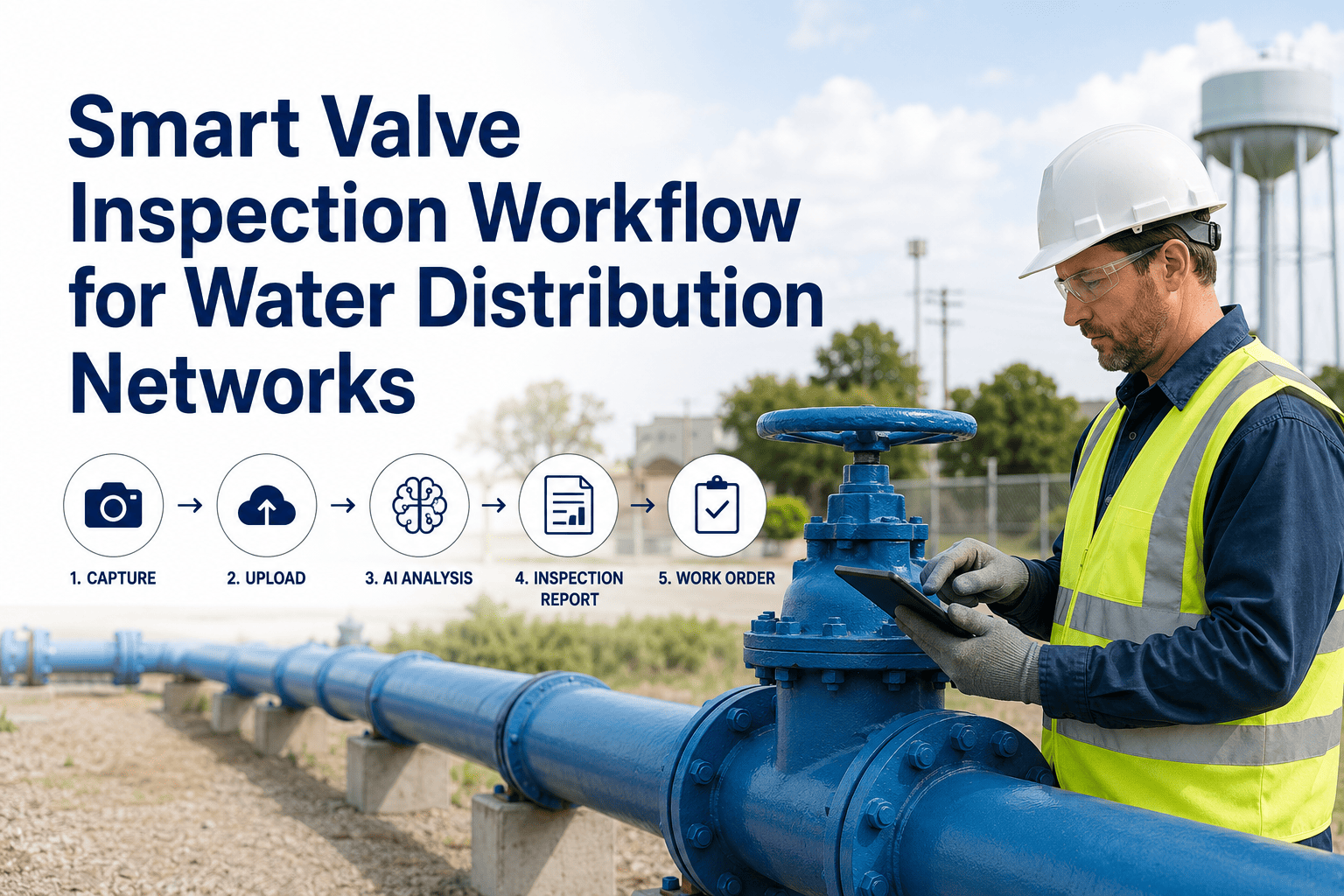
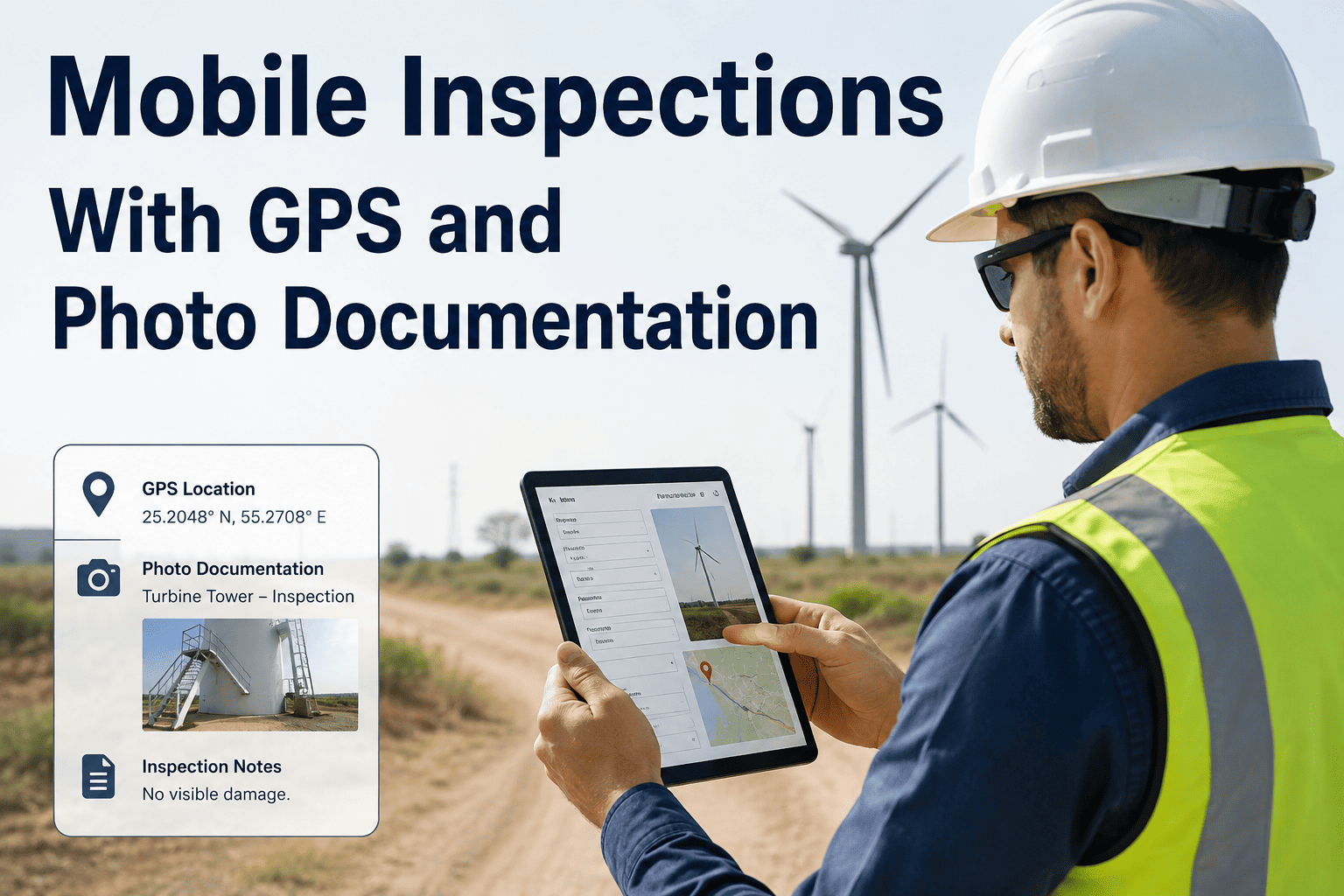
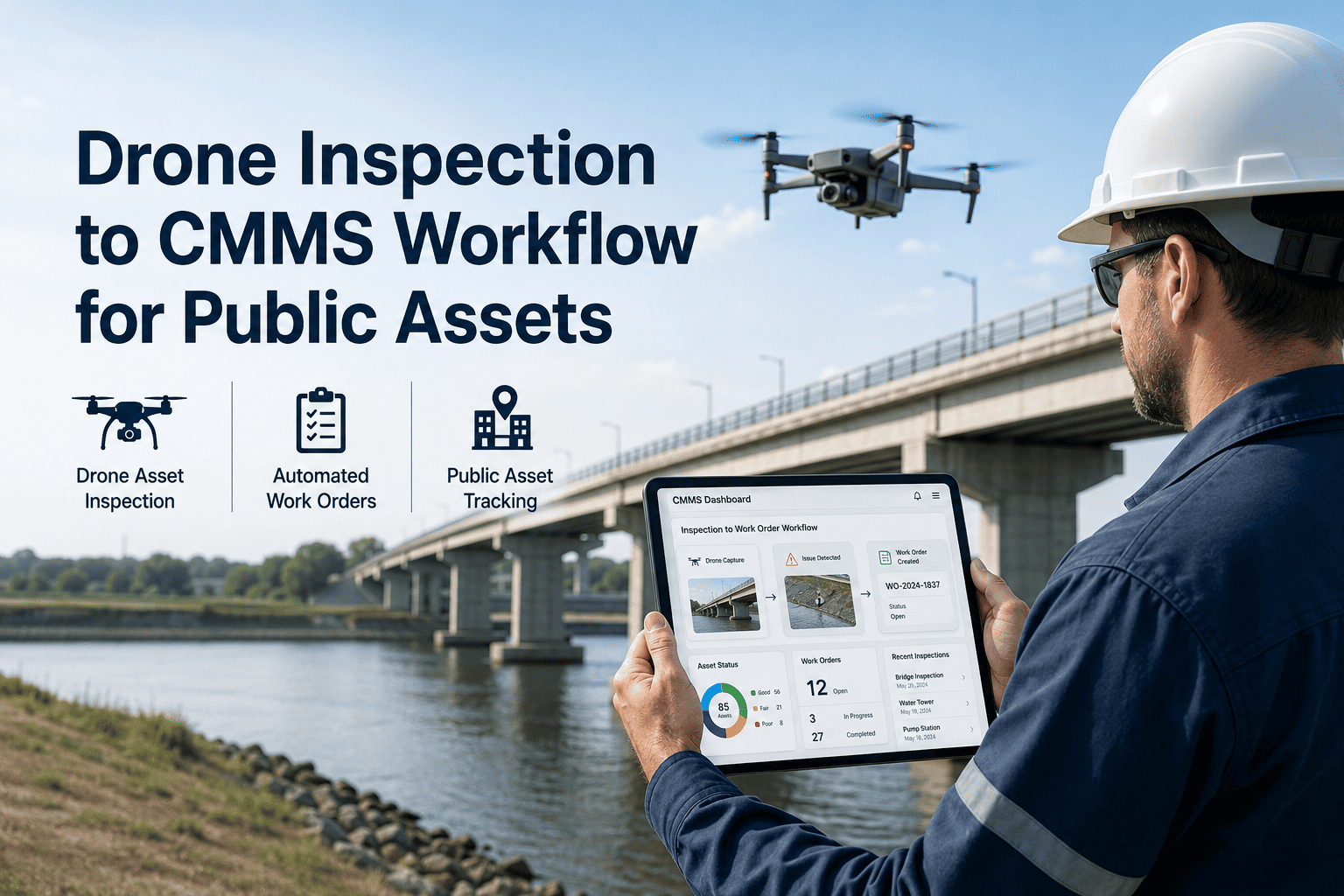
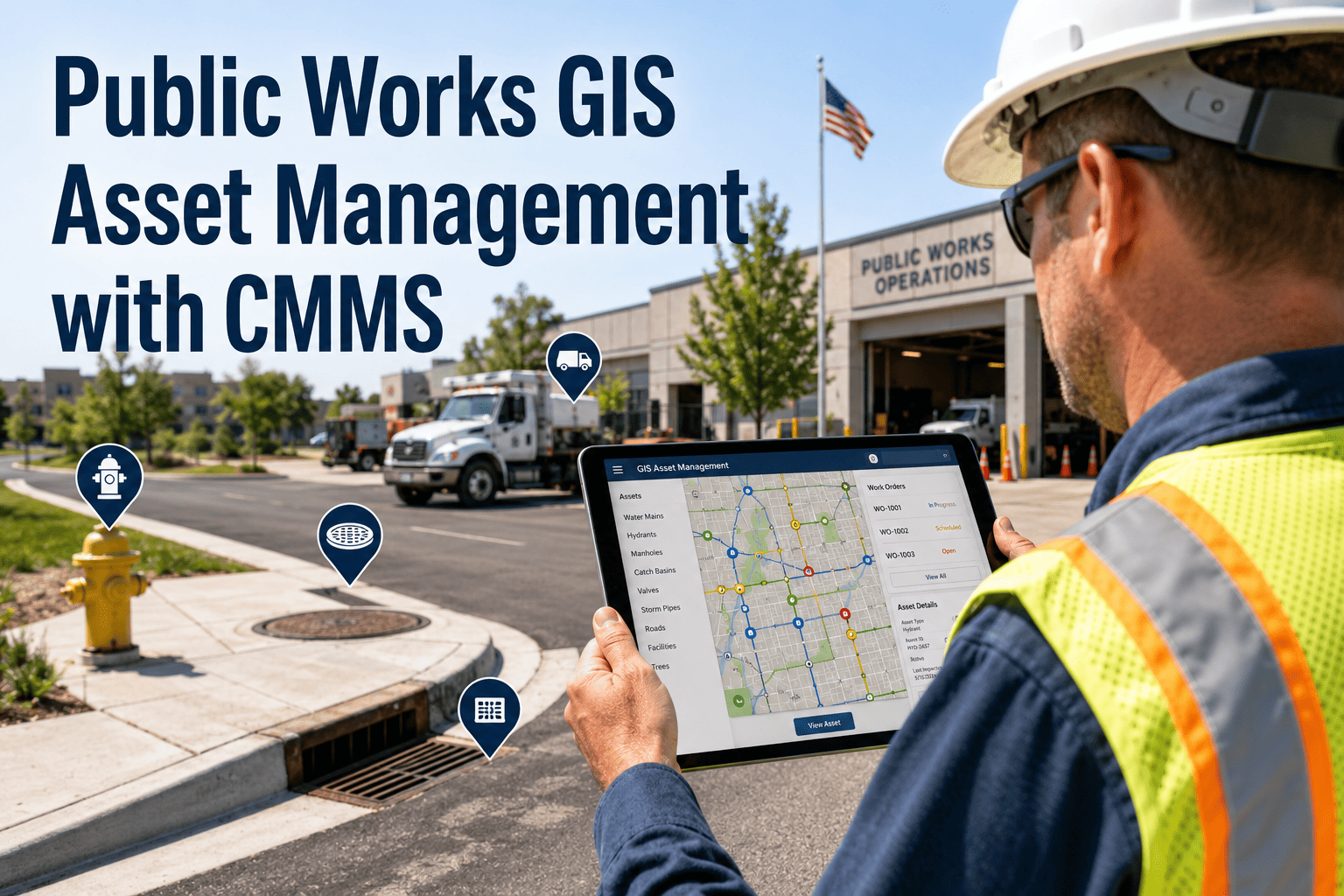
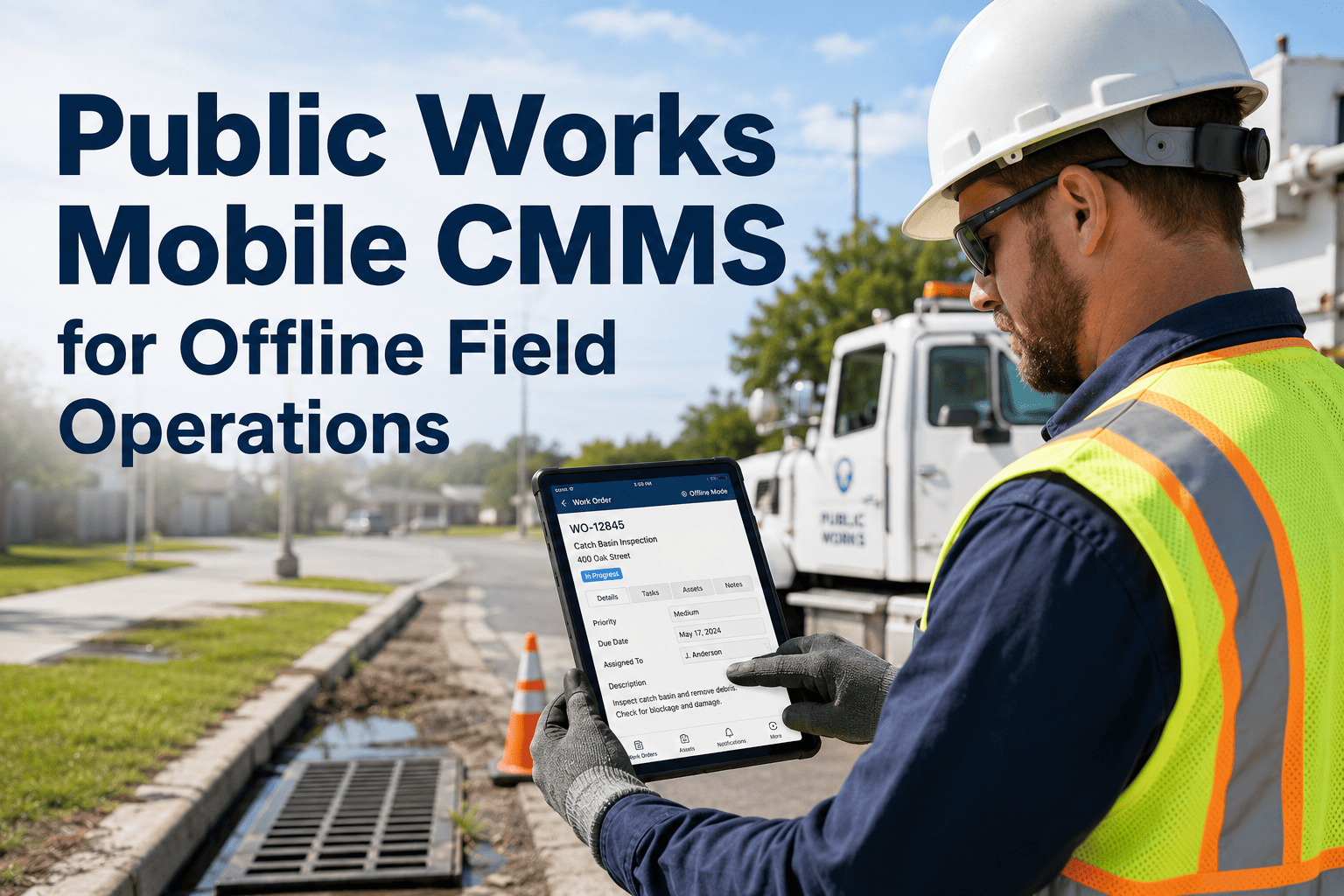
Water distribution valves are among the most maintenance-critical and most systematically neglected assets in any municipal network. A valve that cannot be operated under pressure — seized by corrosion, partially closed from a prior repair, or missing from the asset register entirely — is not just a maintenance problem. It is an emergency response problem: when a main bursts, operators need to isolate the affected segment in minutes, and a non-operational valve in that isolation path turns a four-hour repair into a 24-hour service disruption affecting thousands of customers. Studies by the American Water Works Association estimate that more than 15% of distribution valves in aging networks are in an unknown or inoperable condition at any given time. OxMaint's Inspection Management module gives water distribution teams a structured, mobile-first valve inspection workflow — with GPS-confirmed location, digital exercise records, photo evidence, and automatic corrective work order generation — so that every valve in your network is exercised, documented, and operational before the next main break tests it. The global smart water network market is projected to reach $32.8 billion by 2028, driven largely by utilities replacing paper valve registers with digital inspection programmes. Book a demo to see how OxMaint transforms your valve inspection programme from a paper compliance exercise into a genuine emergency preparedness asset.
15%+
Distribution valves in unknown or inoperable condition in aging US networks (AWWA)
4× longer
Service disruption duration when isolation valves fail to operate during a main break event
Annual
Minimum exercise frequency required by AWWA M44 Manual of Water Supply Practices for gate valves
60%
Reduction in valve inspection field time when crews use OxMaint mobile vs. paper route sheets
Smart Valve Inspection Workflow — Step-by-Step Checklist
Each step is a digital task in OxMaint — completed on mobile, GPS-stamped, and linked to the asset record
Phase 1
Pre-Inspection Preparation
1
Pull valve record from OxMaint asset register
Review last exercise date, previous condition notes, number of turns at last operation, and any prior corrective work orders linked to this valve
Digital
2
Confirm valve location via GPS on OxMaint mobile map
Navigate to GPS coordinates stored in asset register — resolve any location discrepancy against physical valve box marker before commencing inspection
GPS
3
Verify correct valve key and equipment for valve size
Confirm correct operating nut size and extension rod length for the valve depth — note if valve box requires excavation or cleaning before access
Pre-Field
Phase 2
Physical Valve Condition Assessment
4
Photograph valve box and cover condition — upload to OxMaint
Capture: cover condition (cracked, missing, flush with grade), box alignment, any surface water ingress signs, surrounding pavement condition
Photo
5
Record operating nut condition and direction-of-close
Confirm clockwise-to-close or counter-clockwise-to-close, note any nut corrosion or rounding that will prevent operation under pressure
Record
6
Inspect valve stem for corrosion, packing gland leaks, and extension rod integrity
Any active weeping from packing gland or visible stem corrosion requires a corrective work order — photograph and flag in OxMaint before proceeding with exercise
Photo
Phase 3
Valve Exercise and Torque Recording
7
Exercise valve through full close and return — record exact turn count
Log number of turns to full close and back to open position in OxMaint — compare to previous exercise record and flag any deviation exceeding 10% for investigation
Record
8
Record operating torque category (smooth, stiff, inoperable)
Smooth: normal operation confirmed. Stiff: schedule preventive maintenance. Inoperable: generate emergency corrective WO immediately and flag isolation path impact to operations centre
Digital
9
Confirm valve returns to full-open position and verify no pressure loss at downstream gauge
Partial-close finding is particularly critical — a valve left partially closed after previous repair work causes unexplained pressure drops and accelerates main wear
Record
Phase 4
Post-Inspection Documentation and Follow-Up
10
Complete OxMaint inspection sign-off with technician ID and timestamp
Digital sign-off locks the inspection record and automatically updates the valve's last-exercised date in the asset register — no separate data entry required
Digital
11
Confirm any corrective work orders generated are assigned and scheduled
OxMaint automatically generates and assigns corrective WOs for any fault condition flagged during inspection — verify assignment in the WO queue before leaving the site
Digital
12
Update valve GPS coordinates and asset register if any location or specification discrepancy found
Use OxMaint mobile to correct asset location, operating data, or material type directly in the field — corrections are live in the asset register immediately
GPS
OxMaint turns this 12-step workflow into a guided mobile checklist. Every valve. Every exercise. Every corrective action — digital, GPS-confirmed, and audit-ready.
Paper Valve Register vs. OxMaint Smart Inspection
| Workflow Element |
Paper / Spreadsheet |
OxMaint Digital |
| Valve location in field |
Coordinates on paper map — often inaccurate |
GPS navigation direct to valve in OxMaint mobile |
| Exercise turn count |
Hand-written on route sheet — data entry lag |
Entered live in field — auto-saved to asset record |
| Corrective action trigger |
Verbal report to supervisor — delay common |
Automatic WO generated at fault flag — no delay |
| Photo evidence |
Phone camera — never linked to valve record |
In-app photo upload — attached to asset in real time |
| Audit readiness |
Paper binder — hours to compile for inspection |
Exportable report by valve, zone, or date in minutes |
Expert Review
James Okonkwo — Water Distribution Operations Manager, 16 years, Municipal Utility, Midwest Region
The valve exercise programme is the one PM activity that most distribution teams consistently underperform on — not because technicians do not want to do it, but because the administrative burden of paper route sheets, manual data entry, and binder filing makes the programme impractical at scale. In a network with 4,000 valves, getting every valve exercised annually on paper is nearly impossible. OxMaint changed the equation for us because the workflow guides the technician through every step on their phone, the GPS brings them directly to the valve, and the turn count goes directly into the asset record the moment they type it in the field. We went from documented exercise rates below 40% to above 90% within two PM cycles — and when we had a major main break last winter, every isolation valve in the affected zone was operational and located in under three minutes. That is what a digital valve programme delivers.
Frequently Asked Questions
Can OxMaint import our existing valve register from GIS or a spreadsheet?
Yes. OxMaint imports valve asset data from CSV, Excel, Esri ArcGIS, and common GIS interchange formats — preserving existing asset IDs, GPS coordinates, material types, and historical notes. Your existing valve register becomes the OxMaint asset base without manual re-entry.
Book a demo to walk through the data migration process and confirm compatibility with your specific GIS platform and register format before committing to onboarding.
Does OxMaint work offline for field crews in areas without mobile data coverage?
OxMaint's mobile app operates fully offline — inspection checklists, asset records, and GPS maps are synced to the device before the crew leaves the depot. Completed inspections, photos, and exercise data are synced automatically when the device reconnects to a network, with no data loss and no manual upload step required by the technician.
Sign in to OxMaint to configure offline sync for your field crew devices and set the asset download scope for each inspection route.
How does OxMaint handle inoperable valve findings during an inspection?
When a technician flags a valve as stiff or inoperable in OxMaint, the system immediately generates a corrective work order, assigns it based on your configured escalation rules, and flags the valve's isolation path status so operations staff know the affected zone before the next emergency. Critical inoperable findings can be configured to notify the distribution operations centre in real time.
Book a demo to see the inoperable valve escalation workflow in action and configure alert routing for your team's notification preferences.
OxMaint · Inspection Management · Water Distribution
Every valve in your network is either an emergency preparedness asset or a liability. OxMaint makes sure you know which — before the next main break.
GPS Valve Location · Digital Exercise Records · Auto Corrective WOs · Photo Evidence · Audit Export · Offline Mobile