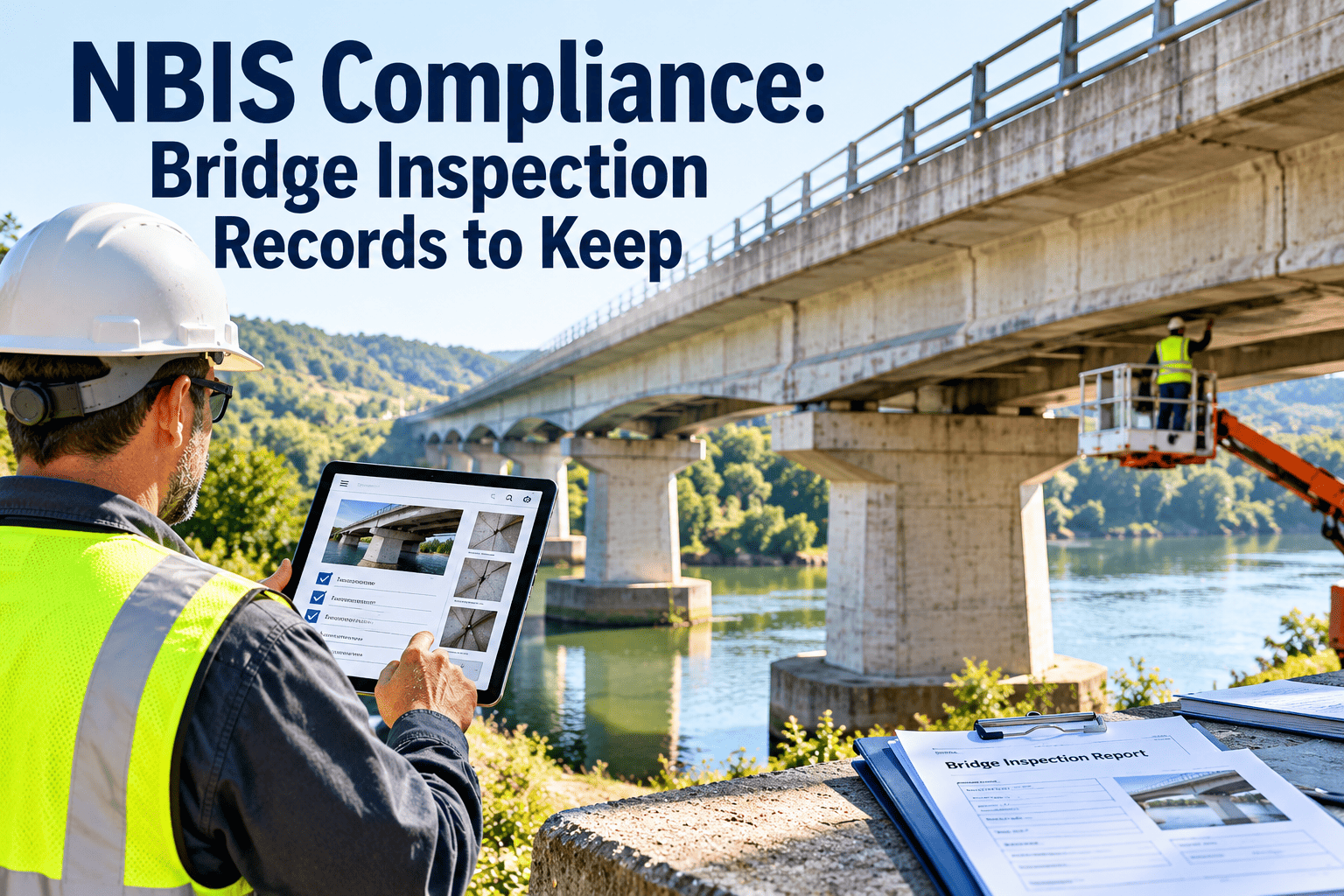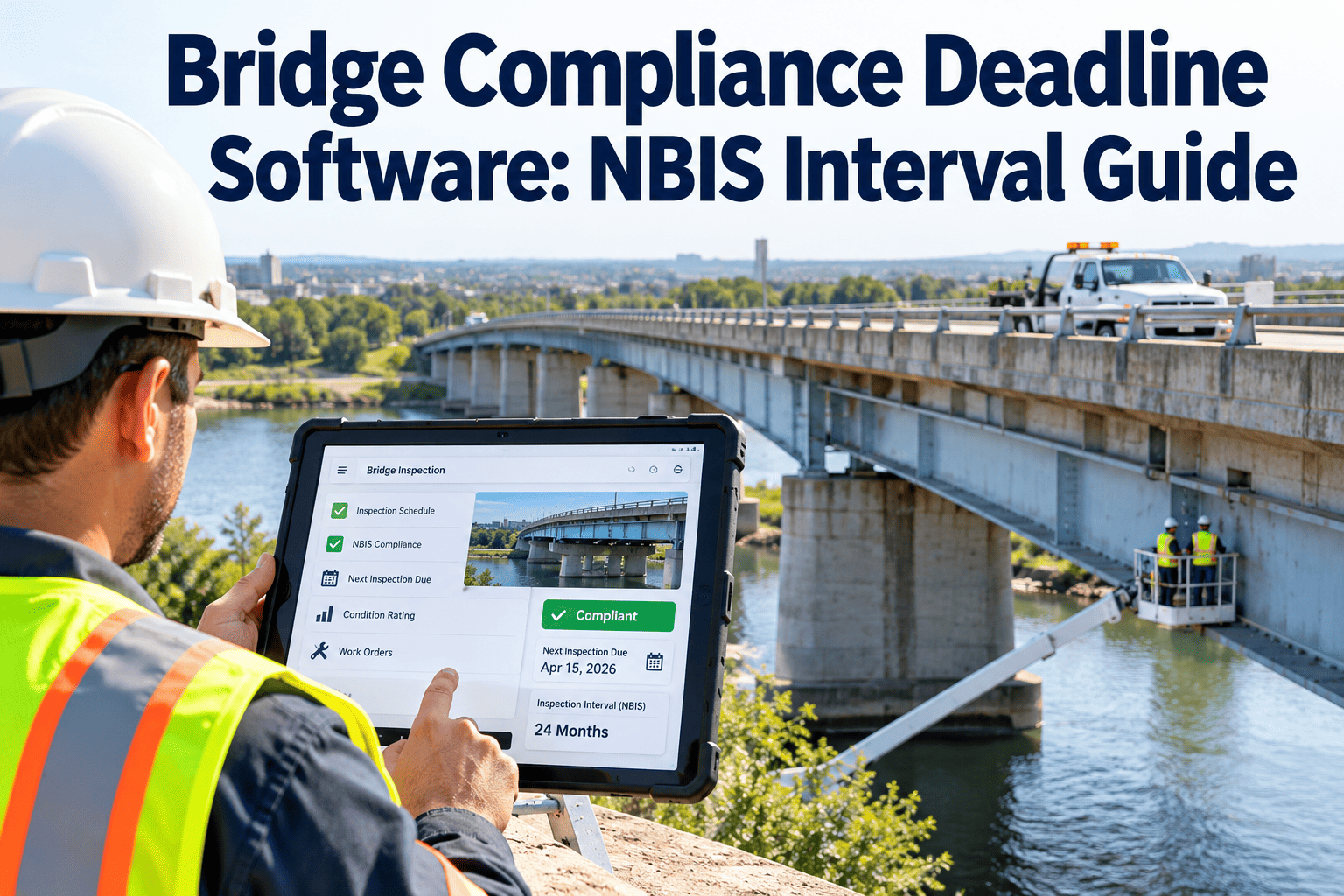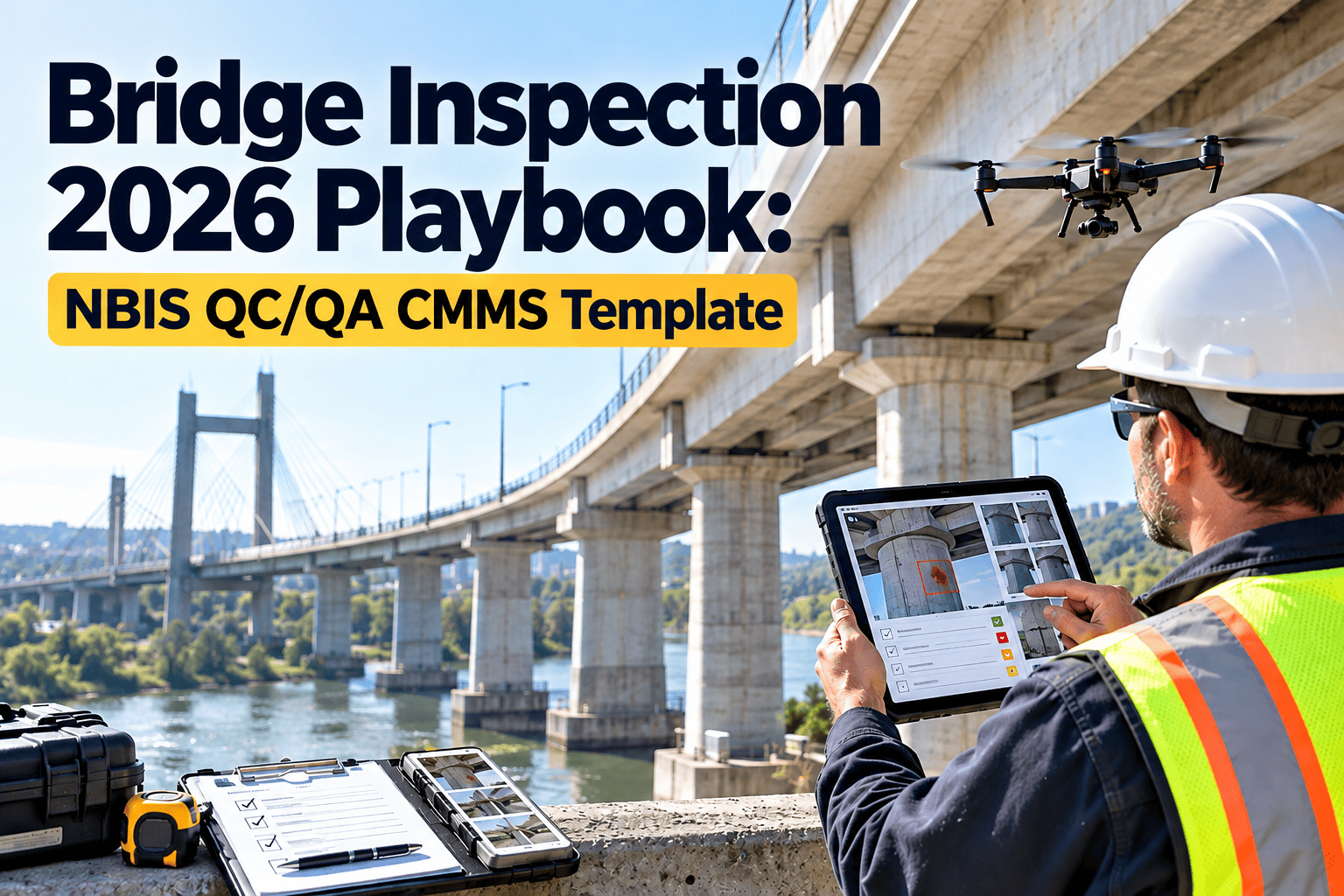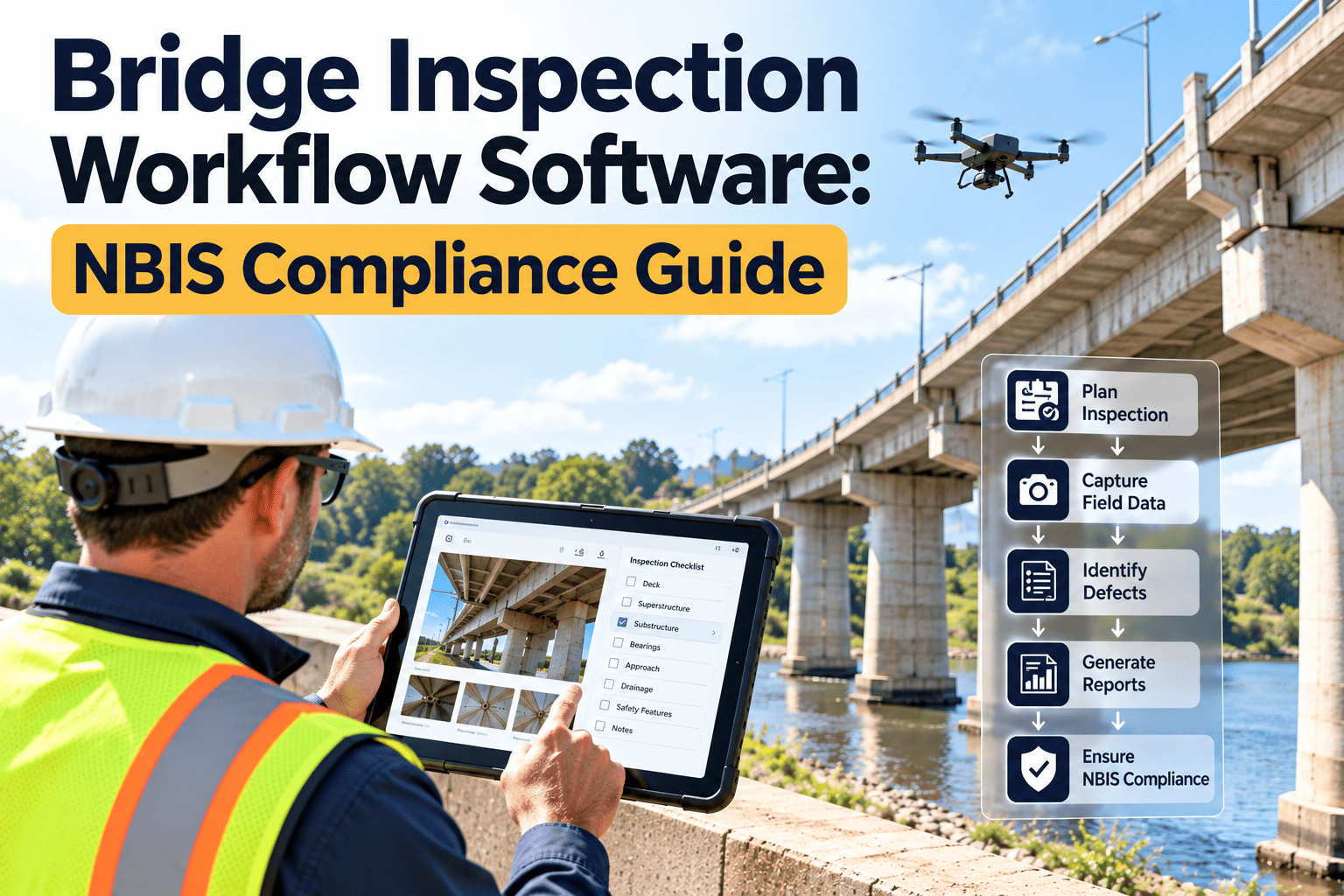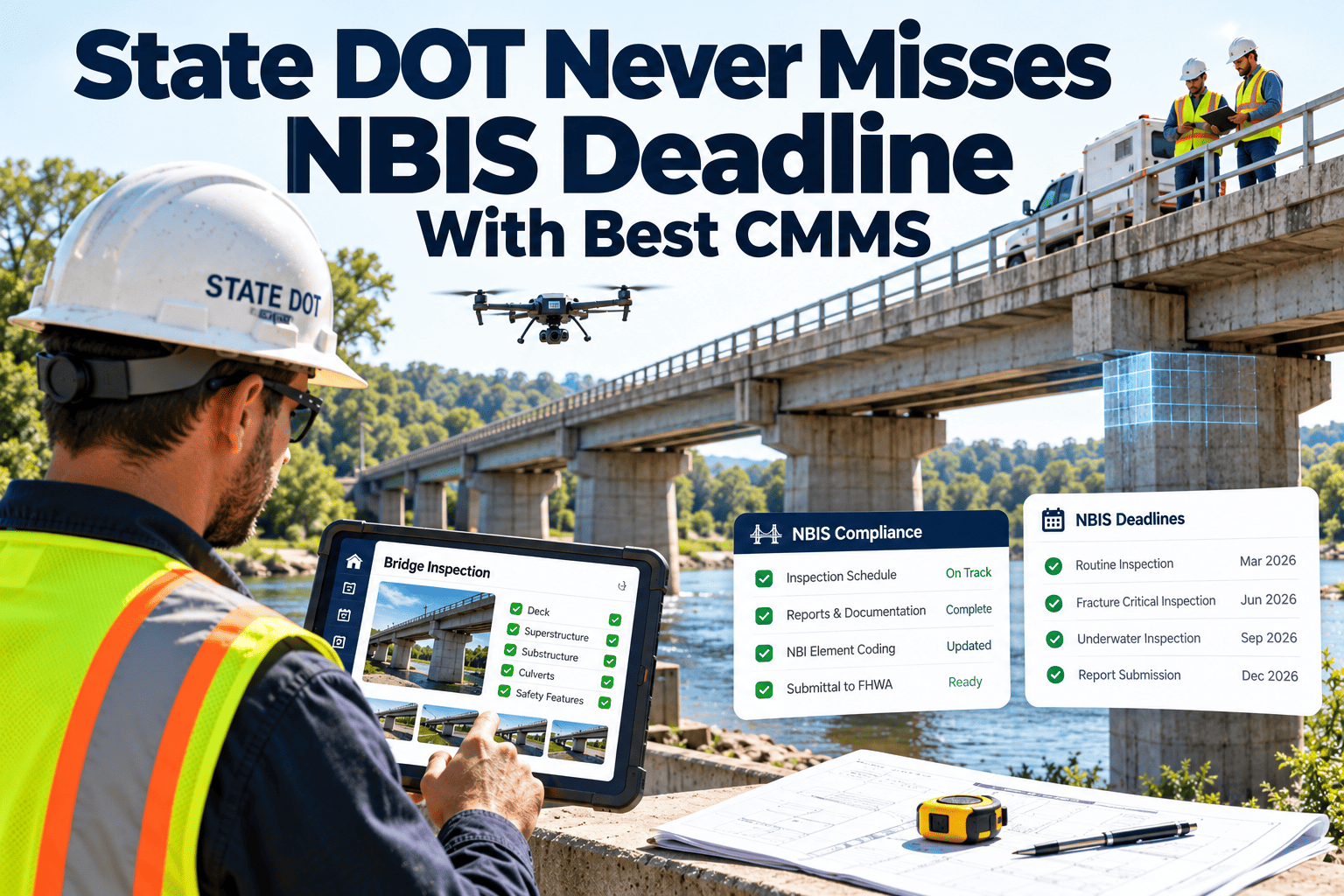
What does it take for a state DOT to hit every NBIS inspection deadline across hundreds of bridges, year after year? This case study walks through a modeled 620-bridge state program, showing how a digital CMMS turns inspection intervals into scheduled work, early warnings, and audit-ready records. The scenario is built from NBIS requirements and common agency practice, so treat it as a planning model, not a reported customer result. Use it to test your own program, then book a demo to map the same approach to your inventory.
Case Study Model · State DOT Bridge Program · NBIS Compliance
Case Study: How a State DOT Can Reach 100% On-Time NBIS Inspections With a CMMS
A four-year view of a 620-bridge program: the starting problem, the rollout, the workload math, and the controls that keep every inspection ahead of its deadline.
620
Bridges in the modeled program
4
Years of deadline tracking
100%
On-time target for every cycle
Read This First
What This Case Study Is and Is Not
Modeled scenario
The bridge count and four-year window are the framing for this model. Other counts below are labeled assumptions used to show the arithmetic. No named agency or verified performance claim is made.
- It shows how a CMMS can be configured to meet NBIS intervals consistently.
- It gives you a workload method you can rerun with your own inventory.
- It lists the controls that prevent a bridge from quietly slipping past its due date.
Starting Point
The Situation Before Automation
What the program looked like
- Bridge inventory in a state database, with inspection dates in district spreadsheets
- Due dates calculated by individual inspectors or coordinators
- Special and fracture critical inspections tracked on separate lists
- Consultant-led inspections returned reports weeks after field work
- Overdue status discovered during year-end data preparation
What leadership wanted
- One schedule showing every inspection type and due date
- Advance warning with time to plan access and crews
- Automatic recalculation when an inspection closes
- One place to review findings and open repairs
- Records ready for FHWA review at any time
Workload Math
Sizing the Annual Inspection Load
Start with the interval rules and the inventory, then calculate how many inspections must close every year. Planning begins with this number.
| Inspection type | Assumed bridges | Interval used | Inspections per year | Over four years |
|---|---|---|---|---|
| Routine | 620 | 24 months | 310 | 1,240 |
| Fracture critical | 40 (assumption) | 24 months | 20 | 80 |
| Underwater units | 30 (assumption) | 60 months | 6 | 24 |
| Special, damage, in-depth | Varies | Event or condition driven | Reserve capacity | Reserve capacity |
Fracture critical work often occurs alongside the routine visit, so crews do not always travel twice. Use your own counts and approved intervals.
Run This Math With Your Own Bridge Inventory
Import your bridge list, set interval rules by inspection type, and see the forecast of due dates before a single one slips.
Four-Year Timeline
How the Rollout Unfolds Year by Year
Year 1
Foundation
- Clean and import the bridge inventory
- Flag fracture critical, underwater, and scour critical bridges
- Load last inspection dates and calculate due dates
- Build inspection checklists and rules
- Pilot in one district
Year 2
Expansion
- Roll out to remaining districts
- Move consultants onto the same work orders and forms
- Launch dashboards for overdue and upcoming work
- Tie defects to corrective work orders
- Set lead-time and escalation rules
Year 3
Optimization
- Rebalance inspection peaks by route and region
- Add event triggers for floods and strikes
- Review interval rules and approved extensions
- Track report turnaround and critical finding response
- Audit data quality on a schedule
Year 4
Sustained Control
- Operate from a rolling 12-month forecast
- Use monthly reviews to catch risk early
- Prepare federal data from system records
- Refine rules from real completion data
- Onboard new inspectors with templates
Controls
The Five Controls That Prevent a Missed Deadline
1
Rule-based due dates
The system calculates the next due date from the closed inspection, which removes manual date math and inconsistency across districts.
2
Early work order release
Orders are created well before the deadline, with extra lead time for under-bridge units, rail crossings, and dive teams.
3
Staged escalation
Unassigned or unscheduled orders alert supervisors and then program managers as the date approaches.
4
Closure requires data
An inspection cannot close without ratings, photos, and sign-off, so the next due date always rests on complete records.
5
Monthly forecast review
Leaders review the rolling forecast and move crews before a backlog forms, instead of reacting after a date passes.
Before and After
How Daily Work Changes for Each Role
| Role | Before | After |
|---|---|---|
| Program manager | Builds overdue lists from several files before each report | Opens a live dashboard of overdue and upcoming inspections |
| District coordinator | Assigns crews from memory and email | Assigns from a forecast with access and equipment needs shown |
| Team leader | Searches for prior reports before each visit | Receives bridge history, defects, and checklists in one order |
| Maintenance engineer | Reads reports to find repair needs | Receives prioritized corrective work orders from findings |
| Compliance reviewer | Reconstructs timelines during an audit | Pulls the full cycle history for any bridge in minutes |
Scorecard
Metrics a Program Tracks to Prove Deadline Control
On-time completion rate
Target: 100% of inspections closed before the due date
Reported monthly by inspection type and district.
Release lead time
Target: set by access need
Days between order creation and due date, checked against planned lead times.
Orders unassigned at 45 days
Target: zero
An early indicator that capacity is falling behind.
Report turnaround
Target: set with consultants
Days from field completion to approved report and updated ratings.
Critical finding response
Target: same-day work order
Time to open a corrective order after a critical finding.
Record completeness
Target: all required fields at sign-off
Bridges with complete forms, photos, and approvals.
The targets show how a program frames goals. Replace them with figures agreed by your leadership and FHWA division.
One Inspection, End to End
Following a Single Routine Inspection Through the System
Day -90
Order released
The system creates the routine inspection order from the last close date and assigns a district team.
Day -75
Access planned
The coordinator books traffic control, equipment, and any railroad or waterway coordination.
Day -30
Field visit
The team leader opens prior findings on a tablet, completes the checklist, and attaches geotagged photos.
Day -25
Review and approval
A reviewer checks ratings and completeness, then approves the report and closes the order.
Day -24
Cycle restarts
The next due date appears automatically, and defects flow to corrective work orders.
The day counts show one possible plan relative to the due date. Your lead times will depend on access needs and local conditions.
Beyond the Routine Cycle
Special Inspections and Event Triggers in the Model
A program that only tracks routine intervals still has blind spots. The model adds rules for conditions that need extra attention between cycles.
| Trigger | System response | Record kept |
|---|---|---|
| Flood or high-flow event | Scour and damage inspection orders for bridges in the affected area | Event date, bridges checked, findings |
| Vehicle or vessel strike | Emergency damage inspection and load rating review request | Incident report, photos, engineer decision |
| Scour critical status | Monitoring tasks linked to a plan of action | Monitoring visits, measurements |
| Rating decline on a major element | Shorter interval or in-depth inspection | Reason for change, approval |
| Posting change | Signage verification and asset record update | Posting date, verification photos |
Cost of a Miss
Why Missed Inspection Deadlines Create Real Exposure
- Federal oversight reviews examine whether inspections are completed on time, and persistent gaps can lead to findings and corrective action requirements.
- Late inspections delay the discovery of deterioration, so repairs that were small become urgent.
- Out-of-date load ratings and postings can leave unsafe or overly restrictive conditions in place.
- Rushed catch-up inspections cost more than planned ones because of overtime, expedited consultants, and short-notice closures.
- Poor records weaken the agency's position when a structure is involved in an incident or claim.
Specific consequences depend on your state and federal oversight arrangements, so review them with your FHWA division office.
Reporting
Keeping Federal Reporting Clean From the Field Up
Problems the model avoids
- Inspection dates entered twice in different systems
- Ratings changed in reports but not in inventory data
- Missing photos and signatures at audit time
- Last-minute data cleanup before annual submission
Practices it relies on
- One source of truth for dates, ratings, and findings
- Required fields enforced before an inspection closes
- Change history on every approved value
- Exports that match the format your bridge system expects
Programs are also moving to the SNBI data format, so confirm current requirements and timelines with FHWA when planning your data mapping.
Why a CMMS Fits
Choosing the Best CMMS for a Bridge Inspection Program
Evaluate platforms on how well they handle interval-driven inspection work, not on feature counts. These criteria separate a general tool from a good fit.
- Interval logic by inspection type. The system should support separate rules for routine, fracture critical, underwater, and special inspections on the same bridge.
- Mobile inspections with offline use. Many bridges sit where cell coverage is poor, so forms must work without a signal and sync later.
- Link from finding to repair. Defects should turn into corrective work orders without retyping.
- Configurable escalation and forecasting. Managers need advance visibility, not just a late list.
- Audit trail. Every due date, assignment, and approval should have a timestamp and a user.
- Data import and export. The platform should accept your inventory and produce data for bridge management and federal reporting.
Oxmaint provides preventive maintenance scheduling, work orders, asset records, mobile inspections, dashboards, and compliance records that map to these criteria.
Implementation Lessons
Lessons Any State Program Can Apply
Fix the inventory first
Wrong flags or stale dates create wrong intervals. A short data cleanup prevents months of confusion later.
Bring consultants into the system
If outside inspectors work in a separate tool, the schedule breaks. Give them access to the same orders and forms.
Pilot before scaling
One district reveals practical issues with lead times, forms, and field workflows before they spread statewide.
Reserve emergency capacity
Floods and strikes will interrupt plans. Capacity set aside for them protects routine deadlines.
Review monthly, not yearly
The value of a forecast comes from acting on it while there is still time to move crews.
Protect data quality
Make complete records a condition of closing an inspection so the next cycle starts on solid information.
Risks
What Can Still Cause a Missed Deadline
- Approved lane closures that are cancelled by weather or incidents close to the due date.
- Consultant capacity that shrinks during peak seasons.
- Inspector shortages or credential gaps that limit who may lead a team.
- Late data entry that leaves the system showing the wrong next due date.
- Rules configured incorrectly for a bridge type or an approved extension.
- Reviewers who delay approval, which keeps the next due date from updating on time.
- New bridges added to the inventory without an initial inspection rule, so no clock starts.
- Unclear ownership of locally owned bridges that sit inside the state program.
- Dashboards that nobody reviews, which turns early warnings into background noise.
Software surfaces these risks earlier but cannot remove them. Strong planning and field discipline still matter.
Getting Ready
Data and Team Checklist Before You Start a Rollout
Data to gather
- Unique bridge IDs and structure numbers
- Last inspection date for every inspection type
- Fracture critical, underwater, and scour critical flags
- Approved interval rules and any FHWA-approved extensions
- Open defects, repair history, and posting status
People to involve
- Program manager who owns the rules
- District coordinators who plan access and crews
- Team leaders who use the forms in the field
- Consultants who inspect on the agency's behalf
- IT and data staff who manage the inventory
Handling change in the field
- Train inspectors on a real bridge from their own district, not a generic demo.
- Keep paper backups during the pilot so a device problem never blocks an inspection.
- Collect feedback after the first month and adjust forms to remove friction.
- Share dashboard results with crews so they see how their work protects deadlines.
- Name a system owner who maintains rules, templates, and user access after the rollout ends.
- Schedule a quarterly review of interval rules against actual completion data.
FAQ
NBIS Deadline Tracking Questions
Is this an actual customer case study?
No. It is a modeled scenario using NBIS rules and common practice. See how it fits your program in a live demo.
Can a CMMS guarantee 100% on-time inspections?
No tool guarantees it. Software provides rules, forecasts, and alerts, and your crews and managers act on them.
How long does a statewide rollout take?
It depends on data quality and the number of districts. A one-district pilot is the usual first step, and you can sign up to begin.
Does it replace our bridge management system?
No. It manages inspection scheduling, work, and records, and can export data for your existing bridge management and federal reporting.
What data do we need to start?
Bridge IDs, locations, types, flags, last inspection dates, and your approved interval rules.
Build a Bridge Program Where Deadlines Are Managed, Not Chased
Set the rules once, forecast the work, and keep every inspection ahead of its NBIS due date with one connected system.