Blocked storm drains are the leading preventable cause of urban flooding in the United States, yet most public works departments still schedule catch basin cleaning based on calendar dates rather than actual field conditions. OxMaint gives stormwater crews a smarter way to inspect, schedule, and document drain cleaning — so your municipality is always prepared before the next heavy rain, not scrambling after one.
72%
of urban flood events linked to blocked drainage infrastructure
2x
higher cleaning cost when drains are left unscheduled beyond 12 months
$2.4B
annual municipal stormwater infrastructure spending in the US
Storm Drain Cleaning — Master Checklist
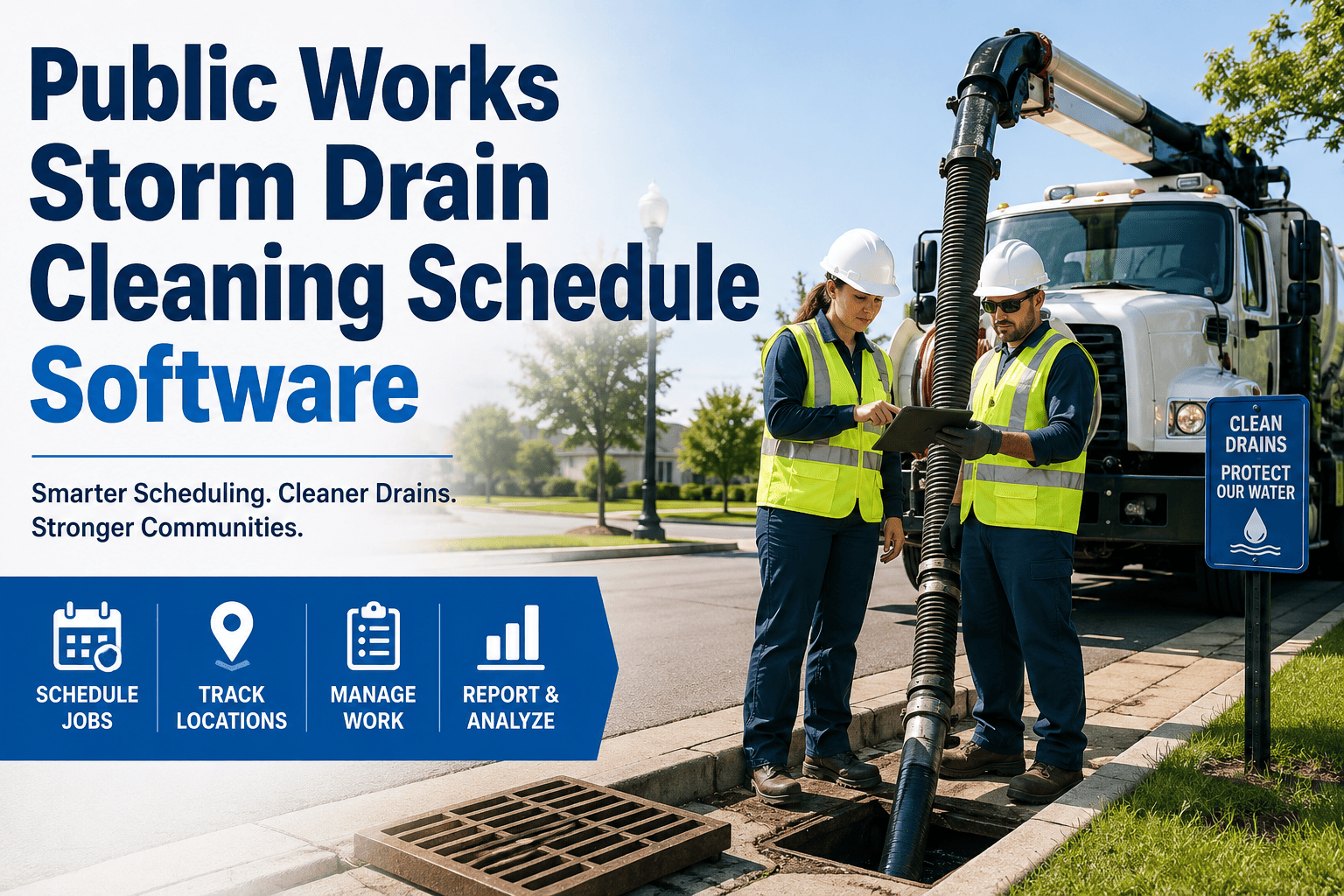
Use this checklist to standardize your crew's inspection and cleaning process. OxMaint digitizes every step with mobile sign-off, photo capture, and automatic escalation when a drain requires urgent attention.
Pre-Season Storm Drain Inspection & Cleaning Checklist
NPDES / MS4 Compliance
PRE-INSPECTION SETUP
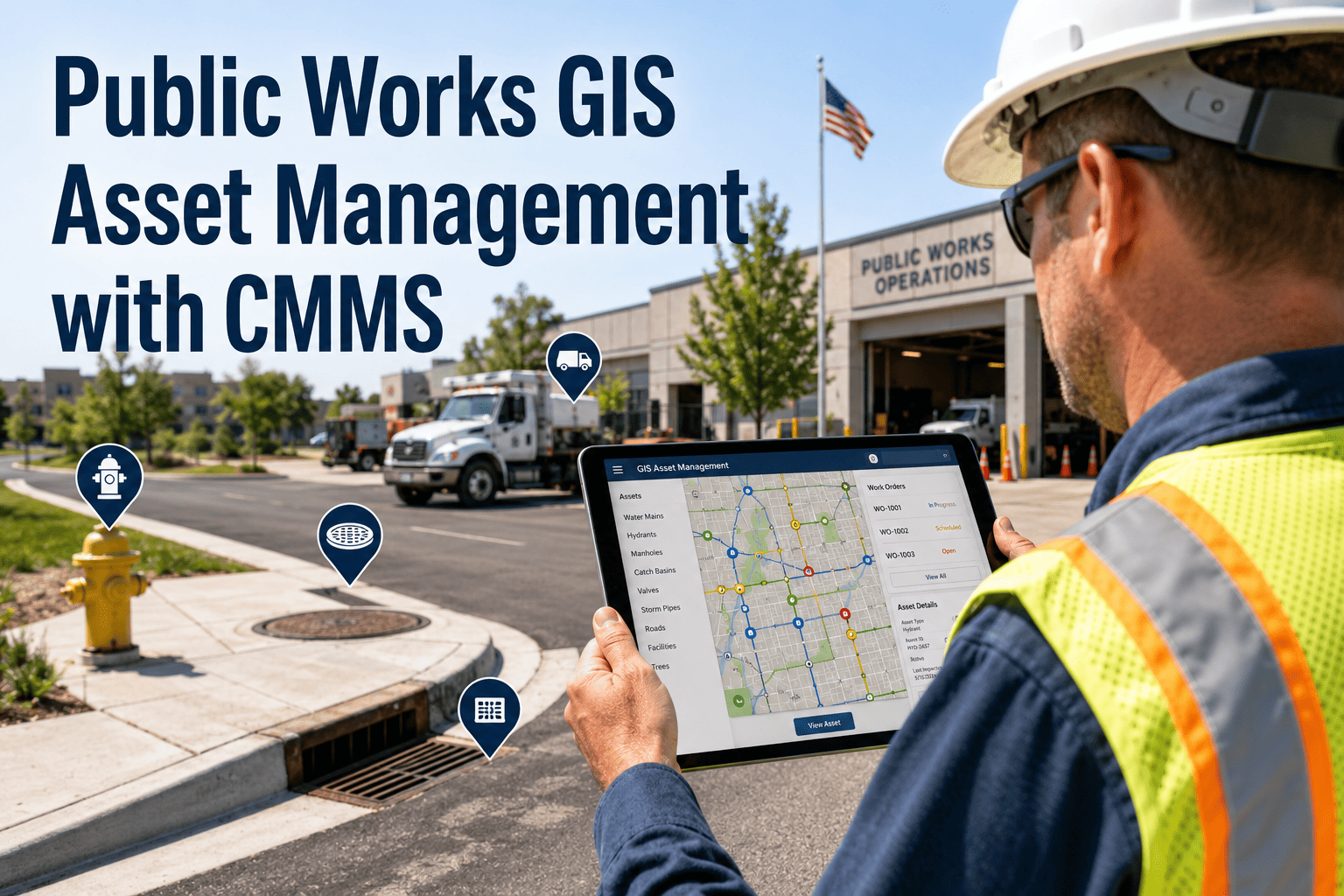
Pull work order and confirm asset location on map
Access the drain asset in OxMaint to review last cleaning date, prior inspection photos, and any flagged sediment accumulation from the previous visit before arriving on site.
Confirm equipment readiness — vac truck, jetting hose, safety cones
Verify vacuum truck fluid levels, jetting pressure system, and confined space safety gear before dispatch. A pre-trip equipment check logged in OxMaint prevents mid-job equipment failures.
FIELD INSPECTION
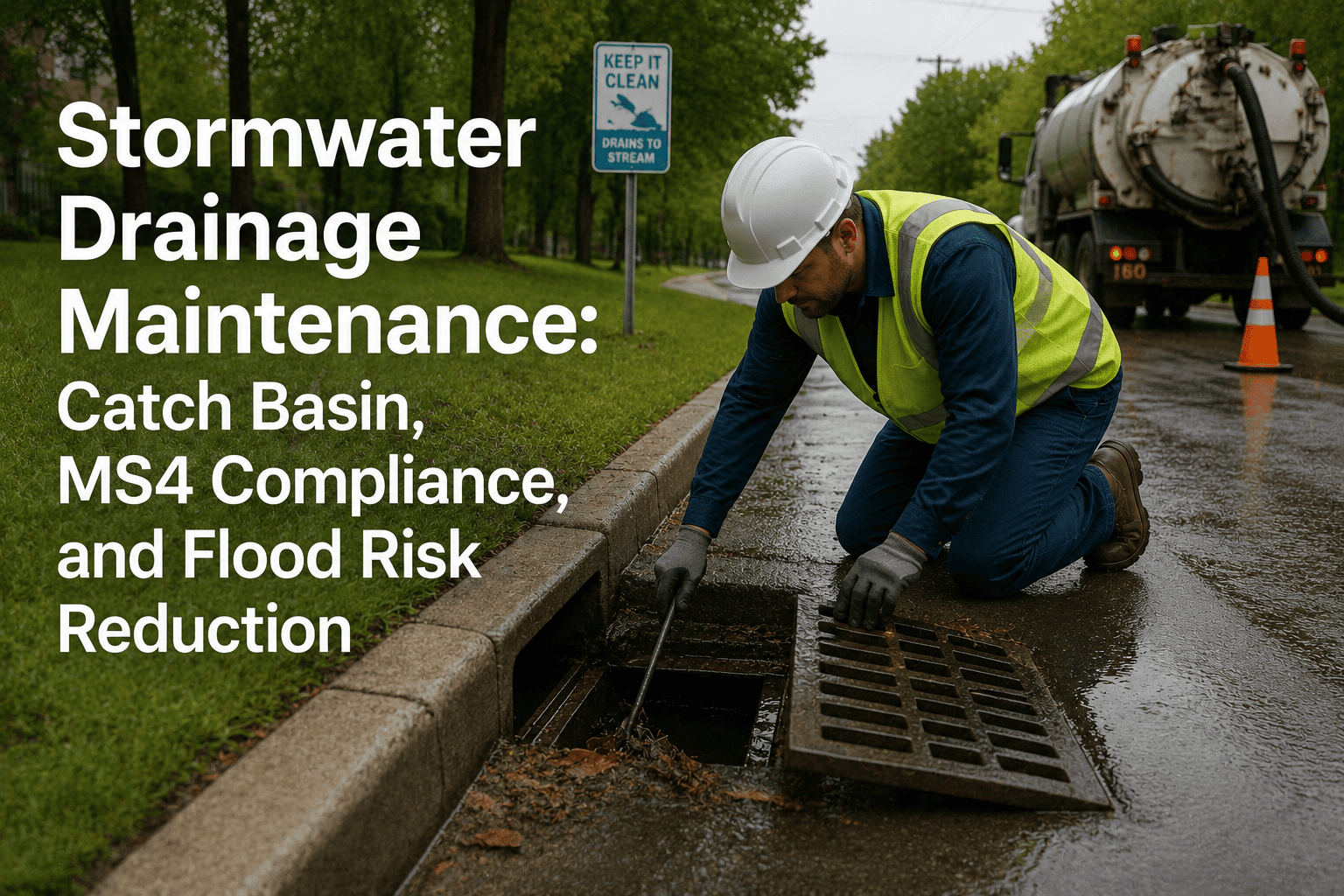
Remove and inspect grate for damage, corrosion, or displacement
Photograph grate condition before removal. Note cracked frames, bent bars, or missing covers that create pedestrian safety hazards. Flag damaged grates as a separate repair work order in OxMaint.
Measure sediment accumulation depth and classify debris type
Record sediment depth in inches and classify material as standard sediment, organic debris, or hazardous material (oil sheen, chemical odor, unusual color). Hazardous findings trigger immediate supervisor notification through OxMaint.
Photograph interior before cleaning — required for compliance documentation
Before-cleaning photos are mandatory for MS4 permit compliance and provide legal evidence that conditions were documented before any spill or flood event. OxMaint geo-tags and timestamps each photo automatically.
CLEANING EXECUTION
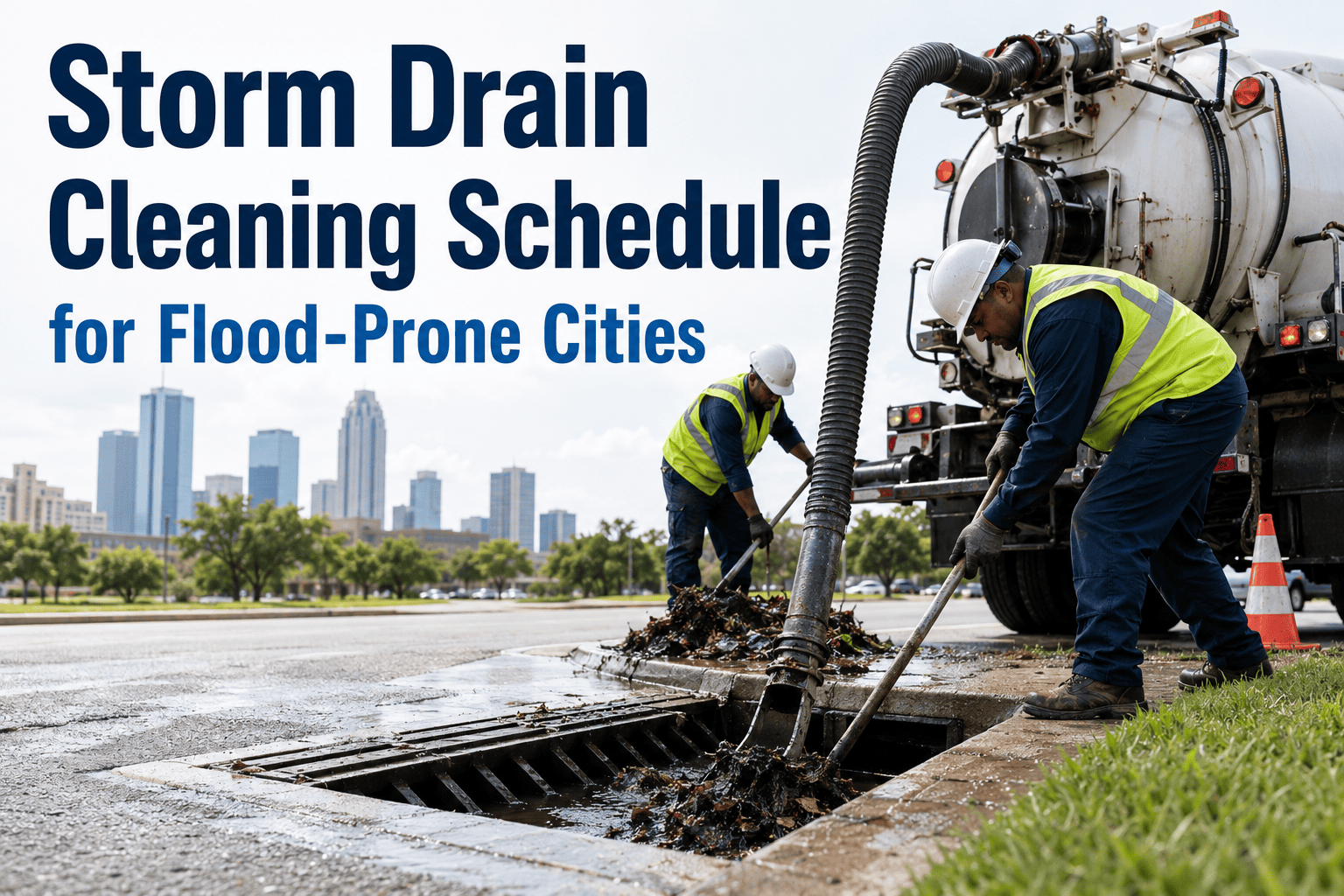
Vacuum or jet clean to remove all sediment and debris
Use high-pressure jetting for compacted sediment followed by vacuum extraction. Record volume of material removed — this data supports disposal manifests and helps identify drains that need more frequent scheduling.
Inspect outlet pipe for blockage, root intrusion, or structural damage
After debris removal, visually inspect outlet connections for crushed pipe, root intrusion, or joint separation. Structural issues are logged as asset defects in OxMaint and escalated to the engineering team for repair planning.
POST-CLEANING CLOSEOUT
Photograph interior after cleaning and replace grate
After-cleaning photo closes the work order documentation loop. Confirm grate is properly seated and secured before leaving site. Unsecured grates are a public safety liability.
Complete work order in OxMaint — log time, crew, materials, next cleaning date
Closing the work order in OxMaint automatically updates the drain's maintenance history, triggers the next scheduled cleaning in the PM calendar, and adds the cleaning to your MS4 annual report data export.
Cleaning Frequency by Drain Location Type
| Drain Location Type | Recommended Frequency | Risk if Missed | OxMaint Trigger |
|---|---|---|---|
| High-traffic intersections | Every 3–4 months | Critical — flooding and traffic | Calendar + rainfall event |
| Commercial/industrial zones | Every 4–6 months | High — sediment and pollutants | Calendar schedule |
| Residential streets | Annually (pre-season) | Medium — localized flooding | Annual PM trigger |
| Catch basins near tree cover | Every 2–3 months (fall) | High — leaf debris blockage | Seasonal trigger |
| Construction zone drains | Monthly during active work | Critical — permit compliance | Project-linked work order |
EXPERT REVIEW
Sandra Tran, PE, CFM
Certified Floodplain Manager — 16 Years Municipal Stormwater Operations
Most MS4 permit violations I've reviewed trace back to one root cause: no documentation. The cleaning happened, but there's no photo, no date, no volume recorded. When a resident floods and sues the city, "we think we cleaned it last year" is not a defense. Digital maintenance systems that capture crew signoffs, before-and-after photos, and GPS timestamps give public works departments the evidence trail they need to demonstrate due diligence. Beyond compliance, real data on sediment volumes by location lets you reallocate crew time from drains that don't need frequent cleaning to the ones that do.
Frequently Asked Questions
How does OxMaint handle emergency work orders for blocked drains after a storm event?
When a drain is reported blocked via citizen portal, 311 system, or field crew alert, OxMaint creates an urgent work order instantly — assigning the nearest available crew based on location, notifying the supervisor, and tracking response time from report to resolution. All emergency responses are logged to the drain's asset history for flood liability documentation. Sign up free to configure your emergency dispatch workflow.
Can OxMaint generate the stormwater maintenance reports required for MS4 NPDES permits?
Yes. OxMaint's reporting module produces MS4 annual report data exports showing number of catch basins cleaned, inspection dates, crew hours, material volumes removed, and corrective actions taken. Reports can be filtered by watershed, neighborhood, or permit area — matching the reporting boundaries required by your state environmental agency. The system maintains a 5-year audit trail to support permit renewals and inspections.
How do we migrate our existing drain inventory spreadsheets into OxMaint?
OxMaint's onboarding team imports your existing drain inventory from CSV, Excel, or GIS shapefiles during setup. Each drain becomes a geo-located asset record with your historical data attached. Most public works departments complete the full drain inventory migration in 2 to 3 weeks. Book a demo to see the import process live.
What happens when a crew finds a drain with structural damage that can't be cleaned?
In OxMaint, the field crew closes the cleaning work order as "blocked — structural defect" and the system automatically creates a repair work order routed to the engineering or capital projects team. The drain is flagged on the asset map with a defect status, ensuring it doesn't fall through the cracks while awaiting a repair budget. Supervisors see all defect-flagged assets on a single dashboard.