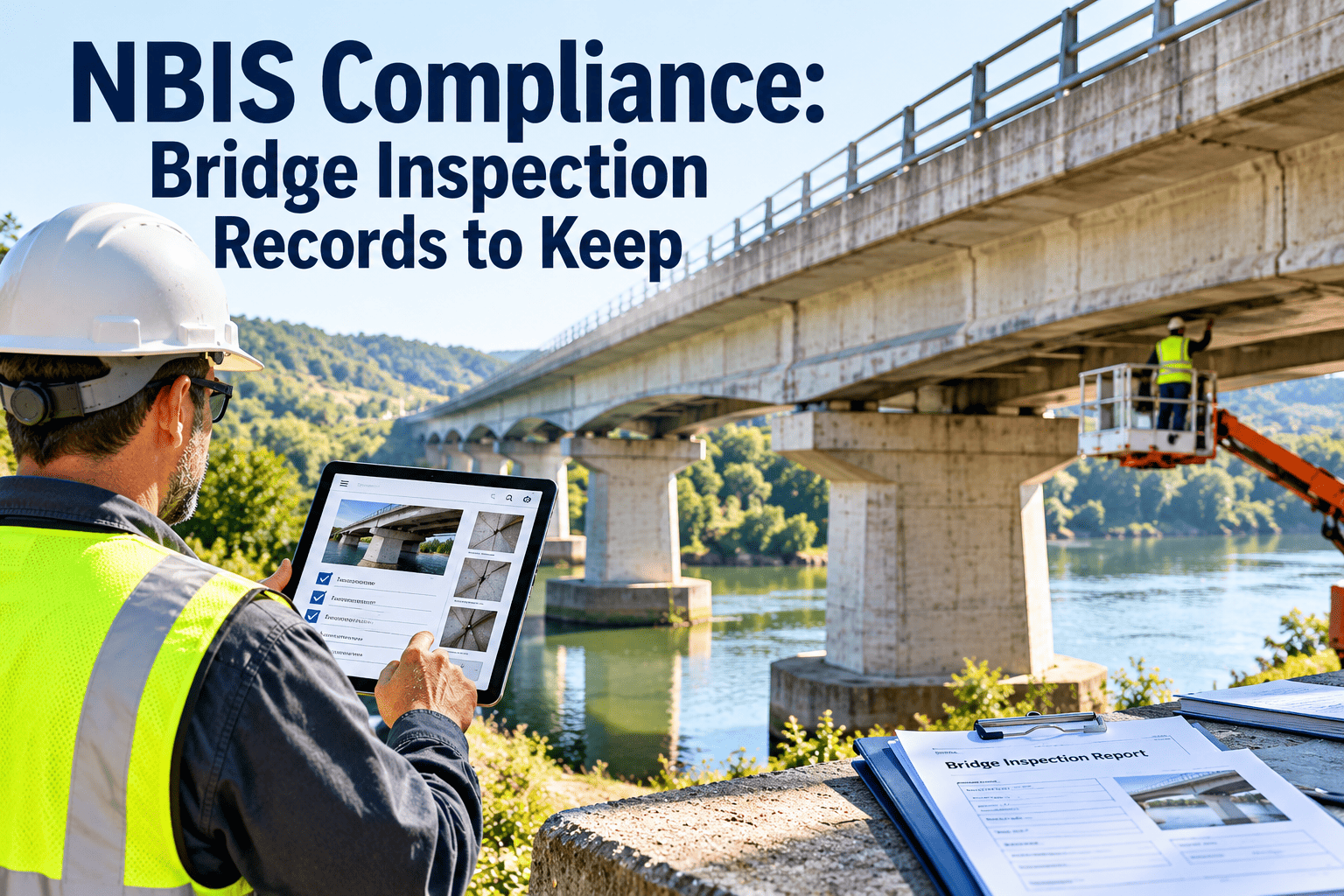
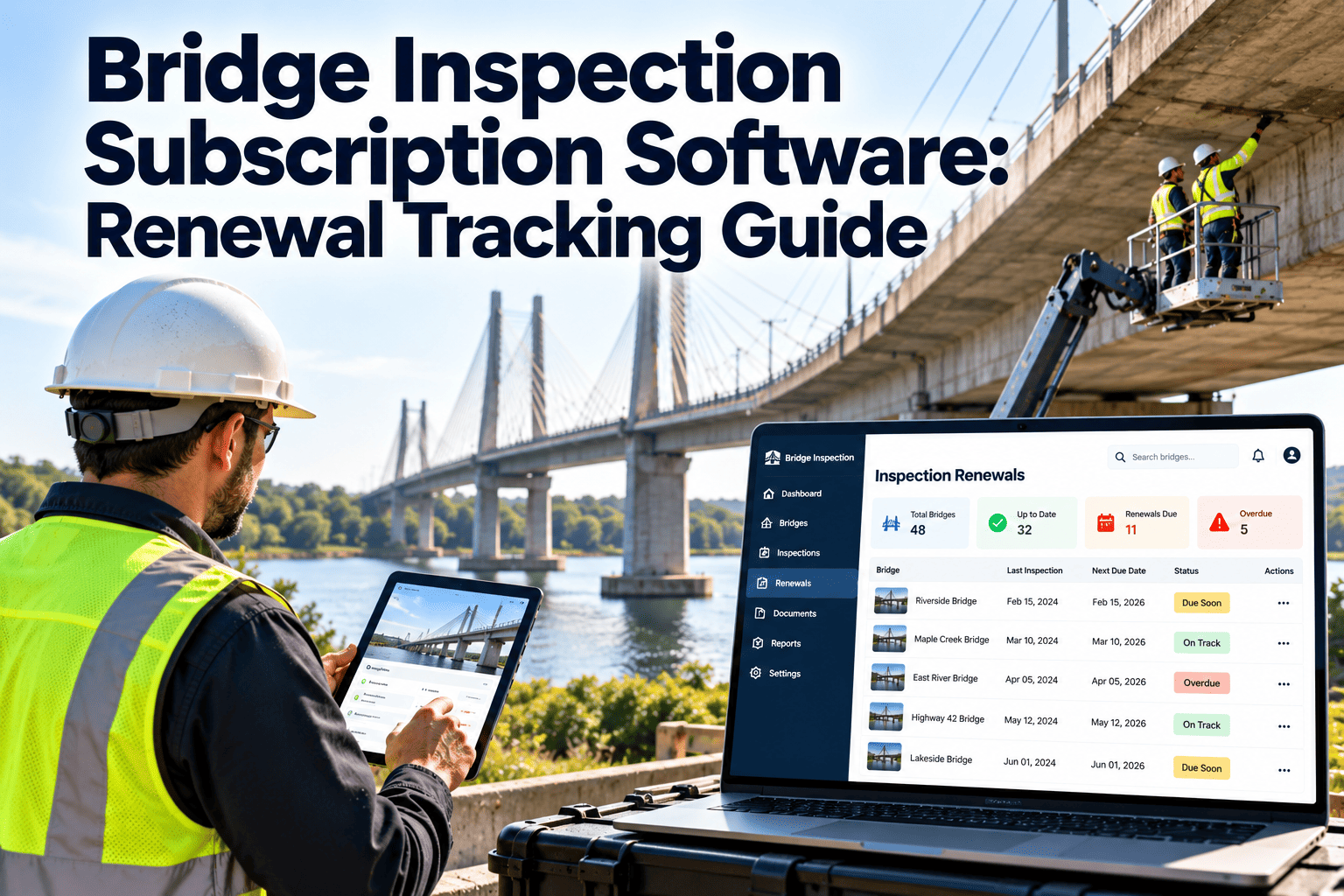
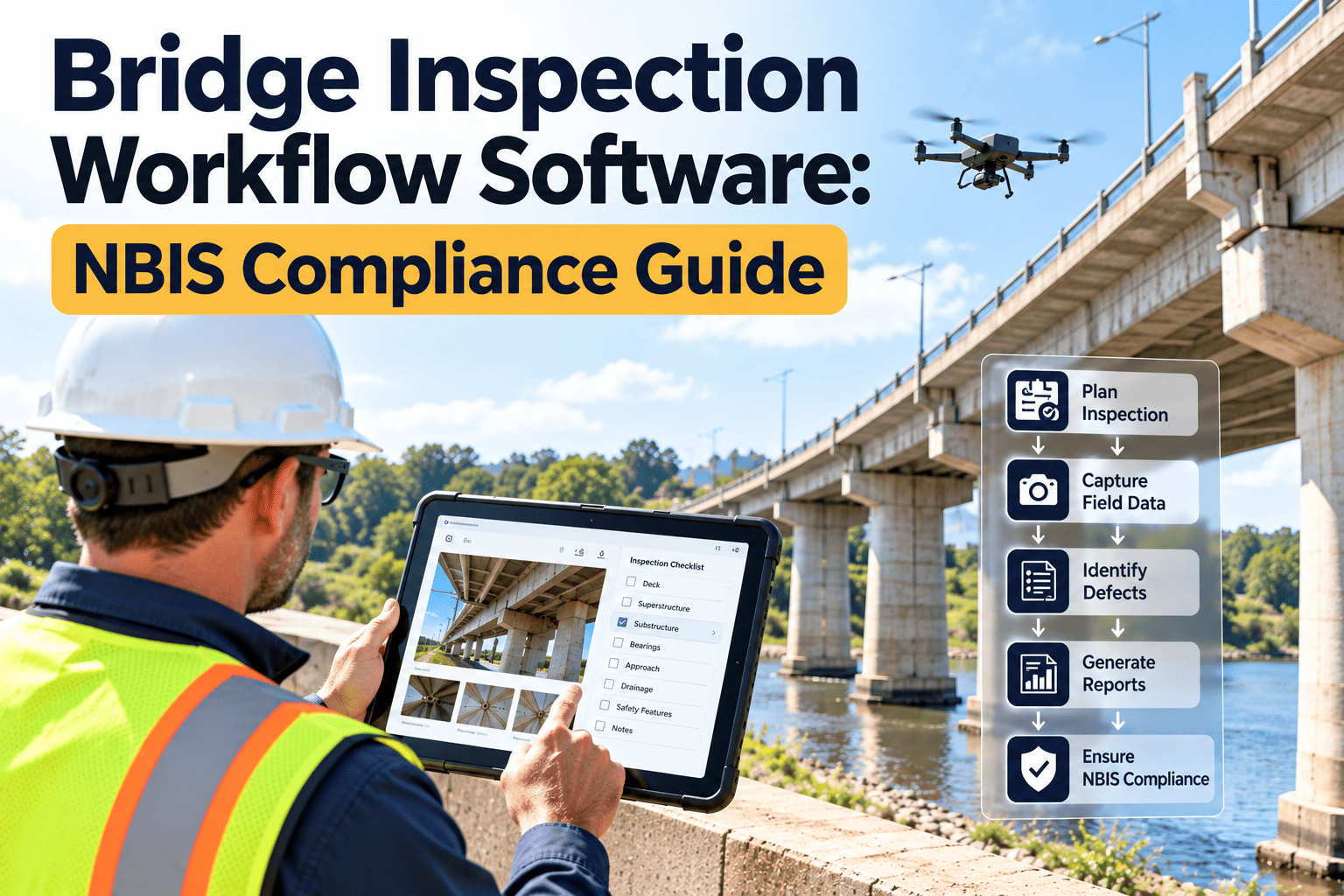
State Department of Transportation (DOT) faced a critical bottleneck in infrastructure safety: bridge inspection reports were delayed by an average of 3 weeks due to manual data entry, while National Bridge Inventory (NBIS) compliance gaps were rising. With no centralized digital workflow, field inspectors relied on paper notes and digital cameras, leading to fragmented data, lost photos, and a dangerous disconnect between field findings and structural engineering reviews. The breaking point occurred when a critical scour condition on a highway bridge was noted in a field notebook but not uploaded to the central database for 10 days—risking a collapse during a major storm event. By implementing Oxmaint CMMS to establish a subscription-based digital workflow, automate report generation, and integrate GIS location data, the department reduced report turnaround time by 65%, achieved 100% federal compliance, and ensured critical structural defects triggered immediate alerts. This case study illustrates how bridge inspection teams can transition from static paper reporting to dynamic, real-time inspection workflows.
Client Profile: State Infrastructure Division
Network Scope
4,200 Bridges/Culverts
Inspection Team
18 Crews (2-person teams)
Compliance Standard
FHWA / NBIS Regulations
Traffic Volume
2.1M daily vehicles
The Challenge: Data Latency Risking Public Safety
Before implementing a structured subscription workflow, the Bridge Inspection Division relied on disparate tools: paper forms, separate digital cameras, and legacy desktop software. Field data collection was slow, and the transfer of information from the bridge site to the engineering office was manually intensive, creating a dangerous "data lag" where critical structural deficiencies sat in vans rather than on engineers' desks.
✗
Disconnected Field Data: Photos and notes were stored in separate locations. Matching high-resolution photos of stress fractures to specific bridge elements took administrative staff hours, leading to a 20% error rate in report compilation.
✗
Delayed Critical Alerts: When inspectors found severe deterioration (e.g., section loss in steel girders), the notification process was manual. It took an average of 4 days for a "Critical Finding" to be formally reviewed by a structural engineer.
✗
Offline Access Issues: Many bridges are located in remote areas with zero connectivity. Previous cloud tools failed without internet, forcing inspectors back to paper and causing double-entry work later.
✗
Inconsistent Subscription/Version Control: Inspectors on different teams were often using different versions of inspection forms, leading to non-compliant reports that were rejected by the FHWA, risking federal funding.
"We have engineers who can calculate load ratings in their sleep, but they were spending half their week wrestling with formatting photos in Word documents. The scariest part was the lag—finding a cracked rocker bearing on a Friday and not having the official report in the system until the following Wednesday. We needed a workflow that connected the inspector under the bridge directly to the engineer in the office, instantly."
— Mark Henderson
Chief Bridge Engineer, State DOT
If your inspection team is struggling with report backlogs and disconnected data, schedule a 30-minute consultation to learn how digital subscription workflows can streamline bridge safety and compliance.
Modernize inspections using digital subscription workflows
The DOT deployed Oxmaint CMMS to create a seamless "Field-to-Office" subscription workflow. This shifted operations from static software purchases to a dynamic SaaS model, ensuring all teams used updated NBIS forms, synchronized data instantly, and utilized offline-capable mobile tools.
✓
Standardized Digital Inspection Forms: Subscription-based templates are centrally managed, ensuring every team uses the latest FHWA-compliant checklist. Dropdown menus for NBI condition ratings (0-9) eliminate subjective formatting errors.
✓
Automated "Critical Finding" Workflow: If an inspector rates any primary element (Deck, Superstructure, Substructure) as "3" (Serious) or lower, the workflow automatically triggers an urgent SMS and email alert to the Chief Engineer, bypassing administrative delays.
✓
Offline Mobile Synchronization: The mobile app allows full inspection capabilities offline. Data, including geo-tagged photos and voice notes, is stored locally and auto-synced to the cloud the moment the crew reaches a signal area.
✓
Integrated Maintenance Requests: When minor defects (e.g., clogged scuppers, vegetation growth) are noted, inspectors can toggle a "Maintenance Required" switch, instantly generating a work order for the maintenance division within the same subscription platform.
✓
Asset Lifecycle Tracking: The system maintains a longitudinal history of every bridge. Inspectors can view previous years' photos and ratings directly on their tablet while on-site, allowing for precise degradation comparison.
Engineering firms and DOTs ready to digitize their inspection workflows can start with a free 30-day trial, gaining access to NBIS-compliant templates, offline mobile tools, and automated reporting.
Designing a data-driven program — an inspection workflow framework
The DOT's new workflow creates a linear, accountable path: (1) Inspector accesses bridge record via GPS location → (2) NBIS data is entered with mandatory photo evidence for any defect → (3) "Submit" triggers auto-validation of data completeness → (4) Cloud sync pushes data to the engineering dashboard → (5) Engineer reviews and digitally signs the report → (6) Validated data is formatted for federal submission.
Example impact: During a routine inspection of Bridge #402, an inspector noticed severe corrosion on a gusset plate. Using the new workflow, they snapped a photo and rated the element a "3". The "Critical Finding" logic immediately flagged the report in the dashboard. The Chief Engineer received a push notification, reviewed the photo within 15 minutes, and ordered a load restriction on the bridge before the inspection team had even packed up their gear. Cost: $0 in administrative delay. Avoided cost: Potential structural failure and massive liability claims. This real-time response capability is now standard across all 4,200 structures.
To set up digital inspection workflows for your infrastructure team, schedule a technical consultation. Our experts will help you configure NBIS templates, set up critical alert rules, and establish offline protocols.
Results: Measurable Safety & Efficiency
65%
Faster Reporting
Time from field inspection to finalized report reduced from 21 days to 7 days on average
100%
NBIS Compliance
Zero rejected reports due to formatting errors or missing fields in the last fiscal year
100%
Data Retention
Eliminated "lost photo" incidents entirely; every defect is photo-documented and geo-tagged
$1.2M
Admin Savings
Reduction in manual data entry and report compilation labor costs across the division
4 hrs
Critical Response
Average time to review severe defects reduced from 4 days to 4 hours via automated alerts
440%
ROI in Year 1
Investment recovered through administrative efficiency and optimized maintenance scheduling
"The shift to a subscription-based workflow transformed our culture. We stopped being 'report writers' and went back to being engineers. The field crews love the mobile app because it works offline in the mountains, and I love it because I can see exactly what they are seeing in real-time. We are no longer chasing paper; we are managing infrastructure health proactively. It’s the most significant operational upgrade we’ve made in twenty years."
— Mark Henderson
Chief Bridge Engineer, State DOT
Infrastructure teams of any size can achieve these results. Start your free 30-day trial to begin building your digital inspection workflow today—complete with offline apps, GIS mapping, and compliance tools.
Key Takeaways for Bridge Inspection Teams
→
Offline capability is non-negotiable: Inspection workflows must function flawlessly without internet access to support remote infrastructure assets, syncing automatically when connectivity returns.
→
Automate critical finding alerts: Reliance on manual notification for severe defects creates dangerous delays. Automated workflows ensure safety-critical data jumps the queue immediately.
→
Integrate photos with data: Keeping photos separate from inspection forms leads to administrative nightmares. Integrated mobile workflows bind visual evidence to specific data points instantly.
→
Bridge inspection ≠ Maintenance execution: However, the two must be linked. A good workflow allows an inspection finding to seamlessly generate a maintenance work order in the same system.
→
Audit trails ensure liability protection: Digital workflows create an unalterable history of who inspected what, when, and what was found, providing crucial legal protection for the department.
Ready to Optimize Your Inspection Workflow?
See how bridge inspection teams achieve operational efficiency and NBIS compliance using Oxmaint CMMS—digital checklists, automated alerts, offline capability, and mobile apps in one platform.
Frequently Asked Questions
How does the offline mode work for remote bridge inspections?
Oxmaint's mobile app downloads the necessary inspection forms and historical data to the device before the team leaves the office. Inspectors can fill out forms, take photos, and record data while completely offline. Once the device reconnects to cellular data or Wi-Fi, all information automatically syncs to the cloud database.
Is the inspection workflow compliant with FHWA and NBIS standards?
Yes. The system comes with pre-built templates designed to meet Federal Highway Administration (FHWA) and National Bridge Inspection Standards (NBIS) requirements. These templates can also be customized to match specific State DOT coding guides.
Can we import our existing bridge inventory data?
Absolutely. We support bulk data import via CSV, Excel, and integrations with existing GIS systems. This ensures your teams start with a complete, accurate inventory including location data, asset ID, and historical condition ratings.
What happens if a critical structural defect is found?
You can configure "Critical Finding" logic within the form. If an inspector selects a specific condition rating (e.g., 3 or below), the system instantly triggers an automated workflow, sending SMS and email alerts to the Chief Engineer and Safety Officer immediately upon data sync.